-
-
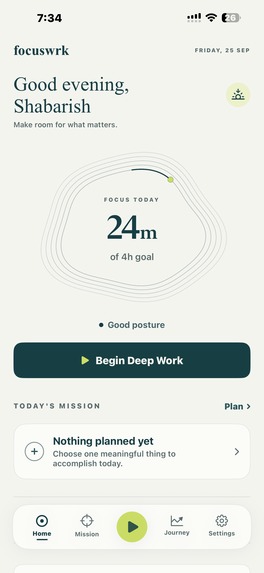
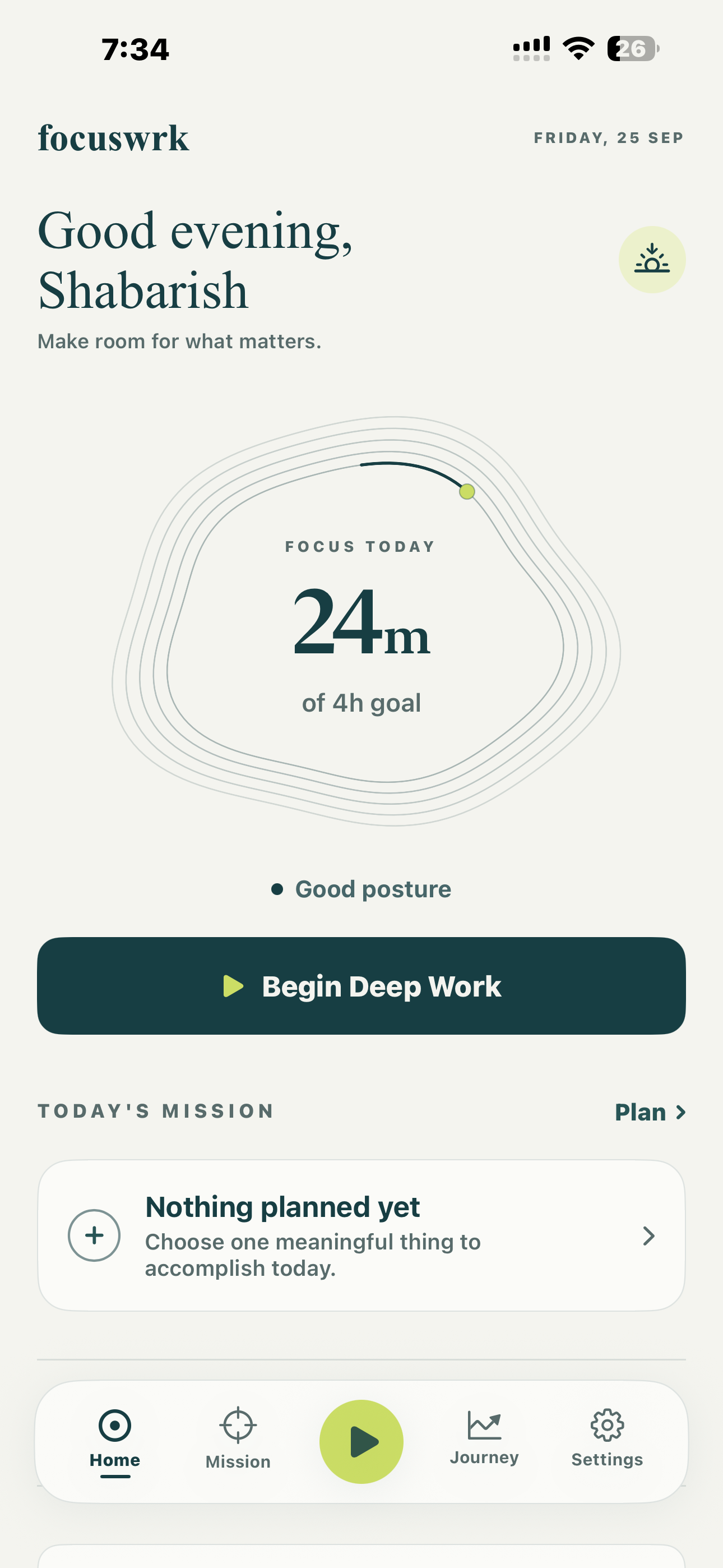
Home screen: Daily focus, posture status, and Deep Work goal
-
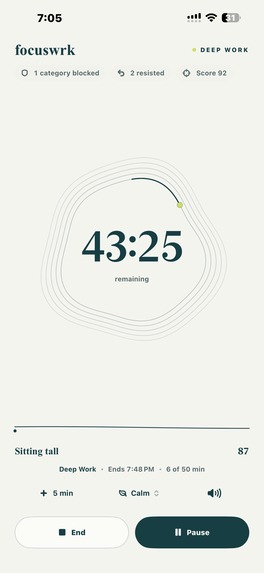
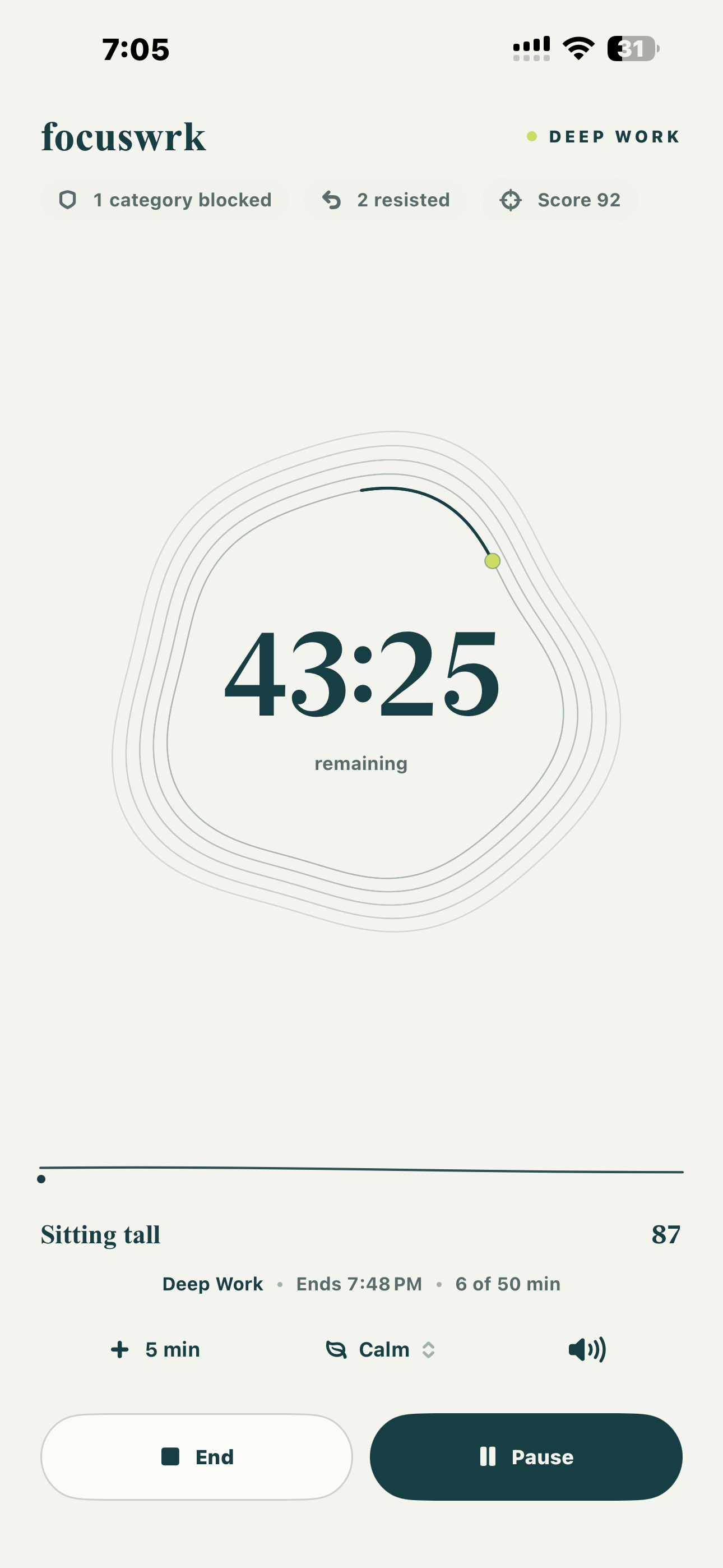
Active session: Deep Work timer with focus score, posture, and session controls
-
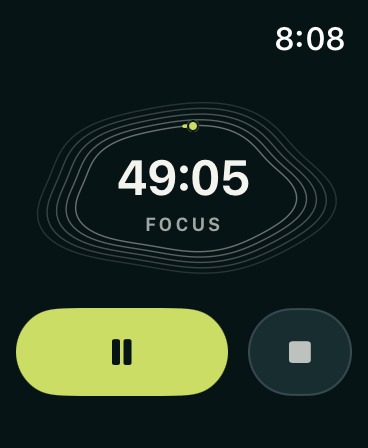
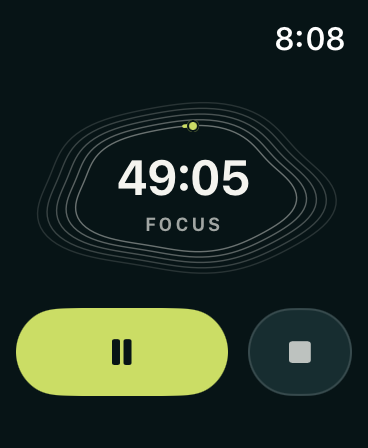
Apple Watch: Deep Work session running on Apple Watch
-
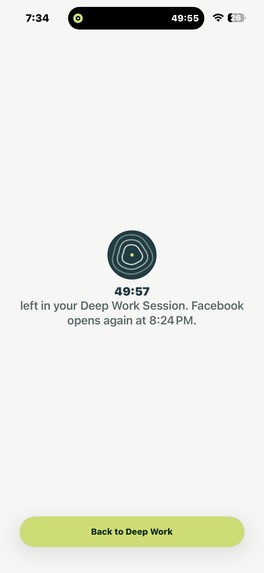
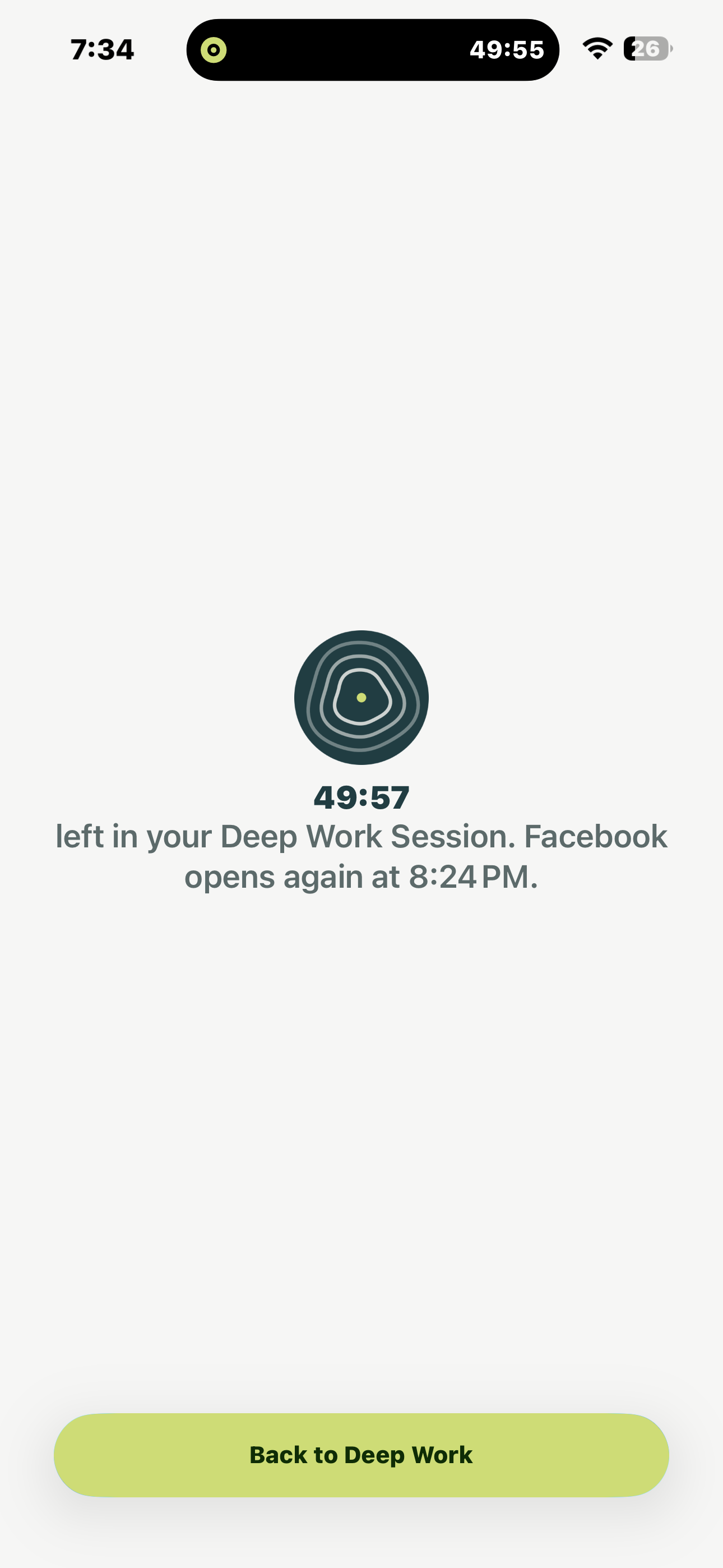
Blocked app: focuswrk blocking Facebook during a Deep Work session
-
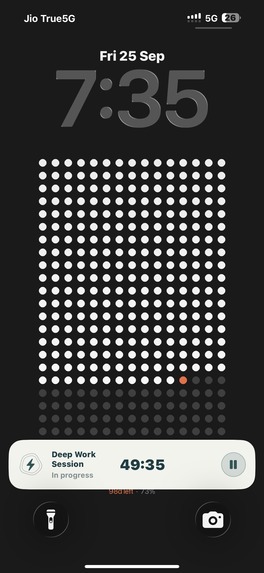
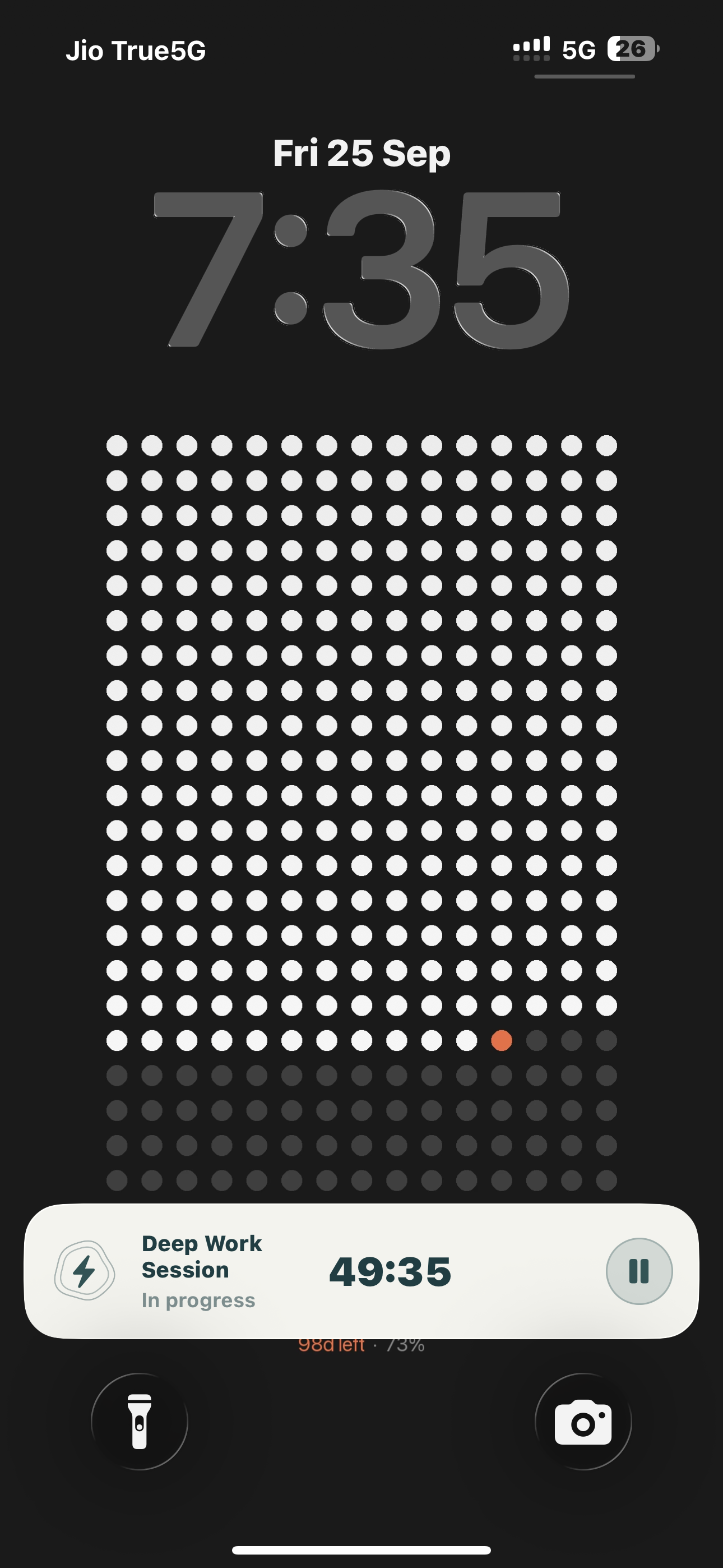
Lock Screen: Live Deep Work session shown on the iPhone lock screen
-
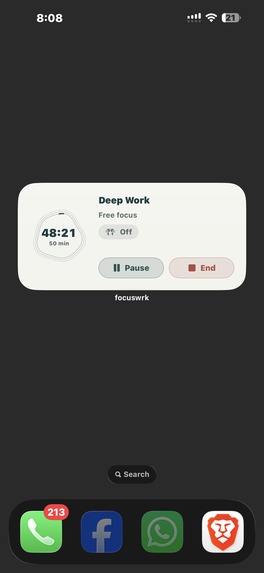
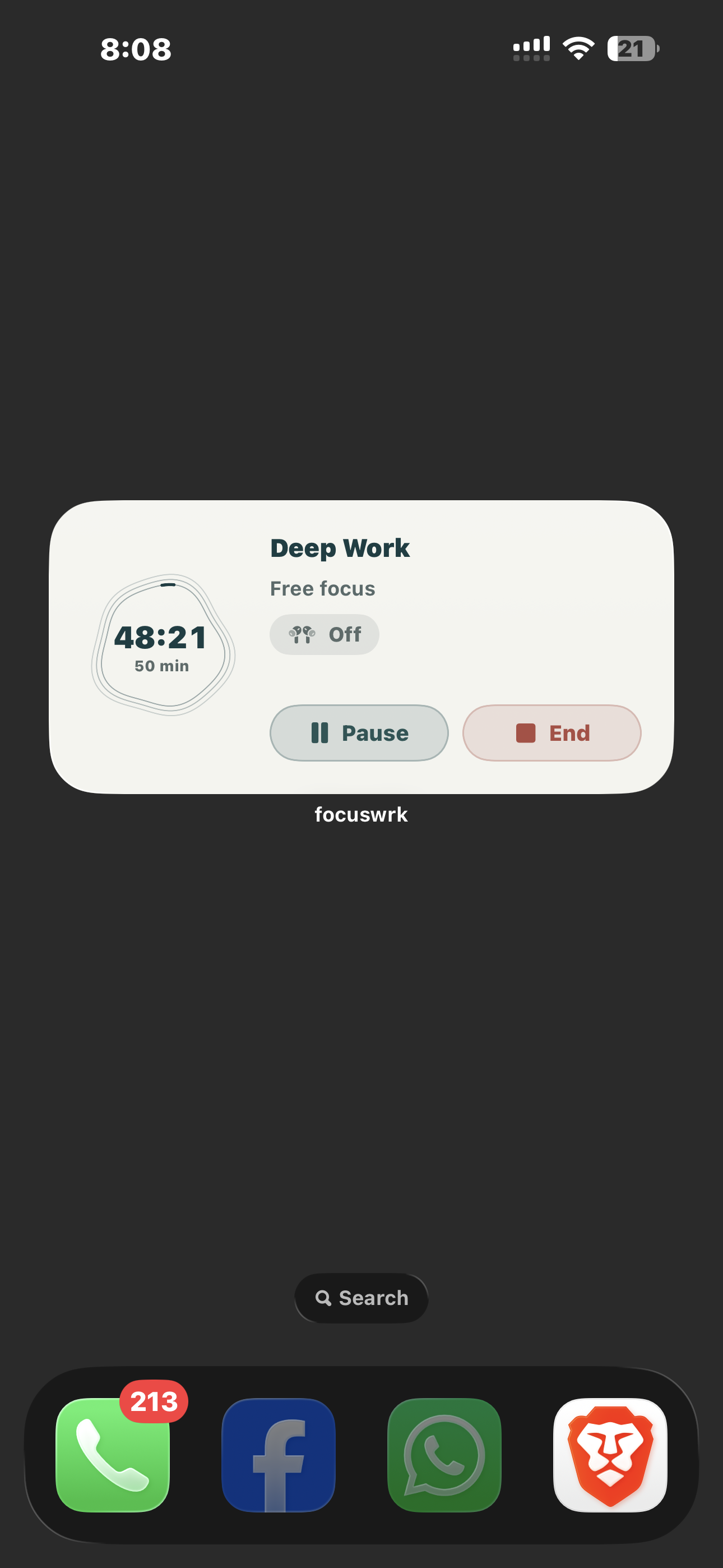
focuswrk Widget
-
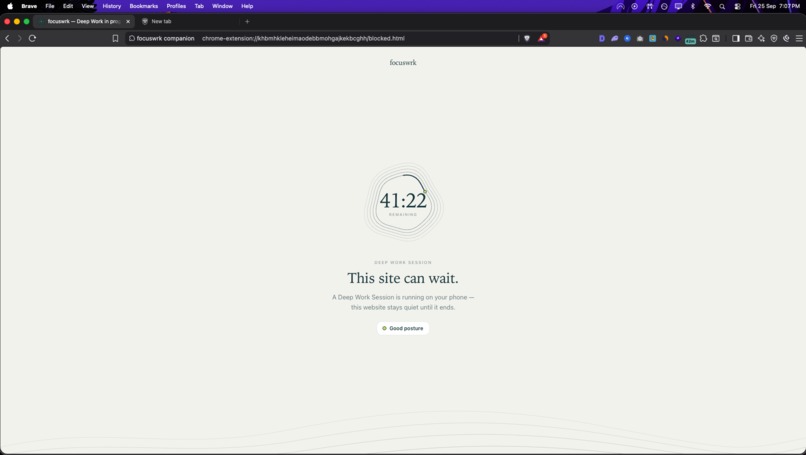
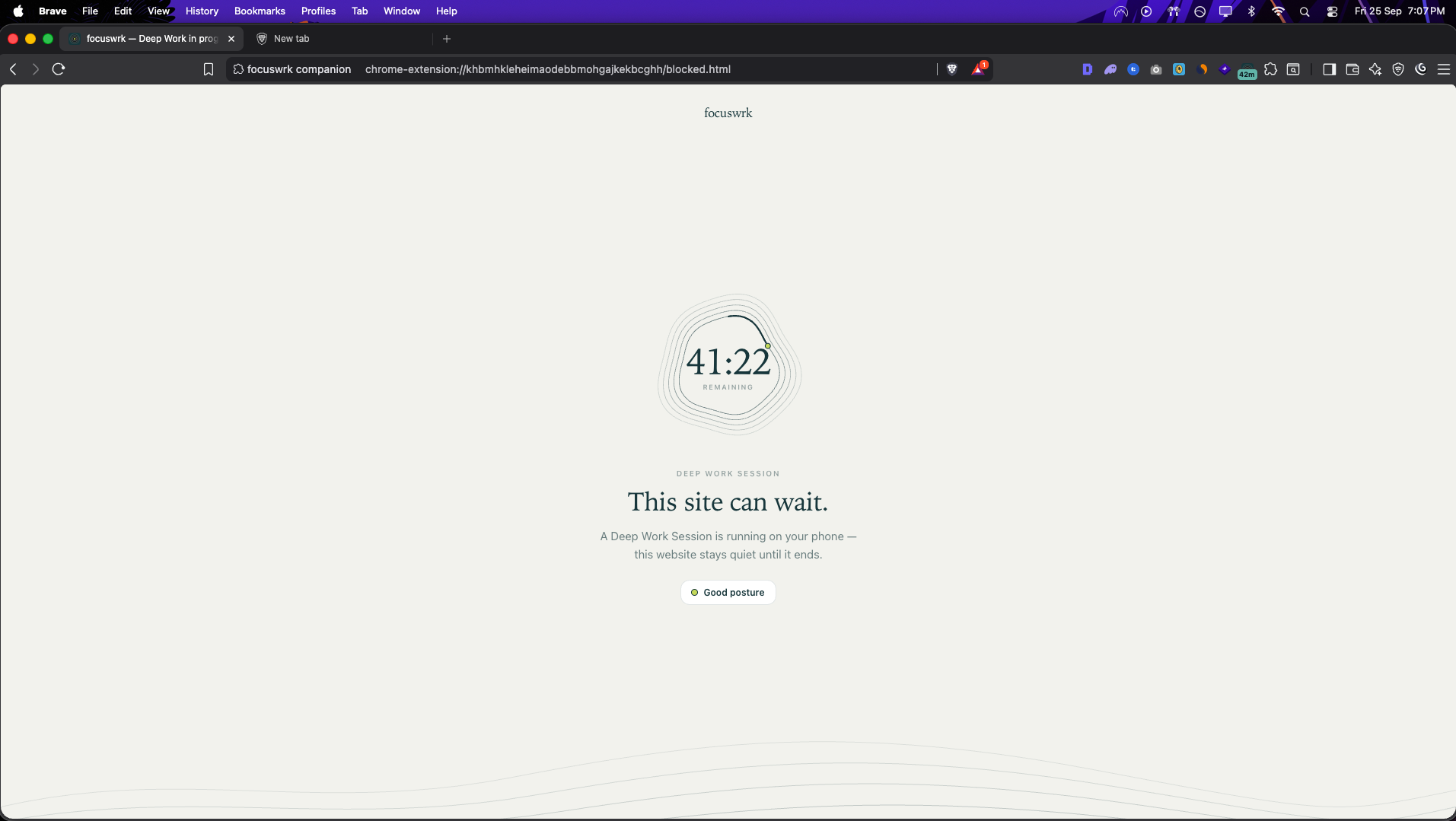
Blocked website: focuswrk blocking a website during an active session
-
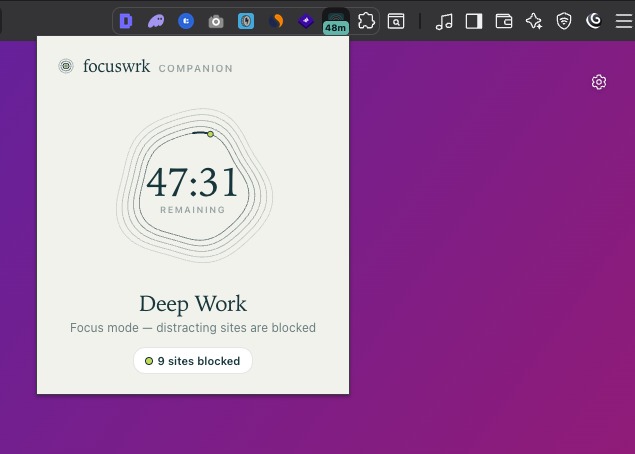
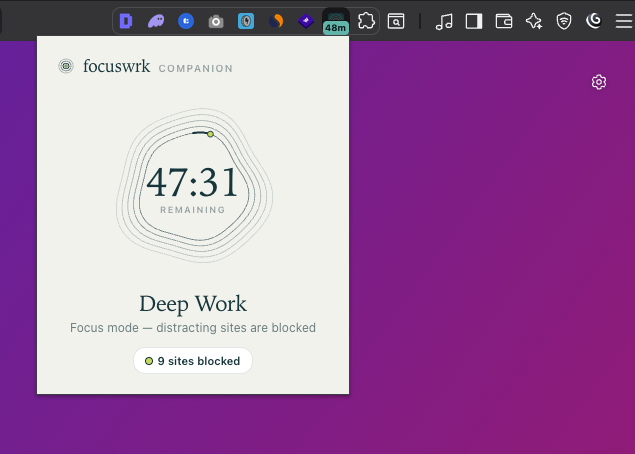
Chrome companion: Active session with distracting websites blocked
-
App Icon
Inspiration
I built focuswrk because I had a problem with both focus and posture myself.
Whenever I sat down to work for a few hours, it was way too easy to get distracted. I would check my phone for something small, open another tab on my computer, and suddenly I had lost the flow. At the same time, I had terrible posture when working for long periods. I would get so focused on what I was doing that I would only realize later how badly I had been sitting.
I tried using timers and a few other productivity apps, but I felt like most of them helped me track my time rather than actually helping me stay focused.
So I started thinking about what I would personally want. I wanted something that would help me get into deep work, block the distractions around me, and remind me about my posture without becoming another distraction.
I also wanted something that would help me stay in the right state of mind while working, rather than making me leave the app to find music or something to listen to.
That became focuswrk.
What it does
focuswrk is a deep work app built around focus sessions.
I can start a session on my iPhone, choose what I am working on and how long I want to focus, and block distracting apps while I work.
The same session can continue on my computer through the focuswrk Chrome companion, which blocks distracting websites during the session.
There is also a focuswrk Apple Watch app, so I can keep an eye on my session without having to constantly pick up my phone.
For posture, focuswrk uses AirPods to give me a subtle reminder when I need to sit up, without needing a camera.
There is also built-in focus music and soundscapes for different moods. You can choose from things like Deep Focus, Calm, Late Night, Creative, and Energize, as well as sounds like rain, room tone, and low drone. The goal is to let you create the right environment for working without opening another app.
At the end of a Deep Work session, focuswrk also has a 1-minute posture reset with simple exercises like chin tucks and neck rolls. The exercises can be counted using your AirPods.
The idea is pretty simple. Start a session, remove the distractions, stay aware of your posture, create the right environment, and get the work done.
How we built it
I built focuswrk around the iPhone first, with the Deep Work session as the main part of the app.
For app and website blocking, I use Apple's Screen Time capabilities. I then built the Chrome companion so the same focus session can continue from the iPhone to the computer.
I also built an Apple Watch companion so users can start and keep track of their sessions from their wrist.
The posture feature uses AirPods motion data to provide reminders without relying on a camera.
I also built the focus music and soundscape experience directly into focuswrk so users can choose what they want to listen to without leaving the app during a session.
The 1-minute posture reset is designed to happen naturally at the end of a session, giving users a quick way to move and reset before starting another session.
A lot of the work also went into the design. I wanted focuswrk to feel calm and simple because I did not want to build another productivity app that keeps asking for your attention while you are trying to work.
Challenges we ran into
The biggest challenge was getting distraction blocking to work reliably while working within Apple's system limitations.
The Chrome companion was another challenge because I wanted it to feel connected to the iPhone session without making the setup complicated.
Supporting the Apple Watch also meant figuring out how to fit the same experience onto a much smaller screen without making it feel like a completely different app.
The posture feature took quite a bit of experimenting too. I wanted the reminders to be useful, but not so frequent that they became another distraction.
Building the posture reset was another challenge because I wanted it to be simple enough that someone would actually do it after finishing a session.
The music and soundscape experience also needed to stay out of the way. I did not want it to feel like another music app inside a productivity app.
And honestly, keeping the app simple was probably one of the hardest parts. It is very easy to keep adding features to a productivity app. It is much harder to decide what does not actually need to be there.
Accomplishments that we're proud of
I am proud that focuswrk started from problems I personally had and became a working product across iPhone, Apple Watch, and desktop.
I am particularly happy with the Chrome companion because a lot of the distractions I deal with actually happen on my computer, not just on my phone.
I am also proud of the posture feature because it came directly from something I was dealing with myself. I wanted to solve a real problem I had rather than add another feature just because it sounded good.
I also like how the different parts of focuswrk work together. The focus session blocks distractions, the music and soundscapes help create the right environment, posture reminders help during the session, and the 1-minute reset gives you something useful to do when the session ends.
Most importantly, I use focuswrk myself. A lot of the decisions I make while building it still come back to the problems that made me start it in the first place.
What we learned
The biggest thing I learned is that productivity is not necessarily about adding more features. It is often about removing the small things that make it easy to lose focus.
I also learned that making something simple is actually quite difficult. When an app has fewer things on screen, every screen and interaction matters more.
Building across iPhone, Apple Watch, and the browser also taught me a lot about making different platforms feel like one product instead of separate apps.
I also learned that the best features are often the ones that come from problems you personally experience. The posture reminders and the 1-minute reset both came from my own habits when working for long hours.
And building the music and soundscape experience made me think more about the whole focus session instead of just the timer itself.
What's next for focuswrk
I am continuing to improve the blocking experience and the Deep Work sessions without making the app more complicated.
I am also working on an Android version of focuswrk so it can eventually be available outside the Apple ecosystem.
I want to keep improving the focus music, soundscapes, posture features, and the end-of-session reset so the whole experience feels more connected.
I also want to add better insights around focus and posture so users can understand their habits over time, without turning focuswrk into another complicated analytics app.
The goal has not changed since I started building it:
When I sit down to work, I want to actually work.
That is what I want focuswrk to help with.

Log in or sign up for Devpost to join the conversation.