-
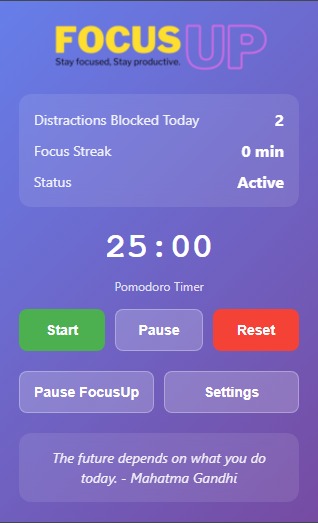
FocusUp Main Page
-
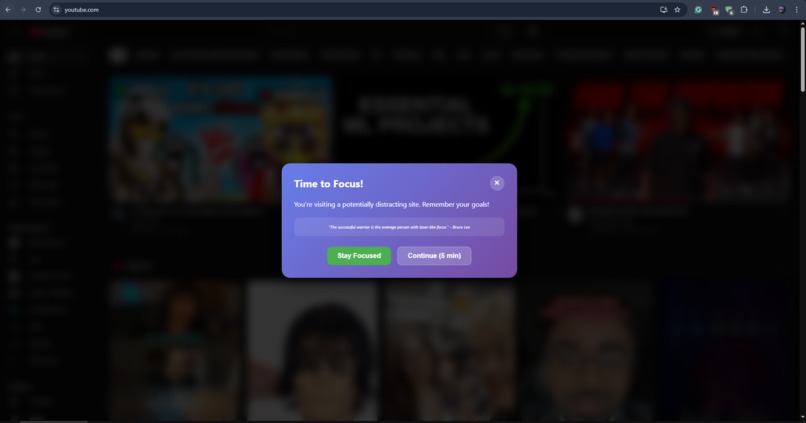
Focus Popup
About the Project
🚀 What Inspired Us
With distractions only a click away, staying productive while using a browser has become harder than ever, especially for students and remote workers. During SpurHacks, we set out to build FocusUp, a Chrome extension that not only blocks distracting websites but gently nudges users to refocus, using motivation instead of force. We were inspired by the need for a digital productivity tool that’s effective, encouraging, and customizable.
💡 What We Learned
Throughout the development of FocusUp, we learned:
- How to create and manage a Chrome Extension using background scripts, content scripts, and popup UIs.
- The importance of managing browser events and tab states using the Chrome Extension API.
- Techniques for injecting styled content overlays using JavaScript and CSS.
- How to store and retrieve user settings and stats using
chrome.storage. - How to build a working Pomodoro timer integrated into a browser extension.
🛠️ How We Built It
FocusUp is structured in three main components:
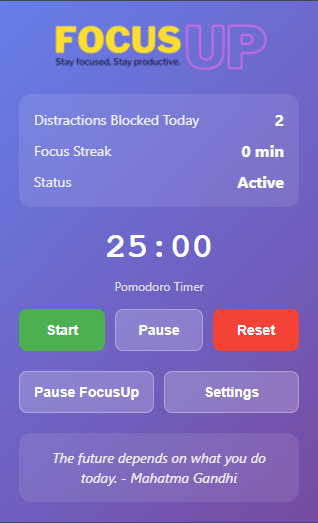
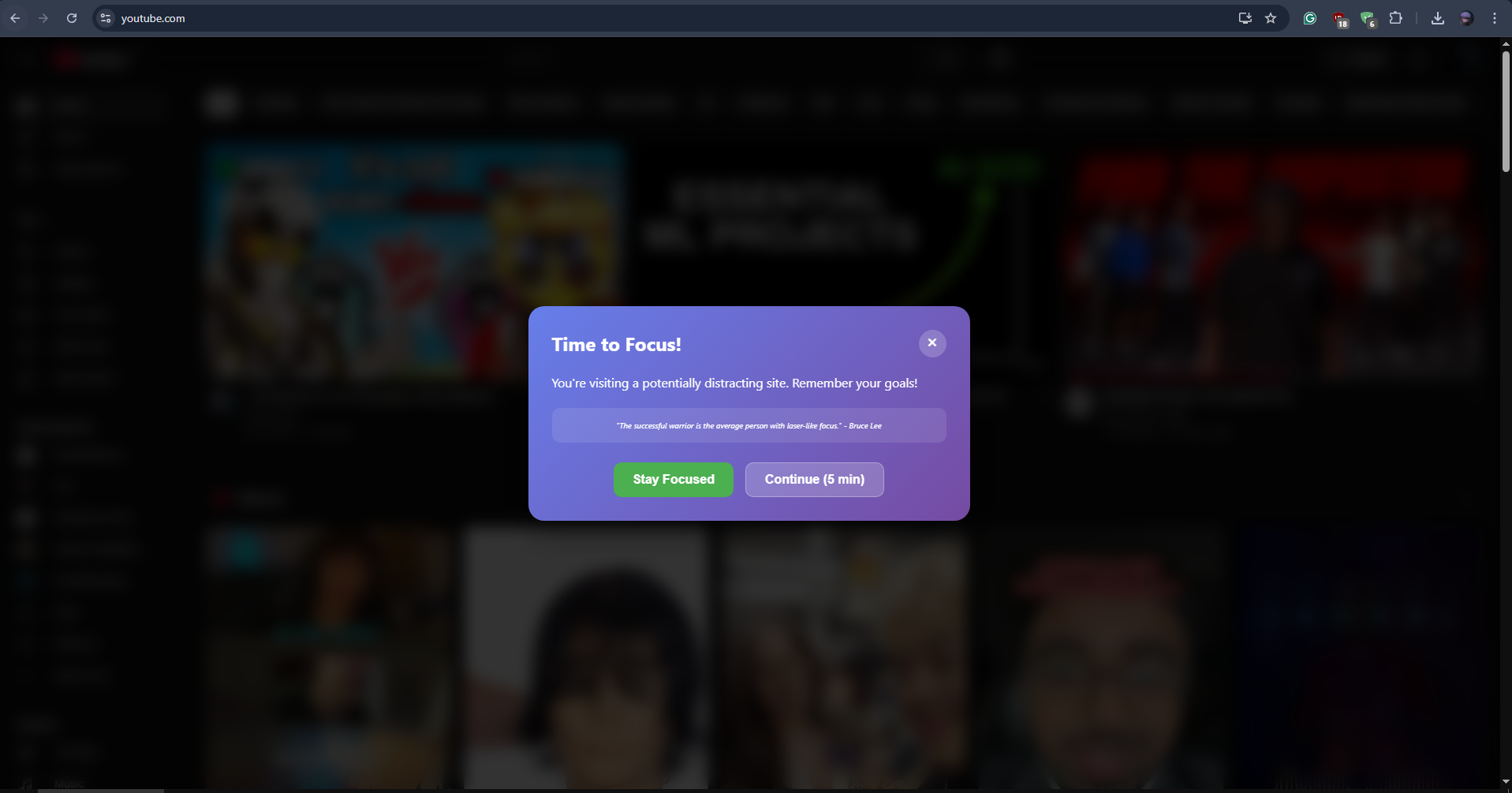
background.js: Handles tab activity tracking, distraction detection, site blocking logic, a Pomodoro timer, and user notification logic. It monitors the user's browsing in real-time and sends warnings or reminders after 5 minutes on a distracting site.content.js: Injects an interactive overlay onto distracting sites, showing motivational quotes and giving the user a choice to continue or get back to work. It supports dynamic websites like YouTube and detects URL changes.popup.js: Manages the extension's popup UI. Users can start/pause/reset the Pomodoro timer, toggle features like notifications or strict mode, and view statistics like sites blocked and focus streak.
We also implemented session-based temporary access for distractions and a visually appealing UI for overlays and the popup window.
🧩 Challenges We Faced
- Real-time site tracking: Making sure FocusUp detects distractions without significantly slowing down browser performance.
- Overlay stability: Injecting overlays on modern, dynamically loaded websites (like YouTube SPAs) was tricky—we had to handle URL changes using
MutationObserver,history.pushState, and interval checks. - Syncing timer state: Ensuring the timer remains consistent across popup, background, and content scripts, even if the extension is restarted or the popup is closed.
- Design balance: Finding the right tone for nudges—encouraging but not annoying.
🌱 What’s Next
- Add focus analytics and personalized productivity insights.
- Integrate with task managers (e.g., Google Tasks, Notion).
- Implement adaptive nudges based on user behavior over time.
- Add a leaderboard or social features to encourage accountability.
FocusUp was a fun and meaningful project for our team, and we're proud of how far we pushed browser extension capabilities in just one hackathon!


Log in or sign up for Devpost to join the conversation.