Inspiration
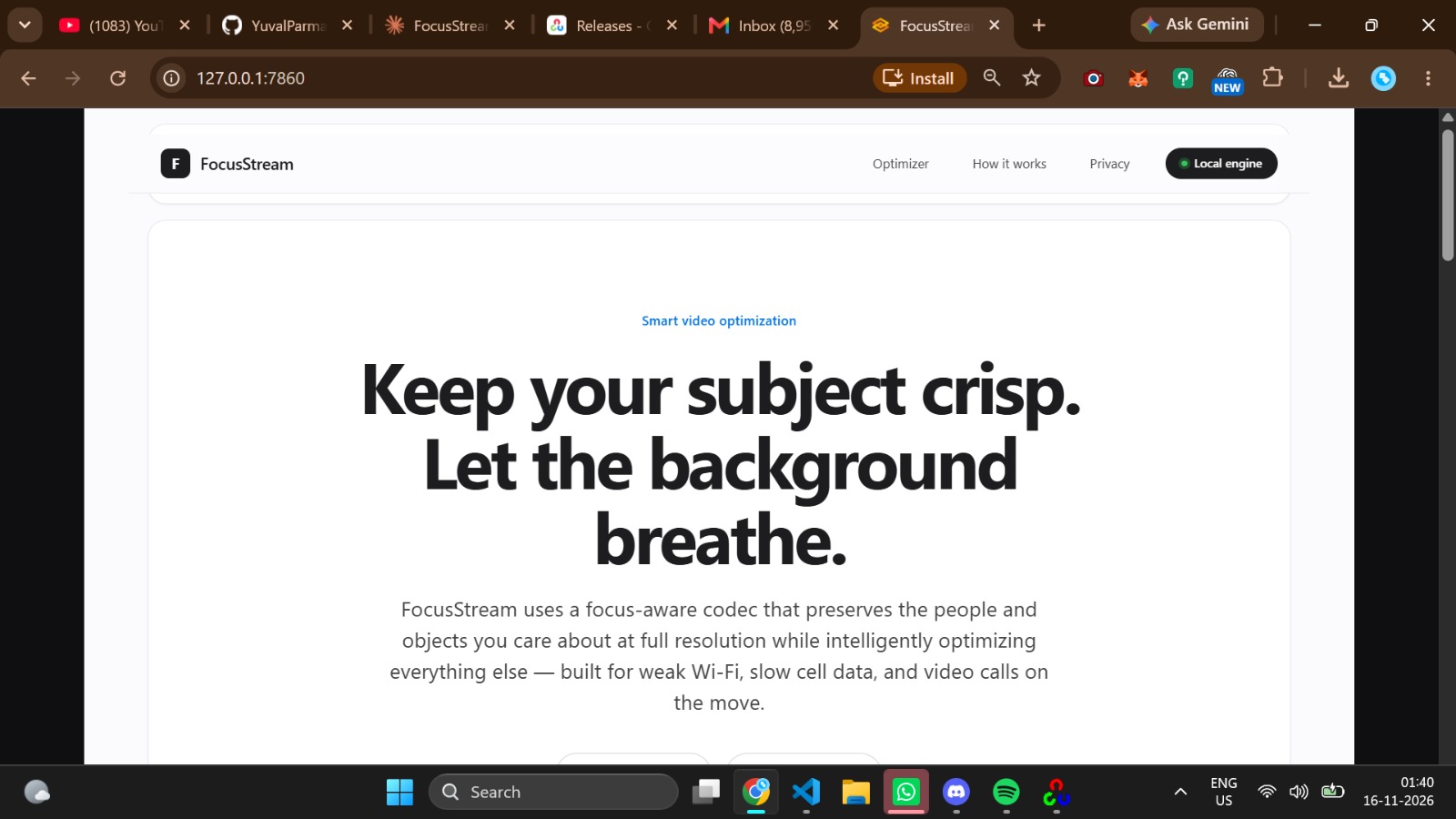
Dealing with congested networks, slow Wi-Fi, or restrictive cellular data plans often turns remote communication and video streaming into a frustrating, pixelated mess. Standard video compression treats every pixel equally, which wastes precious bandwidth on unchanging backgrounds.
The idea for FocusStream sparked from a desire to flip that paradigm: instead of uniformly crushing video quality, what if a compressor could intelligently prioritize what humans actually look at—faces, people, and foreground subjects—while aggressively shrinking the rest?
What it does
FocusStream is an offline-first, CPU-powered smart video optimizer and low-latency streaming tool designed for extreme network conditions. Key features include:
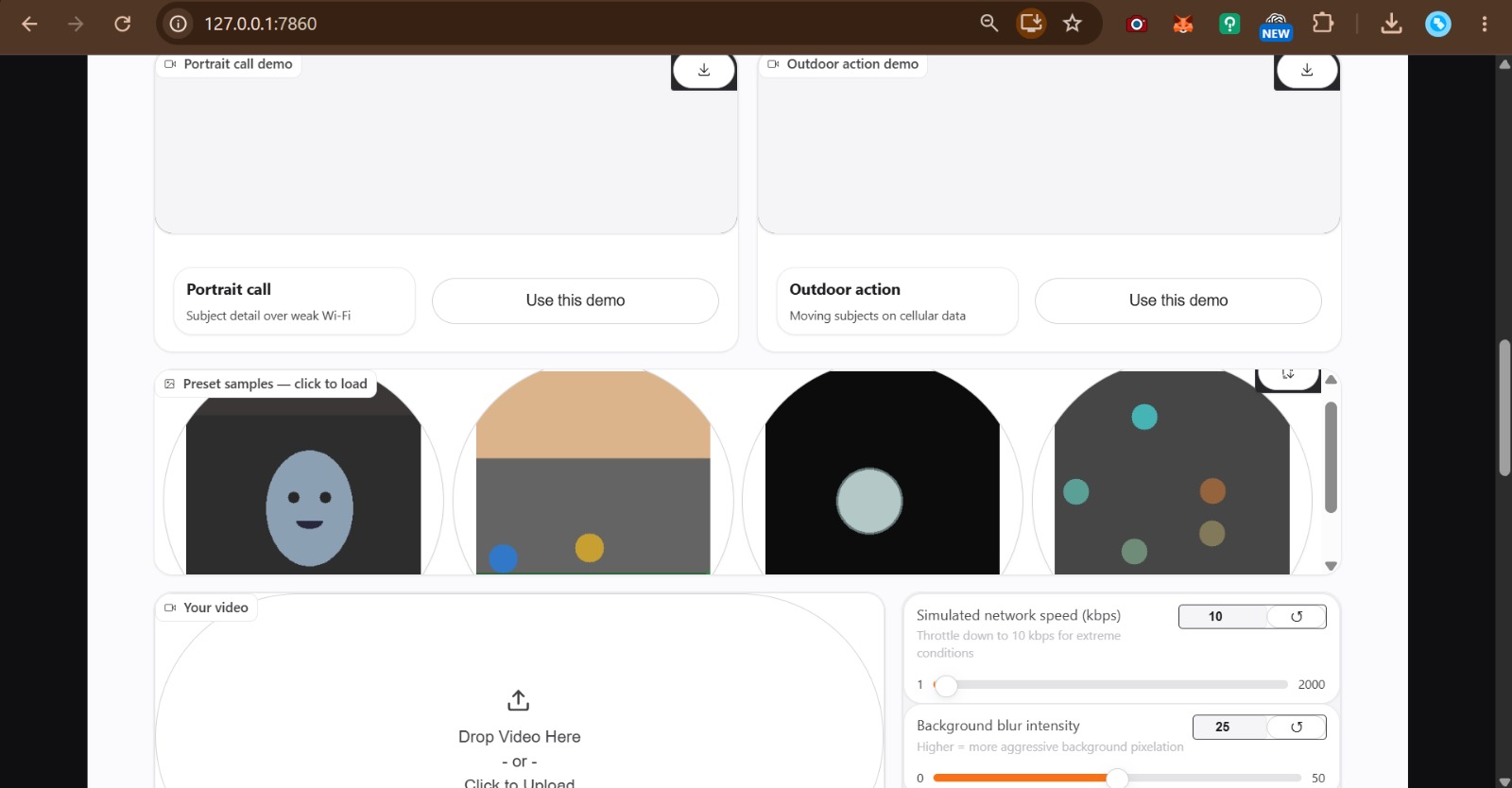
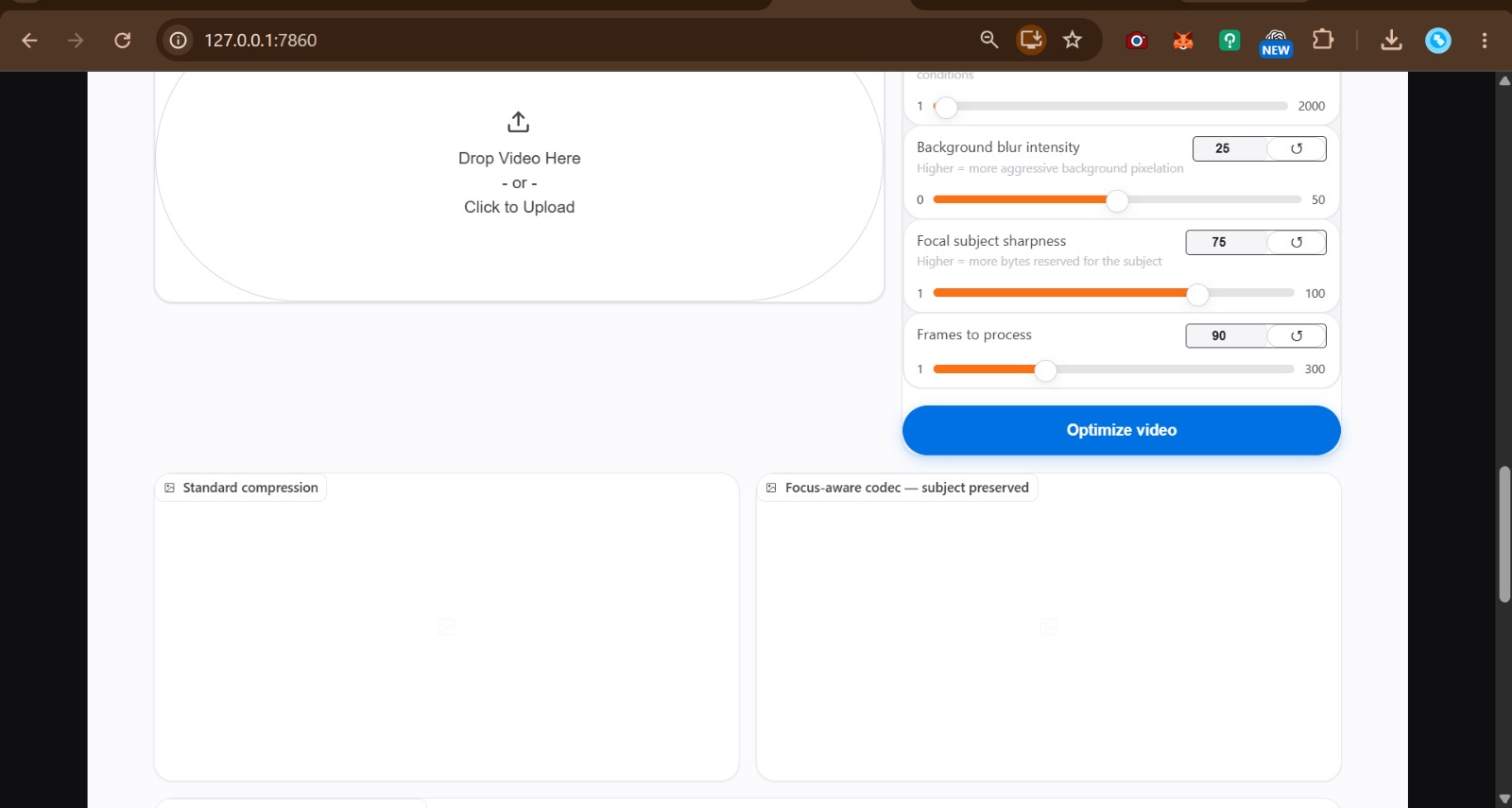
- Split-Screen Comparison: Side-by-side visualization comparing standard compression with our focus-aware codec at identical simulated bandwidths.
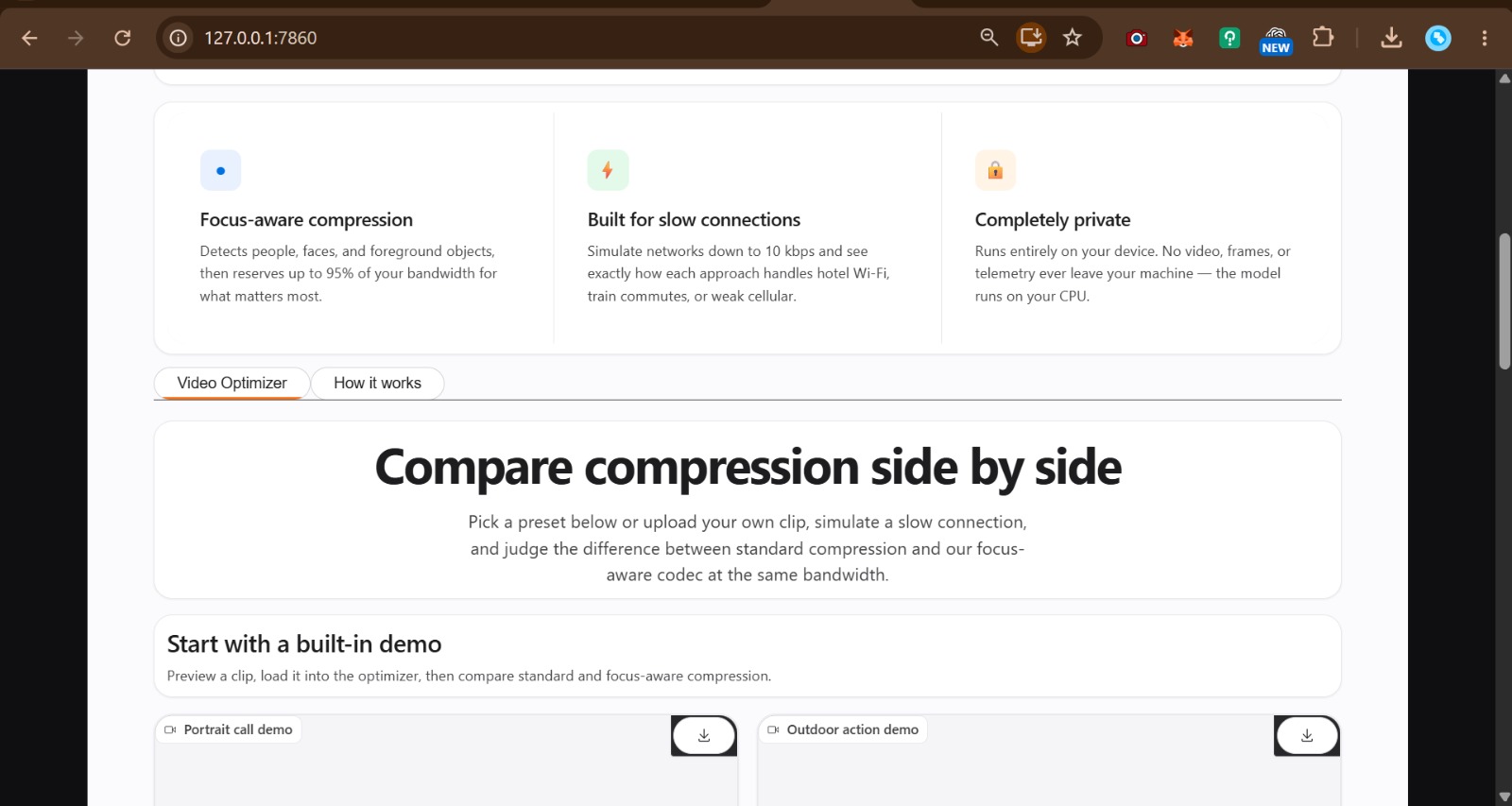
- Network Throttling Simulation: Simulates extreme network conditions down to 10 kbps to demonstrate real-world behavior under bad hotel Wi-Fi or congested cellular connections.
- Semantic ROI Budgeting: Dynamically reserves up to 90% of a frame's byte budget for ML-detected subjects, keeping them sharp while downscaling, pixelating, and blurring background regions.
- P2P UDP Transport: Optional low-latency datagram pipeline for streaming focus-aware frames directly to another device on the local network.
- 100% Privacy & Offline-First: Runs completely on-device using CPU execution—no video frames or telemetry ever leave your system.
How we built it
The project relies on a modular, decoupled architecture to separate UI from the core engine:
- UI Layer (
app.py): Built with Gradio to provide an intuitive consumer dashboard and control panel. - Python Orchestration (
python/): Manages video input processing, OpenCV DNN semantic mask generation, metrics tracking, dynamic configuration, and UDP frame transport without UI dependencies. - Native C++ Engine (
src/): A high-performance ROI-aware JPEG codec featuring background pixelation/blur, bounded quality binary search, and Pybind11 Python bindings targeting 60 FPS while releasing the Python GIL.
Challenges we ran into
- Strict Bitrate Constraints: Ensuring low-quality background allocations did not bleed artifacts into the ROI required developing a fast, bounded quality binary search for each frame without incurring the CPU overhead of Huffman optimization.
- Real-Time Latency Maintenance: Achieving a steady 60 FPS target on CPU meant optimizing the OpenCV DNN mask pipeline by reusing morphology kernels across frames.
- Packetization & UDP Reliability: Managing UDP payload fragmentation required enforcing strict 1200-byte MTU limits while building packet assembly logic that discards stale or duplicate frames to bound overall latency.
Accomplishments that we're proud of
- Native Integration: Built a fully custom C++ extension seamlessly bound to Python using Pybind11 for high-efficiency execution.
- Pure CPU Privacy-First Architecture: Executed real-time semantic segmentation on CPU without needing cloud servers or high-end GPUs.
- Intelligible 10 kbps Streaming: Maintained clear, readable human subjects under artificial bandwidth throttling as severe as 10 kbps.
What we learned
- Targeted Performance Trade-offs: Omitting CPU-heavy operations like Huffman optimization for low-latency UDP streams delivers significant framerate improvements with minimal visual impact on the primary subject.
- Kernel & Memory Reuse: Reusing structural elements like morphology kernels in computer vision pipelines substantially reduces allocation overhead per frame.
What's next for FocusStream
- Custom ROI Targets: Expanding the semantic segmentation pipeline to support customizable targets (e.g., presentation whiteboards, pets, or specific objects).
- WebRTC Transport: Extending peer-to-peer streaming across remote networks beyond local subnets.
- Mobile Acceleration: Porting core C++ routines and model execution to mobile hardware targets for low-bandwidth cellular video calls.


