Inspiration
Switching between browser tabs to check messages, stream music, or catch up on news often turns into a rabbit hole of endless scrolling. FocusHub was built to create a unified, minimalist workspace for developer workflows—bringing core social, media, and productivity tools directly into the terminal so you can stay focused without algorithmic distractions.
What it does
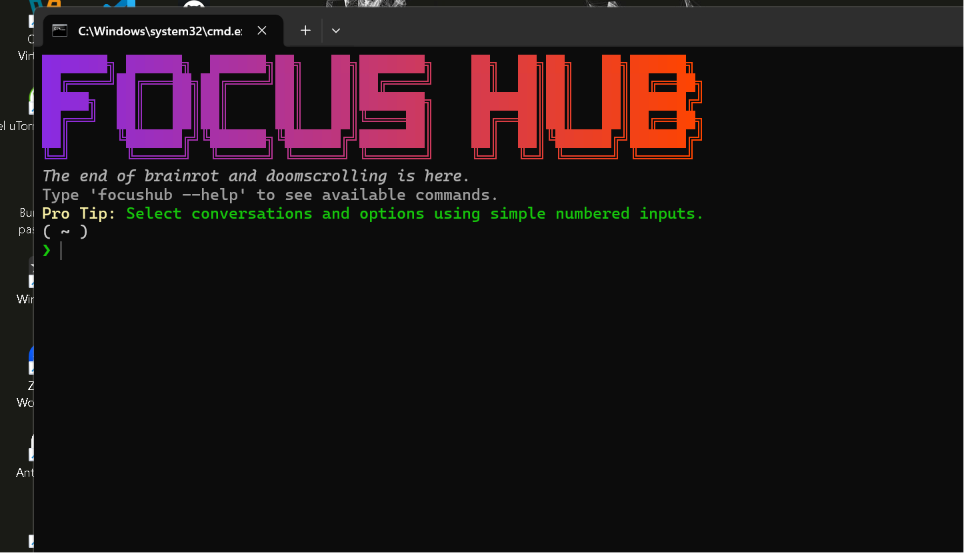
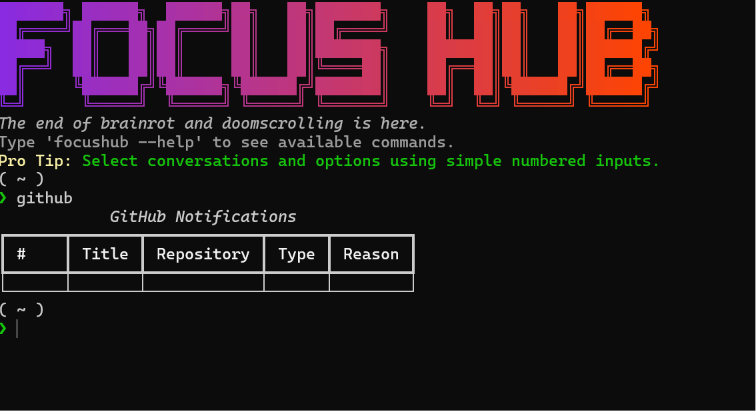
FocusHub is an interactive terminal workspace that brings social messaging, media streaming, and news search into a single command-line interface. Key features include:
Interactive CLI Shell: Powered by Rich formatting, ASCII headers, and color-coded status badges for clean navigation.
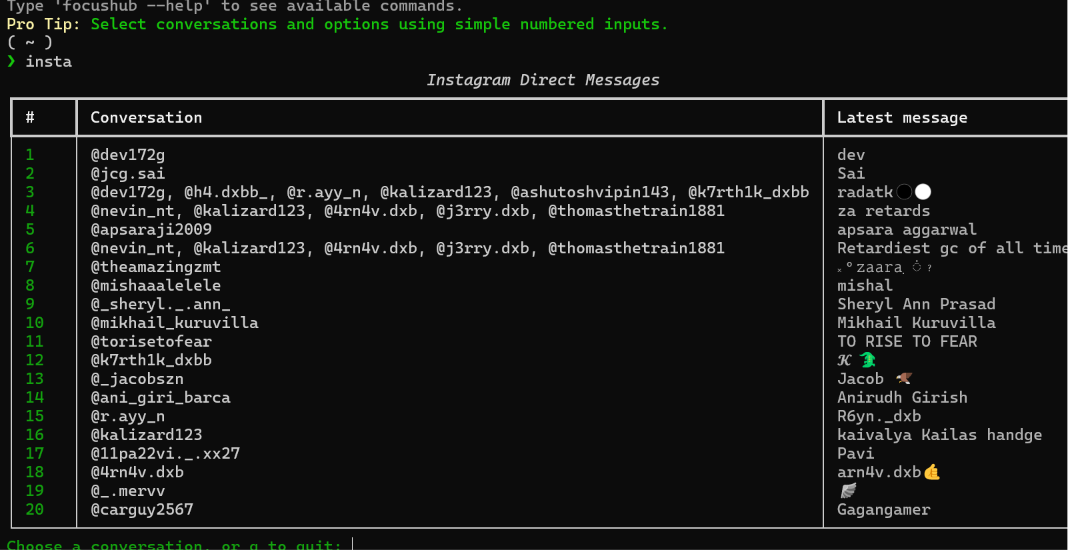
Direct Messaging: Manage and respond to Instagram DMs without opening a browser.
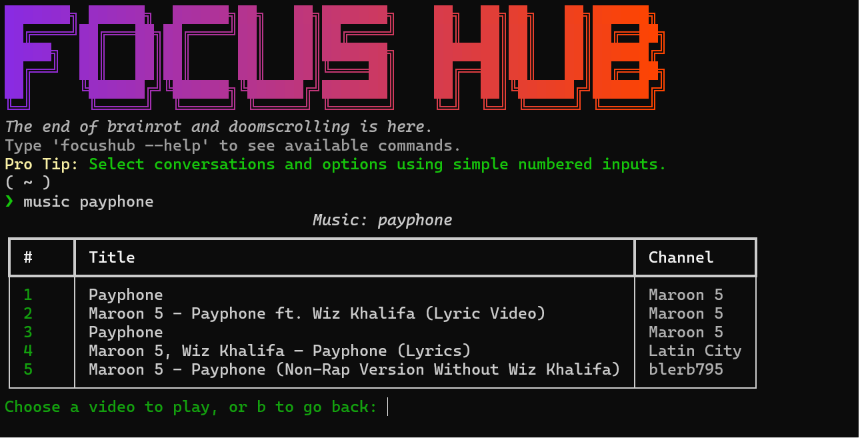
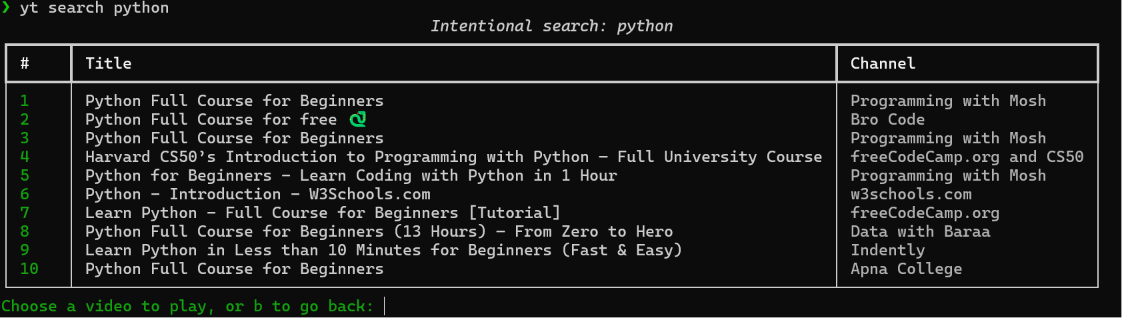
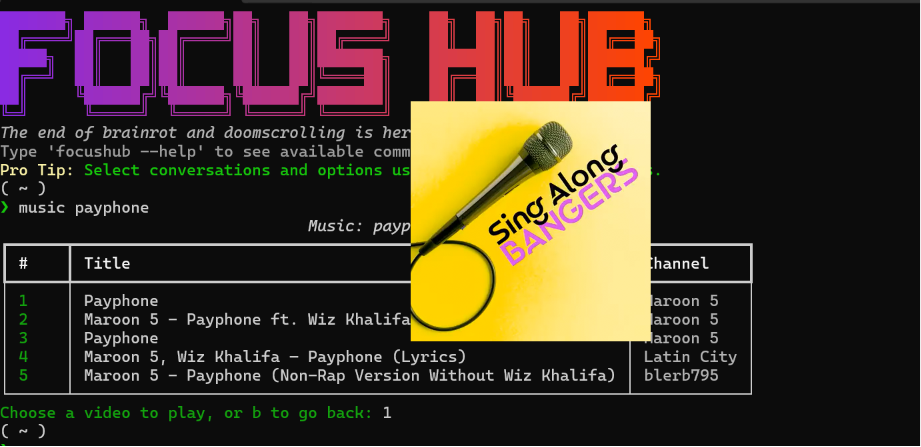
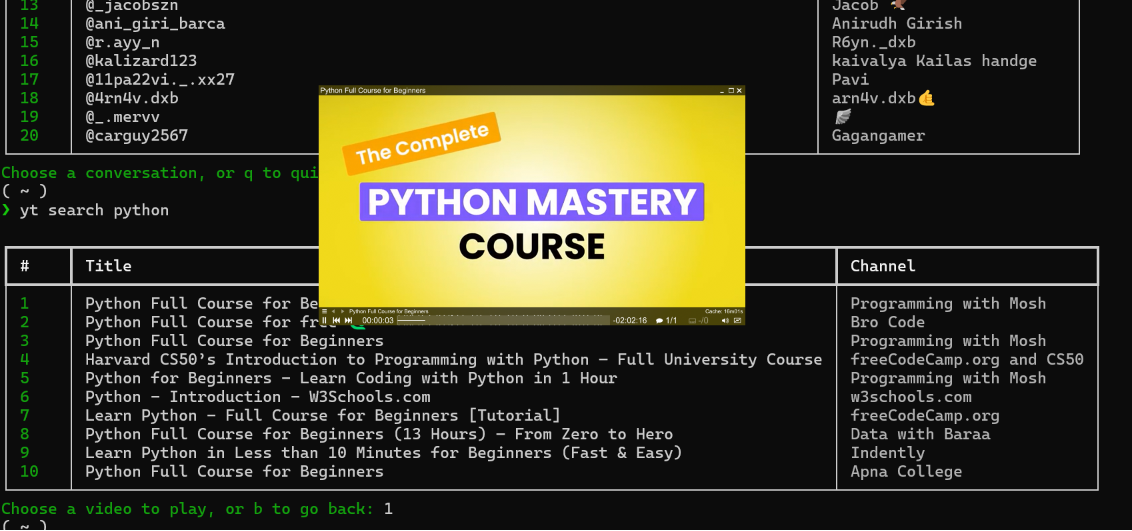
Native Media Playback: Stream YouTube videos and background music directly within the terminal environment using MPV.
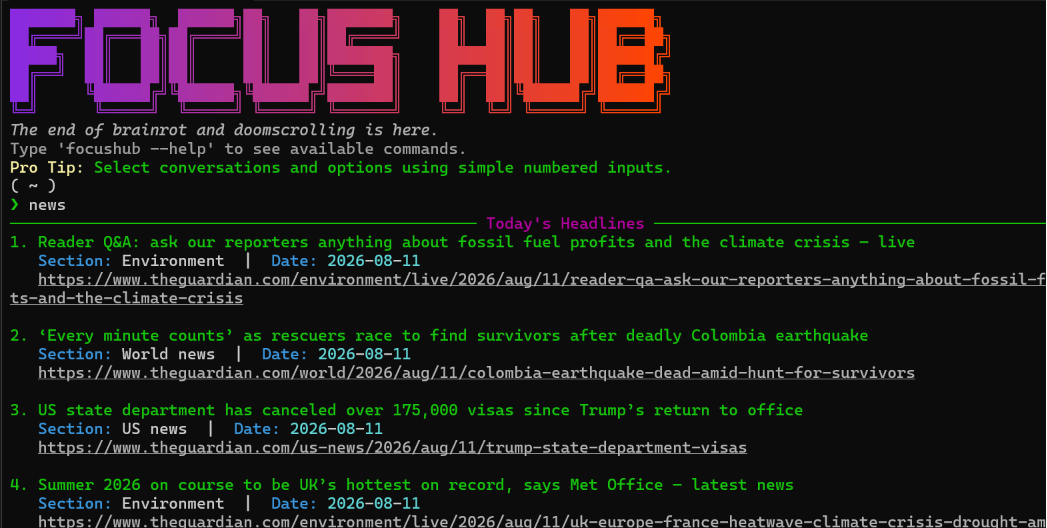
News & Search: Quick-search current news headlines and topics without algorithmic recommendation loops.
How we built it
Language & Runtime: Built with Python for cross-platform compatibility across Windows and Linux environments.
UI & Terminal Styling: Utilized the Rich library to render color-coded tables, formatted status badges, and dynamic layout components.
Media Engine: Integrated mpv as the native player backend for smooth video and audio rendering.
Command Line Parsing: Implemented an interactive shell loop to support swift, menu-driven navigation via numbered options.
Challenges we ran into
Handling Media Streams: Integrating MPV natively to launch video and music smoothly without blocking the main terminal execution loop or breaking the CLI session.
Terminal Layout Constraints: Managing dynamic text wrapping and window boundary clipping when rendering dense news articles, long URLs, and YouTube video titles.
Privacy & State Management: Handling real-time messaging feeds clean of excess API metadata while ensuring user account credentials remain secure.
Accomplishments that we're proud of
Polished Terminal UI: Created a visually striking dark-mode CLI featuring custom ASCII graphics, clear status indicators, and clean layout scaffolding.
Seamless Media Playback: Got native video streaming working inside a command-line environment without relying on bloated web views.
Zero-Distraction Workflow: Built a fully functioning, end-to-end command-line utility that replaces multiple heavy browser tabs.
What we learned
Advanced CLI layout techniques using Rich for handling dynamic terminal updates.
How to pipe external media handlers like MPV cleanly inside a CLI process.
Strategies for structuring interactive terminal shell loops to deliver a smooth user experience.
What's next for FocusHub
Enhanced Privacy Controls: Adding built-in data masking options to automatically blur or redact sensitive usernames and messages during screen shares.
Improved Text Wrapping: Optimizing window-boundary clipping so long URLs and titles auto-truncate cleanly on smaller terminal sizes.
More Integrations: Expanding platform support to include additional messaging services, RSS feeds, and local system performance metrics directly in the shell.
Built With
- batch
- python
