FocusGuard 🛡️
Inspiration 💡
As students, we've all been there—opening YouTube "just to watch one video" for study purposes, only to find ourselves 2 hours deep into unrelated content.
The Reality: According to research, the average student loses 3-4 hours daily to digital distractions, significantly impacting academic performance and mental health.
During exam week last semester, I realized I was spending more time on social media than studying. I tried various productivity apps, but they were:
- Too complicated
- Not designed for students
- Required premium subscriptions
That's when FocusGuard was born—a free, student-friendly Chrome extension that helps us reclaim our time and stay focused on what truly matters: our education.
What it does 🎯
FocusGuard is a comprehensive productivity companion that helps students combat digital distractions through two main feature sets:
1. Core Features
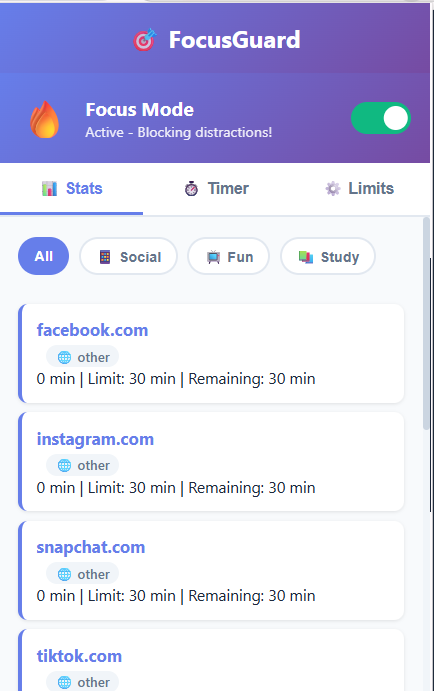
- ⏱️ Automatic Time Tracking: Monitors time spent on every website in real-time, updating every 5 seconds for accurate statistics.
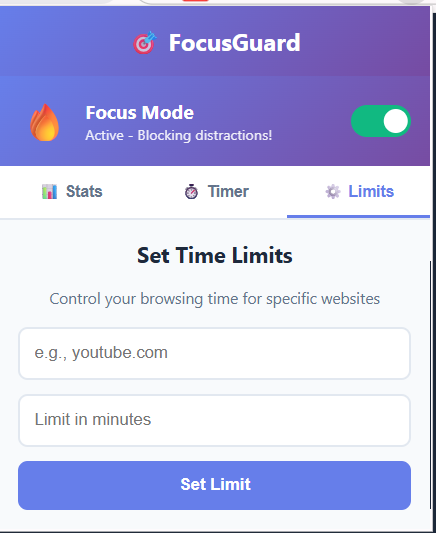
- 🚫 Smart Website Blocking: Set daily time limits for distracting websites; once reached, the site is blocked with a motivational message.
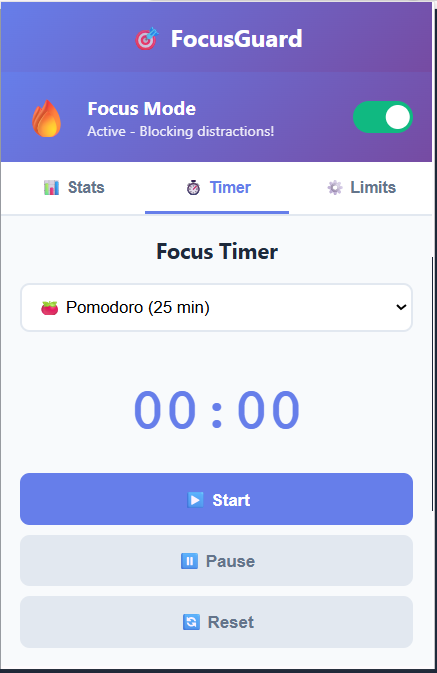
- 🍅 Pomodoro Timer: Built-in focus timer with presets (25-min work, 5-min break, 15-min long break) and a custom stopwatch mode.
- 📊 Visual Analytics: Beautiful bar charts and statistics showing daily browsing patterns.
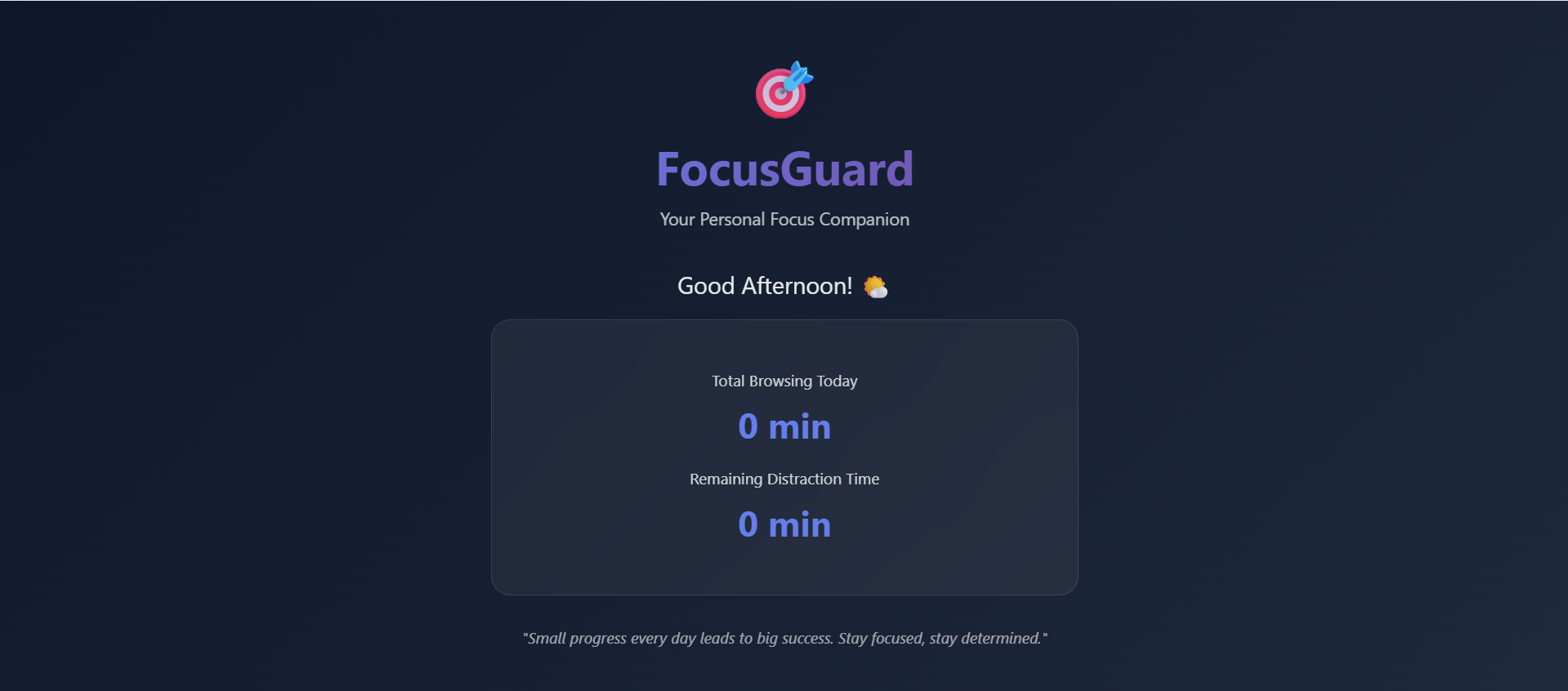
- 🌅 Focus Dashboard: Replaces the new tab with an inspiring dashboard featuring time-based greetings and motivational quotes.
- 🎨 Onboarding Experience: Choose from preset profiles like Social Media Addict, YouTube Binger, or Gaming Student.
2. Advanced Features
- Auto-categorization: Websites are automatically sorted into categories (Social Media, Entertainment, Educational, etc.).
- Daily Reset: All statistics reset at midnight, giving students a fresh start each day.
- Remaining Time Display: Shows exactly how much browsing time is left for limited websites.
- Multiple Interface Views: Popup widget for quick stats and a full dashboard for deep overviews.
How we built it 🛠️
Technology Stack
- Frontend: HTML5 & CSS3 (Modern gradients/animations), JavaScript (ES6+), and Chart.js for visualization.
- Browser Integration: Chrome Extension API (Manifest V3),
chrome.tabs,chrome.storage.local, andchrome.alarms.
Architecture Breakdown
| Component | Function |
|---|---|
background.js |
Service worker tracking time and managing alarms. |
content.js |
Script injected into pages for instant blocking. |
popup.js |
Interface for stats, timer, and configuration. |
focus.js |
New tab dashboard with real-time updates. |
Challenges we ran into 🚧
- Content Security Policy (CSP) Compliance
- Problem: Manifest V3 blocks inline event handlers (
onclick=""). Solution: Separated all JavaScript and used
addEventListener().Accurate Time Tracking
Problem: Tab switching and multitasking made tracking difficult.
Solution: Implemented a 5-second interval check to capture true active time.
Data Persistence Without Backend
Problem: No server to store user data.
Solution: Leveraged
chrome.storage.localfor client-side persistence.Blocking Mechanism
Problem: Content scripts can't always block navigation before a page loads.
Solution: Used the background service worker to redirect to a custom block page.
key aspetcs🏆
- ✅ Fully Functional MVP: All core features work seamlessly without bugs.
- ✅ Beautiful Design: Modern, professional UI that rivals commercial apps.
- ✅ Student-Focused: Built specifically for student needs with preset profiles.
- ✅ Zero Dependencies: Works completely offline; no accounts or subscriptions needed.
- ✅ Security Compliant: Follows strict Manifest V3 and CSP requirements.
- ✅ Open Source: Available for the community to learn from and improve.

Log in or sign up for Devpost to join the conversation.