-
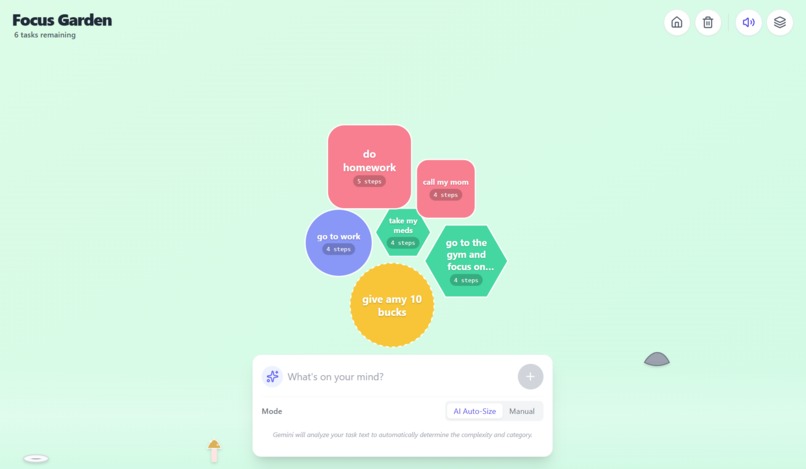
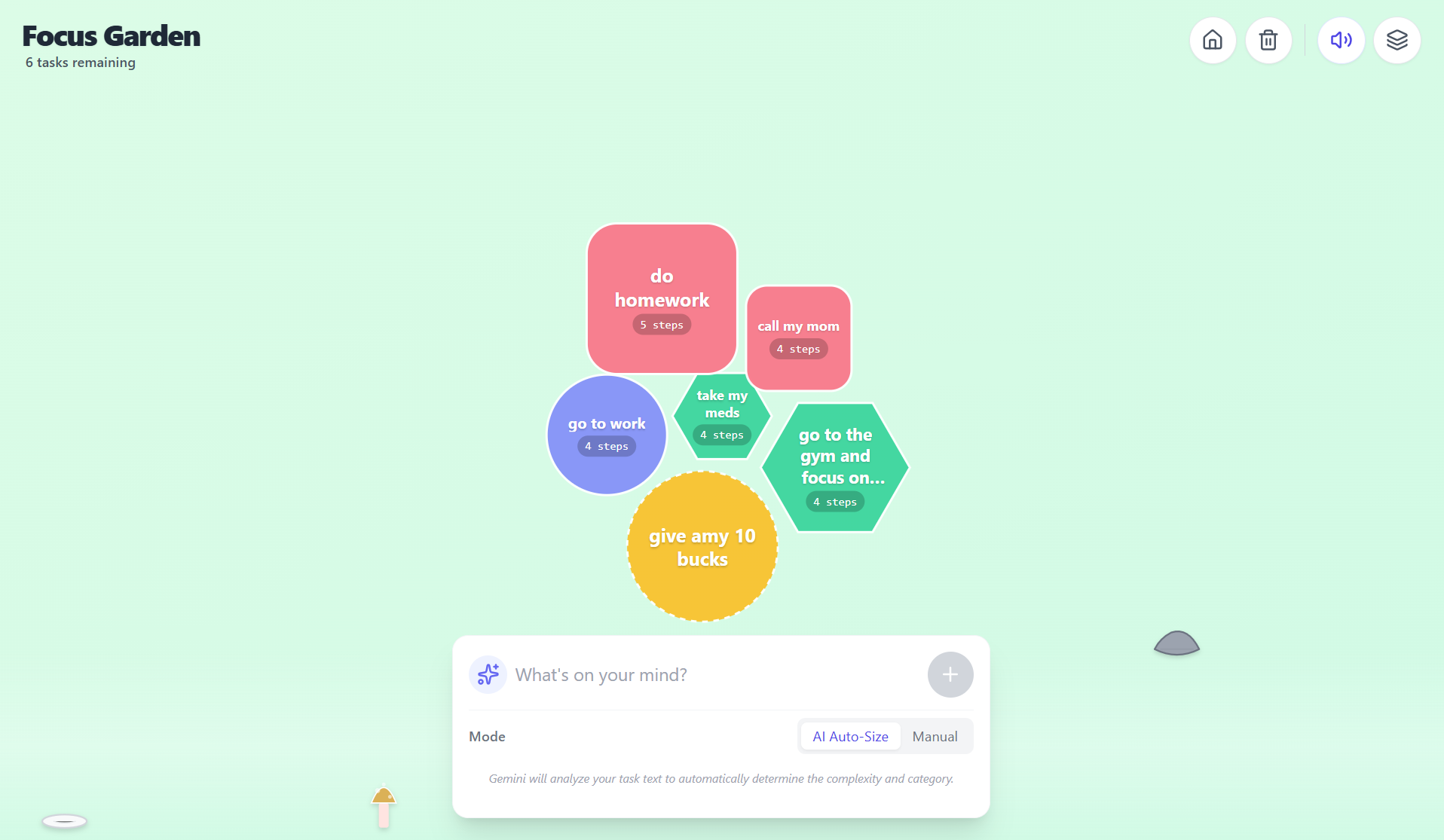
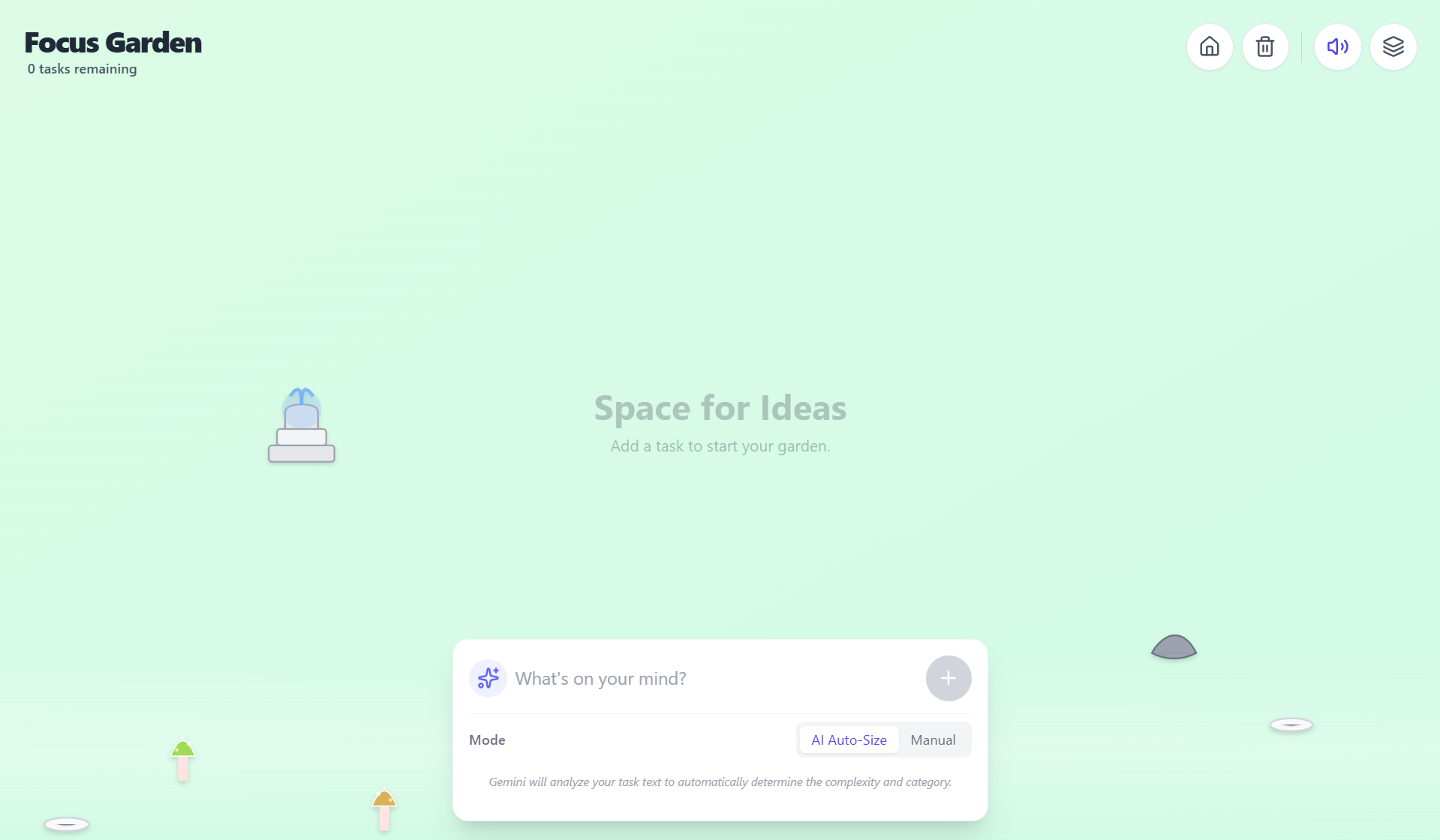
Your own personal task space in the form of playful bubbles
-
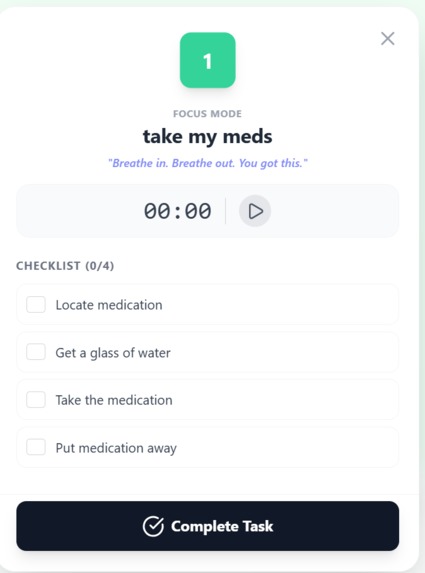
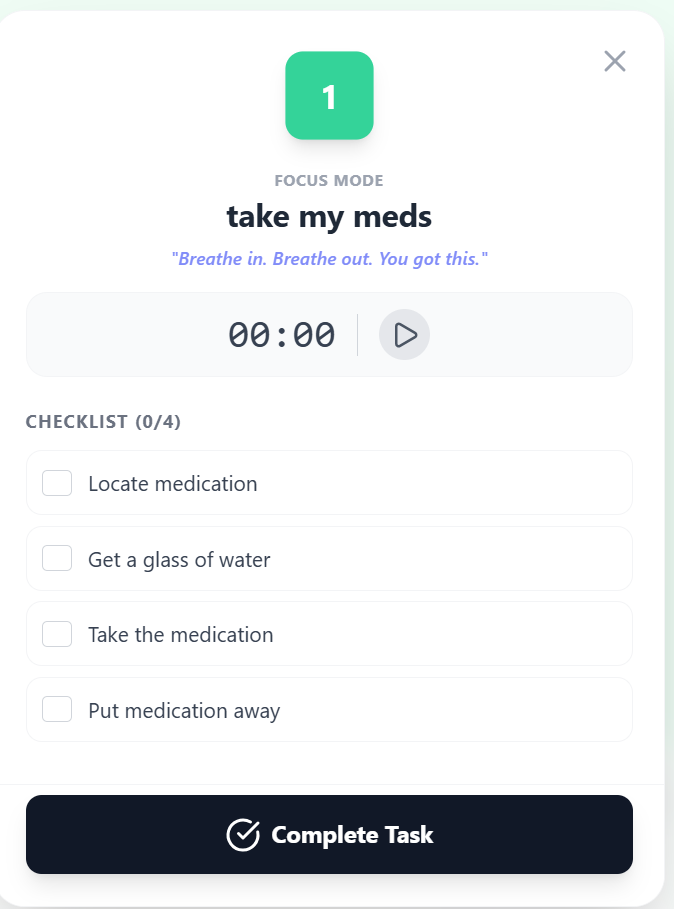
Tracks focus time and creates mini steps for you
-
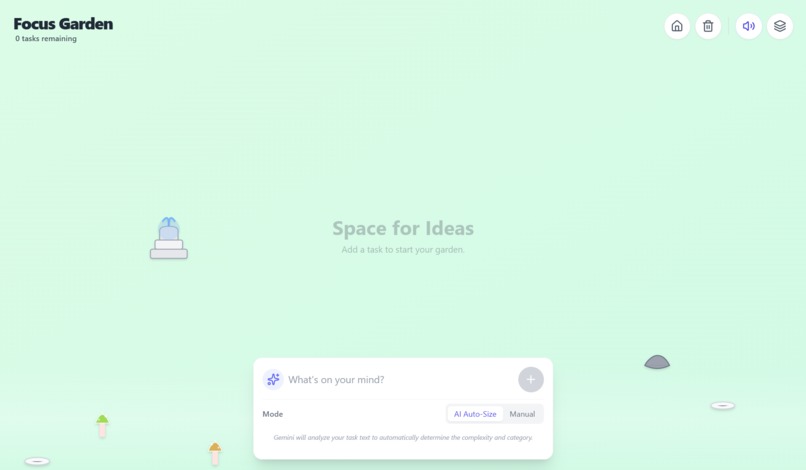
Enter any task you have to do
Inspiration
We came up with this idea because we have all had personal experiences where we met someone who is neurodiverse. A lot of people with ADHD struggle with regular to-do lists. They can feel strict, stressful, or hard to keep up with. We wanted something that felt lighter and more visual. The idea of floating bubbles came from wanting a calmer way to show tasks without making the user feel pressured.
How we built it
We started by setting up a basic webpage using HTML and TailwindCSS so we could style everything easily. After that, we built the main parts of the app in React. Each task the user adds turns into a bubble, and we used simple CSS animations to make the bubbles float around the screen. When a bubble gets clicked, we trigger a small pop animation and remove the task. We also added an AI feature using Gemini. When someone types a task, we send it to Gemini and it gives us the task’s difficulty, a category, and a few steps to complete it. Then we use that info to pick the bubble’s color and size.
Most of the work was just connecting the animations, the task system, and the AI so everything worked smoothly without crashing. Since we didn’t have much coding experience, we kept things simple and built up the project piece by piece.
Challenges we ran into
The main challenge was that we didn’t really know how to code at the start. We had to learn everything quickly and fix a lot of bugs as we went. Making the bubbles move the way we imagined took a lot of trial and error. Dark mode also broke a few things, especially text visibility. Another challenge was deciding what features to keep or remove. We originally wanted to add eye-tracking and more advanced tools, but we realized it wasn’t realistic for the time we had. In the end, we focused on building something simple that actually works.
Accomplishments that we're proud of
One thing we’re really proud of is that we actually got the bubbles working the way we imagined. At the start we didn’t even know how to make a circle appear on a screen, so getting them to float, change size, and pop on click felt like a big win. We’re also proud that we didn’t give up when things kept breaking. Every time the code stopped working, we figured out what went wrong and fixed it. For a team with basically no coding experience, building a working prototype felt like a real achievement.
What we learned
This project pushed us to understand the basics of web development, including HTML structure, CSS styling, and JavaScript interactivity. We learned how animations work with CSS, how to create elements dynamically through JavaScript, and how to track and update task states. We also learned how to think about user experience from a neurodivergent-inclusive perspective. Another major learning point was debugging layout issues, timing functions, and interactions.
What's next for FocusGarden
If we had more time, we’d want to add features that help users stay focused for longer periods, like a calmer reading mode or small reminders that don’t feel overwhelming. We also want the design to feel more “alive,” with smoother animations and maybe different themes the user can choose from. Another idea is to save tasks so they’re still there when you come back. Basically, we want to keep making the experience more helpful and less stressful for anyone who struggles with traditional productivity tools.


Log in or sign up for Devpost to join the conversation.