About the Project
Inspiration
The idea for this project was inspired by the need for a more focused, productive workflow. As someone who frequently gets distracted by open tabs, tasks piling up, and an ever-growing to-do list, I wanted to create a tool that would help individuals stay organized and remain focused on the task at hand. The challenge was to blend productivity tools with AI to create an intelligent assistant that adapts to the user’s needs and preferences.
What I Learned
Through this project, I gained hands-on experience with various tools and libraries. I enhanced my skills in:
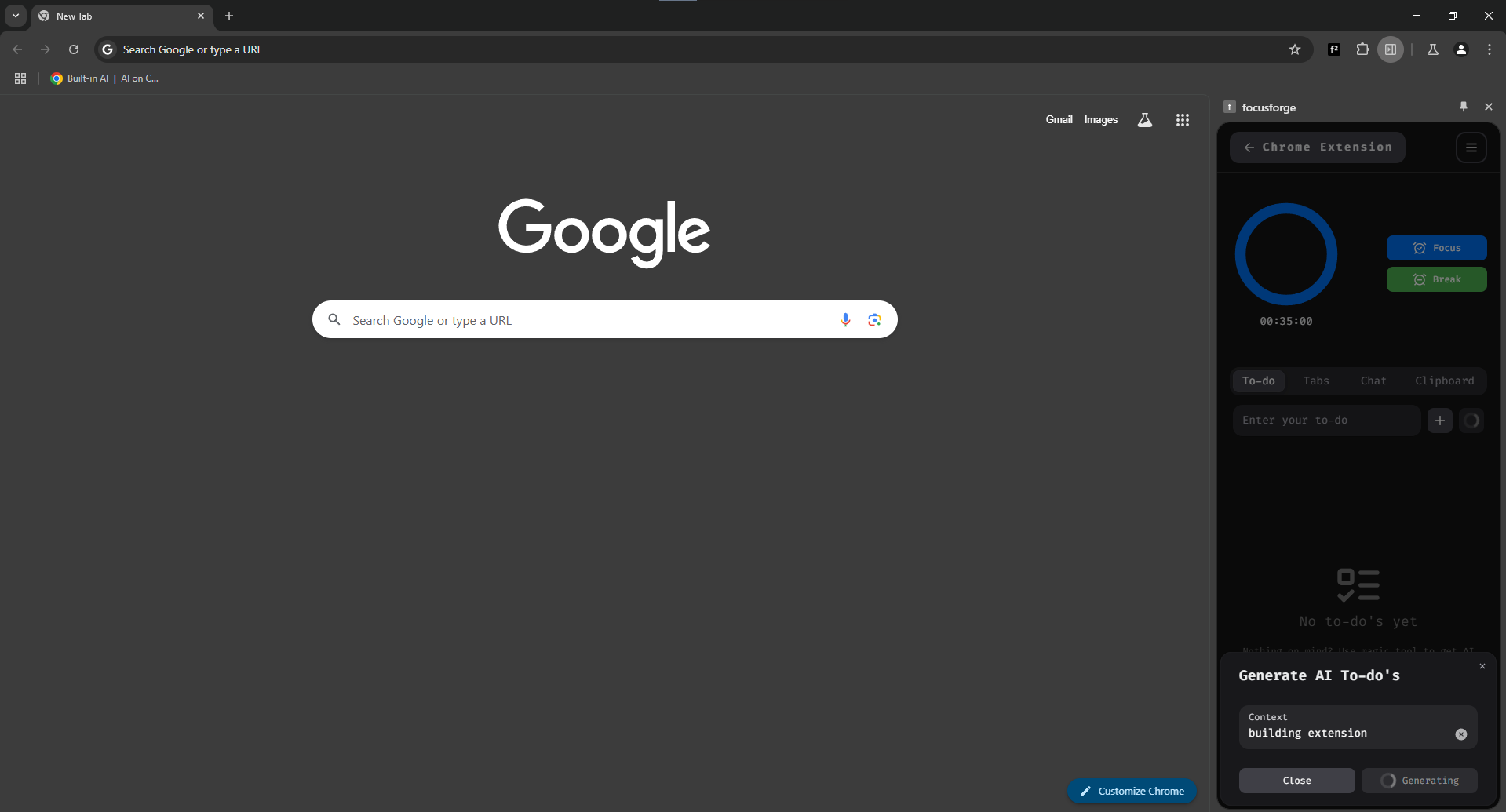
- AI Integration: Using APIs like Google’s built-in AI for task management.
- Frontend Development: I improved my ability to work with frameworks and libraries like React and Next UI to create a seamless user experience.
- Chrome Extension Development: Understanding how to create and manage Chrome extensions, dealing with permissions, and ensuring smooth interactions across tabs.
- UX/UI Design: Designing interfaces that are intuitive, engaging, and easy to navigate while focusing on user productivity.
How I Built the Project
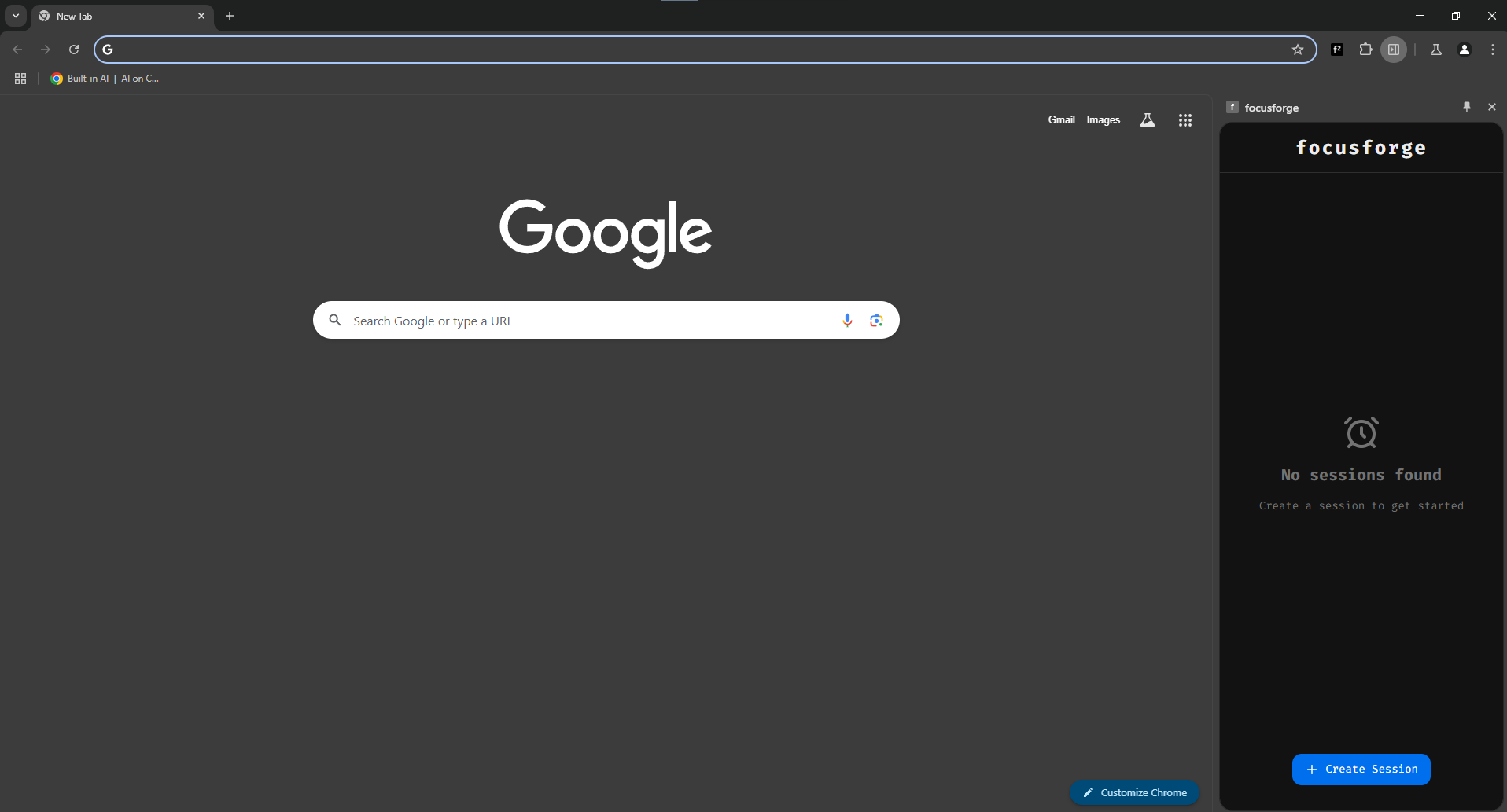
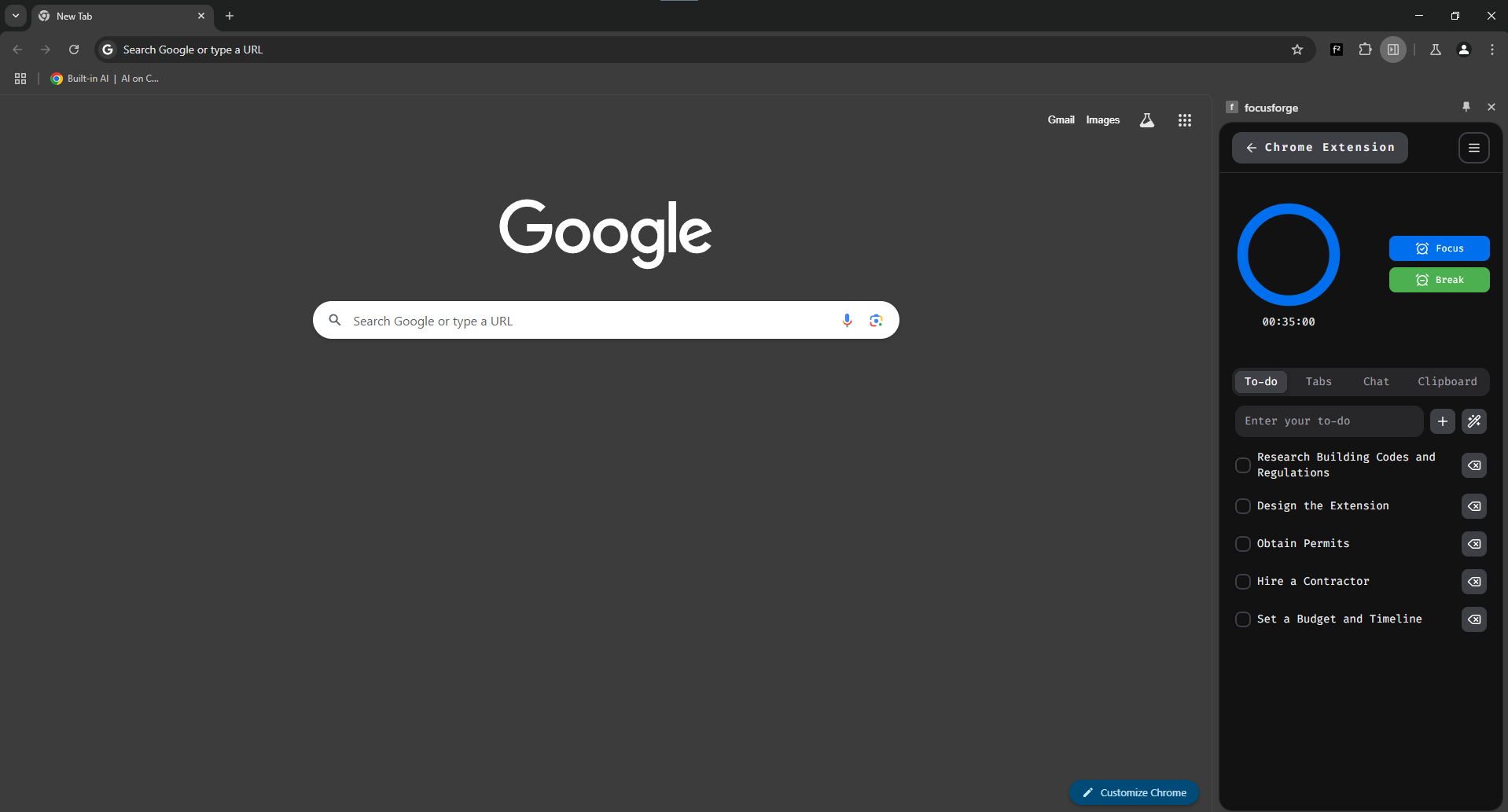
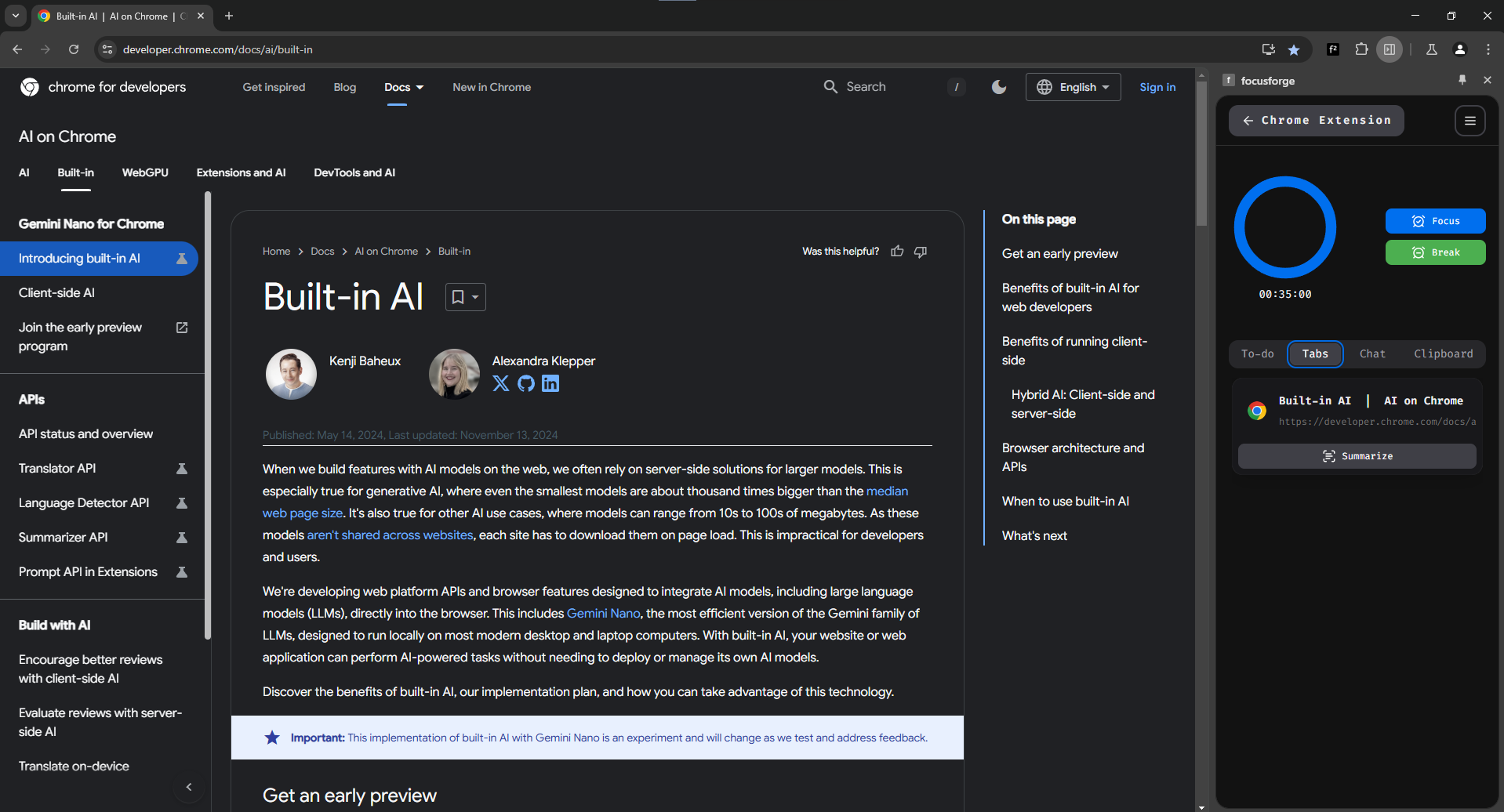
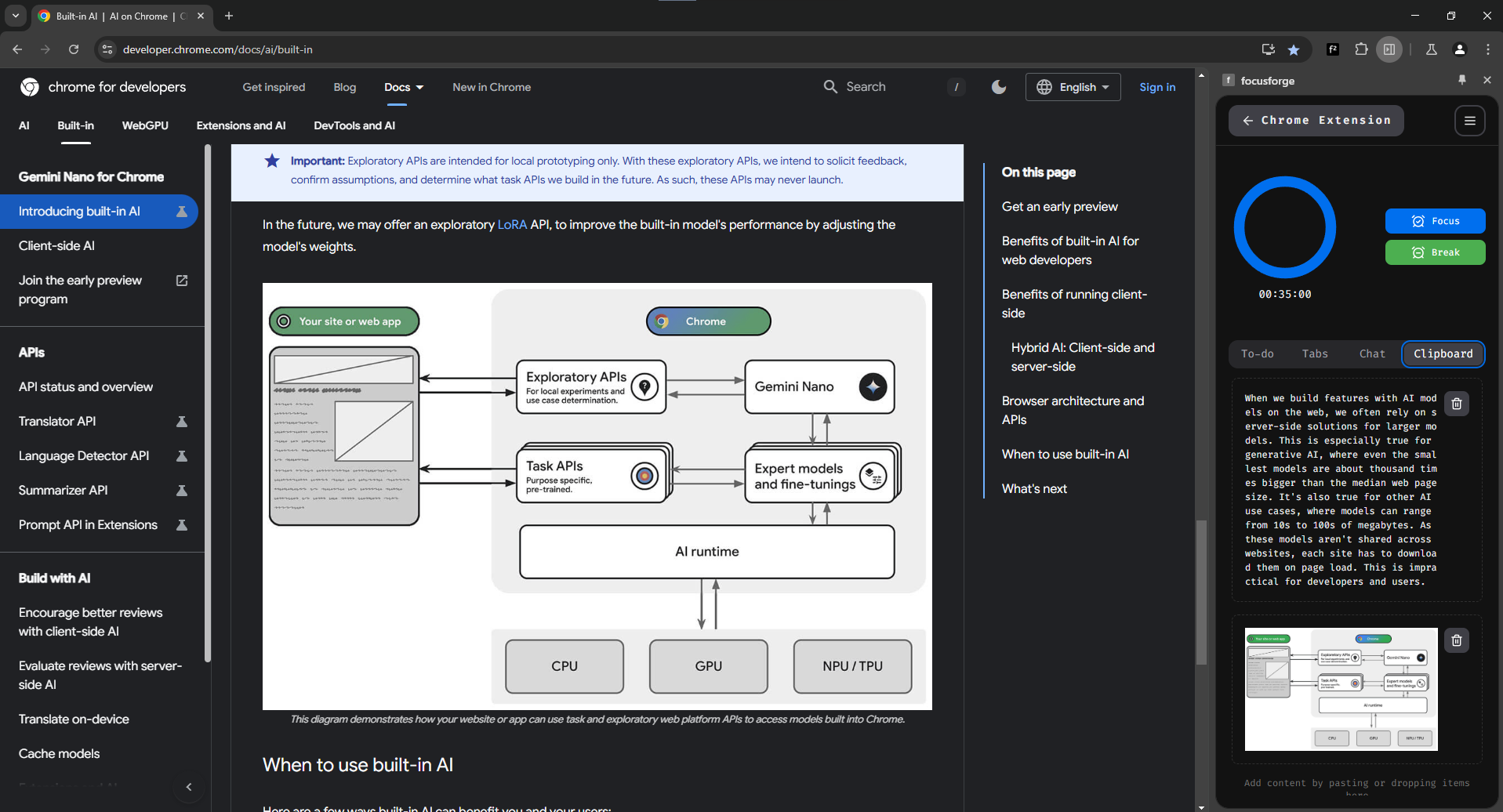
I started by defining the main features I wanted to include: a Pomodoro timer, task management system, smart tab manager, and AI assistant. I chose React for the frontend and integrated the Chrome extension framework for tab management. I used Google’s Built-in AI for task suggestions and summarization.
- Frontend: React and NextUI.
- Chrome Extension: Built using Chrome’s extension APIs to interact with tabs and manage tasks directly from the browser.
- AI Integration: Leveraged Google’s APIs for summarizing content and making smart suggestions.
Challenges Faced
- Managing State and Async Operations: Handling real-time updates for the Pomodoro timer, to-do list, and AI responses was tricky, especially with the multiple stateful components interacting with one another. I had to carefully architect the app to avoid issues like race conditions and unnecessary re-renders.
- Tab Management and Permissions: Interacting with browser tabs using Chrome’s extension APIs had its own set of challenges, especially around managing permissions and making sure the extension worked across different tab environments.
- Integrating AI: Getting the AI to function smoothly within the constraints of a browser extension was complex, particularly when it came to ensuring fast, accurate responses without overwhelming the user.
Future Improvements
- Better Customization: Allow users to personalize the UI further, from color themes to task management features.
- Extended AI Capabilities: Adding voice recognition and more advanced natural language processing features to interact with the AI.
- Cross-platform Sync: Syncing tasks and settings across different devices for a unified experience.


Log in or sign up for Devpost to join the conversation.