-
-
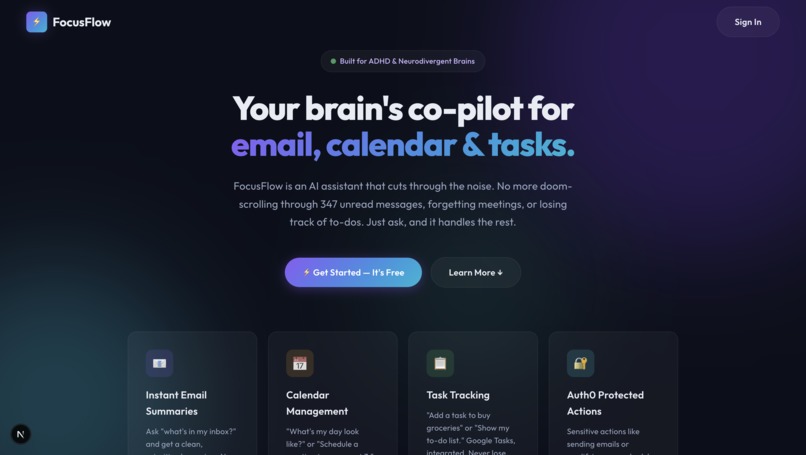
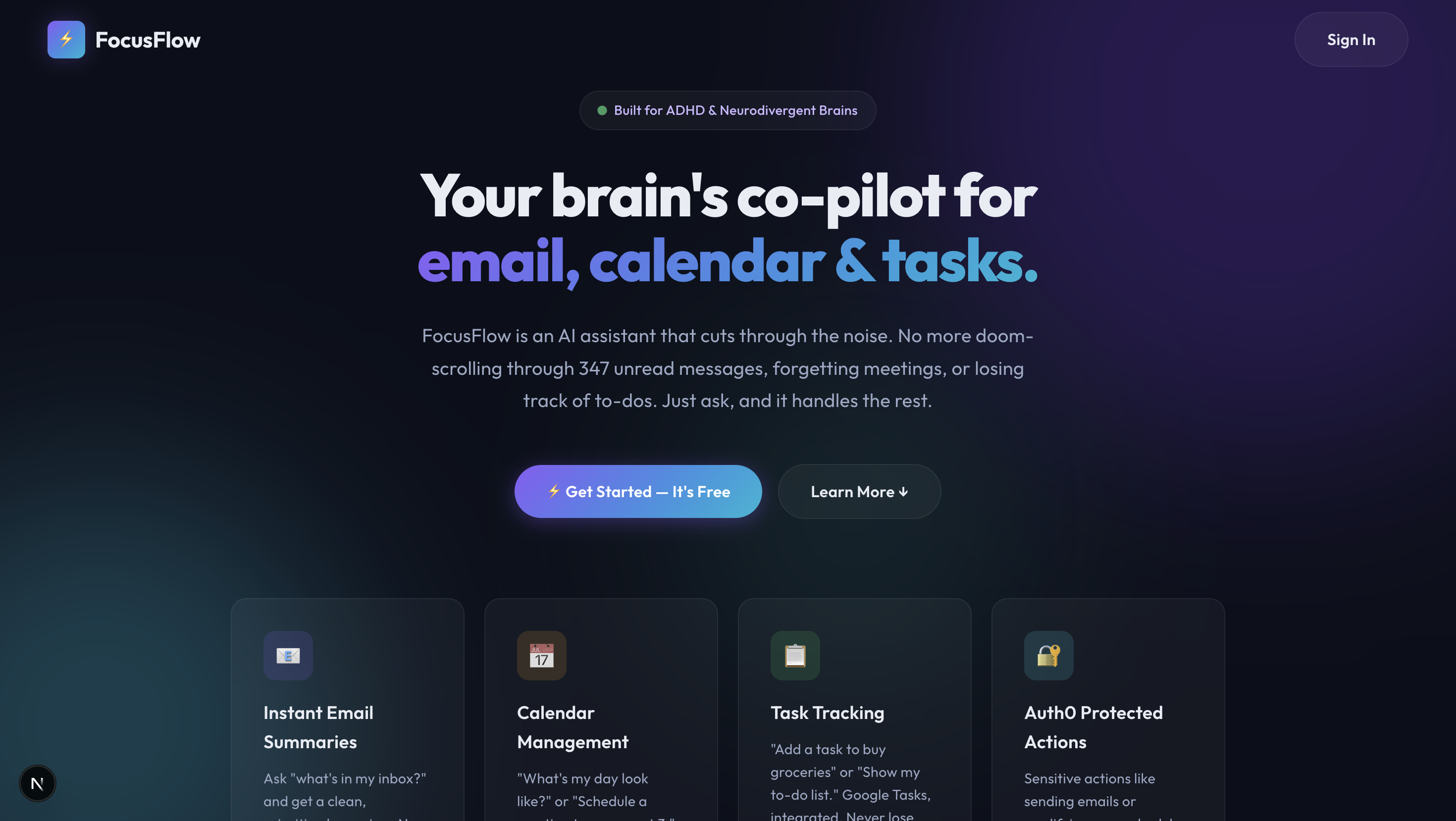
landing page
-
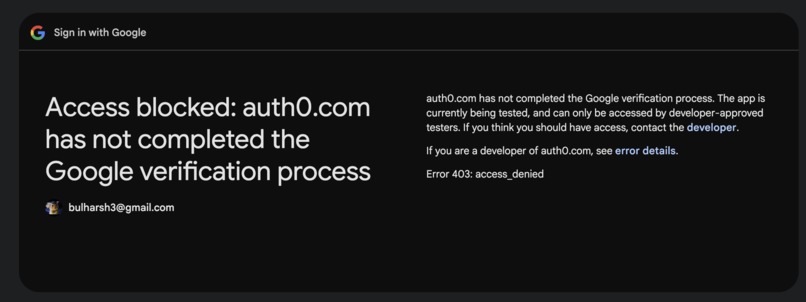
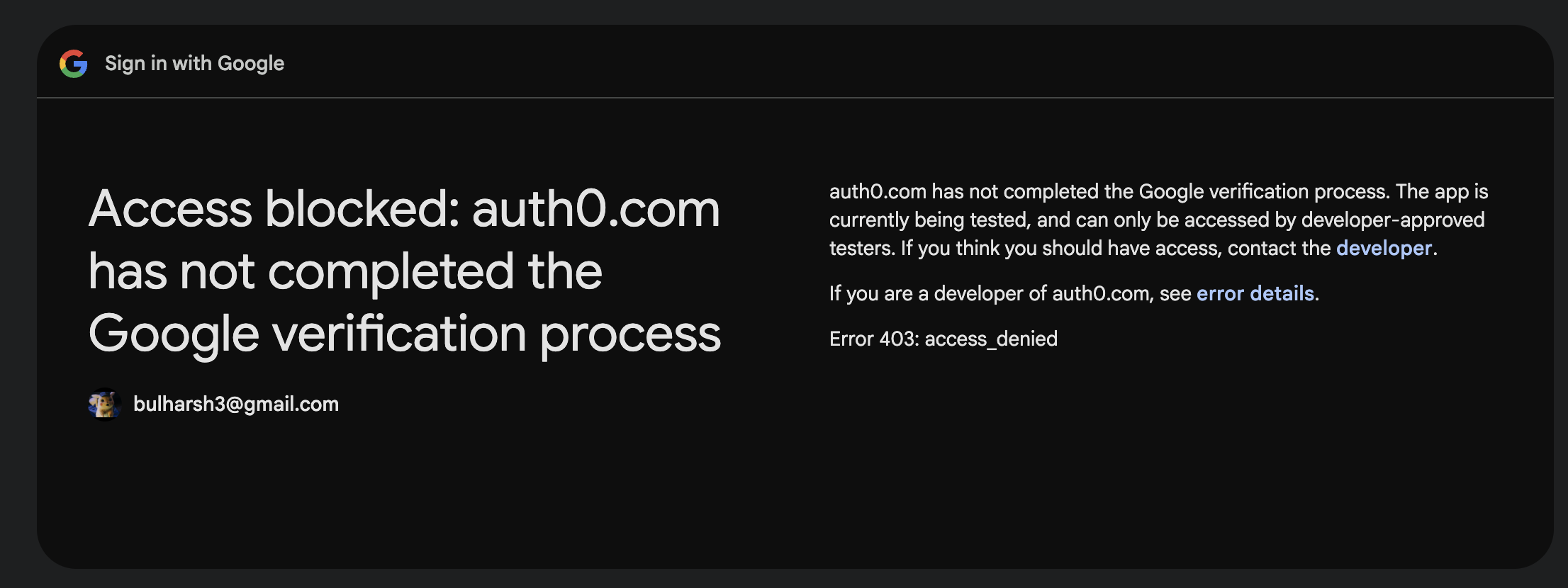
when not a developer approved tester
-
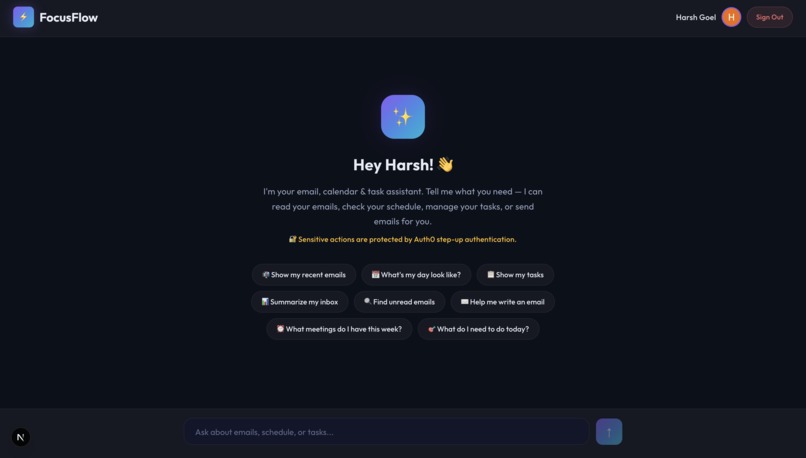
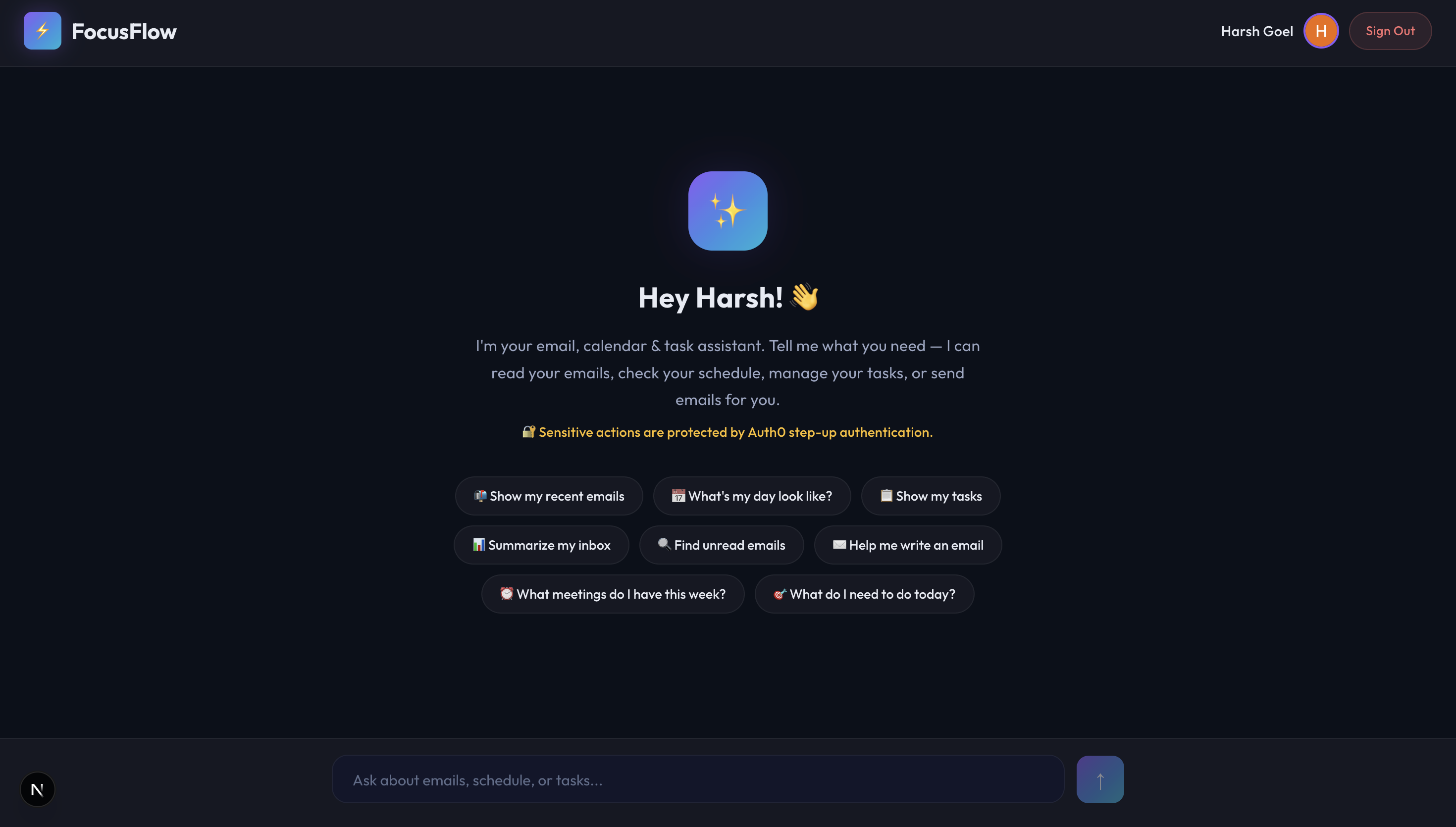
after logging in
Inspiration
366 million adults worldwide have ADHD, and everyday tools like Gmail, Google Calendar, and task managers are designed for neurotypical brains. The constant context-switching between apps, walls of unread emails, and scattered to-do lists cause decision paralysis. We wanted to build one calm interface that handles it all — and Auth0's step-up authentication gave us the perfect way to add an "are you sure?" safeguard for impulsive actions.
What it does
FocusFlow is a conversational AI that unifies Gmail, Google Calendar, and Google Tasks into a single chat interface. Users just talk naturally:
- "What's in my inbox?" → Priority-coded email summaries
- "What's my day look like?" → At-a-glance schedule with conflict flags
- "Add a task to buy groceries" → Created instantly
- "Send a thank-you to Sarah" → Auth0 step-up modal appears → re-verify identity → sent ✉️
Sensitive actions (sending emails, modifying calendar/tasks) require Auth0 step-up authentication, giving ADHD users a deliberate checkpoint before irreversible actions.
How we built it
- Next.js 16 (App Router + Turbopack) for the full-stack framework
- Auth0 (
@auth0/nextjs-auth0v4) — social login, proxy middleware, Management API for Google token retrieval, custom Actions, and step-up authentication with elevated session cookies - OpenAI GPT-4o with function calling — 14 tools across Gmail, Calendar, and Tasks
- Google APIs (
googleapis) for all three services - Vanilla CSS with an ADHD-optimized design system — Outfit font, calming palette, priority emojis, no visual clutter
Challenges we ran into
- Token chain complexity — Auth0 session → Management API token → Google IdP token → Google API call. Four auth hops, each failing independently. Solved with a dual-path approach (custom claim + Management API fallback).
- Context loss during step-up redirects — Auth0 re-auth causes a full page reload, wiping chat history. Fixed by persisting conversations to
sessionStorageand auto-retrying the pending action after verification. - Designing for ADHD without patronizing — Finding the right tone: encouraging but not condescending, calm but not boring.
- Next.js 16 breaking changes — New
proxy.tspattern, asynccookies(), Auth0 SDK v4 dropping familiar helpers likewithPageAuthRequired.
Accomplishments that we're proud of
- Seamless step-up auth flow — the Auth0 verification modal, 5-minute elevated session, and auto-retry make security feel helpful, not intrusive
- 14 working AI tools spanning three Google services, chainable in a single conversation
- Zero context loss through auth redirects — conversations persist seamlessly
- The landing page Auth0 showcase — a visual 4-step auth flow diagram making the security architecture tangible
What we learned
- Auth0 goes far beyond login/logout — Management API, custom Actions, step-up auth, social connection scopes, and proxy middleware form a complete security layer
- Step-up authentication is underused — within an authenticated session, gating sensitive actions with re-verification is powerful for both security and UX
- Building for neurodivergence benefits everyone — reducing cognitive load, visual prioritization, and celebrating completions are universal good design principles
What's next for FocusFlow
- 🔔 Proactive smart notifications ("3 unread from your boss + meeting in 20 min")
- 📊 Weekly focus analytics to identify overwhelm triggers
- 🏷️ AI-powered auto-labeling of emails (urgent / FYI / newsletter)
- 🔐 Auth0 MFA integration (TOTP/WebAuthn) as step-up methods
- 📱 Mobile PWA for on-the-go productivity
Bonus Blog Post
Building an AI assistant like FocusFlow that natively interacts with Google Workspace APIs (Gmail, Calendar, Tasks) presents an interesting challenge: how do we securely manage, store, and refresh third-party OAuth tokens without building an elaborate credential management system from scratch? As developers, we want to focus on creating an incredible, neurodivergent-friendly user experience—especially tailored for individuals with ADHD (Attention Deficit Hyperactivity Disorder)—not wrestling with the intricacies of token lifecycles and encryption at rest.
This is where treating Auth0 as a "Token Vault" became our most critical backend achievement. Instead of requesting offline access and storing raw Google refresh and access tokens in a custom database—which would introduce a massive security footprint and compliance overhead—we delegated this entirely to Auth0.
By configuring a Google Social Connection with the required scopes (gmail.readonly, gmail.send, calendar, tasks), Auth0 automatically handles the OAuth 2.0 flow. When the user logs in, Auth0 securely stores the Identity Provider (IdP) tokens in its own encrypted vault. On our backend Next.js application, we simply use the @auth0/nextjs-auth0 SDK to verify the user's session, and then make a secure server-to-server call to the Auth0 Management API (/api/v2/users/{id}) using machine-to-machine credentials.
This Management API acts as our secure keymaster. It returns the current, valid Google access token from the vault on demand. If the token is expired, Auth0's session management implicitly handles the refresh cycle when the user authenticates, keeping our application stateless and credential-free. Furthermore, we utilized custom Auth0 Actions to conditionally pass tokens directly as custom claims in the ID token during login, offering an even lower-latency retrieval path.
By utilizing the Auth0 Token Vault pattern, we effectively outsourced our security perimeter. Our AI agent can confidently execute its tasks—compiling morning summaries or scheduling events—knowing that the credentials it's using are transient, securely vaulted, and never exposed to our application database. It's a massive win for user privacy, enabling rapid feature development without compromising on enterprise-grade cloud security.
Explore the Live Application or view the open-source implementation on GitHub.
Built With
- autho
- google-cloud-workspace
- node.js
- typescript

Log in or sign up for Devpost to join the conversation.