

Inspiration
As a student myself, I've watched too many friends burn out during finals week, pulling all-nighters, surviving on energy drinks, and pushing through mental exhaustion because "hustle culture" tells us that's what success looks like. The breaking point came when I realized that every productivity app out there treated us like robots: add task, complete task, repeat. None of them cared if we were having a terrible day or feeling overwhelmed.
What it does
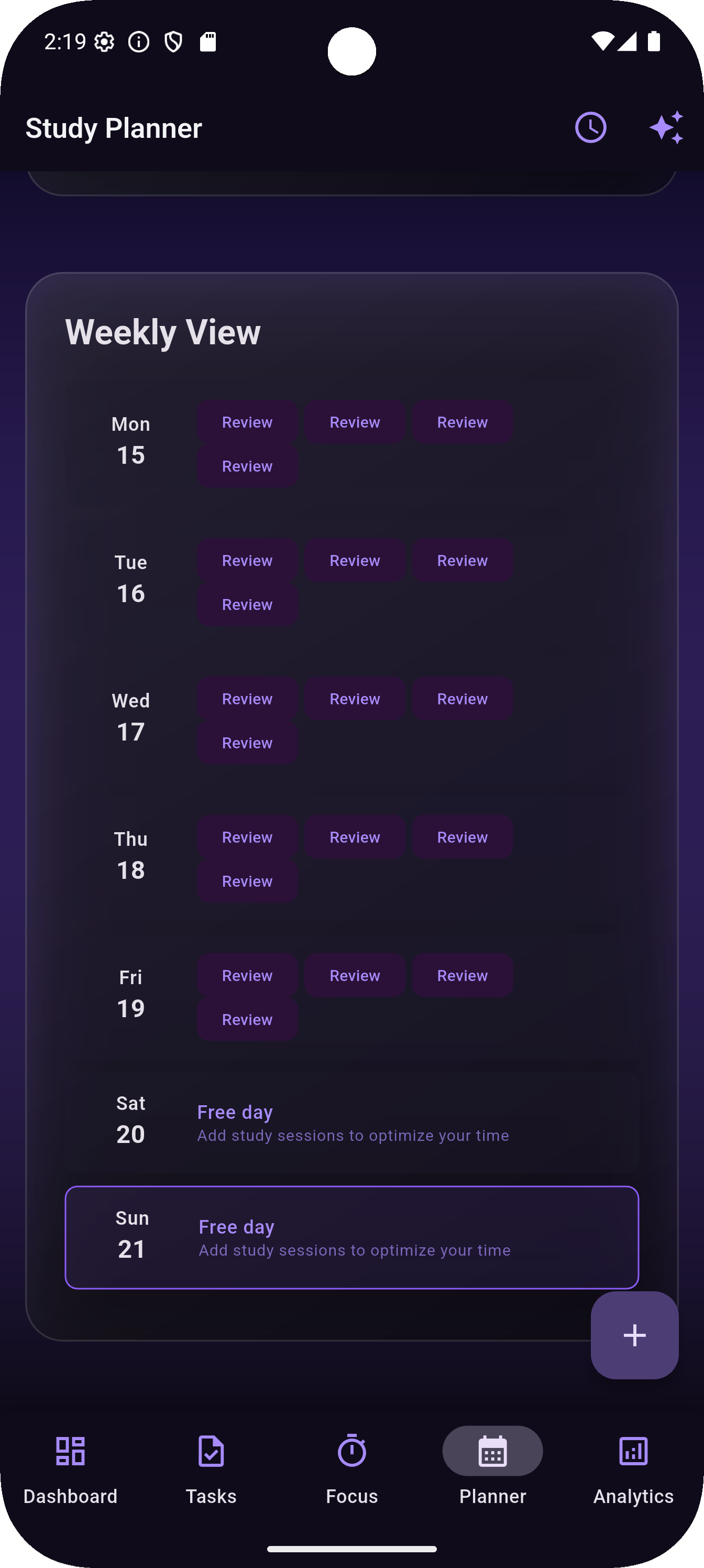
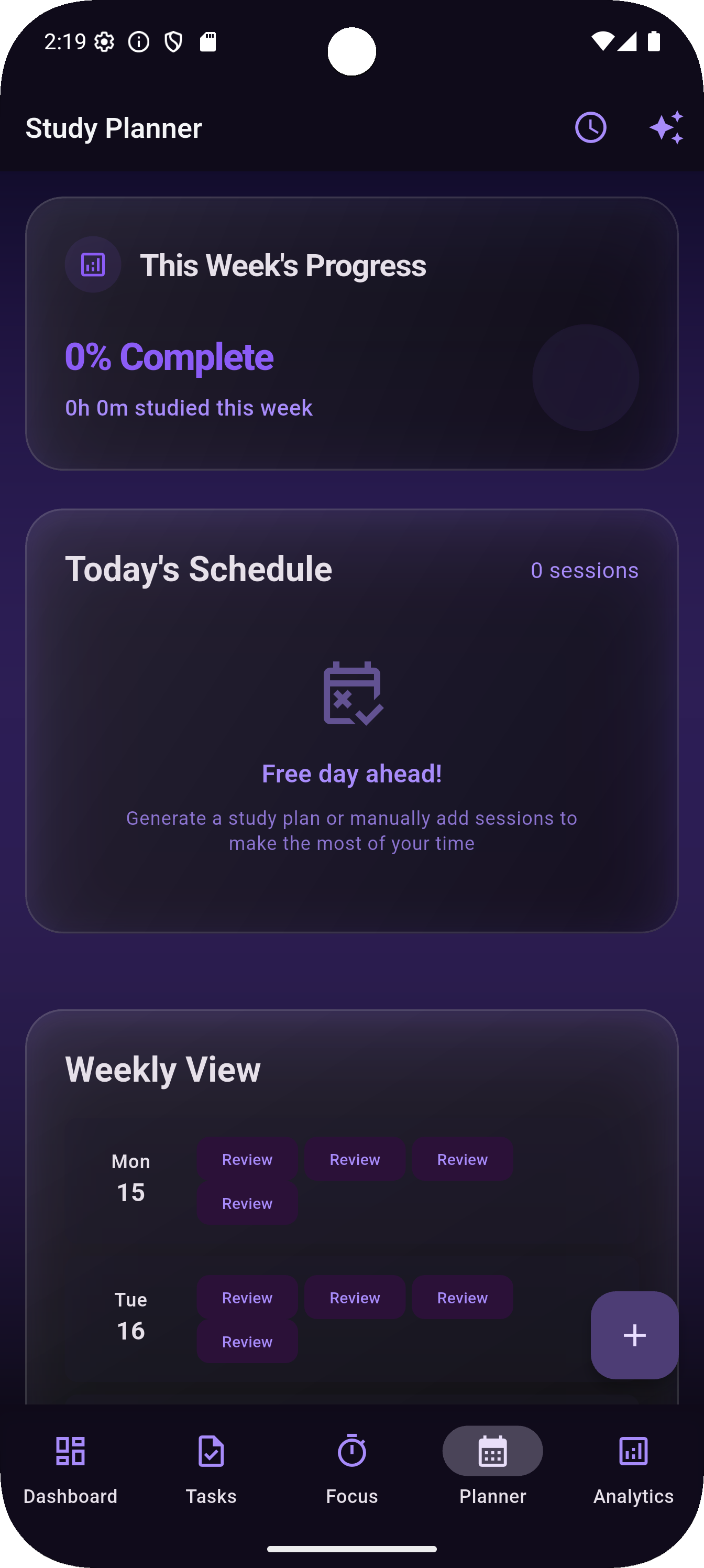
FocusFlow is a comprehensive study companion that combines proven productivity techniques with emotional intelligence. Here's what makes it special:
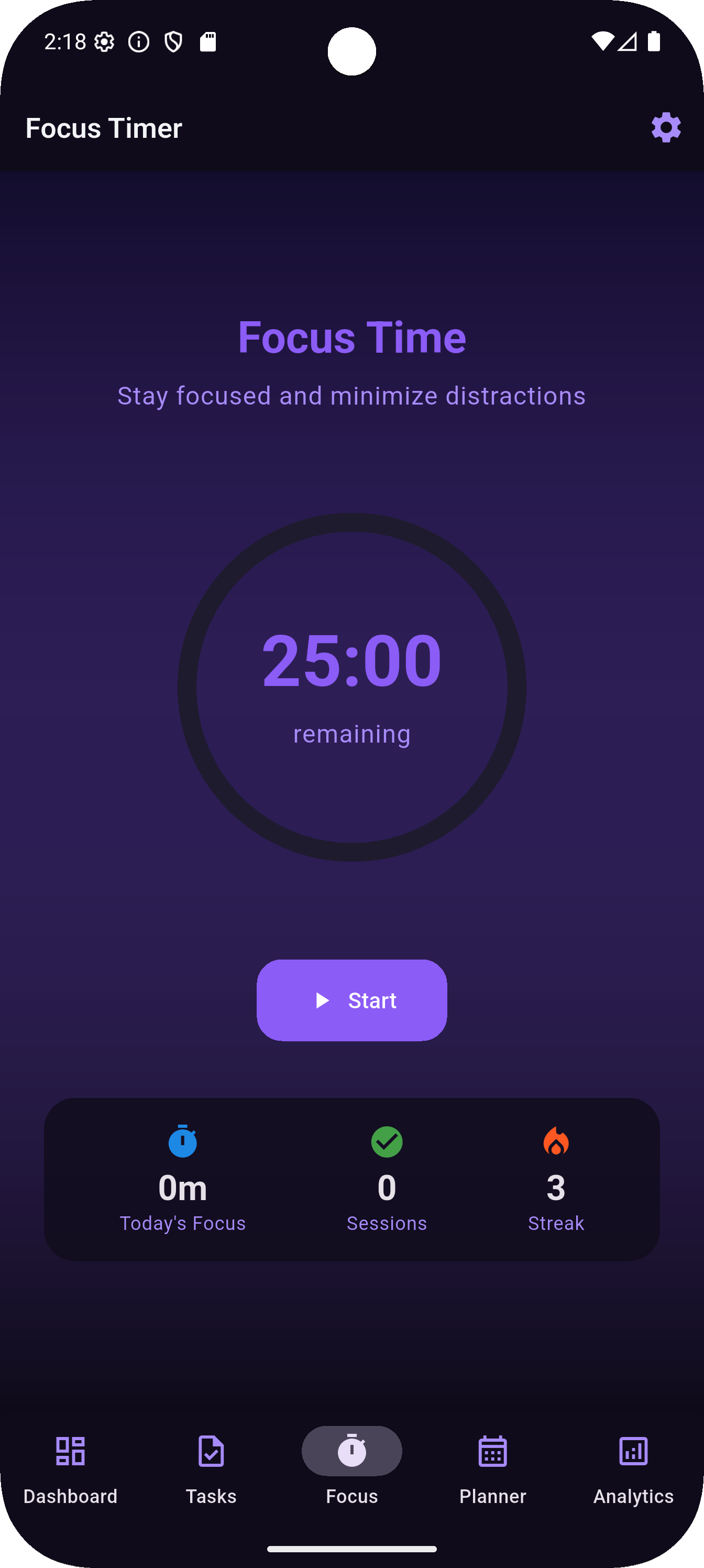
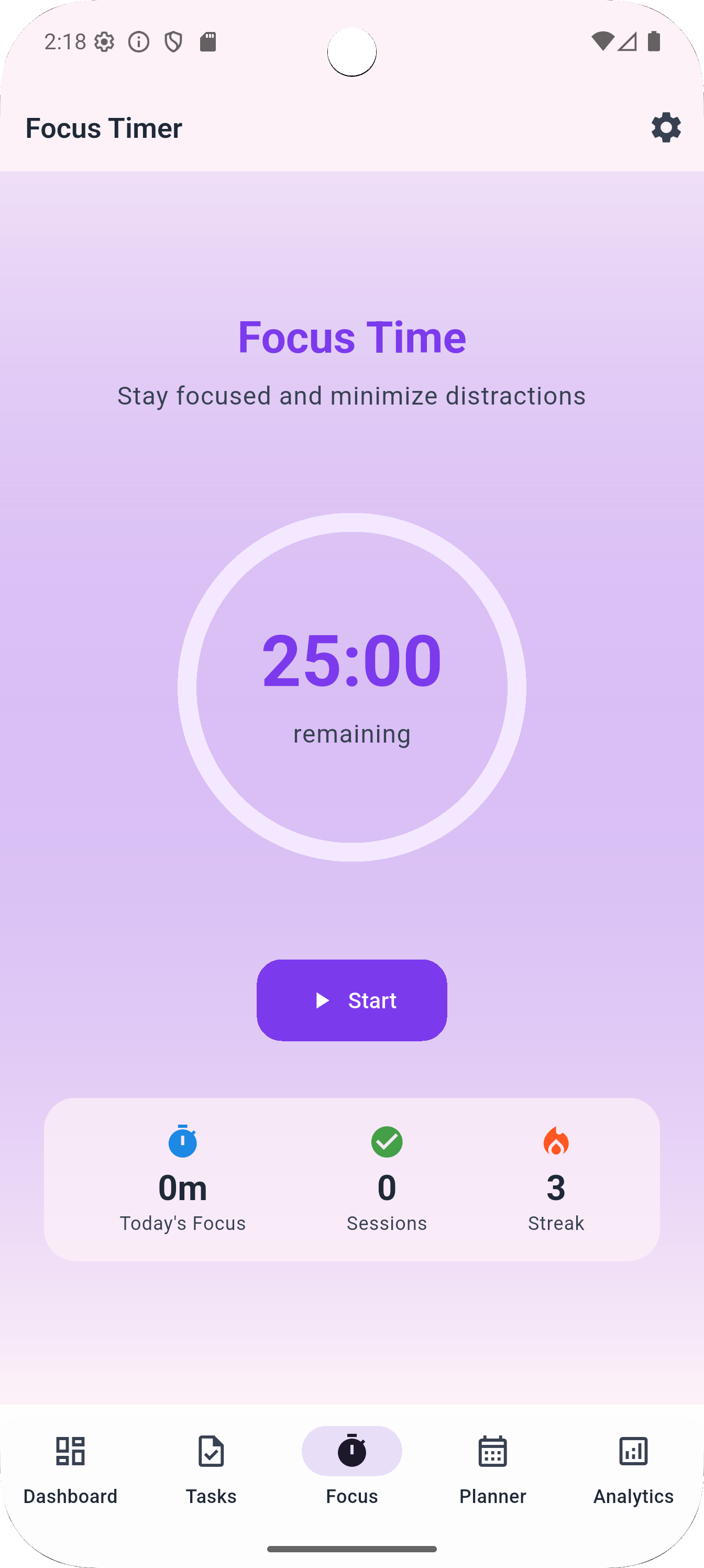
Smart Focus Sessions: Built around the Pomodoro technique with customizable 25-minute focus periods and wellness breaks. The app doesn't just count down time; it creates an experience designed to keep you in a state of flow.
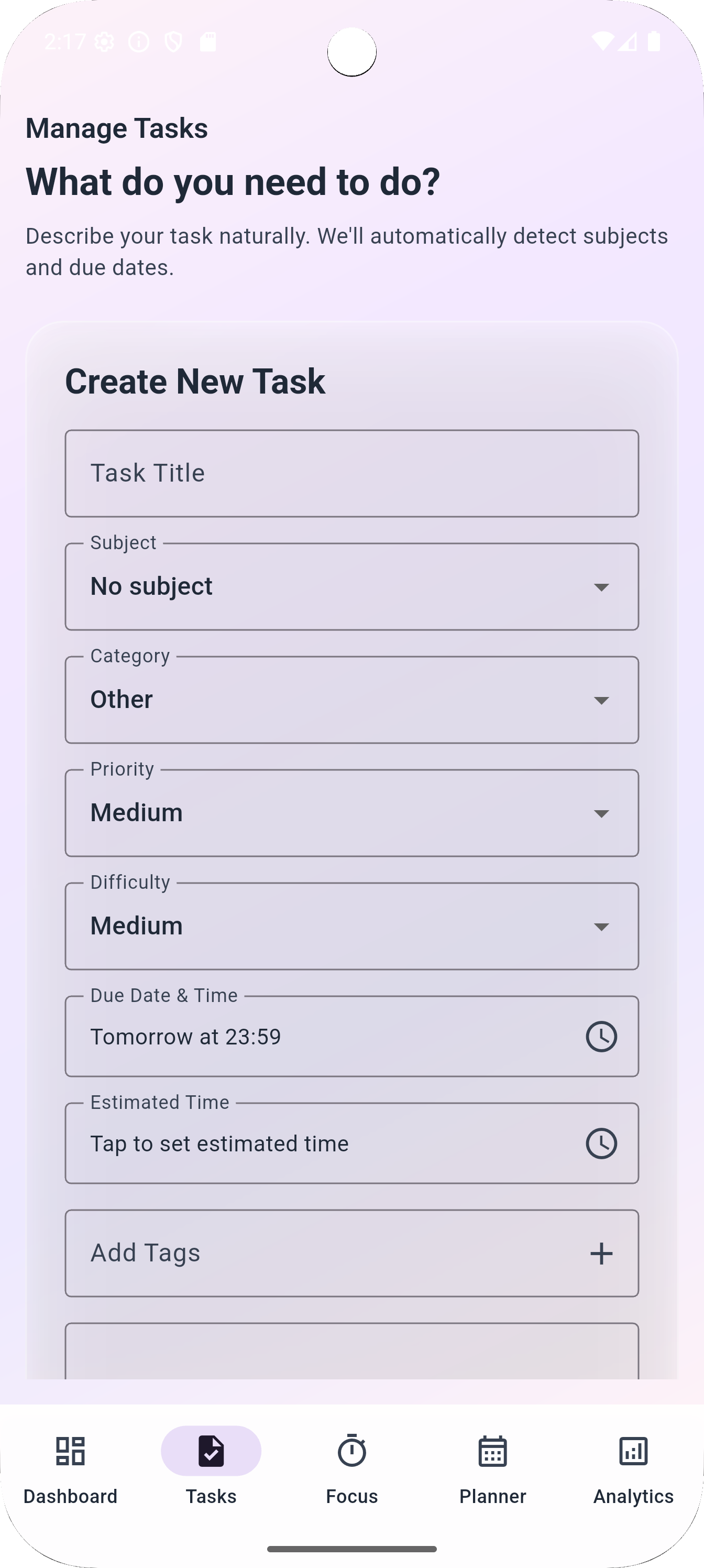
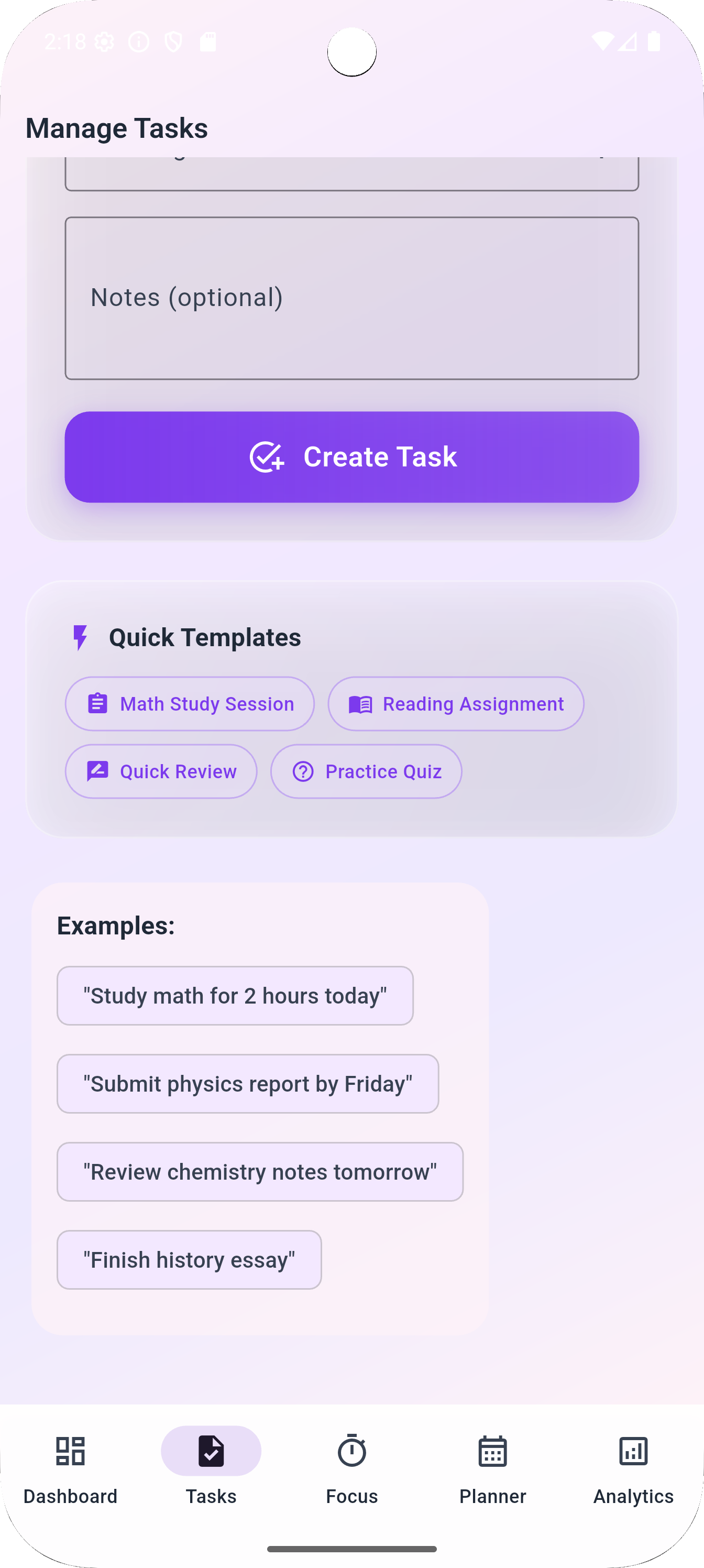
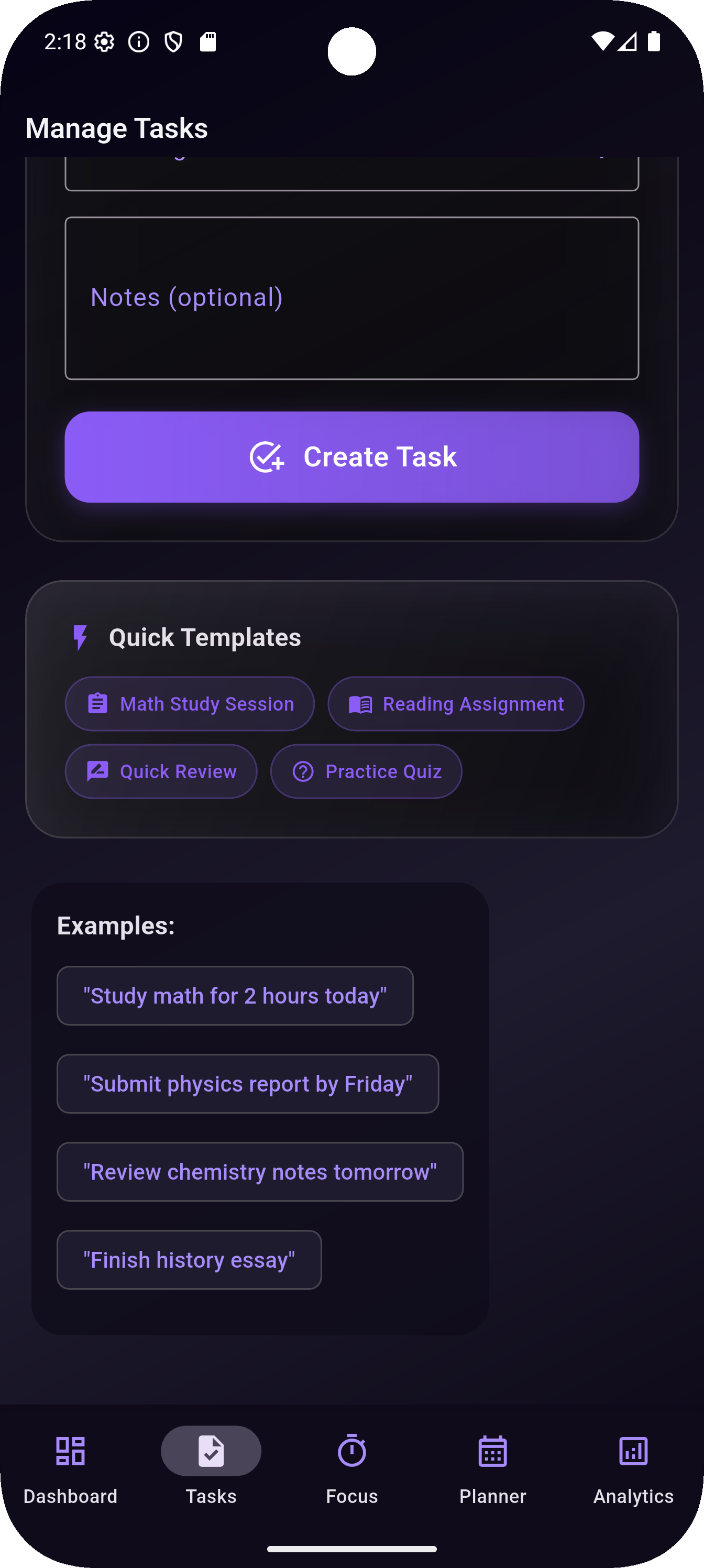
 Intelligent Task Management: Instead of boring task lists, FocusFlow uses natural language processing to understand what you're trying to accomplish. Type "study math for 2 hours today" and it automatically detects the subject, duration, and due date.
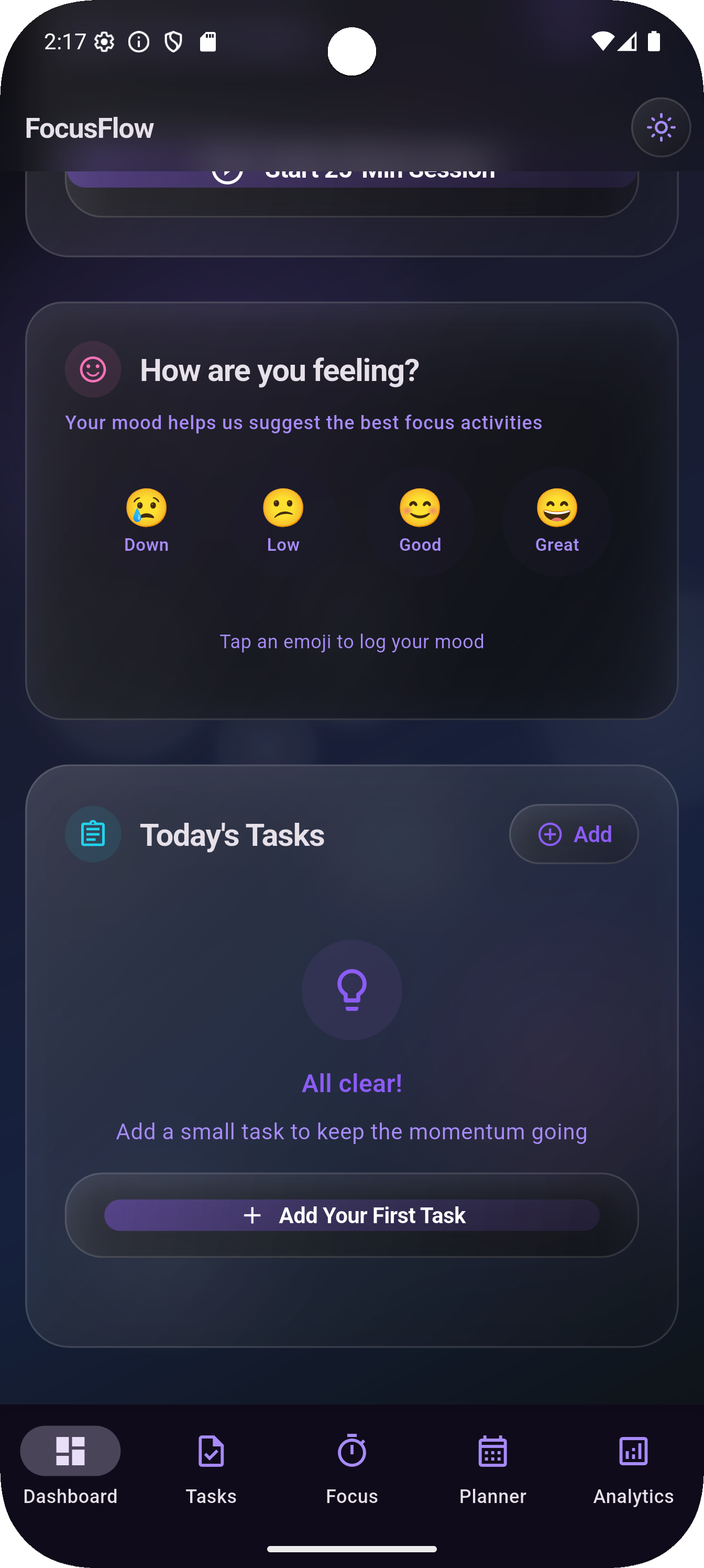
Mood-Driven Experience: This is the game-changer. Every day, you check in with your emotional state using interactive emoji selection. Based on how you're feeling, the app provides personalized suggestions:
  - Feeling great? "You're on fire! Perfect time for deep work and big goals."
  - Having a rough day? "Take it easy today. Try shorter 15-minute sessions with extra breaks."
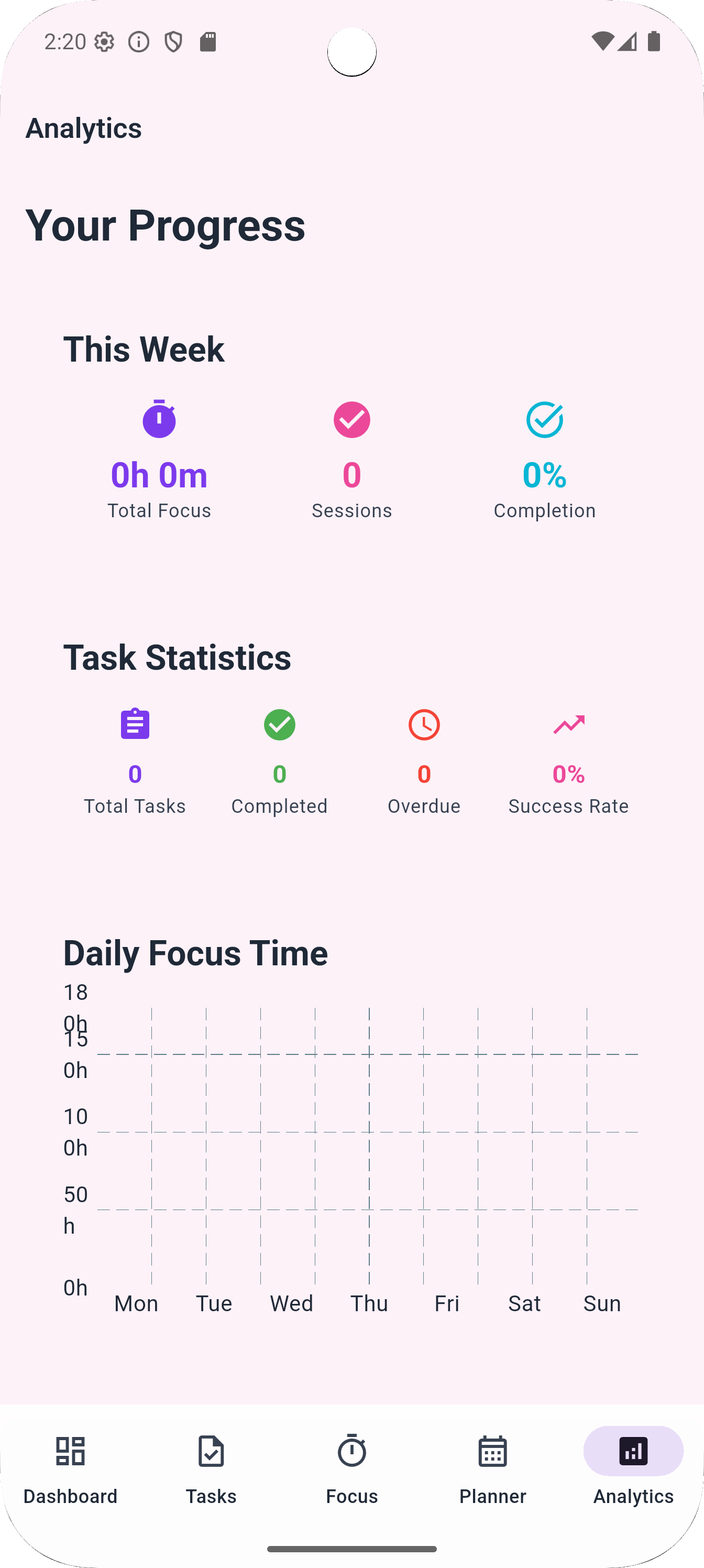
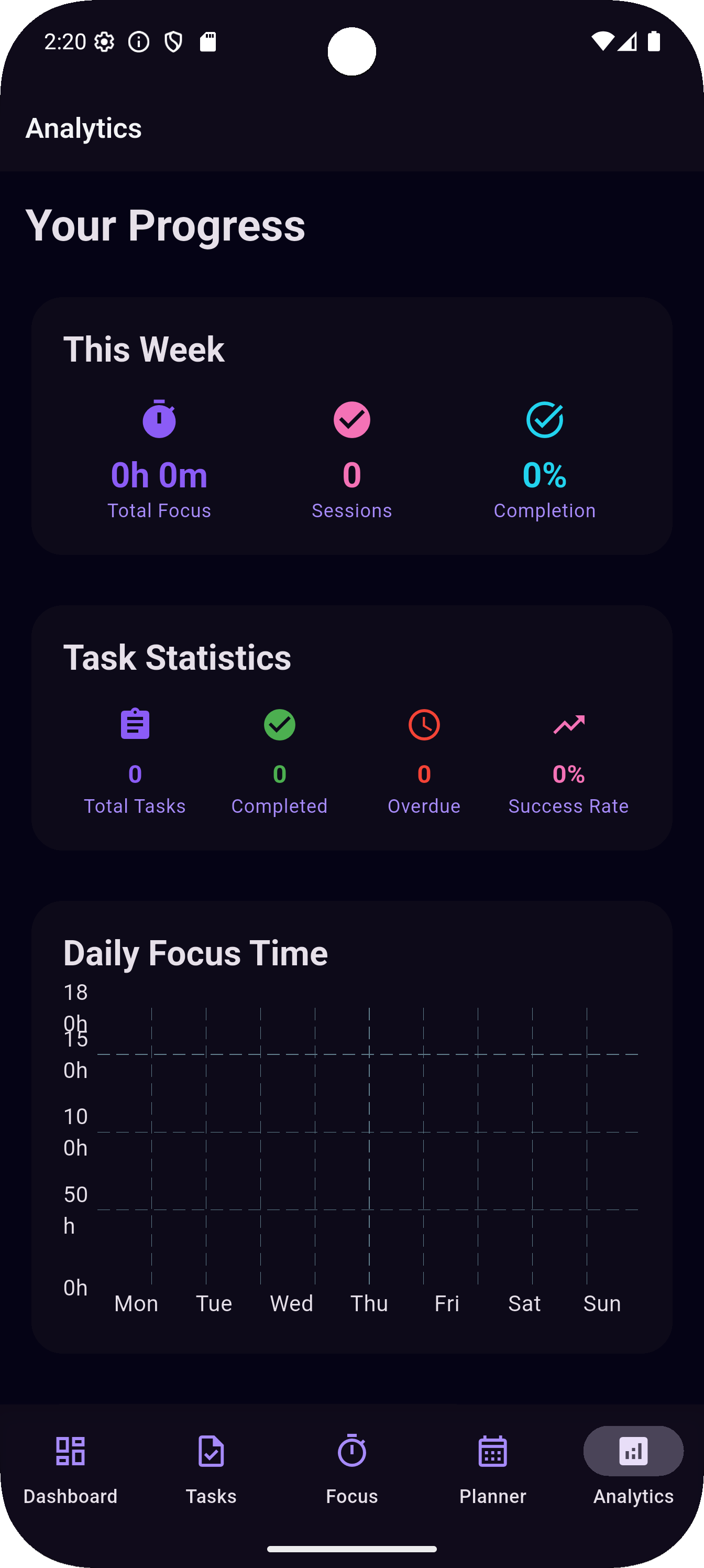
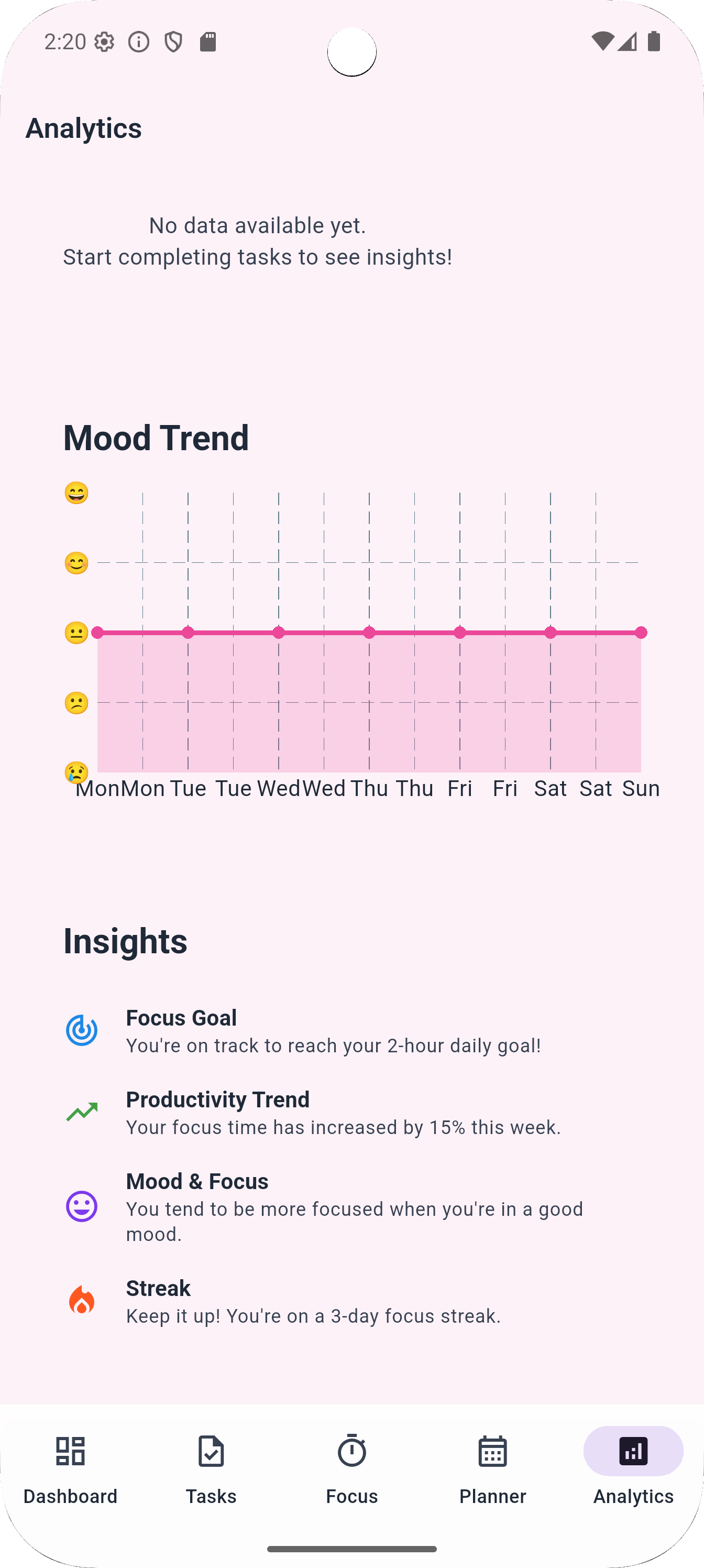
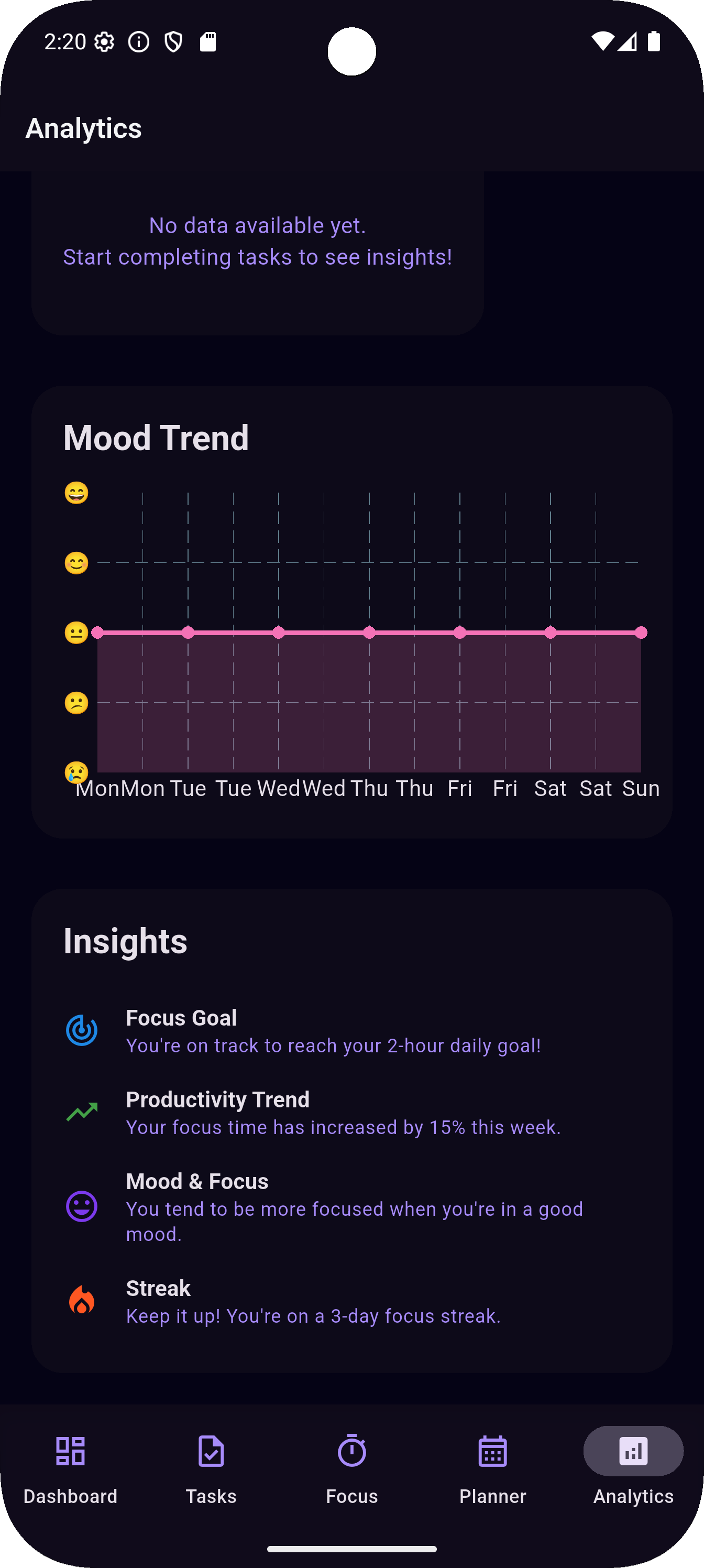
Wellness Analytics: Beautiful charts that track not just your productivity, but the correlation between your mood and focus time. You'll discover patterns like "I'm more
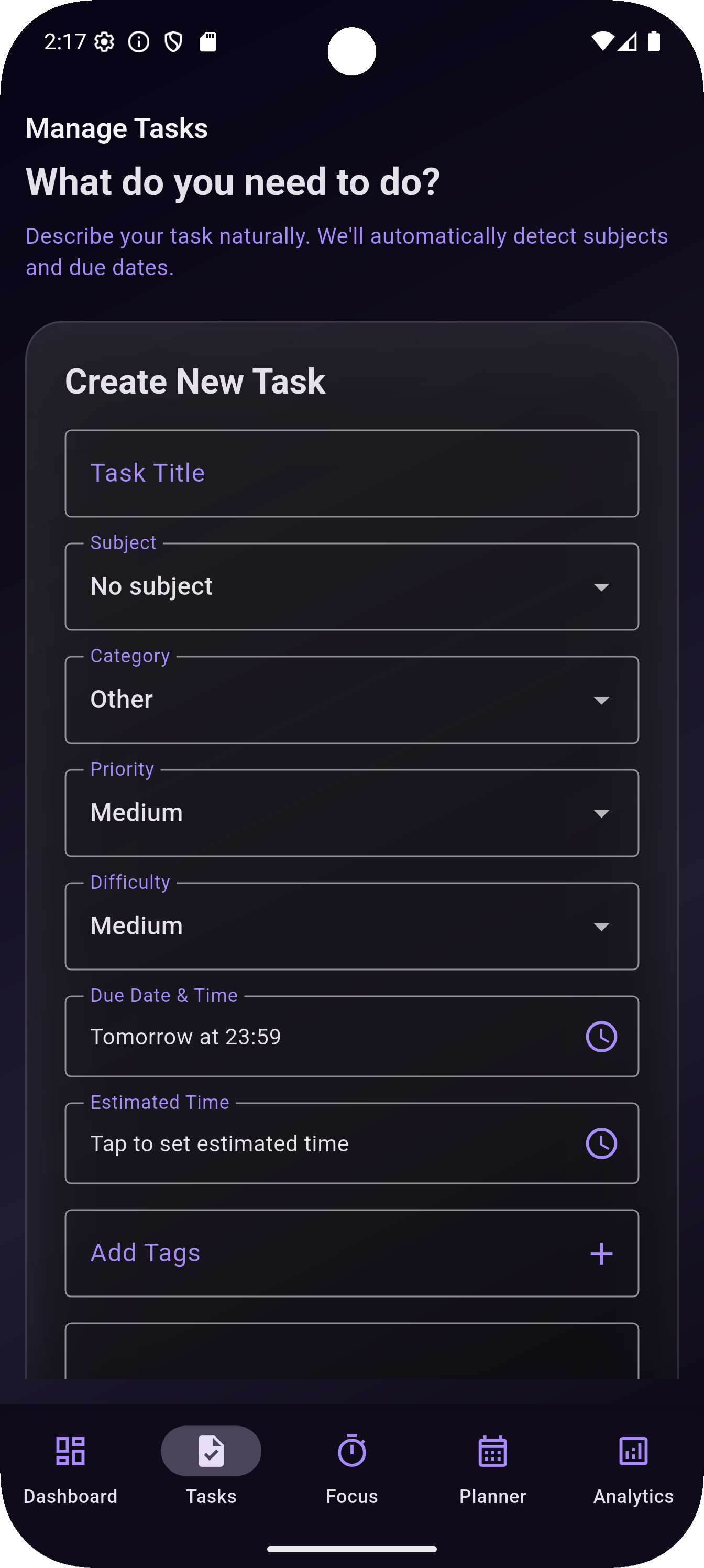
productive when I sleep well," or "Tuesday afternoons are always tough." Calming Design: Built with iOS-inspired glassmorphism and smooth animations that actually reduce stress instead of adding to it. Light and dark themes adapt to your preferences and time of day.
How I built it
Tech Stack: Flutter for cross-platform development, Provider for state management, and custom UI components for the glassmorphism design system. Development Process:
- Research Phase: Studied student burnout, mood psychology, and existing productivity apps to identify gaps
- MVP Design: Created wireframes focusing on emotional user experience, not just functionality
- Iterative Building: Built core features (timer, mood tracking, task management) and tested with real students
- Polish Phase: Implemented the glassmorphism design system and smooth animations
Key Technical Decisions:
- Chose Flutter for smooth 60fps animations and cross-platform deployment
- Built custom parsing instead of relying on external APIs for privacy and simplicity
- Used Provider pattern for clean state management across mood, tasks, and focus sessions
- Implemented persistent theme storage so your preferences are remembered
Challenges we ran into
Flutter Web Compatibility: Implementing glassmorphism effects on web required specific imports and workarounds. Spent countless hours debugging backdrop filters that worked locally but failed in production.
Mood Integration Complexity: The biggest challenge was making mood tracking feel natural, not forced. How do you encourage daily emotional check-ins without making the app feel like therapy homework? Solution: made it playful with emoji interactions and immediate, valuable feedback.
Performance Optimization: Ensuring smooth animations while managing complex state updates. The circular timer component underwent five iterations to achieve the optimal balance of visual appeal and performance.
Accomplishments that we're proud of
User-Centered Design: Every feature was validated with real students. The motivational empty states, personalized mood suggestions, and encouraging copy all came from direct user feedback.
What we learned
Flutter Mastery: Gained deep expertise in Flutter development, from custom widget creation to complex state management. The framework's hot reload feature probably saved weeks of development time. Design Thinking in Practice: Learned to validate assumptions early and often. Features that seemed obvious to me as a developer often confused actual users. User testing became my best debugging tool.
What's next for FocusFlow
Mobile App Development: Priority one is building native iOS and Android apps. The web version proved the concept, now it's time to reach students where they spend most of their time.

Log in or sign up for Devpost to join the conversation.