-
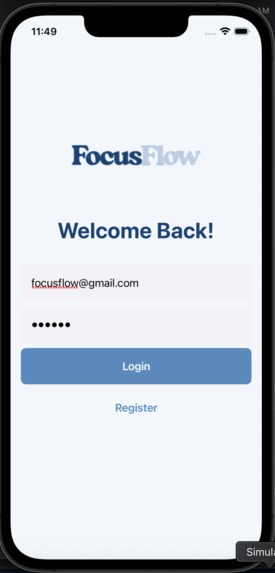
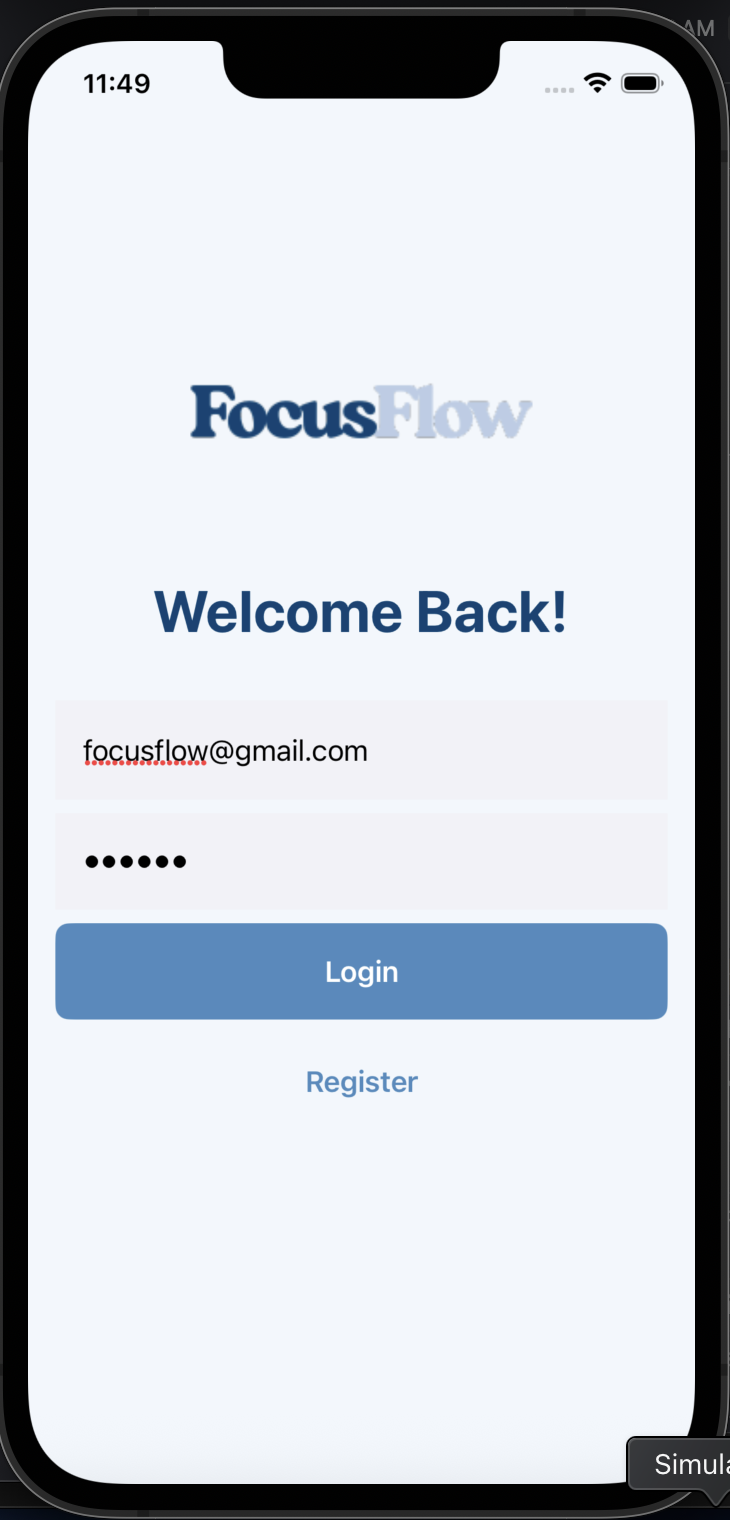
Login Page that lets existing users login
-
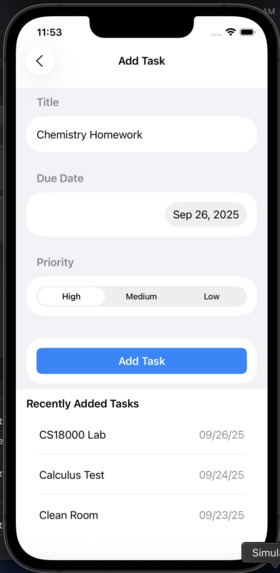
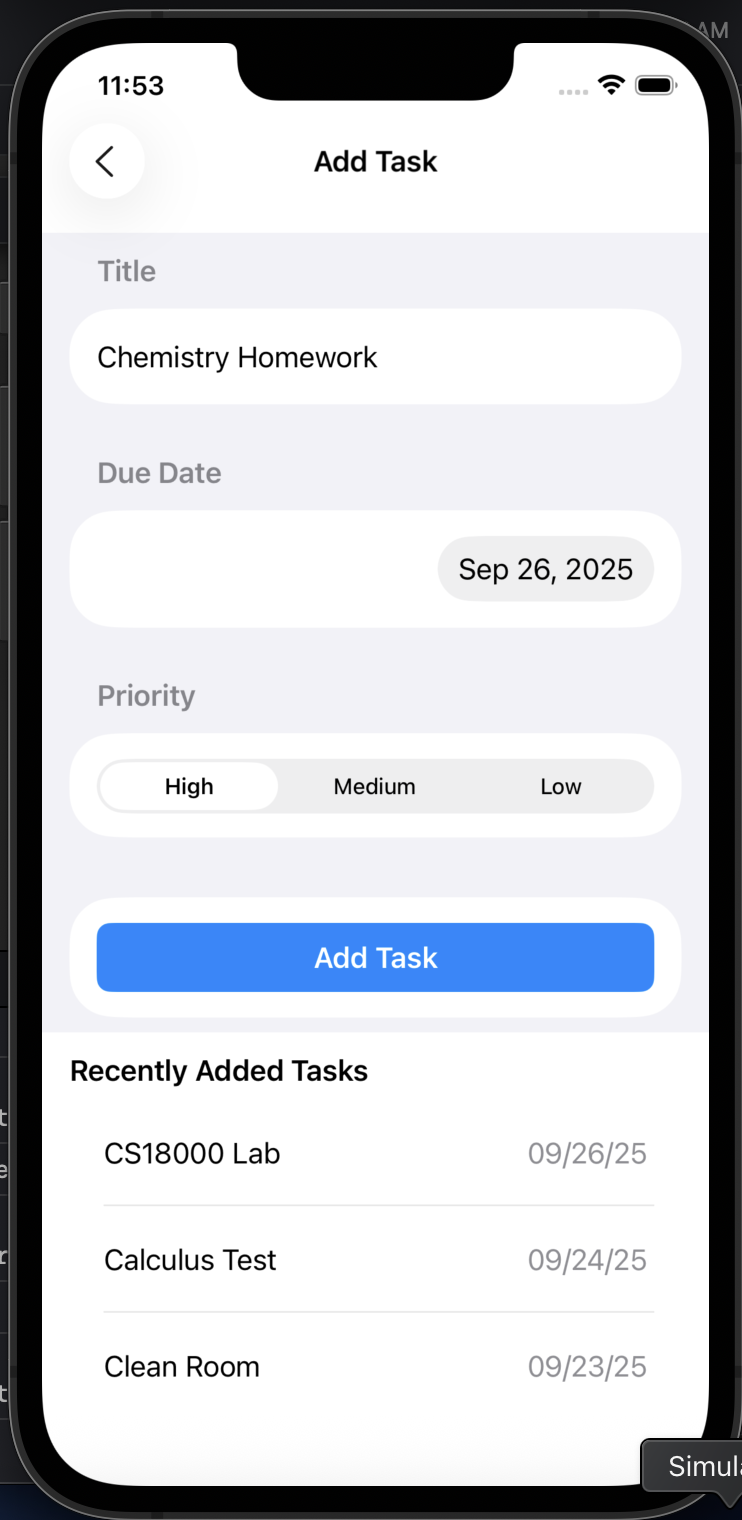
Add task page that lets users add their assignments
-
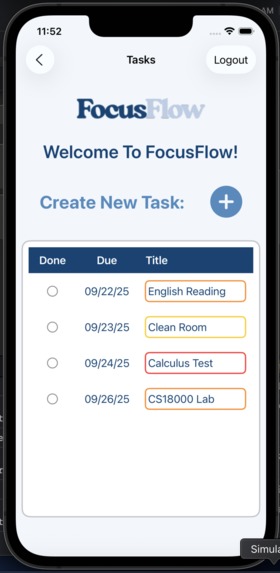
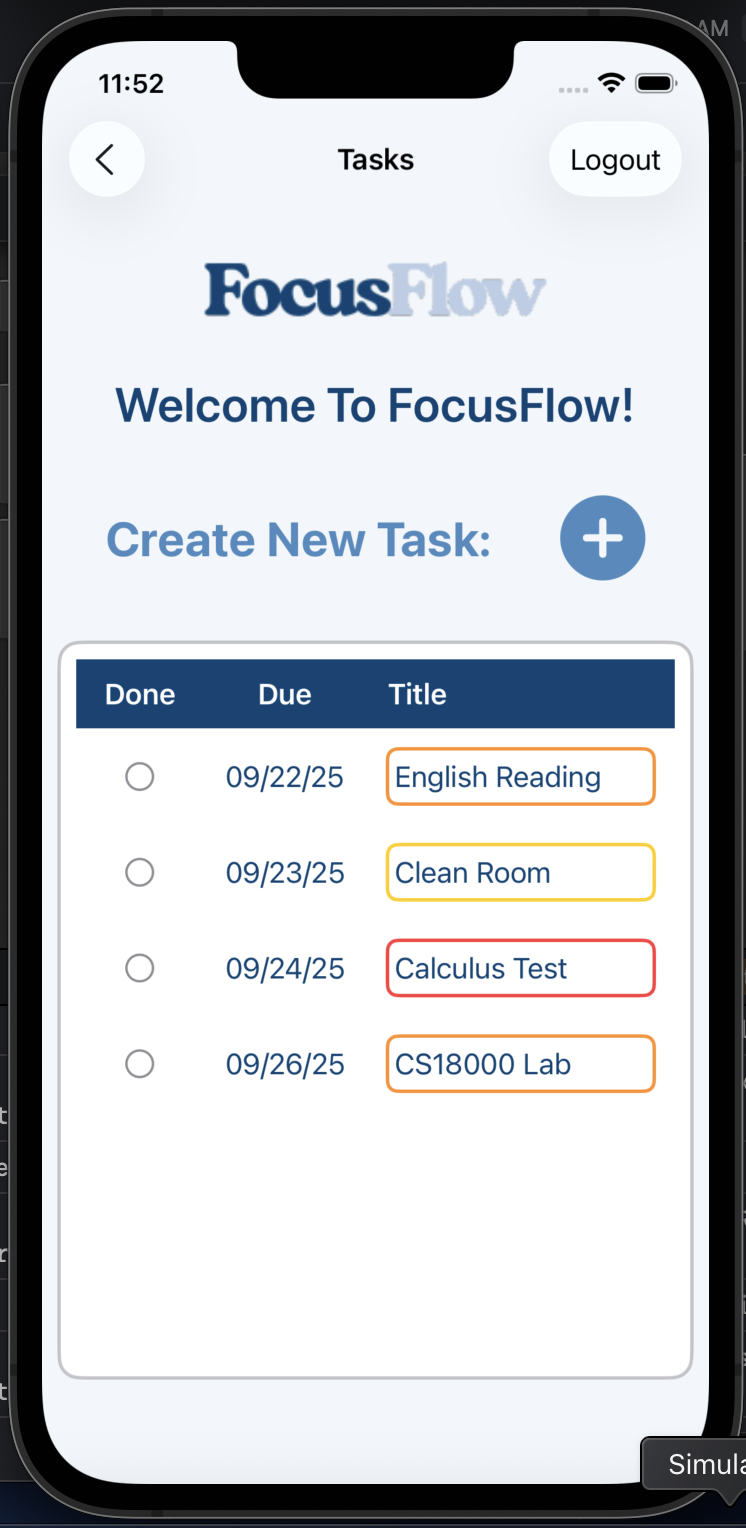
Home page where the user can view their tasks or create a new task
-
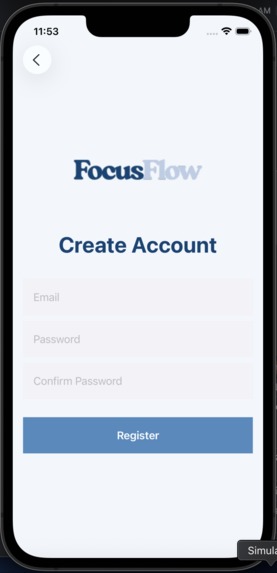
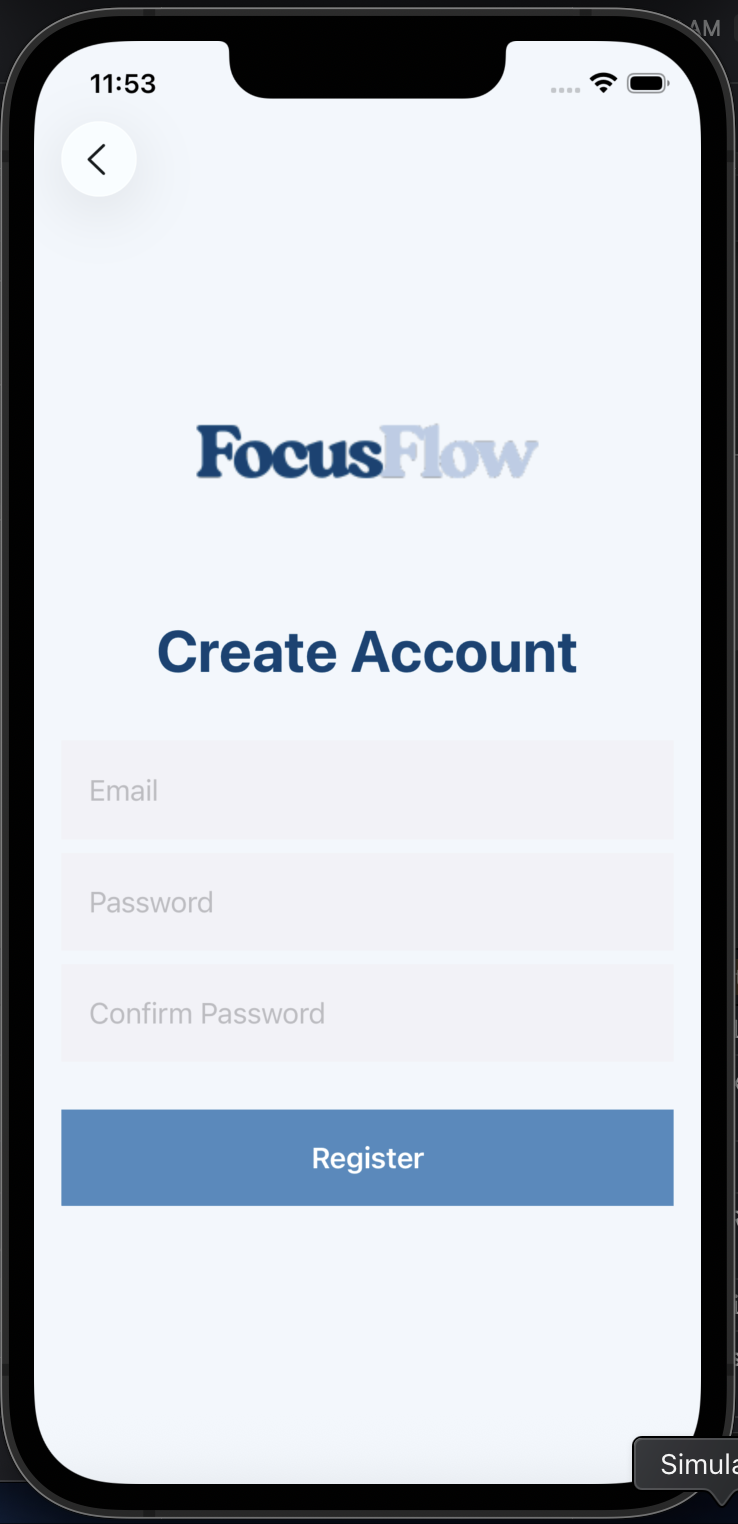
Register page where a new user can create an account
Inspiration
Help students with organzing their tasks, and actively helps manage it through synced devices.
What it does
Input tasks into a smart to-do list, filtered by priority and due date, and check them off as they’re done.
How we built it
We built this through Xcode, SwiftUI, and Firebase API
Challenges we ran into
One major challenge was integrating Firebase, as the version we used was not fully compatible with our Xcode environment. Additionally, we encountered issues running the app in Xcode’s simulator, which led us to temporarily shift development to VS Code.
Accomplishments that we're proud of
We are proud to have successfully integrated Firebase into our app. This allowed us to implement secure user authentication and real-time data management, creating a smoother and more reliable experience for users.
What we learned
We learned how to integrate Firebase with SwiftUI, gaining hands-on experience in connecting authentication and data storage to our app. Along the way, we also became more comfortable navigating Xcode, troubleshooting compatibility issues, and adapting our workflow.
What's next for FocusFlow
In the future, FocusFlow will integrate with Apple Calendar to seamlessly import and complete tasks, include a Pomodoro Timer to help students stay focused, and send timely notifications for priority-based assignments.


Log in or sign up for Devpost to join the conversation.