-
-
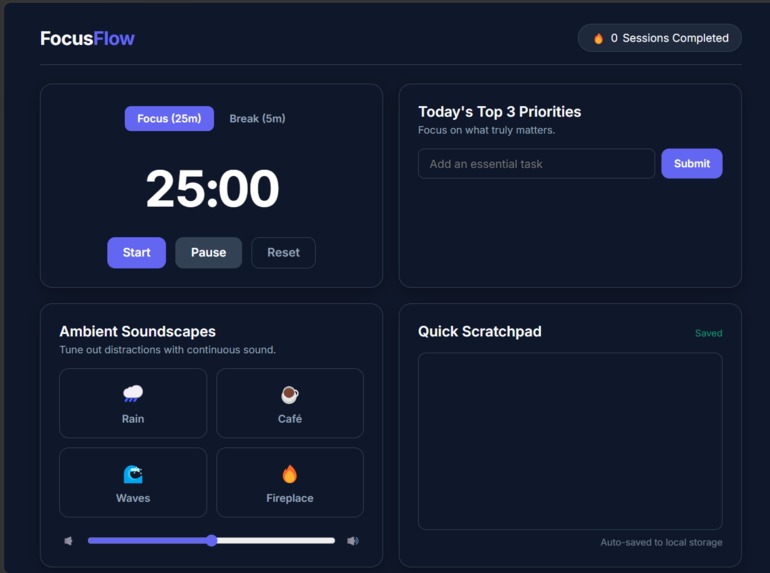
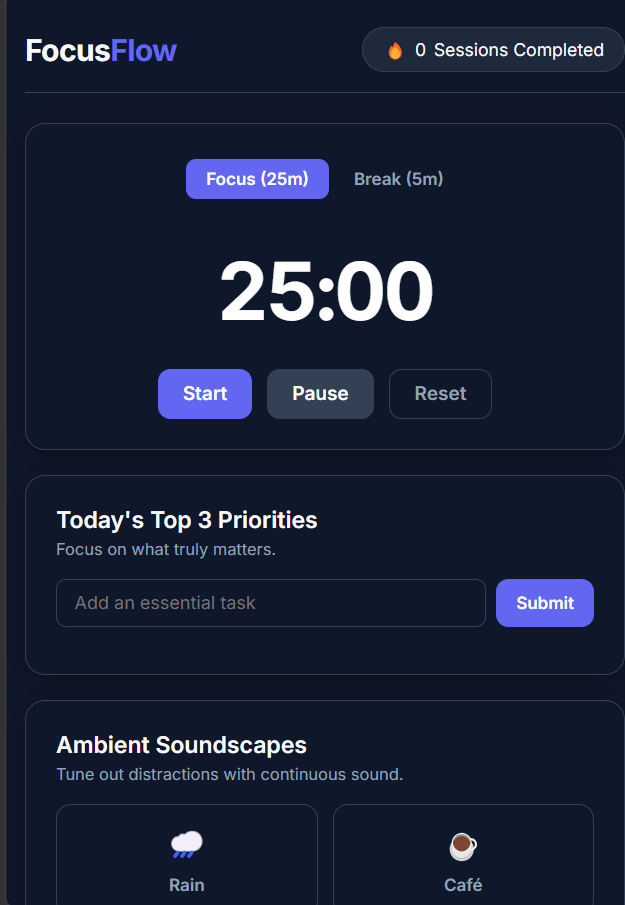
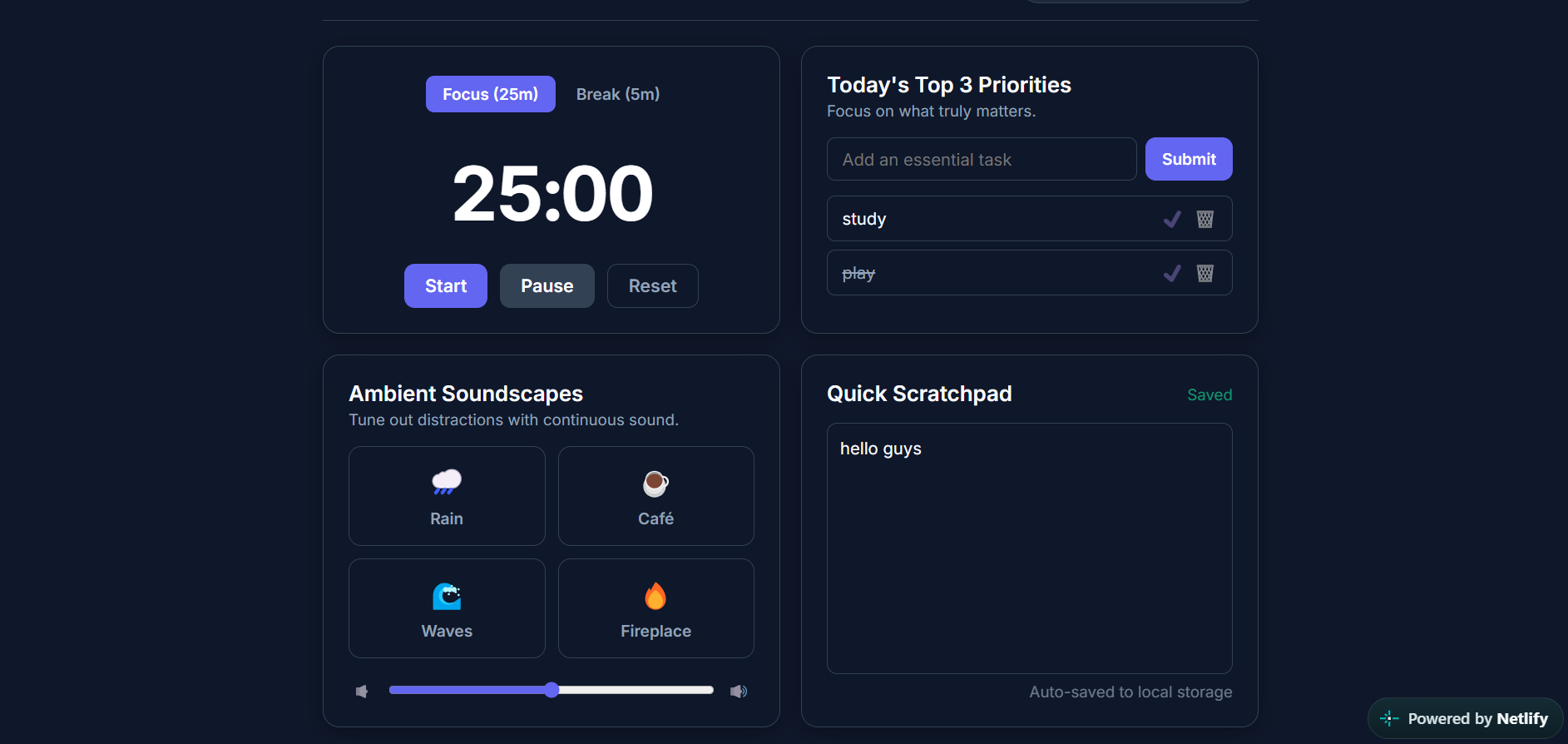
desktop view
-
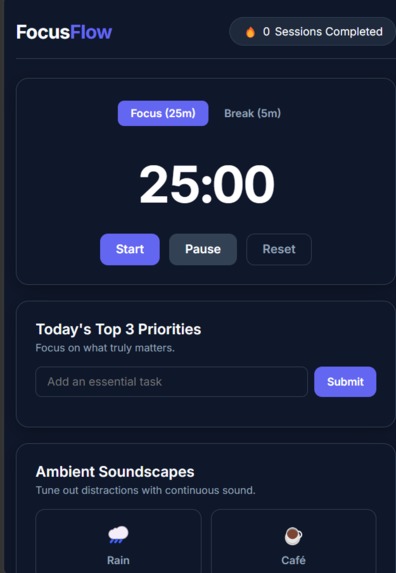
mobile view
-
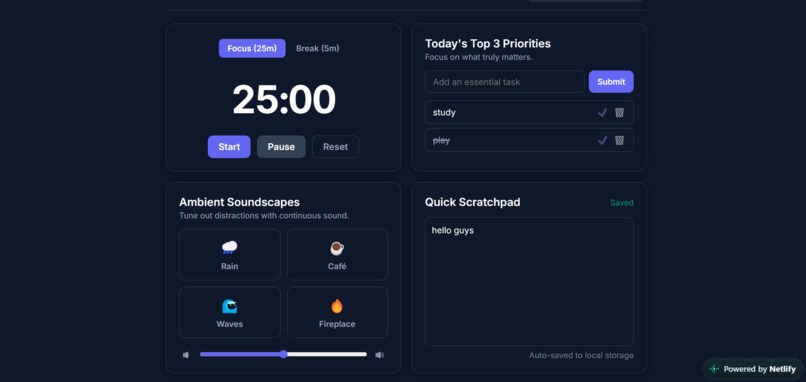
desktop view
Inspiration
Context switching is one of the biggest productivity killers for students and developers. While studying or working, we often find ourselves juggling four or five separate browser tabs: one for a timer, another for ambient background noise on YouTube, a third for a to-do list, and another for scratchpad notes. This clutter easily leads to distractions, tab-fatigue, and lost focus. We built FocusFlow to consolidate all these essential deep-work tools into a single, minimalist, distraction-free dashboard.
What it does
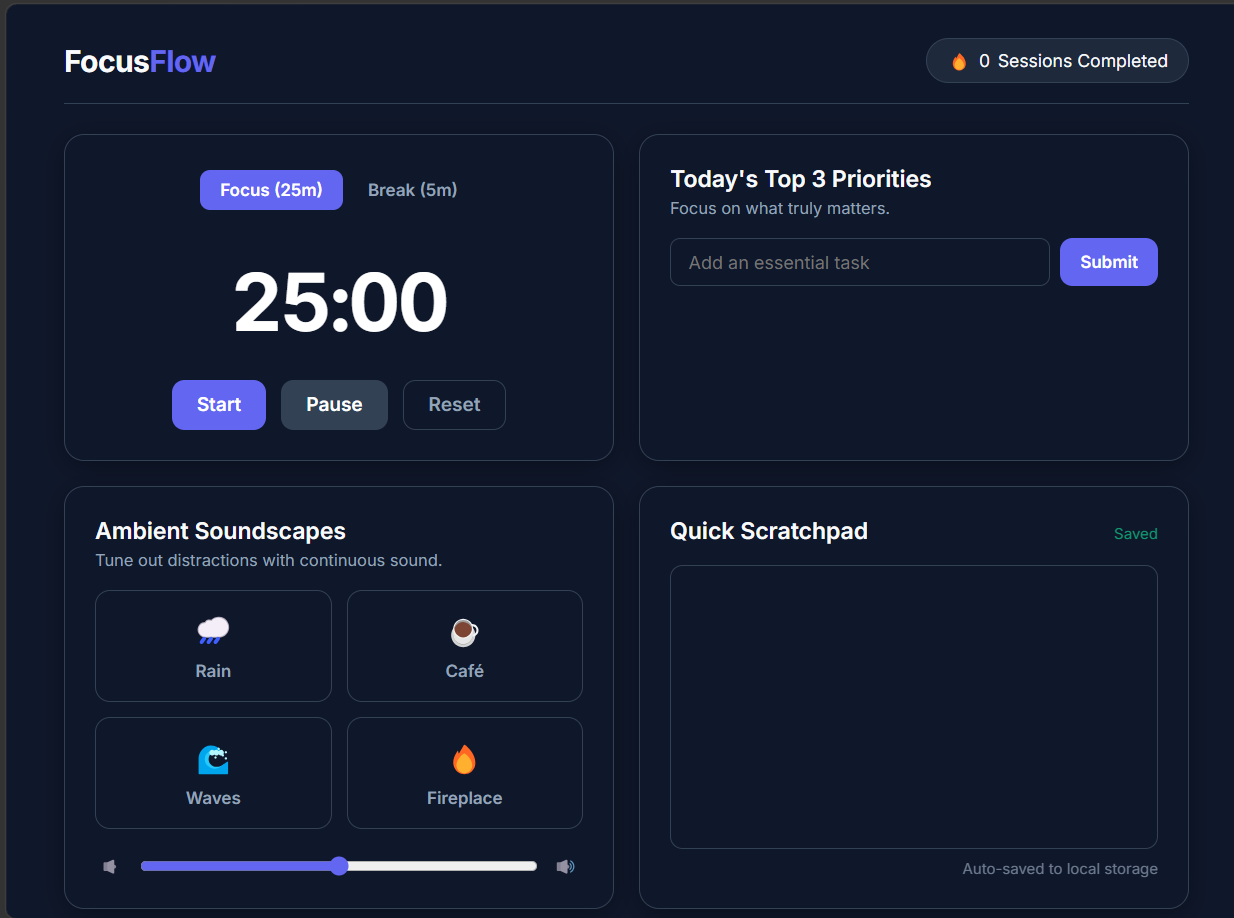
FocusFlow provides a lightweight, all-in-one productivity environment right in your browser:
Custom Pomodoro Engine: A 25-minute focus timer and 5-minute break timer with real-time countdown synced directly to the browser tab title.
Rule-of-3 Priority Manager: Encourages meaningful progress by intentionally limiting daily priorities to the 3 most essential tasks.
Ambient Focus Soundscapes: Built-in audio toggles (Rain, White Noise, and Lo-Fi ambiance) so users do not need to open external media tabs.
Auto-Saving Scratchpad: A persistent quick-note space for brain dumps and temporary thoughts. Zero-Setup Local Persistence: All streak counts, tasks, and scratchpad entries are saved automatically in the browser using localStorage.
How we built it
HTML5: Semantic markup structure to maintain an accessible, modular layout.
- CSS3: Custom responsive layout powered by CSS Flexbox and Grid, styled with modern dark-mode variables, smooth hover transitions, and clean typography.
- Vanilla JavaScript (ES6+): Pure client-side logic handling the timer state machine (
setInterval), DOM manipulation, HTML5 Audio API controls, and JSON serialization forlocalStorage.
Challenges we ran into
--I was a fresher in my 1st year of engineering and i knew very less about these kind of things and this was my first large projecct and first hackathon. -- Managing state between focus intervals and break modes while ensuring timer accuracy when users switch between background tabs. -- Structuring the single-page layout to fit multiple productivity components cleanly across both mobile and desktop screens without causing visual clutter. -- Handling audio play/pause states cleanly so multiple ambient soundscapes don't overlap unintentionally.
Accomplishments that we're proud of
-- Building a fully functional, aesthetic, and completely offline-ready productivity dashboard from scratch using core web technologies without relying on heavy third-party frameworks or external libraries. -- Designing a minimalist UI that keeps cognitive load low and encourages actual deep work.
What we learned
-- Mastering DOM manipulation, event listeners, and asynchronous timing functions in JavaScript.
-- Effectively utilizing the browser's localStorage to create persistent user sessions without needing a dedicated backend database.
-- Implementing responsive CSS layouts that look polished across different viewport sizes.
What's next for FocusFlow
-- Mastering DOM manipulation, event listeners, and asynchronous timing functions in JavaScript.
-- Effectively utilizing the browser's localStorage to create persistent user sessions without needing a dedicated backend database.
-- Implementing responsive CSS layouts that look polished across different viewport sizes.
Built With
- css3
- github
- html5
- javascript
- netlify
