-
-
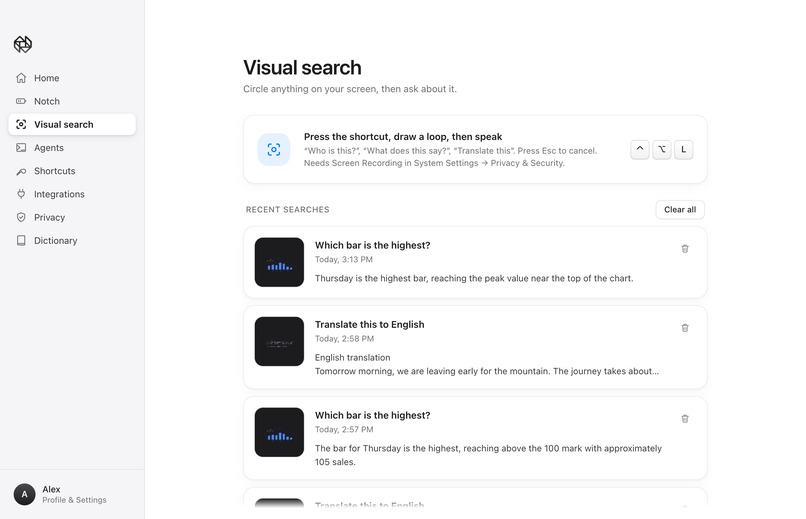
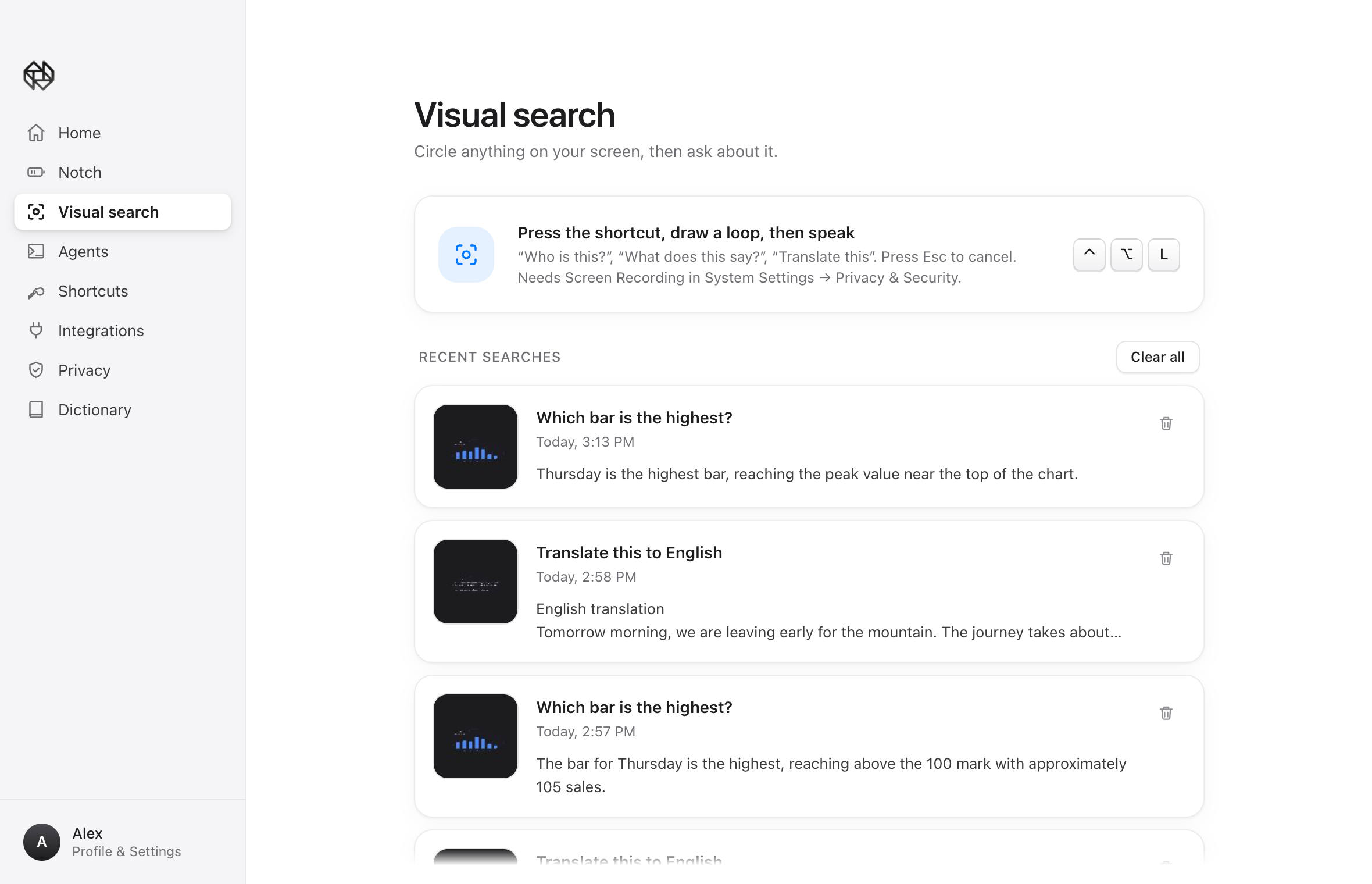
Desktop App Visual Search Page
-
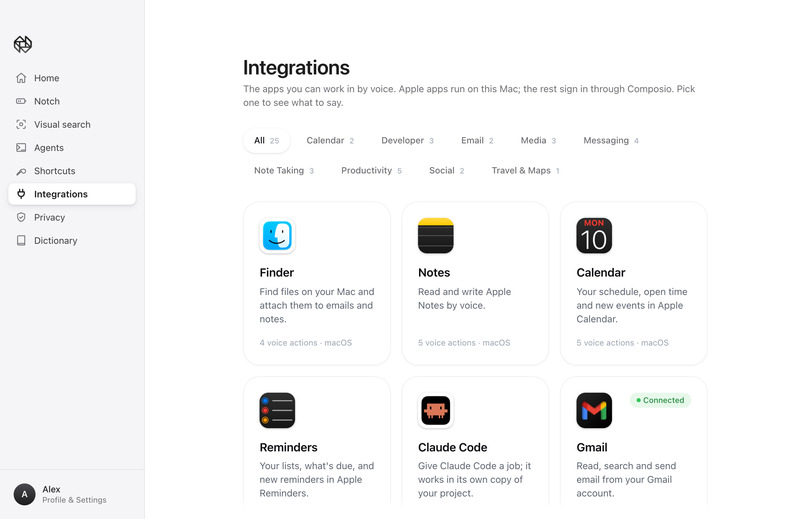
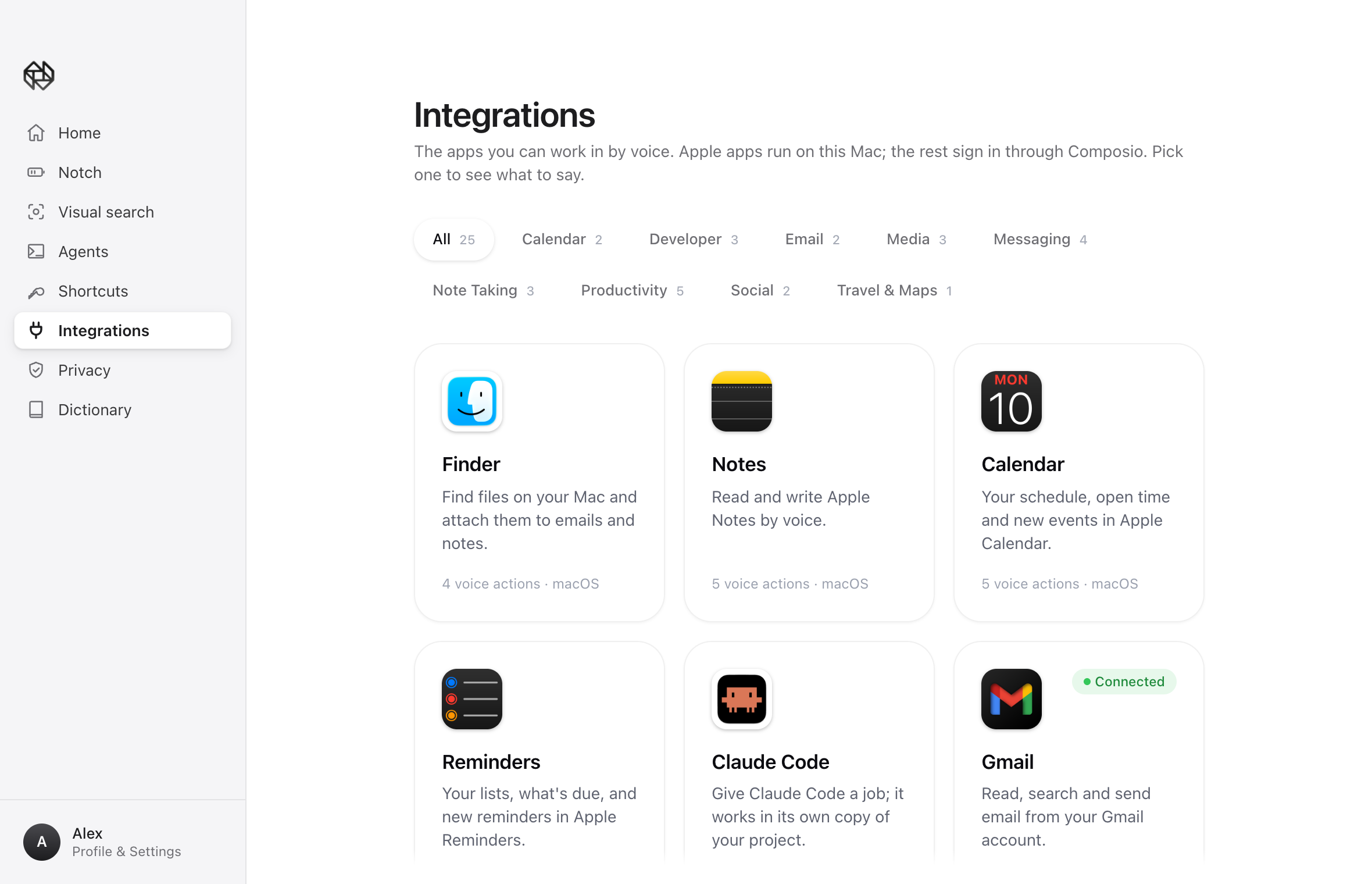
Desktop App Integrations Page
-
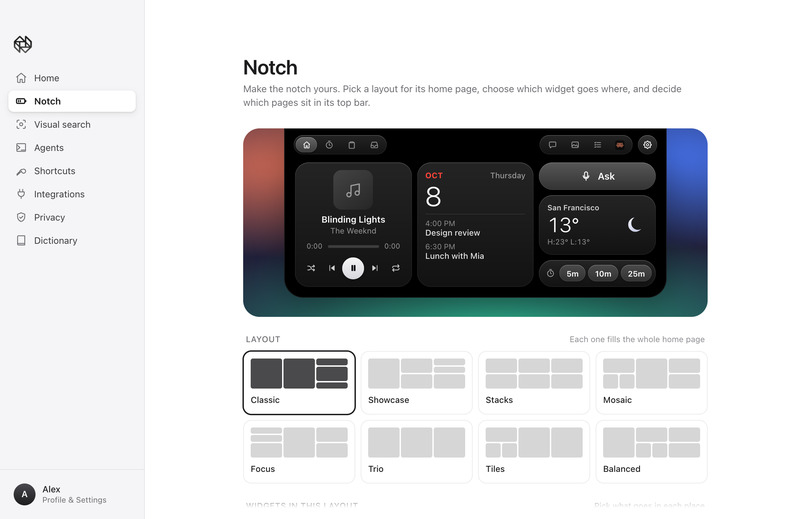
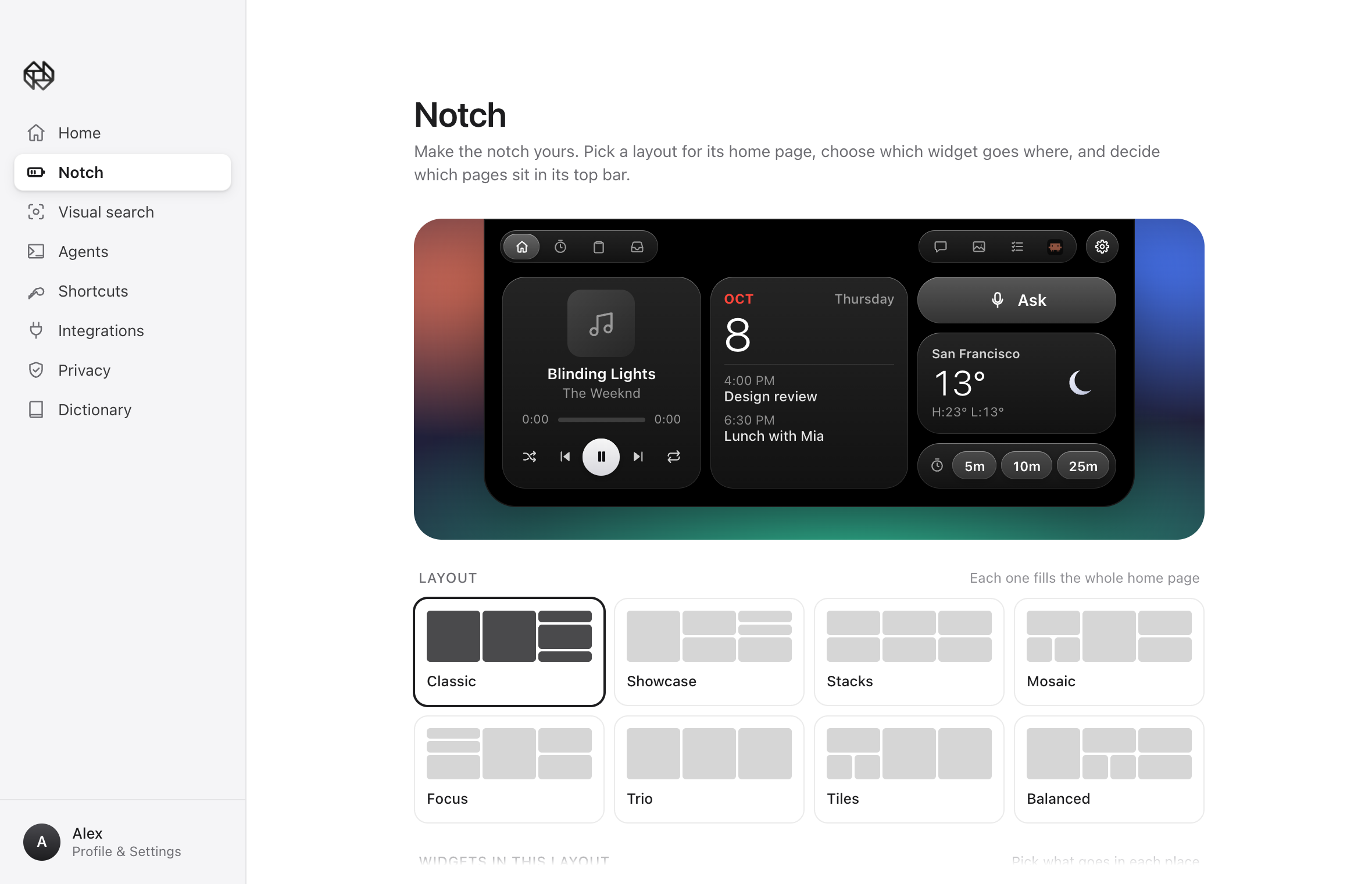
Desktop App Notch Editor Page
-
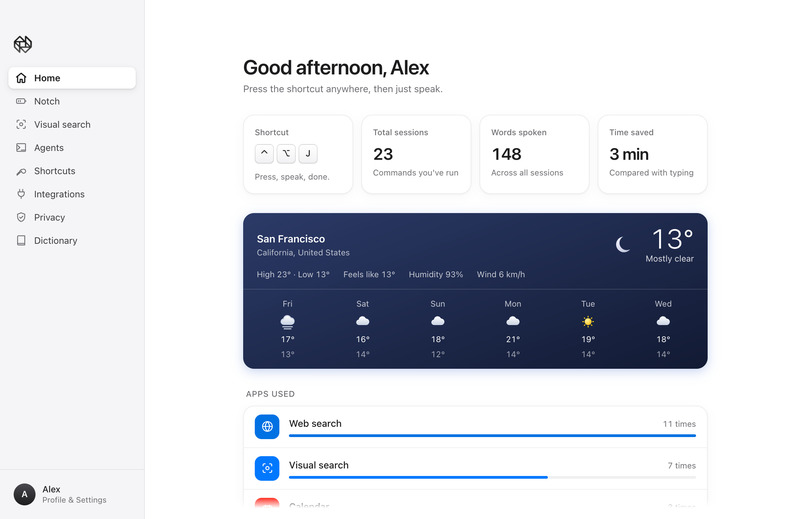
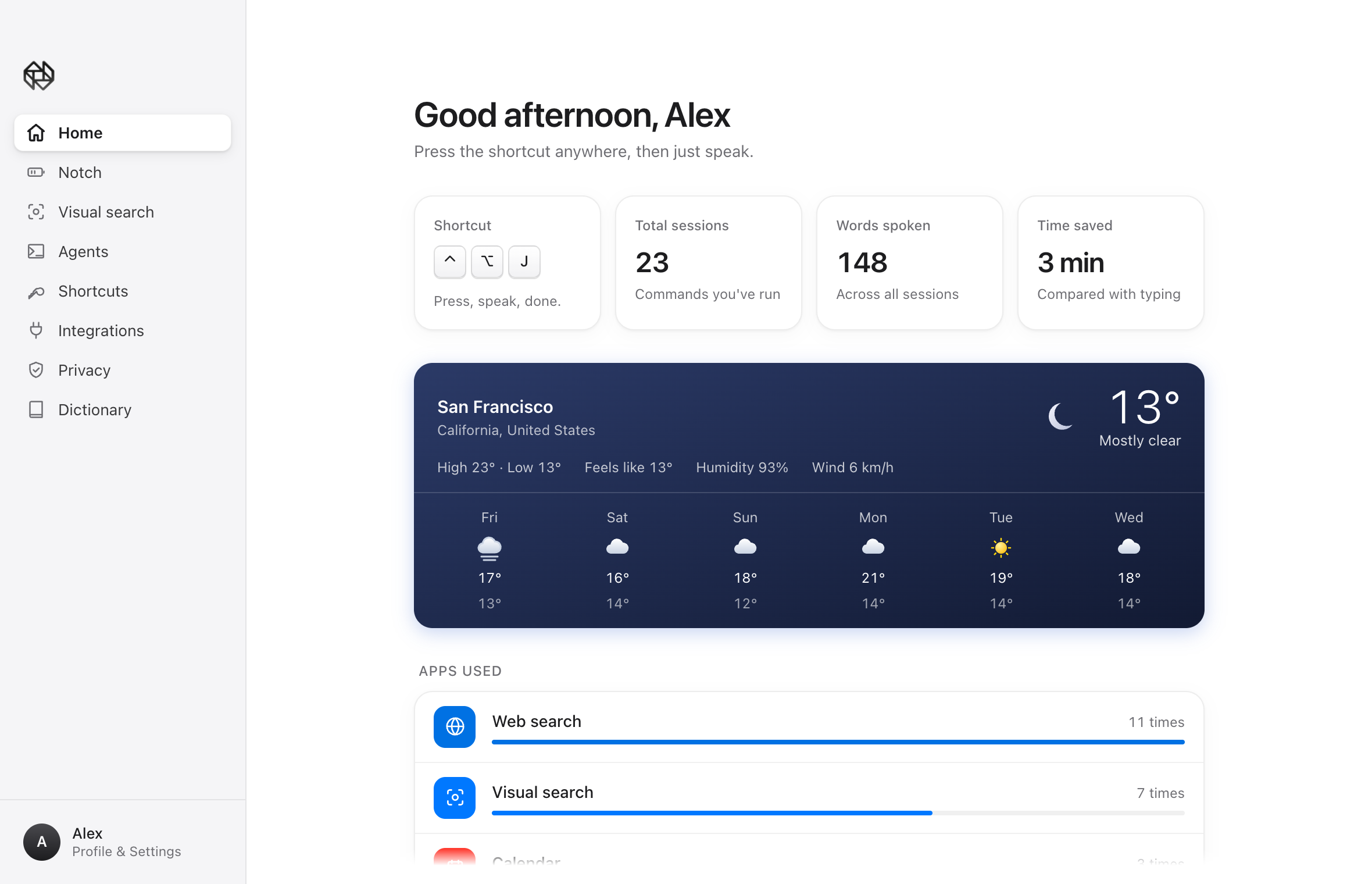
Desktop App Home Page
-
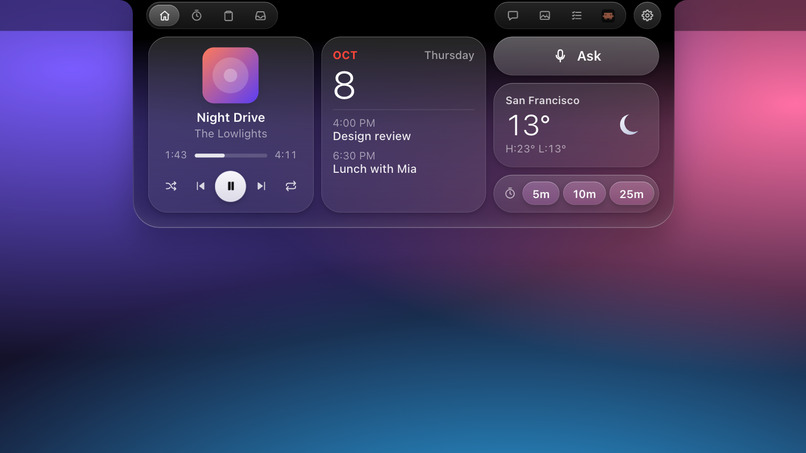
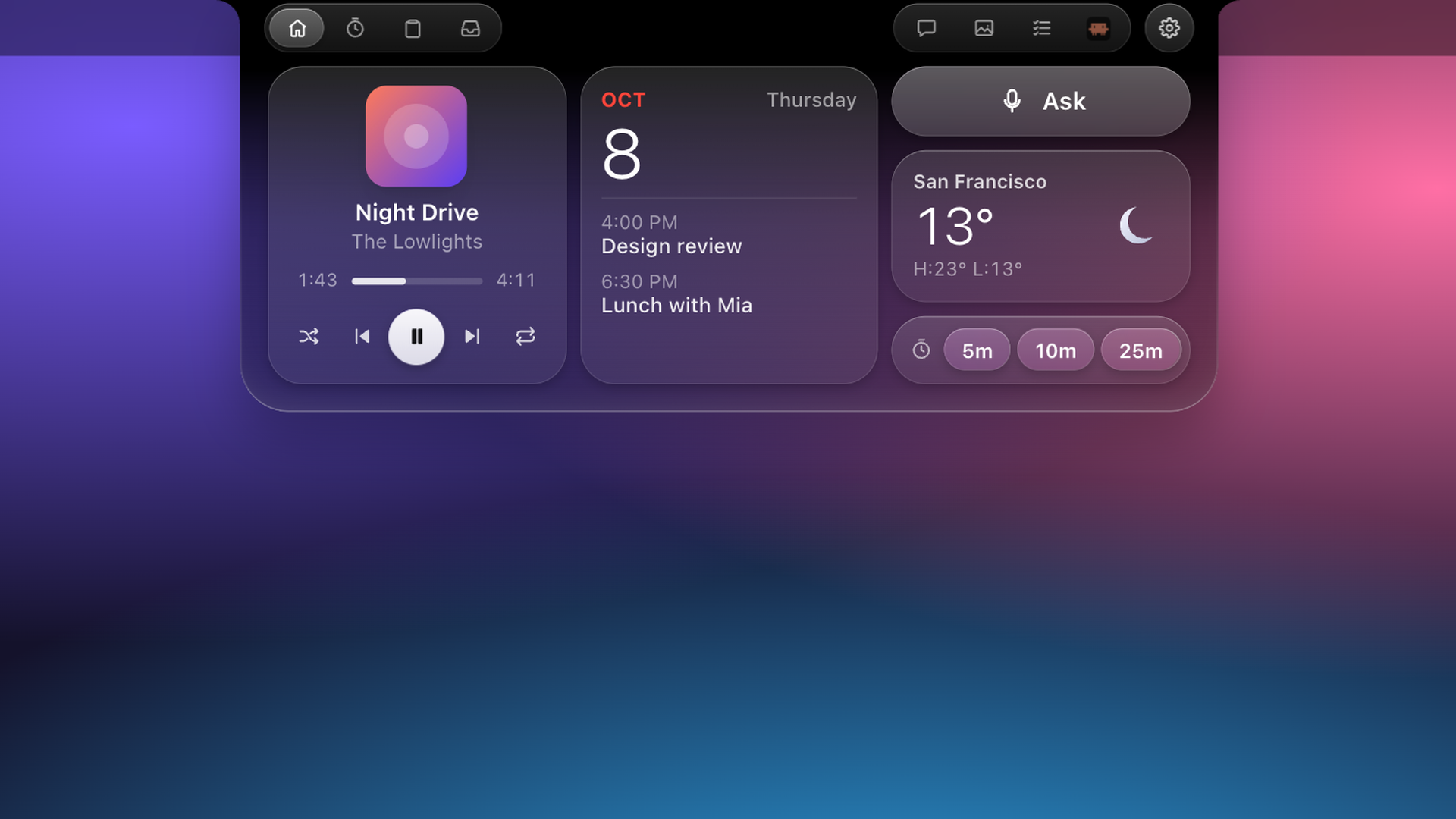
Notch Home Section
-
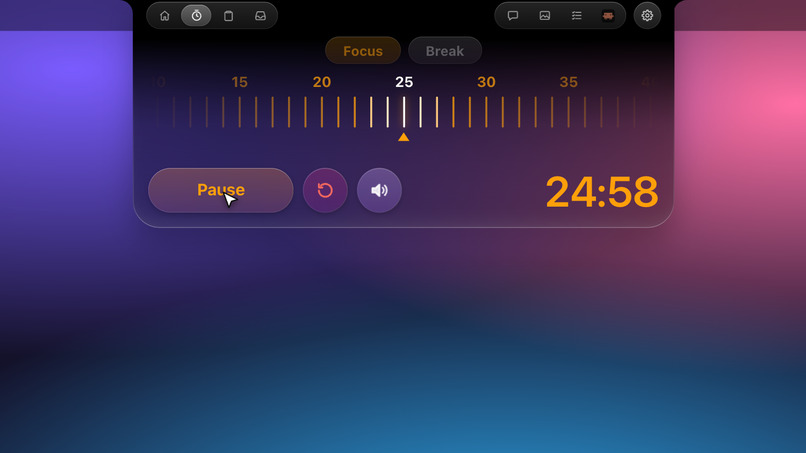
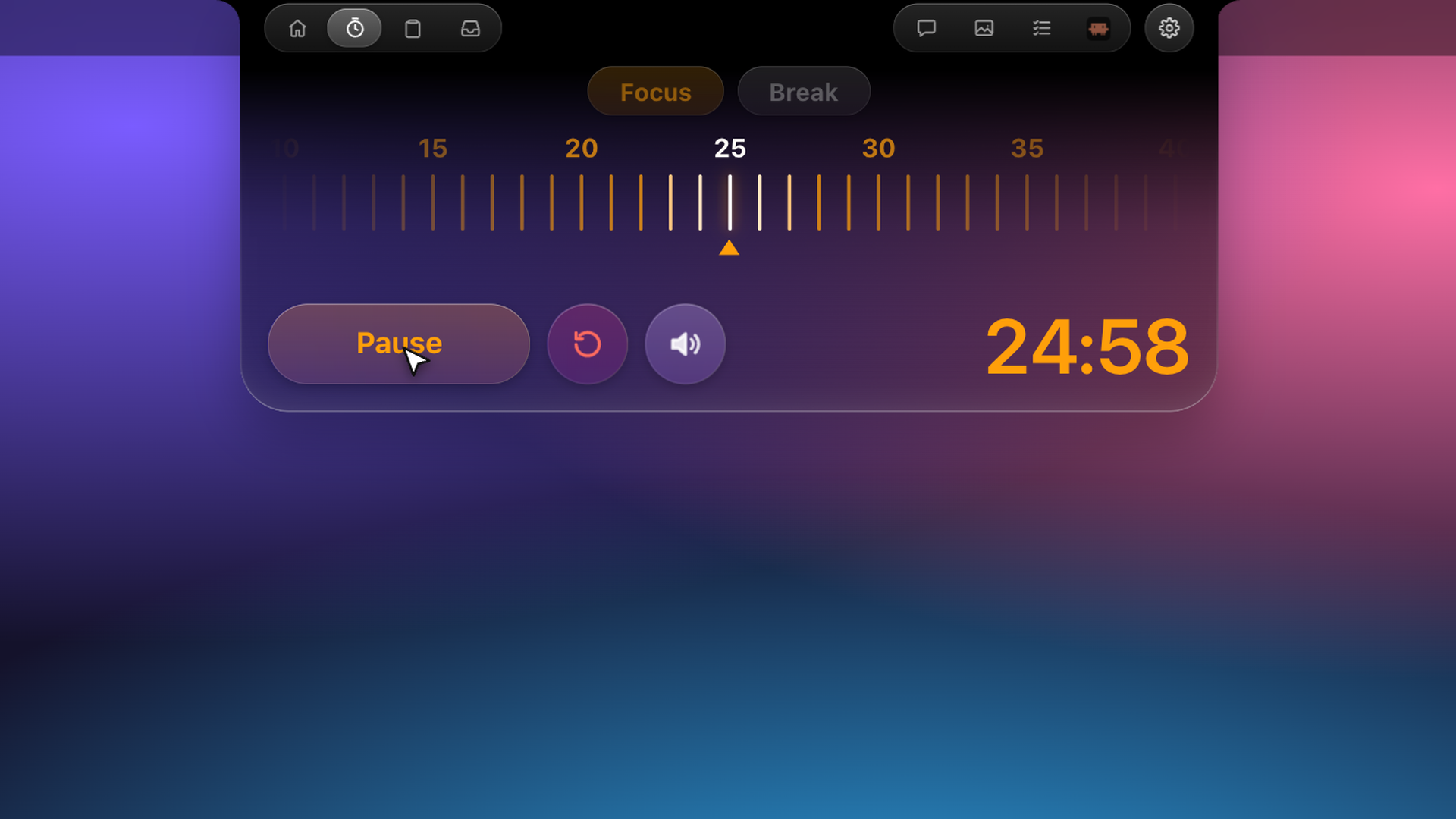
Notch Timer Section
-
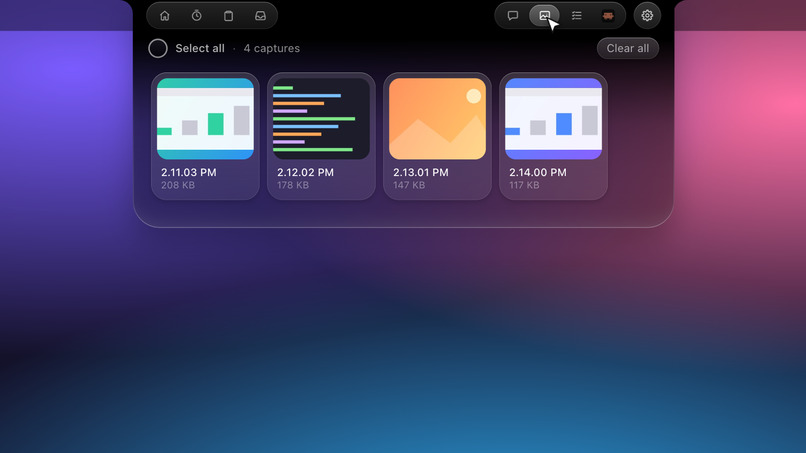
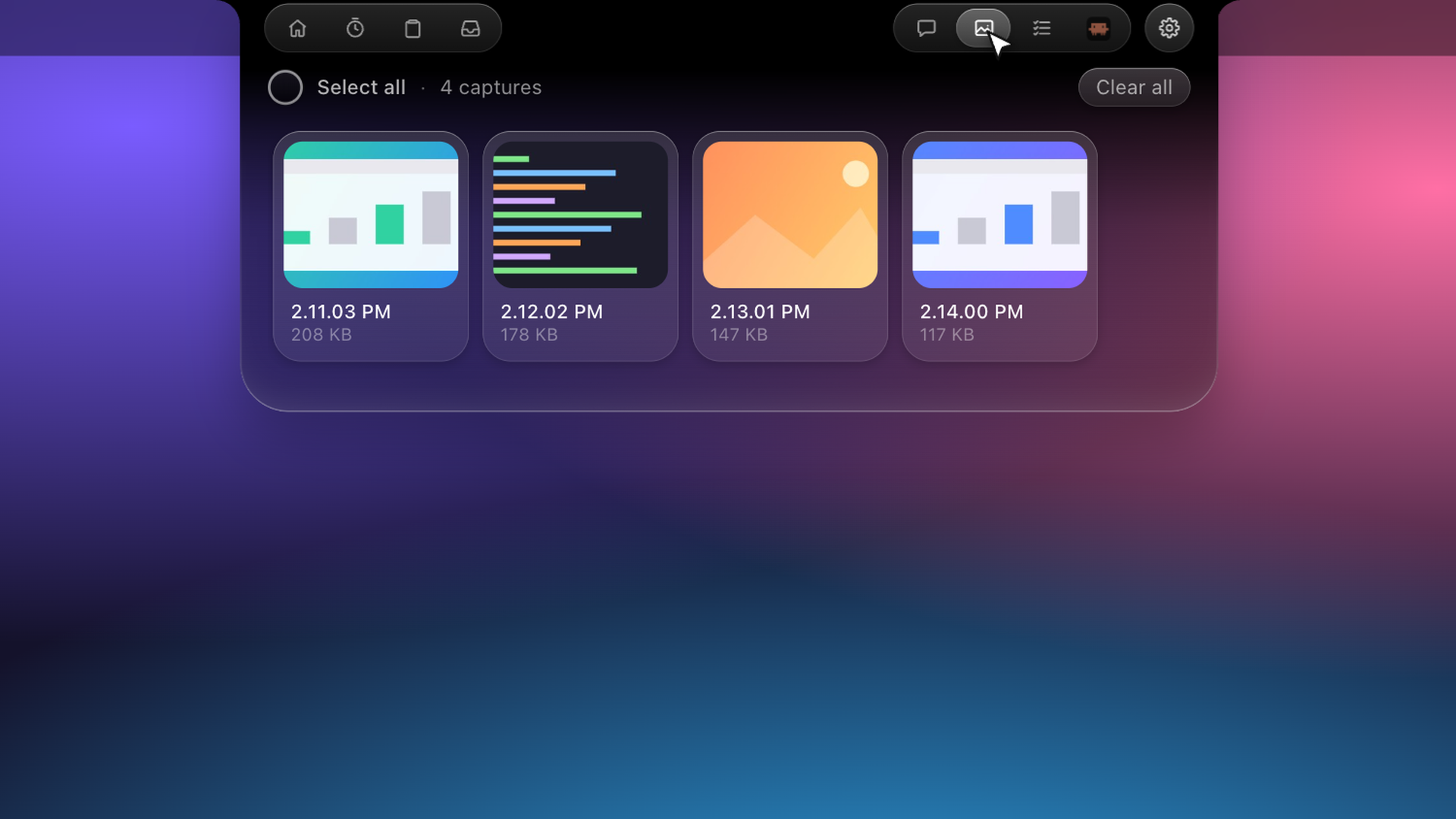
Notch Screenshots Section
-
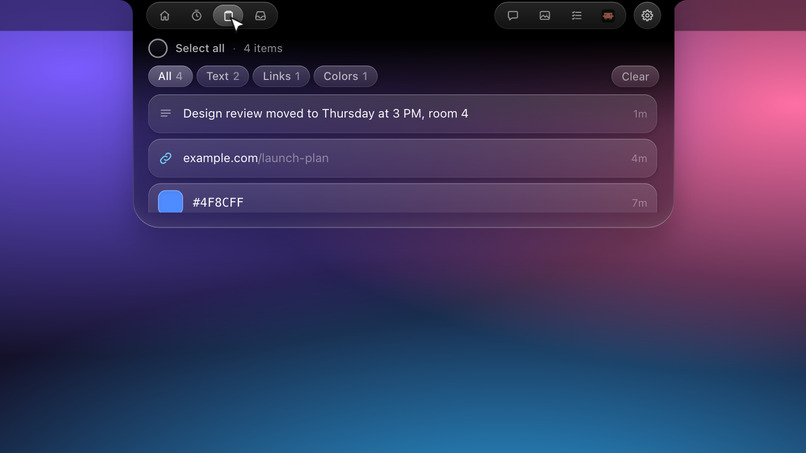
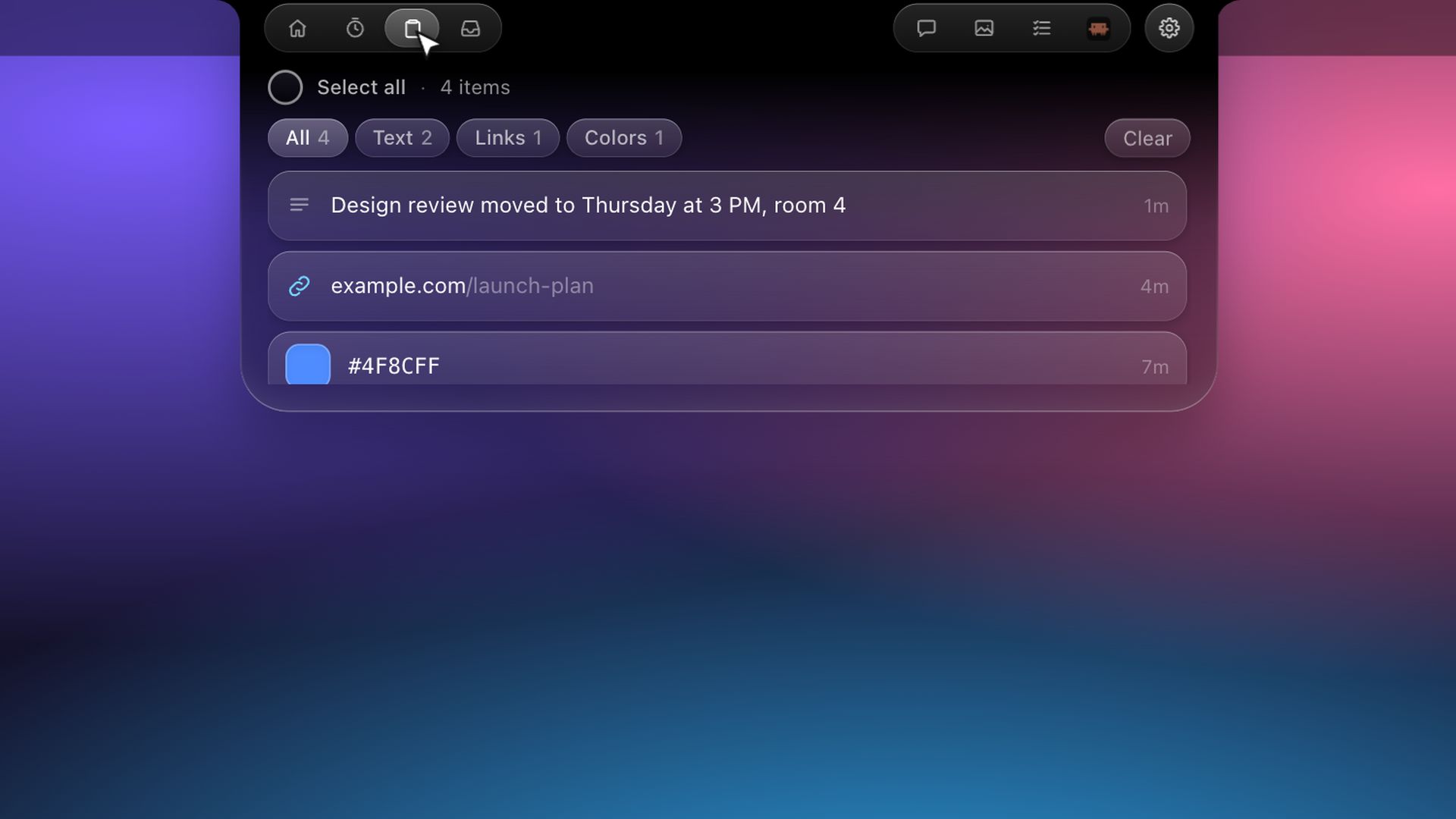
Notch Clipboard Section
-
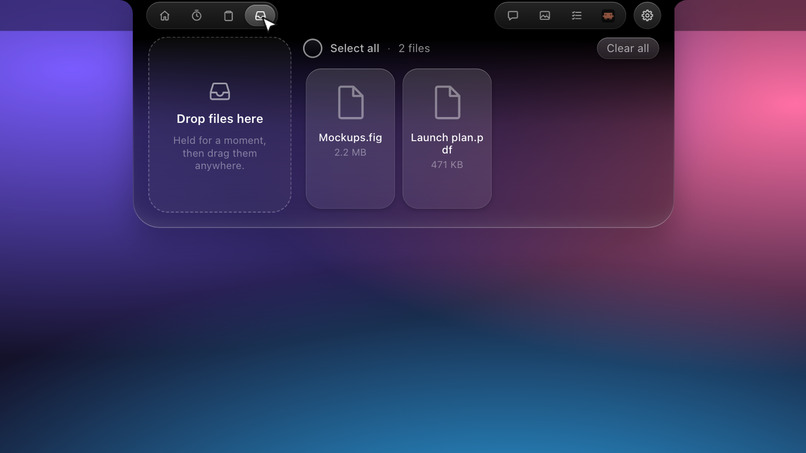
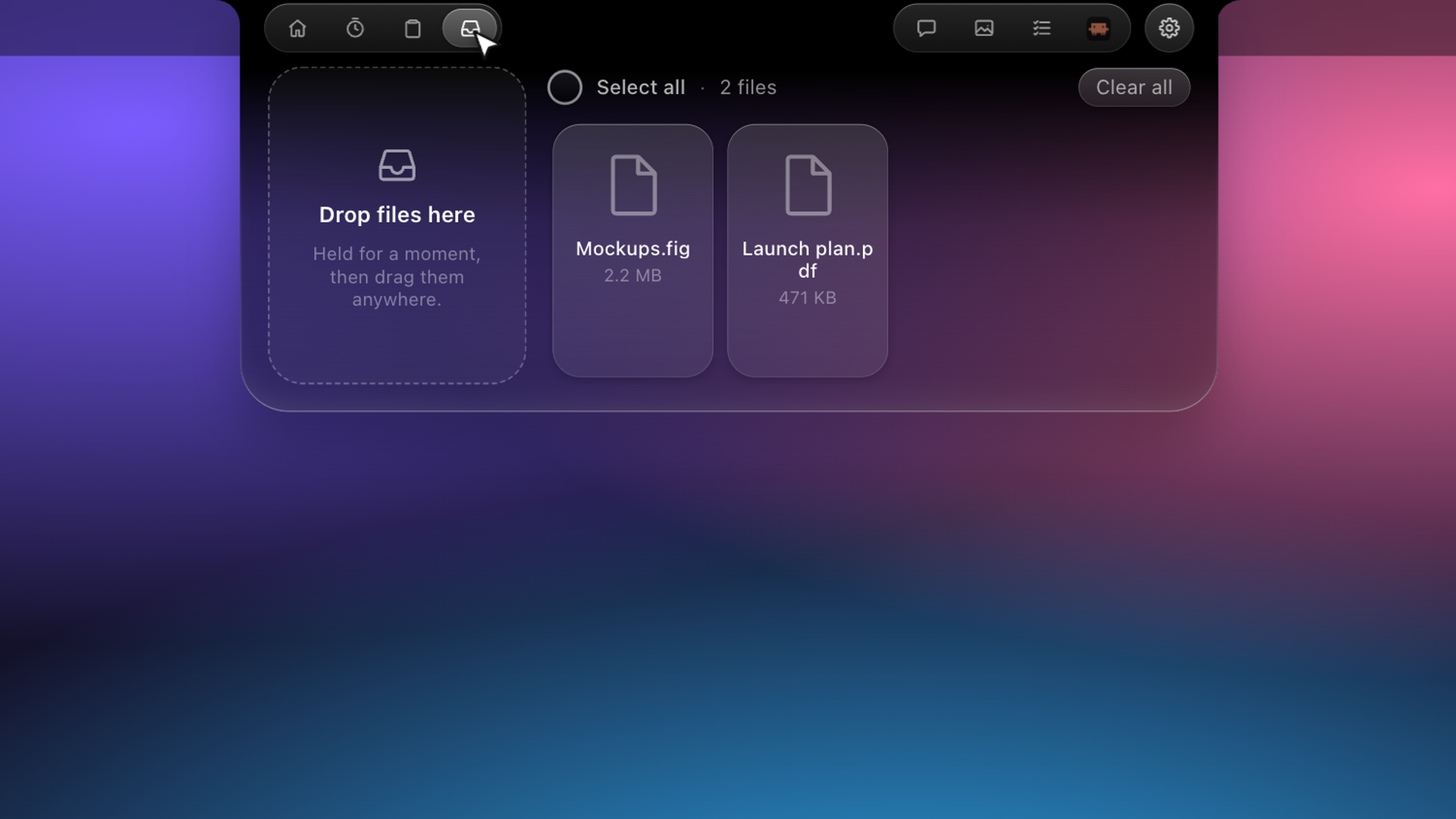
Notch File Tray Section
-
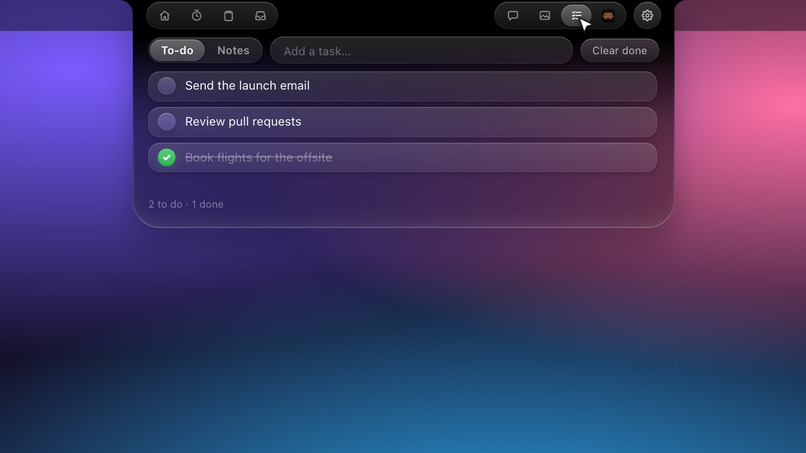
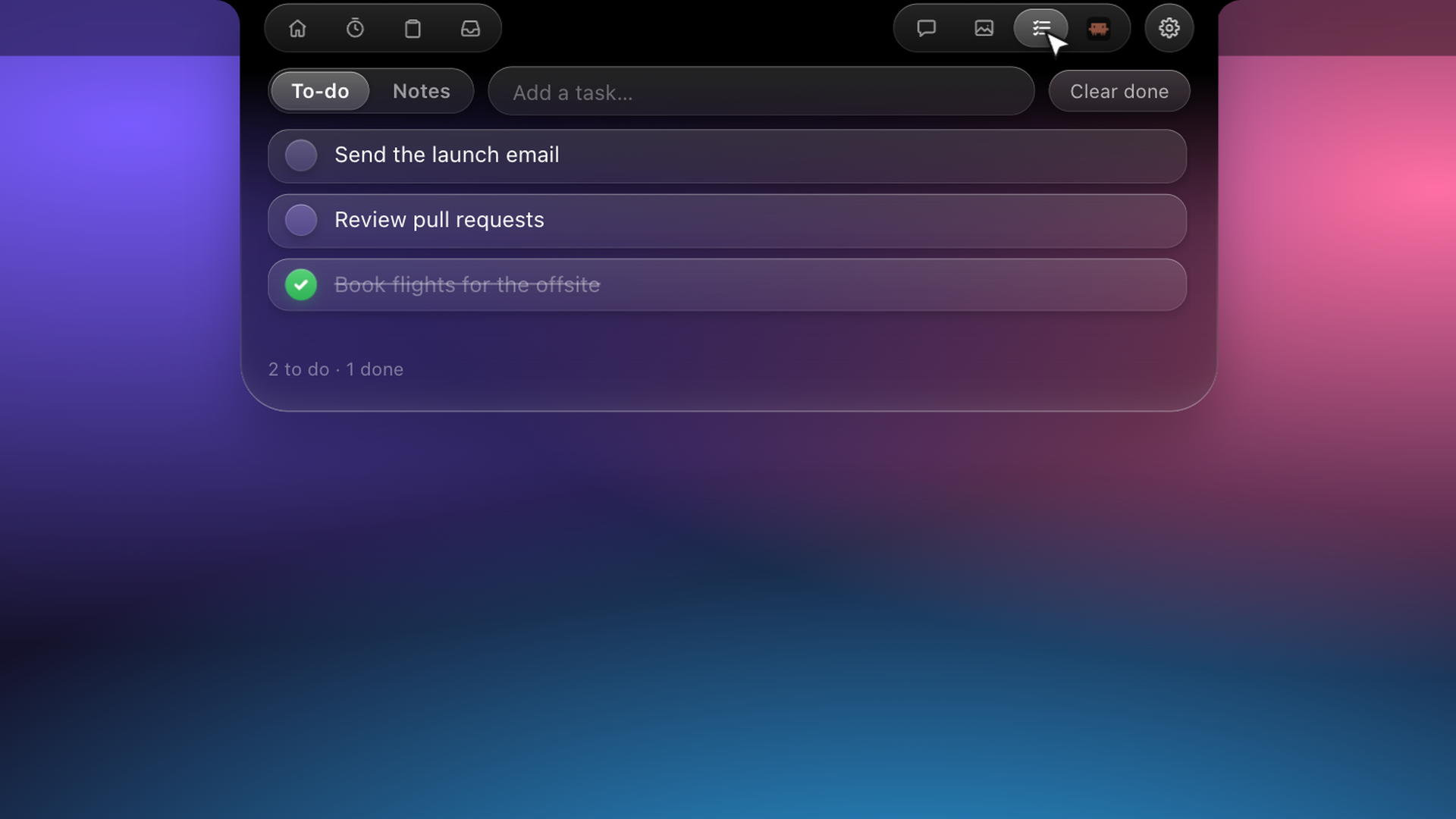
Notch Notes Section
-
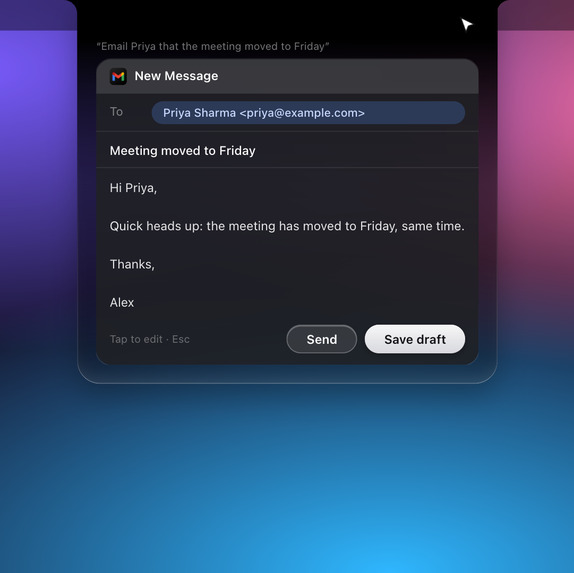
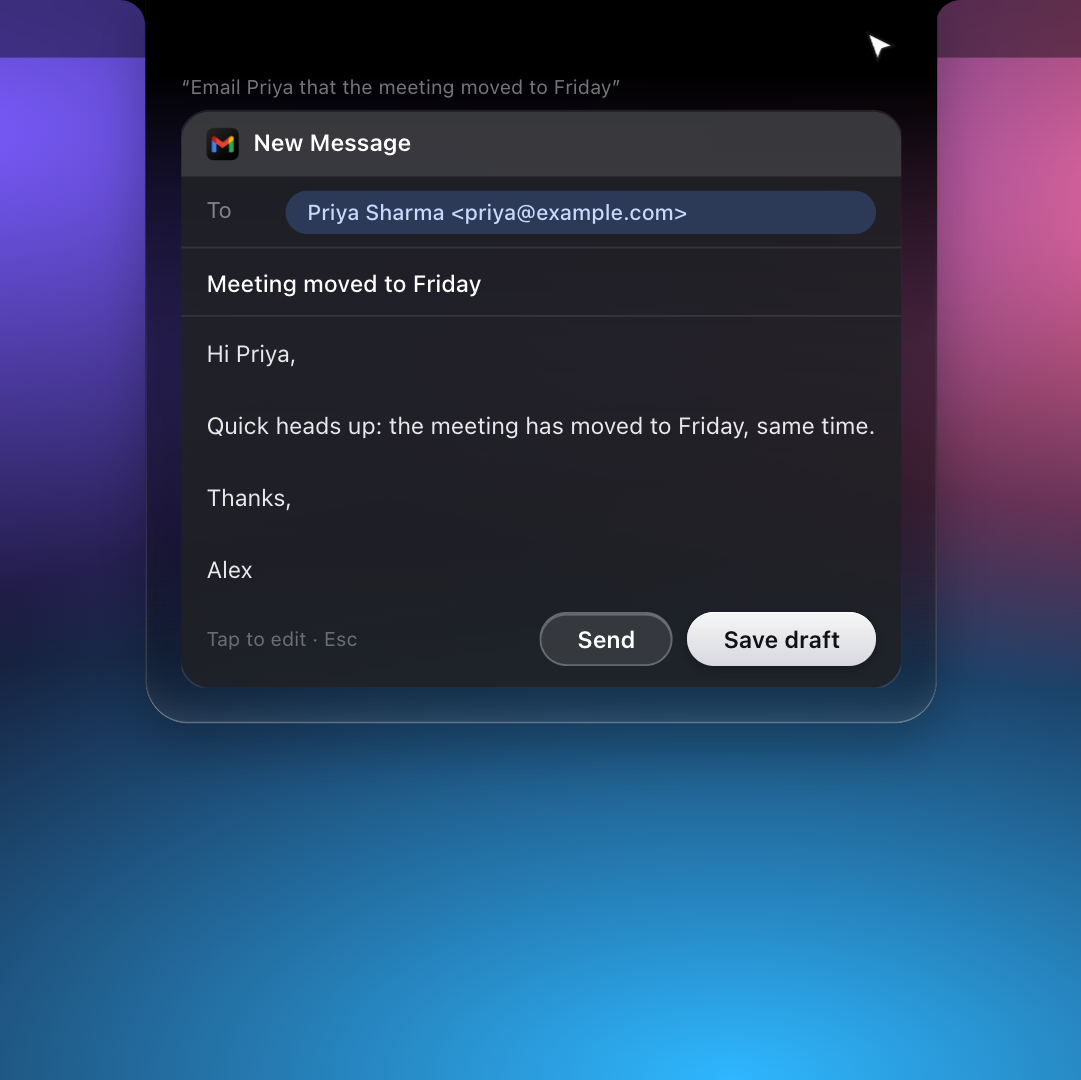
Notch Email Drafting
-
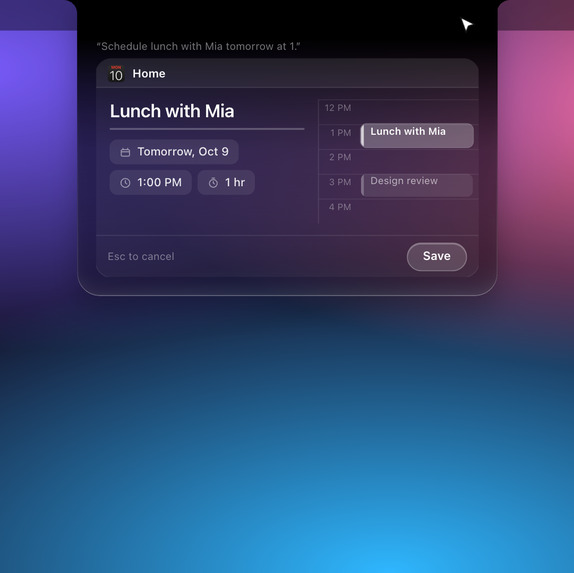
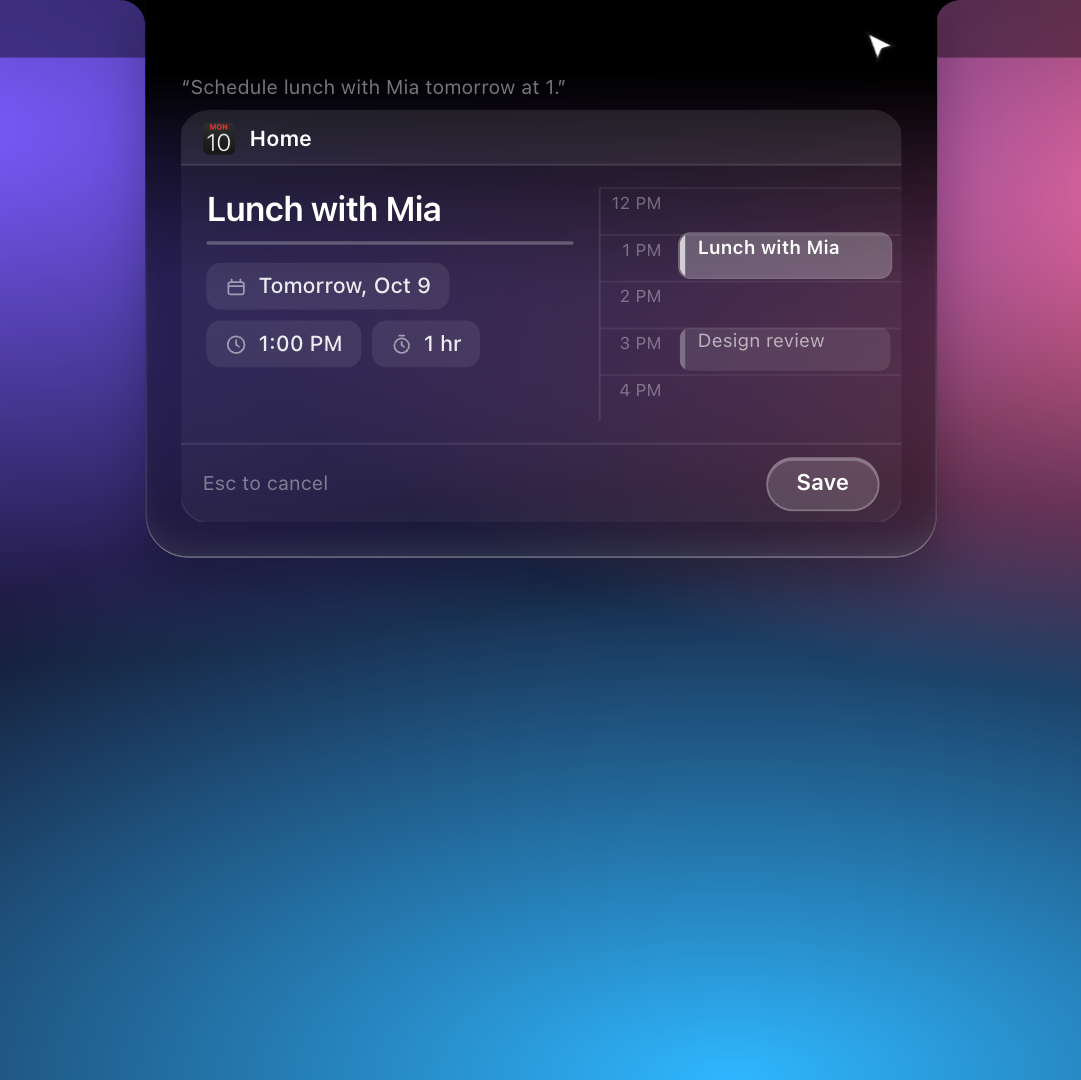
Notch Calendar Event Creation
Inspiration
I kept thinking about one simple question: What if your MacBook’s notch could do more than just look good?
AI tools are becoming incredibly useful, but using them often means switching between apps, copying text, uploading screenshots, and explaining what you're looking at. I wanted to make that experience feel more natural.
That’s how Focusel started — an AI assistant that lives right inside the MacBook’s notch, ready when you need it and out of the way when you don't.
What it does
Focusel brings AI into your everyday Mac workflow.
- Talk to your Mac: Use a keyboard shortcut to ask questions or give voice commands.
- Understand your screen: Circle a chart, a paragraph, or anything else on your screen to translate, summarize, or understand it.
- Translate and act: Select text, ask Focusel to translate it, and insert the result directly into your document.
- Get things done: Search the web, set timers, manage Notes, Calendar and Reminders, and interact with supported connected apps.
- Stay in your flow: Access responses and live activities directly through the notch instead of constantly switching windows.
The idea is simple: spend less time navigating between tools and more time doing the work that matters.
How we built it
I built Focusel using Tauri 2, React, TypeScript, Rust, Node.js, and Gemini AI.
The application combines a native macOS experience with AI-powered voice interaction, natural-language understanding, screen-context processing, and integrations with external tools. For speech transcription, it can use local Whisper-based processing, helping keep supported transcription tasks on the device.
A key part of the implementation was connecting AI responses to actual actions. Instead of simply generating text, Focusel can work with supported macOS applications and connected services. Actions that modify data can be previewed before execution, giving users a chance to review them.
Focusel is free to download. Users provide their own Gemini API key, and an optional Composio key is needed for supported connected-app integrations.
Challenges we ran into
The hardest part was making AI feel effortless without sacrificing control.
The MacBook notch is a tiny space, so presenting answers, controls, and action previews without overwhelming the interface required careful design.
Another challenge was turning natural language into reliable actions. A user might give an incomplete command, refer to something on their screen, or ask for an action that requires additional context. Focusel needs to interpret the request, select the appropriate capability, and handle errors gracefully.
Privacy was another important consideration. I wanted personal information to remain on the Mac wherever possible, while being transparent about the data that needs to be sent to external AI services.
These challenges pushed me to think beyond the model itself and focus on the complete user experience.
Accomplishments that we're proud of
I'm proud to have turned an idea into a working macOS application that brings together voice interaction, AI-powered screen understanding, app integrations, and a custom notch interface.
Some of the experiences I'm especially happy with are circling a chart and asking AI to explain it, translating text through a voice command, and inserting the translated result directly into a document.
I'm also proud that Focusel isn't just a chatbot in a different window. It is designed around the way people already use their Macs, with quick access, keyboard shortcuts, contextual actions, and a focus on privacy.
Most importantly, I built something people can try for themselves, rather than leaving the idea as a concept or prototype.
What we learned
Building Focusel taught me that integrating an AI model is only a small part of building a useful AI product.
The real work lies in understanding user intent, managing context, connecting tools, handling failures, and making actions predictable. A clever response is not enough if the user still has to do all the work manually.
I also learned how important it is to design AI around existing workflows. Small interactions — like translating selected text and inserting the result without switching apps — can make AI feel much more useful than adding another standalone chat interface.
What's next for Focusel
Focusel is just the beginning.
I want to make it more capable, reliable, and useful in everyday work by improving its agent workflows, expanding integrations, and making interactions with macOS applications more seamless.
I'm also interested in strengthening its evaluation and error-handling systems, improving privacy controls, and exploring more ways for users to automate repetitive tasks through natural language.
The long-term vision is to make Focusel a genuinely useful AI layer for the Mac — one that understands what you're working on, helps you take action, and stays out of your way.
Focusel is built around one belief: AI should fit into your workflow, not force you to change it.
Built With
- ai
- aiagents
- apikey
- geminiai
- geminiapi
- llm
- macos
- natural-language-processing
- node.js
- privacy
- productivity
- react
- rust
- tauri
- typescript
- ui/ux
- voiceassistant

Log in or sign up for Devpost to join the conversation.