-
-
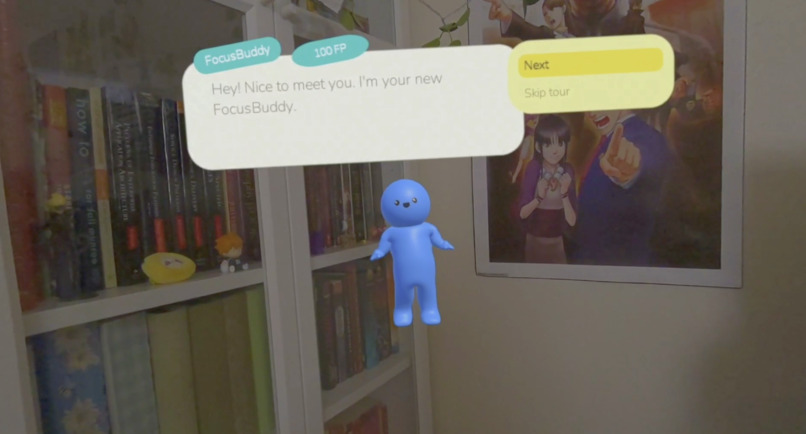
Hello Buddy!
-
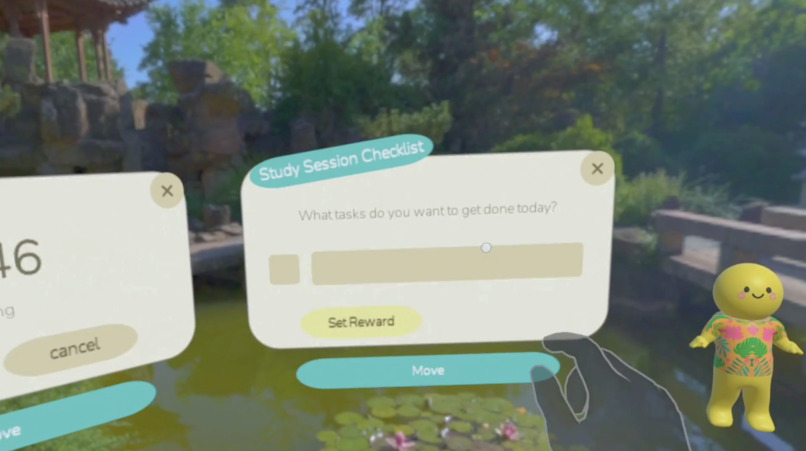
Setting a Checklist
-
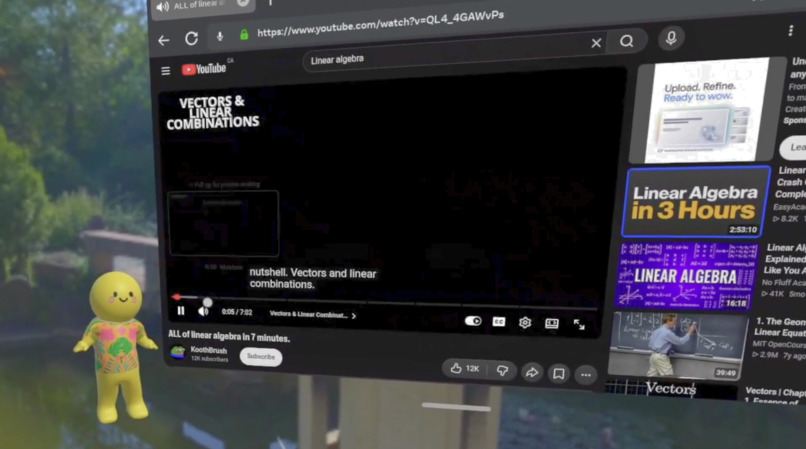
Watching Lectures
-
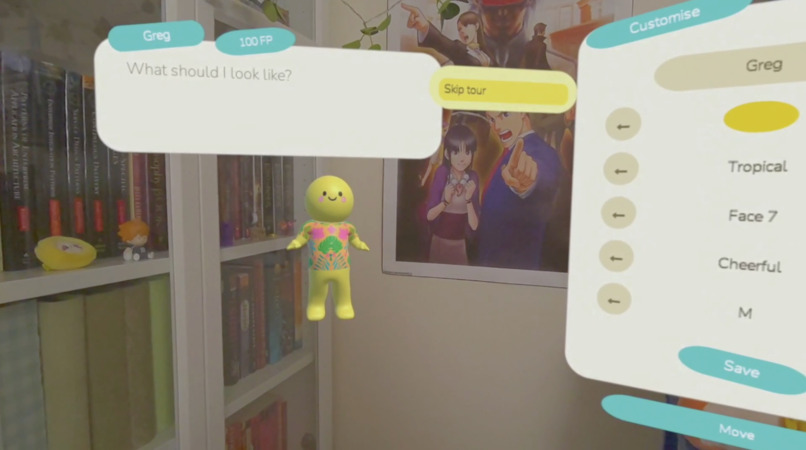
Customizing Buddy
-
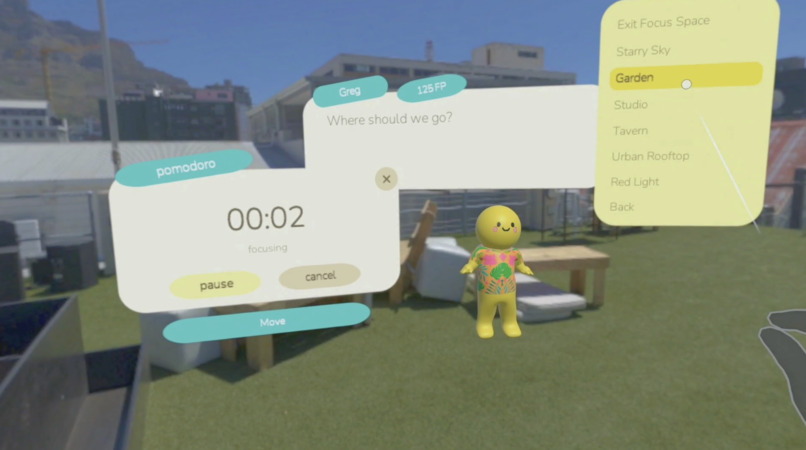
Changing up the Workspace
-
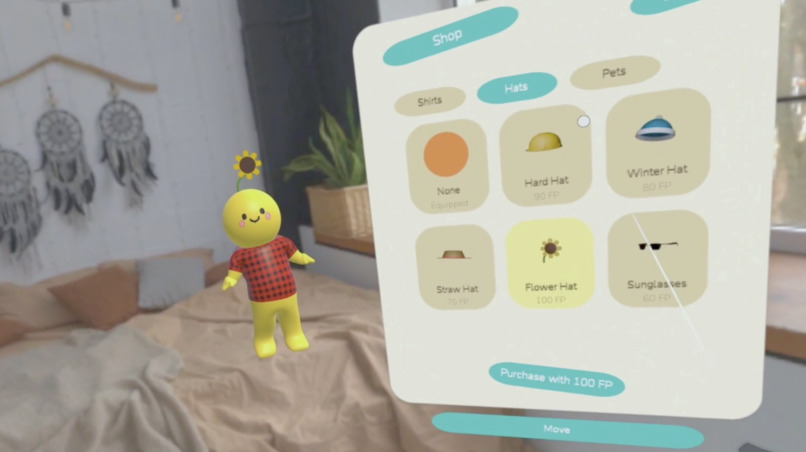
Getting Buddy Accessories
-
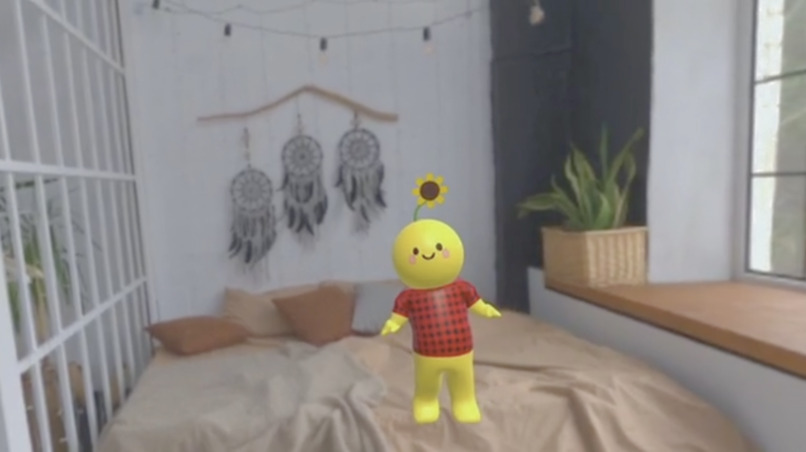
Buddy Being Cute
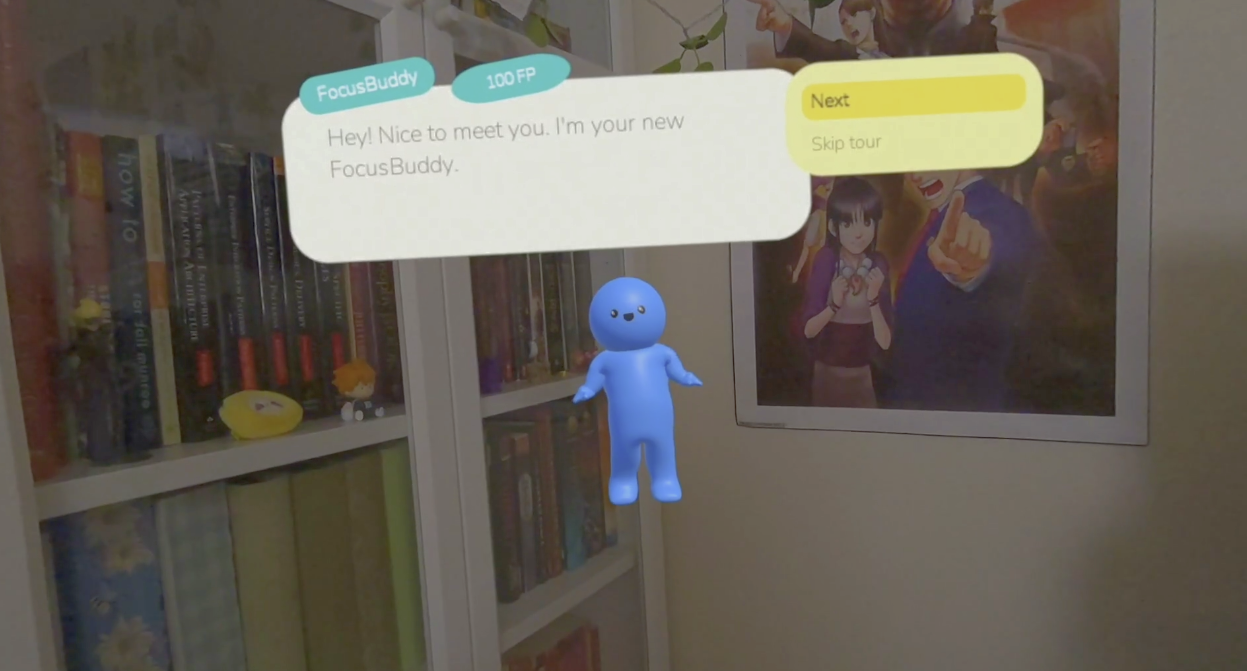
Inspiration
After graduating last year, what I missed most was co-working with my classmates. Having my friends "locked in" around me, with one of us always wielding a pomodoro timer, was one of the main reasons I survived those four years.
Thus, the idea of FocusBuddy, an adorable accountability partner through which I could design my ideal work environment, was born. This ideal environment could only be possible through mixed reality, allowing Buddy to sit with me as I work, open infinite workspace panels, take me to immersive environments like a zen garden or city rooftop... and of course, wield the almighty pomodoro timer!
What it does
FocusBuddy is your immersive workspace and accountability partner. Your FocusBuddy can help you reach your goals by:
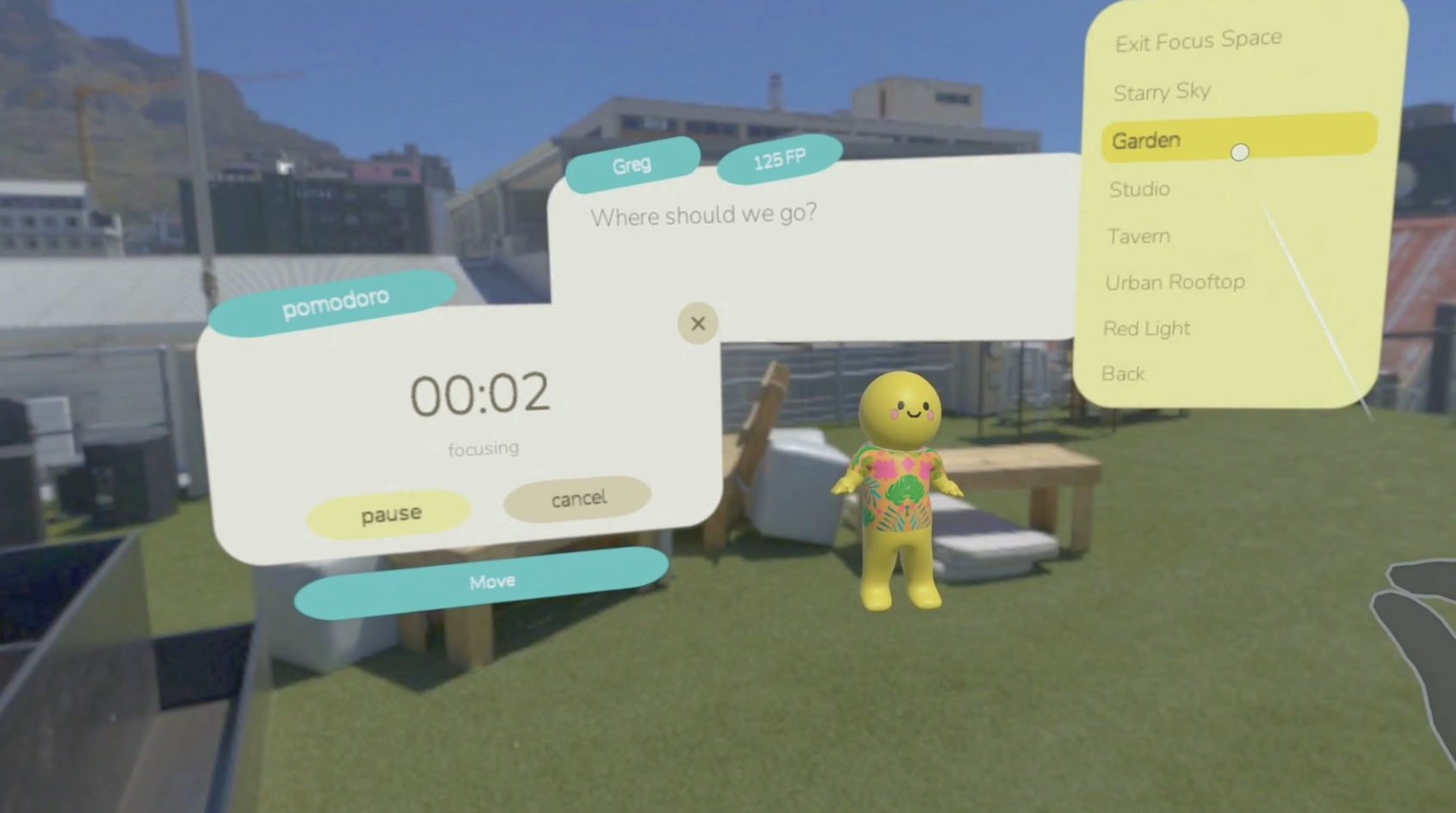
- Taking you to focus environments
- Leading pomodoro sessions
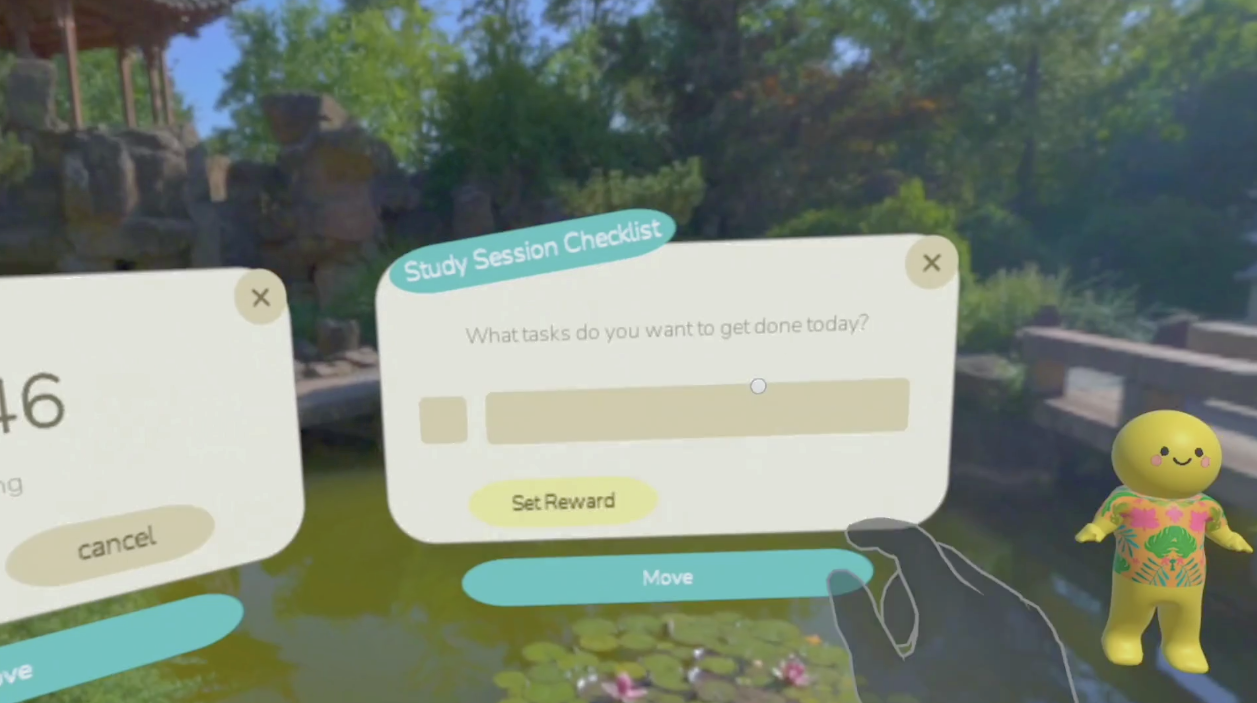
- Creating checklists with session rewards
- Opening your PDFs and other documents
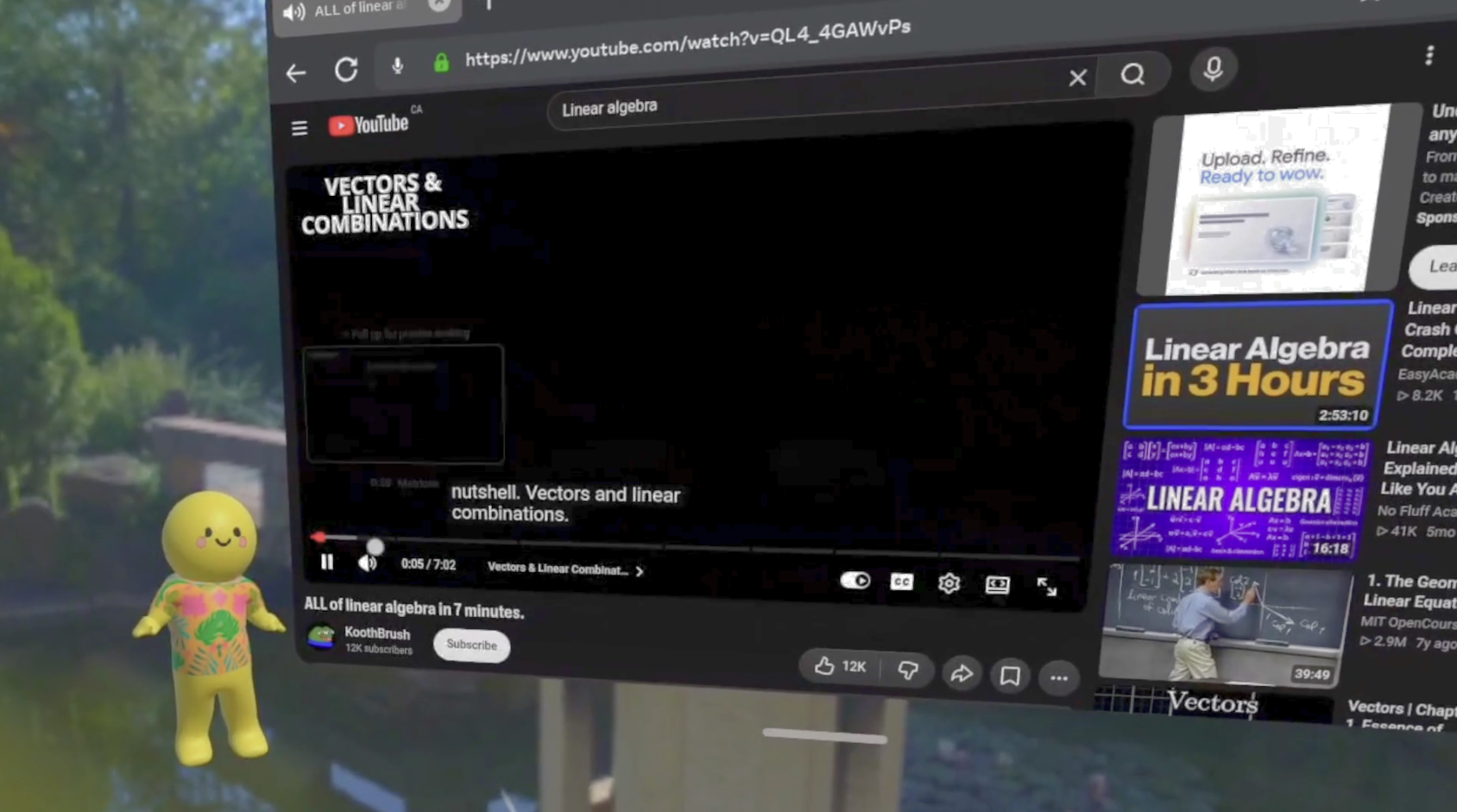
- Sitting with you as you focus with multi-panel layouts in the background
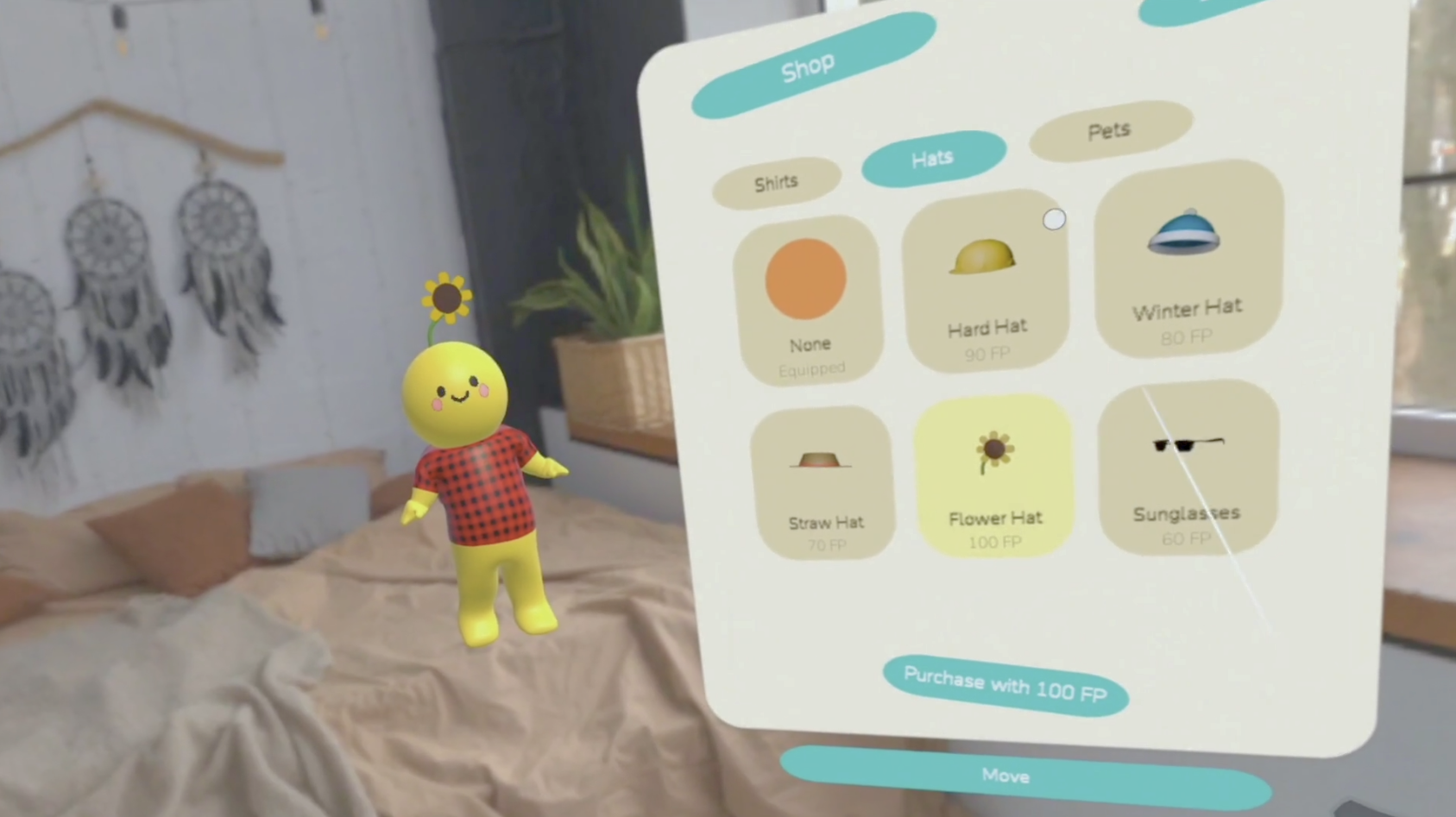
Your Buddy collects FocusPoints as you work, so that you can purchase new accessories and pets for your Buddy and your workspace -- if you need even more motivation!
How we built it
FocusBuddy was built on Unity 6 + URP on Quest (OpenXR / Meta XR 207) with the Interaction SDK + MRUK for hands/MR. I customised the open-source UnityPDFViewer to view, resize, and zoom into PDF study notes, and sourced the immersive focus environments from Poly Haven. I made all 3D models in Blender.
Challenges we ran into
The primary challenge was in designing the collaboration between hand interactions, panels, and passthrough.
As the entire app uses only hand input, a hierarchy of poke, pinch-move, grab, and open-palm had to be created and mapped to each of Buddy's functionalities. I also had to create custom hand pose trackers for some of the inputs for reliable runtime detection.
For the multi-panel layout of the workspace versus Buddy occlusion, the panels had to arc around the user at a comfortable distance and be readily accessible while not clipping into Buddy. They also had to be able to be moved and rearranged by the player into a configuration that maintained visual clarity and avoided clutter. This took a lot of rework after feedback, and I'm happy with the result!
Accomplishments that we're proud of
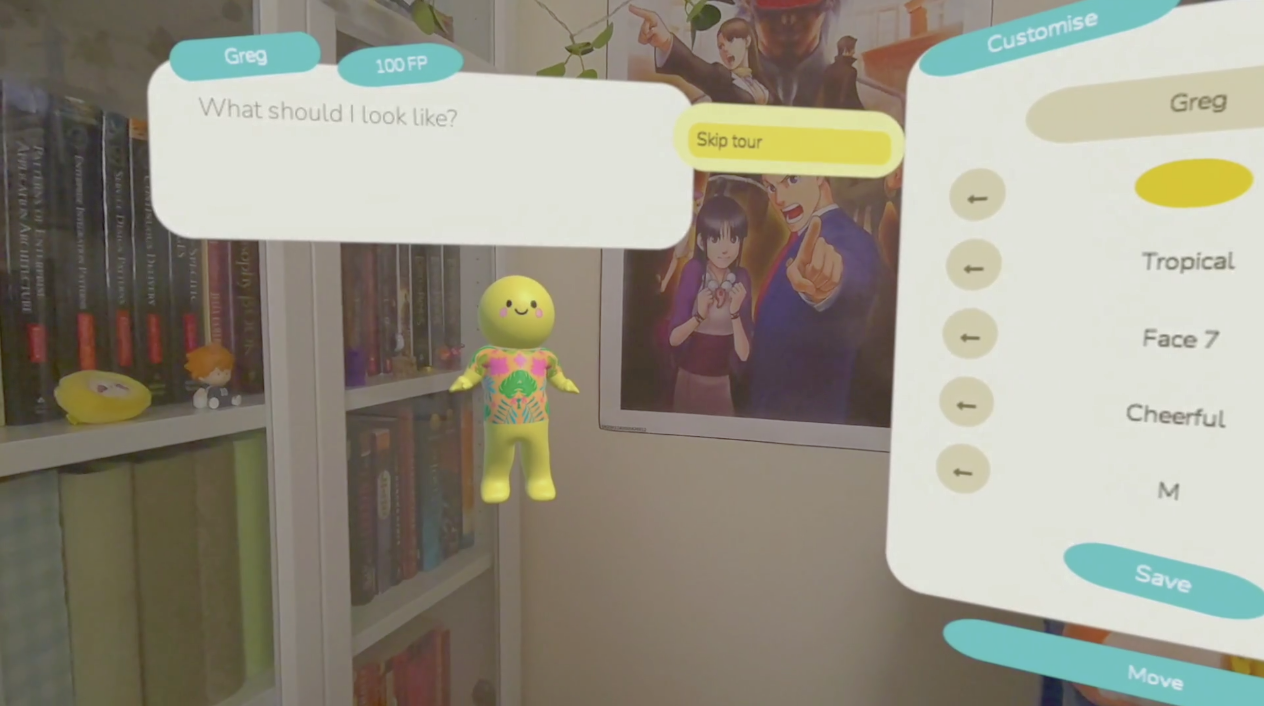
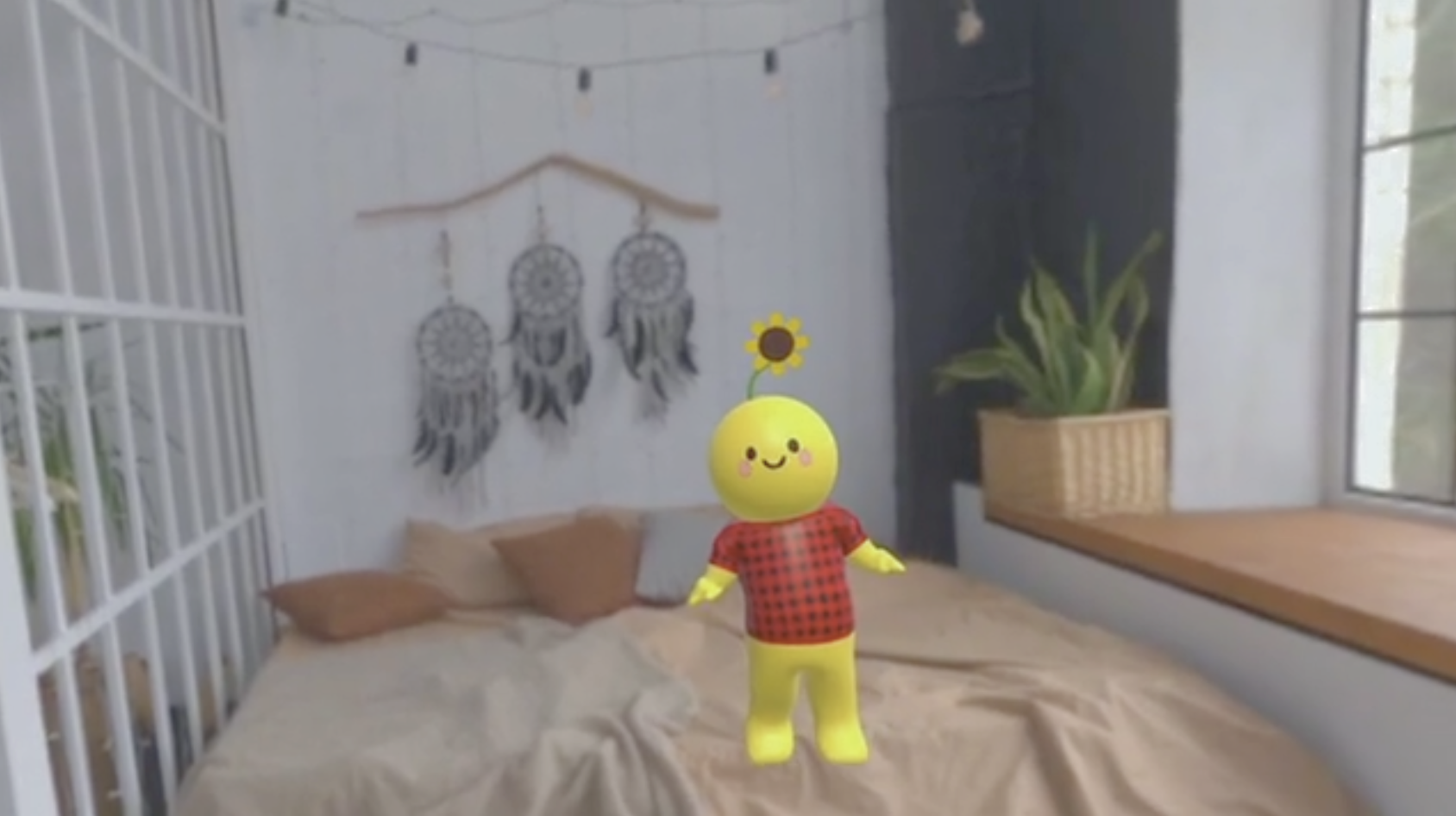
Firstly, that Buddy is extremely cute, and not only extremely cute, but also cutely customizable. With different faces, clothes, personalities, as well as accessories, it was very difficult to not get attached -- so I just got attached. It made me more productive, after all!
Secondly, the number of tasks that Buddy can help with. I started with the pomodoro timer, and ended up with a plethora of helpful productivity tools.
Finally, the FocusPoint system. It gamifies work in a fun way!
What we learned
What makes MR projects the most special is how immersive they are, and how they can transport you to other worlds. I wanted to create the most productive world imaginable, which meant that the player needed to want to stay there forever! To playtest the app, I found users that had never tried VR devices before to help measure how attractive the space was, and tuned the experience meticulously to their feedback.
What's next for FocusBuddy
Currently, everything about your FocusBuddy lives on local storage. To make Buddy even more helpful, I'm building cloud storage for backup saves and the option to link Buddy to a cloud-based LLM, so that it can remember context from your work sessions, help you access the web to turbo-charge what you're working on, and attune itself to your work style.
The functionalities on the roadmap include: generating meeting/lecture notes, scheduling calendar tasks/invites, and creating documents such as flashcards, summaries, and work plans. If LLMs aren't your style, your Buddy will stay on-device and as wonderful as it already is.
