Inspiration I'll open my laptop to finish one application, then somehow end up with 25 tabs open. Some are useful for the application. Others are things I genuinely want to come back to, like a Fourier transform video or another fellowship I found along the way. If I close them, I forget about them. If I leave them open, I forget what I sat down to do.
That's why I built FocusAnchor. I wanted to close a tab and still remember why I opened it.
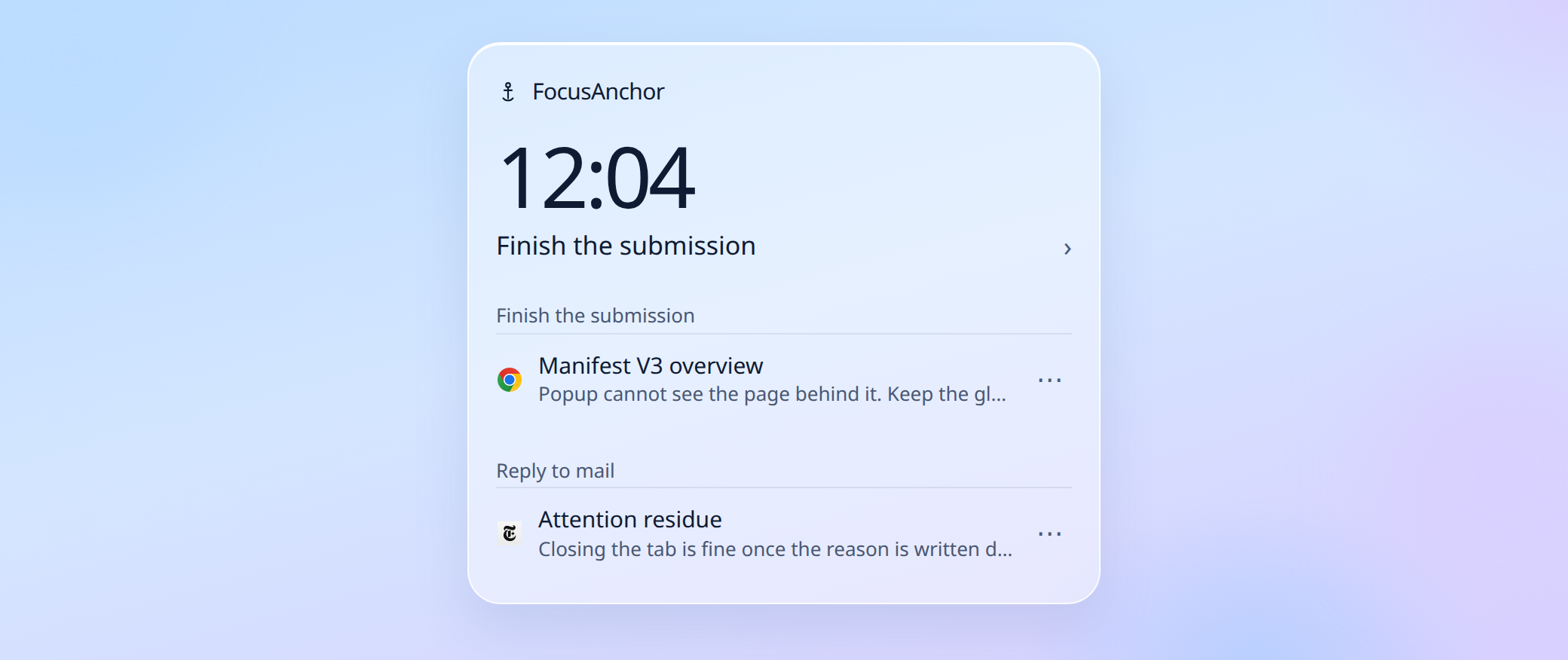
What it does FocusAnchor is a Chrome extension that lets you save a tab with a note about why it matters.
Start by setting a mission, like "Finish my internship application." You can run more than one mission at once, each with its own timer. If you come across something for later, save the tab to a mission with a note like "Check the eligibility requirements this weekend," then keep it open or close it. When you reopen it from the dashboard, your note pops up so you know exactly why you saved it.
The dashboard groups your saved tabs by mission and shows tab switches and completed focus sessions. Save the tab. Keep the thought.
How I built it I built FocusAnchor with TypeScript, React, Vite, and Chrome's Manifest V3 extension APIs. The pop-up is where you set missions and save tabs. A background service worker handles tab events and notifications, and the dashboard gives you more room to review saved links and notes. Everything is stored locally in Chrome. I used Cursor Agent to help with parts of the code and the redesign.
Challenges I ran into One of the biggest design questions came from my own workflow. When I'm applying for something, I might switch between the form, my CV, and the eligibility page several times in a minute. All of those switches help me finish the same task. That's why the dashboard shows a plain tab-switch count and leaves the interpretation to the person using it.
The hardest technical part was keeping a saved tab's status honest. A tab can be closed, navigated away from, or restored by Chrome after a restart, and FocusAnchor has to keep up with all of that. Adding multiple missions made it harder still, because every saved tab has to stay with the right mission.
Accomplishments that I am proud of I got the full flow working in Chrome. You can run several missions, save a real tab with a reason, close it, and reopen it later with the note popping up right there. My favorite part is seeing the reason next to the link. A page titled "Application Requirements" could be for anything. "Check if final-year students can apply" tells me exactly where to pick up.
What I learned Building FocusAnchor helped me see two different jobs in my own browsing habits. I need to move freely between tabs that help me finish the task, and I need somewhere to put interesting things I find along the way. A short note makes it easier to come back to those things without having to figure out why I saved them all over again.
What's next for FocusAnchor I want to let you reopen a whole mission at once. For an internship application, one click would bring back the form, my CV, and the eligibility page with their notes. After that, I'd like to add syncing across devices.
Built With
- chrome'smanifest
- react
- typescript
- vite
