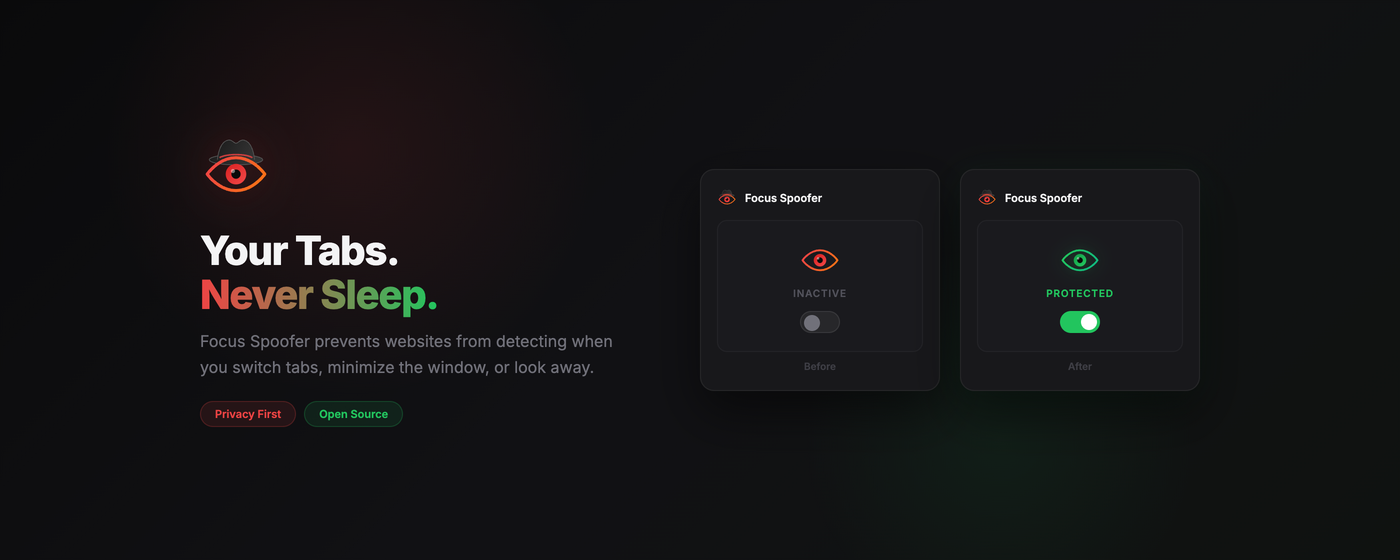
Focus Spoofer
A Chrome Extension that prevents websites from detecting when you switch tabs or minimize the window.
Features
- Toggle On/Off: Easily enable or disable focusing spoofing for the current tab.
- Visibility Spoofing: Forces
document.hiddentofalseanddocument.visibilityStateto'visible'. - Focus Spoofing: Forces
document.hasFocus()to returntrue. - Event Blocking: Blocks
blur,visibilitychange,mouseleave, andpagehideevents so the page thinks you never left.
Installation
- Clone or download this repository.
- Open Chrome and navigate to
chrome://extensions. - Enable Developer mode in the top right corner.
- Click Load unpacked.
- Select the folder containing this extension (
Focus-Toggle).
Usage
- Navigate to a website that pauses video or tracks your attention (e.g., a training site or YouTube).
- Click the Focus Spoofer (eye) icon in the toolbar.
- Toggle the switch to ON.
- The badge text will show "ON".
- The extension will inject code to trick the page into thinking it is always visible and focused.
- Switch tabs or minimize Chrome. The content should continue playing or remaining active.
Notes
- Persistence: The state is saved per-tab during the session. If you close the tab, the state is cleared.
- Reloading: If you toggle OFF, it is recommended to reload the page to fully clear the injected overrides.

Log in or sign up for Devpost to join the conversation.