Inspiration
Earlier in my development career, a friend of mine taught me a trick for blocking websites locally in your own computer by editing /etc/hosts and pointing them to localhost. Despite this being easy for a developer, it's not very accessible for regular users. Back in the day, we were in the early days of Facebook and Twitter, and whenever I wanted to focus, I would block both of them using this method.
Zooming forward to today, I'm working mostly solo / remotely. It's very easy to get distracted, whether it's an innocent link that a friend sends me, or simply watching a video, especially if you don't have a structured schedule of a regular job. From that first video, the recommendation algorithms kick in and often are able to get you to watch a second one, a third one. Infinite scrolling doesn't help either.
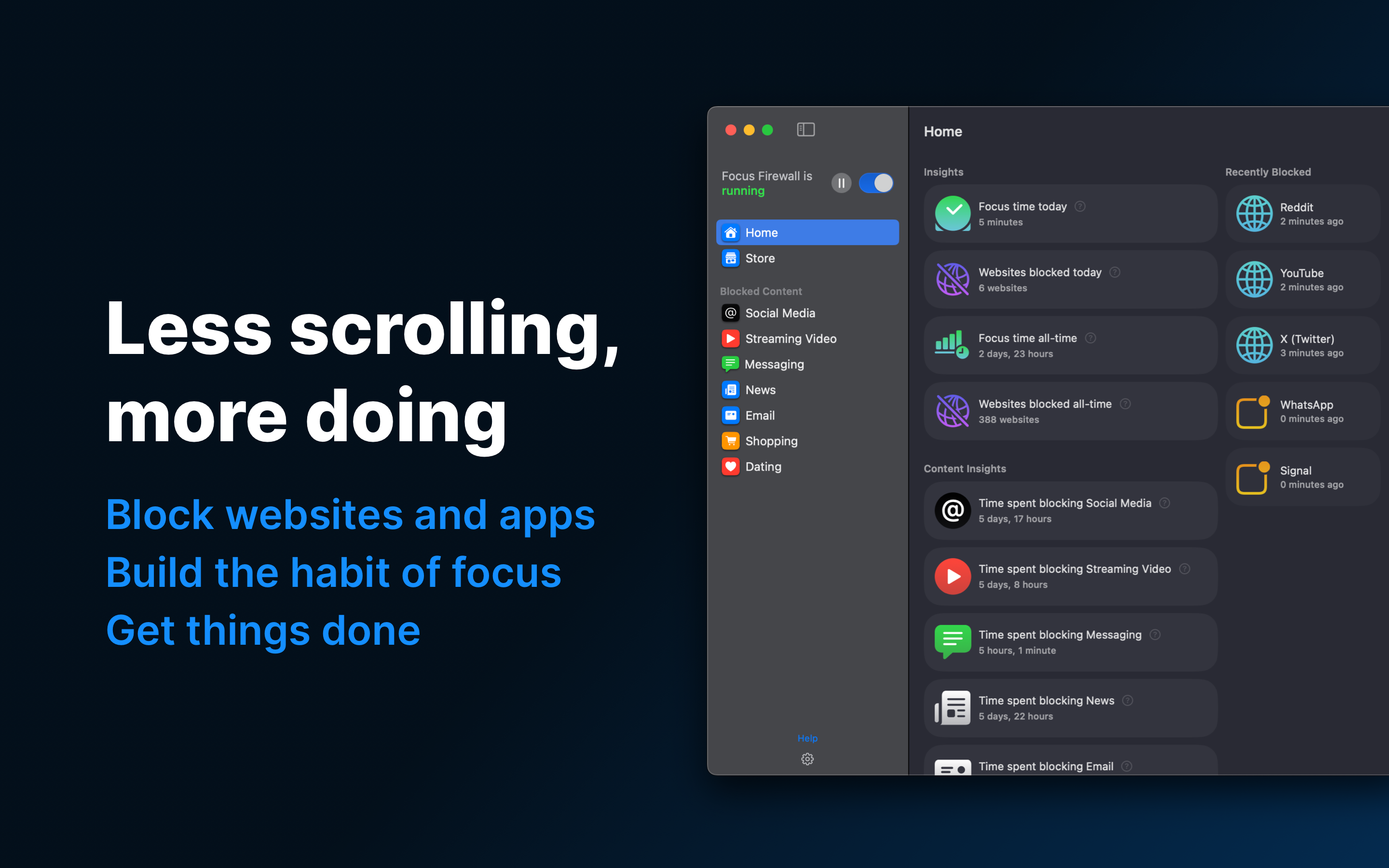
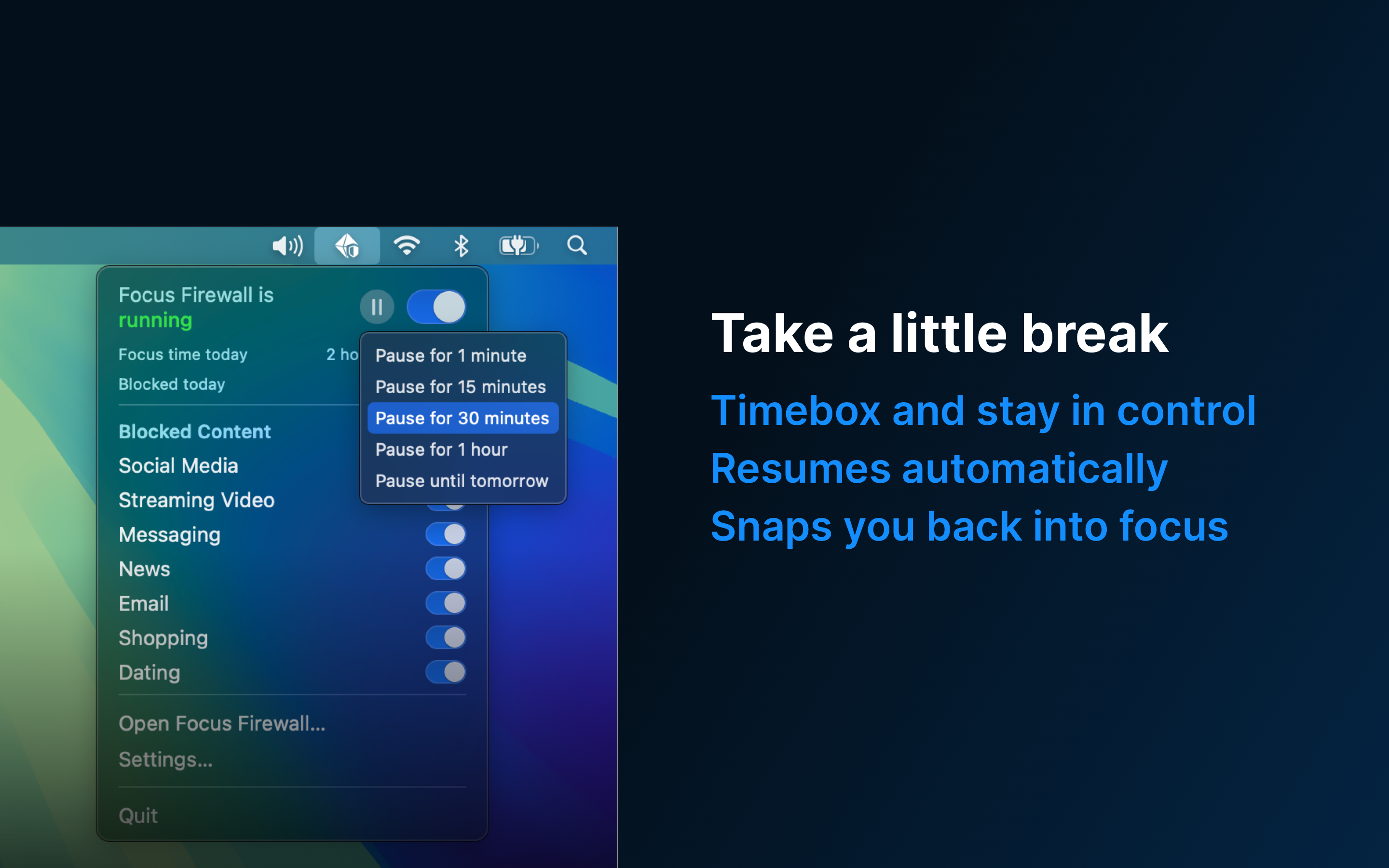
To help me prevent falling into that rabbit hole and protect my work hours, I created Focus Firewall. It's a safety net to keep you from spending too much time on social media, watching videos, etc. I made it as simple as possible: it's just a switch on the menu bar, just like your Wi-Fi switch. Toggle it on and it will block these websites.
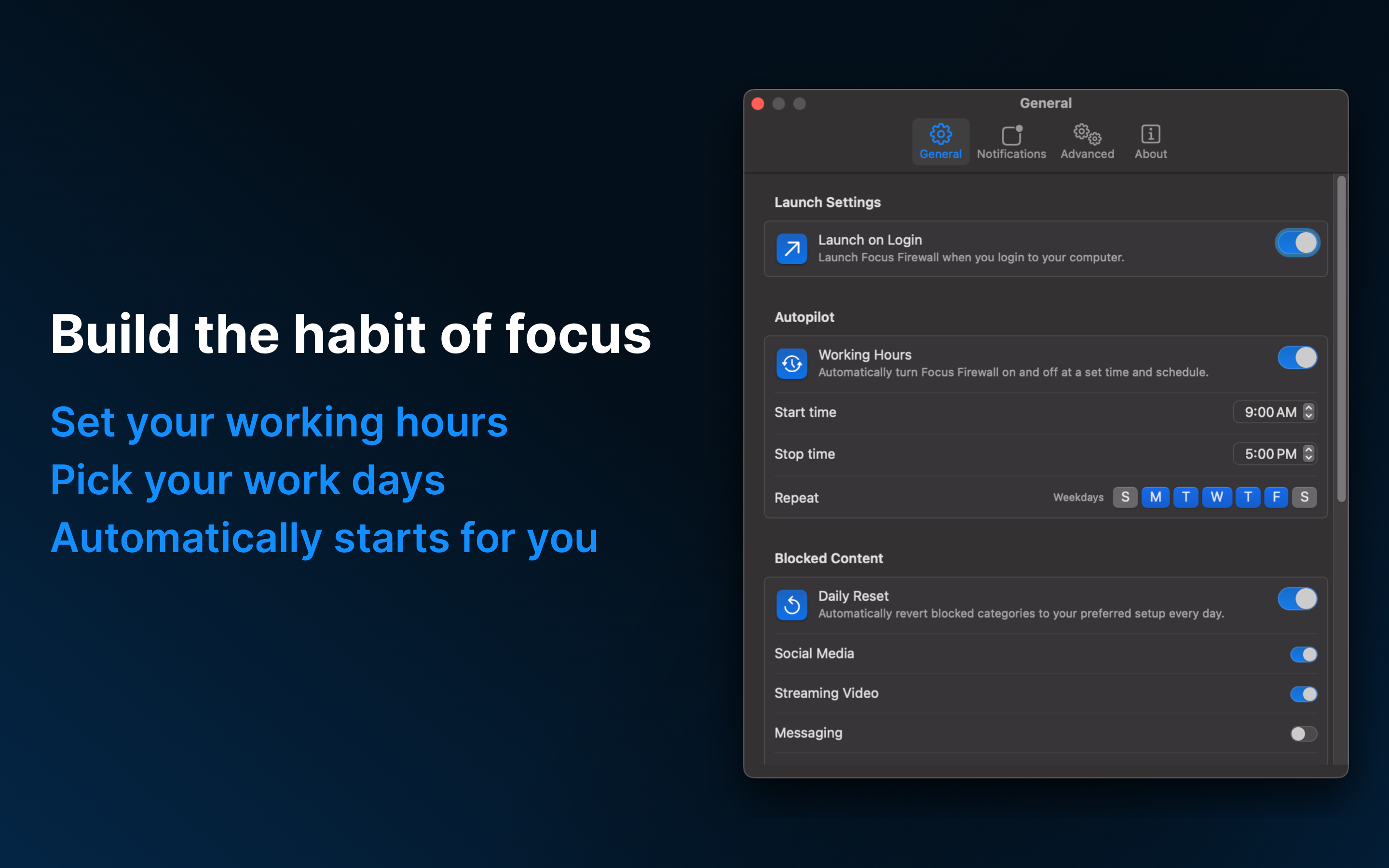
After using it for a while, I noticed I could just make that automatic: start at 9am, stop at 5pm. That was magical – now I get a focus block every work day without even thinking about it. I like to say that it's a productivity app that works in the background, and it's so subtle that sometimes you even forget it's running.
But it's there, blocking websites, or blocking a certain behavior. On an average day it blocks websites 100+ times. It's interesting how many links I get from friends, or how many times I just open a new tab on impulse without even thinking about it.
What it does
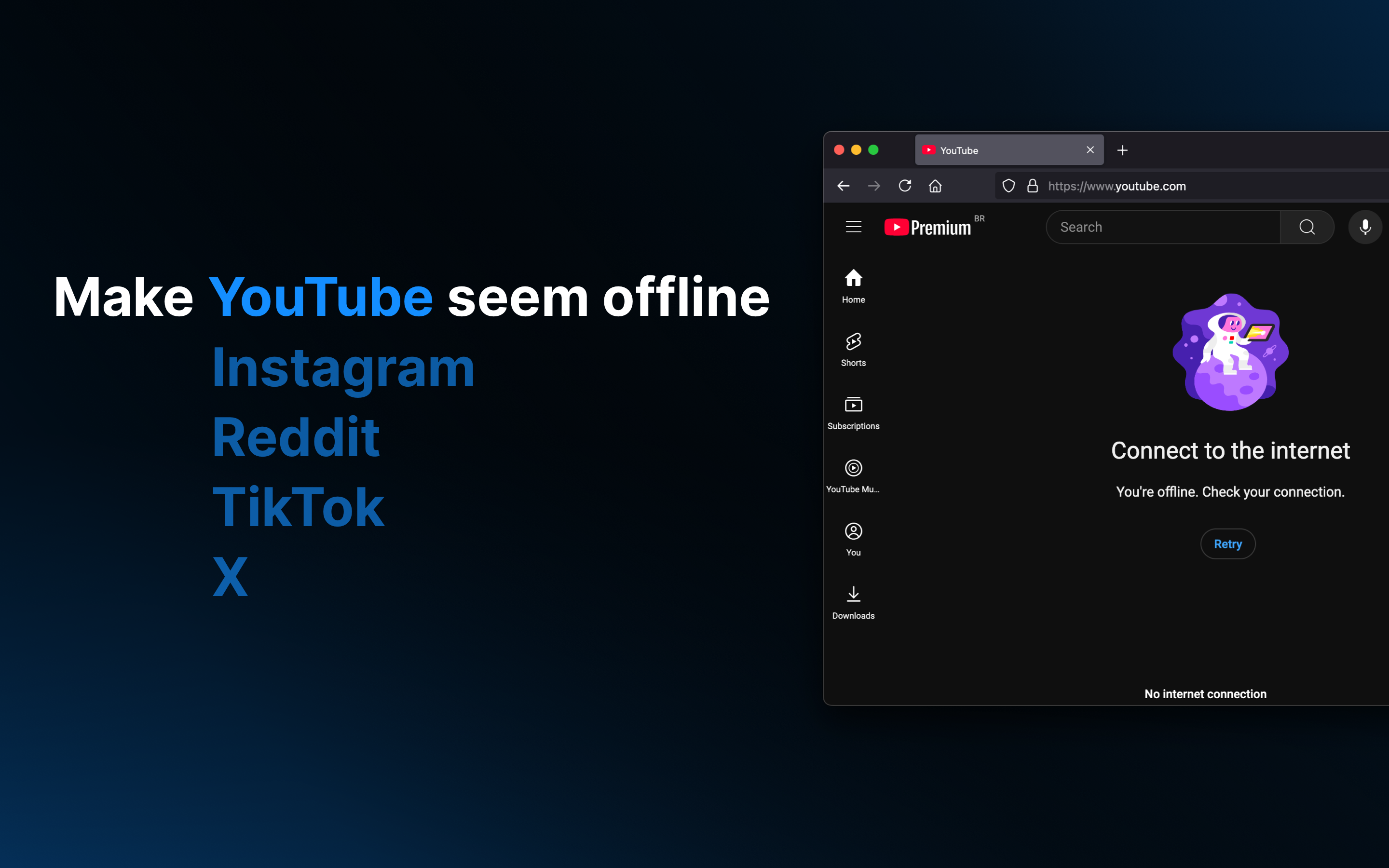
Blocks websites and apps during work hours. Build a habit of focus.
How I built it
The app is fully native for Mac and was built entirely in Swift and SwiftUI.
Challenges I ran into
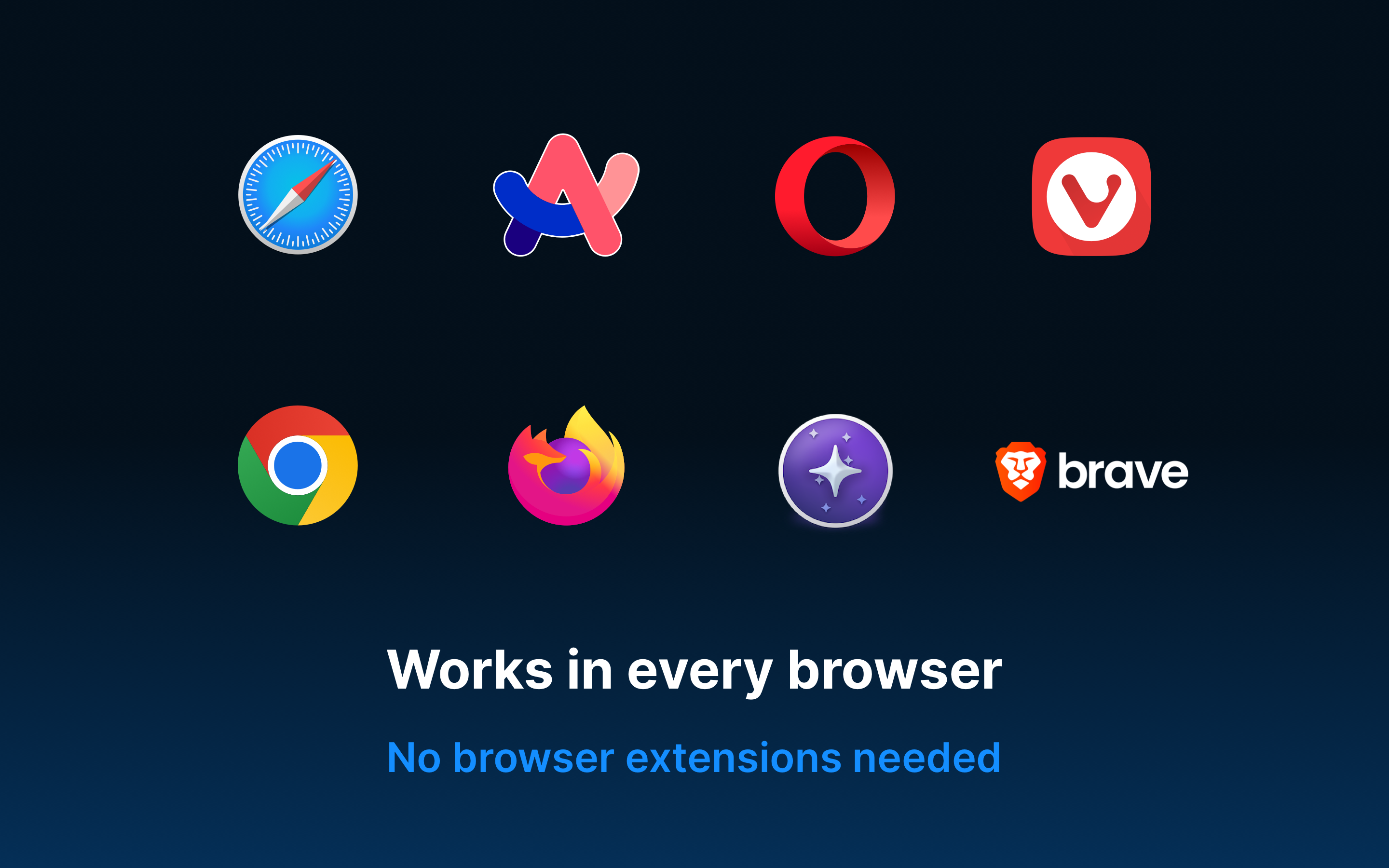
The biggest challenge was being able to identify websites, given that more and more browsers are using encrypted DNS and Quic / HTTP 2 / HTTP 3. That makes it significantly harder to achieve. My requirements were pretty strict: high performance, works 100% local, works across all browsers and apps and must be fully secure. I ended up creating a network extension – the legit method recommended by Apple.
Accomplishments that I'm proud of
- Actually shipping it!
- Privacy-first: no personal data, no tracking, works 100% locally
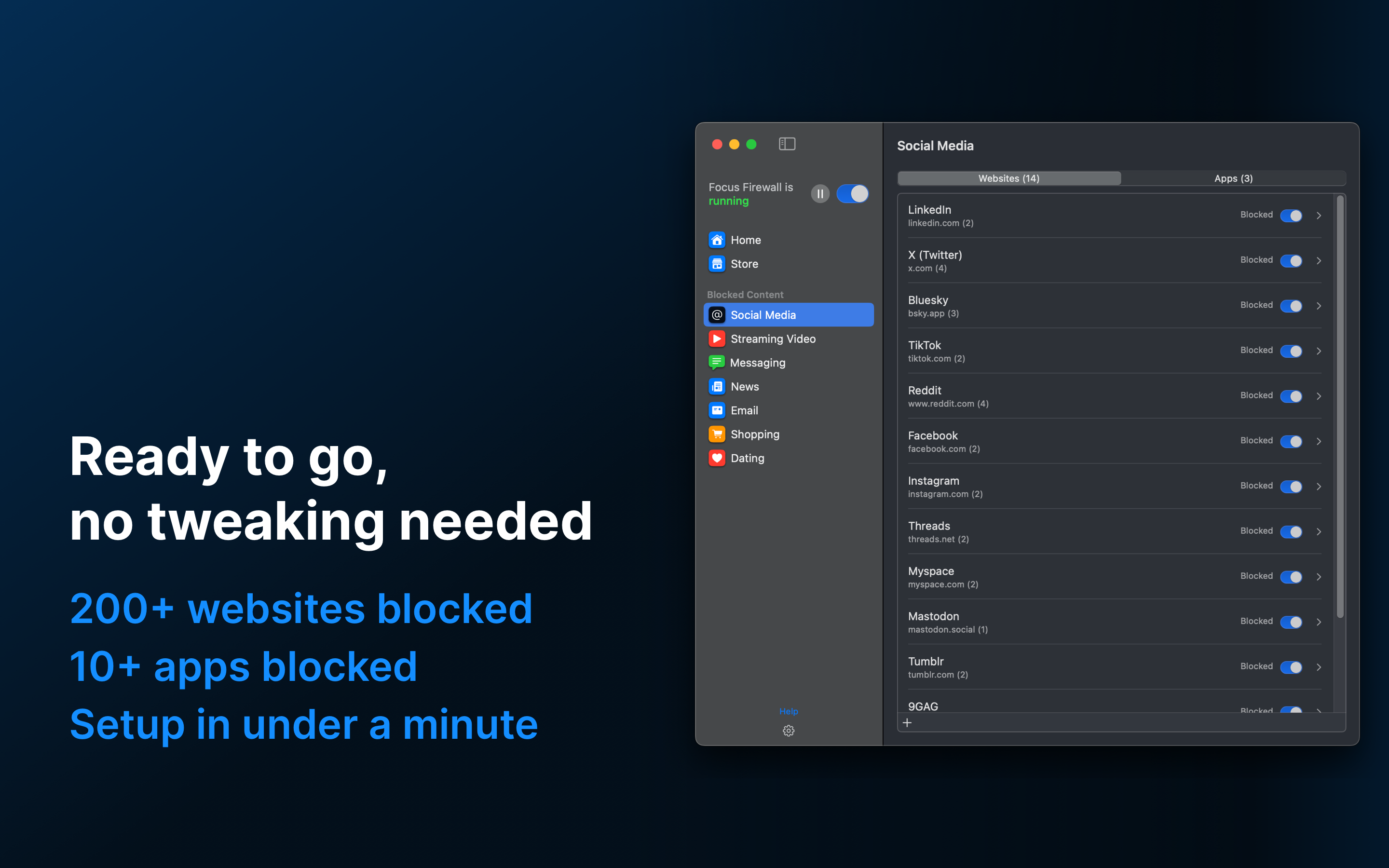
- Minimalist: one schedule, one blocklist, one switch
- Passive: I don't have to do anything daily for it to help me
- App setup takes less than a minute
- Doesn't require installing browser extensions, works out of the box
- The app is highly optimized and uses less than 80MB of RAM and barely any CPU, having near-zero battery impact
What I learned
- Creating and shipping an app goes beyond just coding. As an engineer, I got to exercise a bunch of new muscles: design, marketing, website, distribution, etc
- Getting the app in front of folks that are your target audience is hard
- Motivation comes in waves, and it's normal to have lows in productivity. Just keep going.
What's next for Focus Firewall
There are some things in my list that seem interesting, including porting the app to iOS + iPadOS + visionOS and perhaps even Android.
That said, I'm always looking to strike a balance between features and simplicity, and I'm cautious on adding much more. My backlog is currently much smaller than the "denylog" – things that I'm not going to add. There are many features that other apps may have that I don't find appropriate for this particular app. For instance, fine-grained analytics may hurt more than help, and it can make you feel bad unnecessarily. Another example is password-protected blocking – I personally don't believe in overnight changes in habit. My creative direction is towards a more balanced approach, where you can make some progress every day, and compound it in the long run.
Built With
- macos
- swift
- swiftui


Log in or sign up for Devpost to join the conversation.