-
-
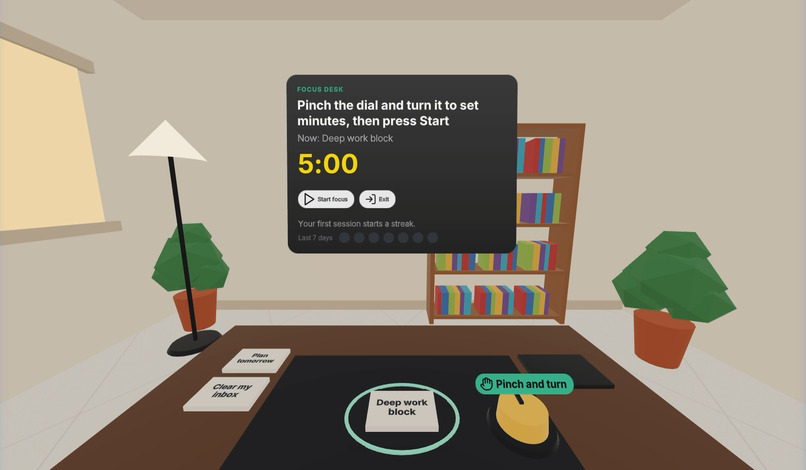
2-task-on-tray
-
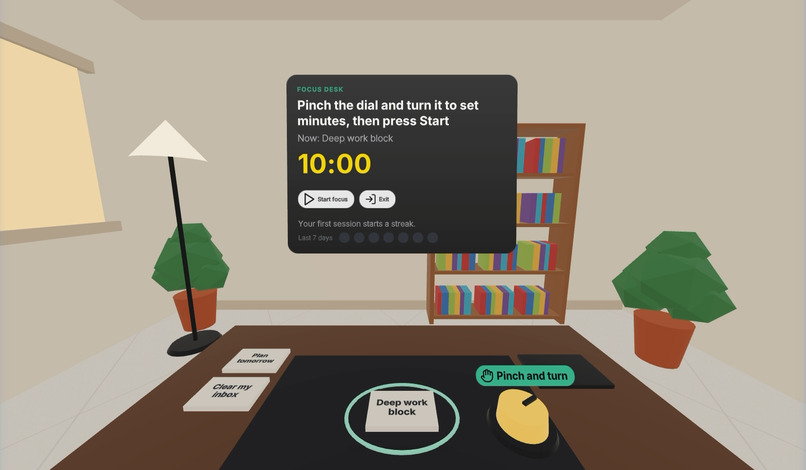
3-dial-ten-minutes
-
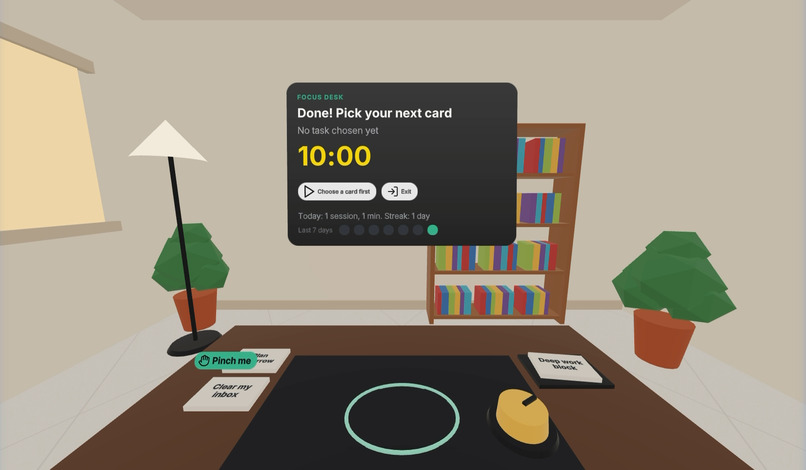
6-done-and-streak
-
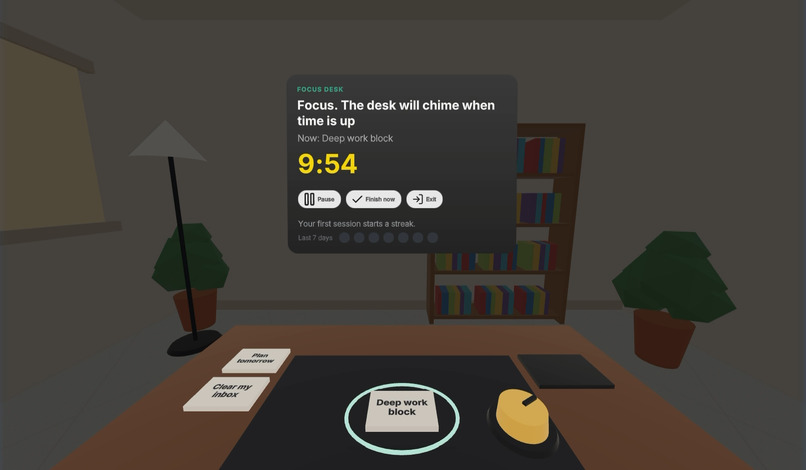
4-focus-mode
-
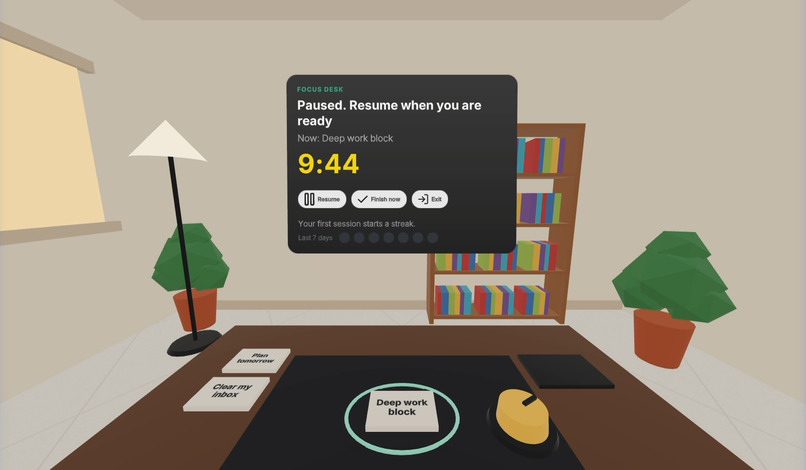
5-paused
-
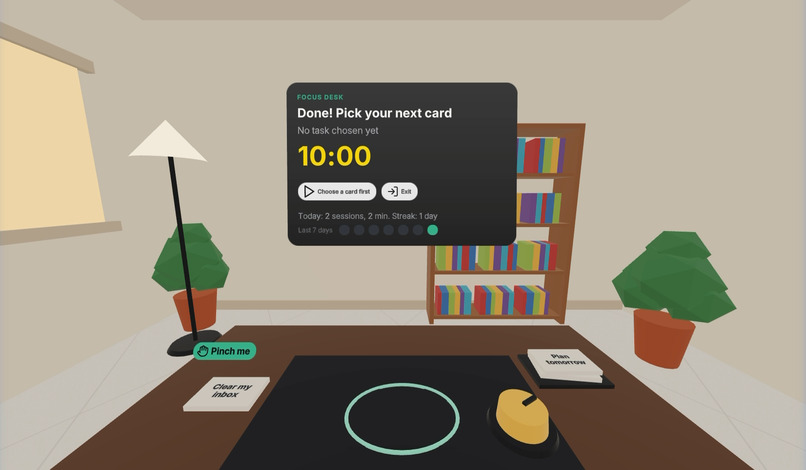
7-two-sessions
-
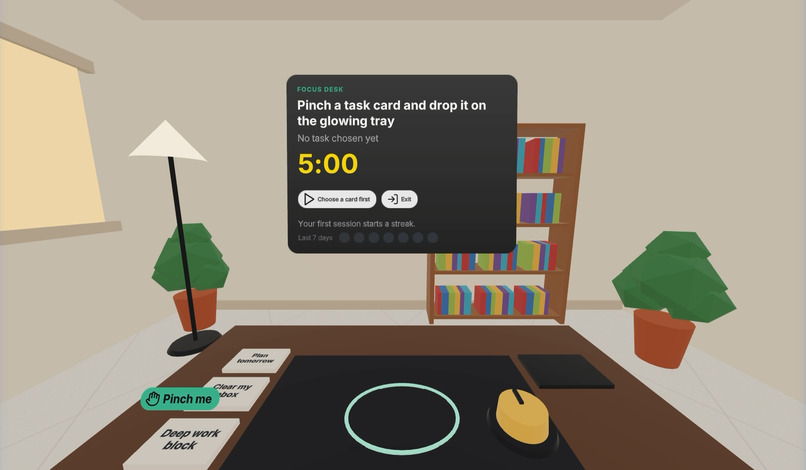
1-study-and-hint
Inspiration
Deep work is hard to start and easy to break. A phone timer doesn't change your surroundings, and most productivity apps are another screen full of buttons. We wanted the opposite: a calm, physical ritual. Pick up the task, set the timer with your own hand, and let the world go quiet until it's done. VR can do something a flat screen can't: it can make the room itself step back while you focus.
What it does
Focus Desk puts you at a desk in a quiet study, seated, with nothing but your hands.
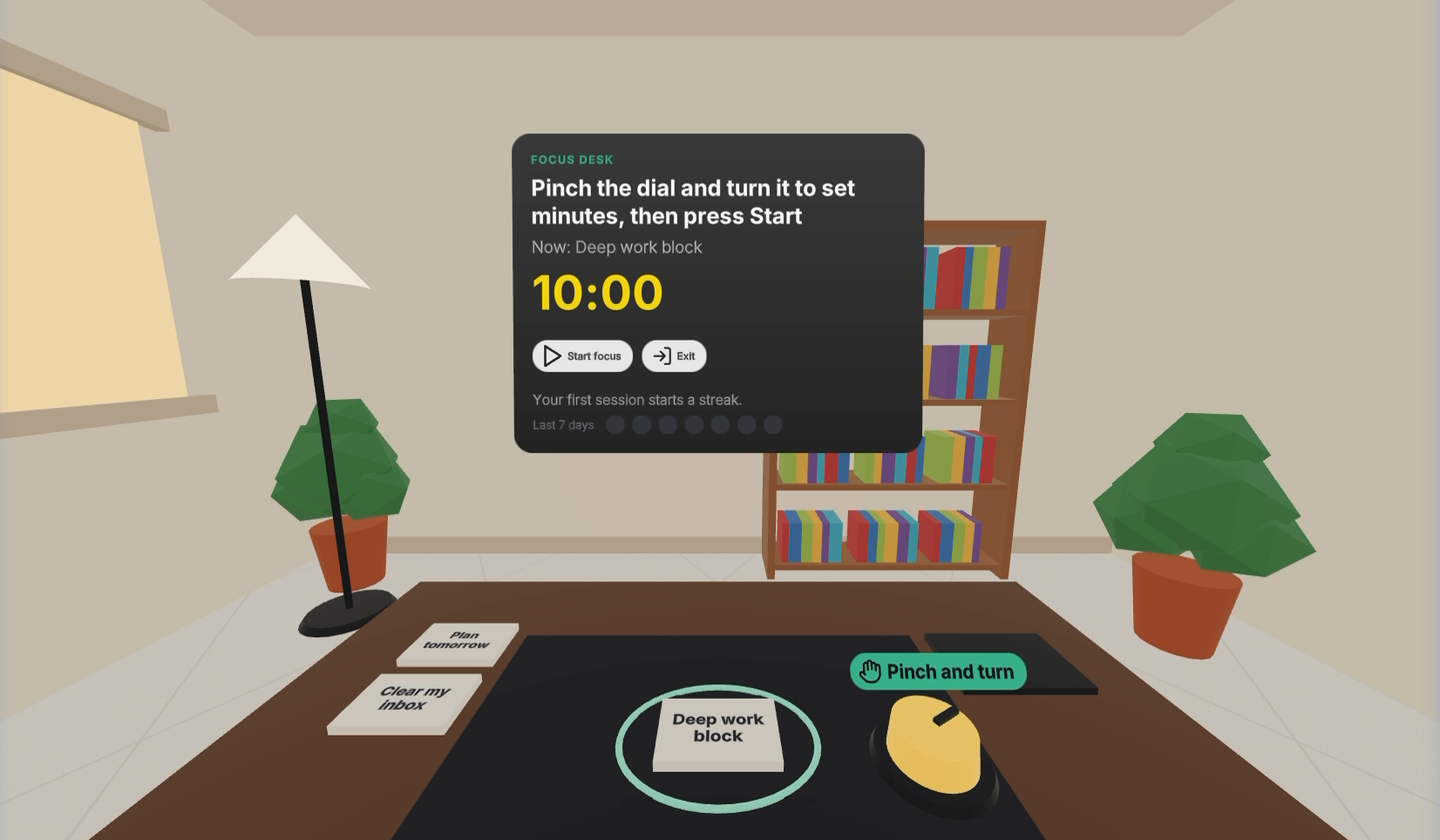
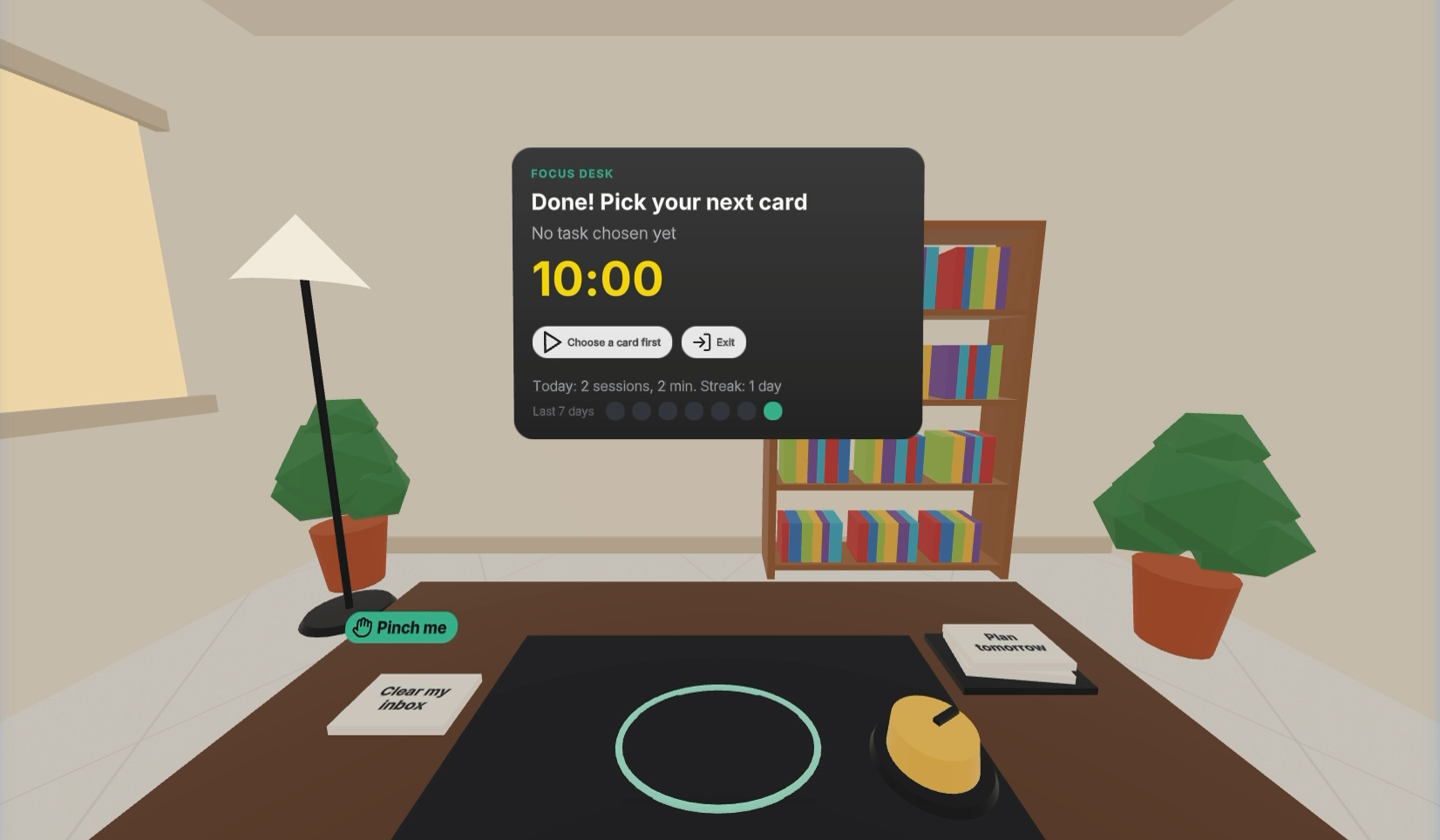
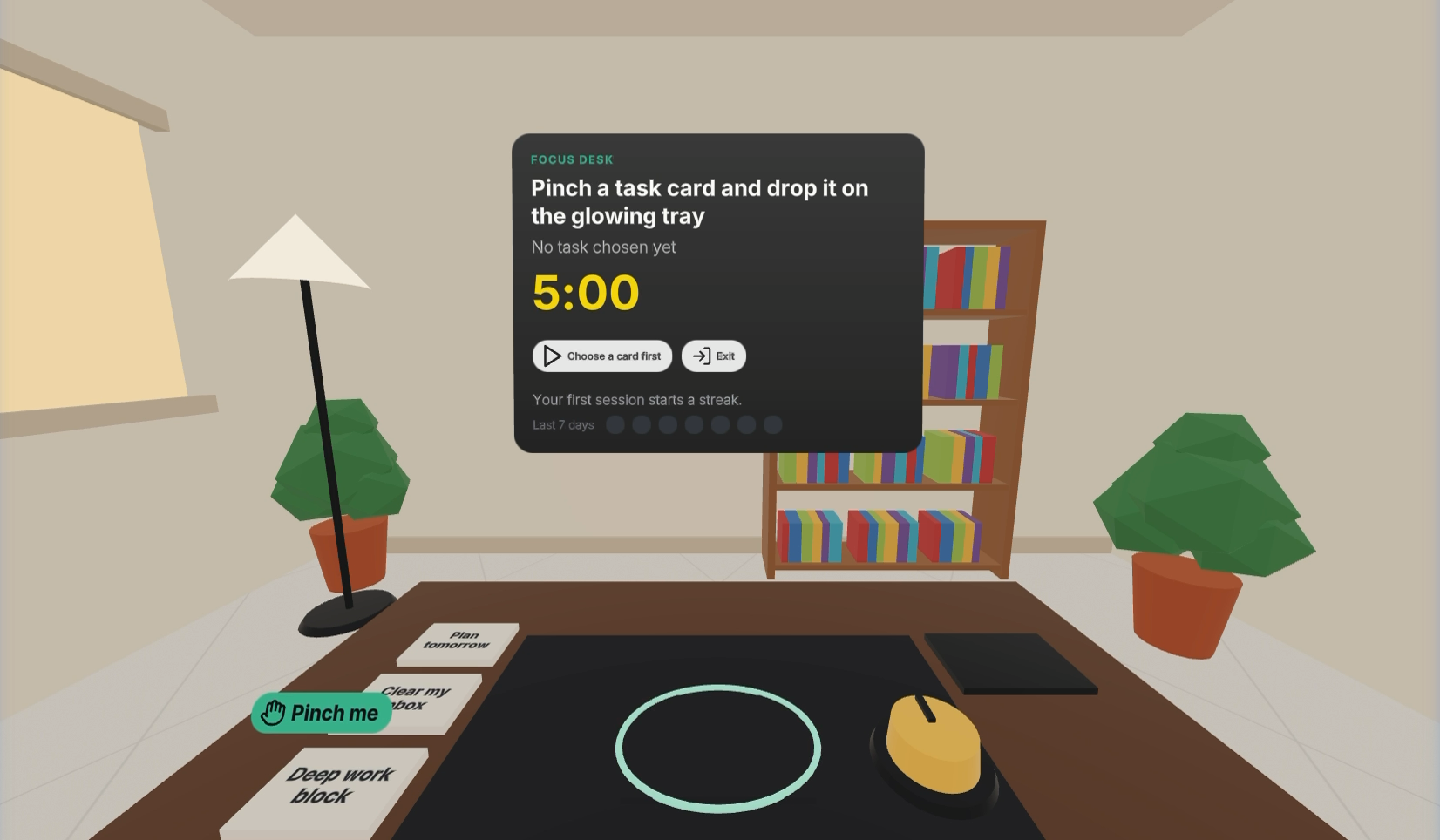
- Choose a task. Pinch one of three task cards and drop it on the glowing tray. It snaps in with a soft click.
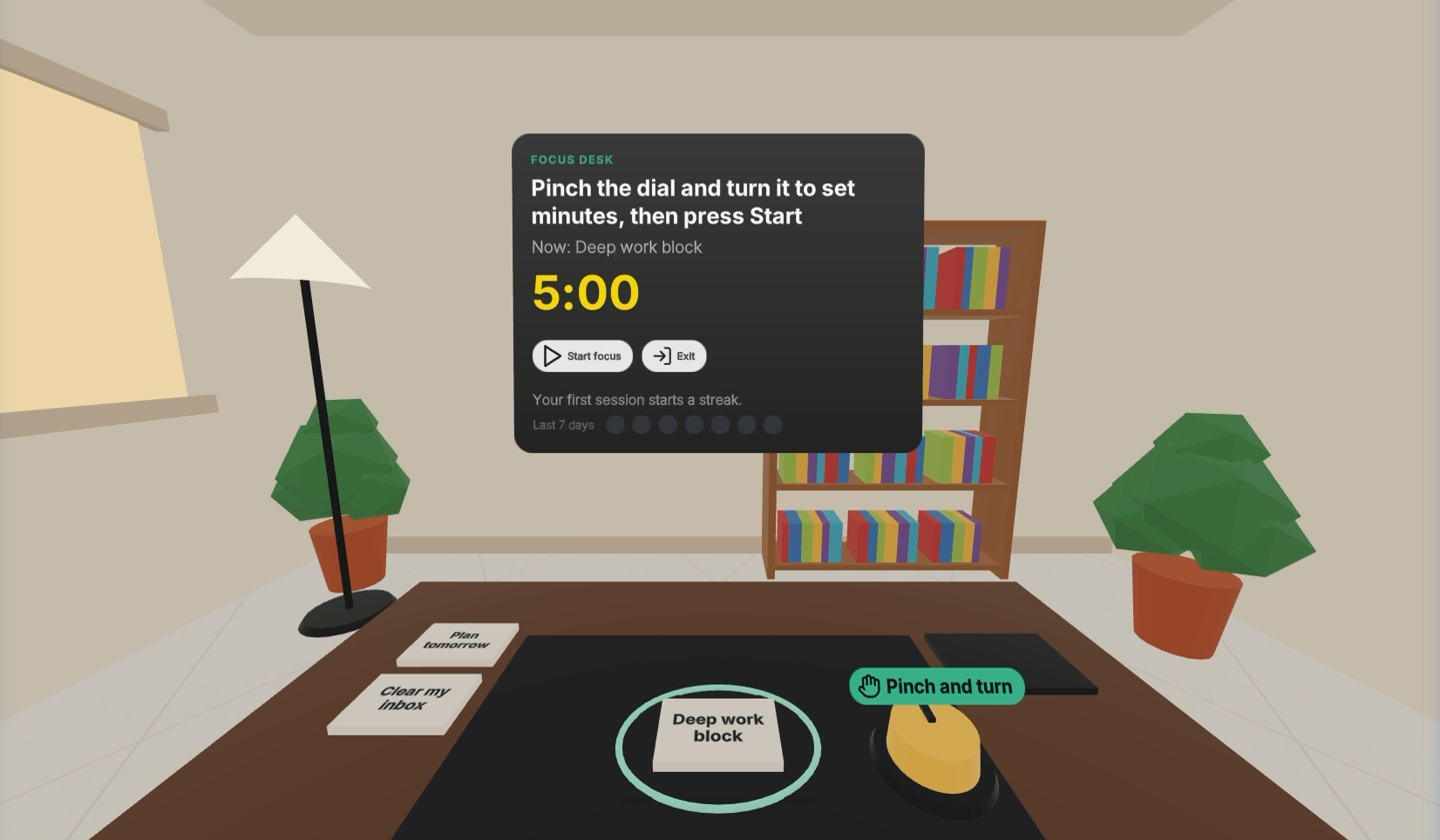
- Set the time. Pinch the brass dial and twist it like a real kitchen timer: 1, 5, 10, 15, 20 or 25 minutes, with a tick on every notch.
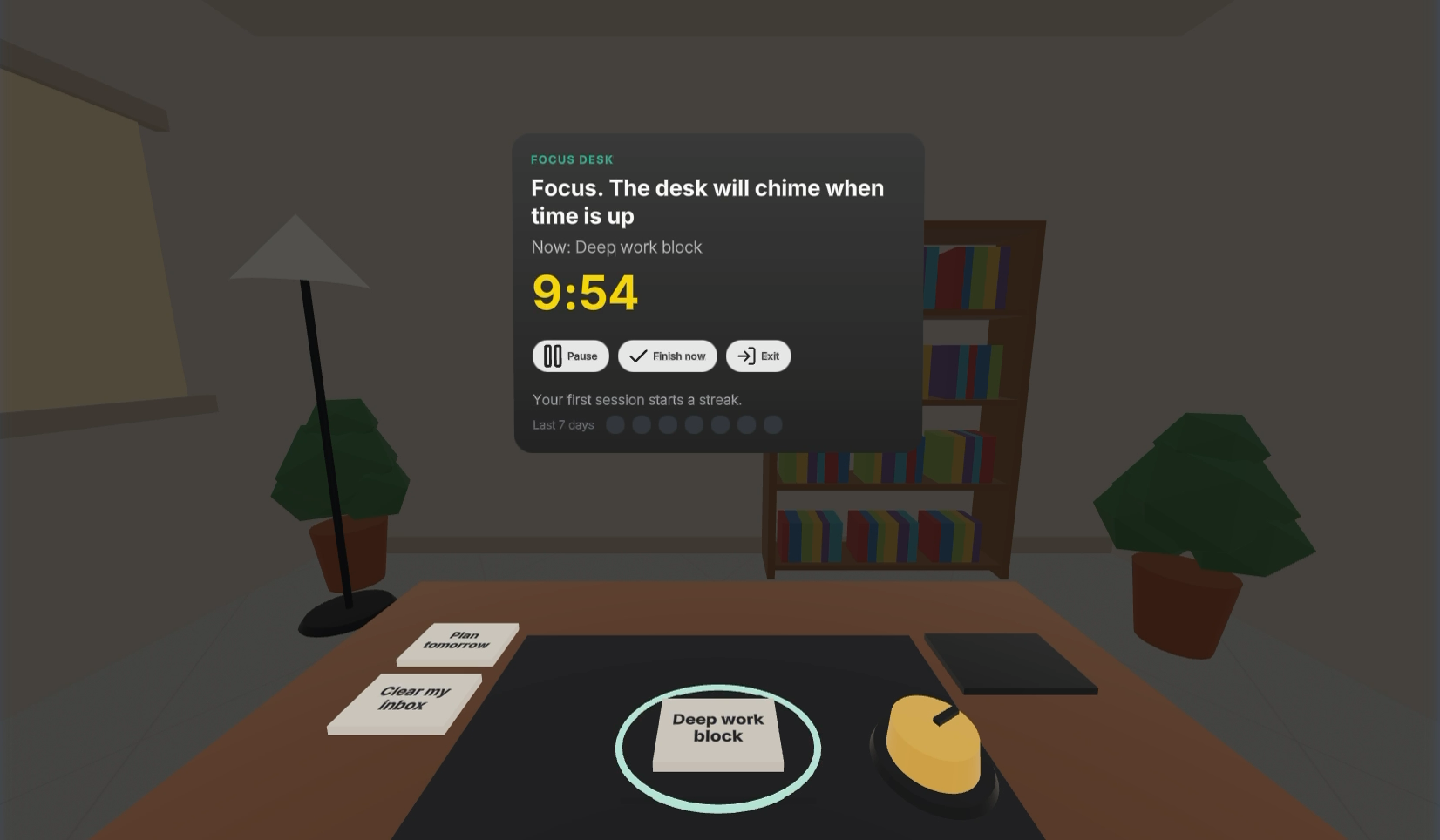
- Focus. Point and pinch Start. A low bell sounds, the study fades into darkness, and only your desk and timer stay lit.
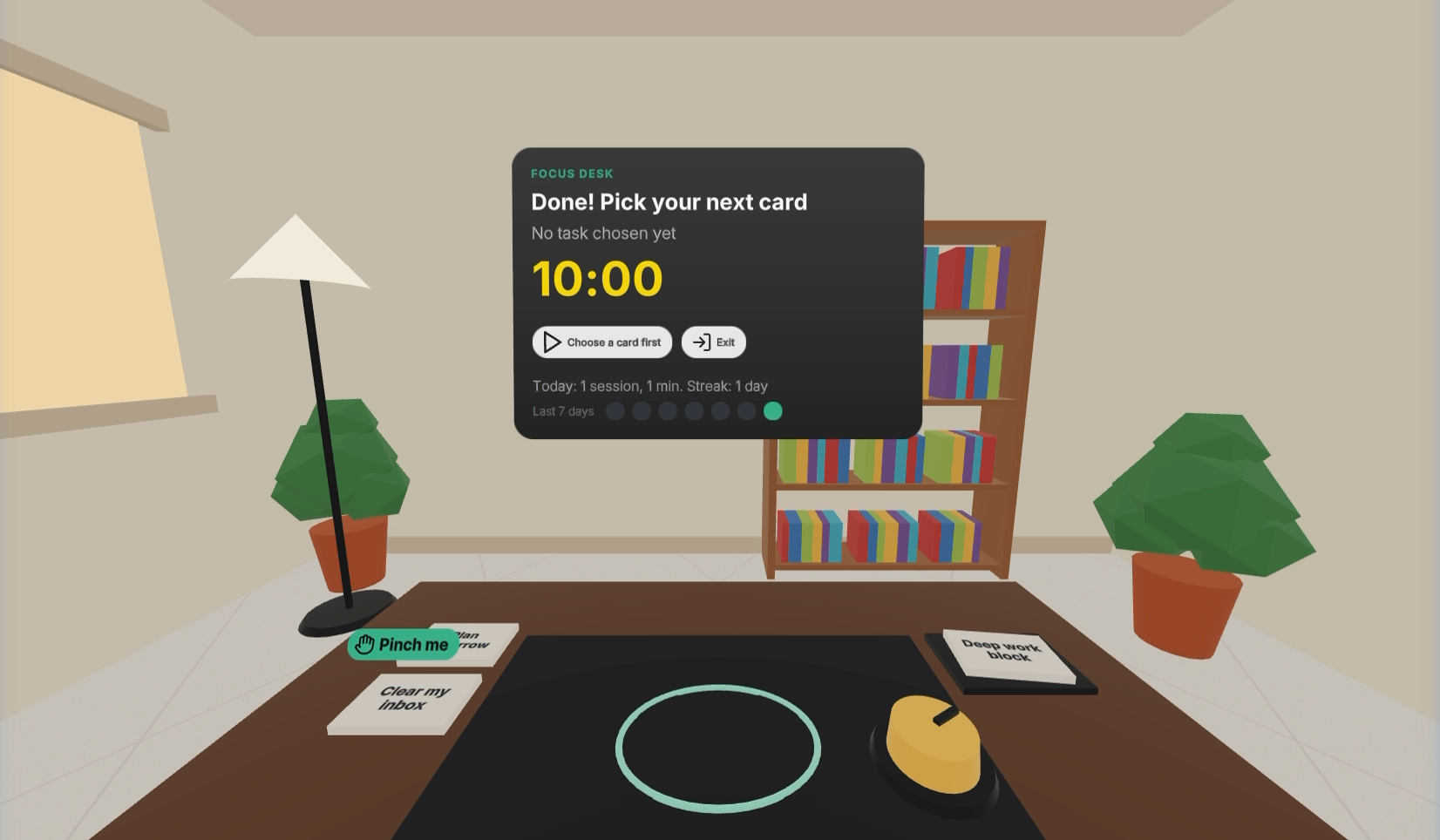
- Finish. At zero the desk chimes and the card files itself on the Done pile.
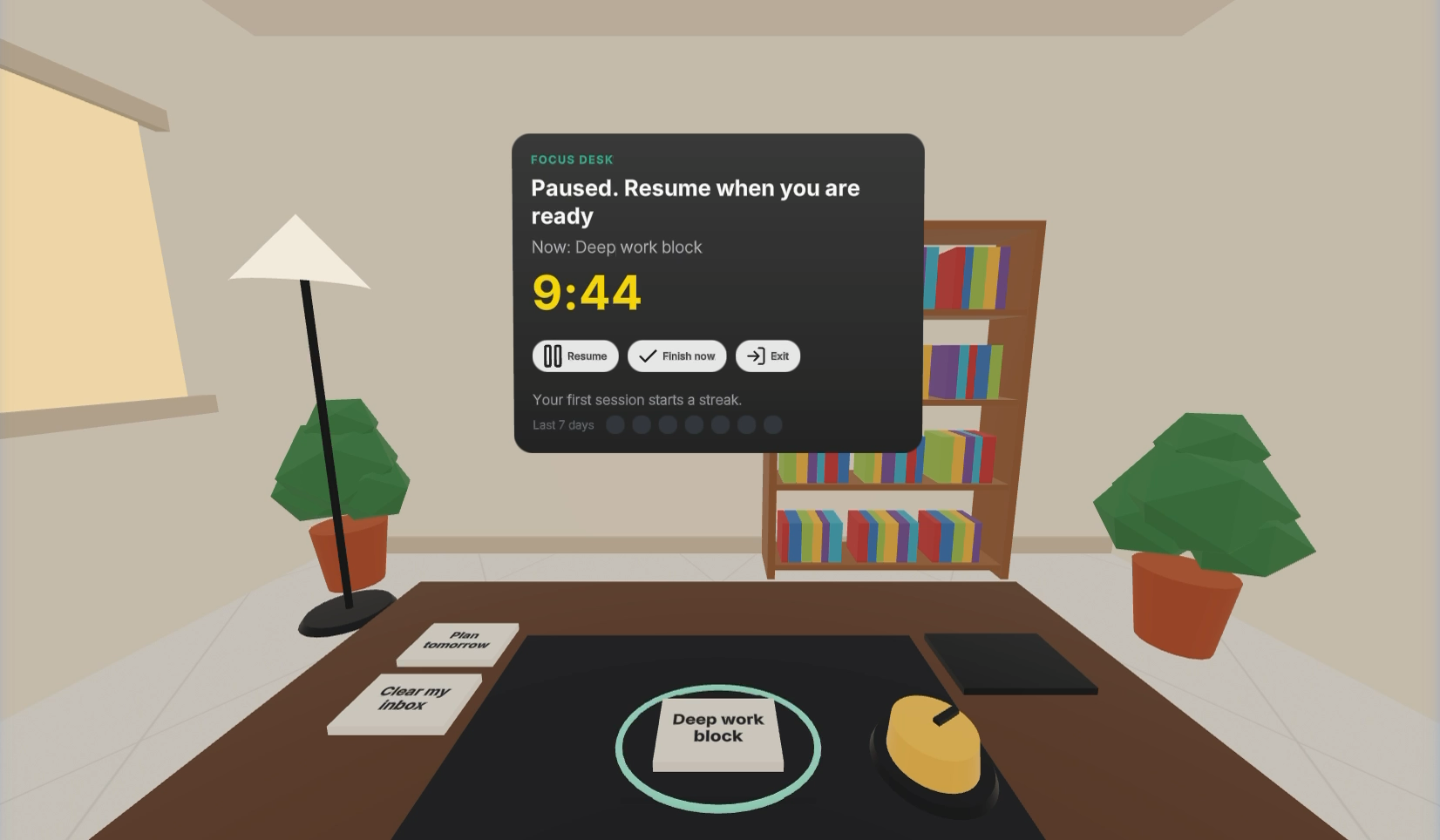
It is built around the "one bus stop" and "airplane seat" tests. Everything is within arm's reach, a session can be one minute or twenty-five, and pause, resume and finish-early are always one pinch away.
A reason to come back tomorrow. Sessions, minutes and a daily streak are saved on the device, and a 7-day strip lights up each day you focused. Watching the Done pile grow is the reward.
The first five minutes. No tutorial and no wall of text. A small floating "Pinch me" tag sits over the next thing to touch and moves from the cards to the dial ("Pinch and turn") as you go. The tray and dial glow when it is their turn. After three sessions the hints retire.
How we built it
- Meta's Immersive Web SDK (IWSDK) on WebXR, so it runs straight from a link in the Quest browser, with no install.
- Hands-first interaction from IWSDK's own systems:
OneHandGrabbablefor pinching cards, the same component constrained to rotation only for the dial (its yaw maps to minutes), and hand-ray pinching for the panel buttons. - An ECS game loop (entity-component system): one
FocusDeskSystemowns the session state machine, snapping cards to the tray, the timer, the glow and the hints. - Spatial UI in UIKitML with the Horizon UI kit.
- Everything is procedural. The desk, cards, dial, room, bookshelf, plants and lamp are built in code from low-poly shapes, and the sounds are synthesised with the Web Audio API. The app downloads no models and ships one small audio file.
- Focus mode is a single back-faced shade sphere around the player, drawn before the UI so the panel stays bright while the room dims.
- Timing uses the real clock, not frame counts, so a session stays accurate if frames drop or the headset sleeps.
- Built with TypeScript and Vite, and deployed to Vercel.
Challenges we ran into
- Reach. A fingertip can't comfortably reach a panel a metre away from a seated position, so buttons use the hand ray and pinch, the way Quest system UI works. Everything you touch directly sits on the desk.
- Turning a dial with a pinch. We locked the grab to rotation around one axis, so a twist reads cleanly and the dial never slides off the desk.
- Dimming the world without dimming the UI. Transparent draw order mattered: the shade has to render before the panel.
Accomplishments that we're proud of
- The whole loop works end to end with hands only, with no controller at any point.
- It is a complete "moment" in as little as one minute, and the room fading out makes focus feel like a place, not a timer.
What we learned
- Designing for hands changes layout. Distance, glow and sound do the teaching that text usually does.
- IWSDK's ECS and built-in grab and ray systems let one developer ship real hand interaction in days.
What's next for Focus Desk
- Writing your own tasks by voice or with a hand-friendly keyboard.
- Mixed-reality mode: the desk on your real table, using passthrough and scene understanding.
- A weekly review of your Done pile, and gentle reminders that keep a streak alive.
- Optional AI help that splits a big task into three focus-sized cards.
- Target launch: a free Meta Horizon Store release as a packaged web app, aiming for [YOU: e.g. March 2027].
Try it
Open https://focus-desk-six.vercel.app in the Meta Quest browser, tap Enter VR, and put your controllers down.
Built With
- immersive-web-sdk
- three.js
- typescript
- uikit
- vercel
- vite
- web-audio-api
- webxr
