-

Logo/Cover Image
-
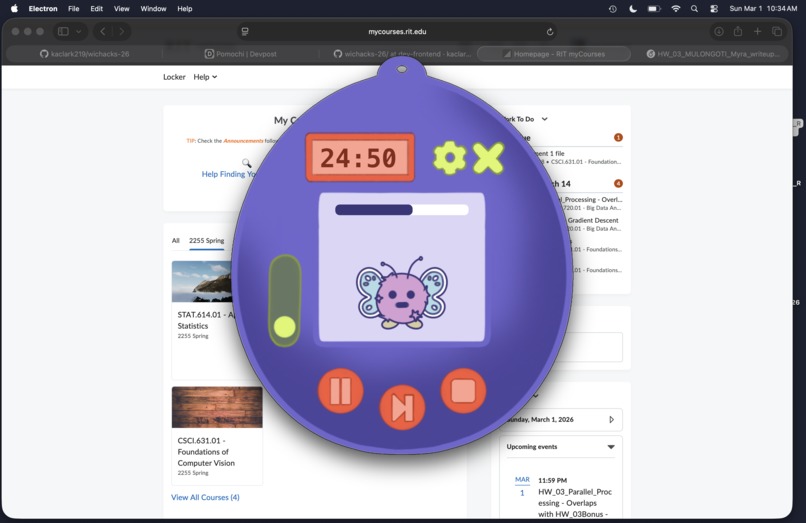
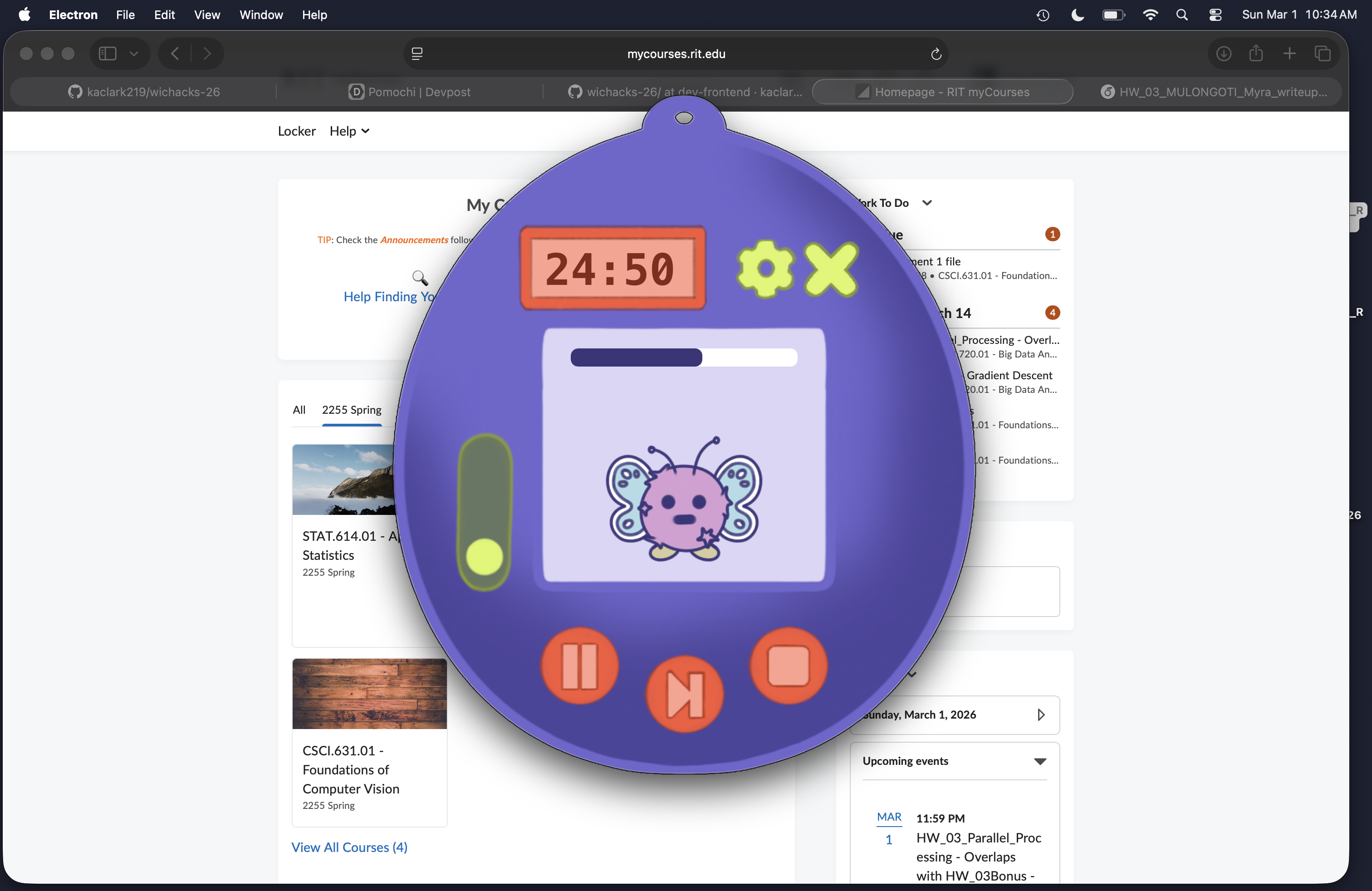
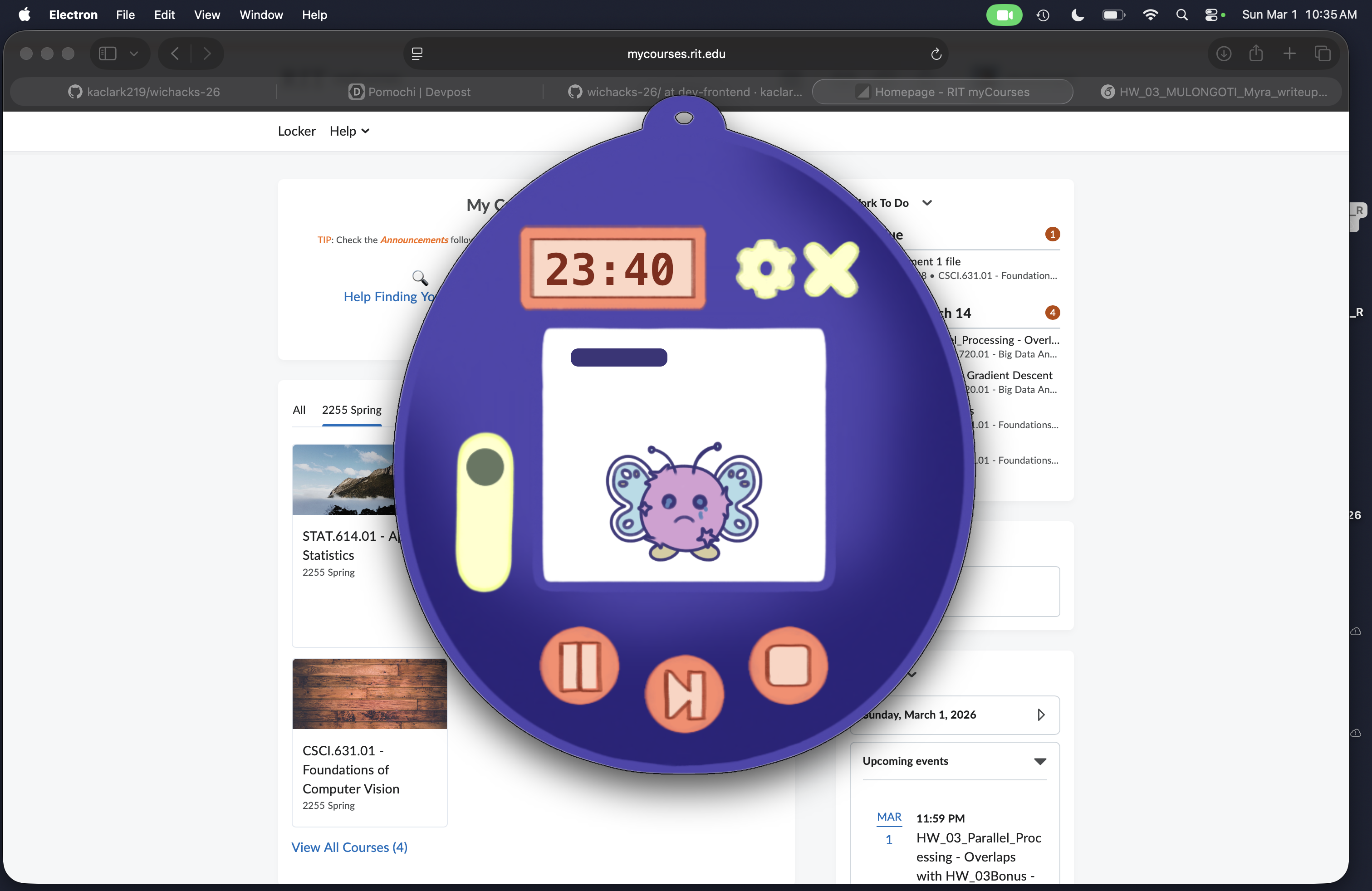
Timer On, Content
-
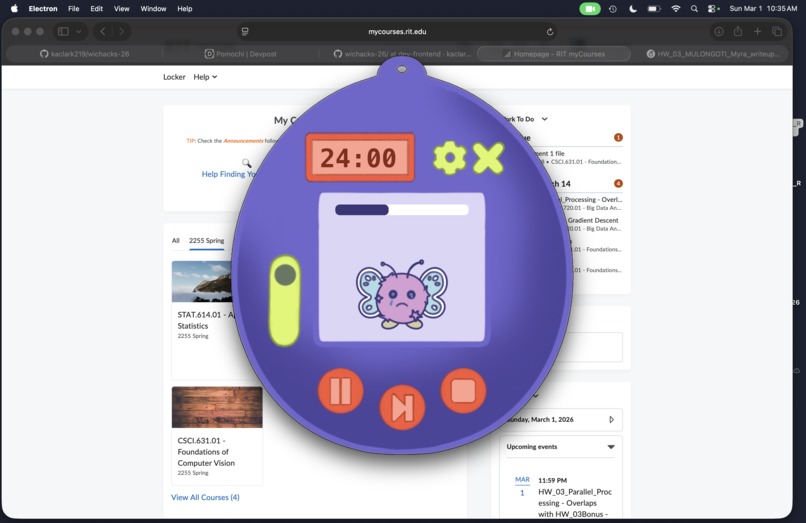
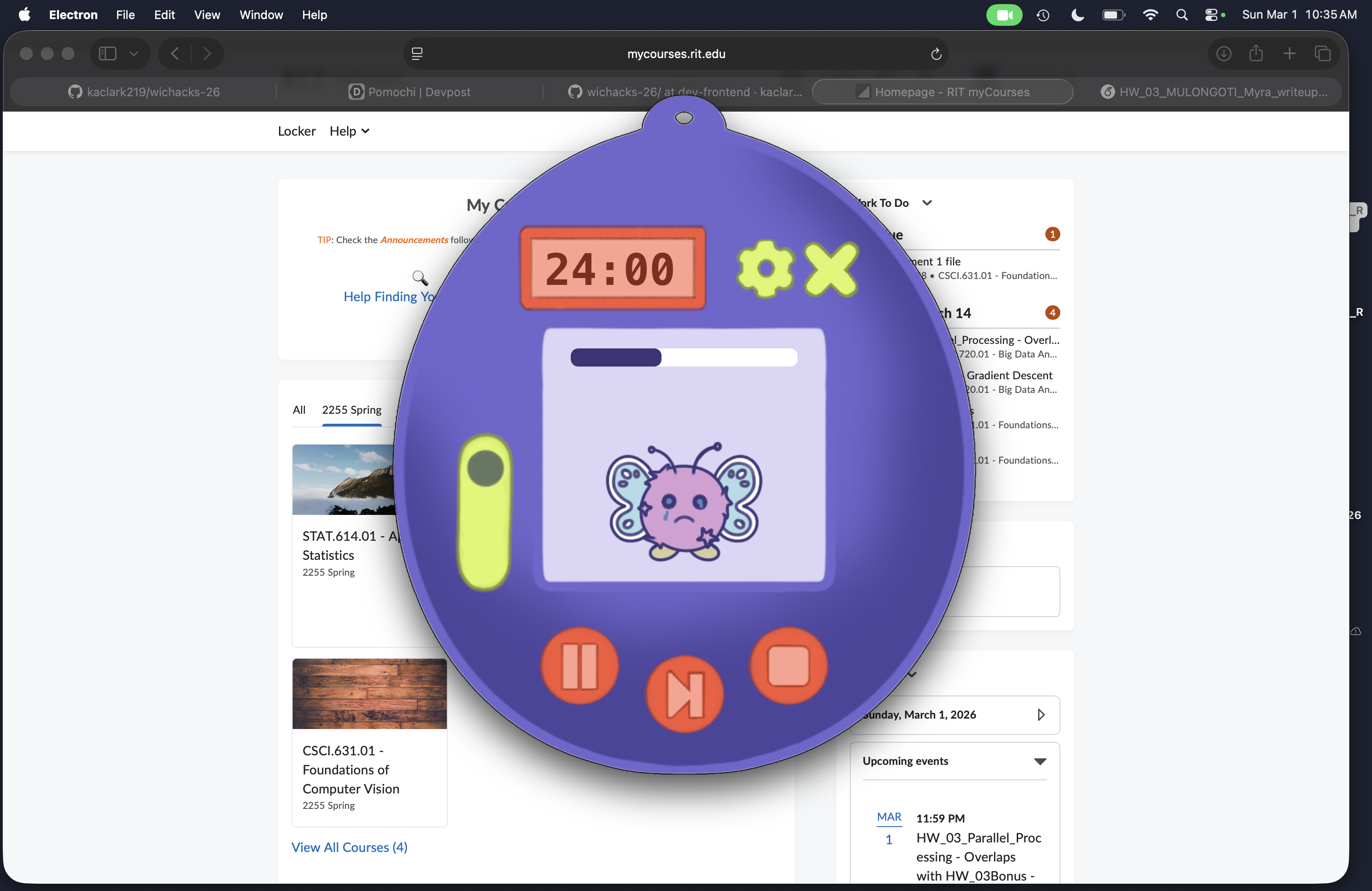
Time On, Sad
-
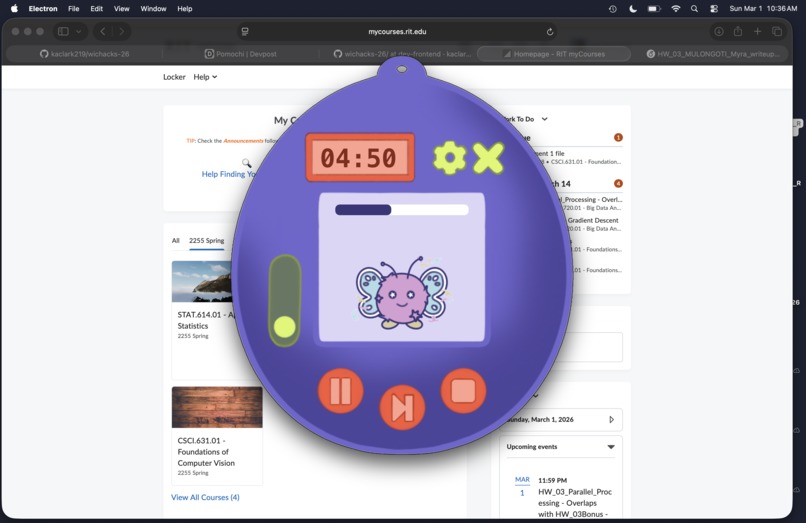
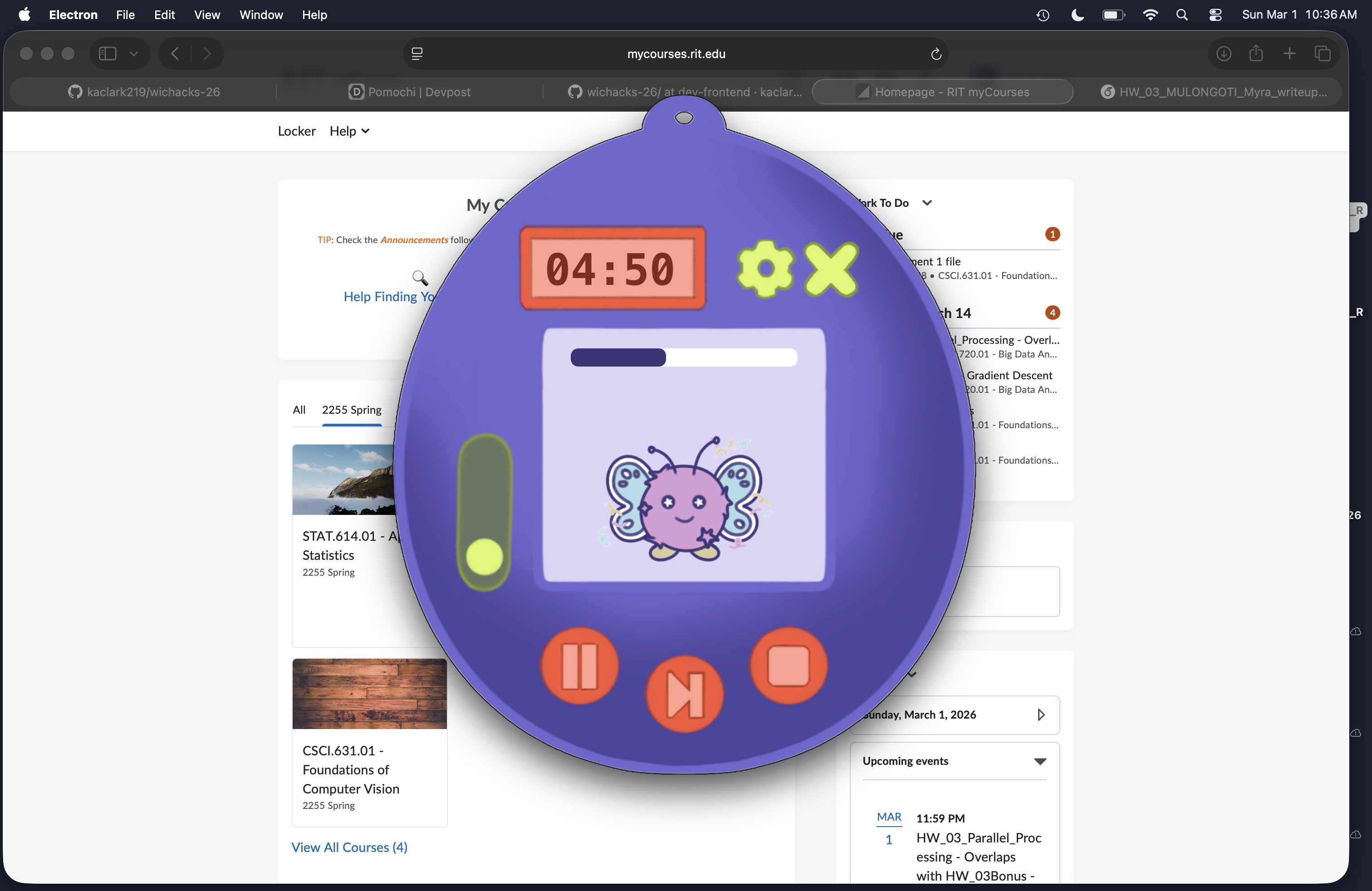
Break Mode
-
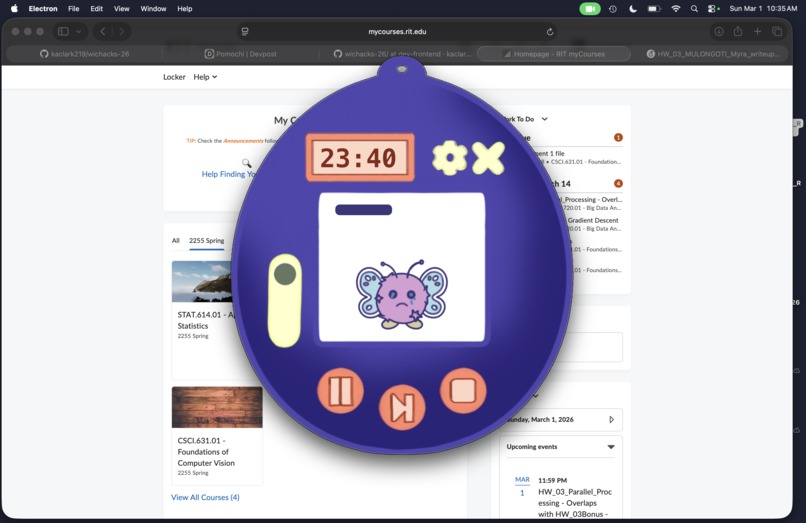
Timer On, High Contrast Mode, Sad
-
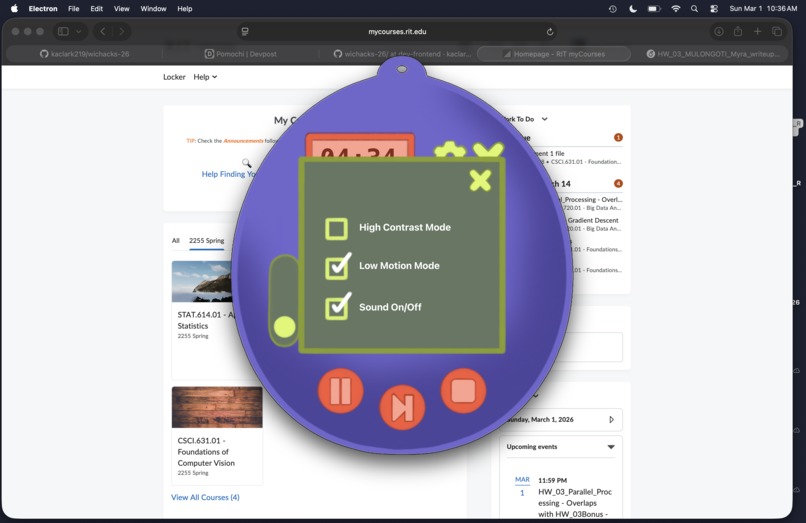
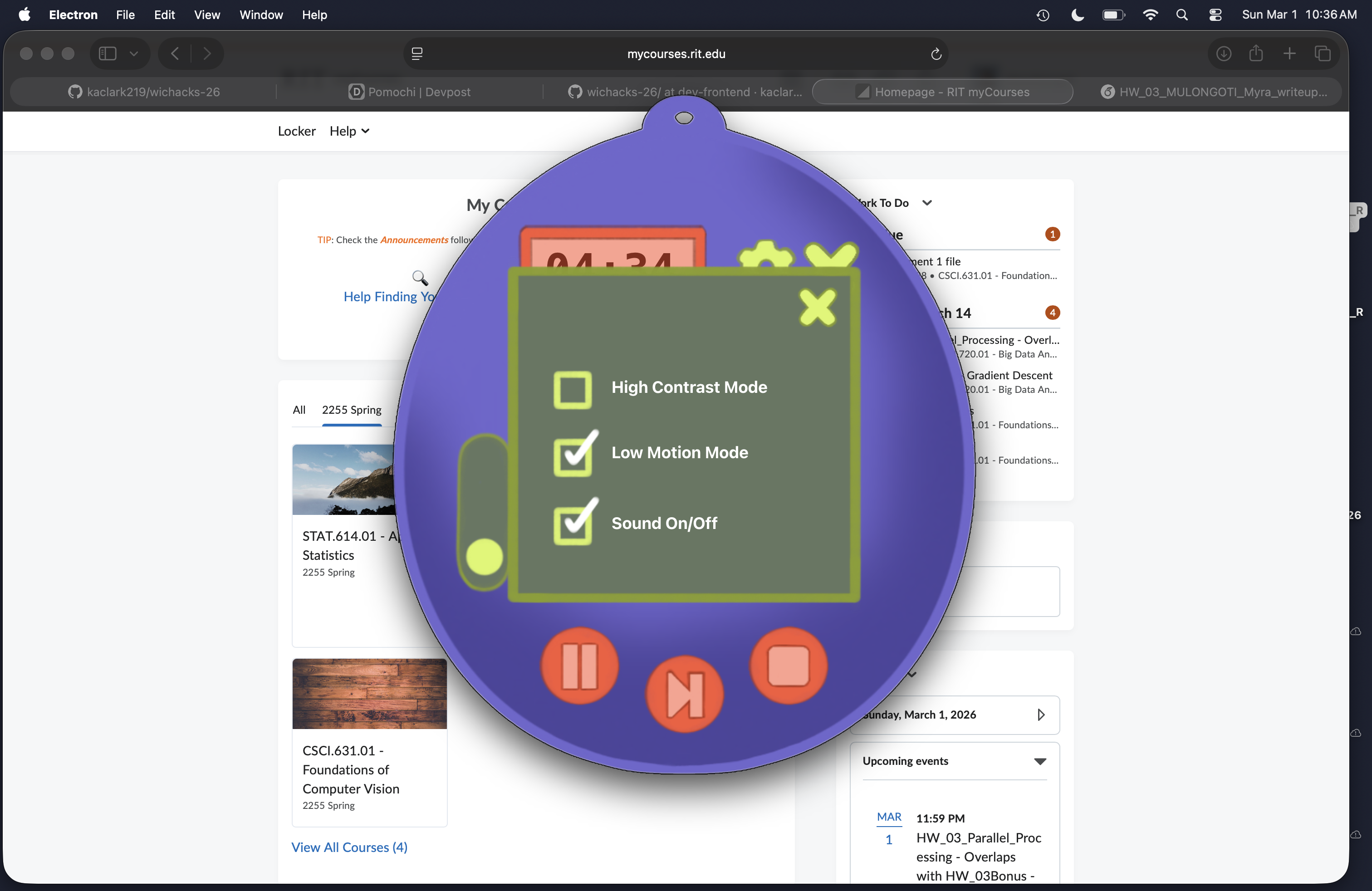
Settings Menu

Inspiration
We wanted to create an engaging, gamified tool that helps users maintain focus during work sessions. By combining a virtual pet with real-time computer vision, we could provide immediate, visual feedback on focus habits, to make productivity feel less like a chore and more like caring for something you value.
What it does
Pomochi is a desktop focus companion that helps you stay productive using two real-time focus modes and a structured 25/5 Pomodoro system. Each session runs a fixed 25-minute work timer followed by a 5-minute break (which can be paused, stopped, or even skipped using intuitive keyboard shortcuts: SPACE/Enter to play, M to pause, S to stop, T to toggle modes, / to open settings, and Q to close). Focus tracking is active only during the work period.
In Camera Mode, Pomochi uses your webcam to detect distractions like phone usage or closed eyes, translating your habits into your virtual pet's mood and growth. In Screen Mode, it monitors keyboard and mouse activity across applications to determine whether you're actively working.
Staying focused during the 25-minute work session helps your pet grow happier and healthier, while distraction slows its progress. Optional adaptive audio enhances the experience: calm lo-fi beats play while you're focused, and alert-style music cues you when attention drops.
Pomochi is built for everyone, with comprehensive keyboard navigation (Tab through controls, Escape to close dialogs), full screen reader compatibility with real-time status announcements via ARIA live regions, clear focus indicators for keyboard users, and adaptive display settings including a high-contrast view for users with color blindness and a reduced-motion mode that minimizes unnecessary animations. All settings are keyboard accessible, and the interface uses semantic HTML structure for maximum compatibility with assistive technologies.
How we built it
We used Electron for the desktop UI, React for the frontend, and a Python Flask backend for computer vision processing. The app analyzes webcam frames to detect face presence, eye closure, and phone detection using OpenCV, YOLO, and MediaPipe. A state system tracks focus over time, with the pet's mood calculated based on accumulated focus score. Redis is used to integrate Presage's physiological metrics through the SmartSpectra SDK when available.
Challenges we ran into
Unfortunately, working with Presage's SmartSpectra SDK was not very intuitive. We first tried working with the Python library using the API key, which is no longer supported. So, we pivoted our approach, but ran into issues using the C++ integration due to the system and environment requirements, and then had to use a Docker system to isolate and manage the dependencies and (outdated) Ubuntu image. Using this methodology in tandem with a Redis server consistently would overload the system memory and crash the application if used for longer than a few seconds at a time. To get around this, we implemented a fallback system using OpenCV for eye/face detection and phone detection, which allowed the application to function without requiring the Presage service to be constantly available. Neither of us has experience using Docker, so we used Anthropic's Claude Haiku 4.5 model to help build/debug the Docker files.
Accomplishments that we're proud of
- Pivoted to successfully created a functional fallback system that works without requiring expensive/complex external ML services
- Implemented computer vision pipeline with multiple detection methods (face landmarks, YOLO phone detection)
- Illustrated an intuitive desktop UI with accessibility features (high contrast, colorblind-friendly palette, reduced motion options)
- Created a state system that meaningfully connects user behavior to pet response
What we learned
It was our first time working with Electron, and we also learned about the challenges of real-time computer vision processing on consumer hardware.
What's next for Pomochi
We initially wanted to add smarter on-task detection by analyzing screen activity during work sessions. However, screen monitoring comes with real privacy/security risks that we didn’t feel comfortable implementing in the limited time of WiCHacks.


Log in or sign up for Devpost to join the conversation.