-
-
fmAccounting Link Log
-
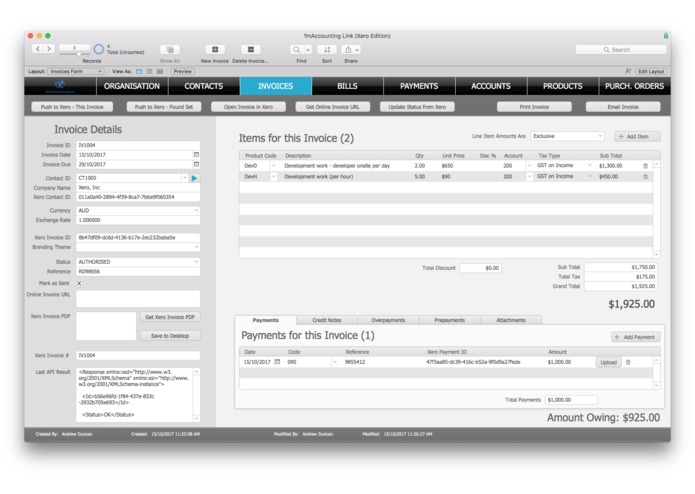
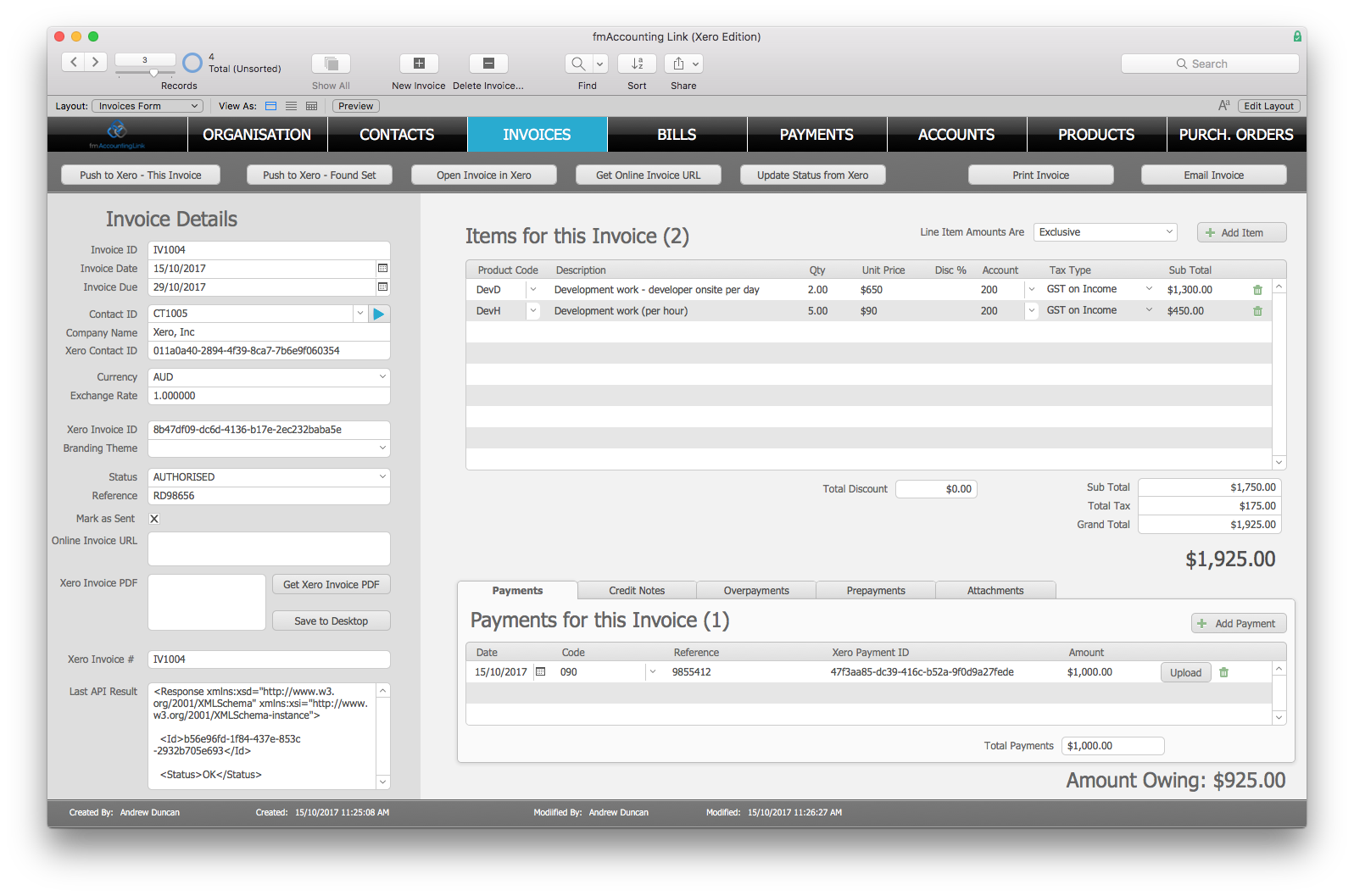
Invoice Uploaded
-
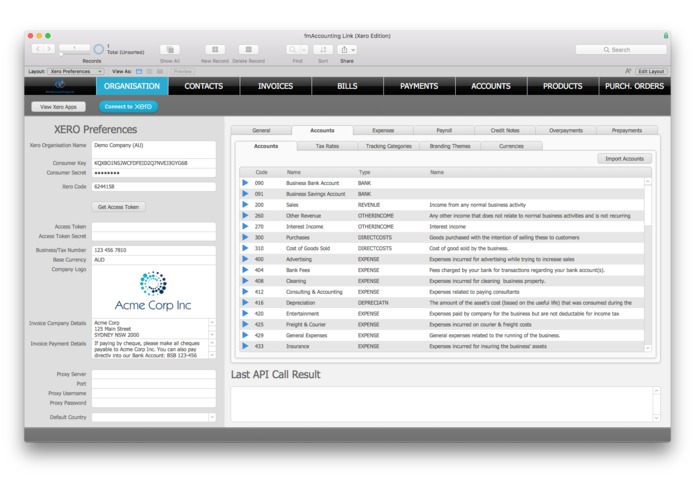
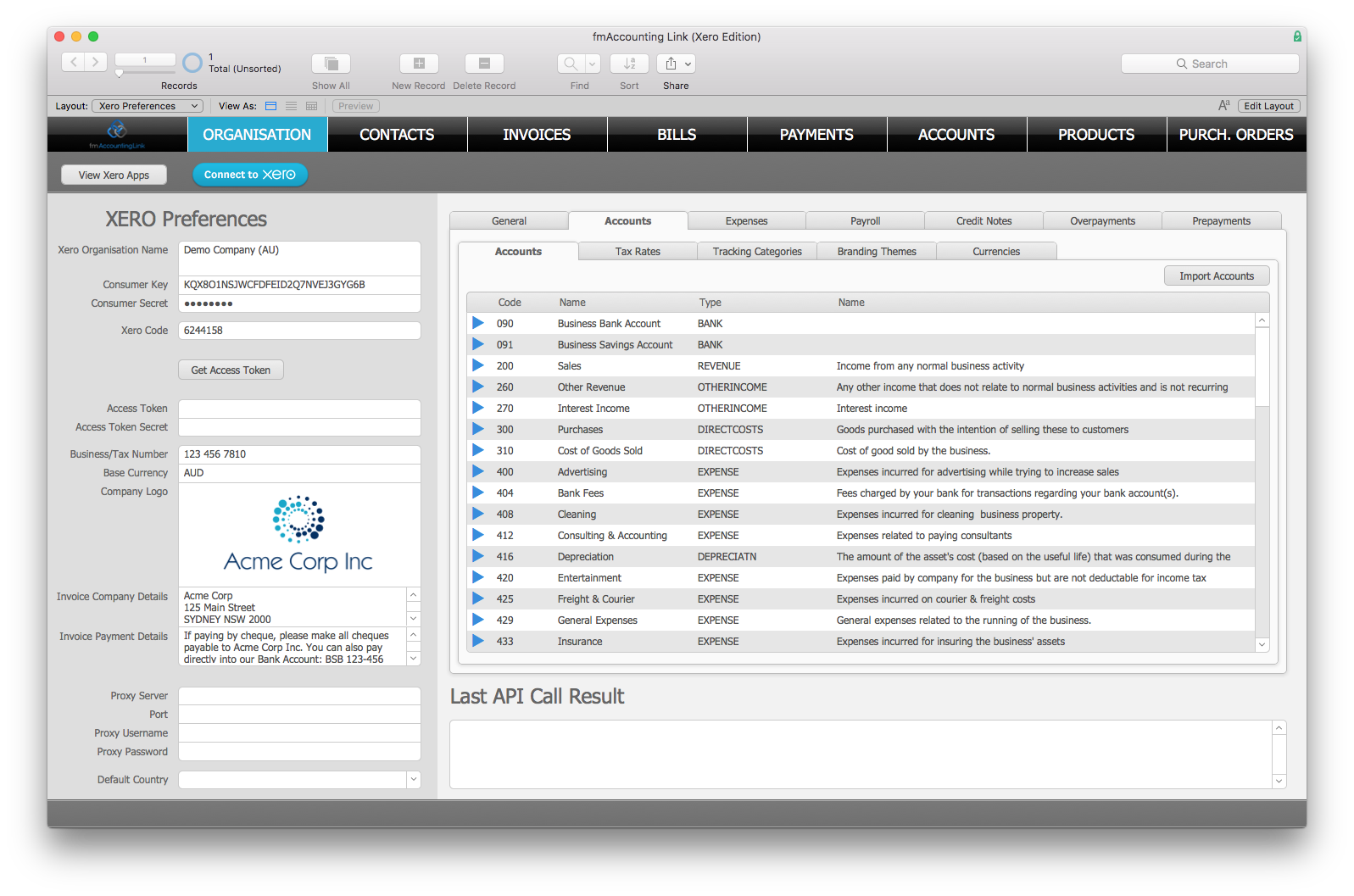
Chart of Accounts Downloaded
-
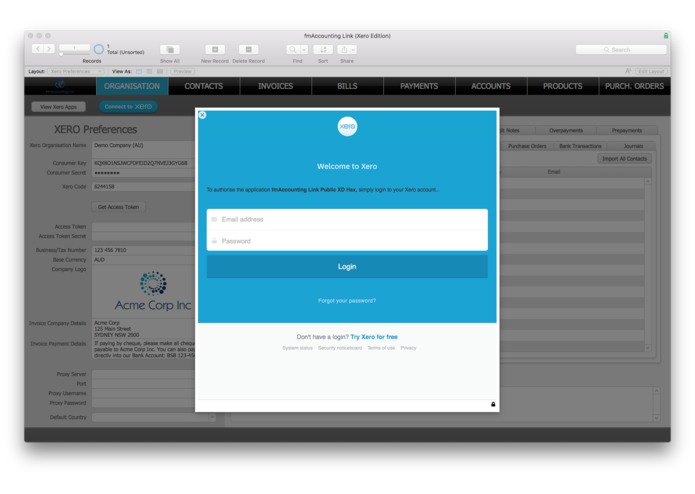
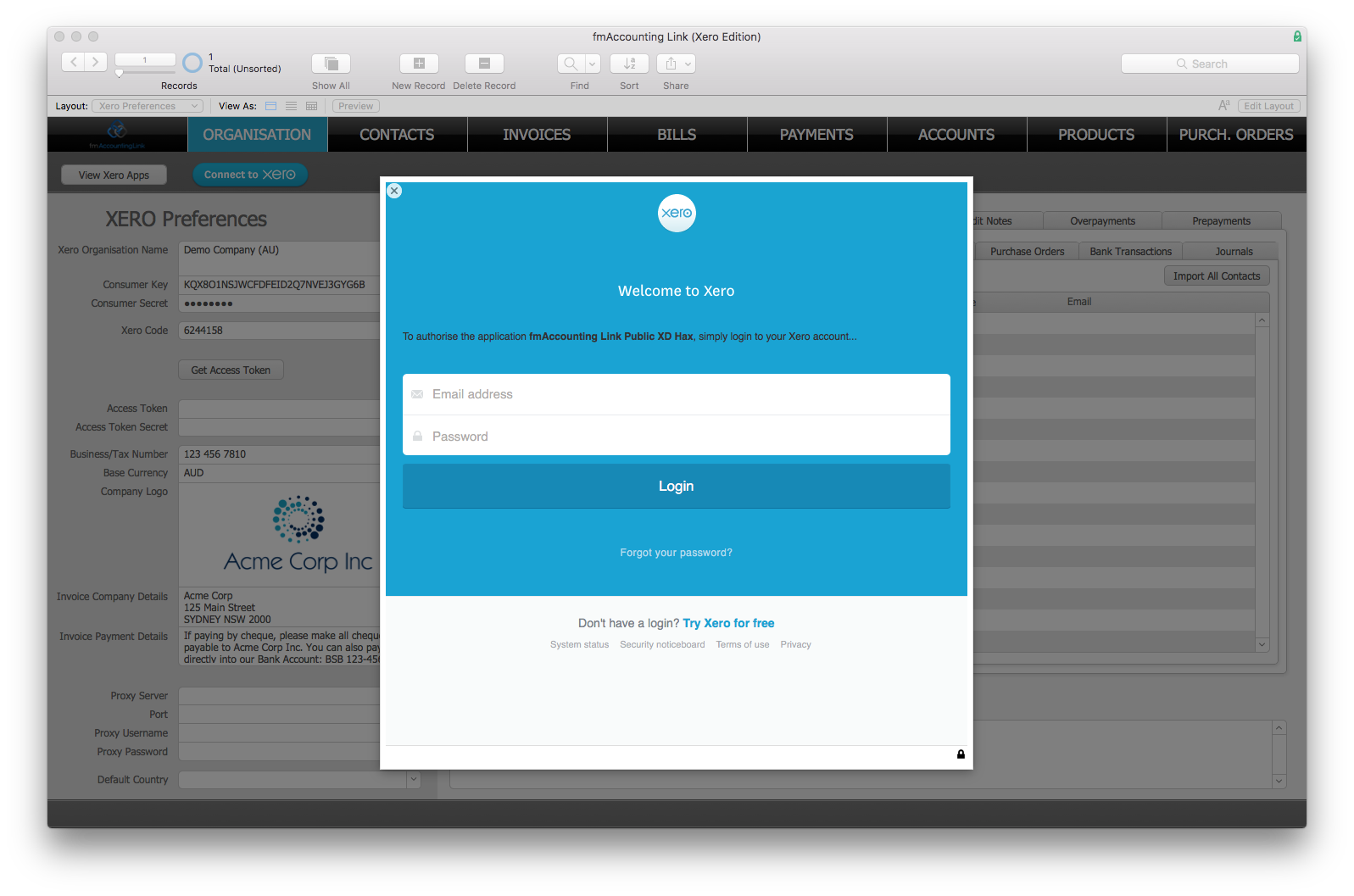
Authentication Setup

Inspiration
The FileMaker platform has over 1 million active global subscribers and is available in 15 languages. The FileMaker platform is used to create custom apps that work on desktop (Mac and Windows) and iPhone, iPad and the web. FileMaker, Inc and Xero are targeting the same small business sector and many FileMaker customers are also Xero customers, so it makes sense to have them integrated together.
We've been performing FileMaker/Xero integrations for many years now helping FileMaker customers eliminate any double data entry between FileMaker and Xero so they can upload Customers, Invoices, Payments etc from FileMaker to Xero at the click of a button. The solution is called fmAccounting Link (Xero Edition) and you can get more information here. fmAccounting Link requires a Private Xero application to be created and uses a FileMaker plugin and is not currently listed in the Xero App Marketplace.
In 2016 FileMaker, Inc released FileMaker Cloud which runs on Amazon Web Services (like Xero) and offers an easy way for FileMaker customers to share their custom apps across the FileMaker platform - you can be up and running in under 20 minutes. XD Hax was the perfect opportunity to develop a version of fmAccounting Link (Xero Edition) that supports the FileMaker Cloud/AWS environment with native server side support and also use a Public Application integration allowing, removing the dependency on the FileMaker plugin (which doesn't run on the iPhone and iPad clients) and also adding support for JSON encoding/decoding that was recently released by Xero API.
What it does
Allows users of FileMaker custom apps running on the FileMaker Cloud (whether using the Mac, Windows, iPhone, iPad or web client) to authenticate using a public application integration and upload/download data from Xero natively without any FileMaker plugins or other libraries.
How I built it
I created a new FileMaker Cloud instance running on AWS and setup a new EC2 instance for this. I then used the FileMaker development environment and tools to create the Public Application integration and started working converting all my calls to the Xero API from using a private application authentication method to the public application authentication method. I also switched from using XML data structures to JSON data structures as both FileMaker and the Xero API now support these natively.
Challenges I ran into
Understanding the Xero Public Application and oAuth authentication process and applying this to an application that runs on Mac, Windows, iPhone, iPad and also has a web client.
Accomplishments that I'm proud of
Getting the Public Application integration working and 'embedded' into the fmAccounting Link solution so users don't need to leave the app to get the Xero integration working and that runs natively on all supported FileMaker clients and doesn't require any third party plugins or libraries.
What I learned
How to add a Public Application integration to a FileMaker custom app hosted on AWS/FileMaker Cloud and download from the Xero API and upload/update to the Xero API.
What's next for fmAccounting Link (Xero Edition) for FileMaker Cloud
Finishing off all the other API calls so they are compatible with both a private application integration and a public application integration
Built With
- amazon-web-services
- filemaker

Log in or sign up for Devpost to join the conversation.