

Inspiration
We were inspired to create this project because we love traveling, but it can be so expensive to book a trip. We wanted to make it easier for people to plan their trips and keep costs down while not spending their time searching every websites, and keeping a track of the price every day manually.
What it does
Fly Frenzy is a web application which finds the cheapest flight ticket price between two cities. The user can even subscribe to notifications, which notifies them whenever there's a cheaper option available between those two cities. The user gets an email and SMS with price, how much cheaper it is compared to the last time they saw the price, and even a link to the booking website. All these without signing up or any such lengthy processes.
How we built it
We've used the following technologies to build our application:
- NextJS for front-end
- Python + Flask for back-end API and cron job
- MongoDB for database
- Courier for sending notifications
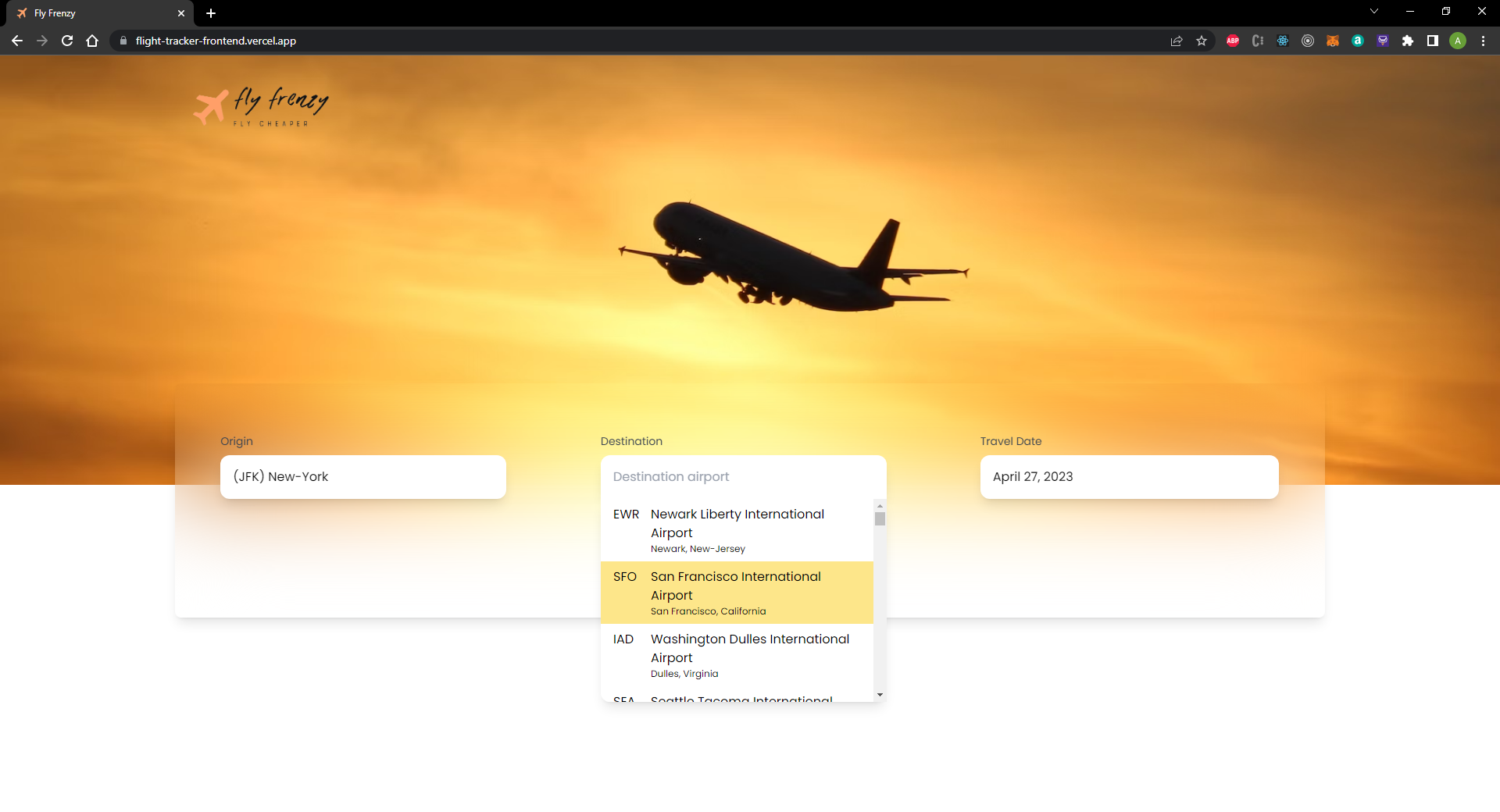
The user first gets to the homepage, where he has to select his origin, destination and date of travel. Once they click on the "Search Cheapest Flight" button, they'll be redirected to flight details page. Here once the page is loaded, the GET /flight-price API is called. This API requires the origin and destination's IATA code (International Air Transport Association), and the travel date.
The IATA code of all active US airports are stored in a JSON file in the front end, including other airport details such as ICAO code, name, city, etc. These details are then sent to Skyscanner API, which returns all the bookings available on that particular day from different airline and travel agency websites.
The data sent by skyscanner contains various fields like airport details, price, itinerary legs, carrier details, etc. In the backend, we sort the list by price, and extract several details like number of stops, arrival time, departure time, flight time, airline details, etc. Then the cheapest flight's data along with the other extracted data is saved into a database, and also sent back to the front-end where it is displayed to the user.
Now the user can see the flight details, and also gets an option to subscribe to notifications. When user enters their details (email and mobile number) and clicks on "Subscribe", the POST /flight-price-subscribe API is called which stores the details in database relevant to their search query.
In the background, a cron job is running which checks the price of tracked queries once in a while. This calls the check_flight_price() function which queries calls Skyscanner API and gets details of all the queries one by one. Then it checks for the price stored for that particular query in database. If the new price is lower, then the new details are extracted and replaces the previous details in database. It then checks for the subscribed users list in that query. By using Courier API, an email and SMS is sent to the user regarding price drop. The message contains the new price, old price, and even the link for booking the flight.

Challenges we ran into
The main challenge which we faced was optimization. As there were several tasks performed to get the price in backend, such as contacting Skyscanner API, sorting a huge array with a large amount of data, extracting required data, and much more, the time taken for each response was too high. We were able to optimize it quite well by several methods. We first made sure that the results of all searched queries are being stored in database. This way, if anyone else searches for the same query, they can get results directly from our database. Next, we made sure that only the queries which are being tracked by users gets price checked every often. The query which isn't being tracked by anyone gets deleted from the database after every 24 hours. In this way we were able to optimize our APIs. The next challenge was using python for backend. As none of us had ever used python for backend programming, it was initially tricky and challenging.
Accomplishments that we're proud of
We are proud that we were able to successfully create this app which not only helps us, but also helps everyone who wants to travel but look out for cheap and budget friendly flight tickets.
What we learned
We learnt how to use python for creating backend servers, and also how to create automations/cron jobs.
What's next for Fly Frenzy- Automated cheap flight fare tracker
Currently only airports in USA are available on our web app. We would like to add some more countries in future, including international flight ticket price tracking, adding several categories like fastest flight, adding different seat categories like first class, business class, etc.


Log in or sign up for Devpost to join the conversation.