About the Project
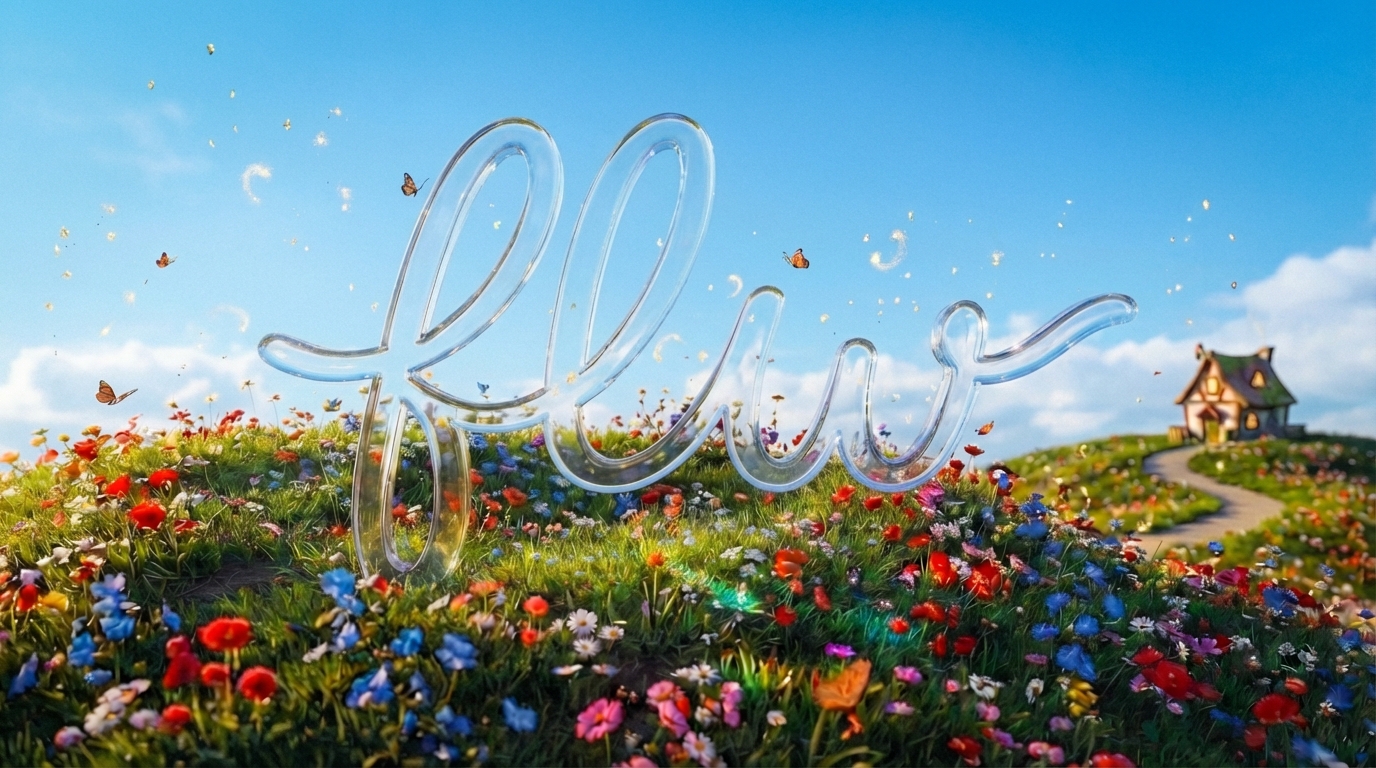
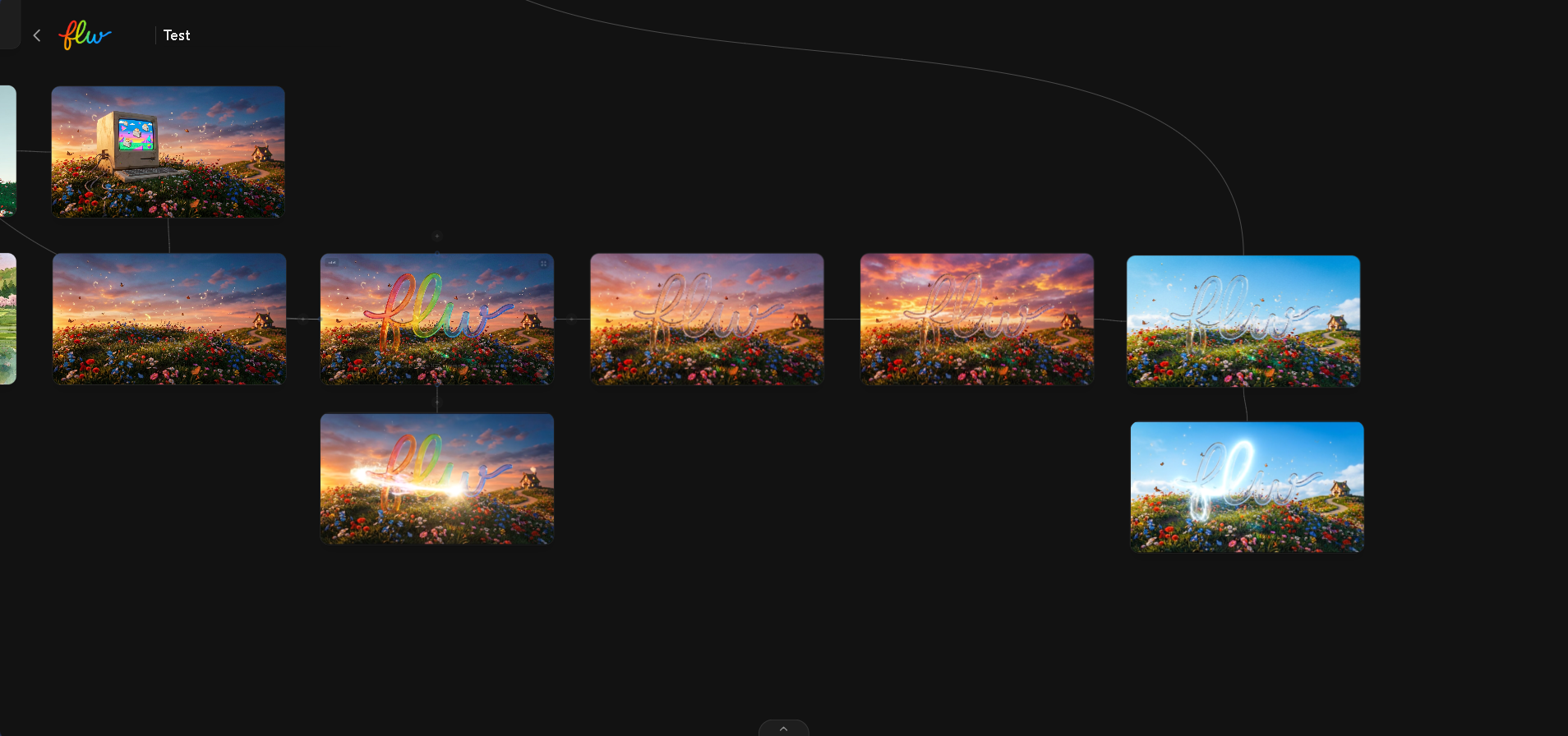
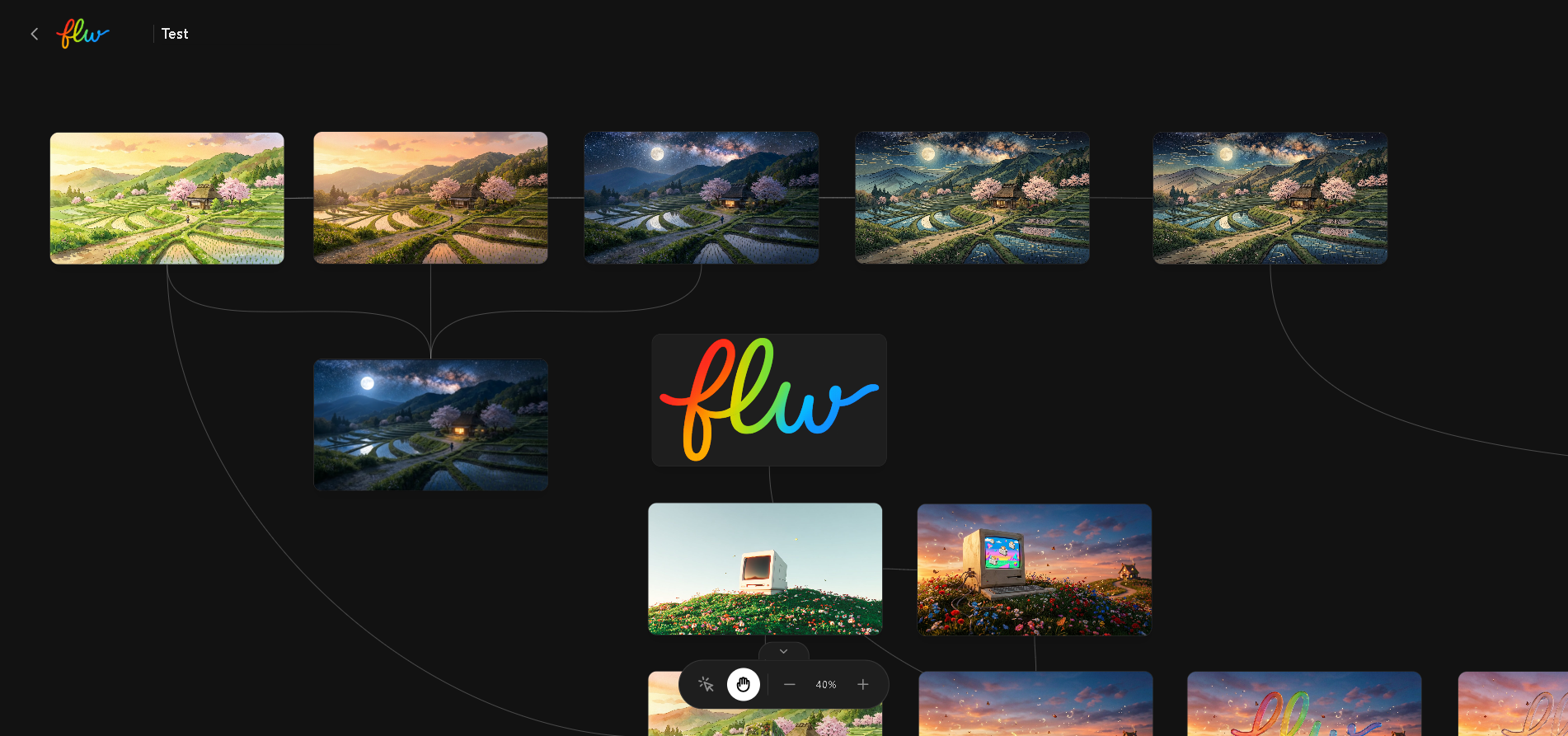
FLW (Flow) is a visual, node-based workspace designed to orchestrate generative AI workflows. Instead of the ephemeral, linear nature of chat interfaces, FLW provides an infinite canvas where ideas can branch, evolve, and come to life.
Inspiration
I was inspired by the limitations of traditional "chatbot" interfaces for creative work. When generating assets, whether images or videos, the creative process is rarely a straight line. It's a tree of possibilities. You might generate an image, iterate on it three times, pick the second version, and then animate it into a video.
I wanted to build a tool that reflects this mental model: a spatial environment for non-linear creativity. I envisioned a "ComfyUI for Gemini", powerful but accessible and designed with a premium, fluid user experience.
What it does
FLW allows users to:
- Create Nodes: precise containers for Image and Video generation.
- Connect Ideas: Link nodes together to pass context. For example, connecting an Image Node to a Video Node uses the generated image as the reference frame for the video.
- Visualize History: Every node tracks its version history, allowing you to scrub back to previous generations without losing your place on the canvas.
- Direct Control: Manipulate aspect ratios ($16:9$, $1:1$, $9:16$), refine prompts, and manage the generation lifecycle visually.
How we built it
The project is built as a modern Single Page Application (SPA) using the React ecosystem.
- Core Stack: React 19, TypeScript, and Vite for a lightning-fast development experience.
- Canvas Engine: A custom-built node engine handles the spatial logic, coordinate systems ($x, y$ positioning), zoom/pan mechanics, and Bézier curve connections between nodes.
- AI Integration: The backend power comes from Google's Gemini API (
@google/genai), specifically leveraging three cutting-edge models:- Gemini 3 Pro as the base reasoning engine.
- Gemini 3 Pro (Image Preview) for high-fidelity image synthesis.
- Veo 3.1 for cinematic video generation.
- State Management: We used a decentralized state model where each node manages its own generation lifecycle (
idle$\rightarrow$loading$\rightarrow$completed), while a global store handles the topology of the graph.
Challenges we ran into
Building a visual editor comes with unique engineering hurdles unlike standard web apps:
- Canvas Interaction Math: Implementing a smooth, infinite canvas required working with linear algebra for coordinate transformations. Mapping screen pixels (pointer events) to the graph's coordinate space (matrix transformations for zoom/pan) was tricky to get right. $$ P_{graph} = \frac{P_{screen} - \text{Offset}}{\text{Zoom}} $$
- Video Encoding and Protocols: Integrating video generation was complex. We had to ensure that video blobs were correctly handled, uploaded via the Gemini File API, and that the encodings were compatible with the model's strict requirements.
- Performant State Updates: As the graph grows to dozens of nodes, rendering performance becomes critical. We had to optimize React re-renders to ensure that dragging a node explicitly updates only the affected connections, rather than the entire canvas.
What's next for FLW
We plan to introduce Control logic nodes (loops, conditionals) to allow users to build fully autonomous creative agents. Additionally, we are developing an Autonomous AI Copilot powered by Gemini 3 Pro Preview, which will be able to intelligently build, optimize, and execute complex workflows alongside the user.

Log in or sign up for Devpost to join the conversation.