-
-
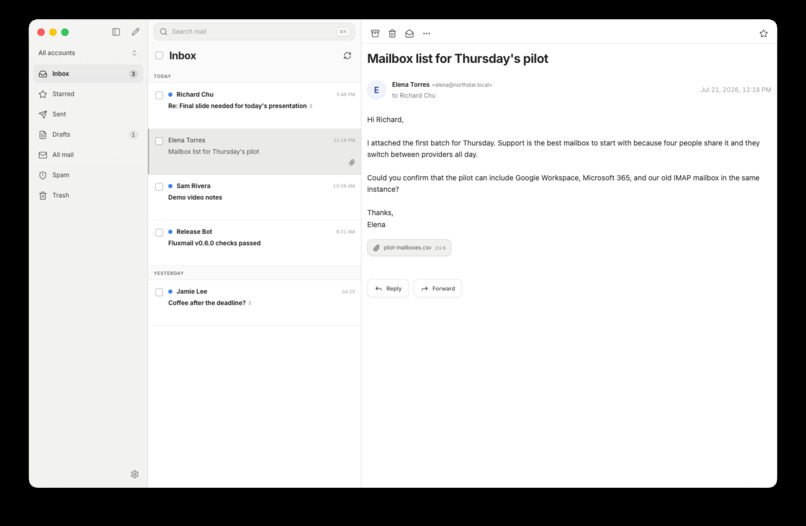
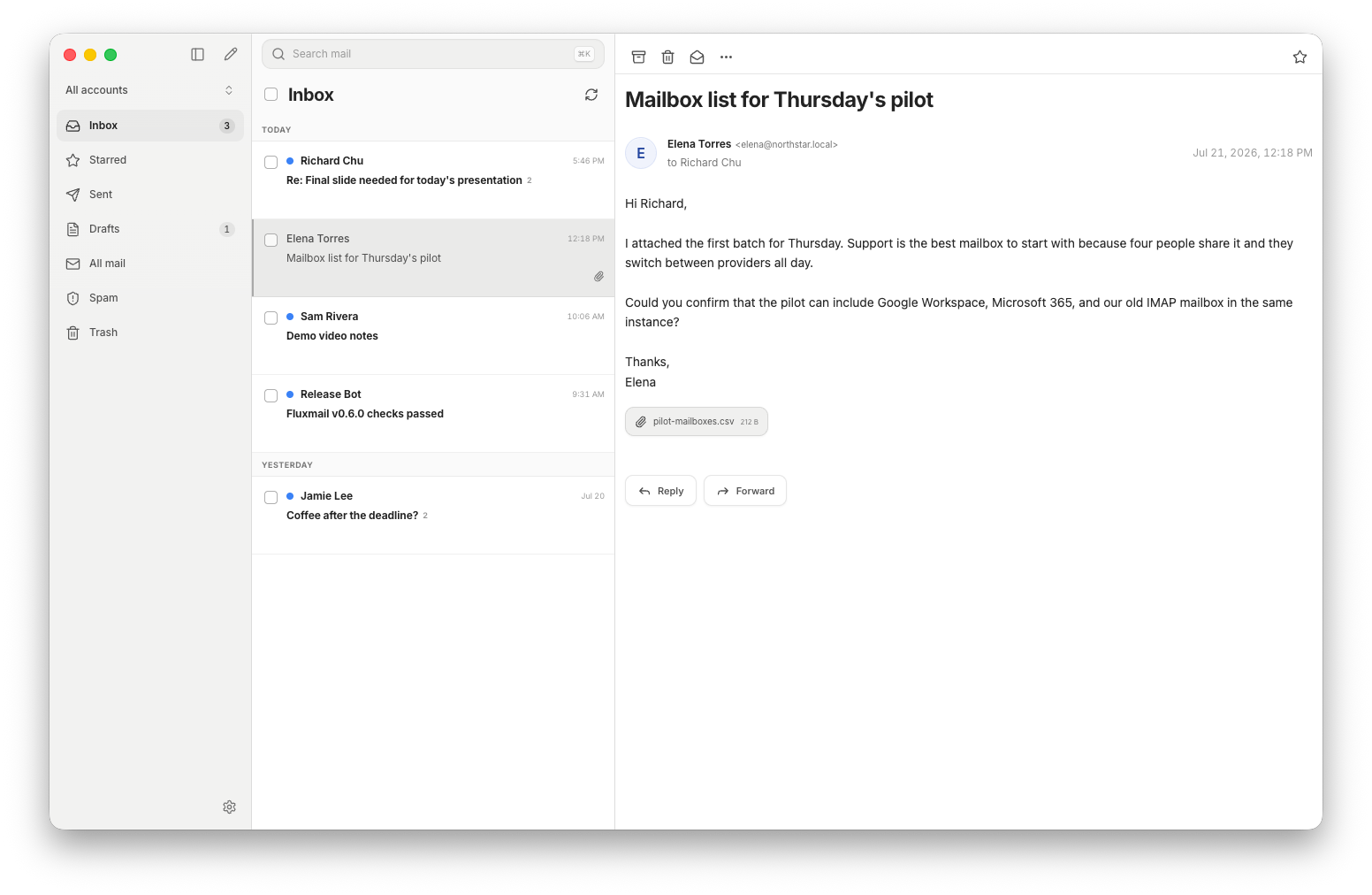
Fluxmail desktop app
What it is
Fluxmail is a self-hosted email server for AI agents and applications. It connects Gmail, Google Workspace, Microsoft 365, Outlook.com, and any IMAP/SMTP mailbox, then exposes the same mailboxes through three interfaces: MCP, a versioned REST API, and a CLI.
Why I built it
People use email every day but there isn't a good privacy-centric self-hosted solution for it. Fluxmail provides one email service exposed through multiple interfaces which you can self-host on your own infrastructure. This allows you to control how it works, keeps your email data secure, and gives you flexibility to build on top of it and customize it to your needs.
How it works
- MCP lets Codex and other agents search messages, read threads, create drafts, send mail with approval, and manage mailbox actions.
- The REST API gives apps one interface across Gmail, Outlook, Exchange, and IMAP.
- The CLI handles setup, account connections, members, permissions, API keys, and starting MCP over stdio or Streamable HTTP. You can also use the CLI to send one-off commands to interact with your email.
Built with Codex and GPT-5.6
I started this project before Build Week but have used Codex and GPT 5.6 Sol extensively throughout Build Week in order to extend the project and improve it with additional features and capabilities. For the linked feedback session, I refactored the codebase and drastically simplified the members/permissions architecture that it uses and improved the security model. This means that the CLI / MCP / REST API all shared one unified permissions architecture, whereas before CLI would assume that anyone using it would have admin privileges. It also simplifies the commands that need to be used if you are running the CLI just by yourself with a single member.
I really enjoyed working with GPT 5.6 during this session. Plan mode was great in asking me really granular and detailed questions about how exactly I wanted the approach to work, and after going through a couple of rounds of questions I was quite satisfied with the final plan that it came up with. In general, I find that Codex and GPT 5.6 excels at this kind of back-and-forth iteration, and it is really good at coming up with robust architectures through this process.
In addition to this change, over the course of OpenAI Build Week, I make Fluxmail substantially more production-ready and feature-rich by adding Outlook and IMAP/SMTP support, a versioned REST API, and even a desktop email client that hooks into the same infrastructure.
Installation instructions
Install Fluxmail with npm install -g fluxmail, then follow the quickstart at https://fluxmail.ai/docs/quickstart. Fluxmail requires Node.js 20.20.x, or Node.js 22.22 or later and can be installed on Windows, Mac, or Linux. The easiest way to set it up is probably using the hosted Gmail OAuth app so you don't need to create that yourself. It should be straightforward to install the CLI, connect your Gmail / Google Workspace account, and start interacting with your emails over CLI. You can also test out connecting it to an agent through MCP to test how that works as well.
Built With
- cli
- docker
- gmail
- gpt-5.6
- imap/smtp
- mcp
- microsoft-365
- node.js
- openai-codex
- rest-api
- typescript

Log in or sign up for Devpost to join the conversation.