-
-
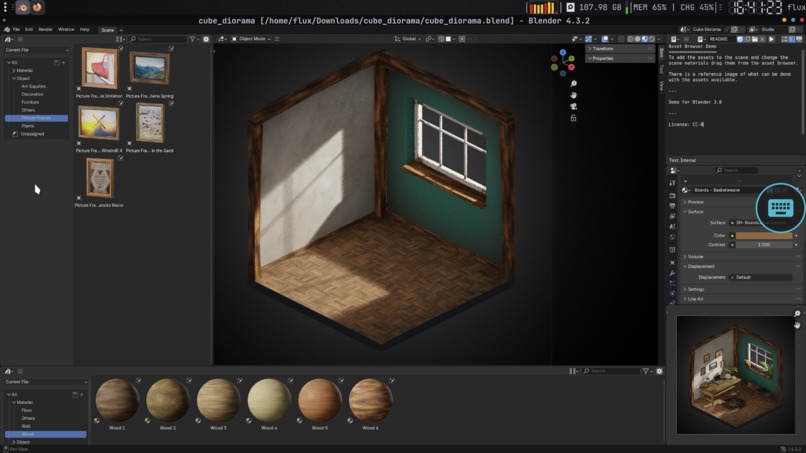
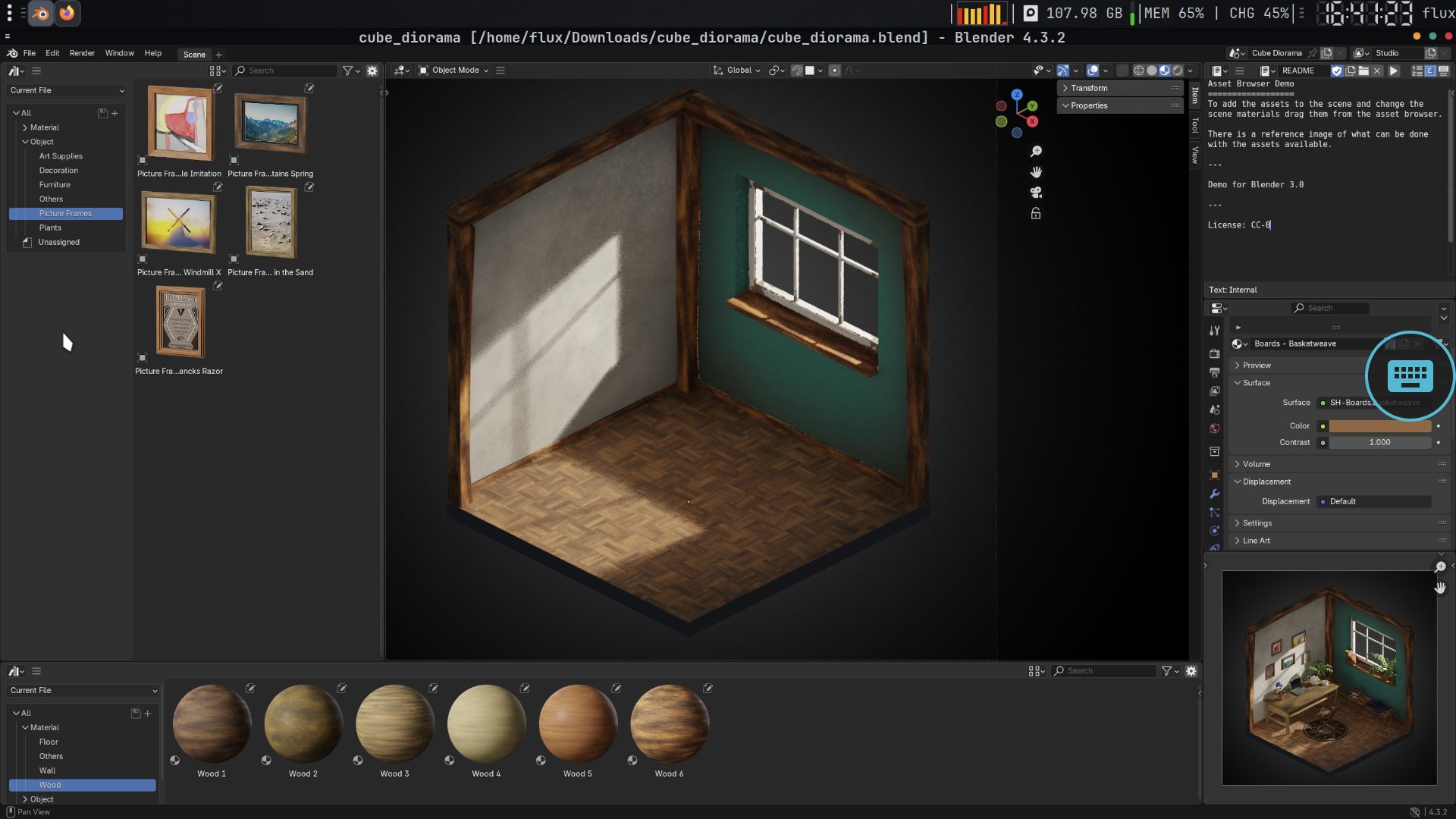
Blender on Fluxlinux
-
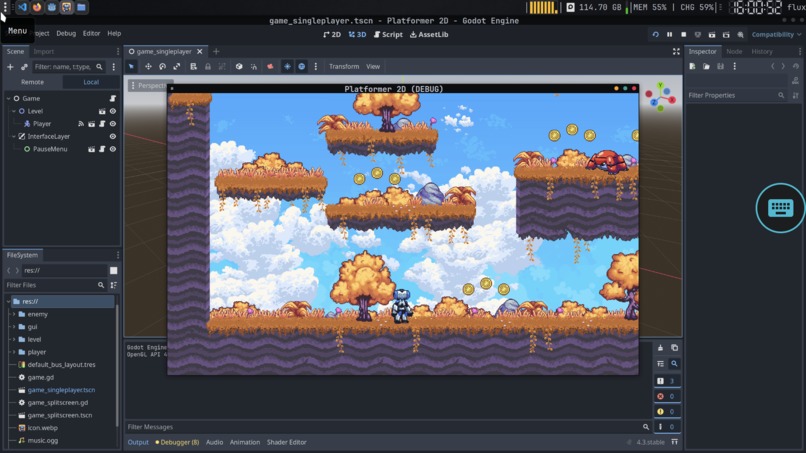
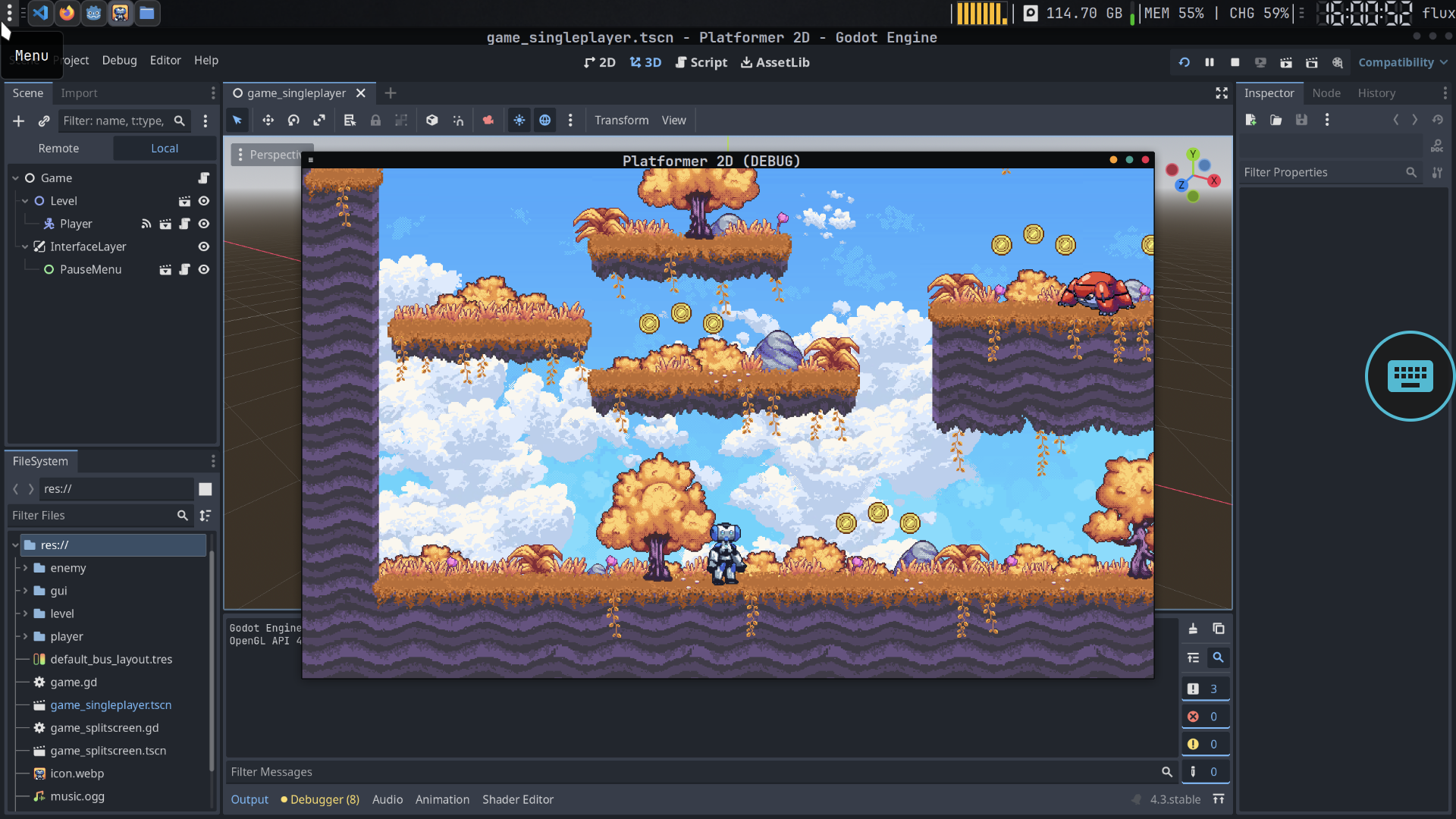
Gadot on Fluxlinux
-
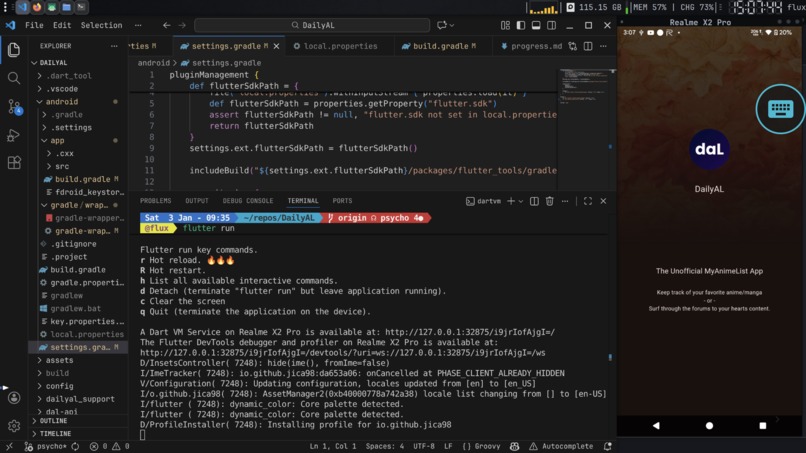
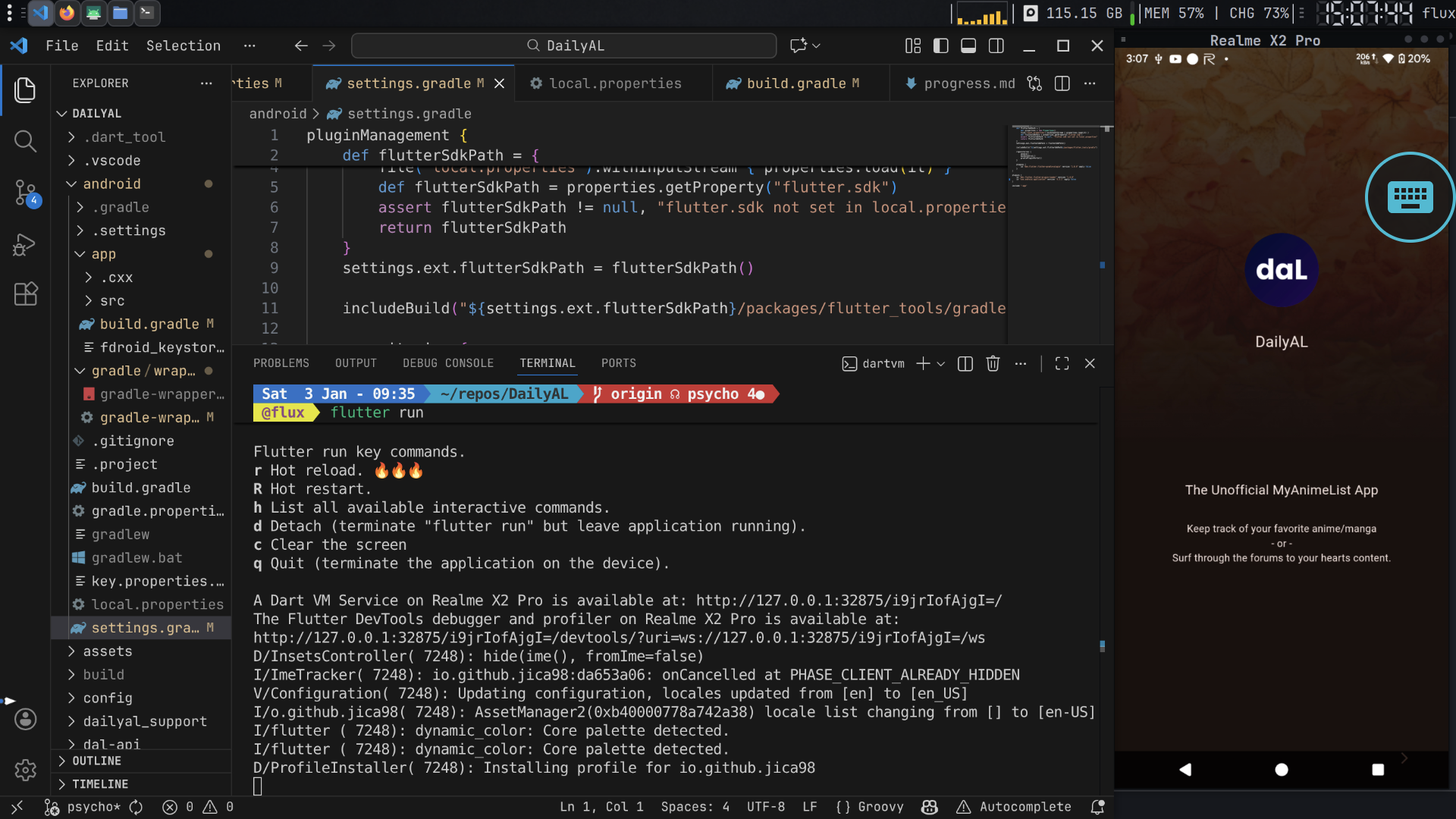
Flutter Development with vscode on Fluxlinux + adb device connected
-
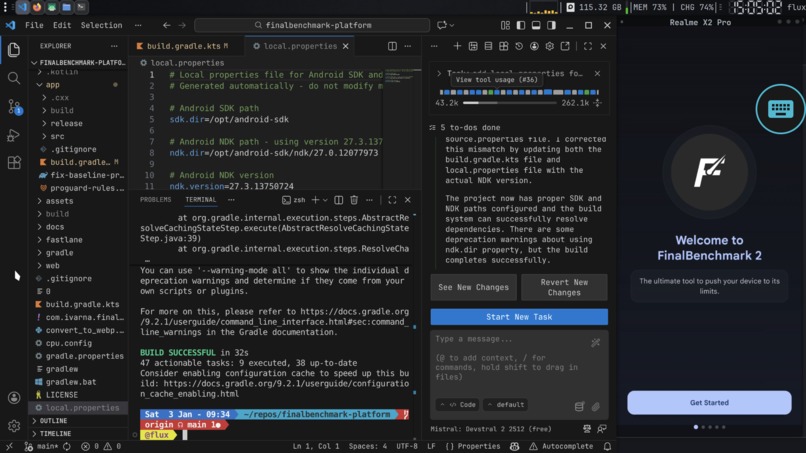
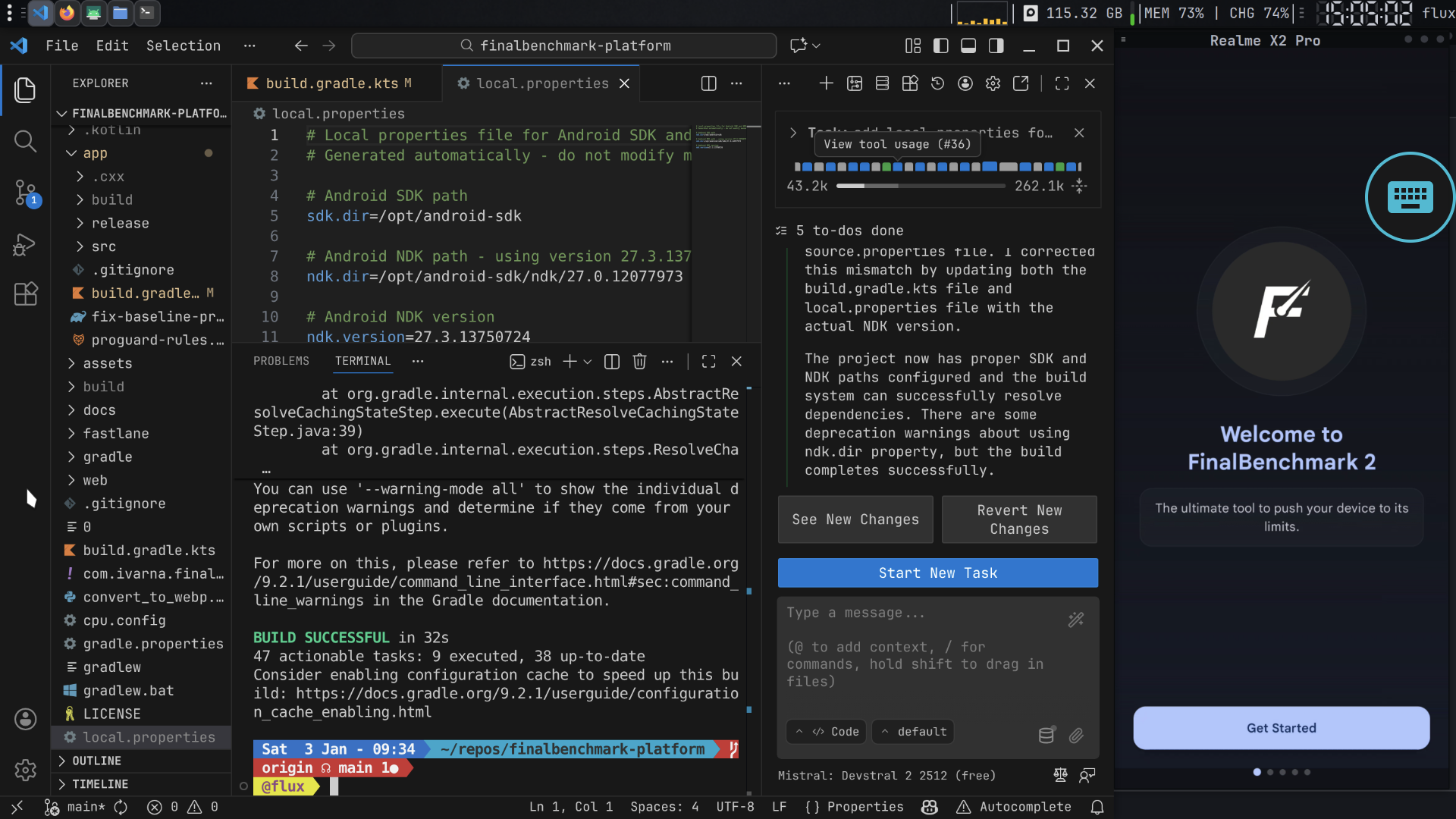
Kotlin Development with vscode on Fluxlinux + adb device connected
-
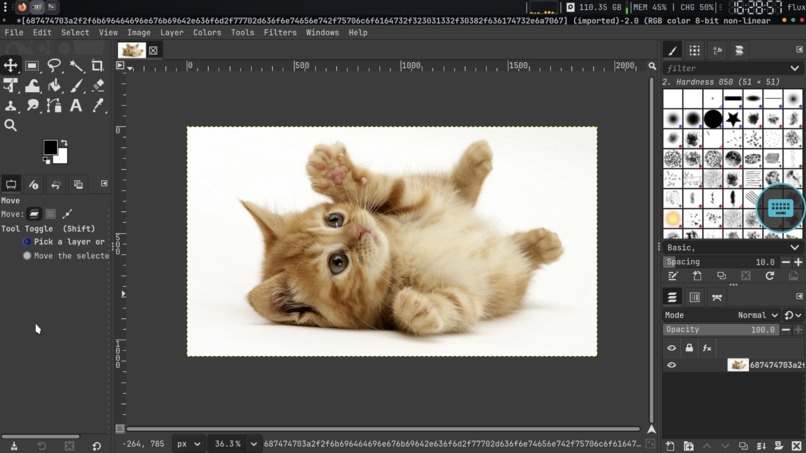
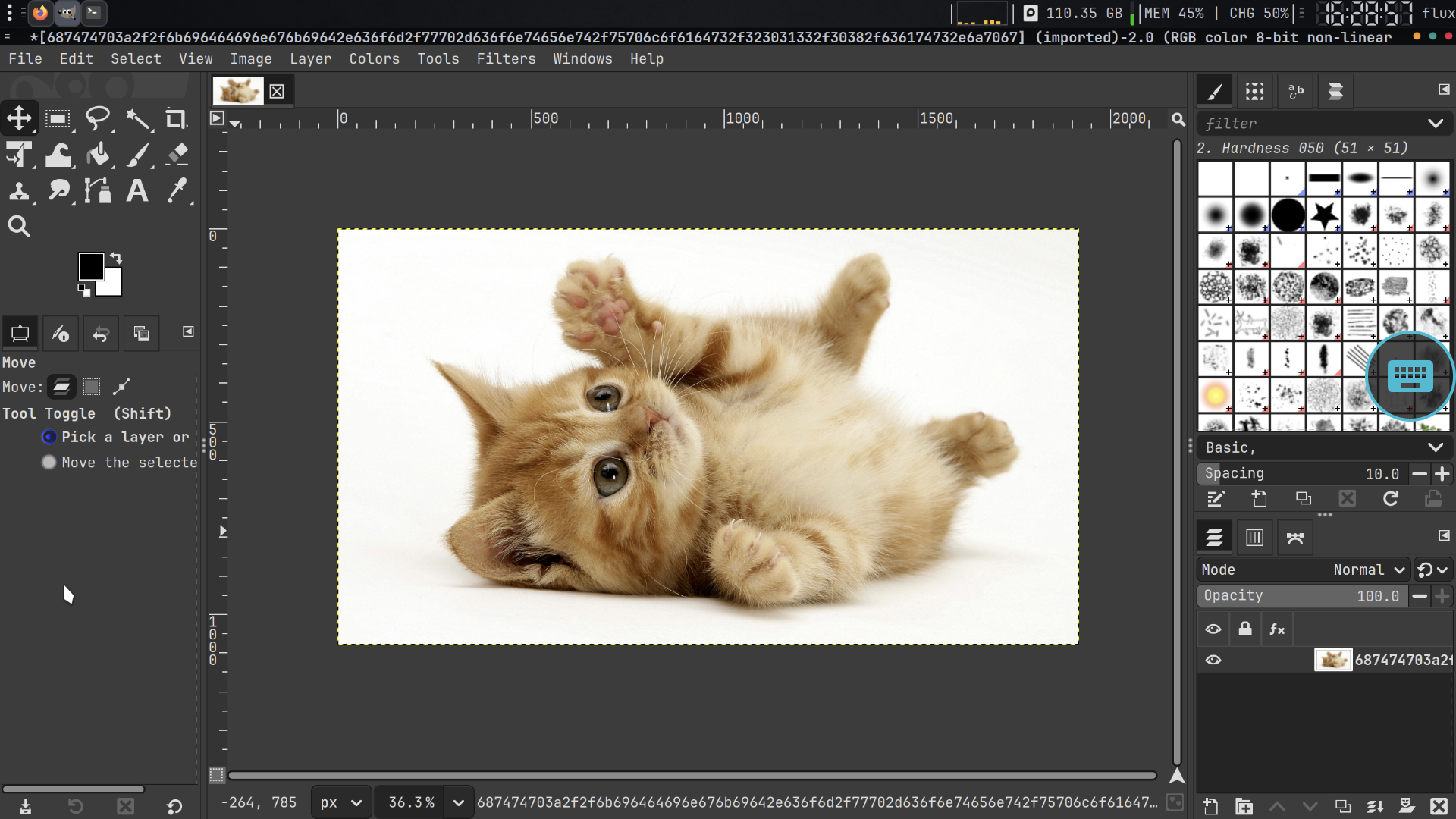
Gimp on Fluxlinux
-
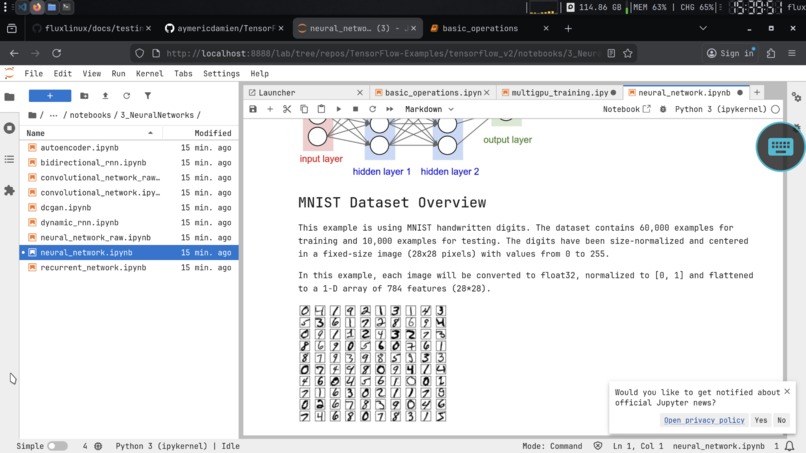
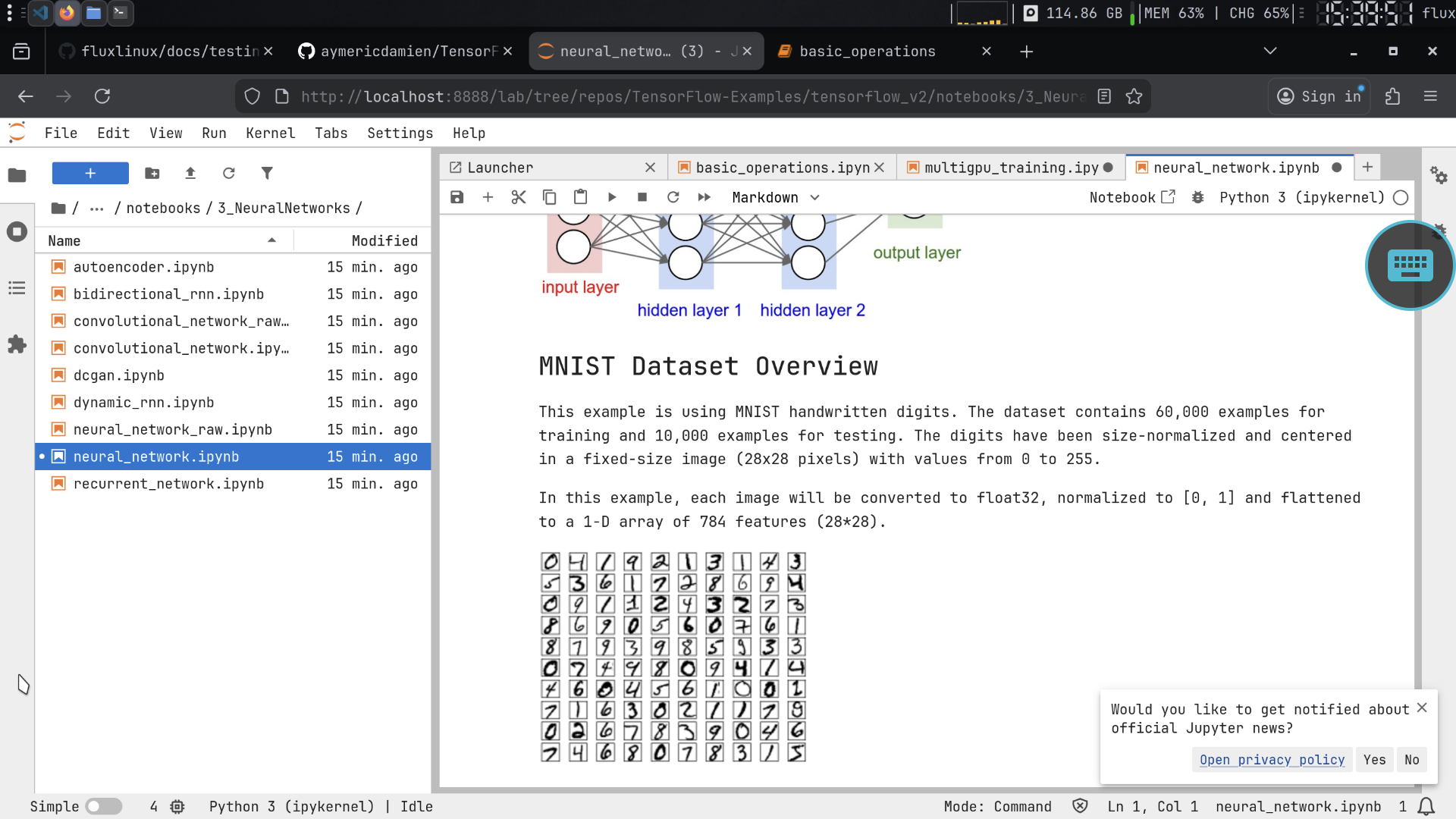
Jupyter on Fluxlinux
-
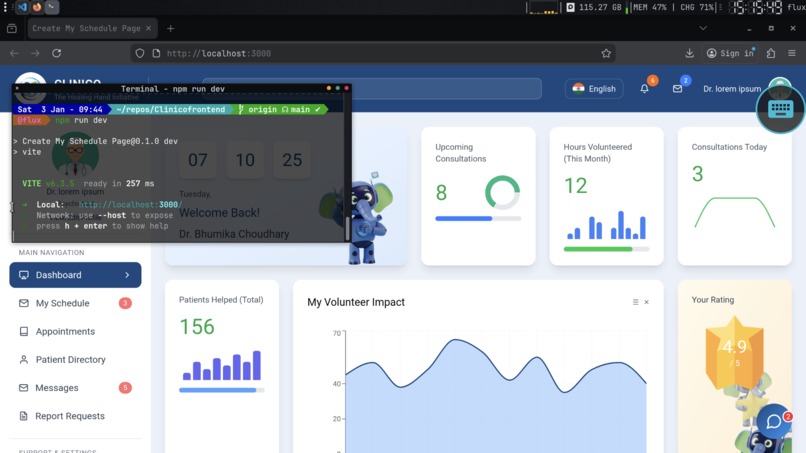
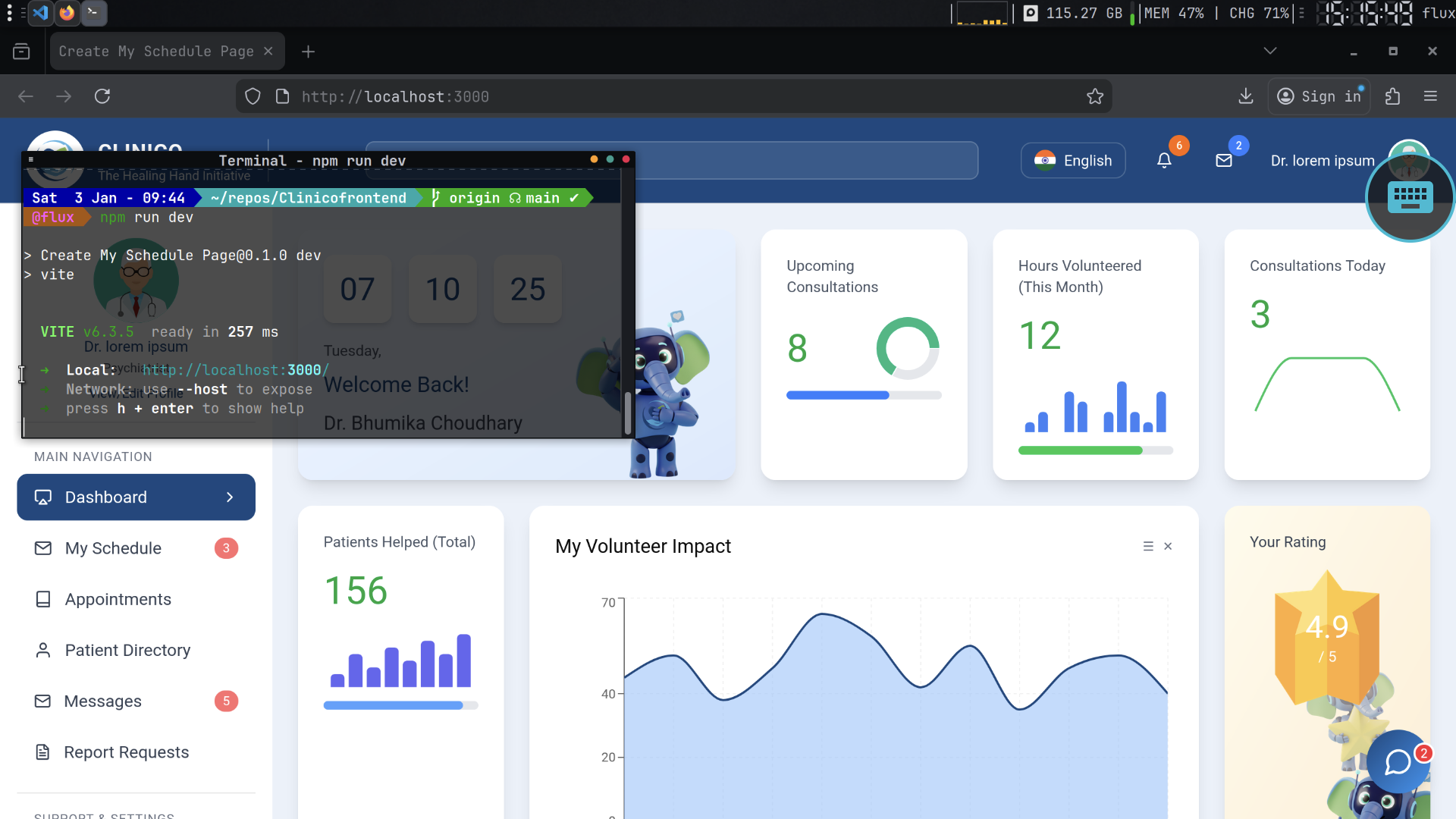
React site on Fluxlinux
-
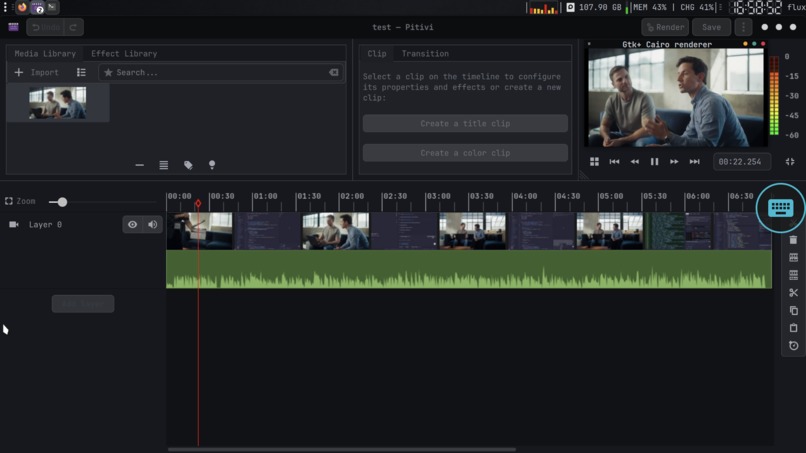
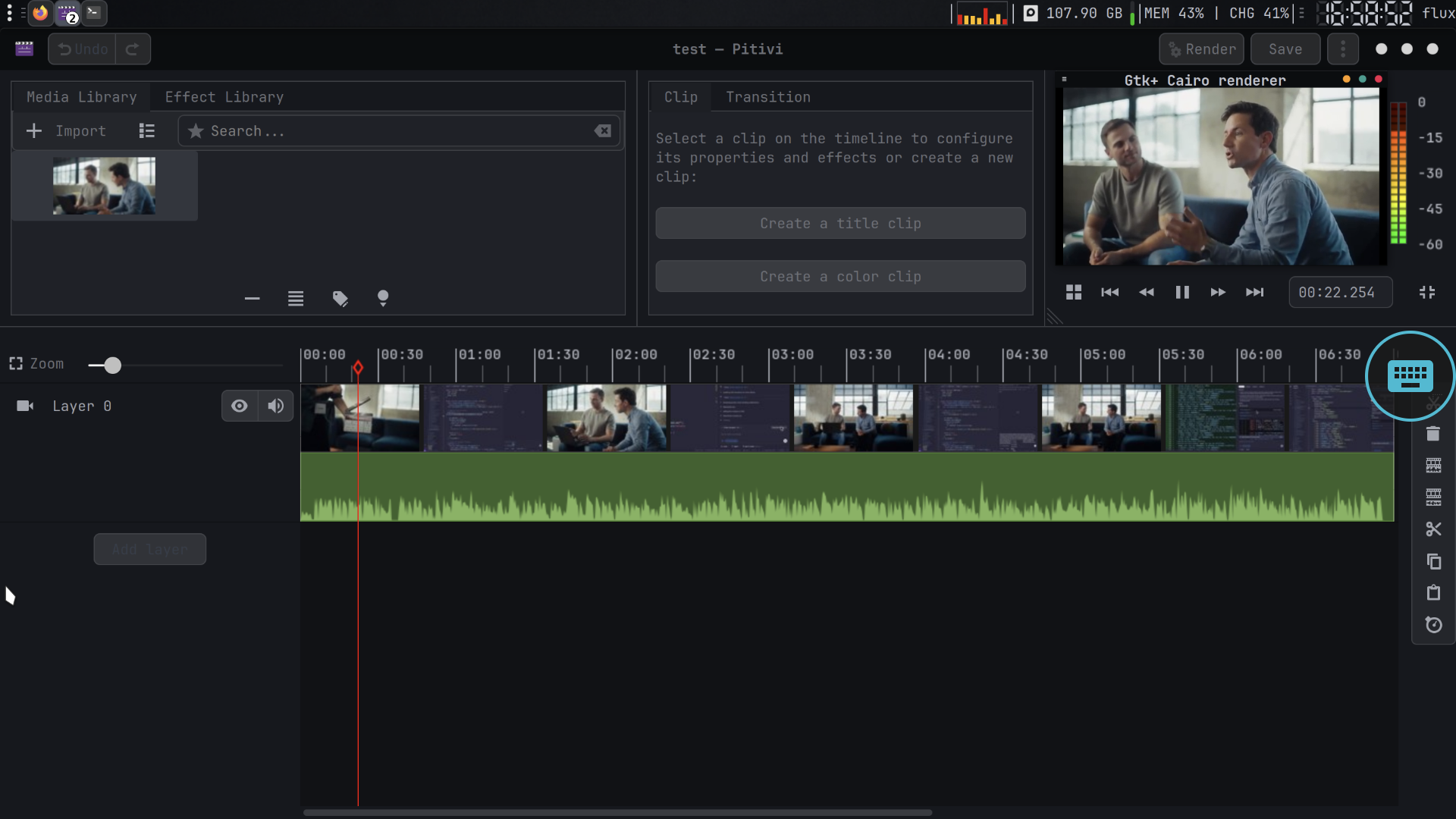
Video Editing on Fluxlinux
-
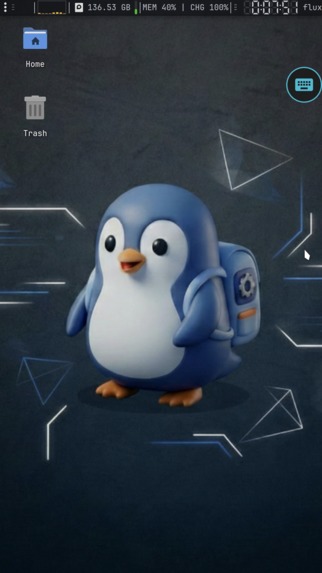
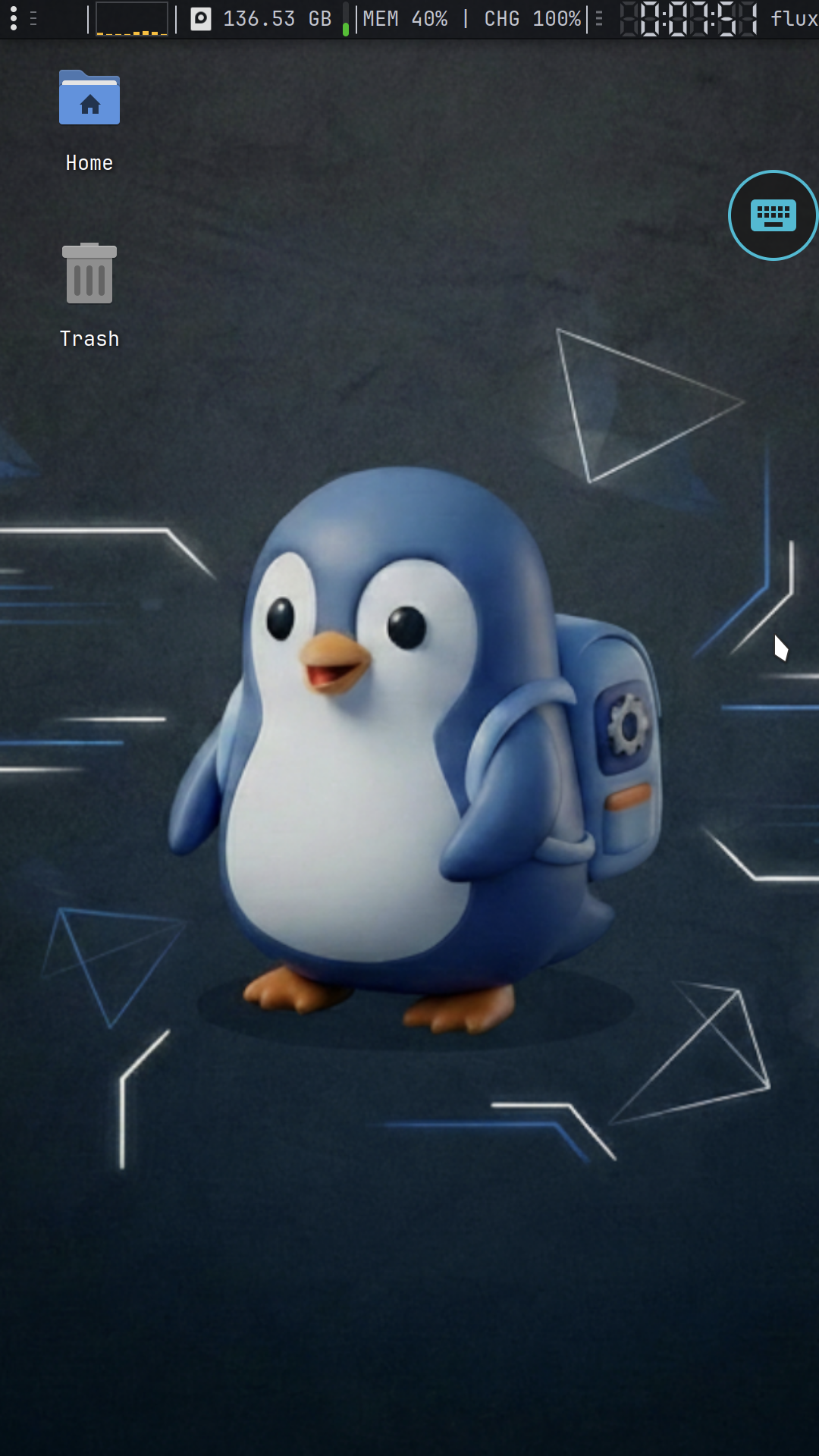
Fluxlinux Desktop
-
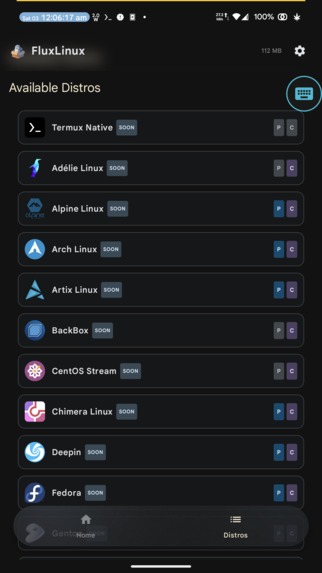
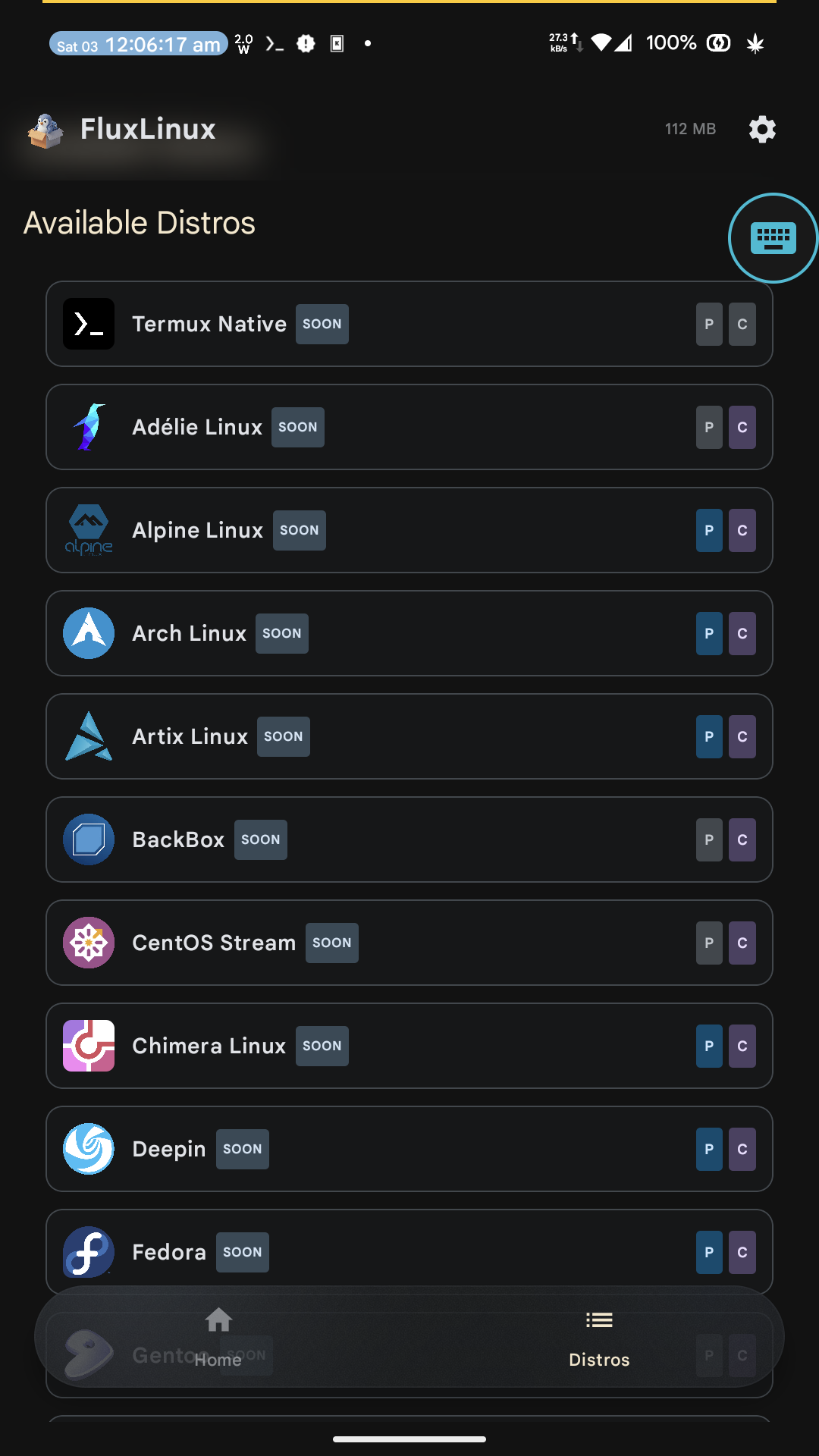
Distros coming soon on fluxlinux
-
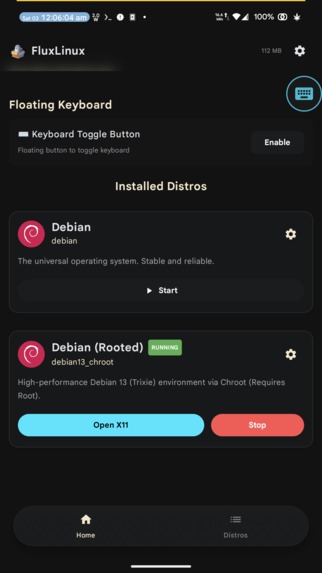
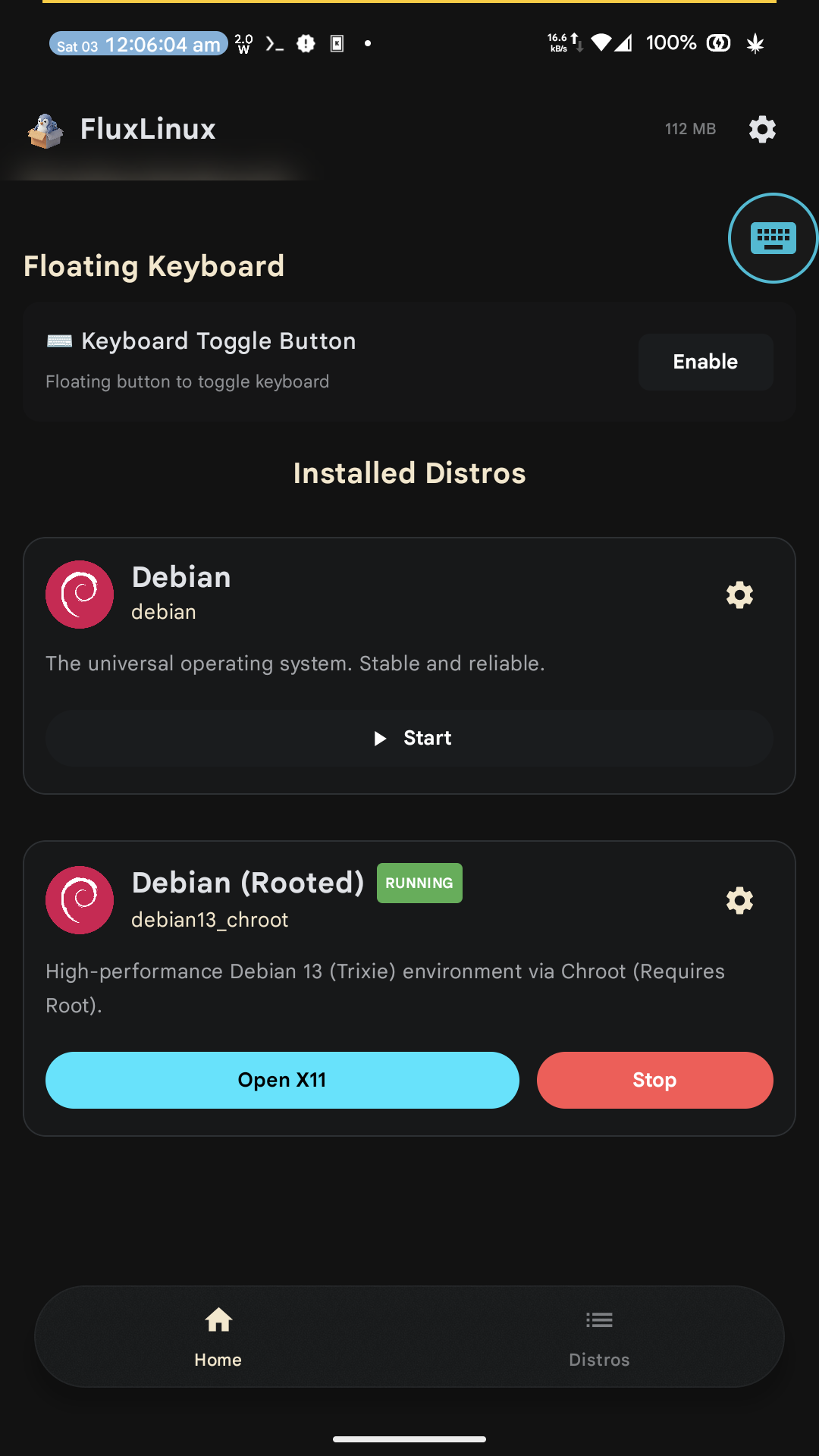
Home
-
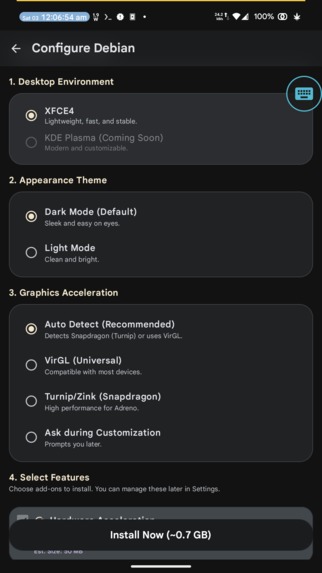
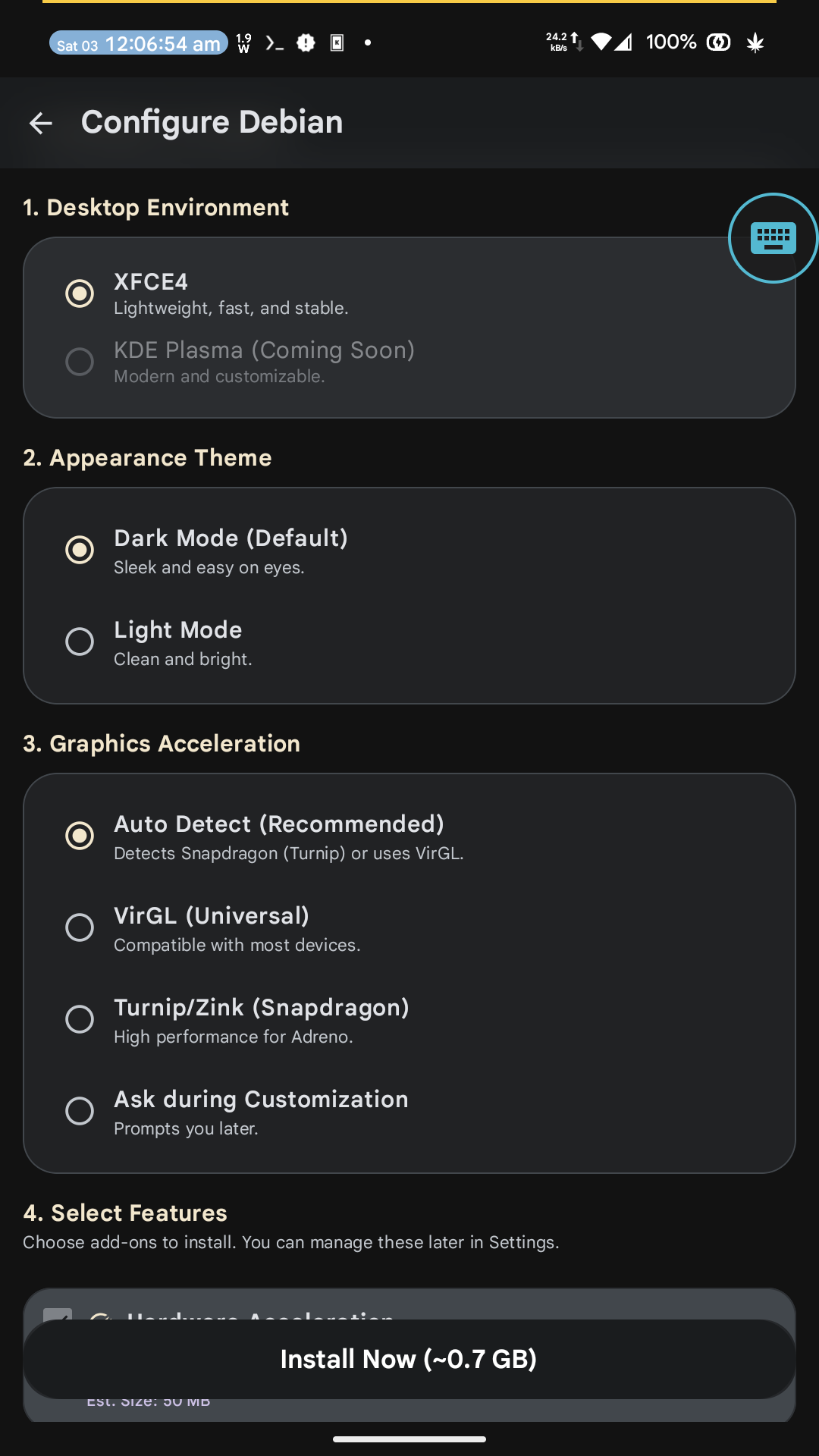
Distro settings
Inspiration
Modern Android hardware is incredibly powerful, rivaling many older laptops, but the mobile software ecosystem severely limits what we can actually do with it. As an IT student and full-stack developer, I found myself constantly wanting to code, test, or run scripts on the go without hauling around a laptop. While tools exist to run terminal environments, the setup is tedious and lacks a cohesive graphical experience. I wanted to bridge this gap. I was inspired to create a seamless, one-tap solution that brings my favorite desktop environment (Debian Trixie) natively to mobile, complete with hardware acceleration and development tools ready out of the box.
What it does
FluxLinux is an Android application that acts as a Linux orchestrator. It allows users to install and run a full Debian Linux desktop environment directly on their Android device.
- One-Tap Install: Bypasses hours of manual terminal configuration by automatically setting up Debian with an XFCE4 desktop.
- Flexible Environments: Runs entirely rootless out of the box using PRoot, making it accessible to anyone with an Android 8+ device. For users with rooted devices, it features a "Turbo Mode" utilizing Chroot for native performance.
- GPU Acceleration: Connects with Turnip (Adreno) and VirGL to provide a smooth, hardware-accelerated graphical experience.
- Pre-configured Stacks: Comes ready for serious work, featuring development stacks for Web Dev (Node.js, React), App Dev (Flutter), Data Science (Jupyter, TensorFlow), and more.
How we built it
The frontend of the app is built natively using Kotlin and Jetpack Compose to provide a clean, modern, and intuitive user interface. Under the hood, FluxLinux interfaces tightly with the Termux environment to act as the terminal host.
I wrote extensive Bash/Shell scripts to automate the downloading, unpacking, and configuration of the Linux container (handling both PRoot and Chroot logic). For the graphical display, the app connects the Debian container to Termux:X11, and configures the necessary drivers to tap into the device's GPU for rendering the XFCE4 desktop.
Challenges we ran into
Orchestrating the complex interaction between a native Android frontend app, a terminal backend, and an X11 display system was incredibly challenging. Managing permissions and ensuring the automated shell scripts executed flawlessly across different Android versions and manufacturer skins took a lot of debugging. Furthermore, getting hardware acceleration (Turnip/Zink/VirGL) configured properly so the desktop actually feels smooth and responsive required deep diving into graphics drivers and countless trial-and-error sessions.
Accomplishments that we're proud of
I am most proud of reducing a highly technical, multi-hour setup process into a simple "One-Tap Install." Watching a full, hardware-accelerated XFCE desktop boot up on a phone screen from a single button press in a native Android app feels like magic. Successfully implementing both rootless (PRoot) and rooted (Chroot) execution paths means the app is highly accessible while still rewarding power users.
What we learned
Building FluxLinux provided a massive deep dive into Android containerization and process management. I learned a tremendous amount about how PRoot and Chroot operate at the system level, how X11 forwarding works on mobile devices, and how to effectively bridge native Kotlin applications with low-level Linux shell environments.
What's next for FluxLinux
The foundation is set, but there is much more to come. My immediate roadmap includes integrating PC emulation tools like Box64 and Wine to enable actual desktop gaming on Android. I also plan to expand the distribution choices beyond Debian to include Arch Linux, and continue refining the UI/UX for managing multiple isolated Linux containers.

Log in or sign up for Devpost to join the conversation.