-
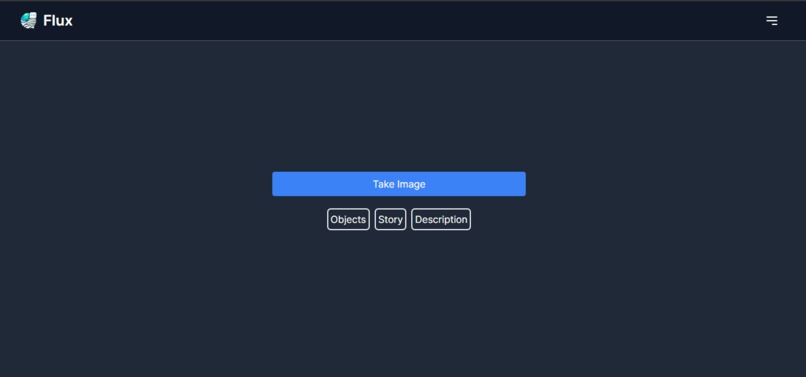
landing page
-
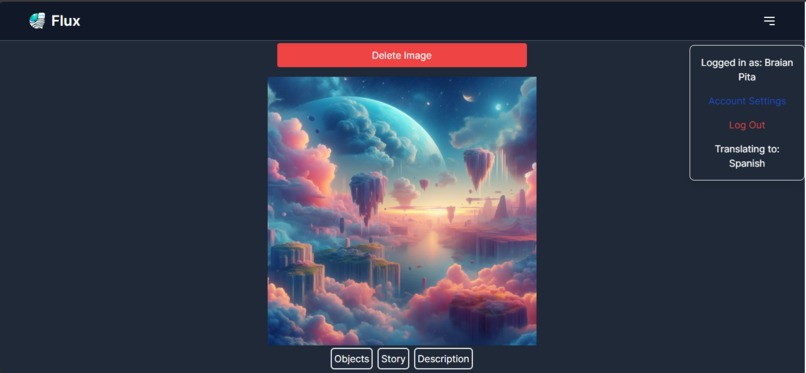
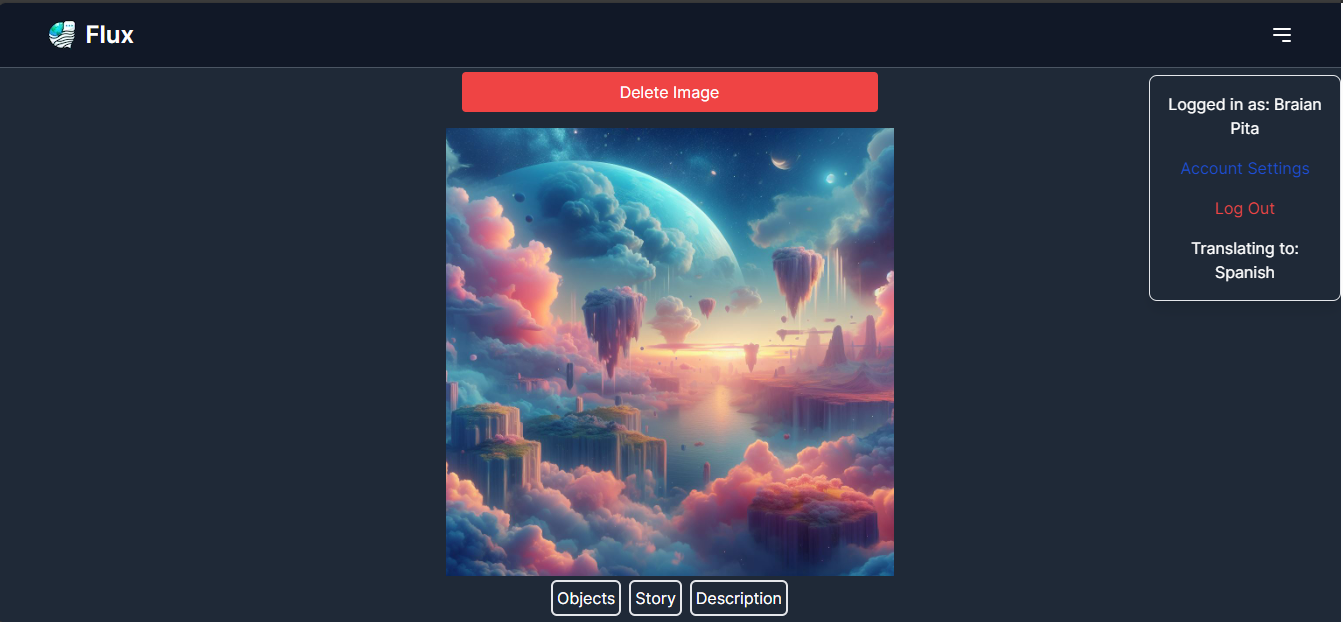
image added
-
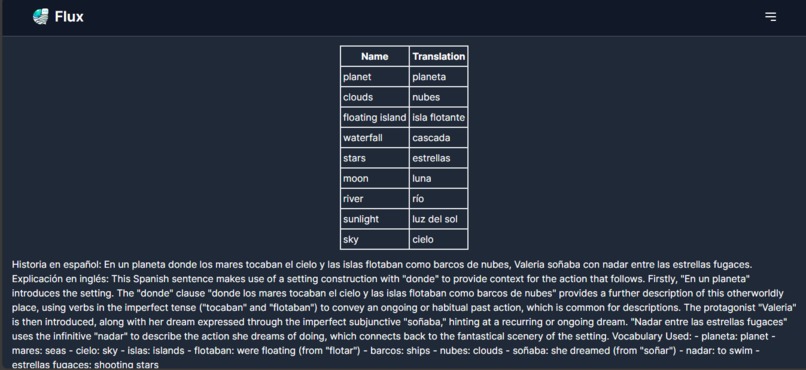
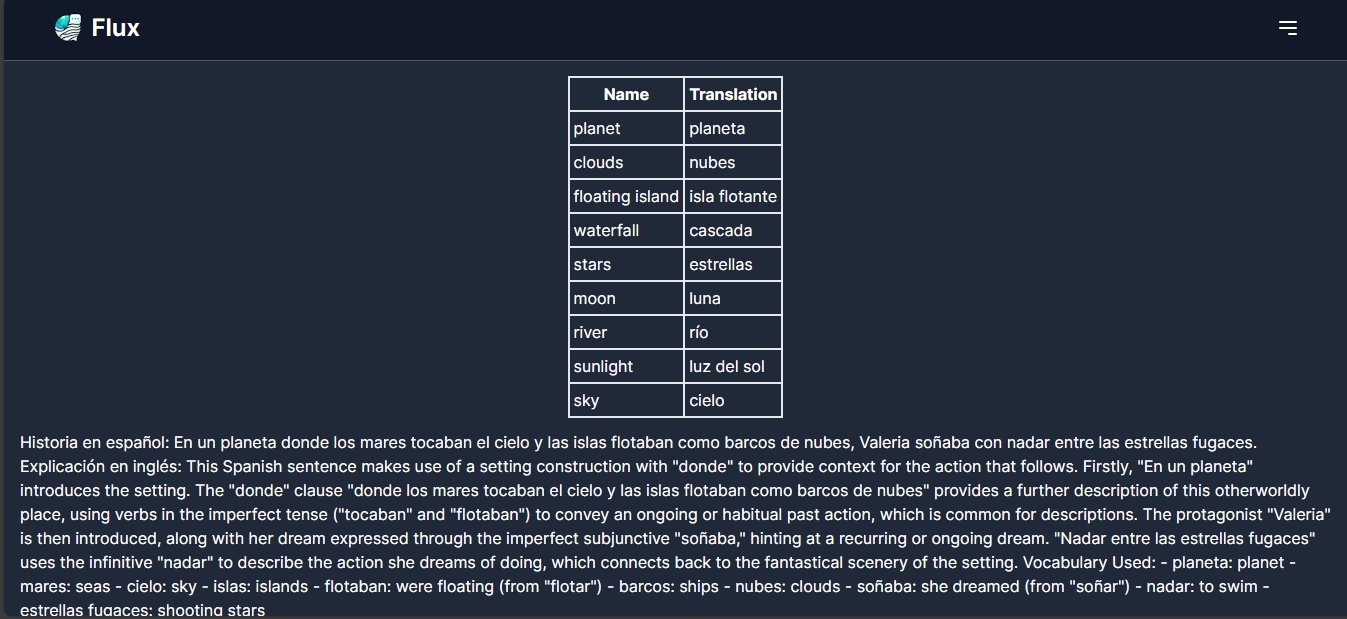
image translated
Inspiration
The inspiration for Flux came from the universal desire to break down language barriers and enhance the way we learn new languages. In a world increasingly driven by visual content, we recognized an opportunity to merge AI technology with language learning. The idea was sparked by our interest in language learning but also by having conversations with travelers, students, and language enthusiasts struggle to understand and communicate in foreign environments. Flux was conceived to transform every visual encounter into a learning opportunity, making education both engaging and accessible.
What it does
Flux is a mobile app that uses AI to recognize objects in pictures taken by users and translates the names of these objects into the user's selected language. It's designed to be a visual dictionary and learning tool that helps users expand their vocabulary in a fun and interactive way. Whether it's a street sign, a menu, or an everyday object, Flux makes it easy to learn what these items are called in another language, facilitating immersive language learning experiences.
How we built it
Building Flux started with strategic planning on a whiteboard, detailing user flows, routes, and page contents to align our vision. We brainstormed key features, prioritizing those feasible within a 24-hour hackathon while ensuring impactful user experiences. Our tech stack selection—TypeScript, Next.js, GPT-4 Vision, Node.js, Firebase, and Spline—was driven by the need for rapid development, scalability, and the integration of advanced image recognition.
Tasks were distributed among team members to leverage individual skills and experiences. Our development process was highly collaborative, addressing challenges through collective problem-solving and continuous communication. This approach not only facilitated smooth progress but also allowed us to efficiently utilize our diverse talents, ensuring Flux's completion within the tight deadline. Our teamwork and strategic planning were pivotal in transforming our vision for Flux into reality.
Challenges we ran into
Diving into Flux, we encountered our fair share of challenges, blending learning with doing as we navigated our selected tech stack under the tight timeline of a 24-hour hackathon. This scenario nudged us to efficiently prioritize our feature list and adapt our approach as needed to ensure project completion.
The task of integrating Firebase authentication with the Next.js framework, particularly adjusting to the specifics of version 13+, served as a valuable learning journey. Furthermore, perfecting features like streaming, object detection, and ensuring seamless data communication from the backend to the frontend provided us with interesting challenges. These experiences emphasized the importance of teamwork and quick problem-solving, making the development process both engaging and instructive.
Accomplishments that we're proud of
We are incredibly proud of developing an app that bridges technology and language learning in a novel way. We're proud of creating an intuitive, user-friendly interface that encourages continuous learning and exploration as well as an application achieving high accuracy in object recognition and translation Beyond these technical achievements, we're particularly proud of our team's ability to learn and implement technologies that were new to us. Some of our members had never worked with TypeScript, Next.js, GPT-4 Vision, Node.js, Firebase, and Spline before. Despite these challenges, we were able to effectively plan our project and work cohesively together to troubleshoot problems and assist teammates in areas with limited experience. We believe in the value of this app and are confident that others will find value in it as well.
What we learned
We learned how to implement Firebase authentication within Next.js 14, to use onshape and Spline to add 3D rendered models, and to use GPT-4 Vision to detect images and use prompting to translate those images.
What's next for Flux
We will add more languages so users are able to learn additional languages. We'll also implement a feature to allow users to store their generated words into a dictionary for easy lookup and retrieval as well as images into their personal gallery with the translated words. Additionally, we'll also implement a history feature. We'll also focus on accessibility features such as Text to Speech.
Built With
- firebase
- gpt-4-vision
- nextjs
- node.js
- typescript
- vercel


Log in or sign up for Devpost to join the conversation.