-
-
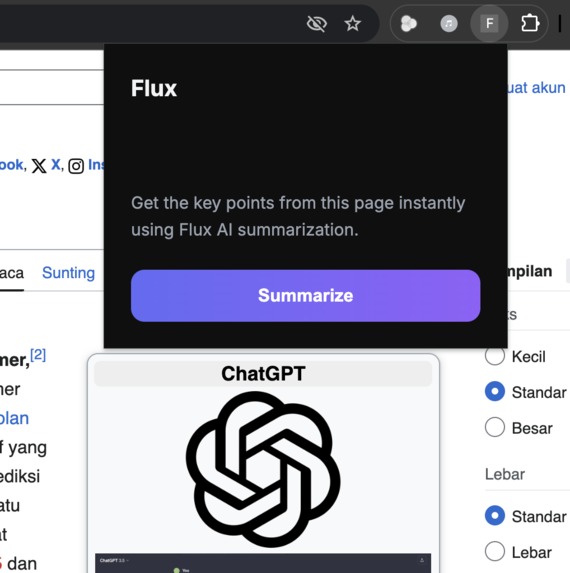
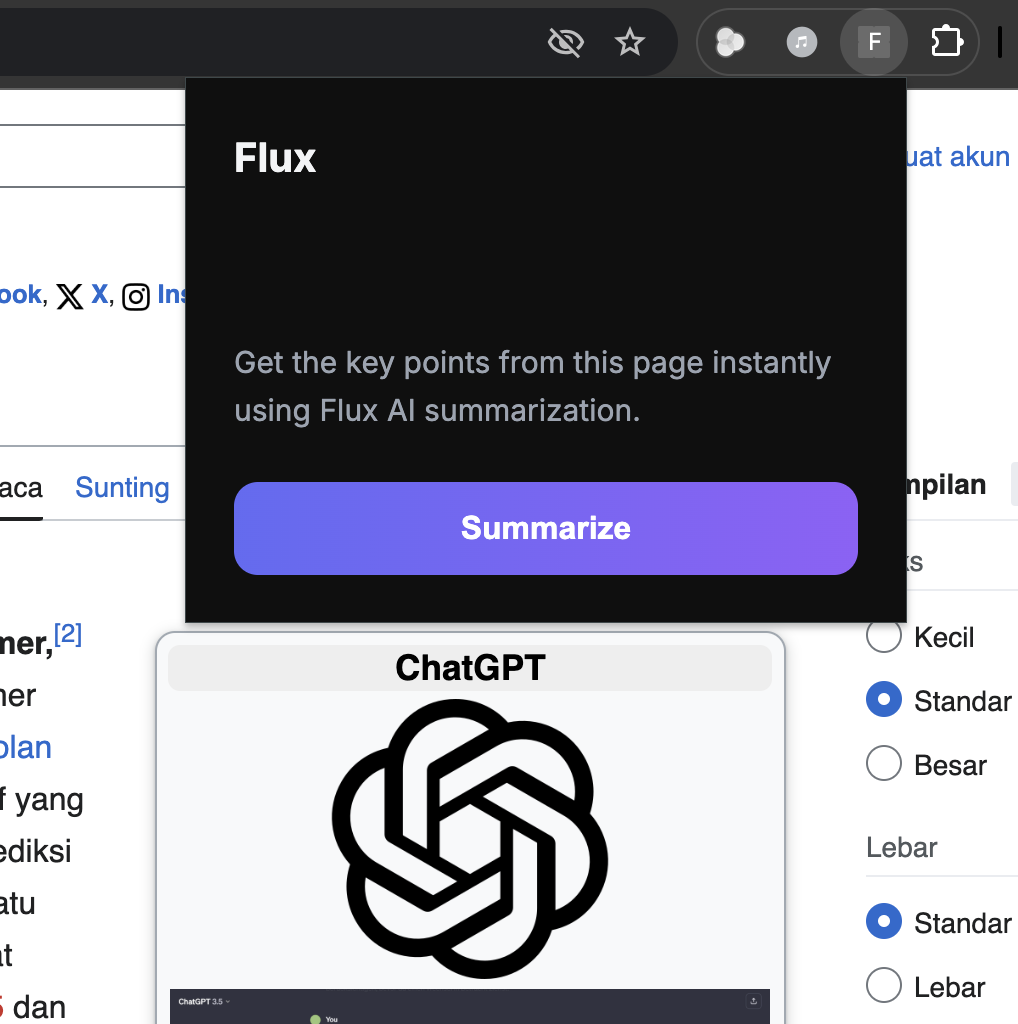
Firts Impression Flux
-
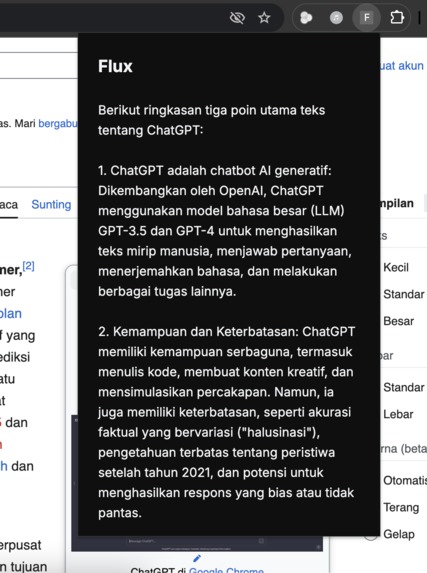
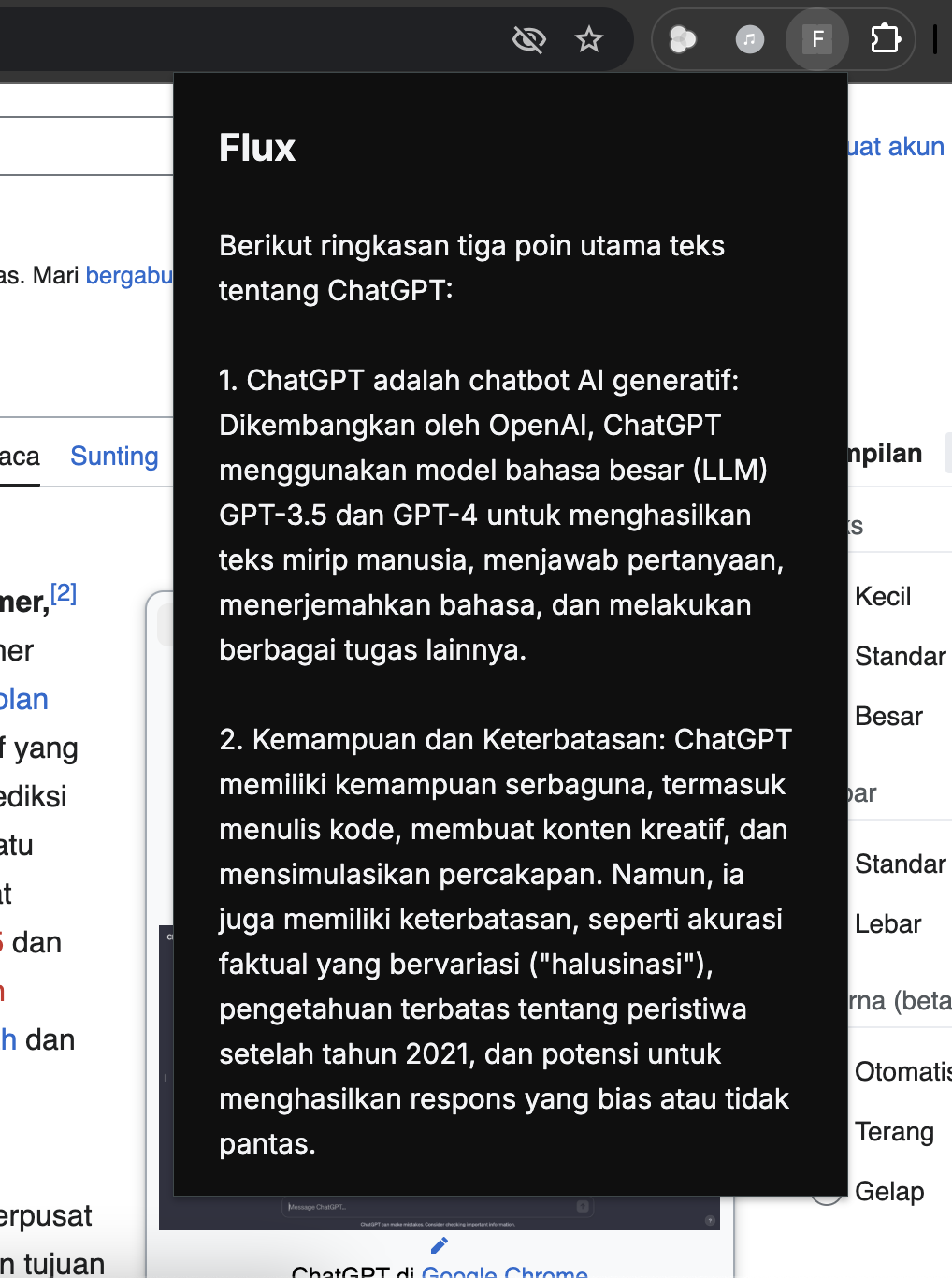
Result Summary with Flux
Inspiration
In today's world, we're flooded with information. As a developer and a curious individual, I spend hours every day browsing through long articles, technical documentation, and complex news reports. I often found myself wishing for a tool that could act as an intelligent assistant—a "copilot" for the web that could instantly distill vast amounts of text into understandable insights, saving me time and mental energy. The inspiration for Flux came from this personal need. I wanted to build something that would make browsing smarter, not harder, allowing anyone to grasp the core concepts of a webpage without getting lost in the details.
What it does
Flux is an AI-powered Chrome Extension that acts as your personal browsing assistant. With a single click, it analyzes the content of any webpage you're on and provides a concise, easy-to-read summary. It's designed to help users quickly understand the key points of long articles, technical documents, or news reports, effectively saving time and increasing comprehension.
How we built it
Flux is a full-stack application built with modern, robust technologies: Frontend (Chrome Extension): Built with HTML, CSS, and modern JavaScript for direct integration into the user's browser. The UI was designed to be minimal and intuitive. Backend (API Server): A lightweight server built with Flask (Python) acts as a secure bridge to the AI model. It processes requests from the extension and returns the analyzed data. AI Core: We leveraged the Google Gemini API (gemini-1.5-flash-latest model) for its powerful and fast text summarization capabilities. Landing Page: A professional, responsive landing page was built using React to showcase the project, ready for deployment on Vercel.
Challenges we ran into
CORS Policies: Establishing a secure connection between the browser extension and our local Flask server was an initial hurdle, which we solved by correctly implementing flask-cors. AI Output Formatting: The AI often returned text with Markdown (**) for bolding. We had to implement a specific Regular Expression in Python to clean this formatting without accidentally removing list markers, ensuring the output was always clean. UI/UX Iteration: Finding the perfect, frictionless user interface took several design attempts. We evolved from complex layouts to a simple, single-action design to make the user experience as seamless as possible.
Accomplishments that we're proud of
Building a Full-Stack Application: We successfully developed a complete end-to-end product, from a browser-based frontend to a Python-powered backend API. Seamless AI Integration: We are proud of how effectively we integrated the Google Gemini API to solve a real-world problem, providing users with valuable insights in seconds. Creating an Intuitive UX: After several iterations, we achieved a clean, modern, and easy-to-use interface that makes a powerful technology feel simple and accessible.
What we learned
This project was an incredible learning experience. We gained practical skills in the full development lifecycle, from ideation to deployment planning. We learned to handle asynchronous web requests, manage cross-origin policies, and parse and sanitize data from a third-party API. Most importantly, we learned the value of user-centric design and rapid iteration in building a product that is not only functional but also enjoyable to use.
What's next for Flux: Your AI Copilot for the Web
The future for Flux is exciting! We plan to add more features to enhance the user's browsing experience, including: More Analysis Modes: Introducing options to explain complex terms, rephrase paragraphs, or change the tone of the text. Summary History: Allowing users to save and revisit summaries from previously analyzed pages. User Customization: Giving users the ability to customize the length and format of the summaries they receive.
Built With
- apis
- gemini
- html5
- javascript
- phyton

Log in or sign up for Devpost to join the conversation.