-
-
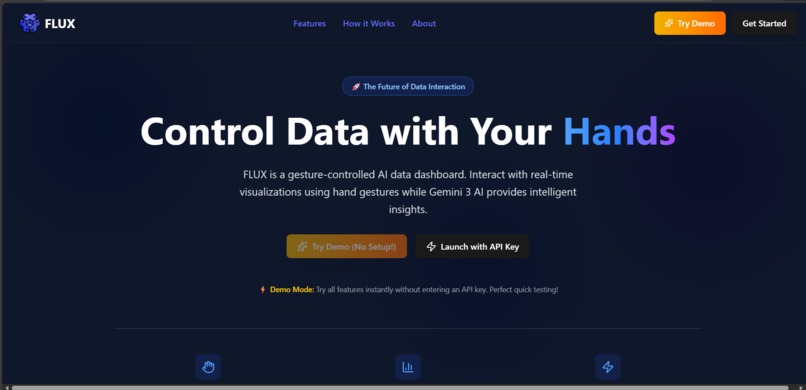
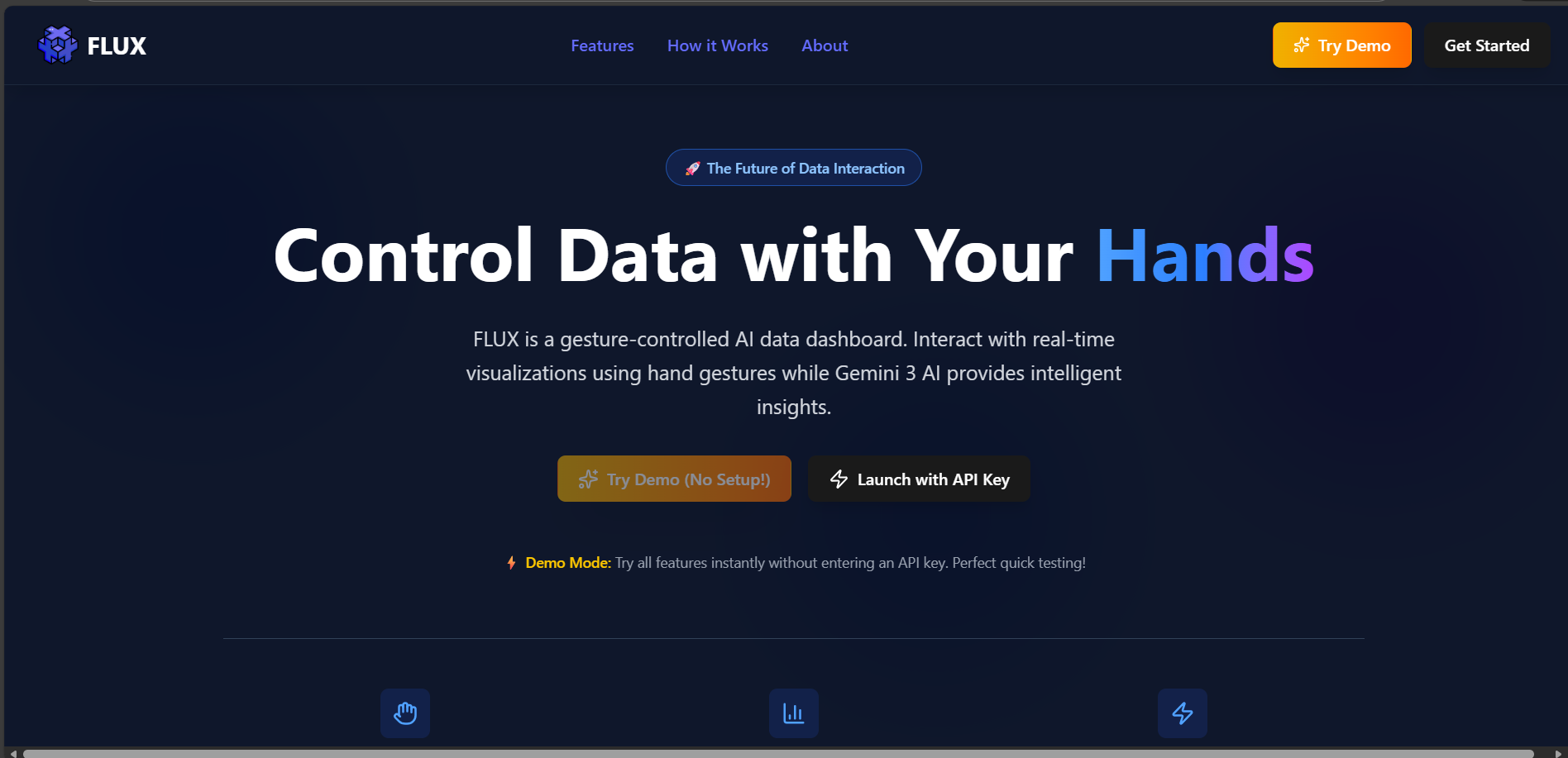
The landing section introduces FLUX’s gesture-controlled data dashboard with AI insights and instant demo access.
-
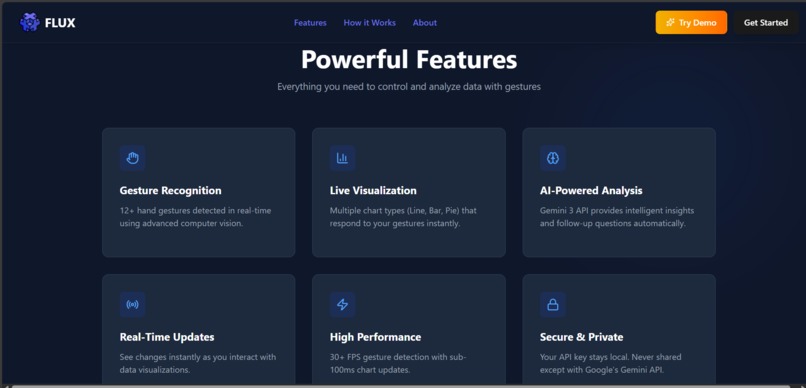
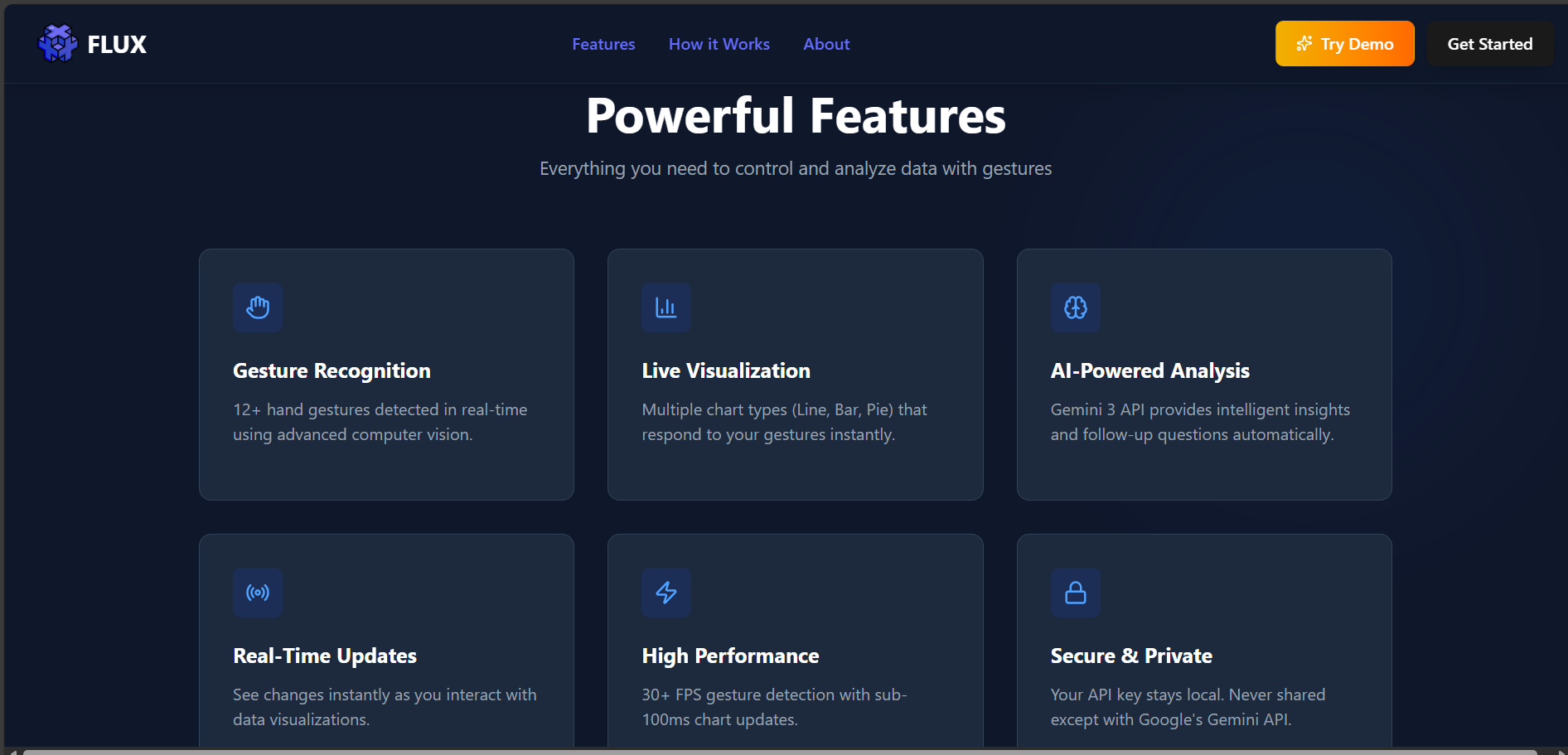
Showcases FLUX’s gesture control, live charts, AI insights, high performance, and secure, real-time data interaction.
-
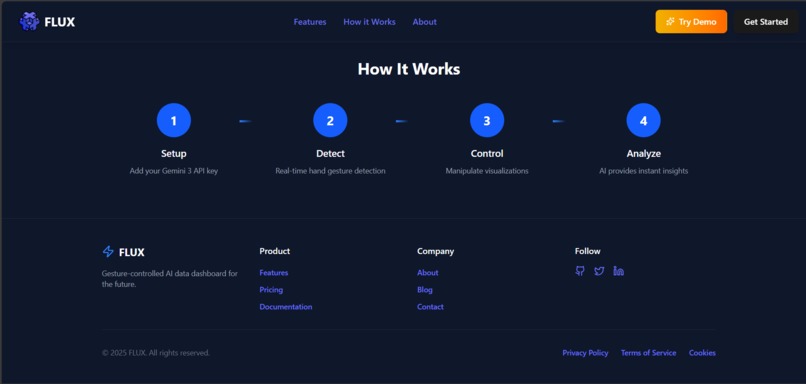
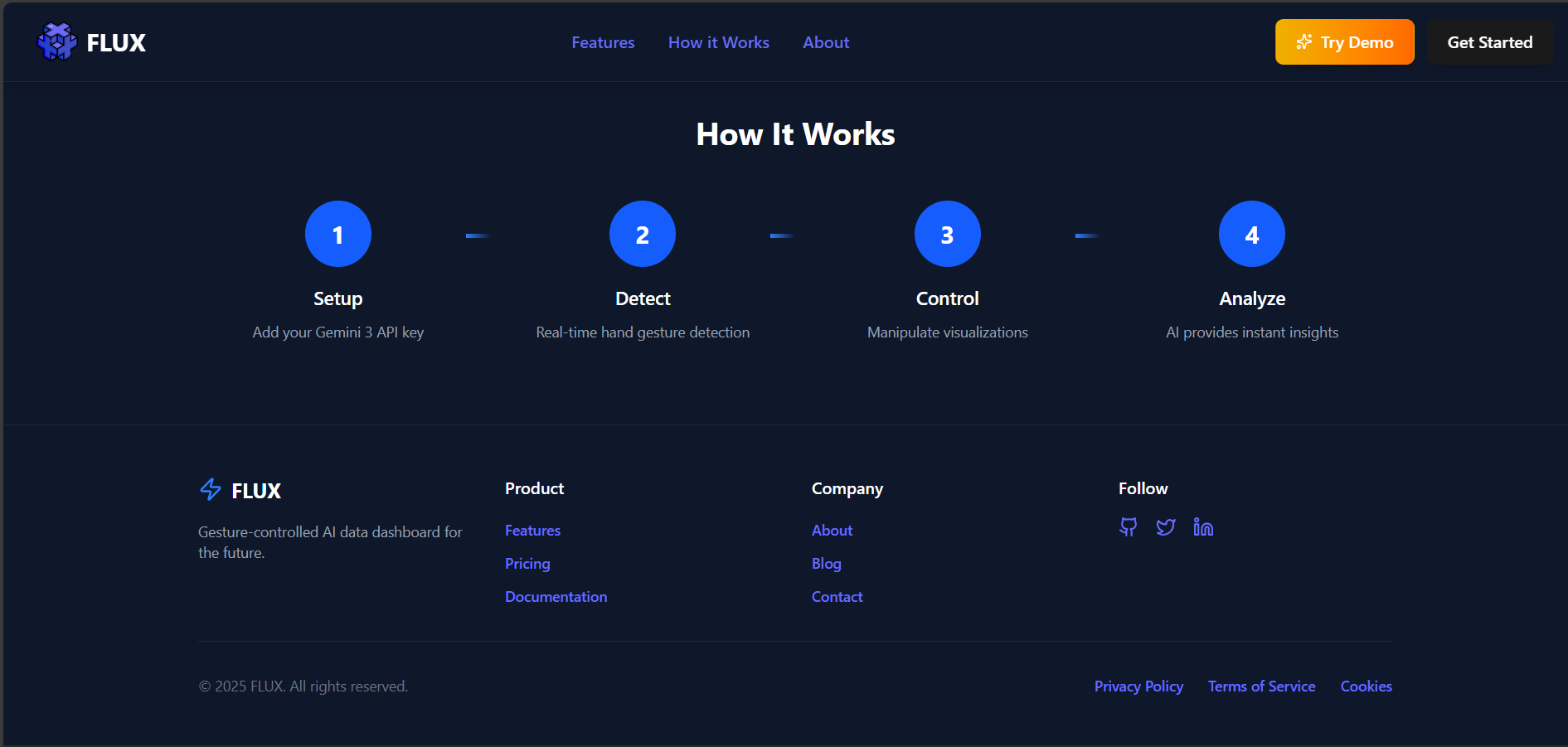
A simple four-step flow explaining how users set up, detect gestures, control visualizations, and analyze data using AI.
-

A clean and minimal navigation bar that gives instant access to core features, demo mode, and onboarding, setting a professional impression.
-
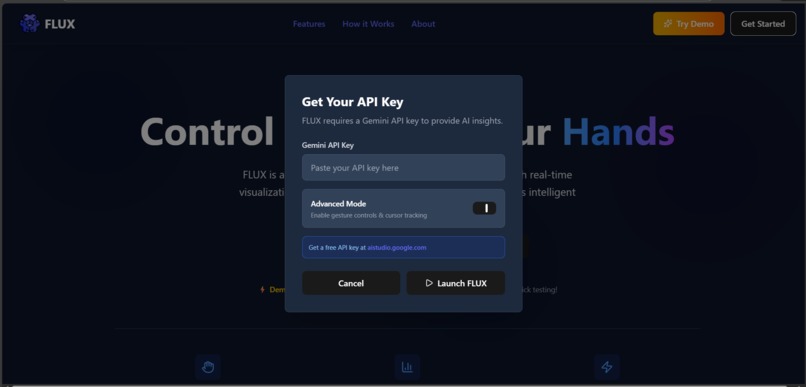
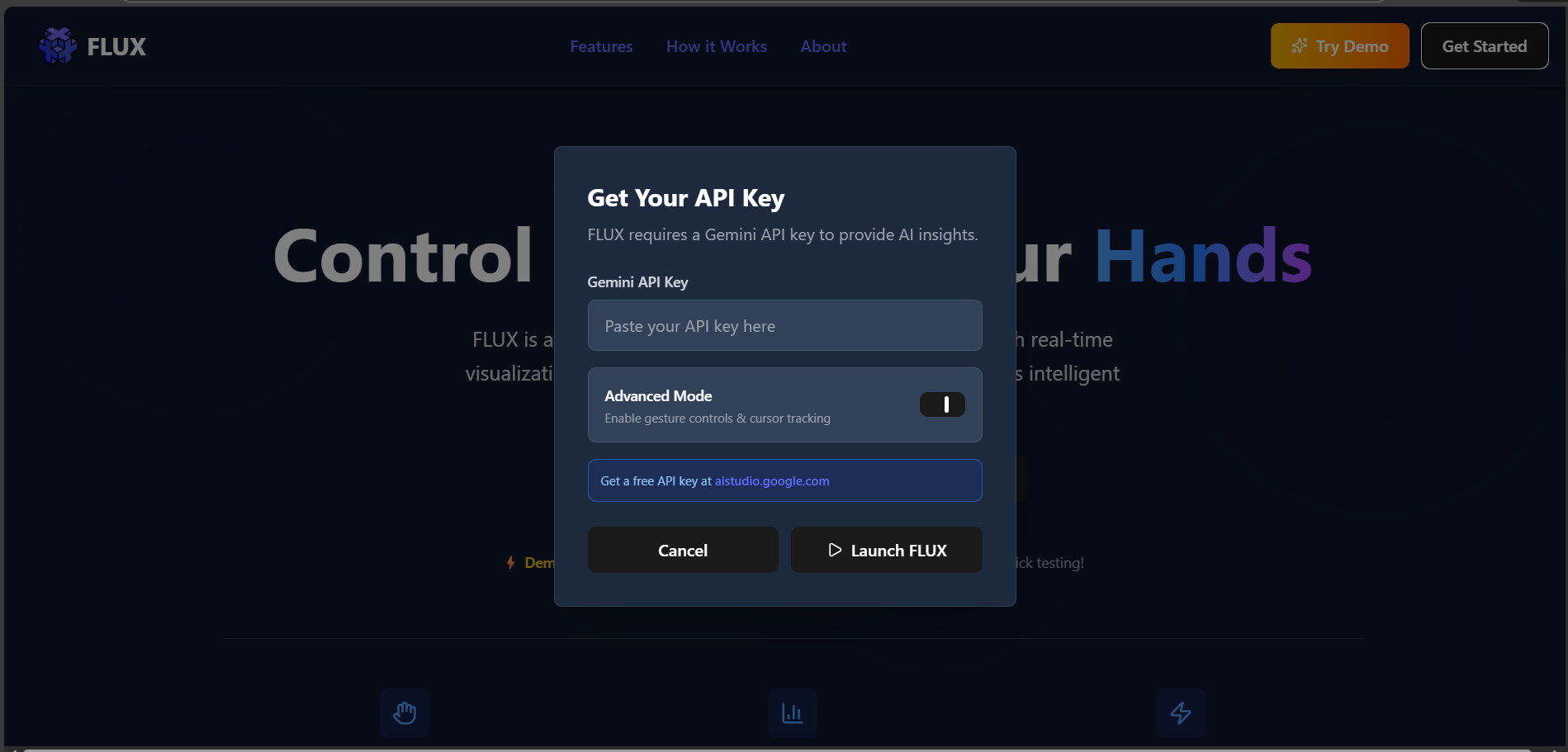
A flexible setup screen allowing users to either connect a Gemini 3 API key or instantly explore FLUX through a no-setup demo mode.
-

Indicates FLUX is live, giving users real-time access to gesture-controlled visualizations and AI-powered insights in an active session.
-
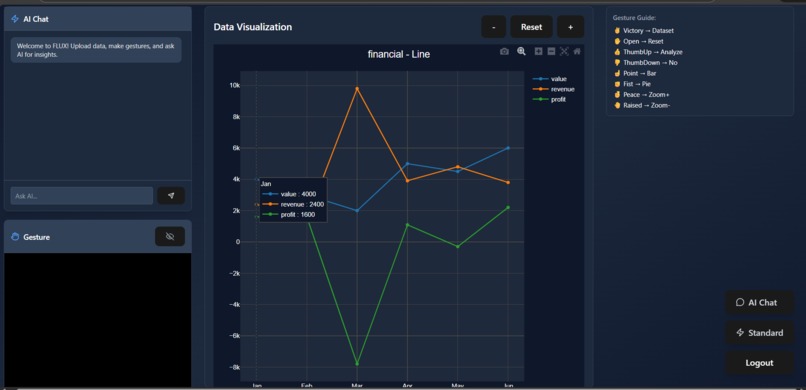
Gesture-controlled charts with AI insights and real-time data interaction.
-
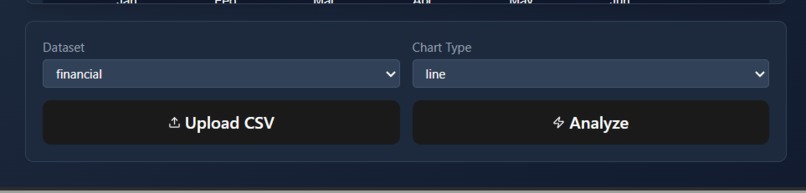
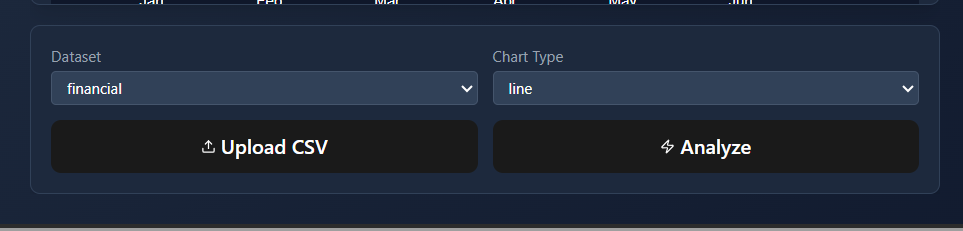
Select datasets, choose chart types, upload CSV files, and trigger AI analysis with simple controls.
-
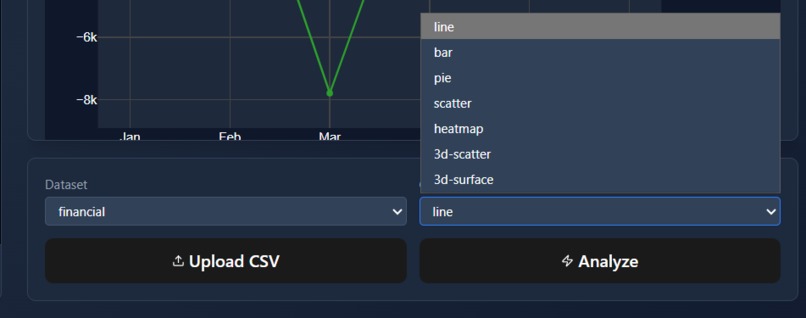
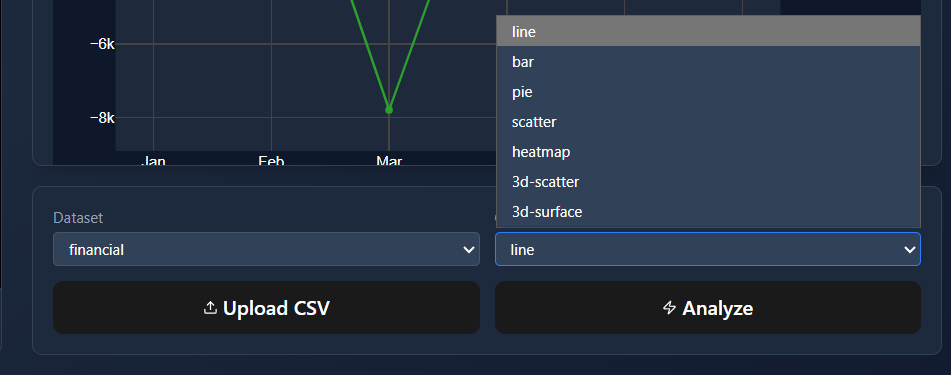
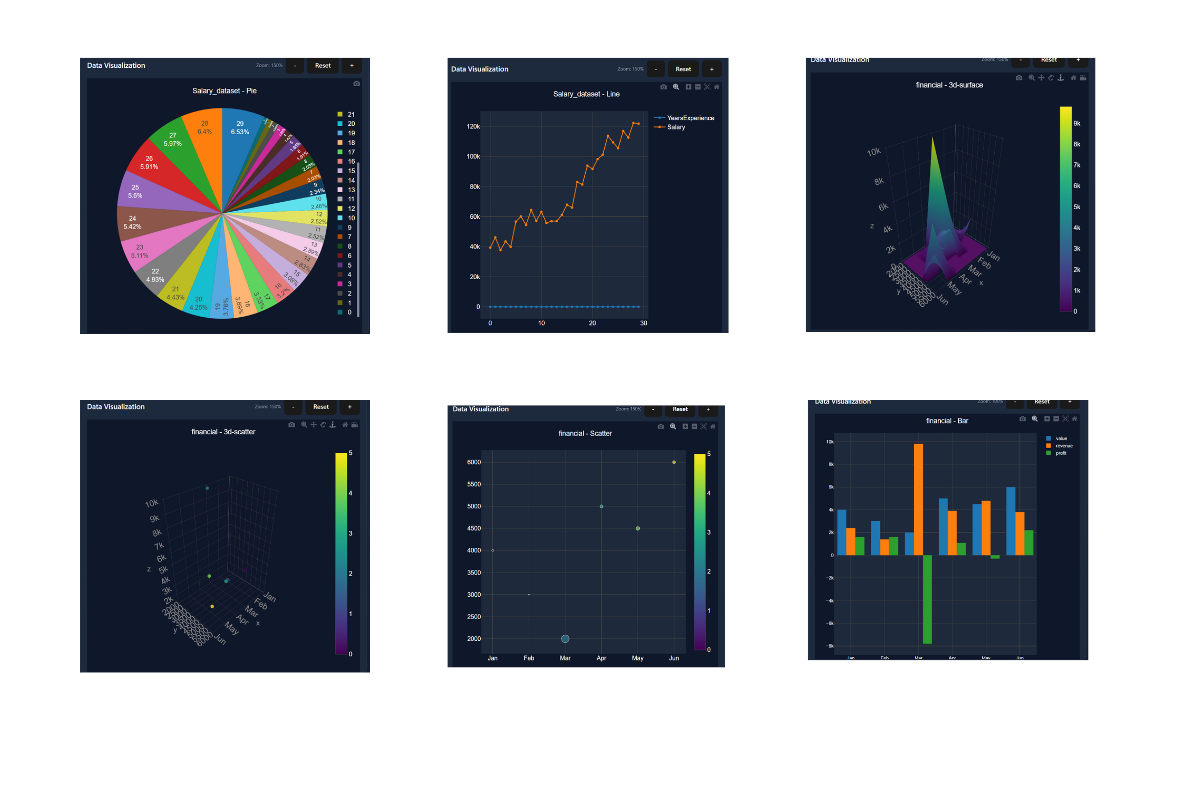
Switch between multiple chart types to visualize data instantly and interactively.
-
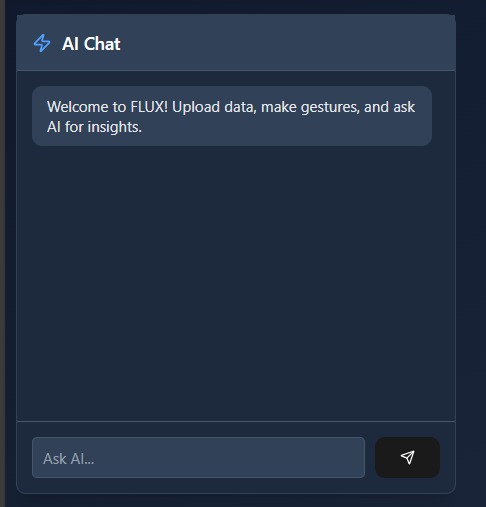
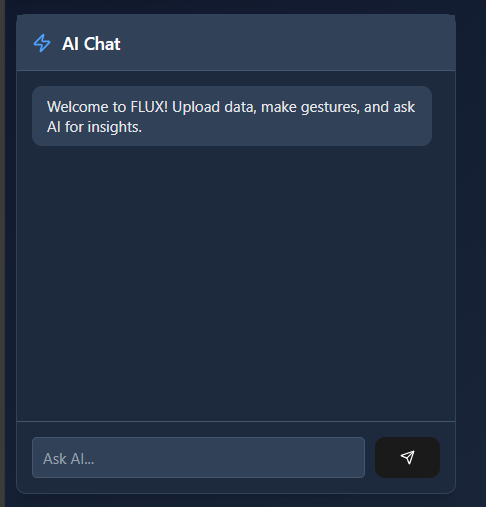
Ask questions and receive instant, context-aware insights from your data using Gemini AI.
-
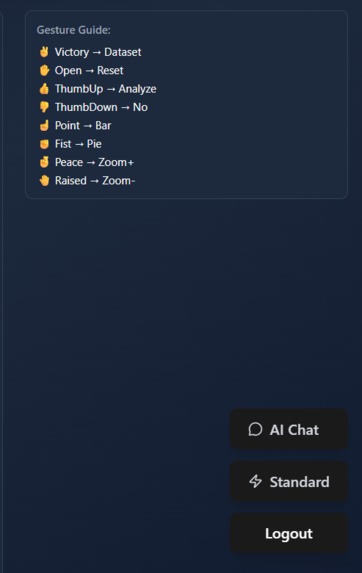
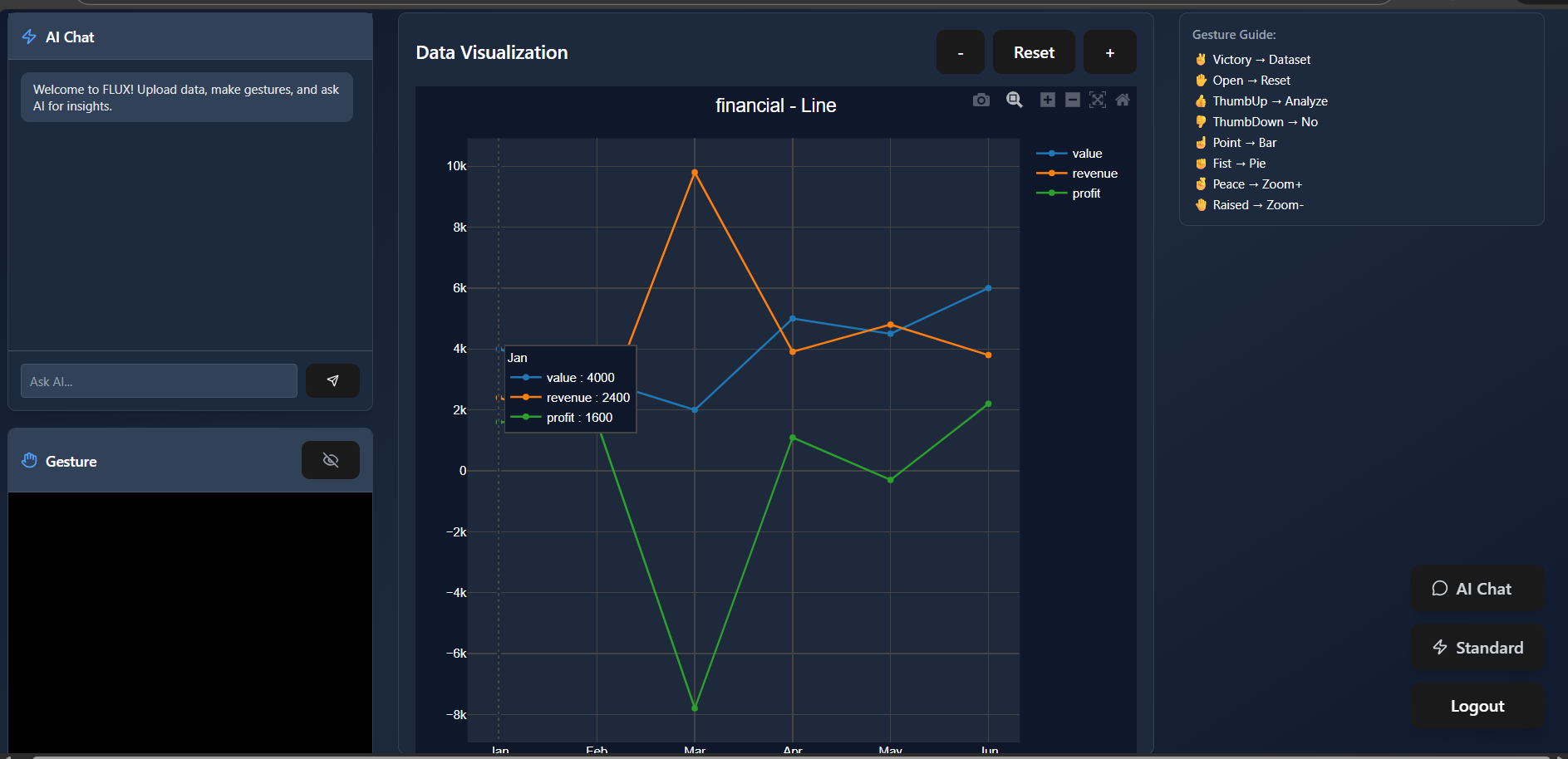
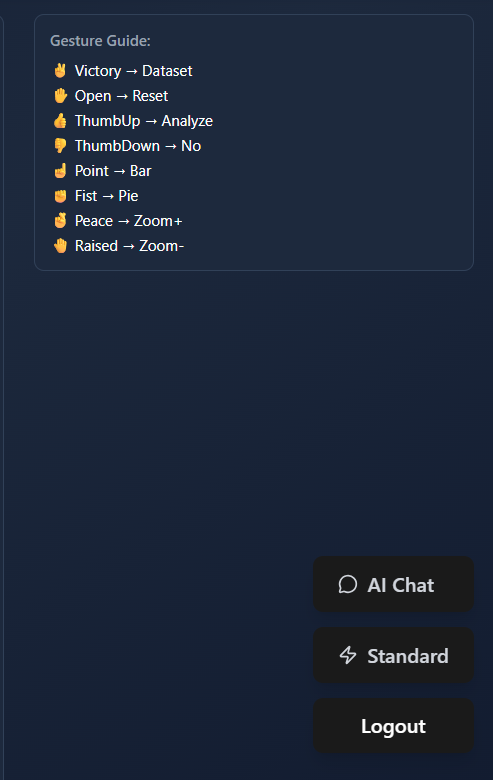
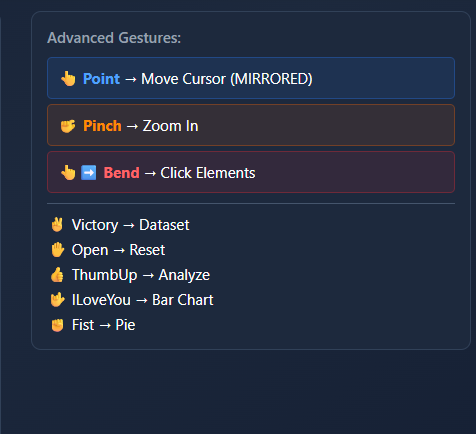
Displays the supported hand gestures and their mapped actions, helping users control charts and navigation without touching the interface.
-
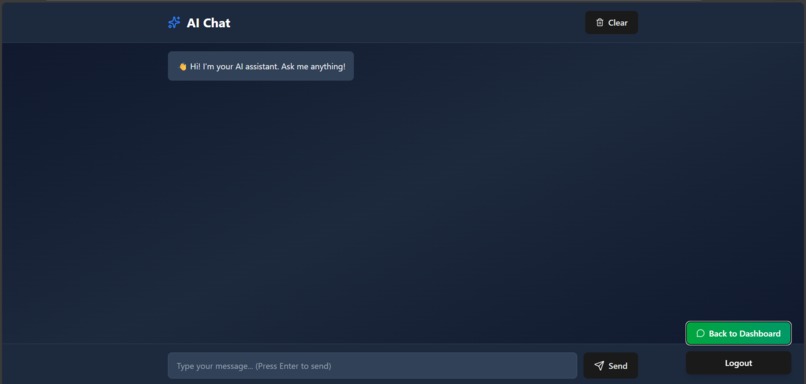
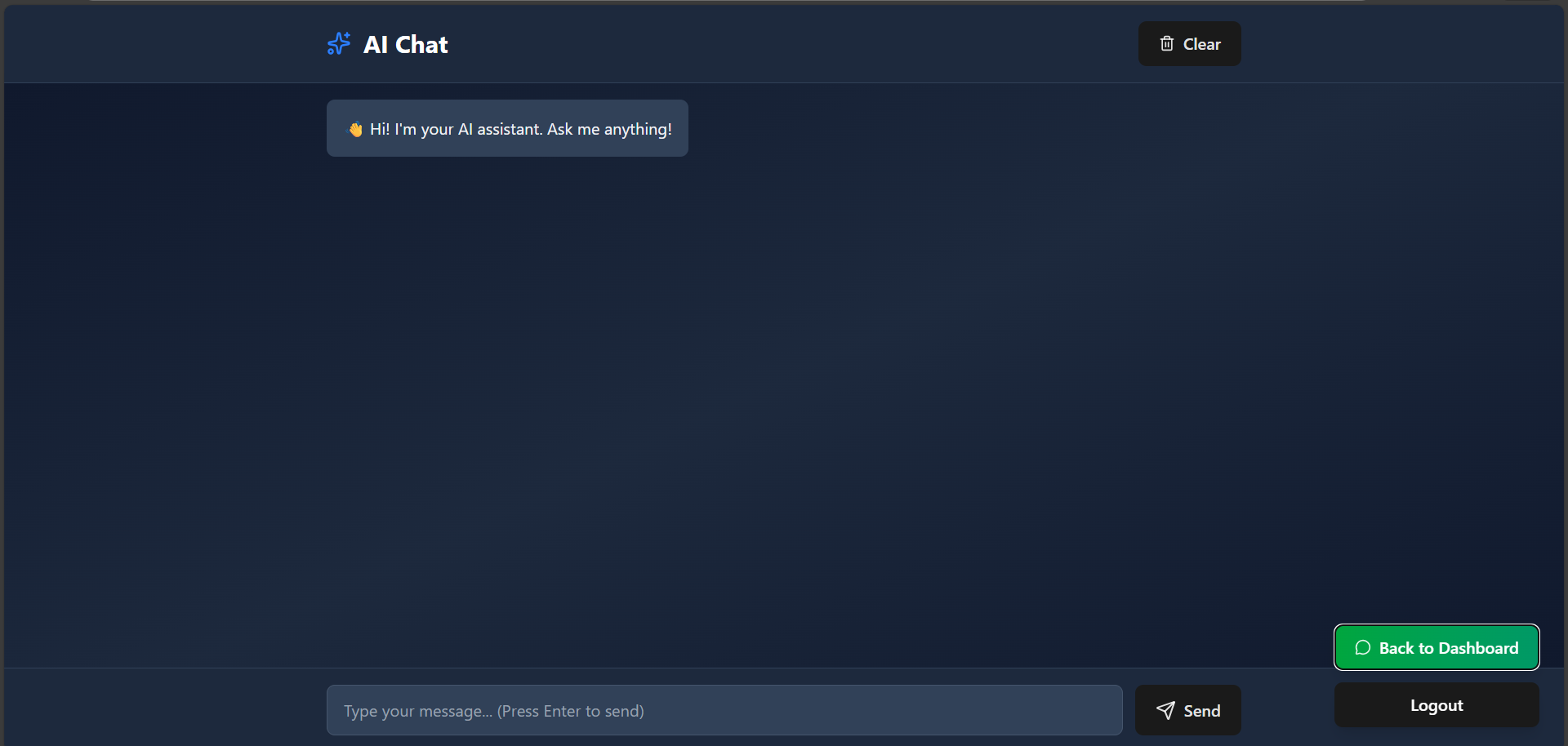
A built-in chat space where users can ask anything—from data questions to general web queries—and get instant, AI-powered responses.
-

FLUX Advanced Mode offers a clean, powerful interface for fast, AI-driven insights and seamless data interaction.
-
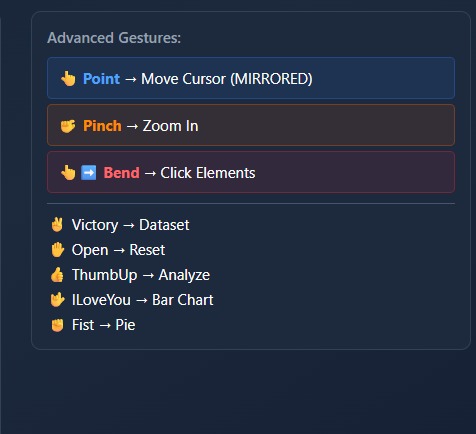
Advanced Gestures Panel – Shows available hand gestures and their mapped system actions like zoom, click, cursor move, and chart selection.
-
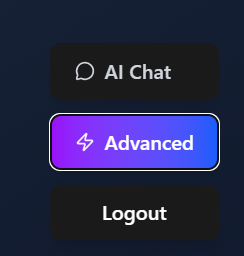
Mode Switch Buttons – Lets the user switch between AI Chat, Advanced mode, or Logout.
-
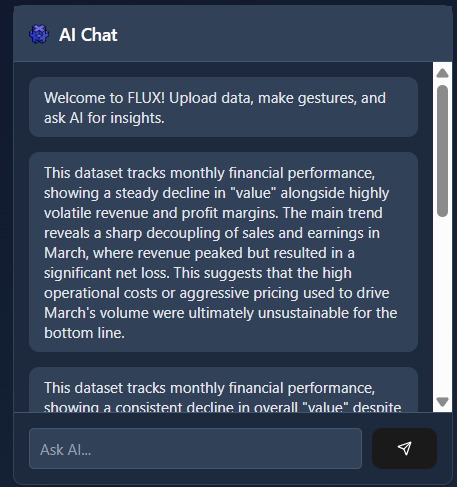
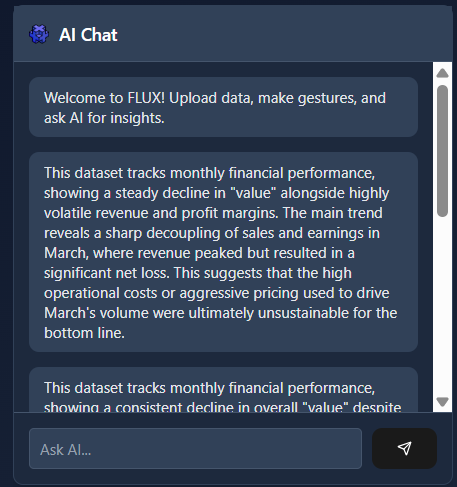
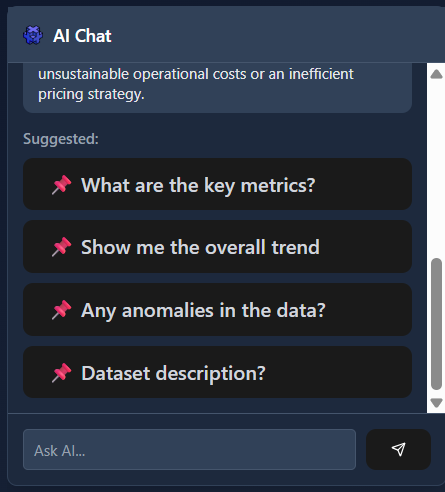
AI Chat Panel (Insights) – Displays AI-generated analysis and explanations based on the selected dataset.
-
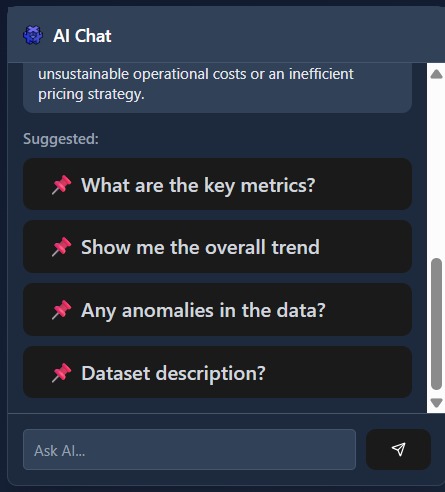
Suggested Questions Panel – Provides quick, clickable prompts to explore key insights, trends, anomalies, and dataset details.
-
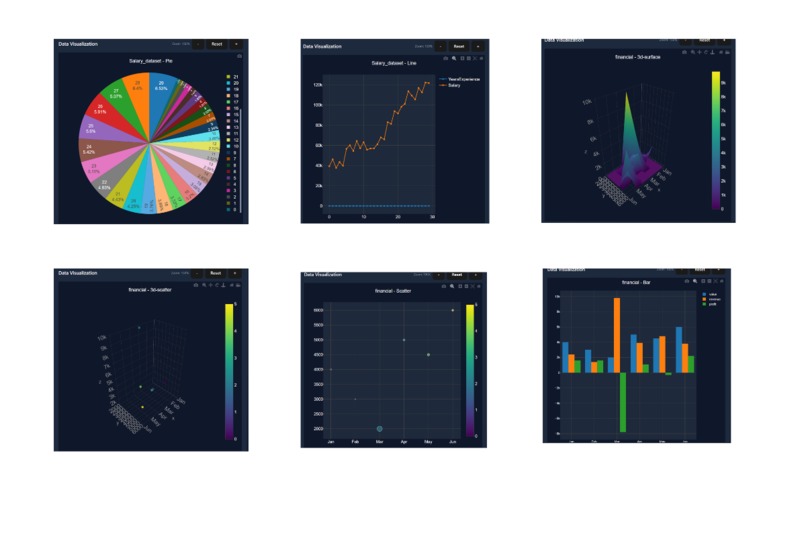
FLUX showcasing gesture-controlled 2D and 3D data visualizations for real-time, AI-powered analysis.



Inspiration
I noticed that people—especially business professionals and decision-makers—often spend a significant amount of time simply trying to understand their datasets. Even with modern dashboards, the process usually involves navigating complex interfaces, manually adjusting filters, and interpreting charts before reaching any meaningful insight. This makes data analysis slow, inefficient, and inaccessible for many users.
This observation pushed me to rethink how humans interact with data. I wanted to build a system where users do not have to adapt to rigid tools, but instead where data adapts to human behavior. That idea led to FLUX—a platform that combines AI intelligence, interactive visualizations, and natural hand gestures. By integrating Gemini 3, users can directly talk to their datasets, while gesture control allows them to manipulate graphs intuitively. My goal was to help users understand their data within minutes, not hours, by turning data analysis into a natural conversation between humans, visuals, and AI.
What it does
FLUX is a gesture-controlled AI data dashboard that transforms how people explore and understand datasets. Instead of relying on traditional inputs like a mouse or keyboard, users interact with live data visualizations using natural hand gestures captured through a webcam—allowing them to switch charts, zoom, reset views, and trigger analysis in real time.
FLUX integrates Gemini 3 AI to let users directly ask questions about their data and receive instant, contextual insights. The AI understands the active dataset and visualization, explains trends, highlights anomalies, and responds to follow-up questions in a conversational way. This helps users move from raw numbers to meaningful understanding within minutes.
To make the experience frictionless, FLUX includes a Demo Mode that allows anyone to explore all features instantly without setting up an API key. For advanced users, FLUX also supports secure API key integration for full AI-powered analysis. By combining gesture interaction, interactive visualizations, and contextual AI reasoning, FLUX offers a faster, more intuitive, and more human way to interact with data.
How we built it
I built FLUX as a web-based application using React for the frontend, focusing on a clean, responsive, and dark-themed user interface optimized for real-time interaction. The landing page introduces the concept clearly, while the dashboard separates standard interaction from advanced gesture-controlled functionality to keep the experience accessible for all users.
For gesture control, I integrated MediaPipe Hands to detect real-time hand landmarks from a webcam feed. I processed these landmarks using custom mathematical logic to recognize gestures such as pinch, open palm, fist, and finger bends. Distance calculations were refined using Math.hypot() for accurate pinch detection, while finger angles were computed using vector dot products and trigonometric functions to reliably detect clicks and gesture states. To ensure smooth interaction, I applied exponential smoothing to cursor movement and carefully tuned gesture thresholds through extensive testing.
For data visualization, I used interactive JavaScript charting libraries to render line, bar, and pie charts that update instantly in response to gestures or UI actions. CSV file uploads are parsed and validated in real time, allowing users to explore their own datasets without additional setup.
I integrated Gemini 3 to power AI-driven analysis and conversational insights. The system sends structured, context-aware prompts to the AI, enabling it to explain charts, analyze trends, and answer user questions based on the active dataset. To ensure reliability, I implemented rate limiting, request queuing, and retry mechanisms. I also added a Demo Mode that allows users to experience the full interface without providing an API key, ensuring a smooth and judge-friendly testing experience.
FLUX Workflow Diagram.This diagram illustrates FLUX’s end-to-end workflow, from user interaction and gesture detection to real-time visualization and Gemini-powered AI insights.
Overall, FLUX was built by combining computer vision, data visualization, and AI reasoning into a single, cohesive system focused on speed, usability, and intuitive interaction.
Challenges we ran into
One of the most challenging parts of building FLUX was making hand gesture detection reliable and consistent across different users and lighting conditions. Accurately detecting gestures required careful mathematical tuning rather than simple heuristics. For example, early distance calculations using basic square-root formulas did not produce stable results, especially during fast hand movements. I refined this by using Math.hypot(x₁ − x₂, y₁ − y₂), which provided more accurate and smoother distance measurements for pinch and zoom gestures.
Another major challenge was calculating finger bend angles to reliably detect click and gesture states. Computing angles between finger joints required careful vector math, including dot products, magnitude normalization, and angle clamping to avoid floating-point errors. Ensuring these calculations worked in real time while maintaining smooth cursor movement took multiple iterations of testing and optimization. Finally, tightly integrating these gesture signals with AI-driven actions—without causing accidental triggers or lag—required precise threshold tuning and extensive experimentation to achieve a natural and responsive experience
Accomplishments that we're proud of
I successfully built a working system that combines real-time gesture recognition, interactive data visualization, and AI-driven reasoning into a single cohesive experience. FLUX demonstrates that hands-free, intuitive data interaction is not just a concept but something that can function smoothly in a browser.
I am particularly proud of how Gemini responds to user gestures and chart context, creating an experience where AI feels like an active collaborator in data exploration. Completing this project also pushed me beyond building isolated features and toward designing a complete, user-centered system.
What we learned
Through this project, I learned that effective human–computer interaction depends as much on intuition and usability as it does on technical correctness. I gained hands-on experience with real-time computer vision, prompt engineering for contextual AI reasoning, and performance optimization in complex frontend applications.
Most importantly, I learned that AI becomes significantly more powerful when it understands context and intent, not just user commands. Designing FLUX strengthened my ability to think at a system level and balance ambition with practical execution.
What's next for Flux
FLUX is designed as a foundation that can grow further. Future improvements include supporting custom dataset uploads, adding voice interaction alongside gestures, enabling collaborative multi-user dashboards, and expanding Gemini’s role into predictive analytics and anomaly detection.
In the long term, I envision FLUX as a new interaction paradigm for data—where humans explore insights naturally using their hands and language, while AI continuously assists, guides, and accelerates understanding.
Built With
- javascript
- react
- tensorflow.js


Log in or sign up for Devpost to join the conversation.