-
-
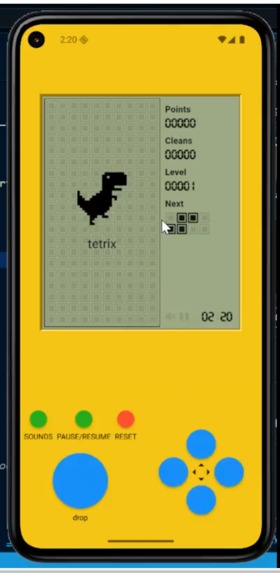
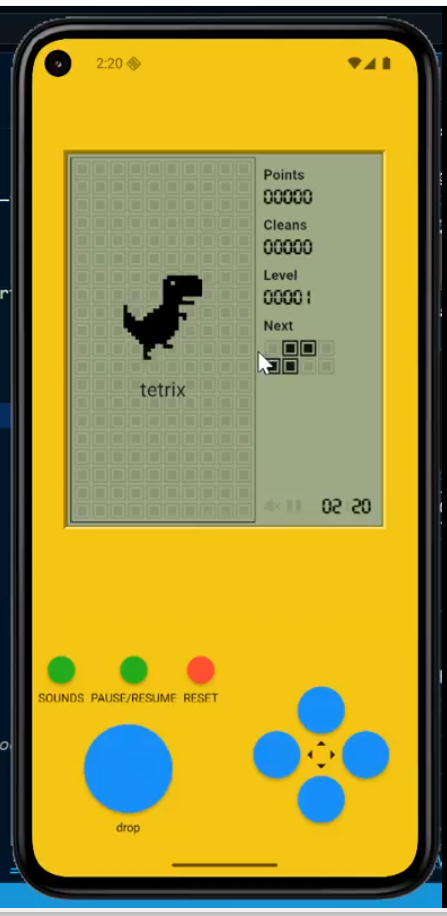
Flutter Tetris Game
Inspiration
The Tetris game holds a special place in gaming history, and my inspiration for this project was to pay homage to that classic while exploring the capabilities of the Flutter framework. I wanted to see how effectively I could replicate the core logic, physics, and responsive user interface of Tetris using Dart and Flutter's widget-based architecture.
What it does
A simple game made for fun.
How we built it
The project was built around several key components. The game board was implemented as a grid, managed by a two-dimensional array to track occupied cells. Each tetromino (the falling blocks) was represented by a class storing its current position, shape matrix, and color.I used Flutter’s StatefulWidget and the Timer.periodic method to manage the game loop, which controlled the block's automatic descent and updated the game state $T$. Collision detection was a critical challenge; I implemented logic to check for overlaps with the board boundaries and existing settled blocks before confirming a movement or rotation. Line clearing involved iterating through the grid, detecting full rows, and then shifting the cells above down, which was a satisfying part of the development process.
Challenges we ran into
The main technical challenge was ensuring smooth performance during rapid state changes, particularly when blocks were falling quickly and during the complex rotation logic (the "wall kick" maneuver). I learned the importance of efficient state management in Flutter, minimizing unnecessary rebuilds to maintain a high frame rate.
What's next for Flutter Tetrix Game
For future improvements, I plan to integrate a more sophisticated scoring system with level progression (increasing block speed), implement local high-score persistence using a package like shared_preferences, and enhance the UI with touch-based swipe controls for mobile gameplay.


Log in or sign up for Devpost to join the conversation.