-
-
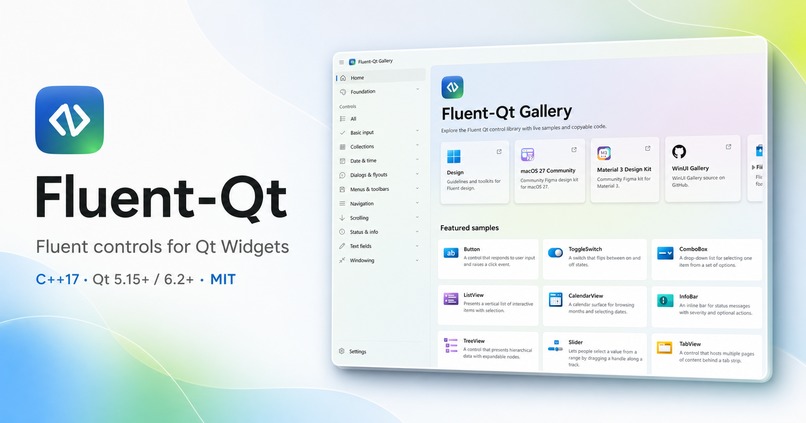
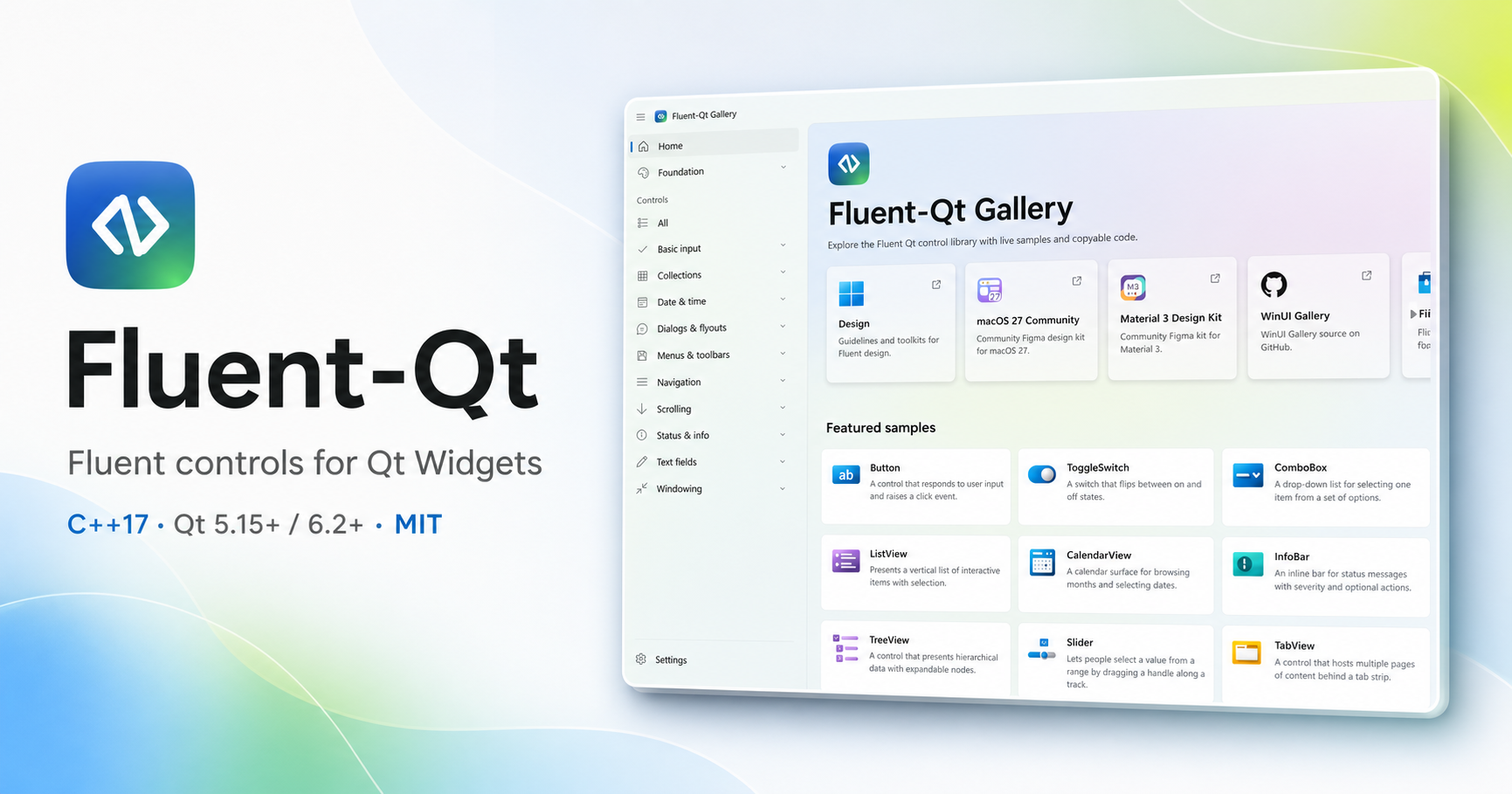
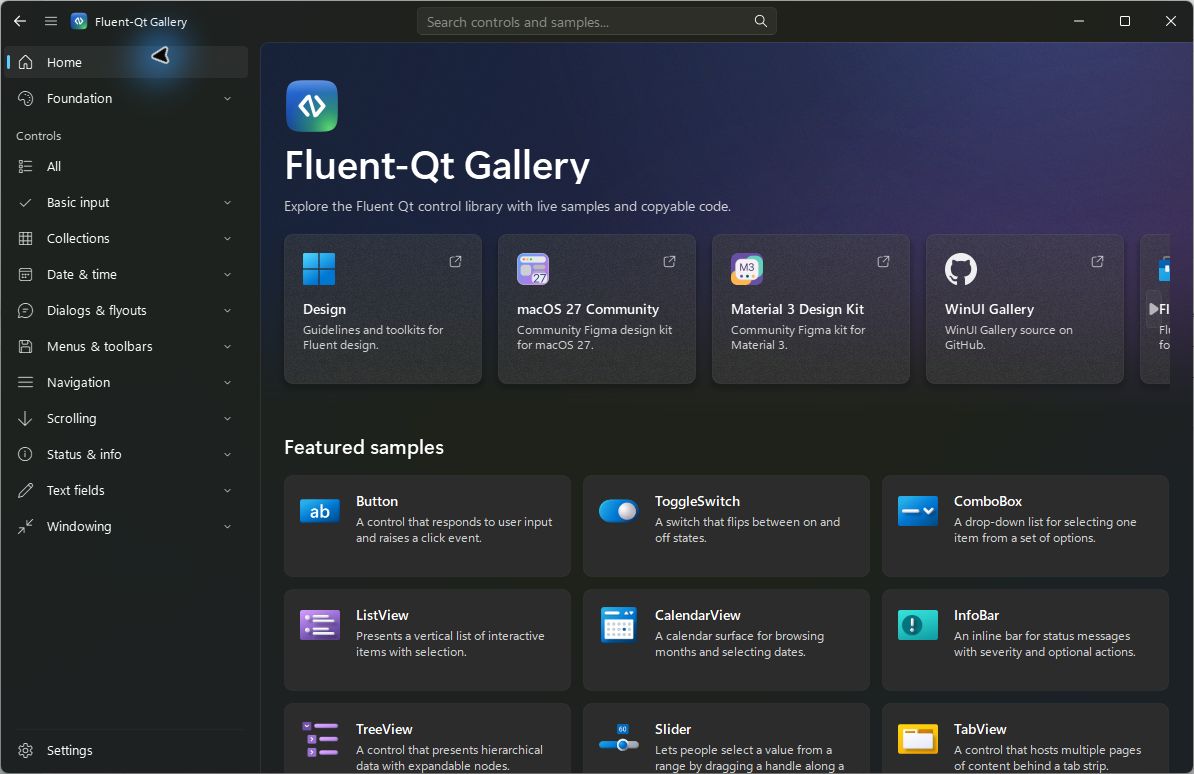
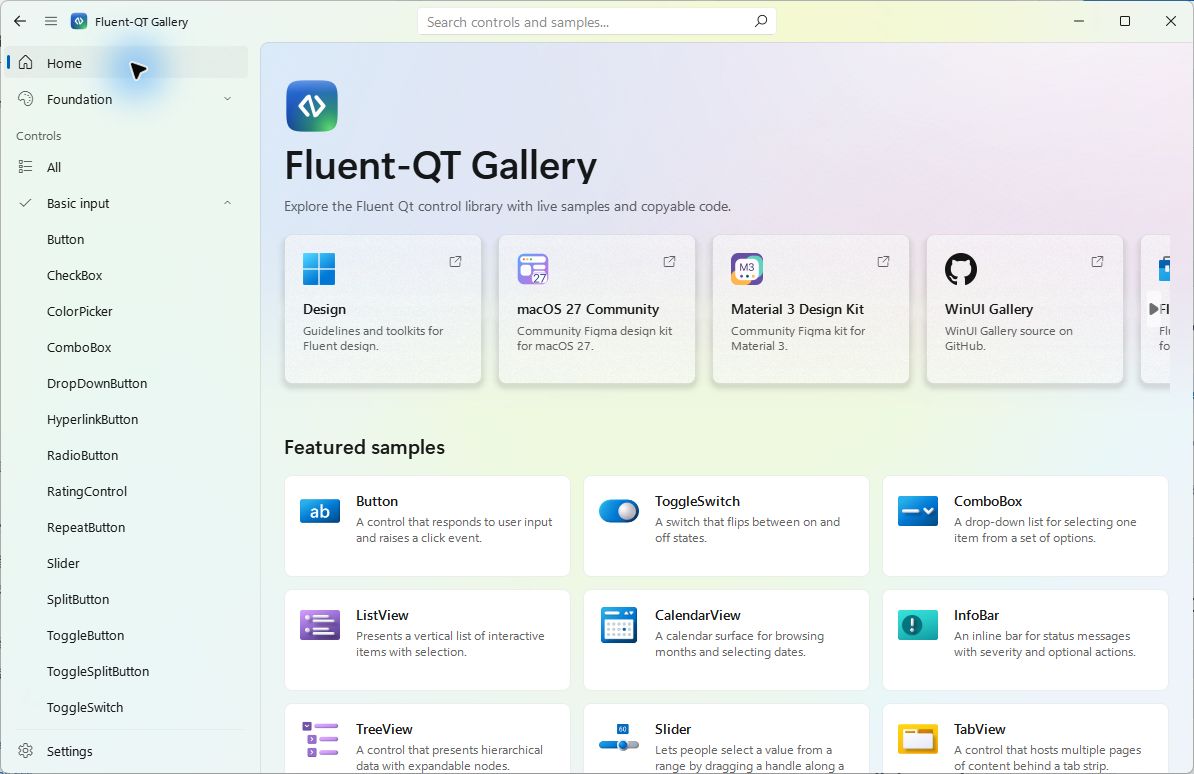
Fluent-Qt project overview — a native C++17 component library for Qt Widgets with support for Qt 5.15+ and Qt 6.2+.
-
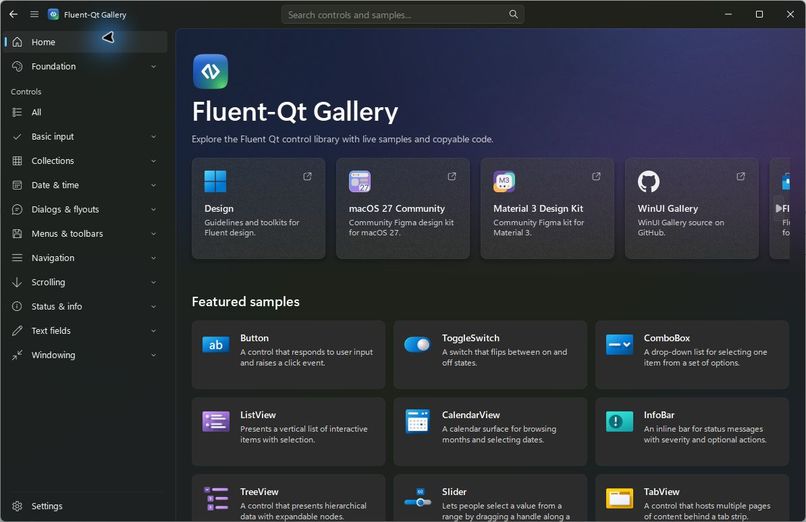
The same Fluent-Qt Gallery experience in dark mode.
-
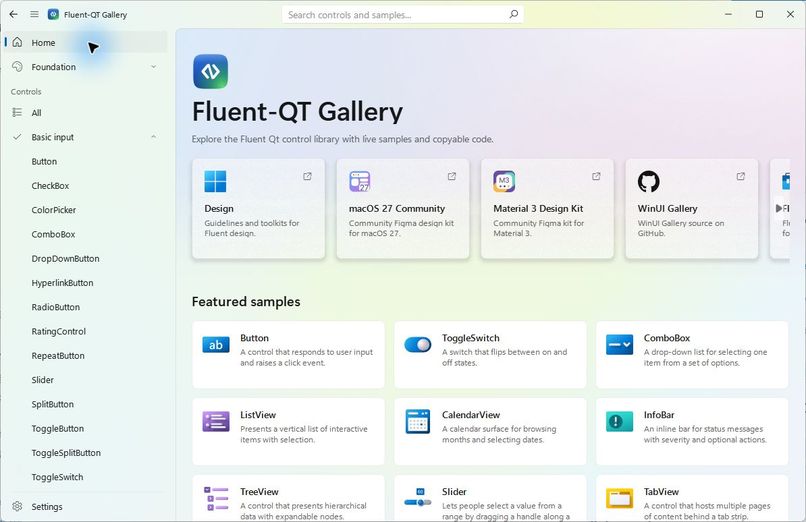
The real Fluent-Qt Gallery home screen in light mode, showing the component catalog and featured live samples.
Inspiration
Qt Widgets still powers a large number of reliable native desktop applications, but building a modern and consistent interface with it often requires extensive one-off styling, platform-specific fixes, or a costly migration to QML or a web-based desktop stack.
I built Fluent-Qt to provide another option: a reusable, native C++ component library that brings Fluent-inspired visual design to existing Qt Widgets applications while preserving the signals, slots, layouts, event loop, native window behavior, and performance characteristics that Qt developers already rely on.
What it does
Fluent-Qt is a cross-platform C++17 UI component library for Qt Widgets.
It includes:
- Native Fluent-style controls implemented as reusable Qt Widgets
- A Gallery application with live component samples and integration information
- Light and dark visual experiences
- Support for Qt 5.15+ and Qt 6.2+
- CMake integration through FetchContent, add_subdirectory, or find_package
- Prebuilt Gallery packages for Windows, macOS, and Linux
- x64 and ARM64 release coverage
- Component, application, platform, and packaging validation
- A lightweight GitHub Pages website built from real project screenshots and documentation
The reusable library remains separate from the Gallery application. Applications can depend on the FluentQt::FluentQt CMake target without inheriting the Gallery's logging, testing, or packaging dependencies.
What I built during Build Week
Fluent-Qt existed before Build Week, so this submission clearly discloses that it builds on an existing open-source project.
During Build Week, I used Codex with GPT-5.6 to turn the project into a more complete and testable developer tool.
The Build Week work included:
- Separating the reusable library from Gallery-only development dependencies
- Defining and validating the public header boundary
- Verifying standalone consumer integration with Qt 5.15 and Qt 6.2
- Publishing a reduced library-only source package
- Improving component pages so developers can see the public header, qualified C++ type, CMake target, and live sample
- Removing incomplete placeholder pages instead of presenting unfinished components as complete
- Redesigning the project website around real screenshots, integration paths, component families, and platform downloads
- Improving page construction and navigation performance
- Refining the multi-platform release and packaging workflows
These changes were released as Fluent-Qt 1.3.1 and 1.4.0 during Build Week.
How I used Codex and GPT-5.6
Codex with GPT-5.6 acted as a repository-aware engineering partner rather than a code-completion tool.
I used it to:
- Inspect the existing C++, CMake, test, packaging, and GitHub Actions structure
- Break larger cross-platform goals into reviewable implementation steps
- Refactor library and Gallery dependency boundaries
- Diagnose Qt 5/Qt 6 and x64/ARM64 build and deployment issues
- Update CMake presets, release workflows, packaging rules, and validation scripts
- Add or refine focused tests before accepting behavioral changes
- Improve the Gallery's documentation and navigation experience
- Rewrite the project website using verified repository content and real screenshots
- Review diffs, run builds and tests, and iterate on failures
GPT-5.6 was especially useful for reasoning across multiple layers at once: public API design, platform-specific behavior, packaging constraints, documentation accuracy, and user-facing presentation.
I retained responsibility for product direction, visual review, platform testing, release decisions, and final code acceptance.
How it was built
The core library is written in C++17 with Qt Widgets and CMake.
The project uses:
- Qt Widgets for the reusable UI runtime
- CMake targets and package exports for integration
- vcpkg manifests for development dependencies
- Qt Test, GTest, and CTest labels for validation
- CPack for Windows, macOS, and Linux packages
- NSIS for the Windows installer
- DMG packaging for macOS
- DEB packaging for Ubuntu
- GitHub Actions for CI, compatibility testing, releases, and GitHub Pages
- HTML, CSS, and JavaScript for the static project website
The CI design separates fast pull-request validation from broader scheduled and manual platform validation. Release packages are generated per platform, Qt version, and CPU architecture so judges and users can test the Gallery without rebuilding it.
Challenges
Cross-platform visual behavior
A control that looks correct on one platform can behave differently because of font metrics, native window management, compositor behavior, DPI scaling, input handling, and Qt-version differences.
The solution was to define explicit component and windowing contracts, isolate native compatibility code, and provide deterministic painted fallbacks when a native visual effect is unavailable.
Supporting both Qt 5 and Qt 6
Qt 5.15 and Qt 6.2+ differ in APIs, deployment tools, binary availability, and platform behavior. Maintaining one application-facing API required compatibility layers and targeted validation rather than scattered version checks.
Packaging a real desktop application
Building the source was only part of the problem. The Gallery also needed installable, architecture-correct artifacts with the right Qt runtime, application metadata, shortcuts, icons, and dependencies.
The release system now covers Windows, macOS, and Ubuntu across x64 and ARM64, while keeping the reusable library independently consumable.
Keeping the Gallery useful as the library grows
A component gallery can become slow or misleading if pages are constructed eagerly or unfinished pages appear complete. I improved navigation so resident page switches remain constant-time, reduced repeated cold-page work, and removed placeholder pages that did not yet provide real documentation.
Accomplishments
I am most proud that Fluent-Qt is not only a visual prototype.
It now provides:
- A reusable native Qt Widgets library
- A real Gallery with live samples
- Documented CMake integration paths
- Automated tests and platform validation
- Installable packages for major desktop platforms
- x64 and ARM64 coverage
- A library-only source distribution
- A public website and open-source documentation
- A repeatable release process
A judge can inspect the source, browse the website, or download and run a packaged Gallery without first recreating my development environment.
What I learned
The project reinforced that cross-platform UI engineering is less about drawing controls and more about maintaining explicit contracts:
- Public API boundaries must be deliberate
- Native effects need capability-based fallbacks
- Visual testing and behavioral testing serve different purposes
- Packaging is part of the product, not an afterthought
- An AI coding agent is most effective when every change is validated through builds, tests, diffs, and real platform review
Codex accelerated exploration and implementation, but the strongest results came from combining agentic execution with clear architectural rules and deterministic validation.
What's next
Next steps include:
- Expanding the implemented component set
- Adding approved visual-regression baselines
- Improving accessibility and keyboard-navigation coverage
- Expanding design-token documentation
- Adding more focused examples for real desktop applications
- Continuing to improve Qt 5, Qt 6, x64, and ARM64 compatibility
- Turning the Gallery into an even more complete reference for developers adopting Fluent-Qt

Log in or sign up for Devpost to join the conversation.