-
-
Product
-
-
-
WebMCP
Inspiration
During my time working heavily in quantitative research and portfolio construction, I kept hitting the same friction: context switching. Jupyter is the industry standard for index research and data analytics, but jumping between the notebook to write boilerplate, browser tabs to hunt for dataset documentation, and terminal windows to manage environments breaks the analytical flow. I wanted an environment that respects deep work. By combining WebMCP with a strict, distraction-free UI, the goal was to turn the static notebook into an active research partner.
What it does
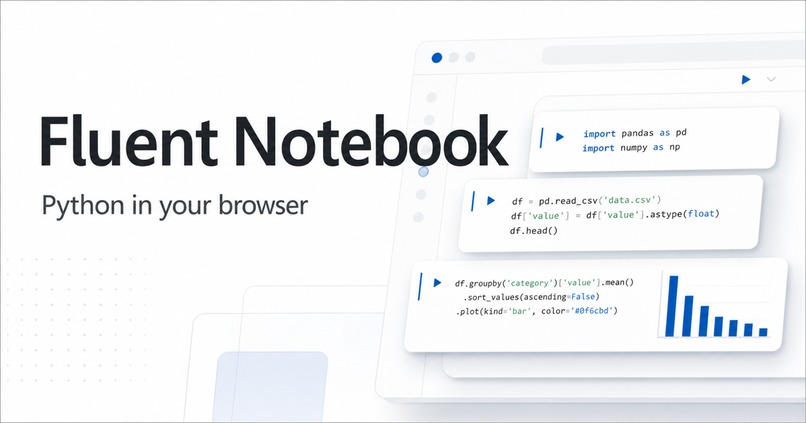
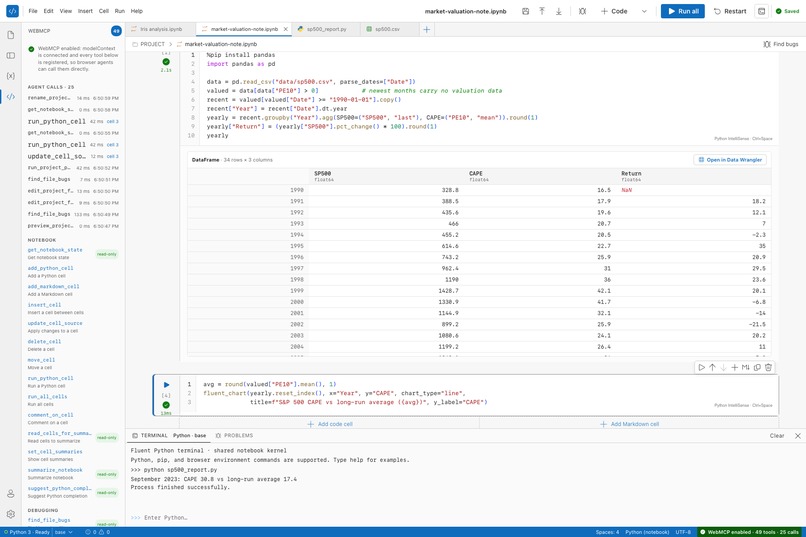
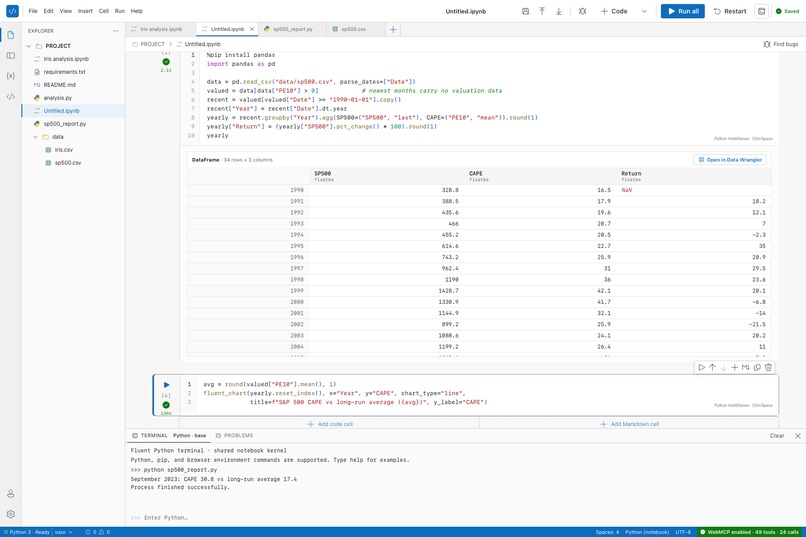
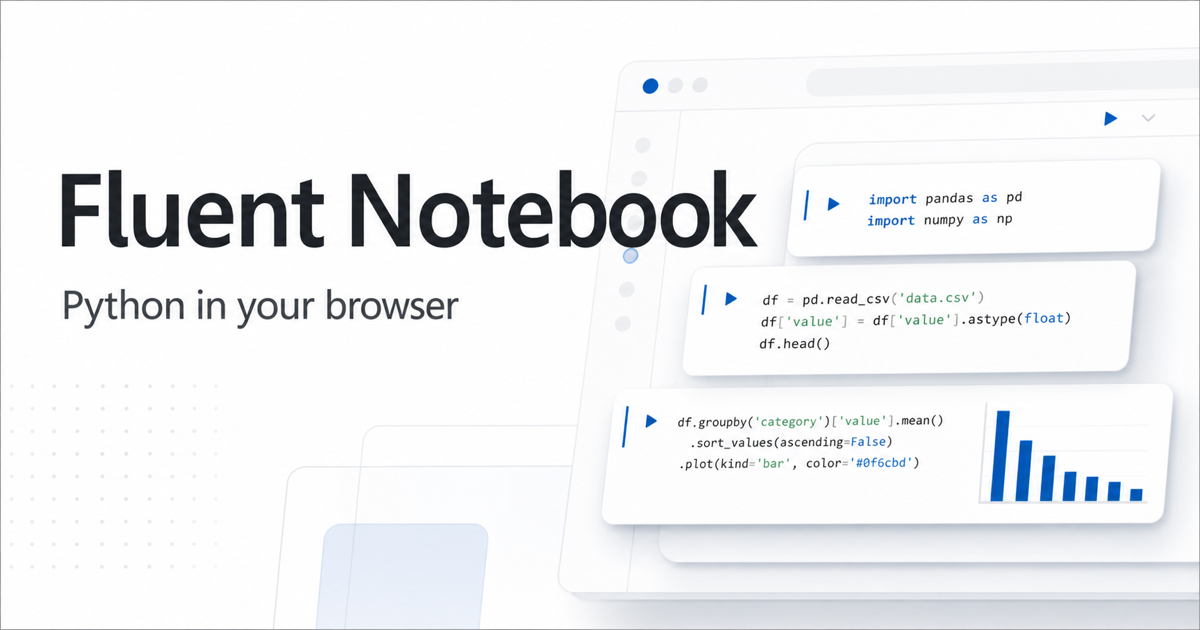
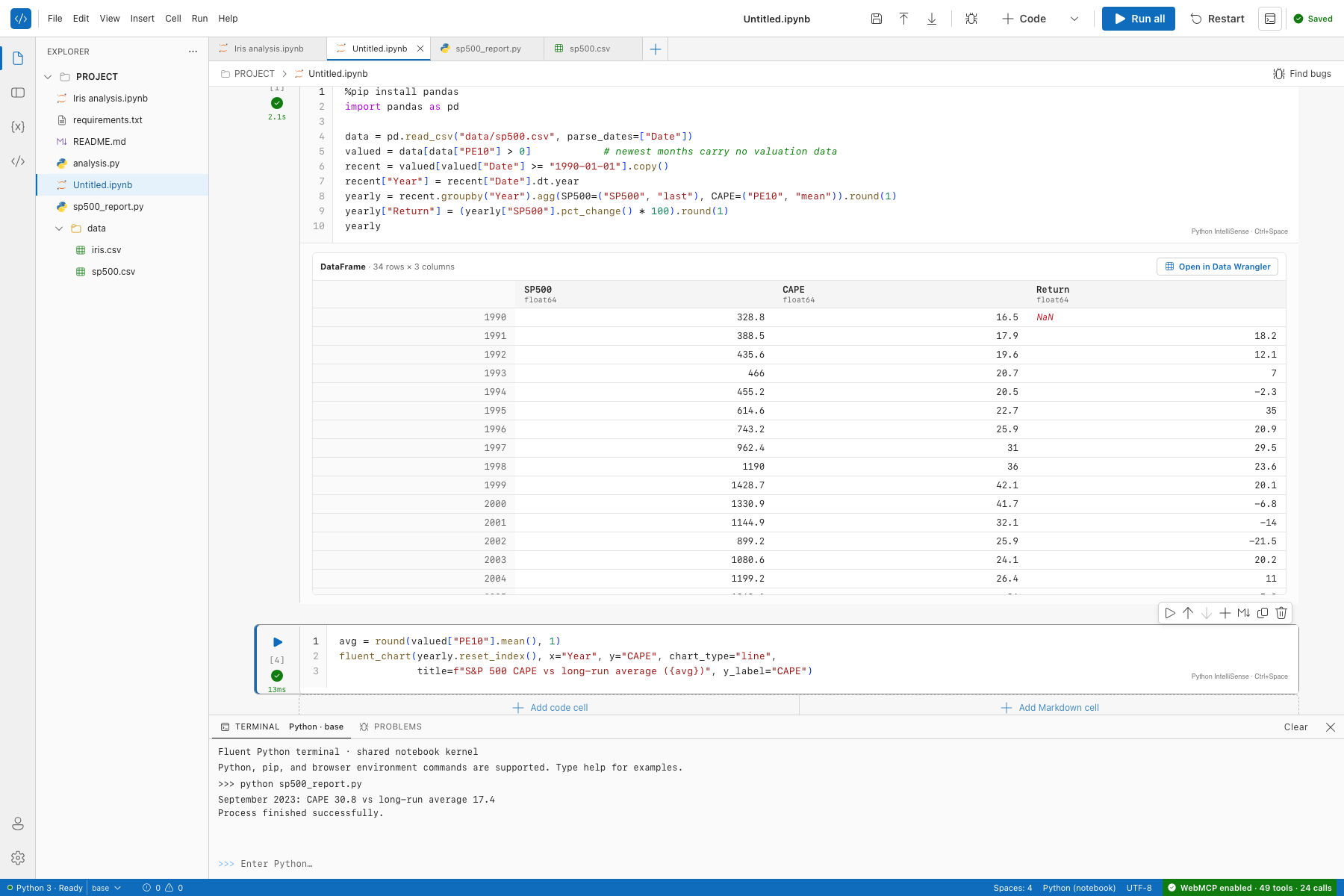
Fluent Notebook is a Jupyter-style Python notebook that runs entirely in the browser. Python executes in Pyodide (WebAssembly) with pandas, NumPy, matplotlib and %pip install via micropip, so there is no kernel server and no data leaves the machine. Around that kernel sits a Fluent UI workspace: a code editor with IntelliSense and Jupyter command mode, an Explorer with Python, Markdown, CSV and JSON files, a Problems panel fed by pyflakes, a Data Wrangler for DataFrames and CSVs, a Variables panel, interactive charts, and a Python terminal.
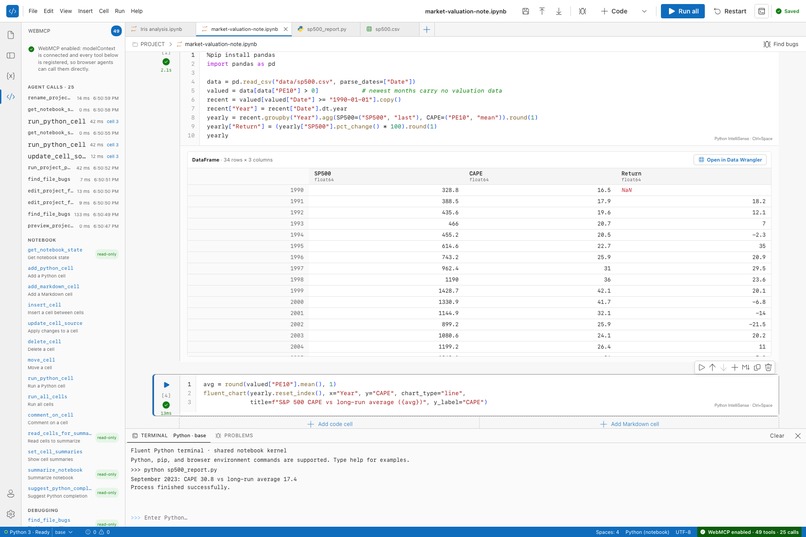
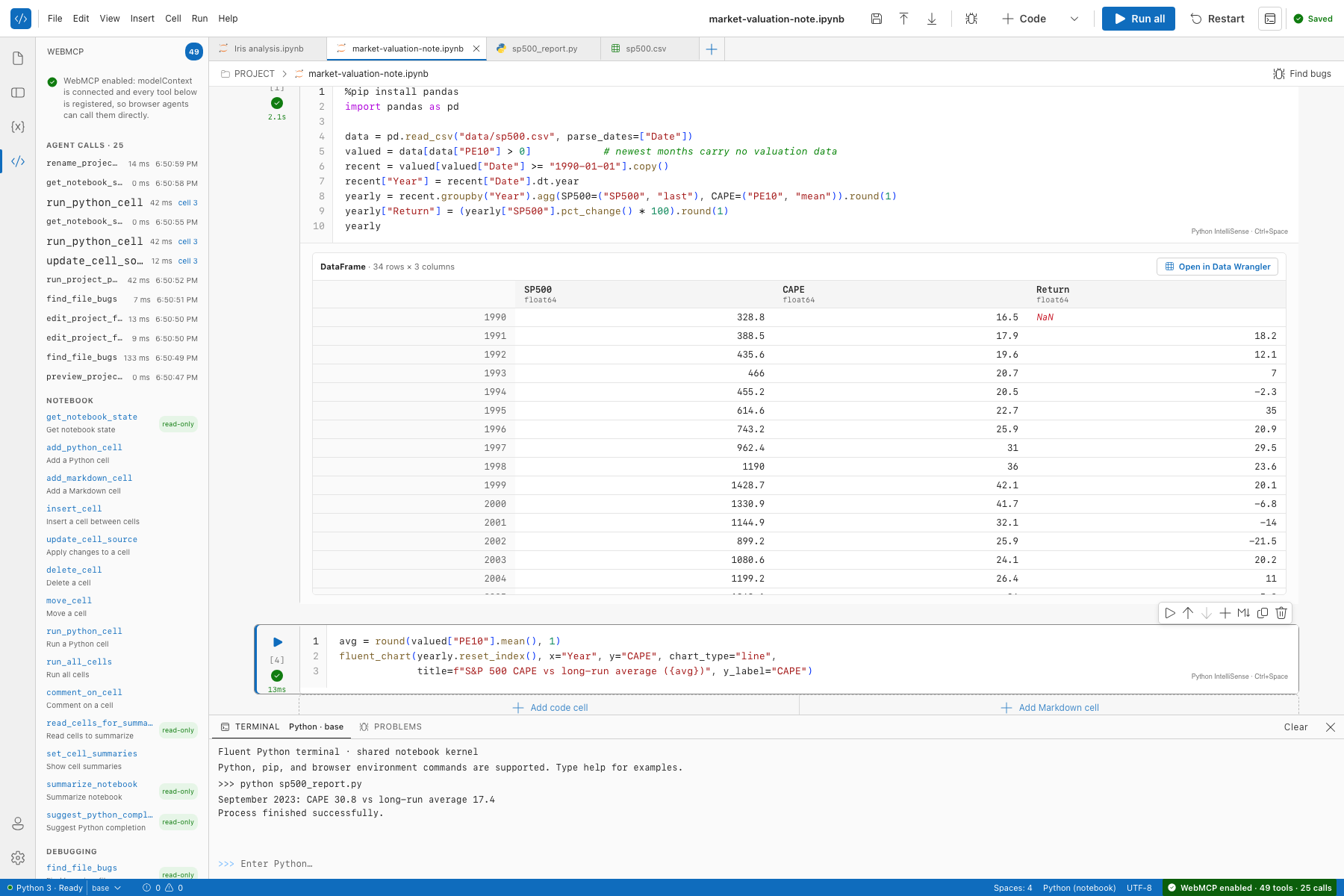
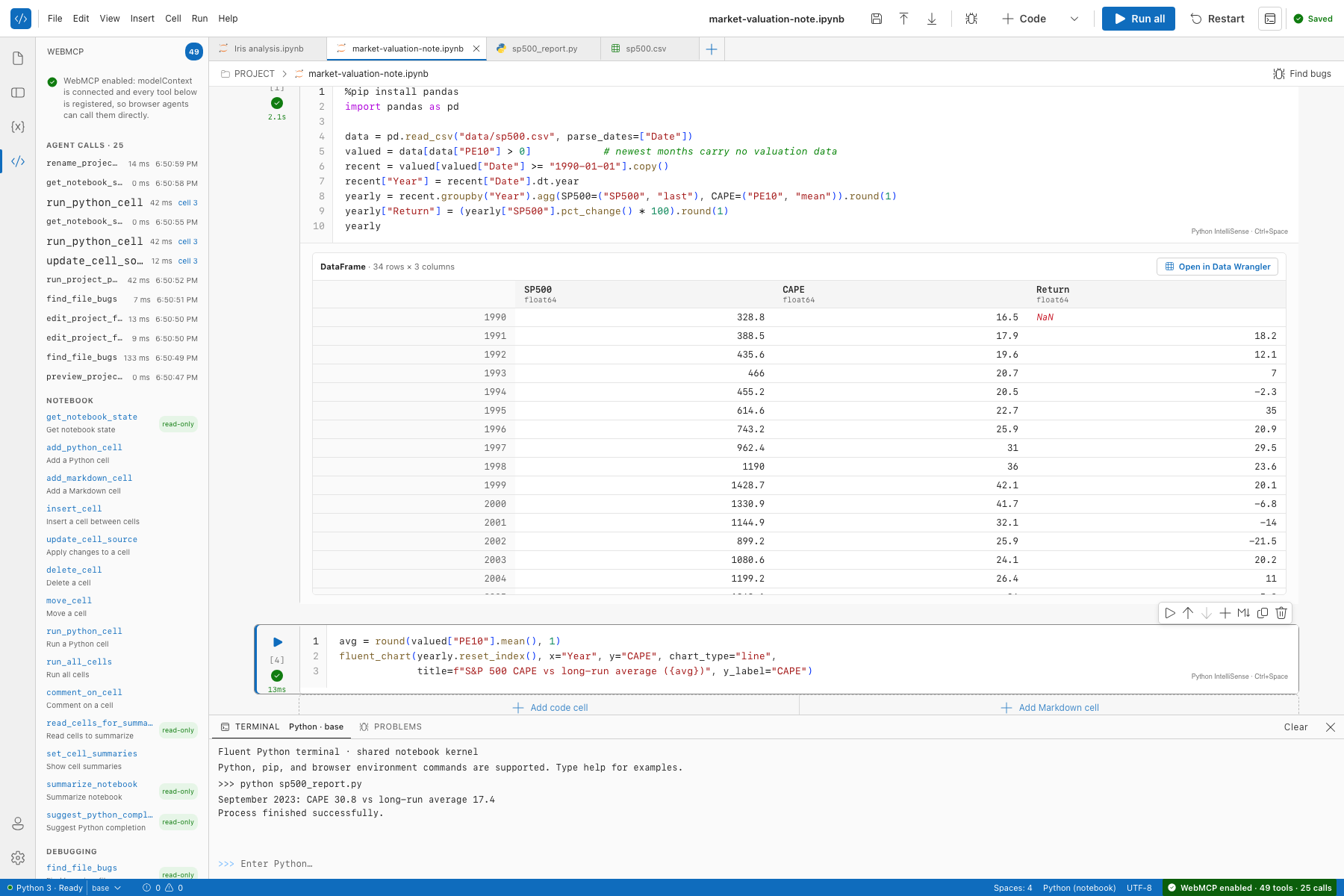
The page registers 49 WebMCP tools, so a browser agent (ChatGPT's in-app browser, or Chrome with the WebMCP flag) can read and edit cells and files, insert cells between cells, run cells and .py files, install packages, inspect kernel variables, find bugs, open a DataFrame in Data Wrangler, restyle and explain charts, write per-cell summaries, import notebooks from .ipynb JSON, rename, move and delete files, restart the kernel, and save or load the user's cloud workspace. Every tool returns real notebook state; nothing is mocked.
Why WebMCP is a strong fit
A notebook is not a page you can scrape. It is a live kernel, an editor, a file tree and a set of outputs. Screenshot-and-click agents cannot reliably "run cell 2" or "read the table under cell 3". WebMCP lets the notebook hand the agent the same levers a person has, each with a JSON schema, read-only and untrusted-content hints, and a structured result the agent can chain: add_python_cell → run_python_cell → get_cell_table. Because Python runs in the tab, the person and the agent share one kernel, one file tree and one problem list, with no server round trip.
How it creates a better experience
- Ask "how expensive is the S&P 500 versus its own history?" and the agent writes the pandas cell, downloads Shiller's monthly data inside the kernel, drops the months with no valuation data, runs it, charts CAPE against its long-run average, and reports the answer, while you watch it happen in the notebook. That is the demo video, recorded live in the ChatGPT app.
- Ask "find bugs in analysis.py" and the agent runs static analysis, reads the Problems panel, edits the file with a find-and-replace, and re-checks.
- Ask "summarize each cell" and the agent pins its own two-line summaries under every cell and in the Outline.
- Every agent edit is badged with the tool that made it (Agent · add_python_cell) and keeps a one-click Revert until you edit the cell yourself. The WebMCP panel lists every call, linked to the cell it touched.
What people and agents can do together now
The person keeps the editor, the keyboard and the judgement; the agent gets the same kernel, files and problem list. Debugging, data cleaning and documentation become a shared loop inside one tab instead of a copy-paste relay between a chat window and a notebook. Cell and file tools resolve only once the change is on screen, so the agent can chain calls without racing the UI, and the person can step in at any moment: rerun, edit, revert, or keep going by hand.
How I implemented WebMCP
- Each of the 49 tools is declared once and registered with
document.modelContext.registerTool({ name, description, inputSchema, annotations, execute }). The page falls back tonavigator.modelContextfor Chrome's flag and keeps checking briefly for hosts that inject the context after load. executecalls the same functions the toolbar buttons use (insert cell, run cell, find bugs, rename, restart kernel), then awaits the React state flush, so results describe what is actually on screen.- Results are structured JSON: cell ids, table summaries, chart specs, problems, file paths. Tools carry
readOnlyHintanduntrustedContentHintannotations and support abort signals. - A tracking wrapper records every call for the status chip and the WebMCP panel, and tags cells the agent touched so the UI can show the badge and the Revert button.
Tech stack
React 19 in a Next.js-style app on Vite (vinext), Microsoft Fluent UI v9, Recharts for interactive charts, a custom code editor with Python IntelliSense; Pyodide with pandas, NumPy, matplotlib, micropip and pyflakes; static export hosted on Azure Static Web Apps (Free tier) with a managed Azure Functions API that stores each signed-in user's workspace in Azure Blob Storage behind optional GitHub or Microsoft sign-in.
Challenges I ran into
Running Python entirely in the browser brings sandboxing limits: no git clone, and CORS blocks many dataset hosts. I turned that into a showcase for tool use: the agent fetches what the page cannot and passes it in through import_notebook_from_json or create_project_file, or downloads inside the kernel with pyodide.http.open_url. The other hard part was timing: tool calls have to wait for React state to land, or a chained run_python_cell runs a cell that does not exist yet.
Accomplishments that I'm proud of
The human-agent loop feels fluid. Python IntelliSense sits alongside the agent's edits, so manual changes to a generated pandas DataFrame or chart script are smooth, and the agent can read a traceback from the Problems pane and inject the fix without the user leaving the keyboard. In the demo, ChatGPT completes a full market-valuation analysis with seven tool calls.
What I learned
Structured tool access beats open-ended prompting. Giving an agent specific, well-defined tools, such as converting a GitHub URL to raw .ipynb JSON and parsing the cells, produces faster and more deterministic help than letting it guess its way through a UI.
What's next for Fluent Notebook
Expanding the WebMCP tool set for data pipelines: tools for zero-copy business-intelligence queries, so the agent can explore large remote databases and stream aggregated results into the local browser session for visualization.
Built With
- azure
- fluent-ui
- openai
- pandas
- pyodide
- python
- react
- recharts
- typescript
- vite
- webmcp


Log in or sign up for Devpost to join the conversation.