-
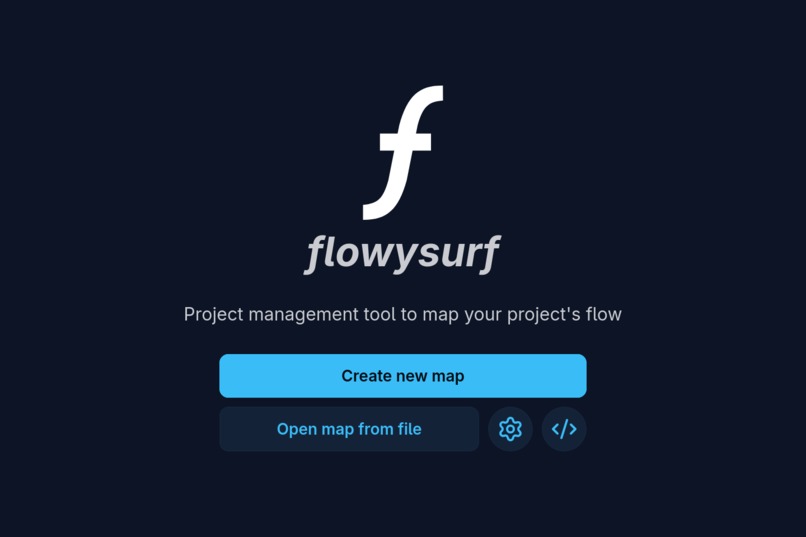
Home page
-
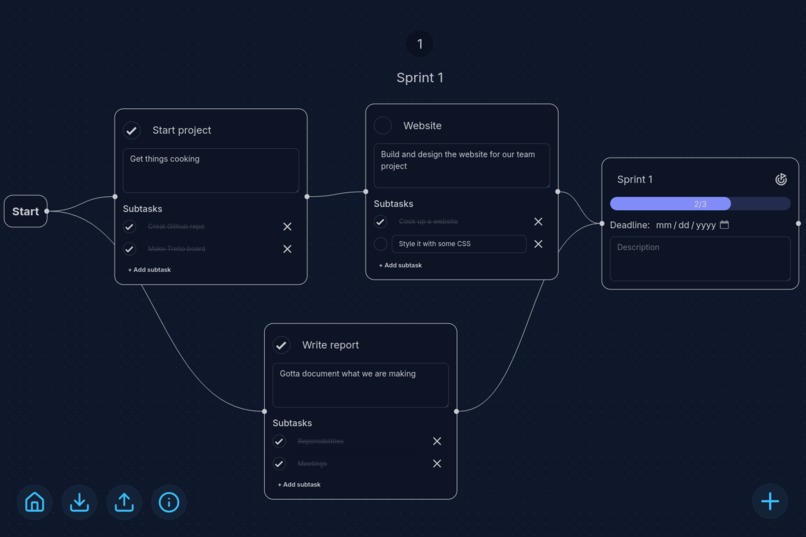
Example project
Inspiration
Recently, I've had to manage projects for school, and it gets confusing to figure who needs to do what, and when each task is due. What if there was a way to visualize it all? That is where the inspiration behind flowysurf comes in.
What it does
flowysurf is a lightweight visual project manager optimized for planning milestones and tasks with a clean UI. Drag nodes, connect task flows, and track milestone progress — Milestones automatically aggregate upstream Task completion.
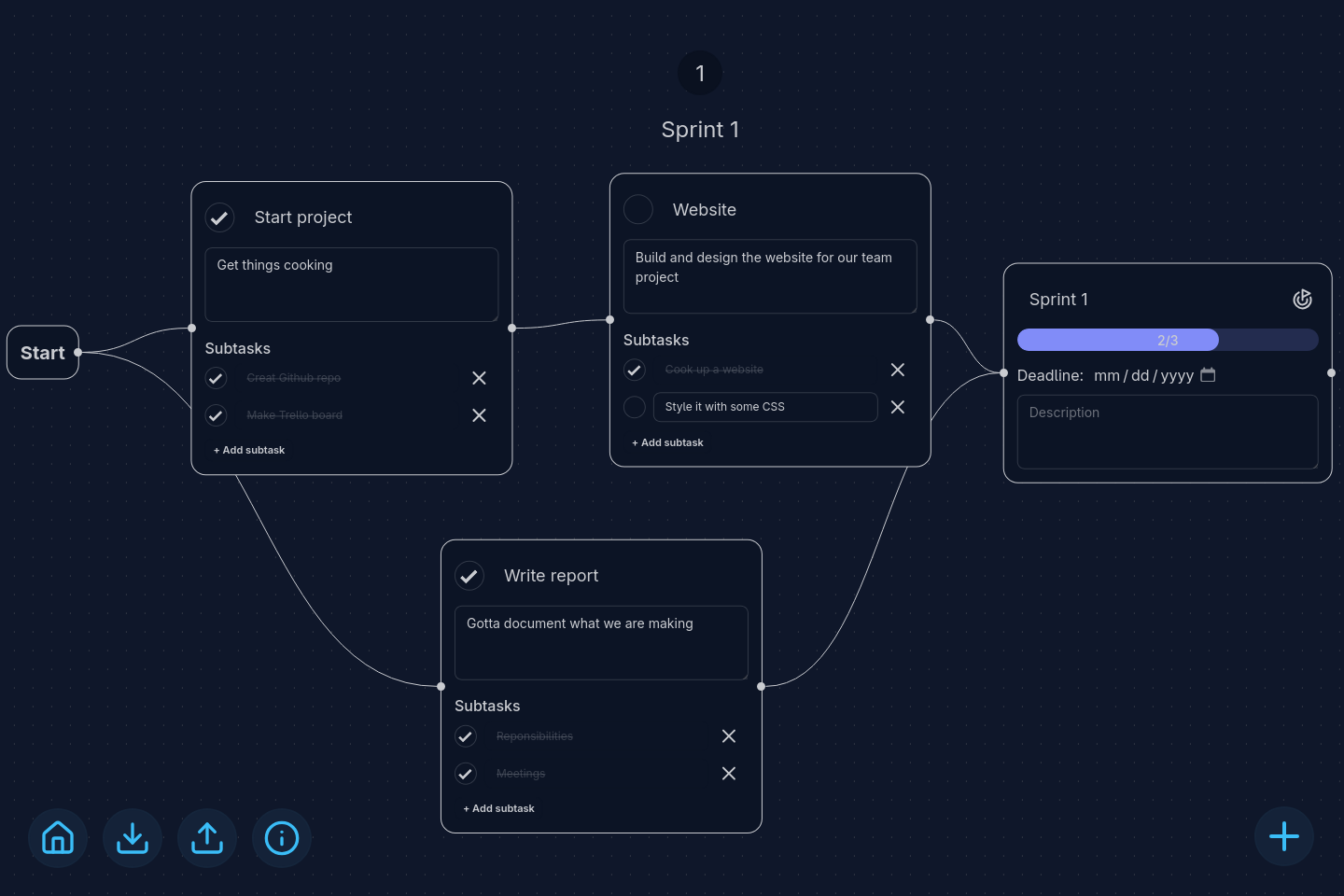
The flowchart that you see is called the Map, and it displays Nodes. There are two different kinds of nodes: Tasks and Milestones.
Tasks represent individual work items that can have subtasks. You can add subtasks by pressing Enter while editing a task, and mark them complete with the checkbox. When everything is done, you can mark the whole node as complete.
Milestones represent key project goals and automatically track the completion of all upstream Tasks. As you complete Tasks, the corresponding Milestones will update to reflect your progress.
Tasks and Milestones allow you to visualize your project, seeing what needs to get done and where progress is at.
How I built it
flowysurf utilizes React as a front-end framework to handle app logic and responsive elements. The map of nodes and edges is handled by React Flow, a library for building "node-base editors and interactive diagrams." Theming was managed with Tailwind and a beautiful component library, daisyUI. The smooth animations while hovering over buttons and transitioning between pages are thanks to Motion.
The entire app is front-end and utilizes an offline-first approach. Any data you create in the app is saved to localStorage, but in order to keep it, users are encouraged to download the .flowy files. This approach was inspired by the diagramming site Excalidraw, which has a similar philosophy.
The Full Stack
- React
- React Flow
- Tailwind
- daisyUI
- Motion
- lucide-react
- theme-change
- Vite
- js-confetti
Challenges I ran into
Though few things went smoothly at first, like every other coding project, the node logic caused me the most trouble. Each milestone node must know how many nodes are upstream of it, which means recursively checking its parent nodes. The API provided by React Flow isn't quite extensive enough for this use case, so it required trying many different approaches.
Accomplishments that I'm proud of
- Functional project management that I would use in my daily life
- Responsive and fun UX (with clean transitions and animations)
- Beautiful design
What I learned
Wait, I can build that
When you put your mind to it, you can build a whole web application in a matter of hours. Though it seems ambitious, it is more than possible.
AI copilots in coding
Agentic coding is extremely powerful. Without it, my final product would be nothing even close to what it is. Github Copilot was truly my virtual teammate, helping me tackle the most difficult challenges in my codebase.
What's next for flowysurf
- Give each task a priority level
- See who each task is assigned to
- List view of tasks and milestones organized by deadline
- Customizable keybinds for rapid brainstorming
- Optimizations for mobile devices
Built With
- daisyui
- javascript
- motion
- react
- react-flow
- tailwindcss


Log in or sign up for Devpost to join the conversation.