
Stop typing. Start talking.
I type for a living, and I am slow at it on a phone. Not slow because I do not know what I want to say — slow because the last twenty years of mobile input design decided that the way to get a thought out of your head is to poke at a pane of glass with your thumbs at 45 words per minute. I speak at about 150.
The gap is not a small one. It is the difference between answering a Slack thread and leaving it for later. It is the reason my notes app is full of three-word fragments I no longer understand.
Native dictation exists, and it is bad in a specific way: it transcribes. It hands you a wall of lowercase words with no punctuation, no paragraph breaks, and no sense of who you are talking to. You then spend as long fixing it as you would have spent typing it. The tool solved the wrong half of the problem.
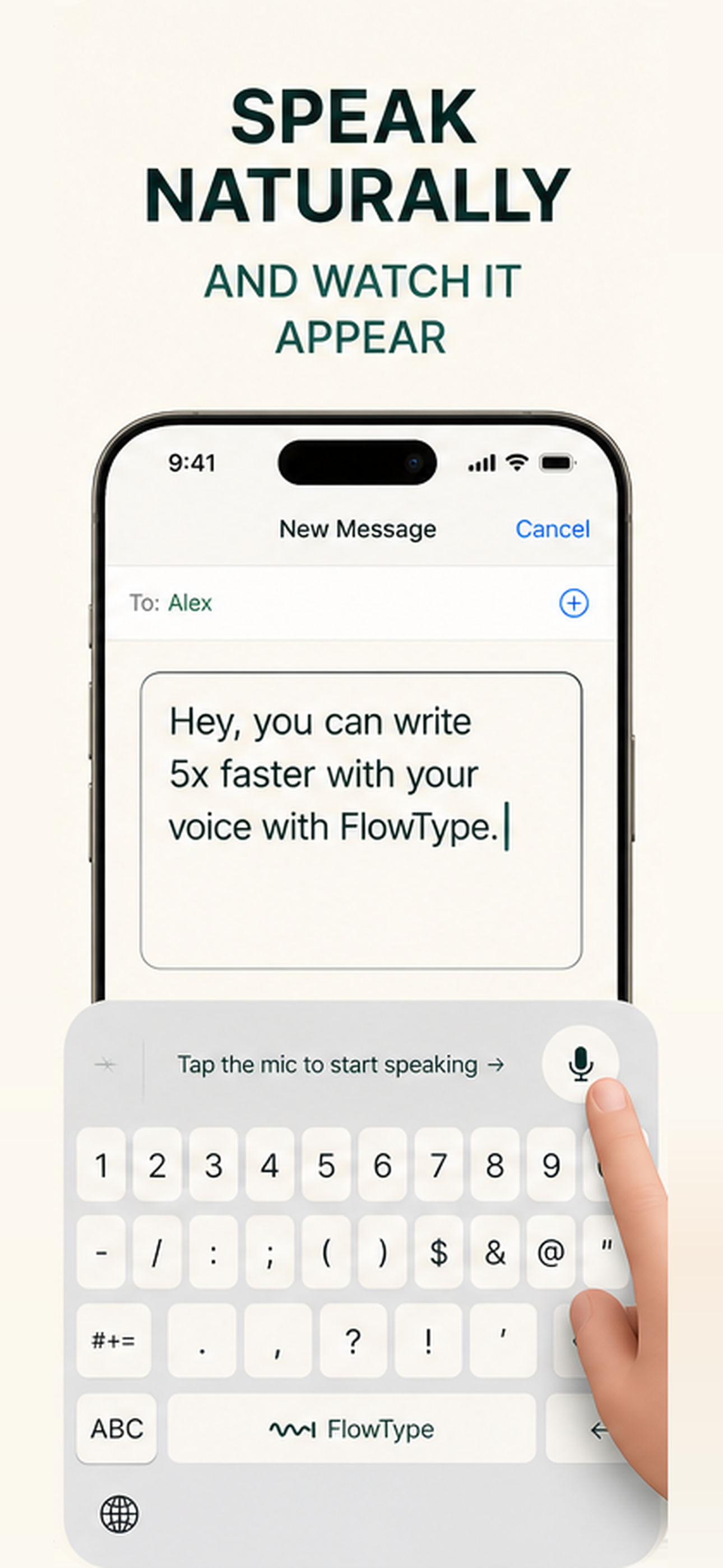
FlowType solves the other half. It is an iOS keyboard extension. You switch to it inside any app — WhatsApp, Gmail, Slack, Notes, a text field in a browser — hold the mic, speak, and what lands in the field is not a transcript. It is finished text: punctuated, capitalised, paragraphed, and written in the tone that fits where you are. A message to a friend comes out casual. The same words dictated into an email client come out as an email.
What it actually does
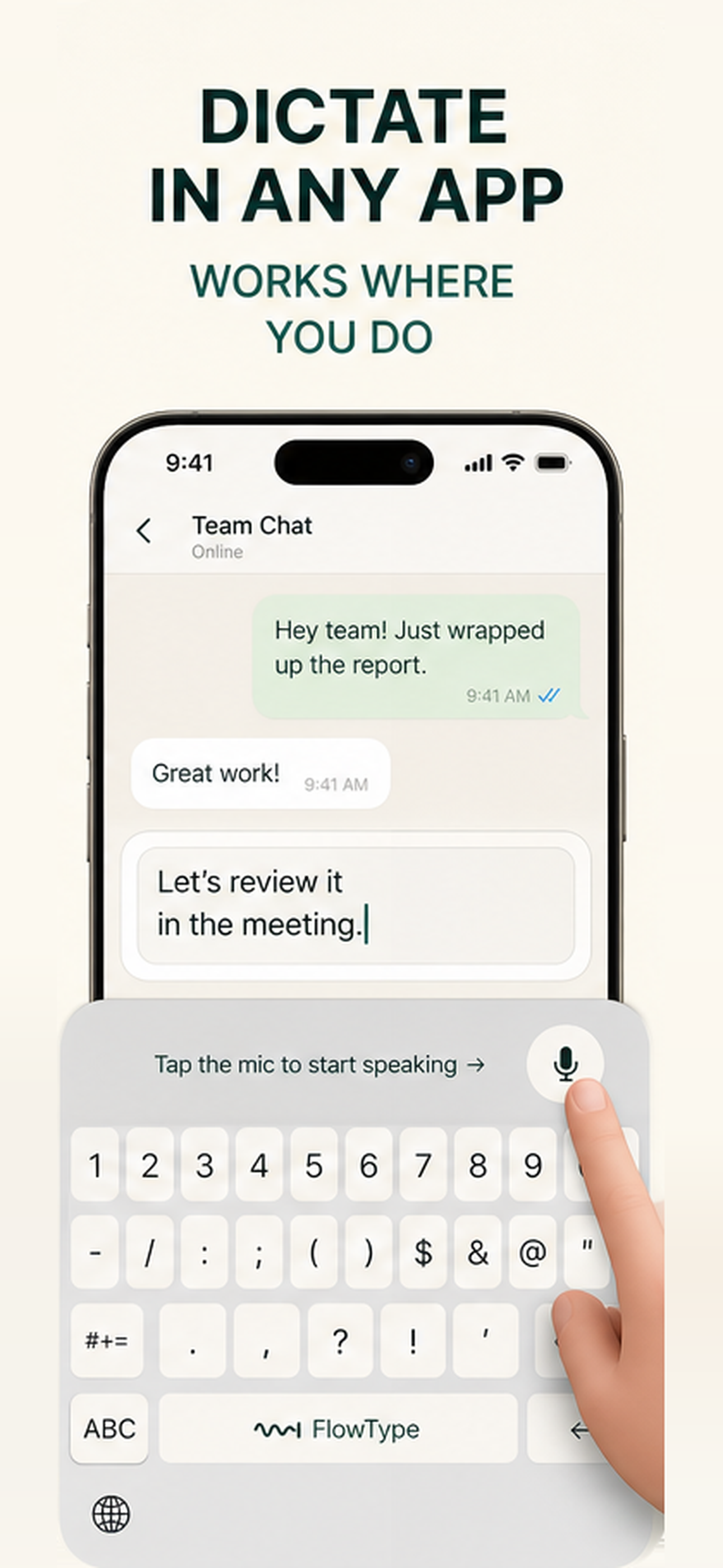
- Dictate anywhere. A real iOS keyboard extension, so it works in every app that has a text field. Nothing to copy, nothing to paste.
- Style matching. You map a tone to a category of app once — Casual Messaging, Work Messaging, Email Clients, All Other Apps — and FlowType applies it silently forever. The same sentence becomes three different messages depending on where you say it.
- 100+ languages with auto-detect. Speak Urdu, get Urdu. Speak Urdu with the target set to English, get English. The model route changes automatically: an English-only ASCII transcript takes the fast path, anything multilingual or translated takes the high-accuracy path.
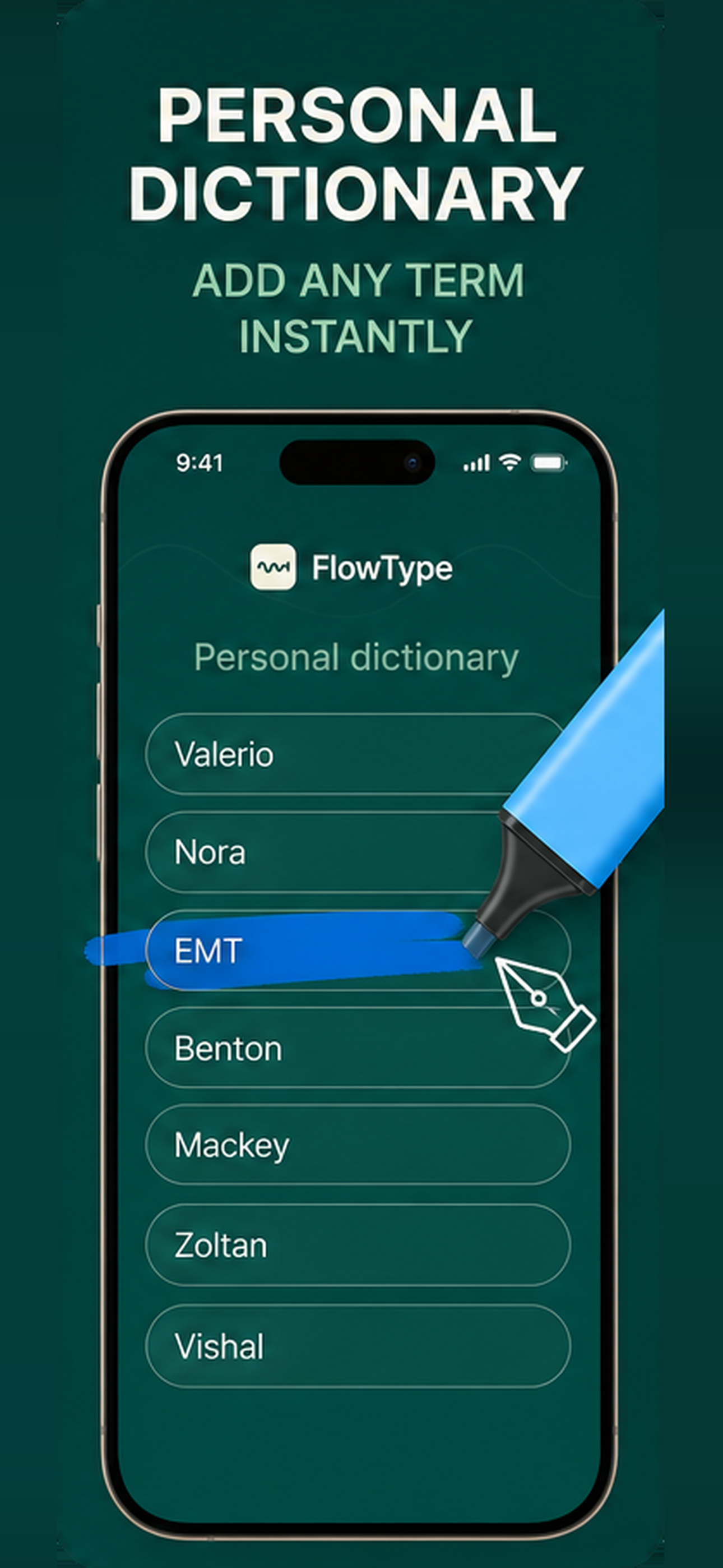
- Personal dictionary. Your name, your colleagues' names, your product names, your jargon. These are fed to Whisper as decoder context, so the model biases toward your spellings instead of guessing at them.
- Snippets. Say a trigger word, get a whole block of text — an address, a signature, a canned reply.
- Live Activity. While a dictation is running, the Dynamic Island and Lock Screen show the session live, with lifetime word count and time-saved rolled in.
- A time-saved ledger. The home screen counts every word you have dictated and converts it into minutes you did not spend typing. It is the only metric in the app, and it is the only one that matters.
How I built it
Flutter for the app. Native for everything that matters.
The container app is Flutter (Dart, Provider, SQLite). Everything that touches the system is native:
- iOS keyboard extension — Swift + SwiftUI, ~1,500 lines across the view controller, the shared-data bridge and the keyboard view itself.
- iOS Live Activity — ActivityKit + WidgetKit, with the Dynamic Island and Lock Screen surfaces drawing the app icon's wave-to-caret mark from the same geometry as the SVG source.
- Android — a floating overlay service, an accessibility service for text insertion, a shake-to-dictate detector, and its own Groq client, all in Kotlin (~2,200 lines). Android is built and working; iOS is what shipped for Shipaton.
The hard part: iOS keyboard extensions cannot record audio.
This is the wall everyone in this category hits. A keyboard extension runs in a memory-starved sandbox. Even with Full Access it cannot reliably hold a microphone session, and if it tries, iOS kills it and the user's keyboard vanishes mid-sentence.
So the keyboard never records. The architecture is:
- The keyboard extension posts a Darwin notification — a system-wide, process-crossing signal.
- The main app, alive in the background, catches it and starts recording.
- A Live Activity starts at the same moment. This is not decoration: it is what keeps the main app's background execution legitimate for the length of the dictation, and it gives the user a visible, cancellable session in the Dynamic Island.
- Audio goes to Groq Whisper-large-v3-turbo for transcription, then straight into gpt-oss-20b (English, ~1000 TPS) or gpt-oss-120b (multilingual and translation) for formatting and tone.
- The result is written into the App Group shared container.
- The keyboard polls the container, finds the text, and inserts it into whatever field you are in.
Six processes, two languages, one shared file, and the whole round trip has to feel instant or the product is dead.
No backend. At all.
FlowType started life on Supabase, with auth, a cloud database, PostHog analytics on both the Dart and native sides, and a Resend feedback form. I tore all of it out. There is no sign-up screen, no account, no password, no server holding your transcripts.
Everything lives on the device: profile, dictionary, snippets and full transcription history in local SQLite plus native shared storage. The only two networked services left are Groq, which sees the audio for the seconds it takes to transcribe it, and RevenueCat.
That decision made the onboarding one screen shorter and the privacy answer one sentence long — and it created an interesting problem, which is where RevenueCat comes in.
RevenueCat is the identity layer, not just the paywall.
With no accounts there is no user ID. RevenueCat mints and persists an anonymous app user ID on first launch, and that ID is this device's identity everywhere else in the app — it is the key that tags every row in the local transcription database. Purchases.logIn is never called, because there is nothing to log into. The receipt on the device is the proof of purchase, and RevenueCat's own alias handling covers restores across devices on the same Apple ID.
RevenueCatService is a ChangeNotifier and the single source of truth for Pro status, so the paywall, the gated UI and the native layers all rebuild the instant an entitlement changes — purchase, restore, renewal or expiry.
Challenges I ran into
1. The keyboard cannot see RevenueCat.
The free-tier gate has to be enforced inside the keyboard extension and the Android overlay, neither of which can query the RevenueCat SDK — they are not the Flutter isolate. So the Dart layer writes the resolved limit (usage.wordLimit, with -1 meaning unlimited) into shared storage every time entitlements change, and the native code reads that. The entitlement is decided in one place and enforced in three.
2. Calling Purchases before configure is not a catchable error.
It is a native fatal error that takes the entire app down — no Dart exception, no stack trace you can handle. Every call in the service is gated behind a _purchasesReady flag that only flips true after configure genuinely succeeds, and the flag stays false when no API key is compiled in. This is why a build without a key runs perfectly on the free tier instead of crashing on launch.
3. Promising a free trial you cannot deliver.
The paywall's call to action says "Start 3 days free". If the user has already burned that trial on another Apple ID device, StoreKit charges them immediately and you have lied to a paying customer. So the paywall waits on checkTrialOrIntroductoryPriceEligibility before it paints its CTA, and it treats RevenueCat's unknown status — which is what Android always returns — as not eligible. The honest failure mode is quoting full price.
4. Style matching that survives a lapsed subscription.
Custom tones are Pro. When someone's subscription expires, their selections are not wiped — resolvedFor(isPro:) just resolves them to disabled. Resubscribe and everything you picked is exactly where you left it. The same two-sided enforcement applies to the dictionary and snippets: the add flow refuses the sixth entry, and the native sync truncates the list it publishes, so a lapsed subscriber cannot keep a long vocabulary live in the prompt.
5. A dependency that broke every app launch.
path_provider_foundation 2.6.0 pulls in objective_c, whose native code resolves through Flutter's native-assets step, which fails locally with a missing SdkRoot define. dyld then hunts for the framework beside the executable instead of in Frameworks/, and every single launch threw eight unhandled DOBJC_initializeApi exceptions. The fix was pinning to 2.4.0 — the last release before that dependency existed.
What I learned
- Ship the constraint, not around it. The Live Activity started as a nice-to-have and became load-bearing infrastructure, because it was the honest way to keep the app recording in the background. The best feature in the app exists because iOS said no to something.
- Monetization is a design problem, not a plugin. Where the lifetime plan sits changed conversion more than anything I did to the button.
- A paywall that lies is worse than no paywall. Every price on the FlowType paywall is derived from the live
StoreProduct, so the "save %", the monthly-equivalent figure and the struck-through anchor stay correct in every storefront on Earth. Nothing is hardcoded. The social-proof badge is wired up but renders nothing, because the app had no rating to print and a paywall is the last place to invent one. - Deleting a backend is a feature. Removing Supabase, PostHog and Resend made the app faster, the privacy policy shorter, the onboarding smaller and the architecture explainable in one paragraph.
What's next
- Ship the Android build to Google Play — the overlay, accessibility service and shake-to-dictate are already working.
- On-device Whisper for short dictations, so the common case never leaves the phone.
- Tone learning from the user's own sent messages, instead of four preset categories.
- A macOS build. The keyboard problem is worse on desktop, not better.


Log in or sign up for Devpost to join the conversation.