-
-
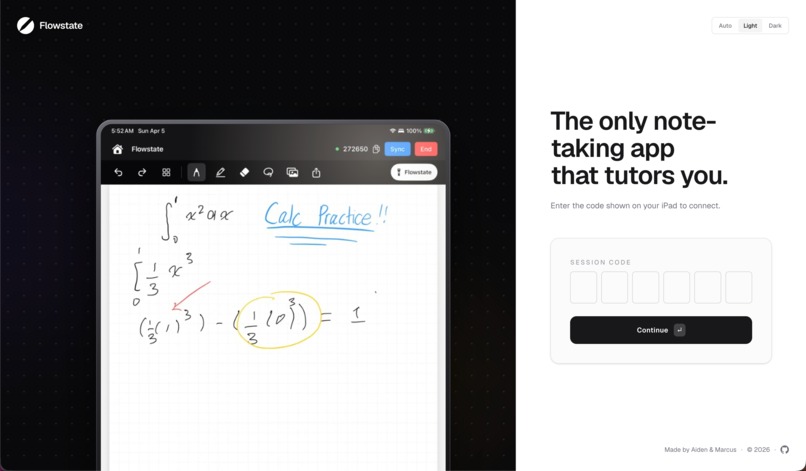
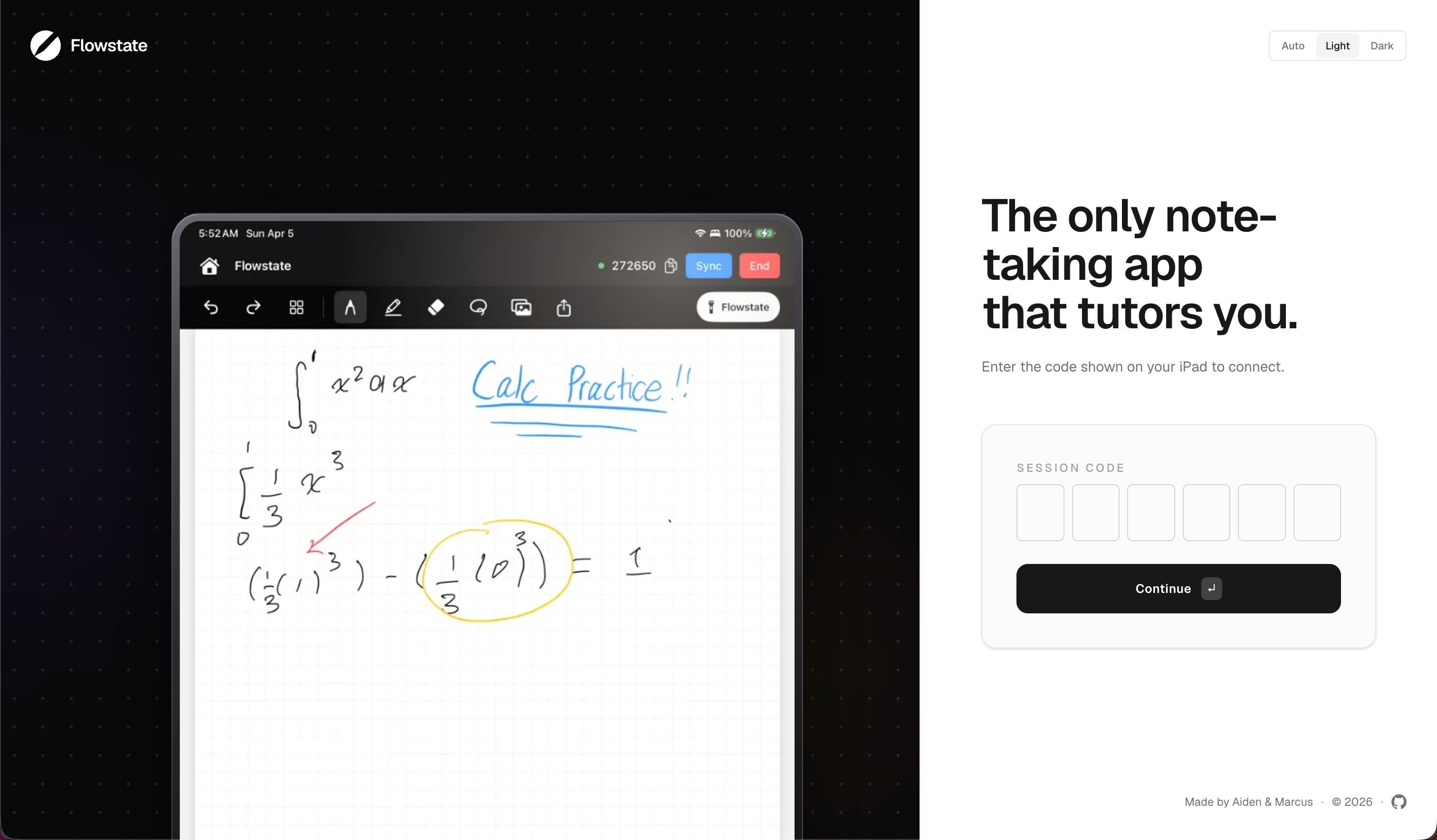
Landing Page (Web App)
-
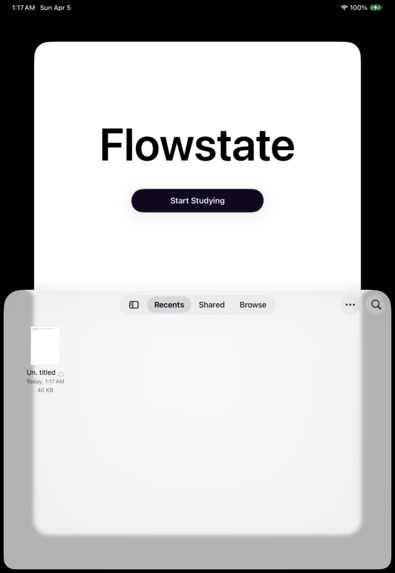
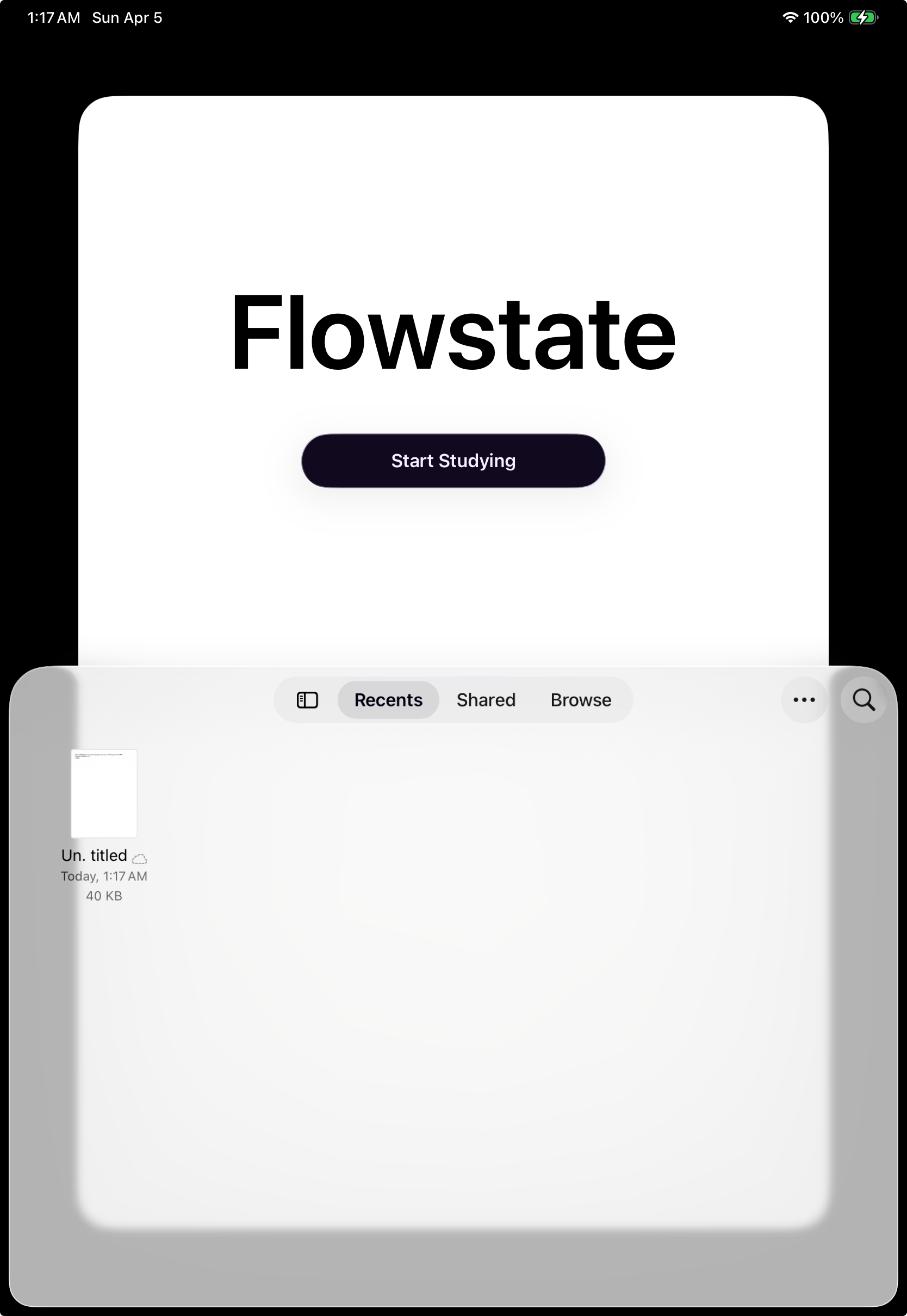
Browser (iPad)
-
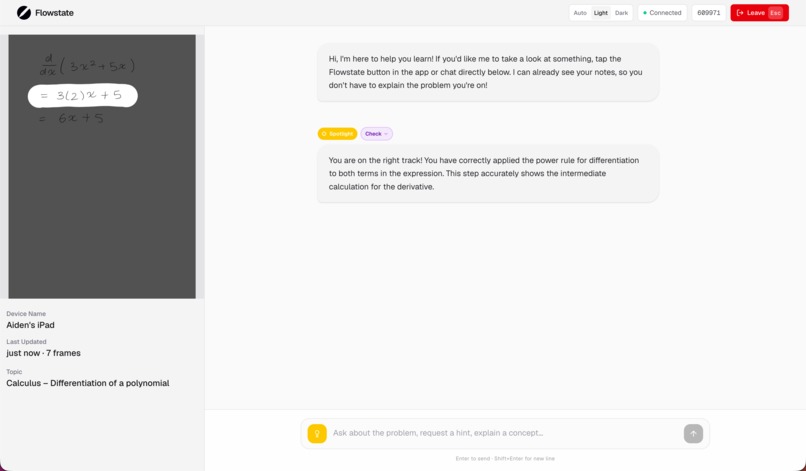
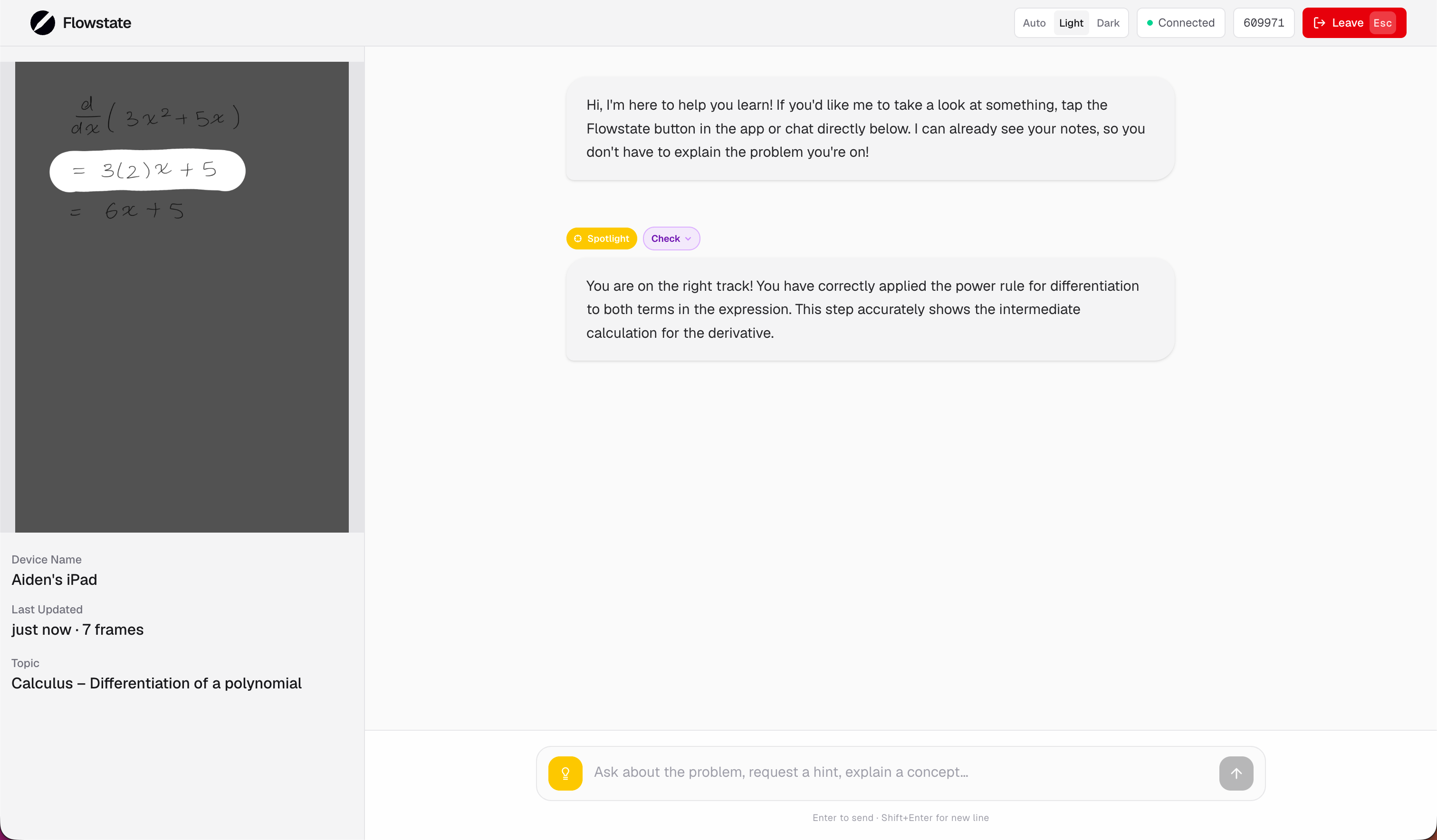
AI Tutor Dashboard (Web App)
-
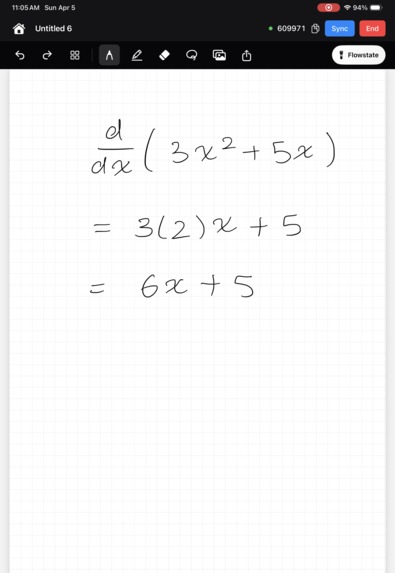
Note-taking Interface (iPad)
-
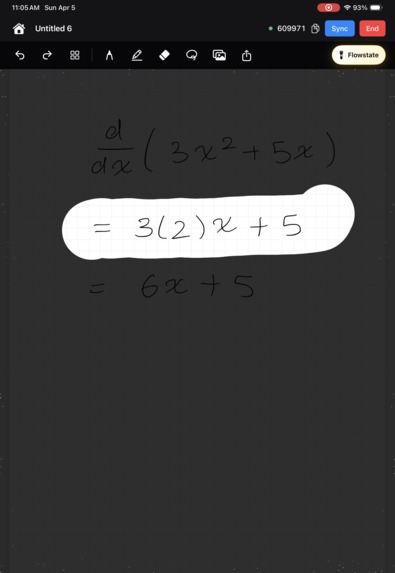
Flowstate Mode (iPad)
💡Inspiration
Good tutors cost $40/hour and are hard to come by. Thanks to generative AI, students can get their questions answered for $20/month. However, these interfaces are in completely separate AI apps, forcing students to waste precious study time screenshotting their notes, switching apps, and typing questions instead of actually learning. The right interface for AI tutoring doesn't exist yet, so we built it - right into the note-taking app.
🎯What it does
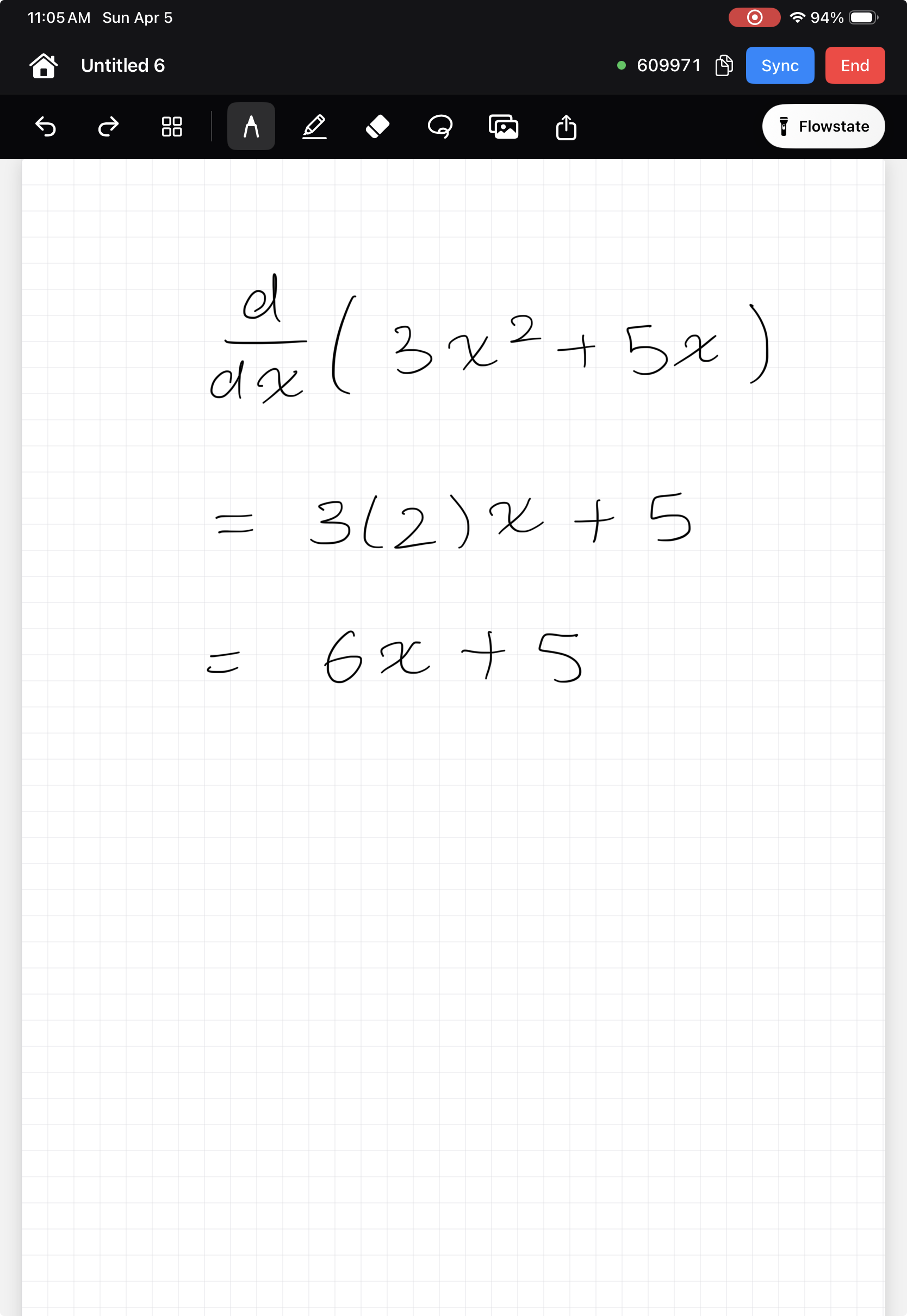
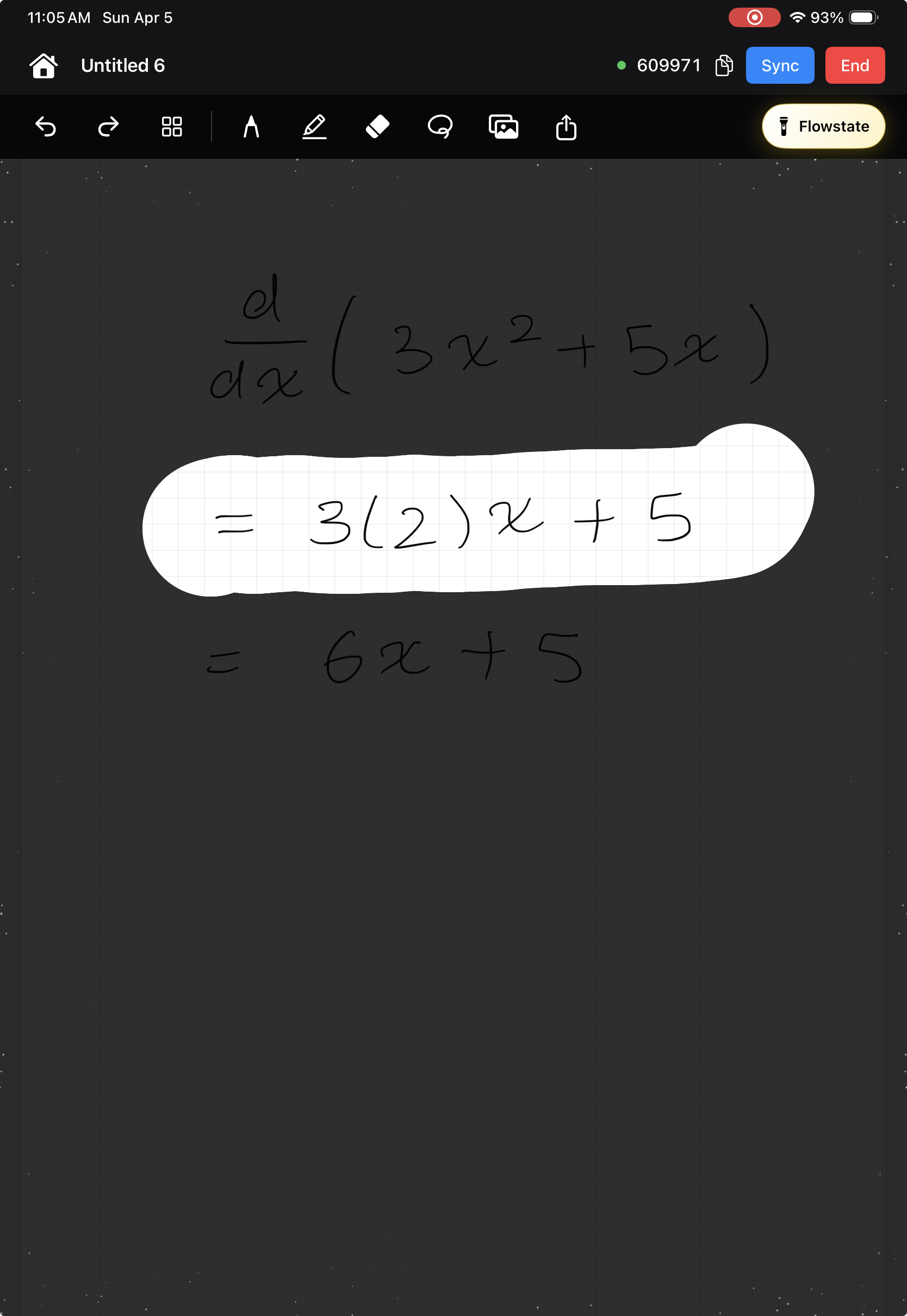
Flowstate is two things: a custom-built iPad note-taking app and a companion tutor that lives on a separate screen so you never have to leave your notes. While you're working through problems, whenever you'd like to get hints, check your work, or even have the question re-explained to you, tap the "Flowstate" button. You'll be able to draw on any part of your notes with the Spotlight. Based on your selection and your overall work thus far, Flowstate intelligently decides between explaining the problem, giving a hint, reviewing your strategy, or grading the question. Its answer will appear on the Flowstate website and will be spoken aloud, so you can get back to work without missing a beat.
🛠️How we built it
Flowstate's iPad app was built using native SwiftUI built using XCode while its web-app was written with Typescript and deployed on Vercel. We link devices using join codes assigned by our Convex database to make things easy for students. The iPad app streams every change through our Railway server to the Gemini API and our web-app. We also connect to other services, such as Browser Use and Elevenlabs, through Railway to power our question-discovery and voice features.
🧠Challenges we ran into
- iPad App - There are surprisingly few documents and examples for building iPad note-taking apps. We had to build many features from scratch, including adding stylus support, developing writing physics, rendering PDFs and images, saving and storing documents locally, and creating the Flowstate tool and its many particle effects. Apple's documentation is not very developer friendly and it was our first time making an iPad app, which led to a lot of trial and error when adding drawing features that students consider standard.
- Classifying Help - It was critical to us to properly calibrate our classification model to select the best method of help the user needs. Unfortunately, the Gemini model would constantly select the wrong tool, forcing us to repeatedly tweak wording to ensure that it remained well behaved.
💪Accomplishments that we're proud of
- Developing not just a usable, but genuinely pleasant note-taking app.
- Stringing together a live backend service and real-time database with two completely different interfaces (a mobile/desktop friendly website and a native tablet app).
- Chaining both Nano and Pro models together to analyze handwriting, images, and text.
📖What we learned
It was our first project using Railway for servers or messing around with voice models with Elevenlabs. To balance clarity with minimizing tokens while "streaming" an image to AI, we found places to avoid streaming new images, such as by tracking pen strokes and capitalizing on brief thinking breaks. It was also our first experience with OCR to analyze handwriting.
📡What's next for Flowstate
We made this project because of what we were missing in note-taking apps ourselves. Not only do we want to continue using Flowstate, but we also want to release it publicly for others to integrate in their studying strategy. We would also like to build a way to analyze diagrams and graphs to support other STEM subjects such as advanced Physics, Chemistry, Statistics, and Biology as our current set-up is focused on collegiate mathematics and elementary physics.
Built With
- convex
- elevenlabs
- gemini
- python
- railway
- swift
- swiftui
- typescript

Log in or sign up for Devpost to join the conversation.