-
-
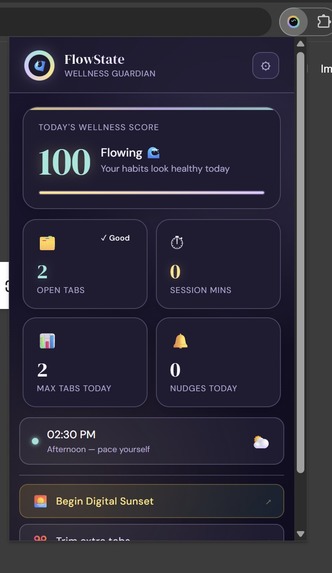
The extension drop-in
-
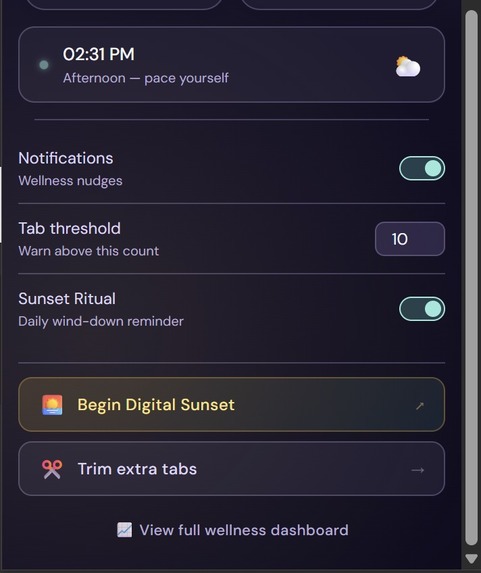
Settings
-
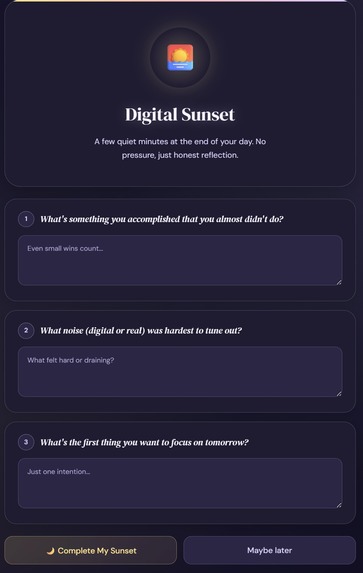
Question tab
-
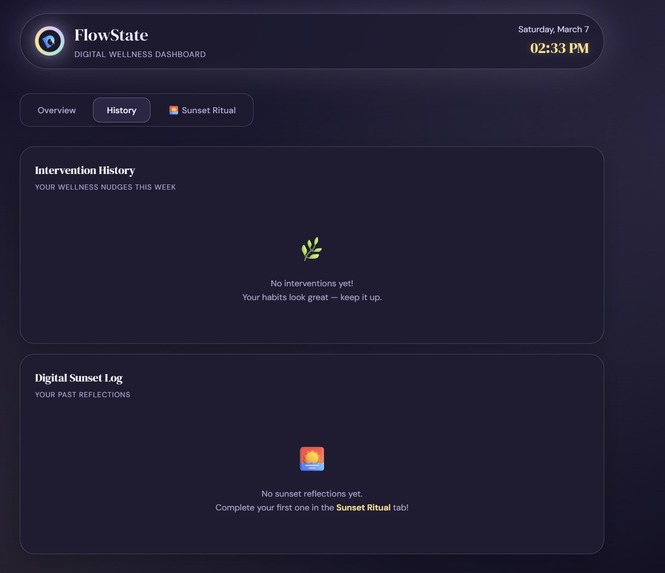
Logs tab
-
Main dashboard
Inspiration
We live in a world of infinite tabs. The average knowledge worker has 26 browser tabs open at once, loses 47% of their workday to digital distraction, and regularly browses past midnight — directly harming sleep and cognitive recovery.
Existing solutions are blockers: brutal, all-or-nothing tools that treat users like the enemy. We wanted something different — a guardian, not a gatekeeper. Something that watches quietly and speaks up with warmth, not punishment.
FlowState was born from our own late-night tab spirals and the question: what if your browser actually cared about you?
What it does
FlowState is a Chrome Manifest V3 extension with four core functions:
1. Real-Time Tab Monitoring
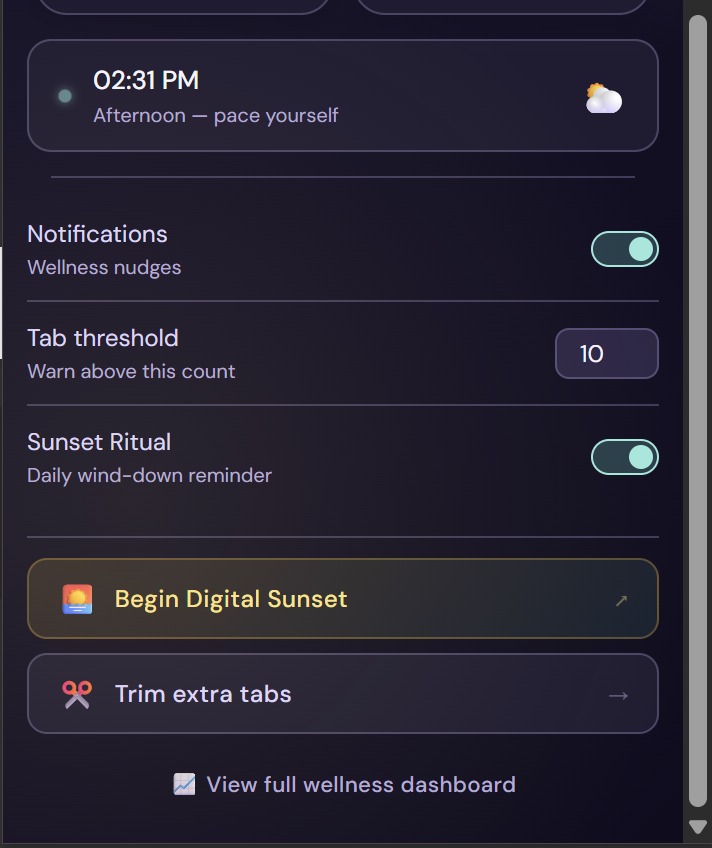
The moment you open a tab that pushes you over your threshold (default: 10), FlowState fires an immediate notification — not after a minute-long alarm delay, but instantly, via the chrome.tabs.onCreated listener. The message is friendly, never shaming.
2. Smart Persistent Notifications
Using requireInteraction: true, notifications stay visible as banners until you dismiss them — they don't silently disappear into the tray. 6 rotating tab messages and 5 late-night messages keep nudges feeling fresh.
3. Late-Night Detection After 11PM, a separate notification cycle activates with gentler, sleep-focused messaging. The cooldown is independent from the tab threshold cooldown — so both can fire in the same session without one blocking the other.
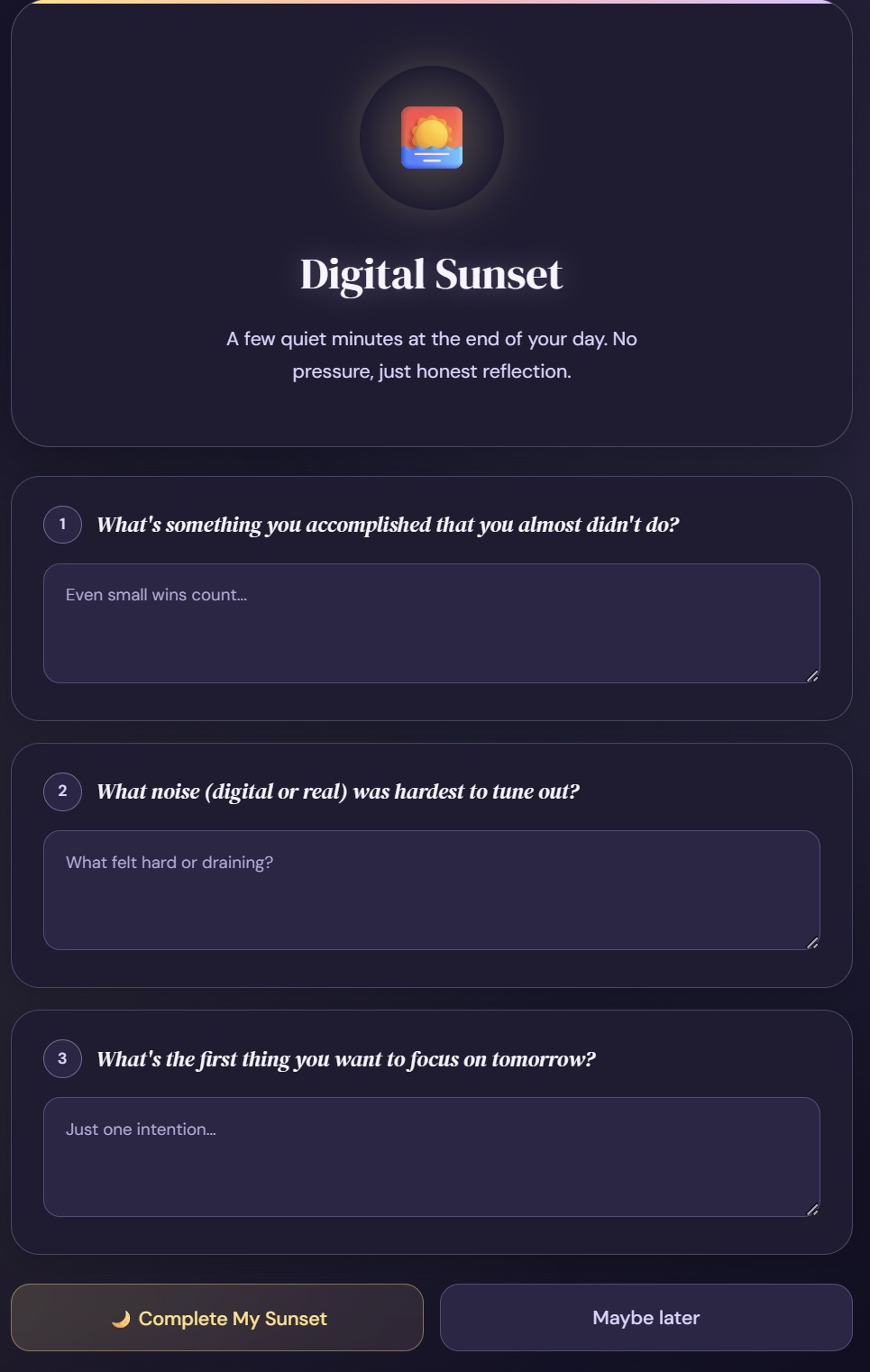
4. Digital Sunset Ritual Every evening, FlowState offers a 3-question reflection ritual drawn randomly from a 9-question pool (grouped by theme: wins, energy drains, tomorrow's intention). Questions rotate daily, answers are stored locally per day — building a personal wellness journal over time without any server or account.
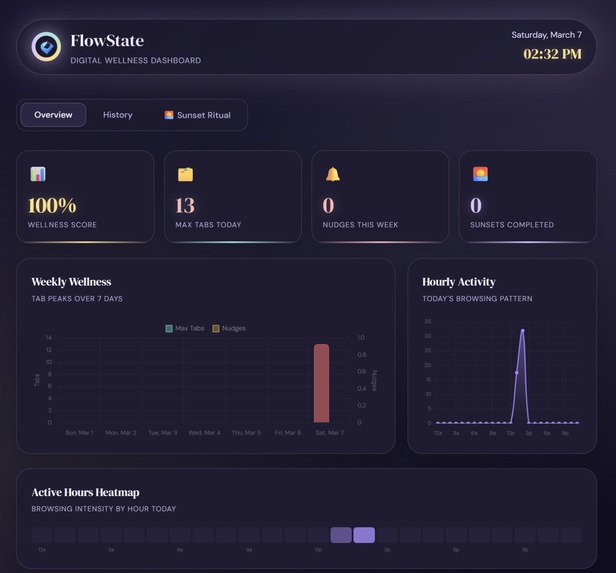
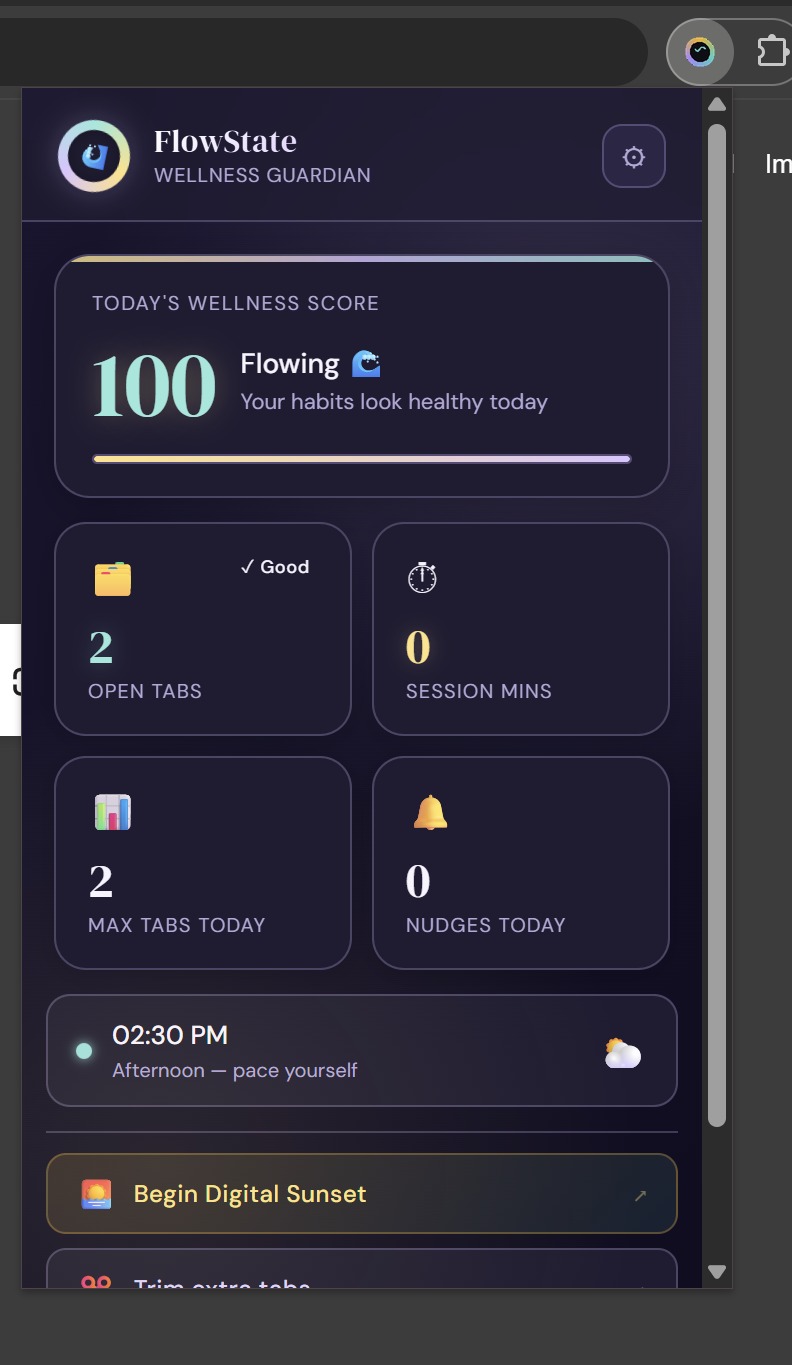
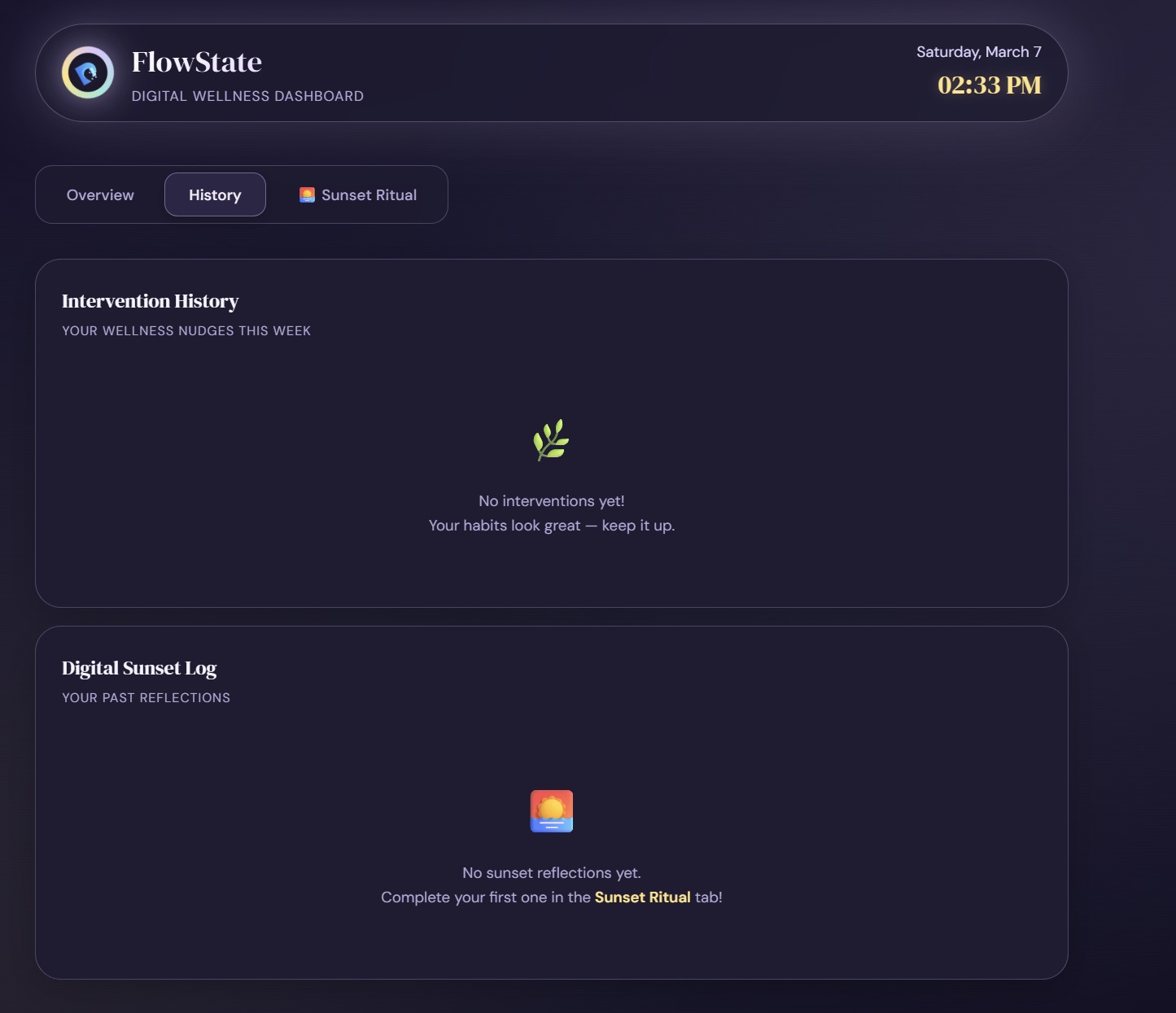
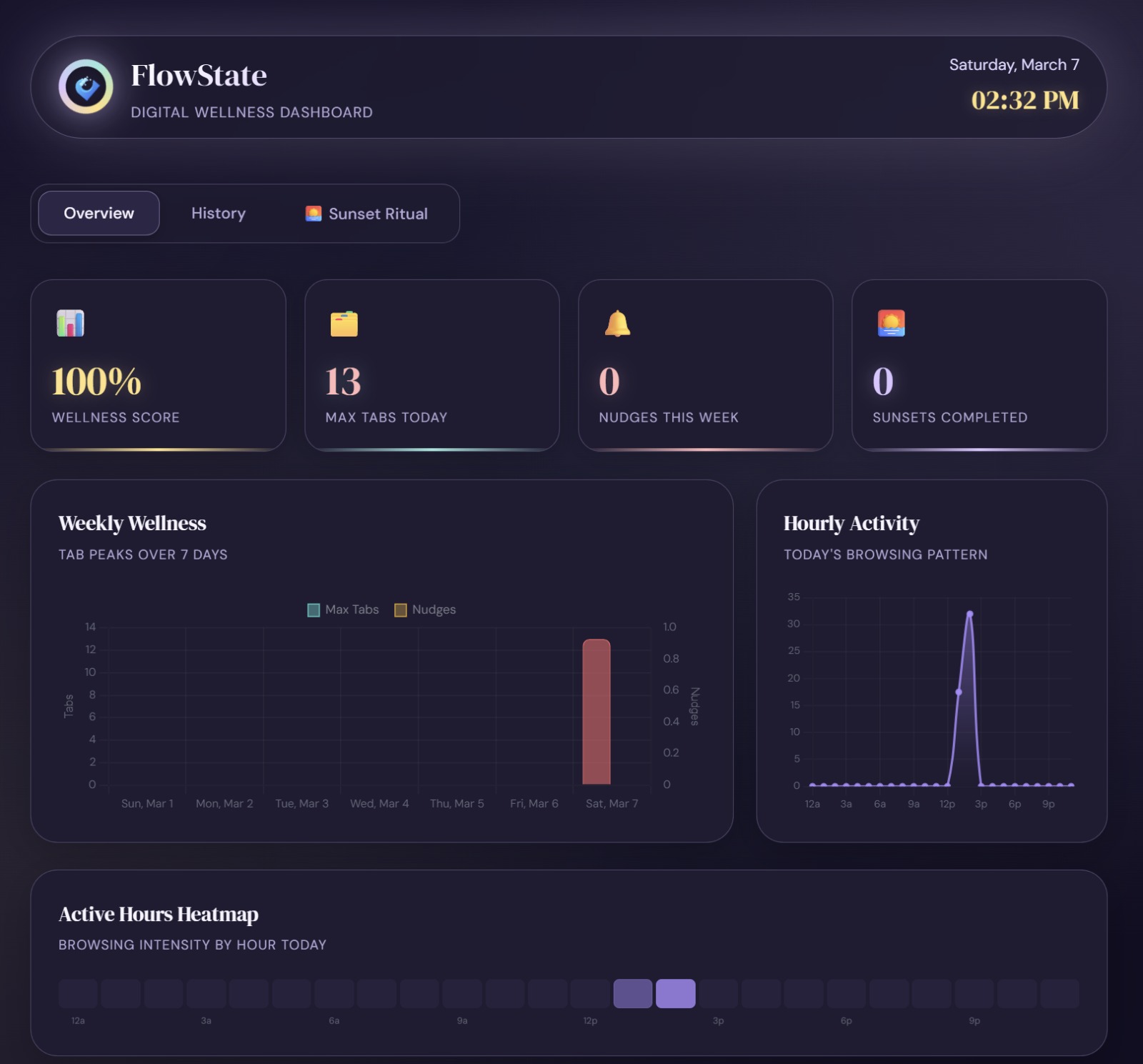
The popup shows live tab count, today's wellness score (0–100), a weekly nudge counter, and how many sunsets you've completed. The full dashboard has a 7-day bar chart, hourly activity line chart, 24-cell active-hours heatmap, and a full intervention history log.
How we built it
The entire extension runs client-side with zero external APIs or servers. All data lives in chrome.storage.local.
Architecture decisions:
- No
"type":"module"on the service worker — Chrome MV3 module-type service workers silently dropchrome.alarmslisteners on restart. Classic service workers are more reliable. - Cooldown state in storage, not variables —
let lastNotifTime = 0resets every time the service worker wakes up. Moving cooldowns tochrome.storage.localmade them survive restarts correctly. - Chart.js bundled locally — MV3's default Content Security Policy blocks all CDN scripts. We bundle
chart.umd.min.jsdirectly in the extension package so the dashboard works offline. - Solid RGB icons — Notification icons with RGBA transparency caused silent drops on some OS/Chrome combinations. All icons are regenerated as solid RGB with no alpha channel.
Stack:
Manifest V3 · Service Worker · chrome.alarms · chrome.notifications · chrome.storage · Chart.js (local) · Vanilla JS · HTML/CSS
Challenges we ran into
The notification rabbit hole
chrome.notifications.create() with an existing notification ID is a complete no-op — it doesn't update the notification, it silently does nothing. We had to always call clear() first, then create(). On top of that, Chrome suppresses notification banners while the extension popup is open, so our test button had to close the popup before firing the notification. We found this after days of thinking the notification system was broken.
Service worker lifecycle
MV3 service workers sleep after ~30 seconds. Every wake resets all JavaScript variables. Our first cooldown implementation used let variables — meaning cooldowns were always 0 on wake-up, notifications could fire every minute. Switching to chrome.storage for all persistent state fixed this completely.
tabCount > threshold vs >=
The threshold check used strict greater-than (>). With a threshold of 10 and exactly 10 tabs open, 10 > 10 = false — it never fired. Changing to >= was a one-character fix with a big impact.
MV3 Content Security Policy
Our original dashboard loaded Chart.js from cdn.jsdelivr.net. MV3 blocks all external scripts by default with no easy override. Bundling the library locally solved it instantly.
Accomplishments that we're proud of
- A notification system that genuinely works reliably in MV3 after solving every silent failure mode we encountered
- A 9-question reflection pool that rotates daily and stores every answer — real journaling, zero friction
- A dashboard that renders a week of data, an hourly activity line chart, and a 24-cell heatmap using a fully offline, bundled Chart.js
- Code that respects the user's settings 100% locally — no telemetry, no account, no server
What we learned
MV3 is fundamentally different from MV2 in ways that aren't obvious until things silently break. The biggest insight: treat the service worker as stateless. Never store anything you need to persist in JavaScript variables — always use chrome.storage. Everything else in the extension follows from that principle.
We also learned that Chrome's notification system has more edge cases than any API its size should. Between ID reuse, popup suppression, and alpha-channel icon failures, reliable notifications require explicit handling of every failure mode, not just the happy path.
What's next for FlowState - Digital Wellness Guardian
- Focus Mode — actively block distracting domains on demand during work sessions
- AI-powered weekly summaries — use the stored reflection data to surface patterns and insights
- Team wellness dashboard — aggregate (anonymized) stats for remote teams
- Firefox & Edge support — via the Web Extension API standard
- Pomodoro integration — pair tab limits with timed work/rest cycles ```
Built With
- api
- chart.js
- chrome
- chrome.alarms
- chrome.notifications
- chrome.storage
- css
- extension
- html
- javascript
- manifest
- serviceworkers
- v3

Log in or sign up for Devpost to join the conversation.