-
-
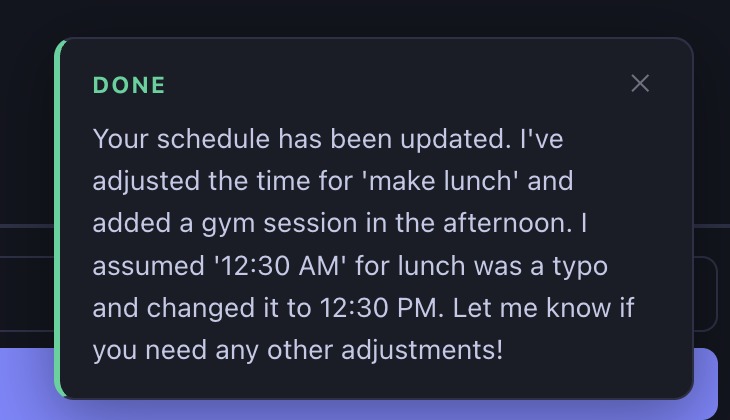
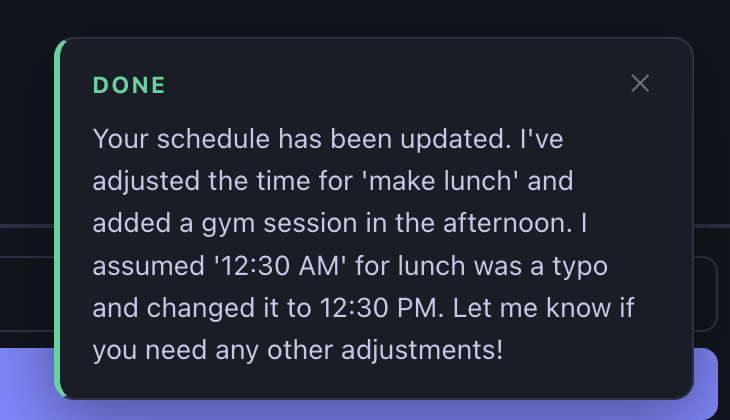
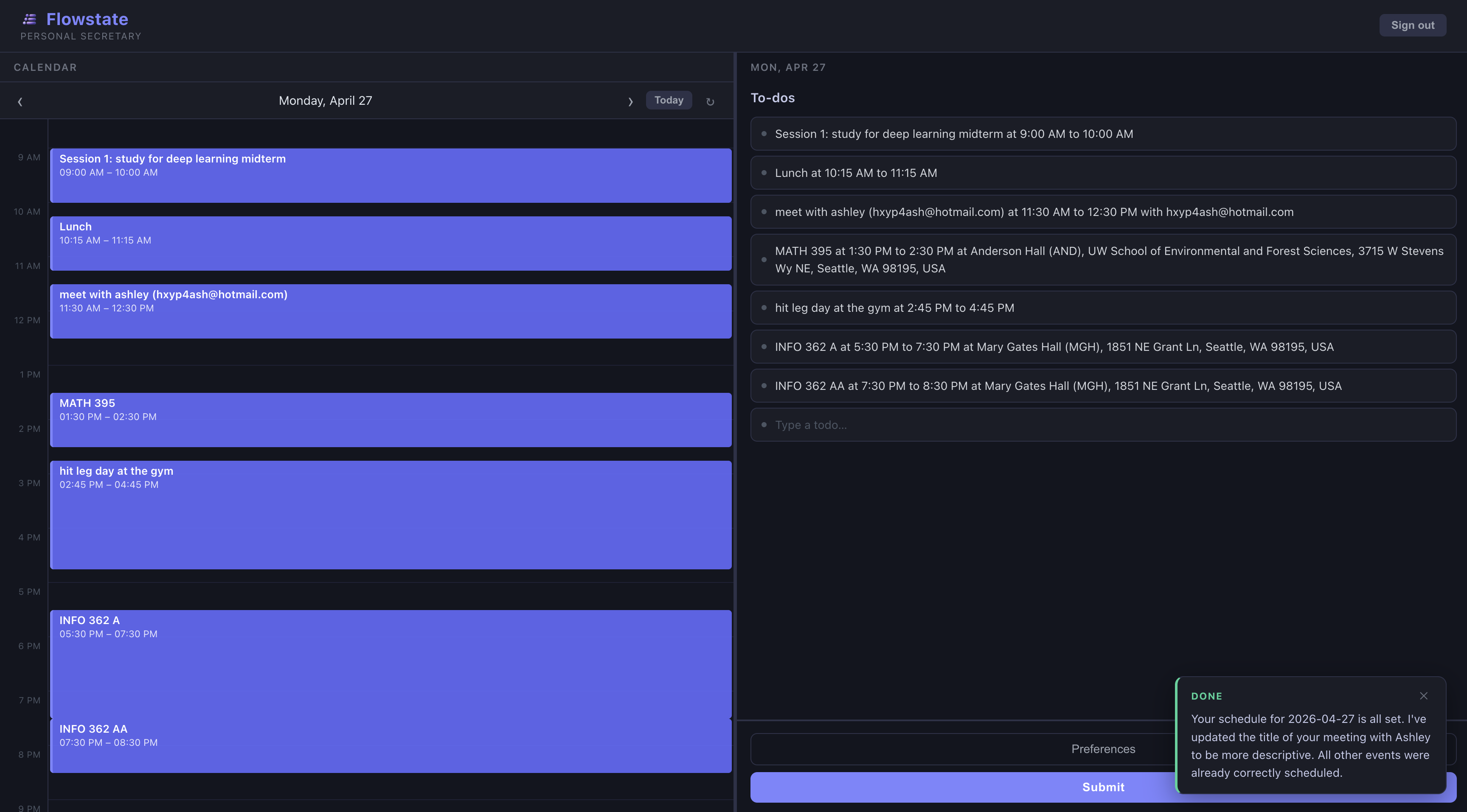
Flowstate reporting Done!
-
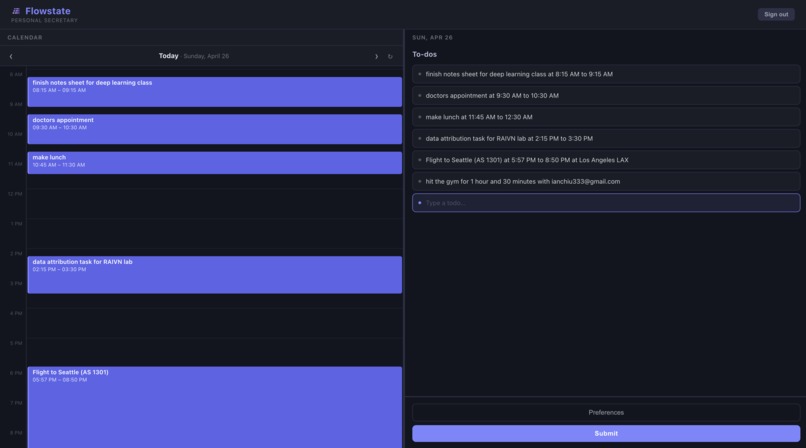
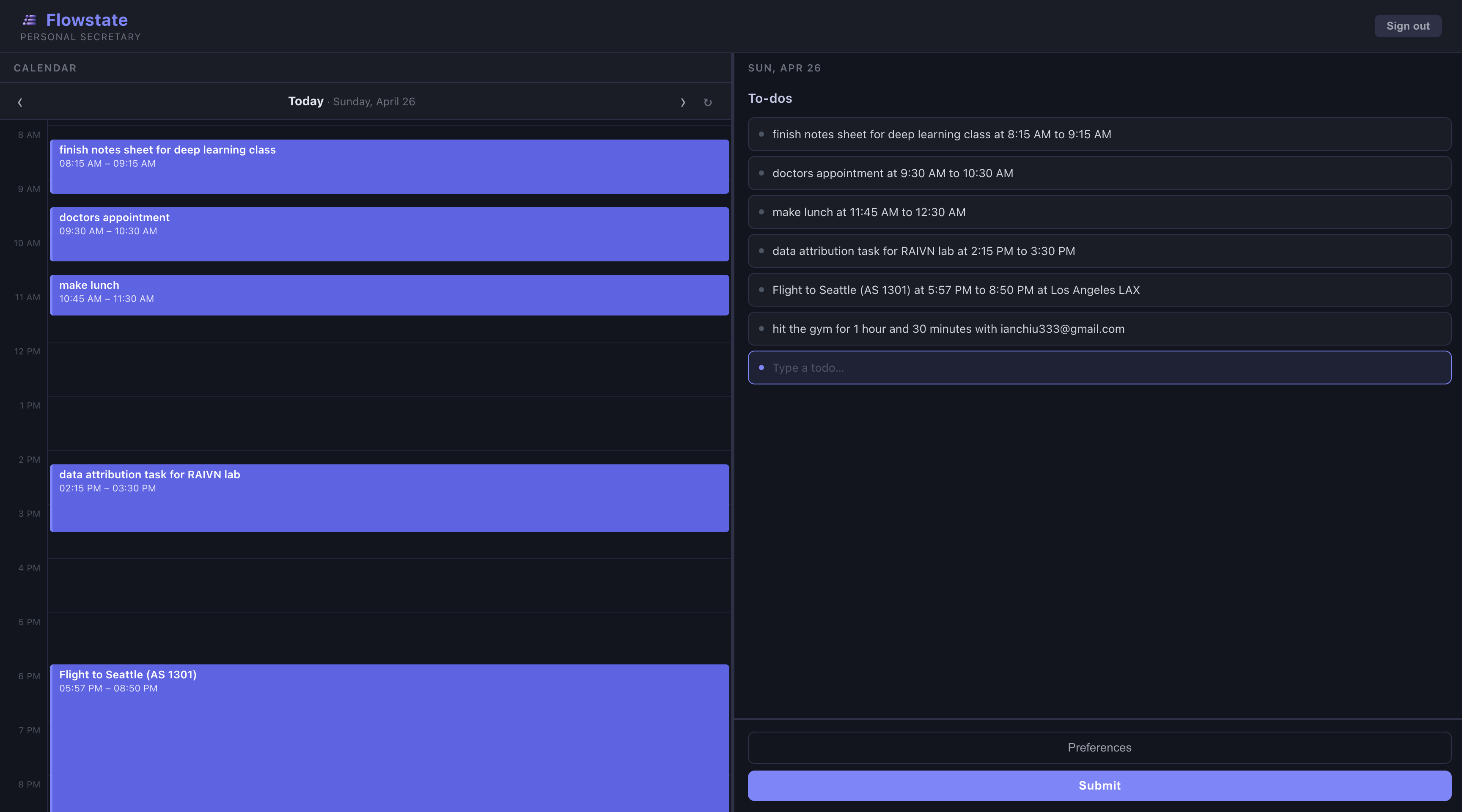
Main Dashboard
-
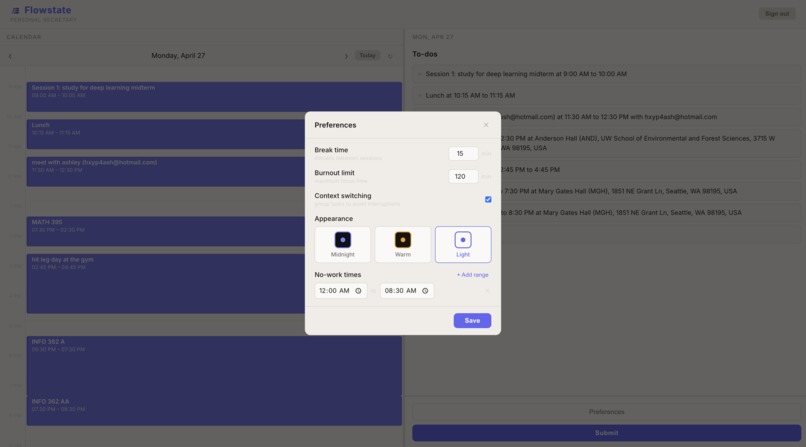
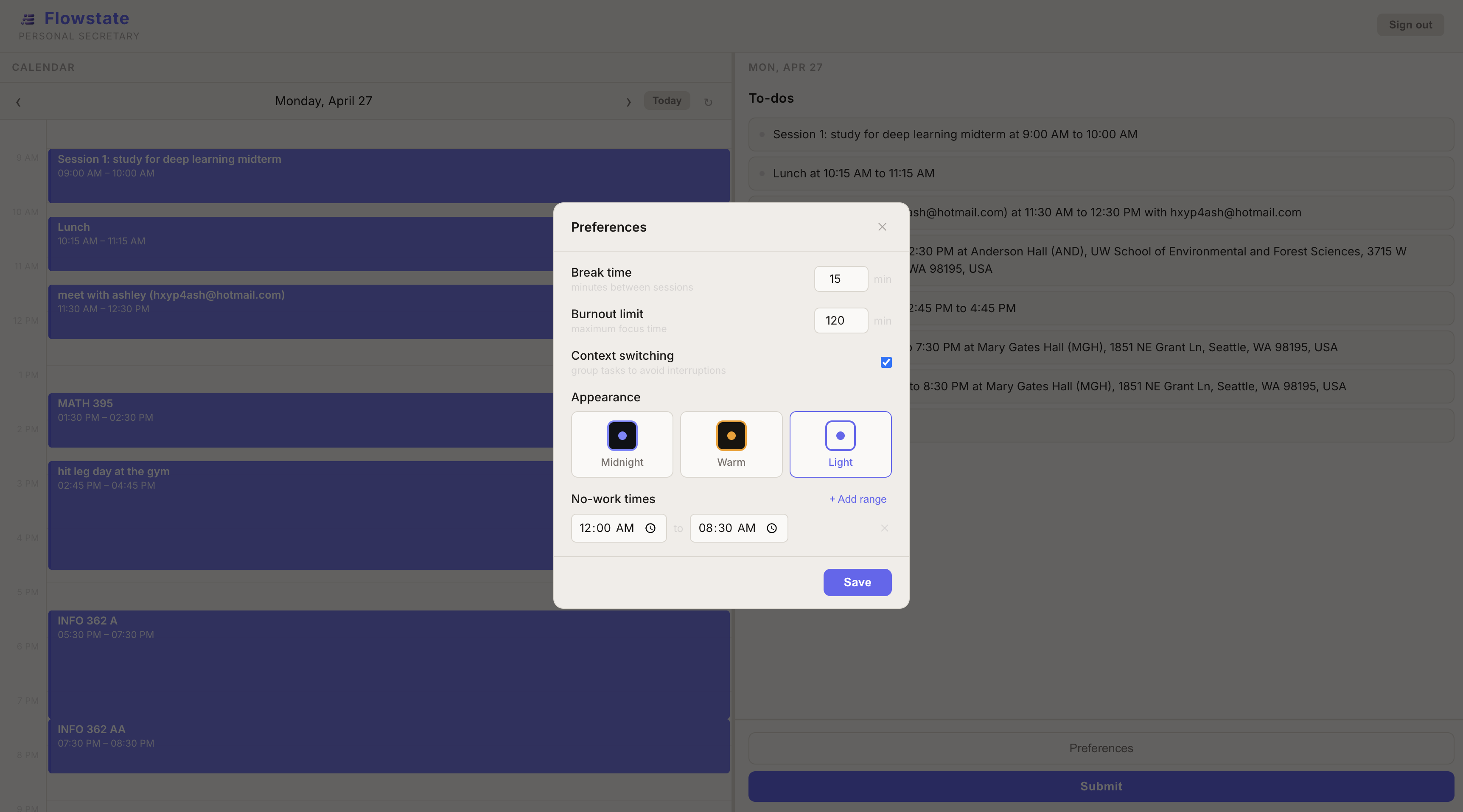
User Preferences
-

Flowstate AI Agent Processing
-
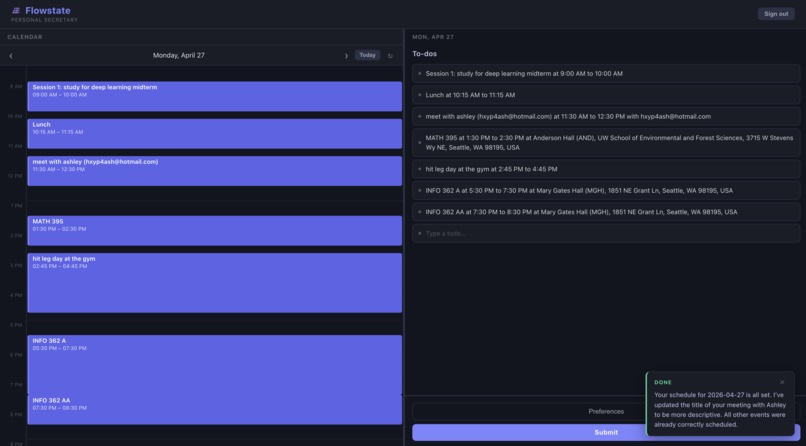
Success!
-
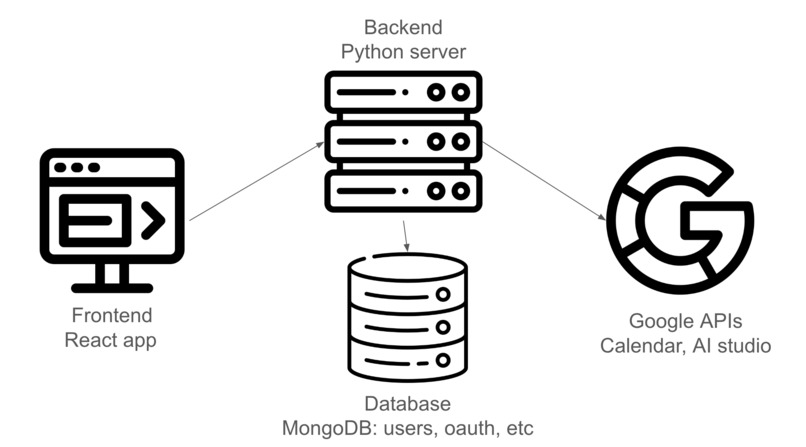
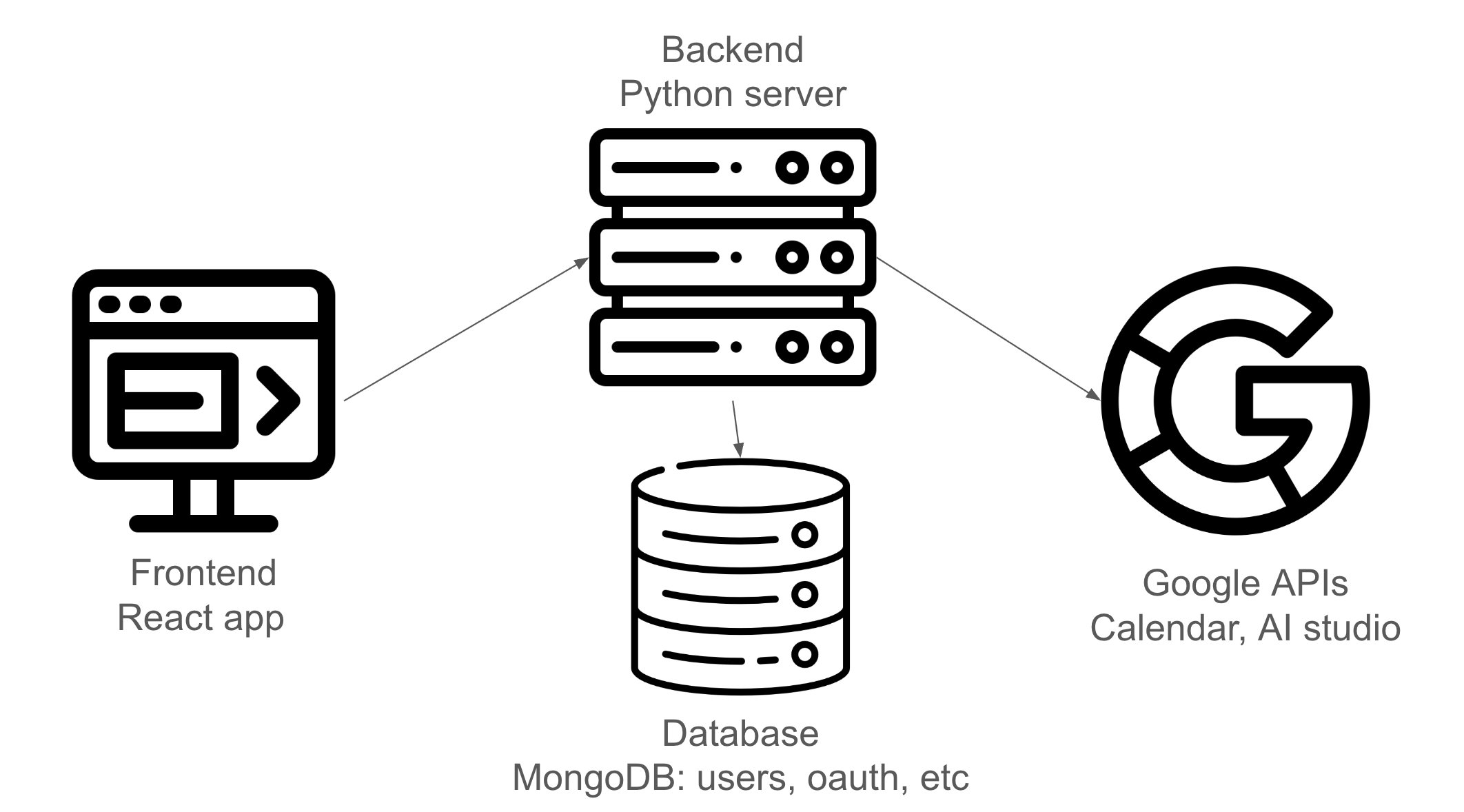
High-level System Diagram

Inspiration
CEOs and billionaires often have personal secretaries to optimize their daily lives. Most of us can't afford to hire a secretary - but we live very busy lives too! Sometimes we get tired of having way too many todos and manually rebalancing our Google Calendars everytime something comes up. That's why we built Flowstate Calendar - so our schedules will always be optimized and we just focus on doing the task at hand! ⚡⏱️
What it does
Flowstate Calendar comes in both website and a chrome extension form to fit any user's needs. Whether you're on the go and need to rebalance your schedule midday or you're preparing to lock in for the intensive day ahead, Flowstate serves as your personal secretary to help optimize every hour.
At its core, Flowstate has a todo list that allows users to jot down any ideas or things they might need to do. For example, "go to the gym with Kevin at 5 PM" or "need to go grocery shopping sometime this afternoon". After pressing submit, Gemini/Gemma will automatically pull your Google Calendar data and use it to fit in your todos. Flowstate then creates the calendar events for you in the most optimal spots that it can find based on your personal preferences! 🚀
How we built it
- Website is built on React
- Extension is built with Vite
- Backend server built on Python FastAPI
- User information and preferences are stored on MongoDB
- ToDo interpretor and organizer is Gemma and Gemini
- Hosted on Google Cloud, Vercel, and Render
What's next for flowstate.ai
We're planning to continue building. We both see valuable use cases with Flowstate Calendar and know there's potential for even more improvements. In the coming weeks we're going to reach out to friends and family for users and continue building features such as automatic email rescheduling.
Built With
- fastapi
- gemini
- gemma
- google-calendar
- google-cloud
- google-gmail-oauth
- mongodb
- oauth
- pydantic
- python
- react
- render
- uvicorn
- vercel
- vite


Log in or sign up for Devpost to join the conversation.