FlowSpeak
Inspiration
Every existing teleprompter tool is either expensive, requires an app download, sends your script to the cloud, or is just plain clunky to use. We looked around and realized there was a massive gap: no simple, free, privacy-first teleprompter existed for the browser. Whether you're a content creator recording a YouTube video, a remote worker delivering a standup, or a student presenting to a panel — you shouldn't need to pay $20/month or hand your script to a third party just to read your own words on camera.
That gap is what FlowSpeak was built to fill.
What It Does
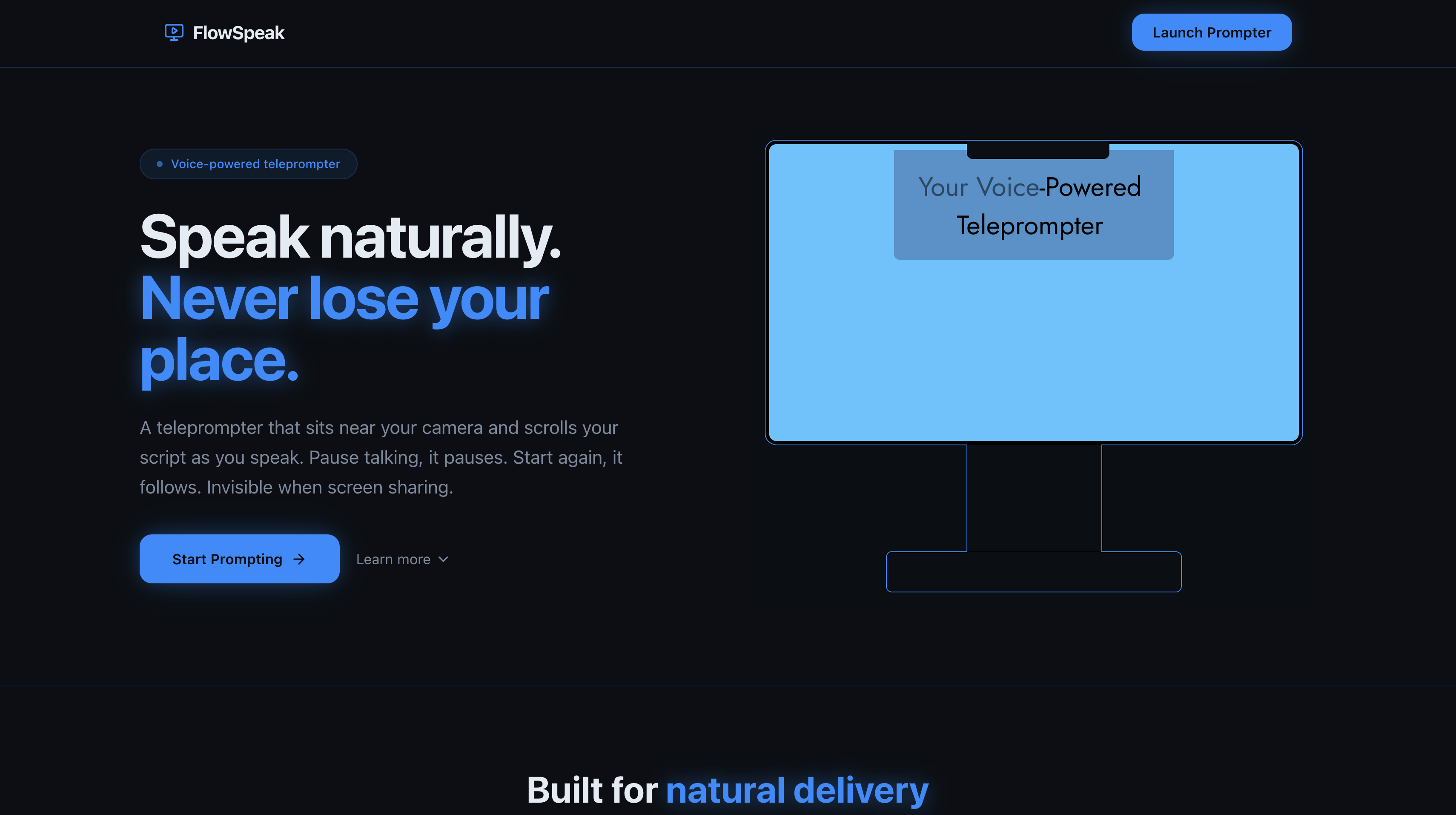
FlowSpeak is a browser-based teleprompter that sits directly below your camera and scrolls your script as you speak — pausing automatically the moment you stop talking. No downloads. No accounts. No cloud uploads. Just open it and go.
- 🎙 Voice-driven scrolling — text moves when you speak, pauses when you don't
- 📷 Camera-aligned layout — text lives in a compact strip near the top of the screen, right below your webcam, so your eyes stay natural and on-lens
- ⚡ Adjustable speed — tune scroll rate on the fly during your presentation
- 🔒 100% private — everything runs locally in your browser, your script never leaves your device
How We Built It
FlowSpeak is built as a modern web application using:
- React + TypeScript for component-based UI and type safety
- Vite as the build system for fast development and optimized production builds
- Tailwind CSS for responsive and accessible styling
- shadcn/ui components for consistent, polished UI elements
- Web Speech API (
SpeechRecognition) for real-time voice detection and scroll triggering - Audio Worklet + Float32Array for advanced Voice Activity Detection (VAD) as a fallback to speech recognition
requestAnimationFramefor smooth, frame-perfect scroll animation- CSS
position: fixedto pin the text strip directly beneath your camera in fullscreen mode - React Router for multi-page navigation (landing page, prompter, etc.)
The application runs entirely in the browser — no backend server, no cloud uploads. Everything stays on your device and runs offline.
Challenges
The biggest challenge was time. We built FlowSpeak in a single day at HackerHers 2026. That meant making fast decisions, cutting scope ruthlessly, and shipping only what actually mattered for the core experience.
We also spent significant time getting the text positioning right. A teleprompter is useless if the text isn't near your camera — your eyes drift down and the whole illusion breaks. Getting the layout to hug the top of the screen correctly in fullscreen, across different Mac displays with the notch, required careful CSS positioning and managing the text strip height to stay compact yet readable.
What We Learned
- The Web Speech API is surprisingly powerful and runs entirely on-device in Chrome — no server needed
- Voice Activity Detection can be implemented multiple ways: speech recognition events are simple, but raw audio analysis gives more control
- Scope discipline is a superpower at a hackathon. We cut script management, user accounts, and advanced settings to ship the three things that actually matter: voice scrolling, camera alignment, and a clean UI
- The best tools get out of your way. FlowSpeak has one job and it does it well
What's Next
- Firefox and Safari support via fallback manual scroll mode
- Highlight the current word/line as you speak
- Mirror mode for use with a physical teleprompter glass
- Shareable script links (encrypted, still private)
Built With
- react
- shadcn
- tailwind
- typescript
- vite


Log in or sign up for Devpost to join the conversation.