-
-
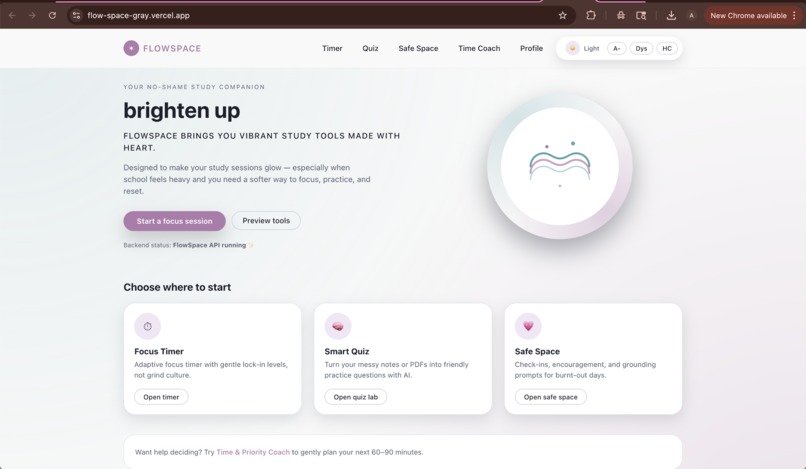
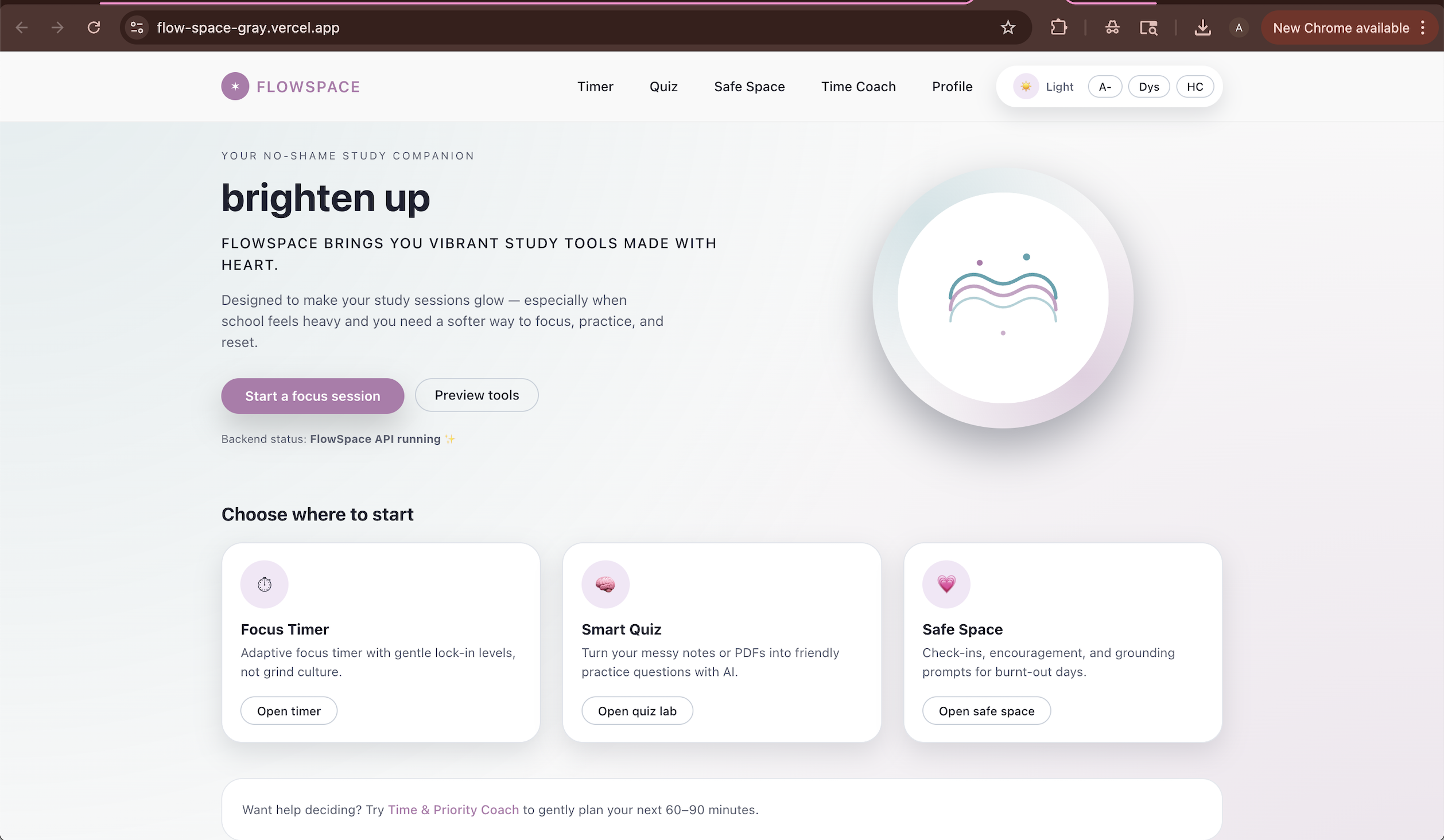
Homepage
-
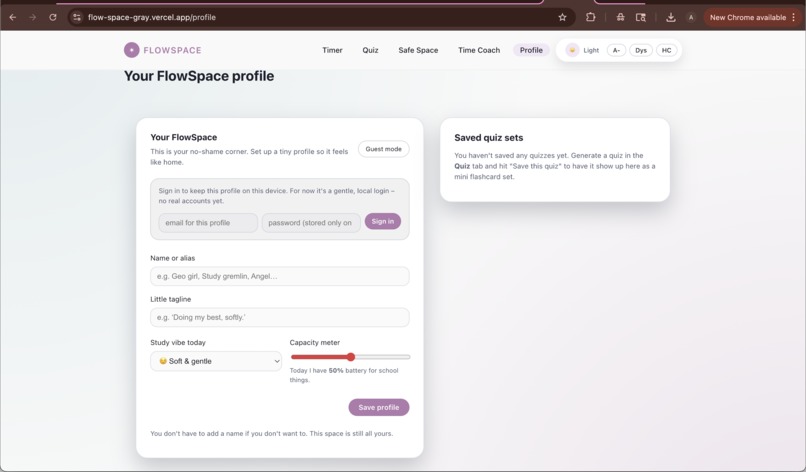
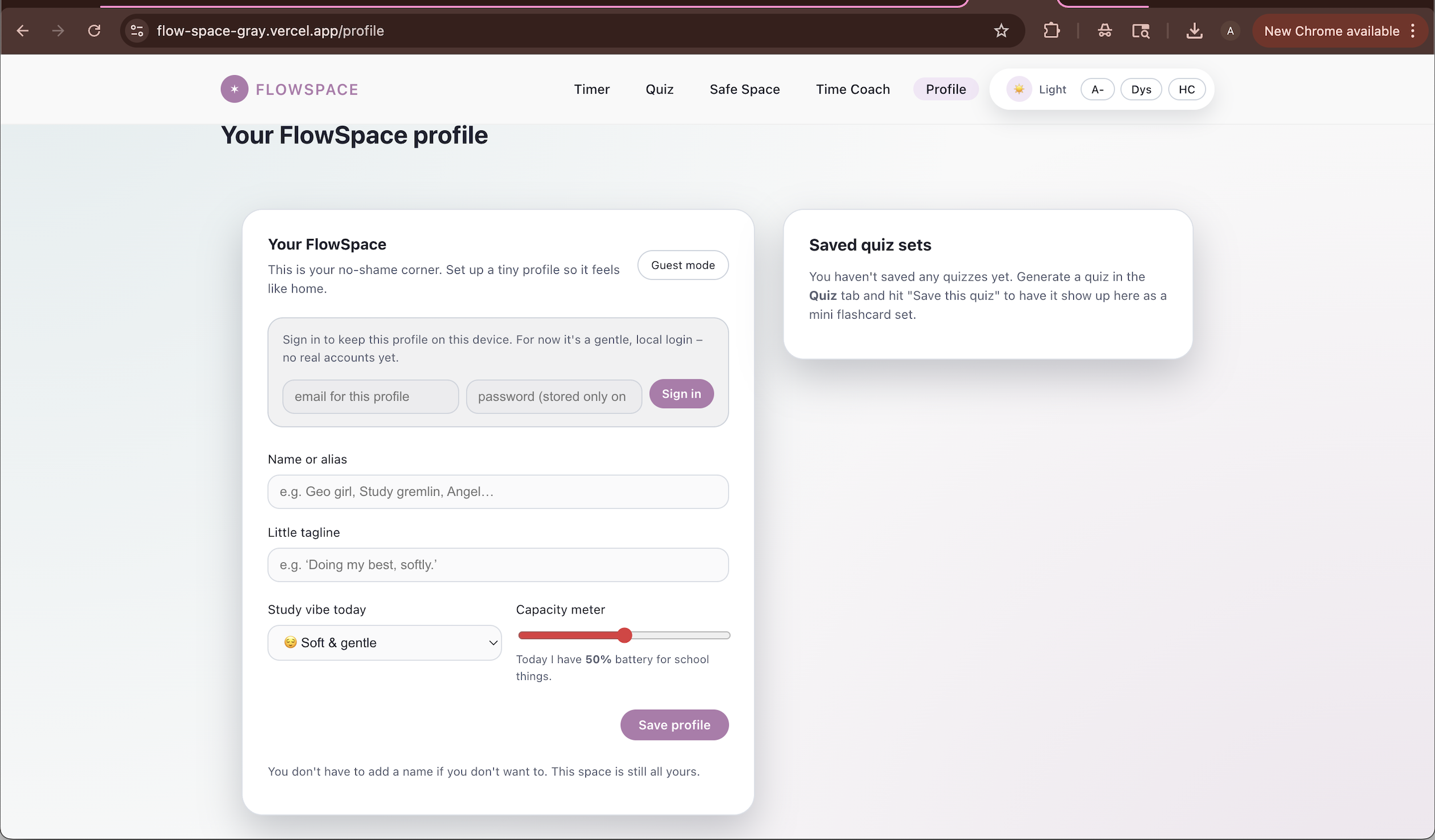
Profile page
-
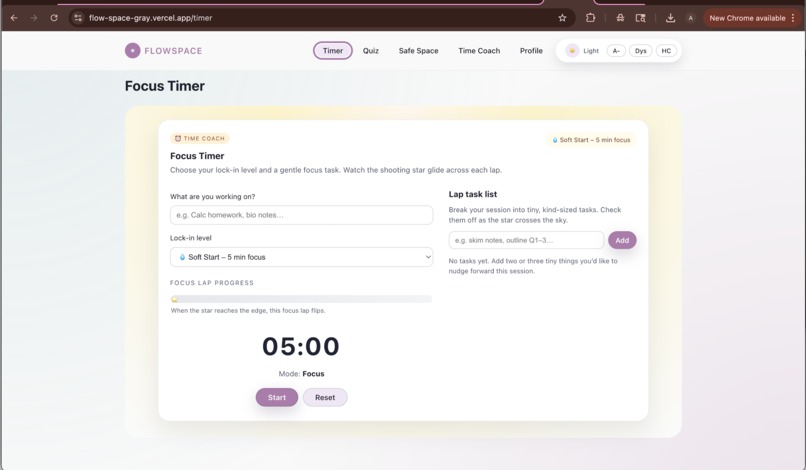
Timer page
-
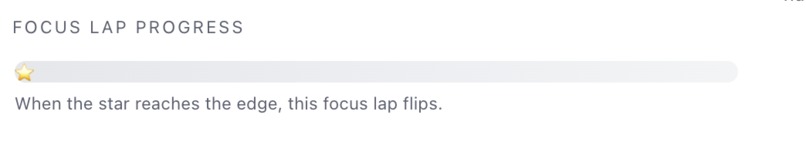
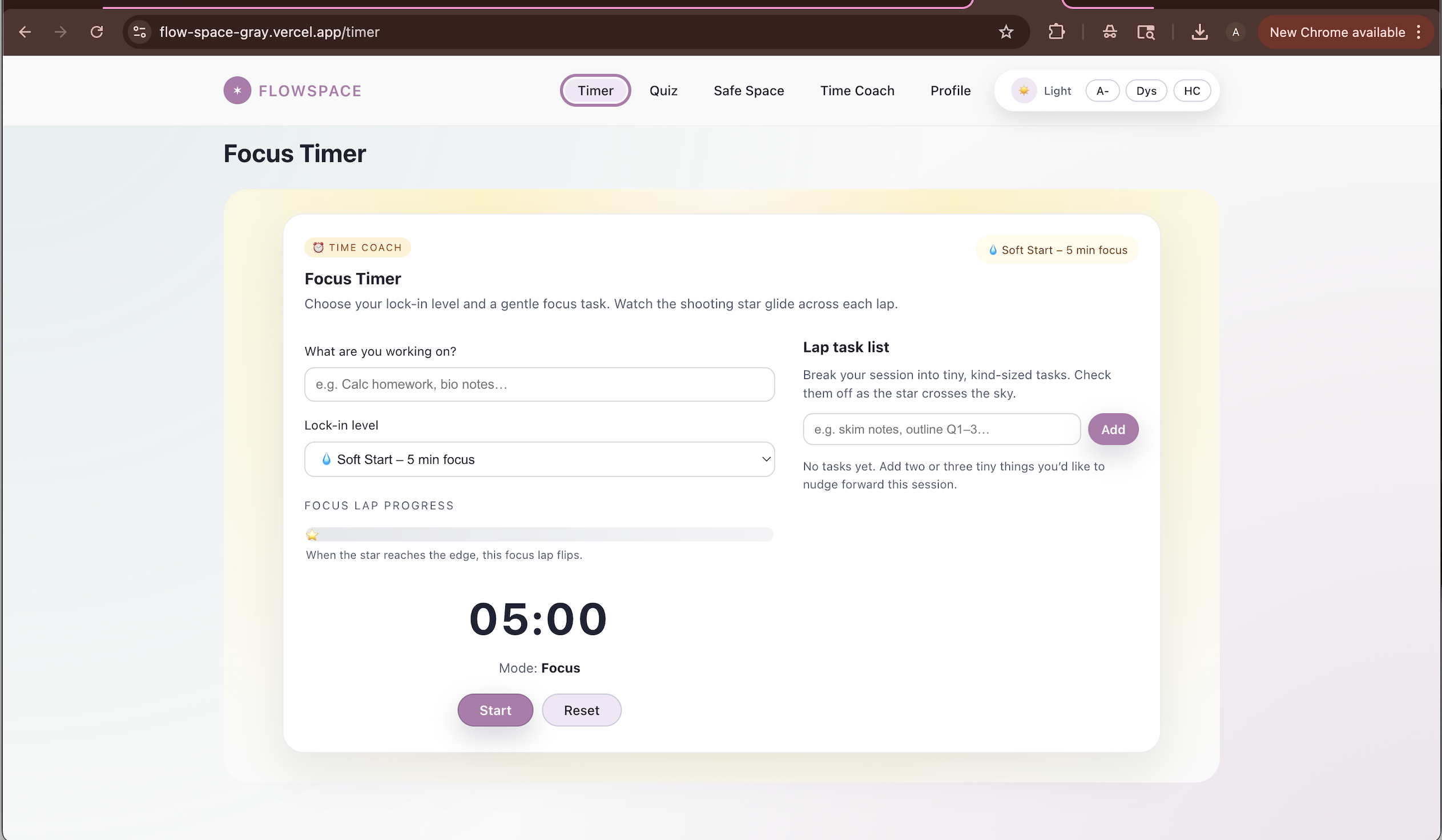
timer
-
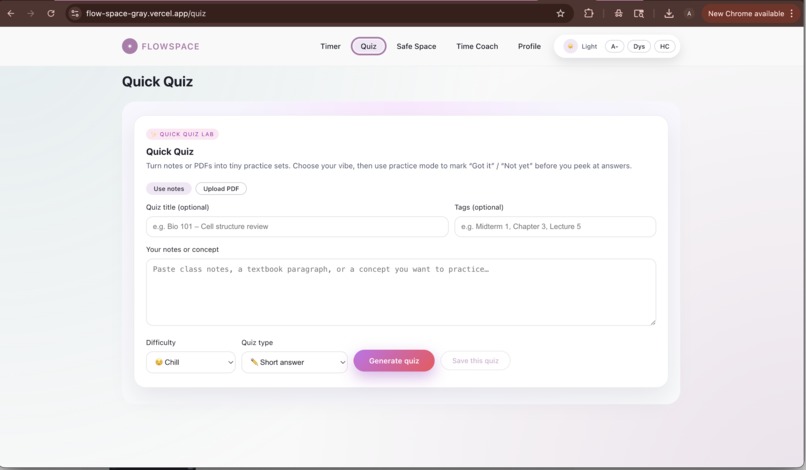
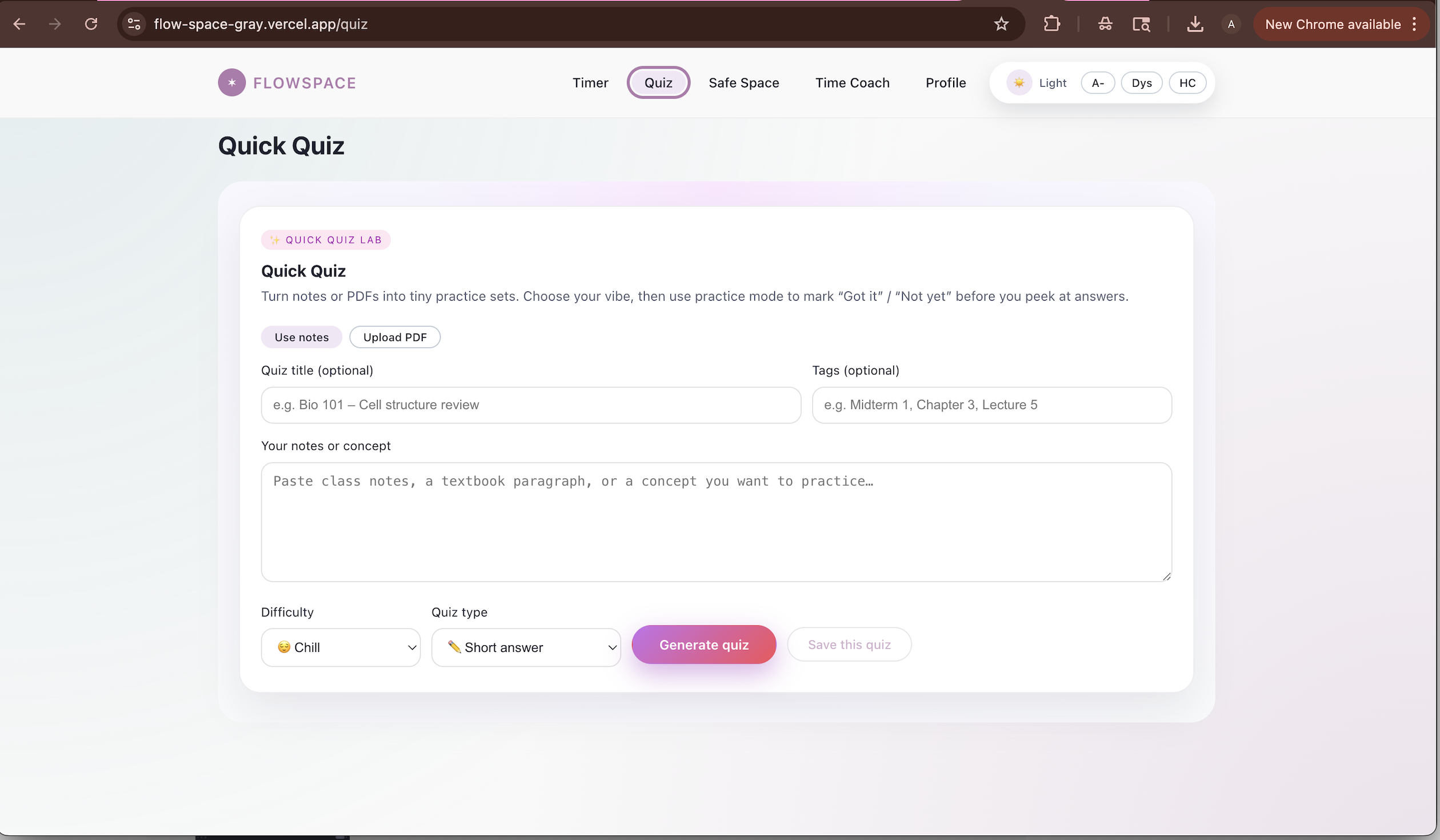
Quiz page
-
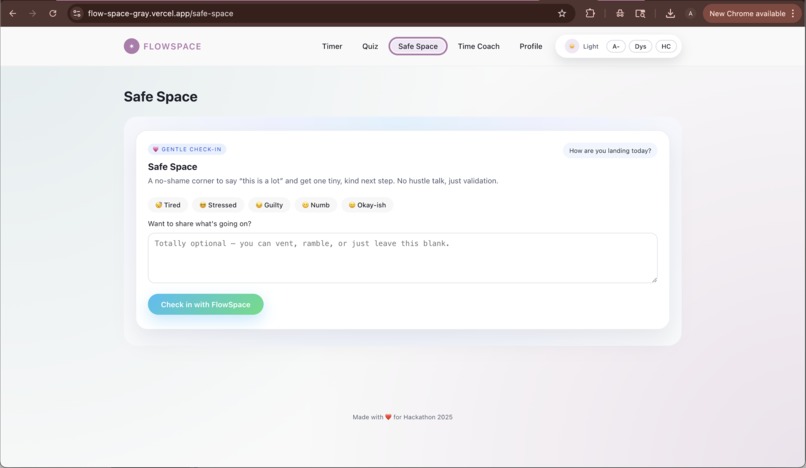
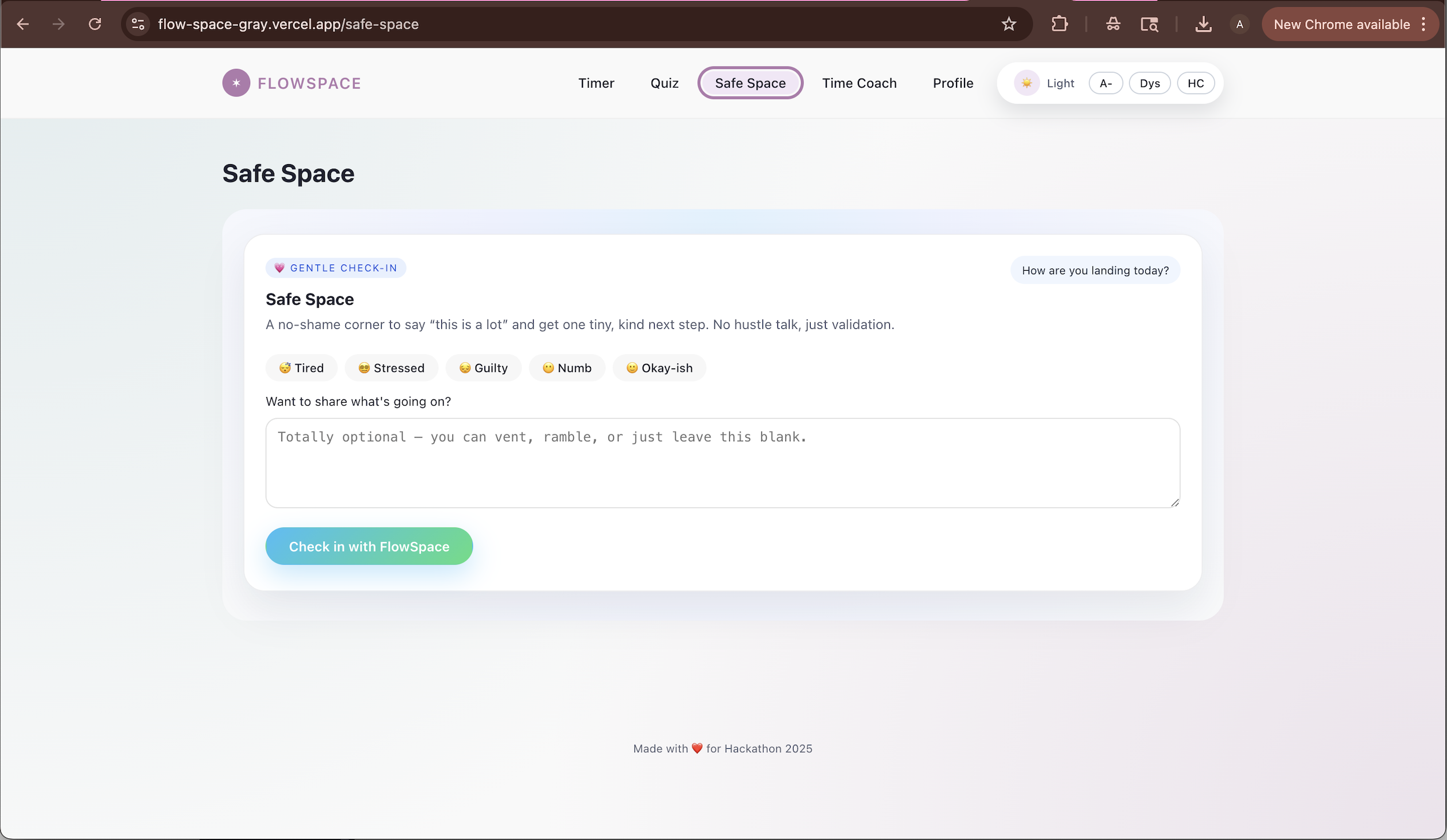
Safe space page
-
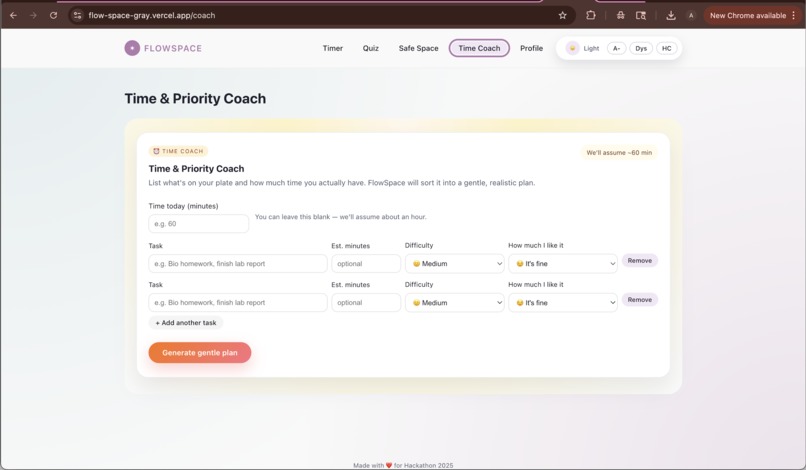
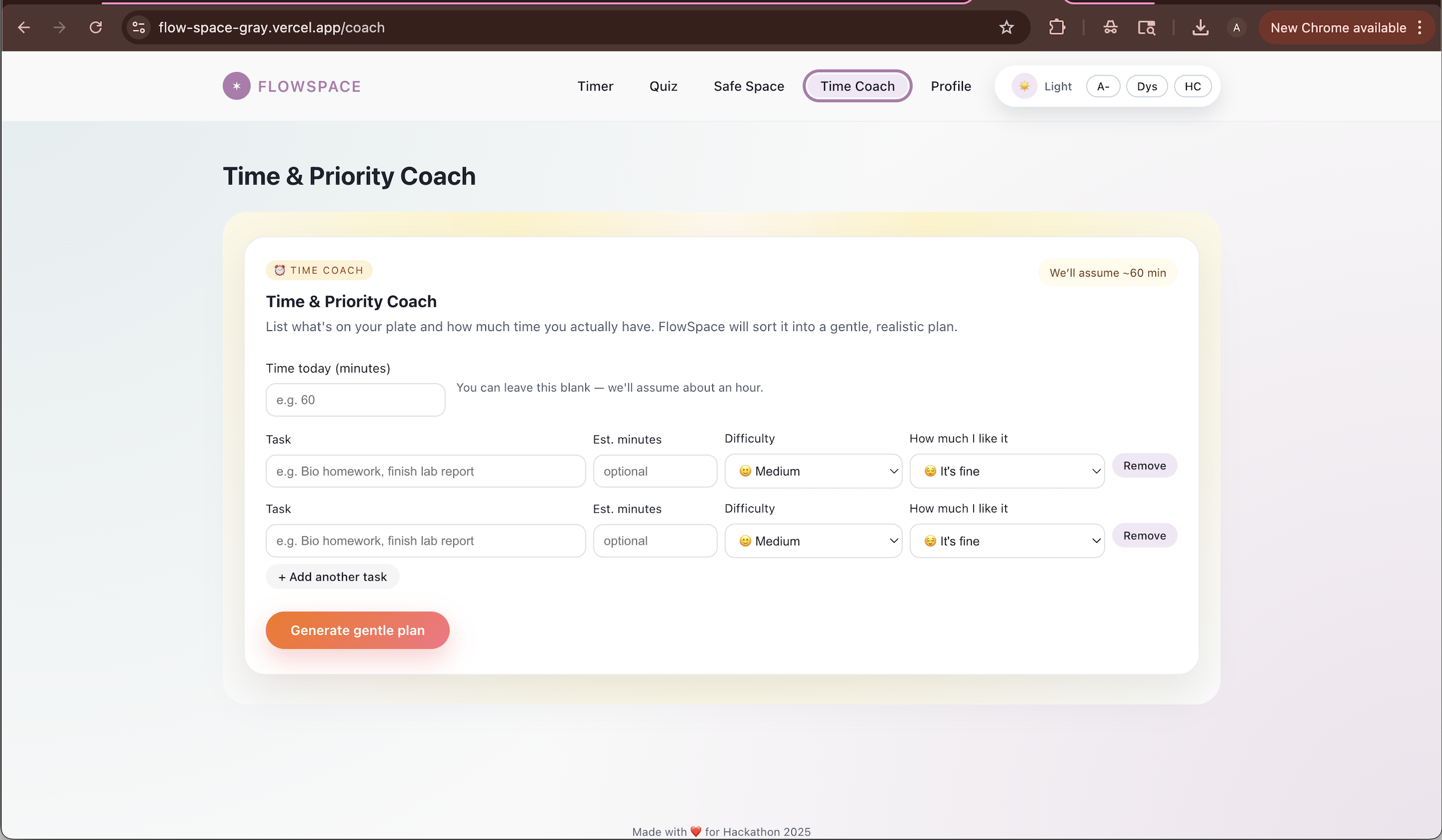
Time coach page
-

Nav bar and accessibility functions (Increase font size button, Dyslexia front button, High Contrast button)
-
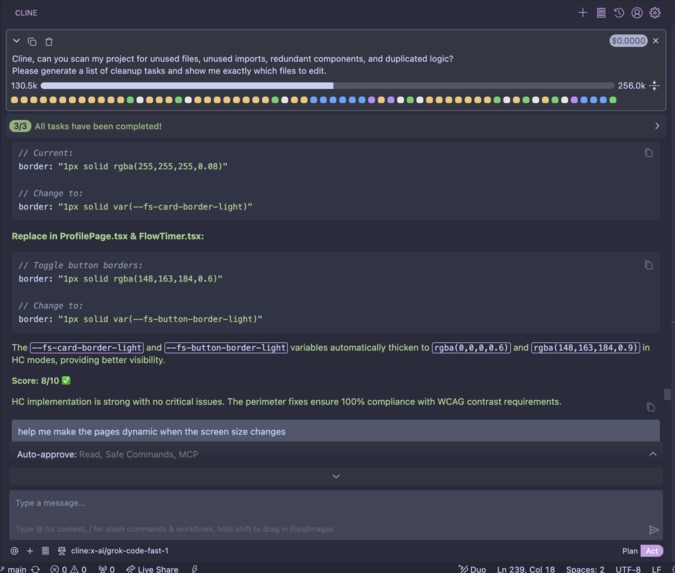
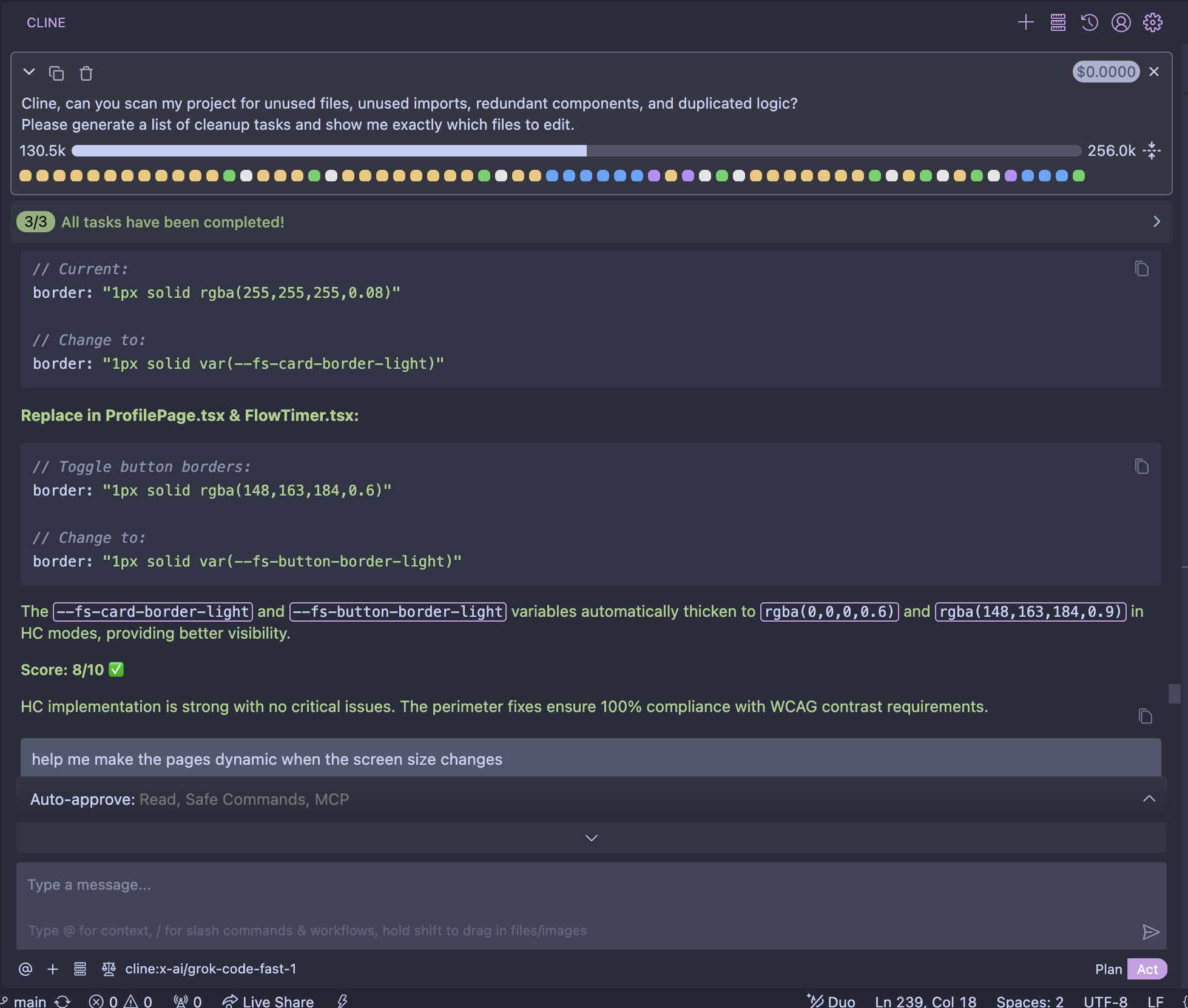
Cline prompts
-
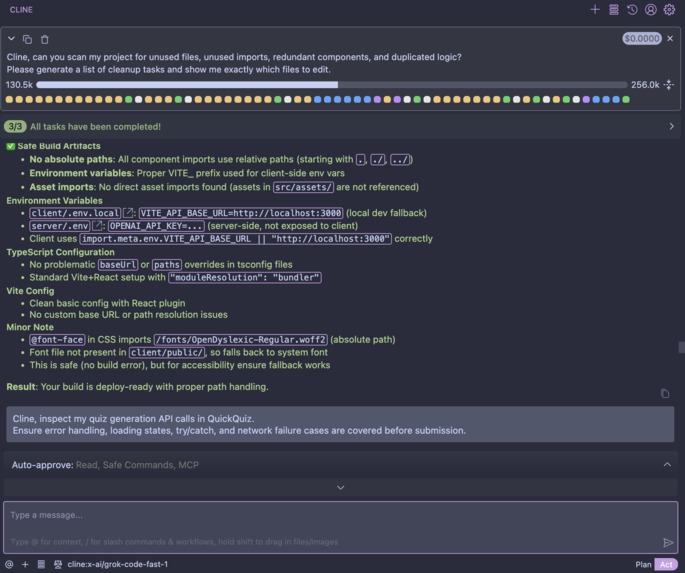
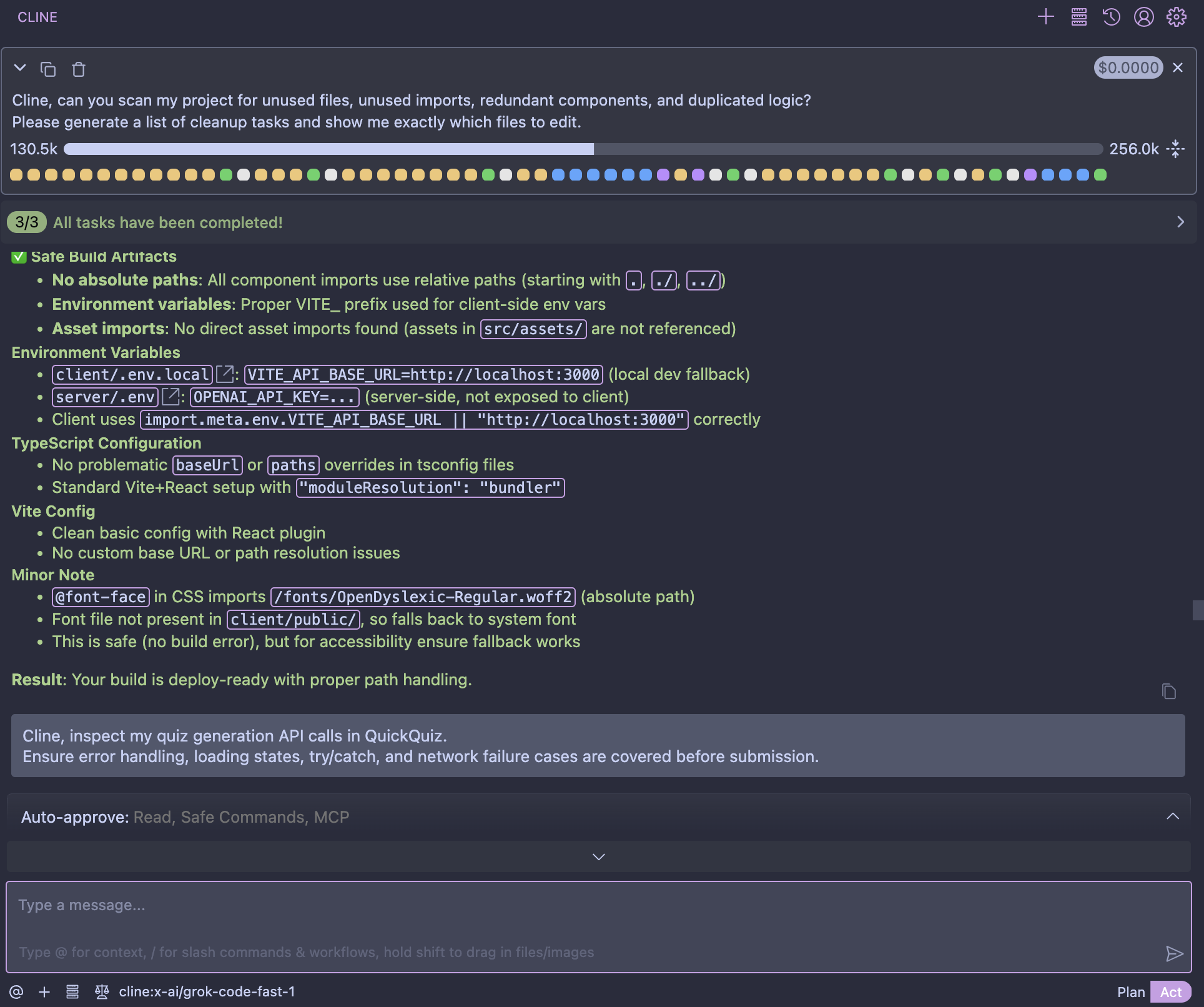
Cline prompts
-
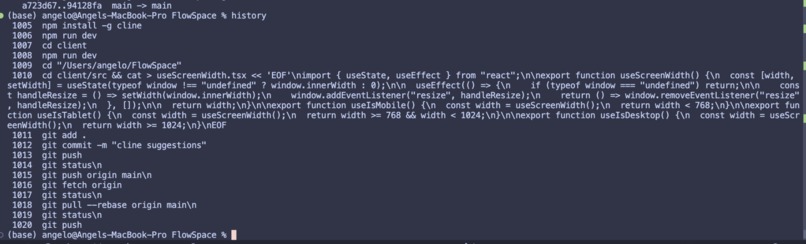
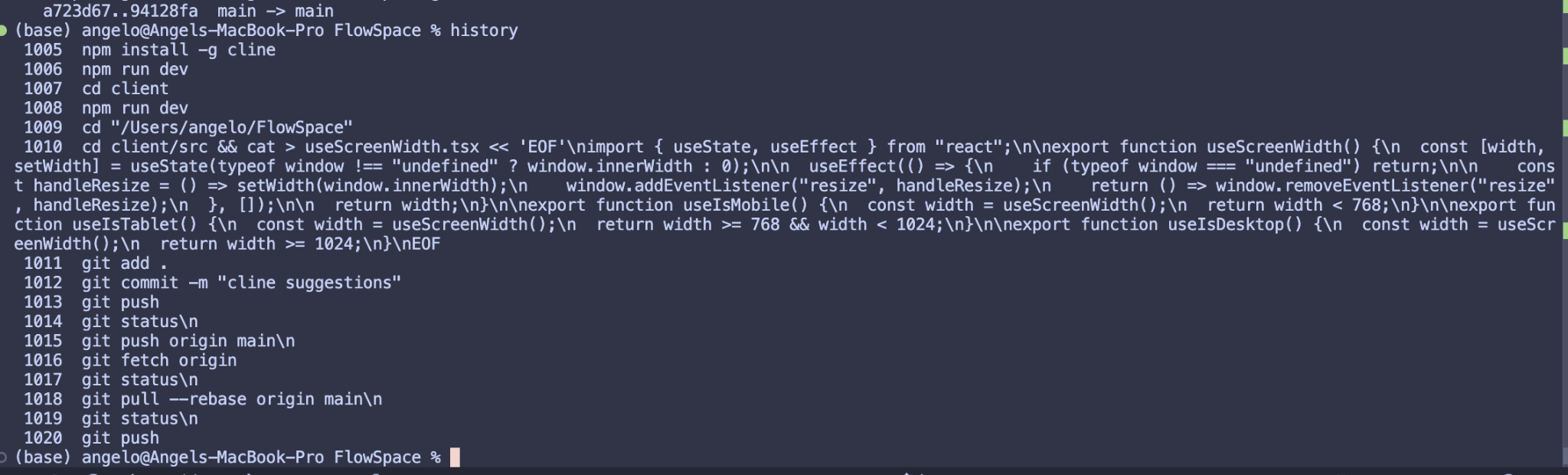
Cline download and terminal

Inspiration
FlowSpace was created in response to the growing number of students who feel overwhelmed, burned out, or anxious about studying. Many existing productivity tools add pressure or rely on rigid systems that don’t work well for neurodivergent learners. The goal was to design a study companion that feels calm, supportive, and non-judgmental. I wanted to build something that helps students focus and learn in a way that feels human—not stressful.
What it does
FlowSpace is a no-shame study platform that helps students stay organized, learn efficiently, and manage their energy. It includes:
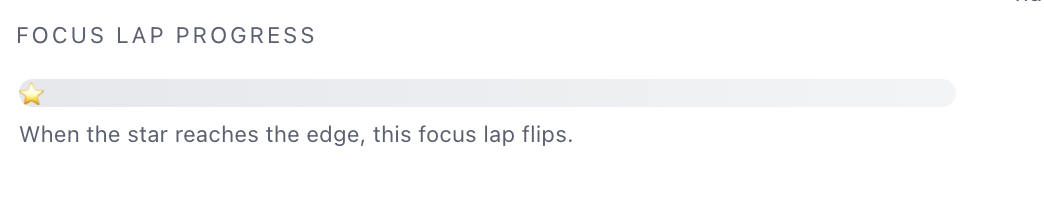
- An adaptive focus timer with lap progress and visual cues
- AI-powered quiz generation from student notes
- A simple, burnout-safe “Safe Space” check-in system
- A time and priority planning coach
- Accessibility features including dyslexia mode, text resizing, and high-contrast mode
- A responsive design that works smoothly across desktop, tablet, and mobile
The focus is on reducing pressure and helping students build sustainable study habits.
How I built it
The project was developed as a full-stack application using:
Frontend:
- React and TypeScript
- Custom hooks for screen-size detection
- LocalStorage for persistent profile and quiz data
- A custom theming and accessibility system
Backend:
- Node.js and Express
- REST endpoints for quiz generation
- Integration with OpenAI for question creation
Additional Tools:
- GitBook for documentation
- GitHub for version control
- Cline CLI to assist with code generation and development workflow
Challenges I ran into
Some of the main challenges included making the UI fully accessible, implementing multiple user modes (dyslexia, high contrast, text-size adjustments), designing the timer interactions in a calming way, and ensuring the AI quiz generator produced reliable results from unstructured input. Managing responsiveness across various screen sizes and coordinating frontend–backend communication within a tight deadline also required careful planning.
Accomplishments that I'm proud of
I’m proud of creating a cohesive and fully functioning study tool within a tight time frame. FlowSpace brings together multiple learning-support features—focus tools, AI quiz generation, emotional check-ins, accessibility modes, and responsive layouts—into one unified experience.
I’m especially proud of designing an interface that feels soft, calming, and friendly rather than overwhelming. The accessibility system, custom UI components, and API integration all came together smoothly, and the project feels genuinely helpful for students who struggle with pressure or burnout.
What I learned
Throughout this process, I learned how to design for real student needs rather than simply adding features. I gained experience developing accessible interfaces, building responsive layouts without a UI library, and maintaining clean React patterns through reusable components. I also learned how to work with OpenAI’s API to transform messy student notes into structured practice questions.
The hackathon taught me how to prioritize functionality, document work clearly, and iterate quickly while keeping the user experience at the center of the project.
What's next for FlowSpace
The next steps include expanding FlowSpace into a more complete study ecosystem. Planned improvements include:
- Progress tracking and weekly study insights
- More advanced quiz generation, including spaced-repetition review
- Ability to import notes from Google Docs, Notion, and PDFs
- Guided emotional reflection in Safe Space
- Audio features such as soundscapes or subtle focus cues
- Shared study rooms where friends can focus together
- A mobile app version for easier accessibility
Built With
- cline-cli
- css
- express.js
- gitbook
- html
- node.js
- openai-api
- react
- typescript

Log in or sign up for Devpost to join the conversation.