-
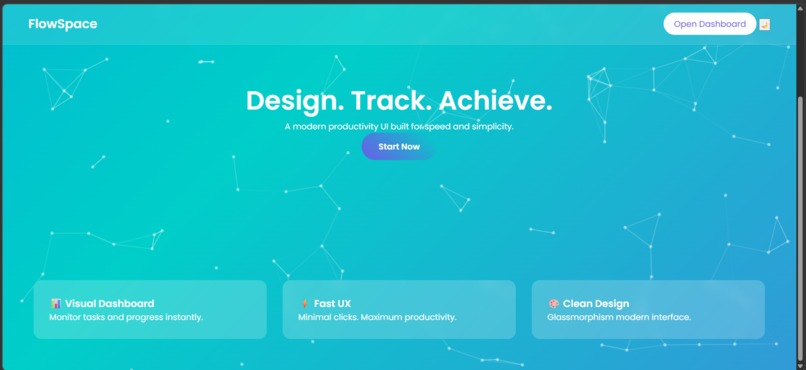
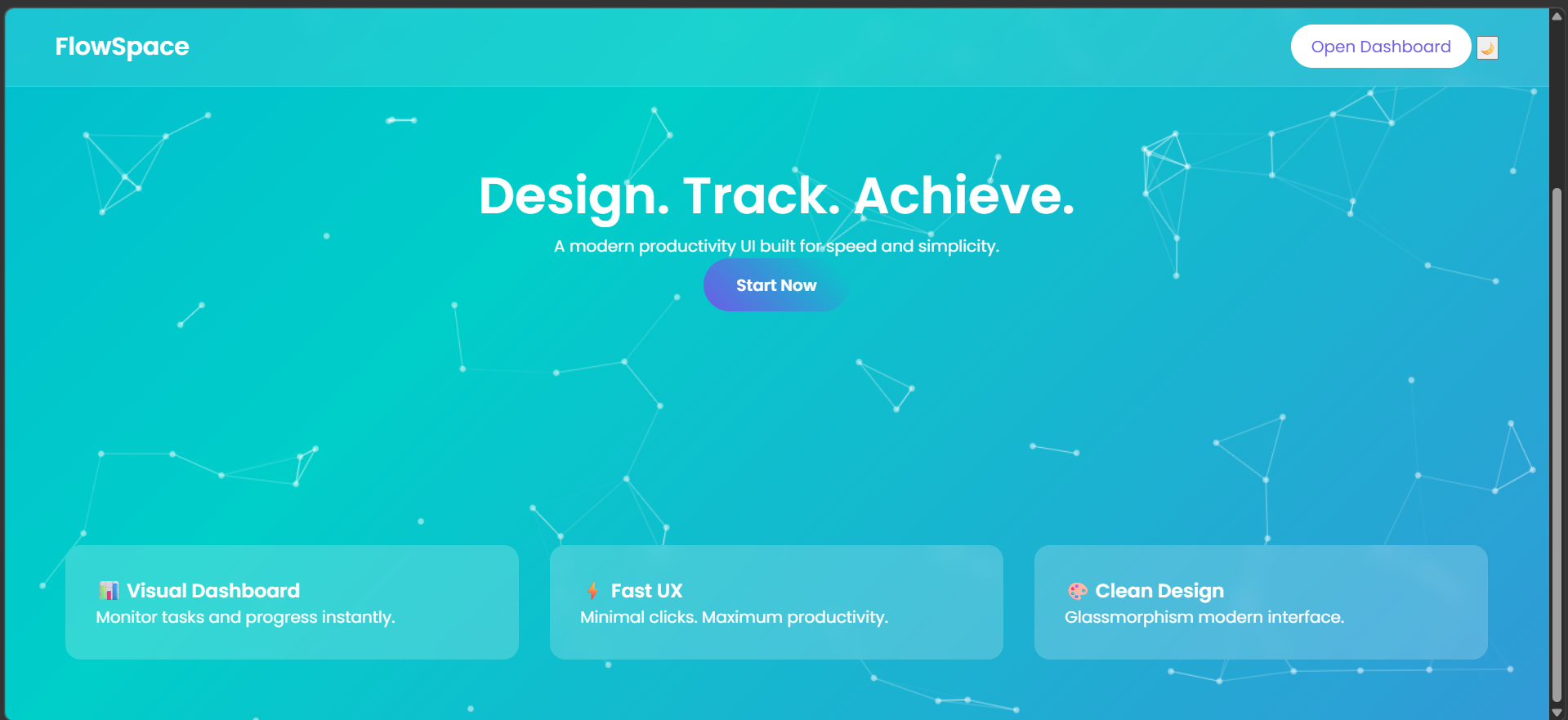
Modern landing page with animated background and clean UI introducing the FlowSpace productivity platform.
-
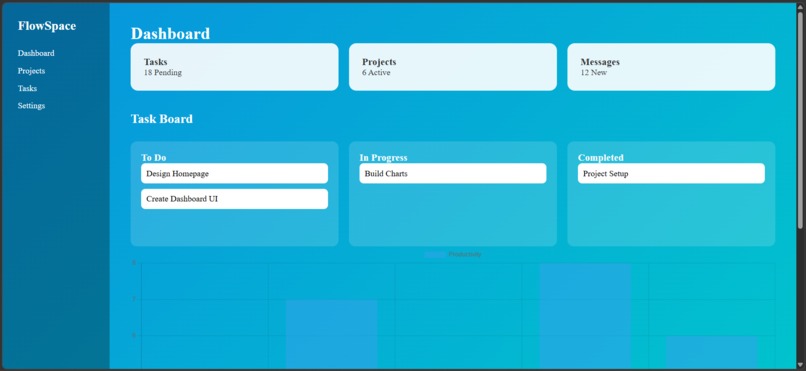
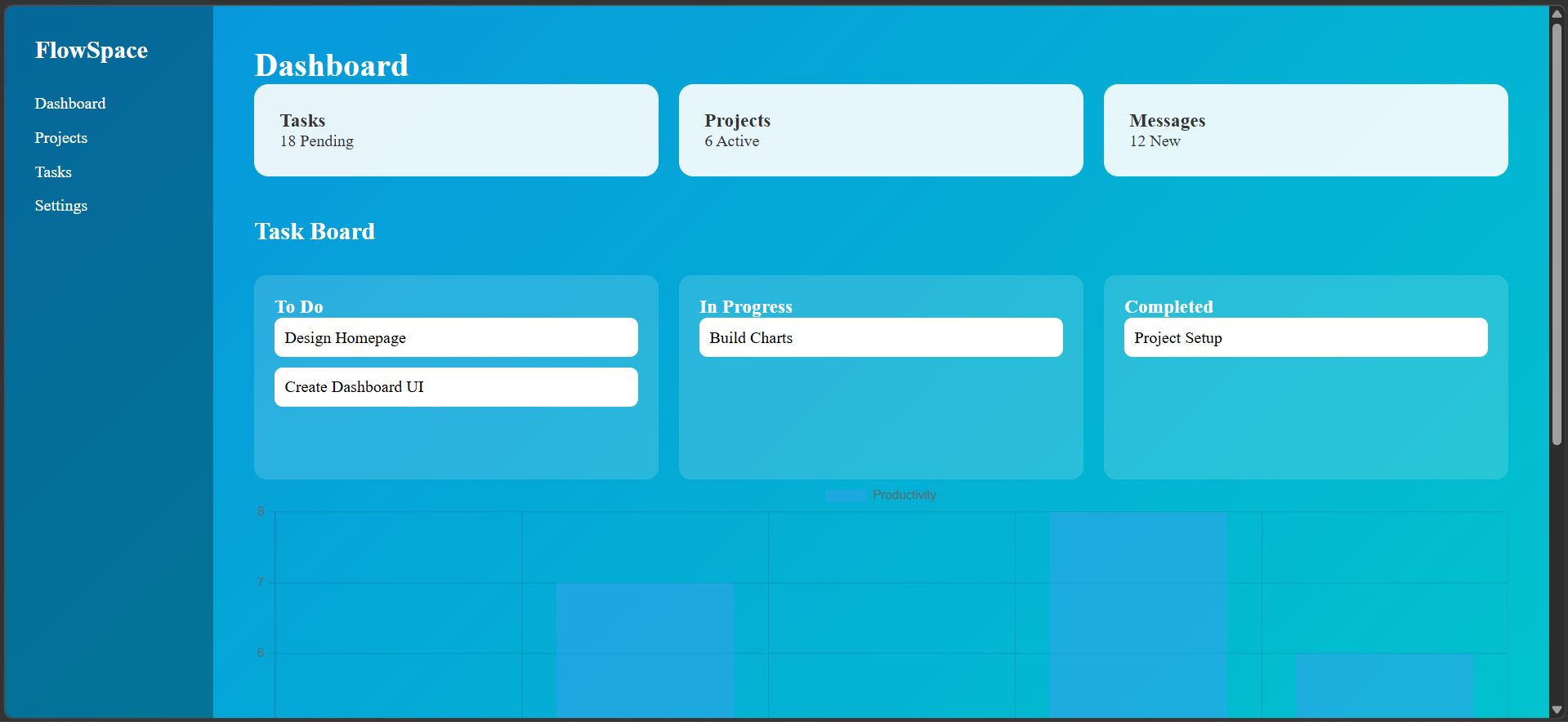
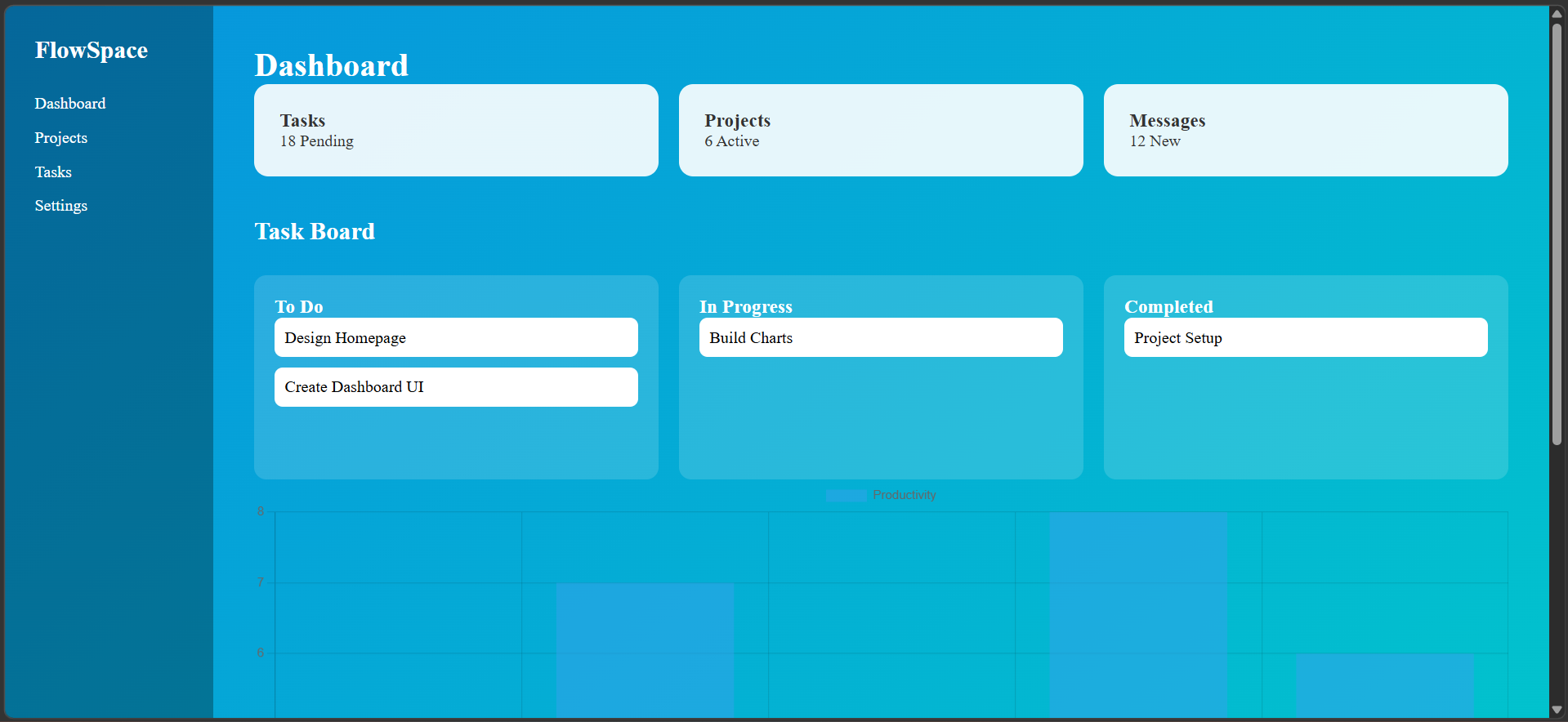
Interactive productivity dashboard displaying task statistics and project information through visual cards and charts.
-
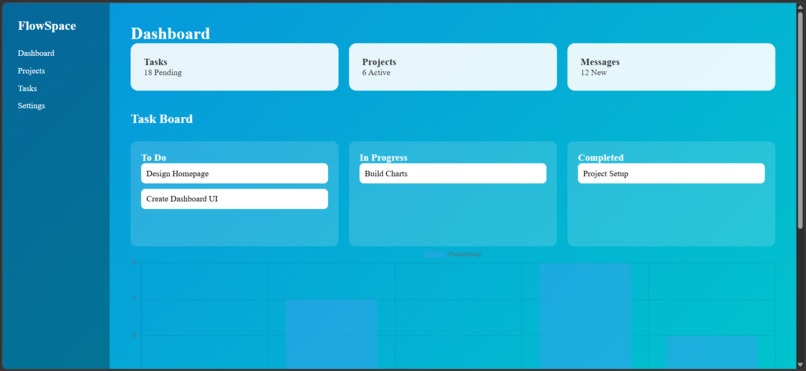
Drag-and-drop task board allowing users to move tasks between workflow stages such as To Do, In Progress, and Completed.
Inspiration
Many productivity tools are powerful but often feel complicated or visually overwhelming. We wanted to design a simple and modern interface that helps users focus on organizing their work efficiently. Our goal was to create a clean UI that demonstrates how thoughtful design and smooth interactions can improve the overall user experience.
What it does
FlowSpace is a modern productivity dashboard that allows users to organize tasks, monitor progress, and manage workflows through an intuitive interface. The application includes a responsive landing page, an interactive dashboard, a visual productivity chart, and a drag-and-drop task board that allows users to move tasks between stages such as “To Do”, “In Progress”, and “Completed”.
How we built it
The project was built using HTML, CSS, and JavaScript. We focused heavily on UI and UX design principles such as simplicity, responsiveness, and smooth interaction.
Key components include:
- A responsive landing page with animated background and modern gradient design
- Glassmorphism style feature cards
- A productivity dashboard layout with information cards
- Chart.js for visualizing productivity data
- A drag-and-drop task board implemented using JavaScript
- Micro-interactions and hover animations to improve user experience
Challenges we ran into
One of the main challenges was creating smooth drag-and-drop functionality while keeping the code simple and beginner-friendly. Another challenge was balancing visual design with usability so that the interface remained clean and intuitive across different screen sizes.
Accomplishments that we're proud of
We are proud of building a fully interactive and visually polished dashboard in a short hackathon timeframe. The final result includes multiple UI components such as animated backgrounds, responsive layouts, task interactions, and data visualization.
What we learned
During this project we learned more about UI/UX design principles, responsive layouts, and how small details like animations and micro-interactions can significantly improve user experience. We also gained experience integrating external libraries such as Chart.js.
What's next for FlowSpace
In the future, FlowSpace could include real-time task synchronization, user accounts, cloud storage, and collaboration features that allow teams to manage projects together.

Log in or sign up for Devpost to join the conversation.