-
-
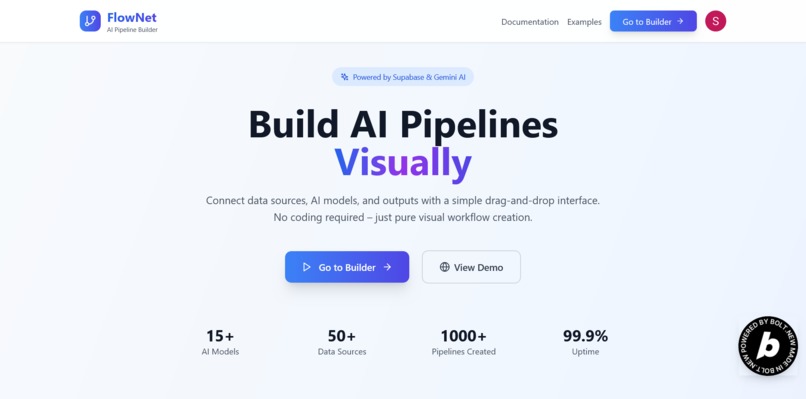
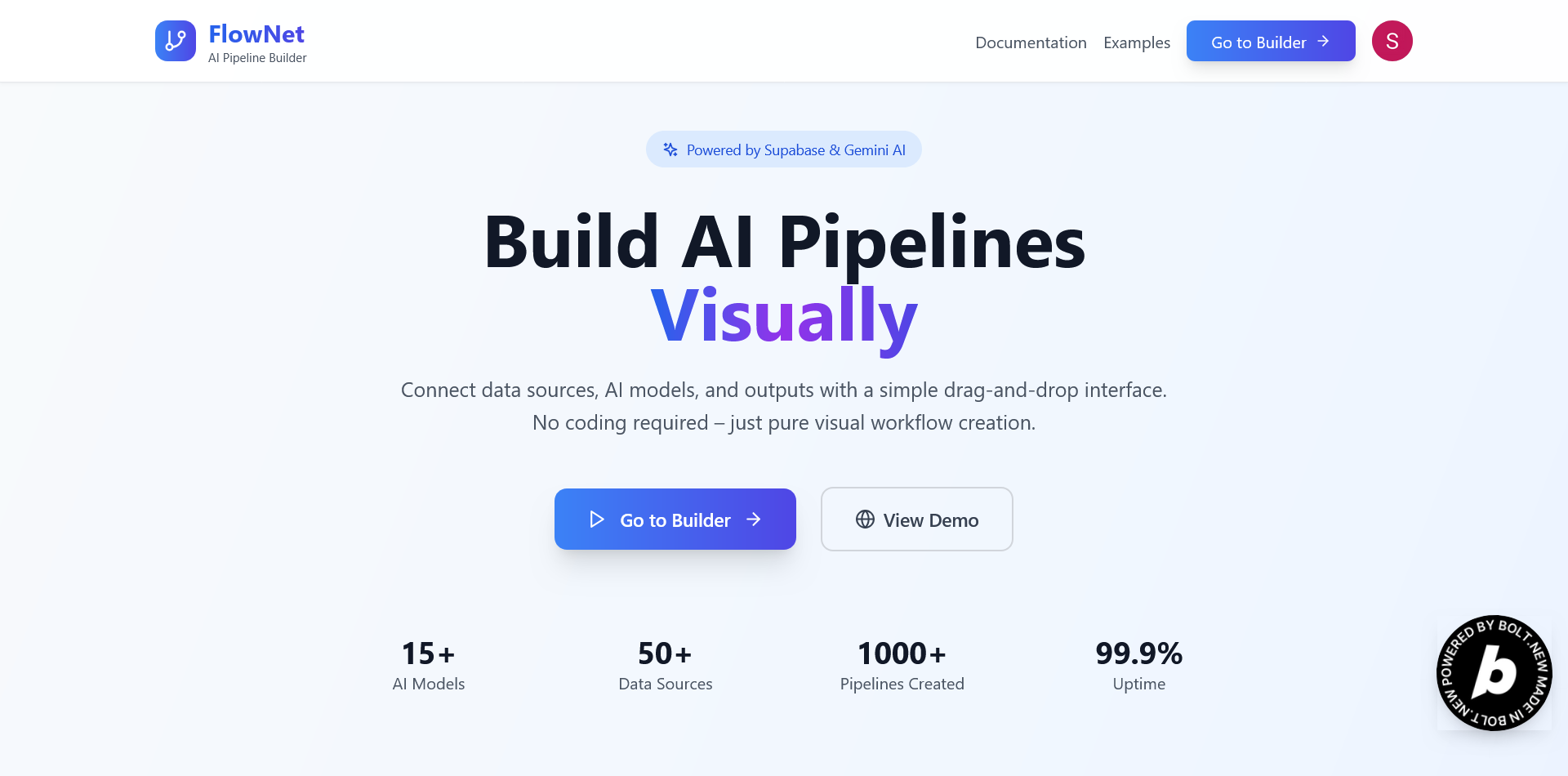
Homepage
-
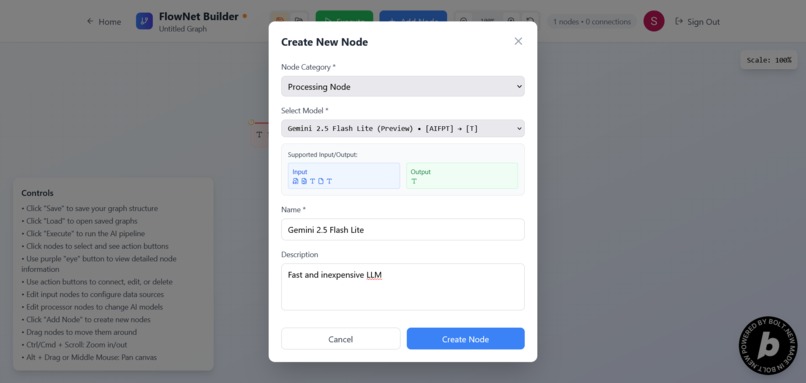
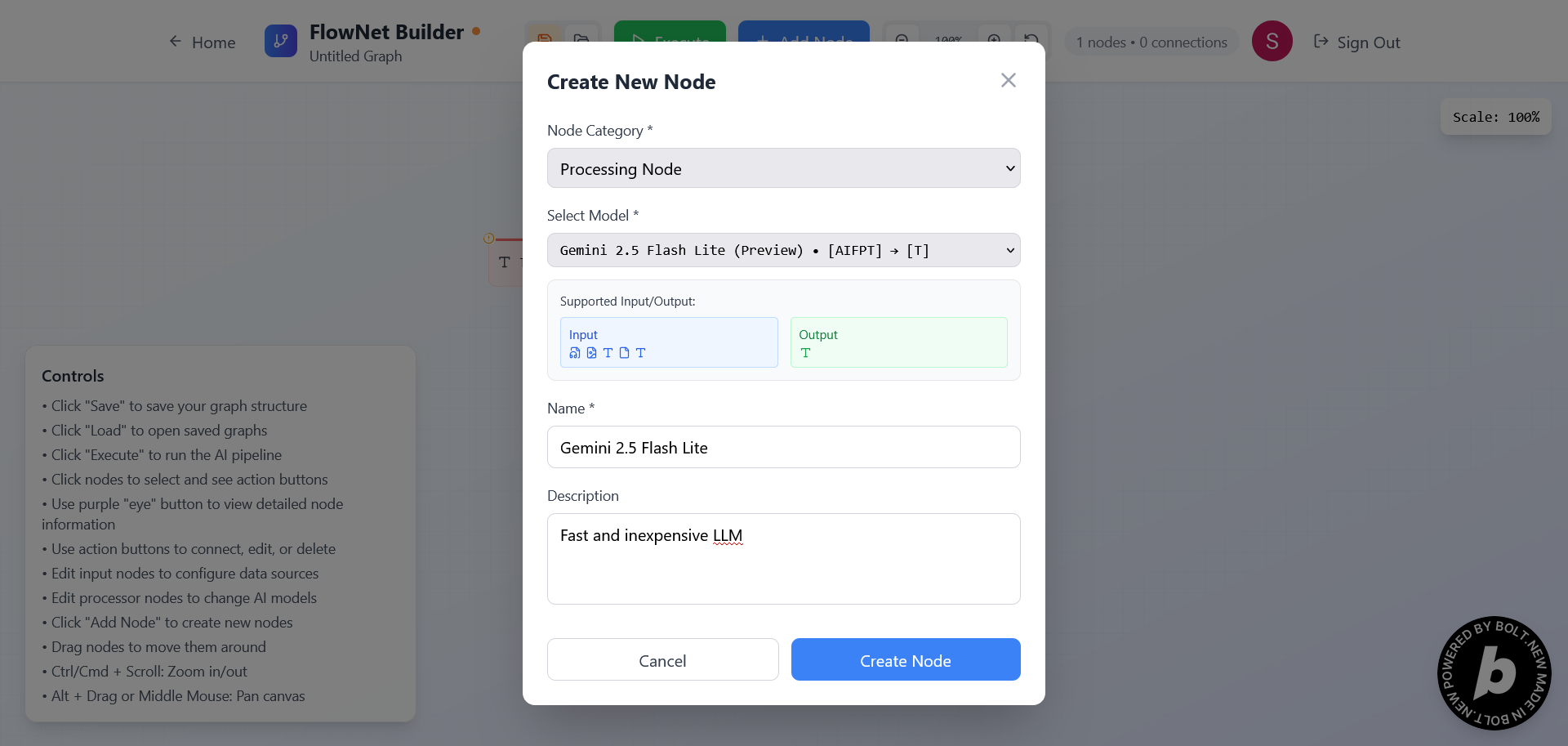
Create Node
-
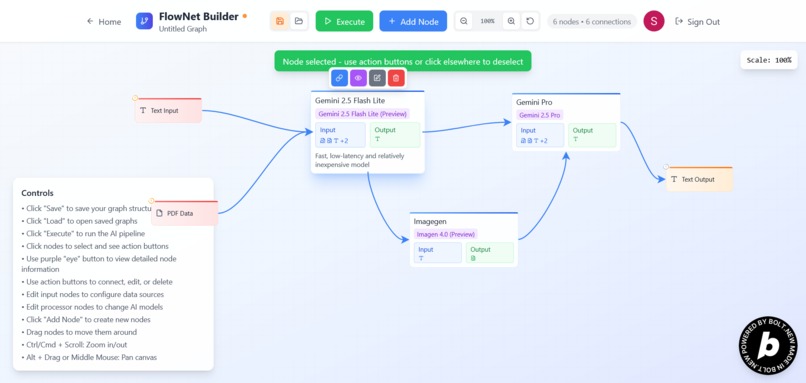
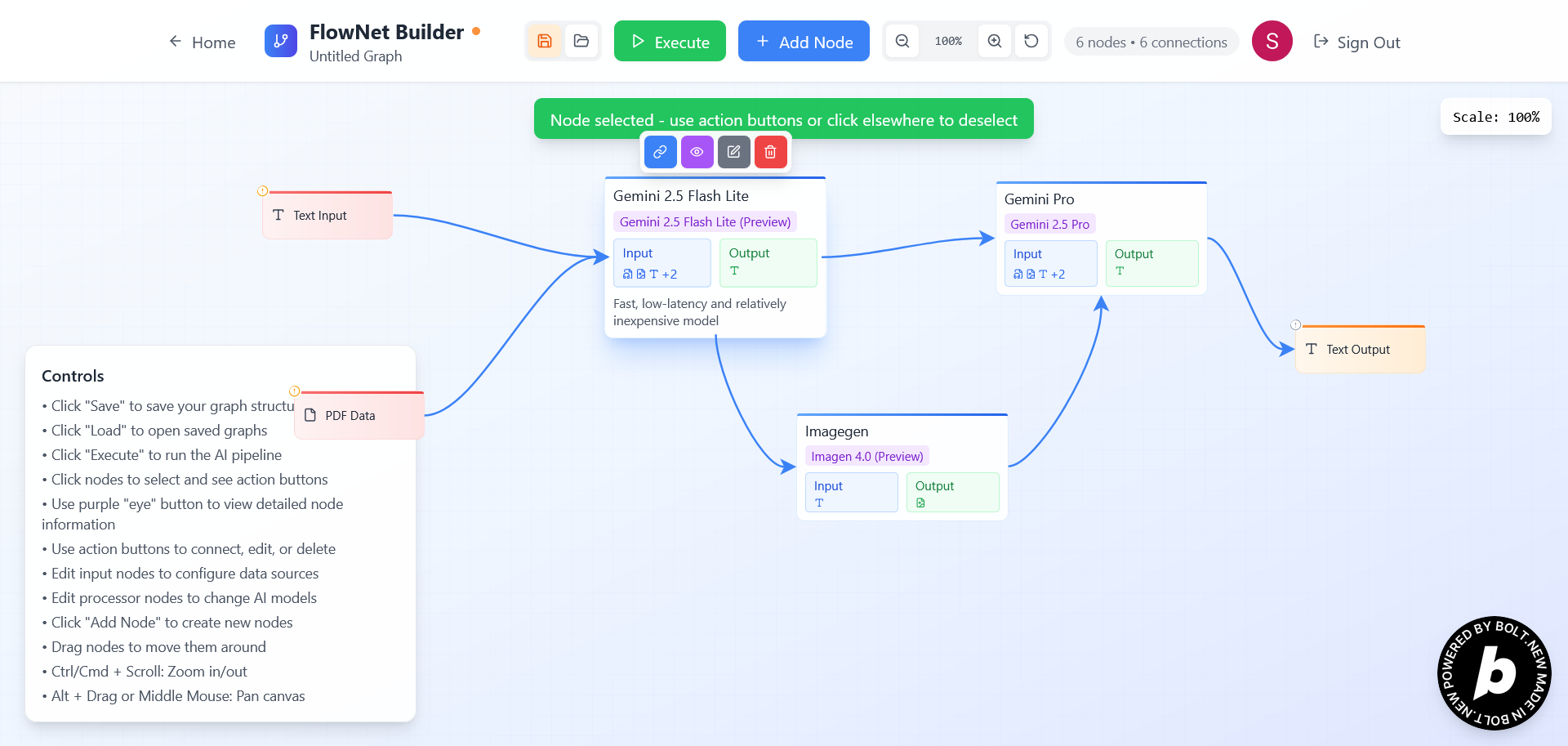
Node Graph
-
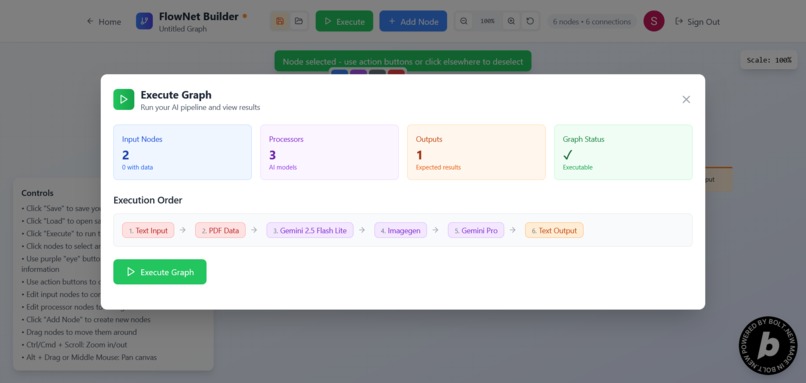
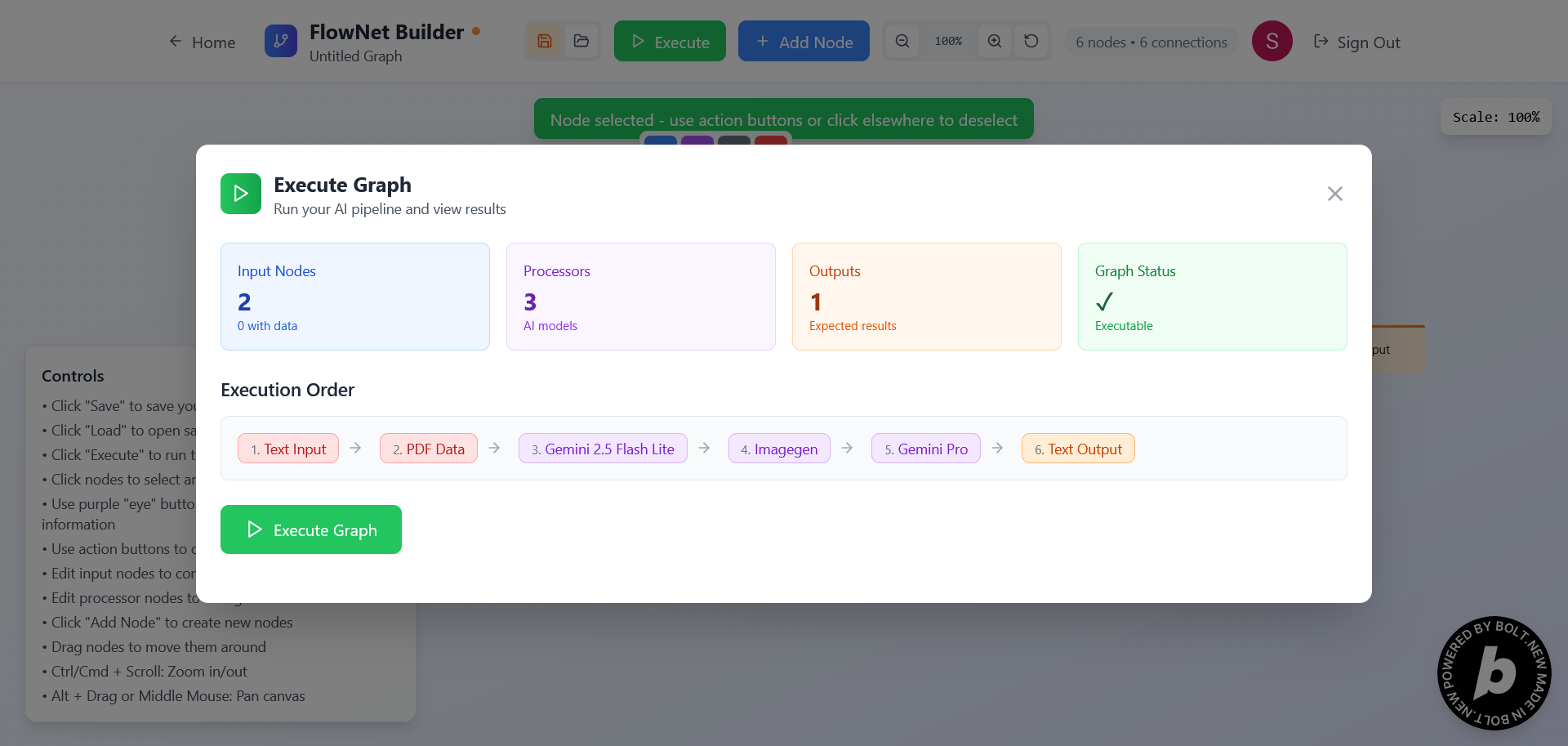
Execute Graph
-
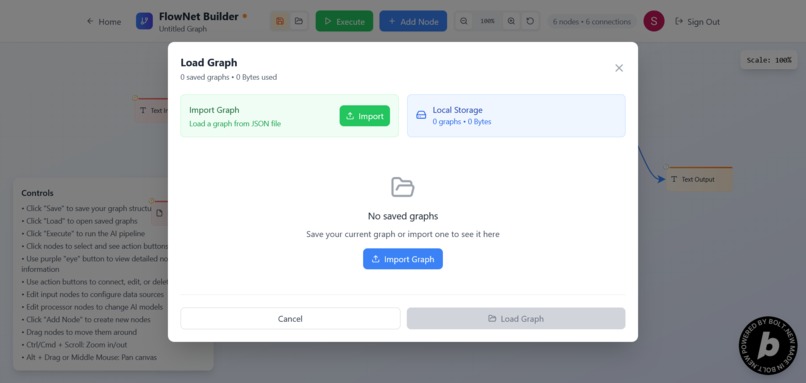
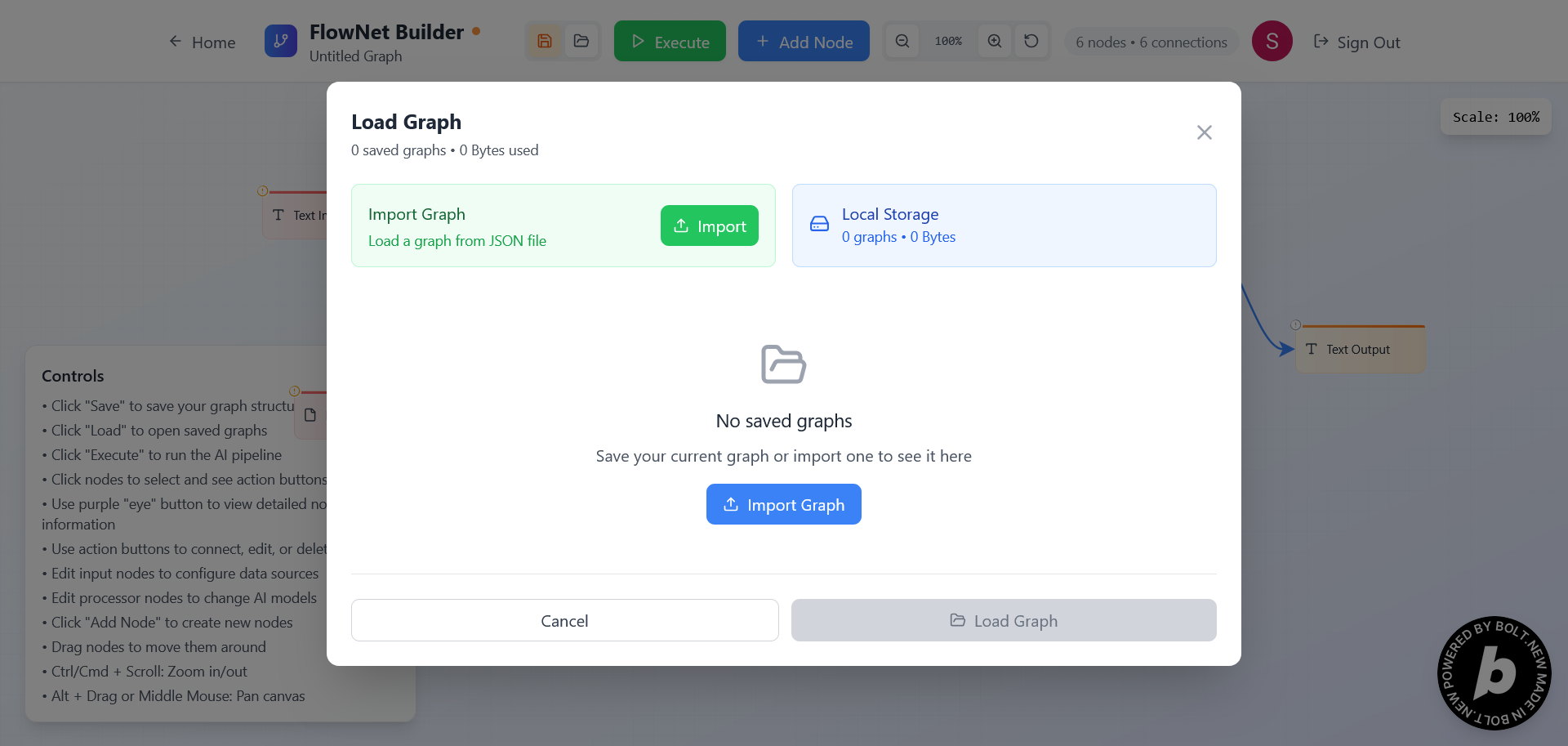
Save Graph
Inspiration
Every time I wanted to experiment with AI models — whether to build a quick demo for a client or prototype a full-scale tool — I ran into the same issue: everything was siloed. Each model had its own interface, its own limitations, and wiring them together into a real pipeline was either a time-consuming dev task or completely impractical without code. I wanted a unified platform where I could visually build and run AI workflows, without writing glue code, and scale from simple tests to complex production use cases. That’s why I built FlowNet — a no-code/low-code AI workflow builder that actually scales with your needs.
What it does
FlowNet lets users visually create, connect, and execute AI-powered workflows using a drag-and-drop interface. Think of it as a flowchart, but with real computation behind it.
You can add different types of nodes:
- Input nodes (e.g., text prompts, images, audio files)
- Processing nodes (powered by AI models like Gemini, ElevenLabs, etc.)
- Output nodes (like text viewers, audio players, or even REST API hooks)
You simply drop the nodes on the canvas, connect them in the order you want data to flow, and hit Execute — FlowNet takes care of everything behind the scenes. It manages data flow, model calls, and output rendering — all without writing a single line of code. Whether you're generating stories, analyzing documents, or building AI-powered tools, FlowNet makes it easy and fast.
How I built it
- Frontend: Built using Bolt for building fast, interactive UIs.
- Backend + Serverless Functions: Managed via Supabase, which also handles database and real-time storage needs.
- Authentication: Implemented using Clerk, making sign-in and user session handling seamless.
- AI Integration:
- Text generation powered by Google Vertex AI (Gemini Flash)
- Speech synthesis handled by ElevenLabs
- The node system is entirely modular — any service that can take inputs and return outputs can be turned into a node.
Challenges I ran into
- Node connectivity and UI scaling: Making connections look good and remain accurate at different zoom levels was surprisingly hard. I had to debug a lot of edge cases to make arrows scale and update correctly when nodes moved.
- Execution order and data routing: Ensuring each node runs in the right sequence, passes output correctly, and handles different data types (text, audio, images) across nodes was a major backend challenge.
- Graph state management: Maintaining performance and avoiding bugs when users create large graphs with dozens of nodes required careful architecture on both frontend and backend.
Accomplishments I’m proud of
- Built a fully working, end-to-end visual AI workflow builder.
- Integrated multiple third-party AI services smoothly into a shared pipeline.
- Created a responsive and intuitive user interface that supports real-world workflows.
- Achieved zero-code functionality without sacrificing flexibility or power.
What I learned
- How to build scalable, visual graph UIs with Bolt and manage complex state.
- Real-world integration of AI services like Vertex AI and ElevenLabs.
- Handling multimodal data (text, audio, images) in a modular architecture.
- Product thinking: identifying core features vs. "nice to haves" during hackathon time constraints.
What’s next for FlowNet
- More AI models: Expand to support image generation (e.g., DALL·E, Stability), OCR, summarization, video processing.
- External output hooks: Send output to Google Sheets, Notion, webhooks, or custom APIs.
- Custom code blocks: Let users define their own processing nodes with JavaScript or Python.
- Collaboration mode: Enable real-time co-editing of workflows for teams and classrooms.
- Deployable workflows: Export any graph as a standalone API or web widget.

Log in or sign up for Devpost to join the conversation.