Inspiration
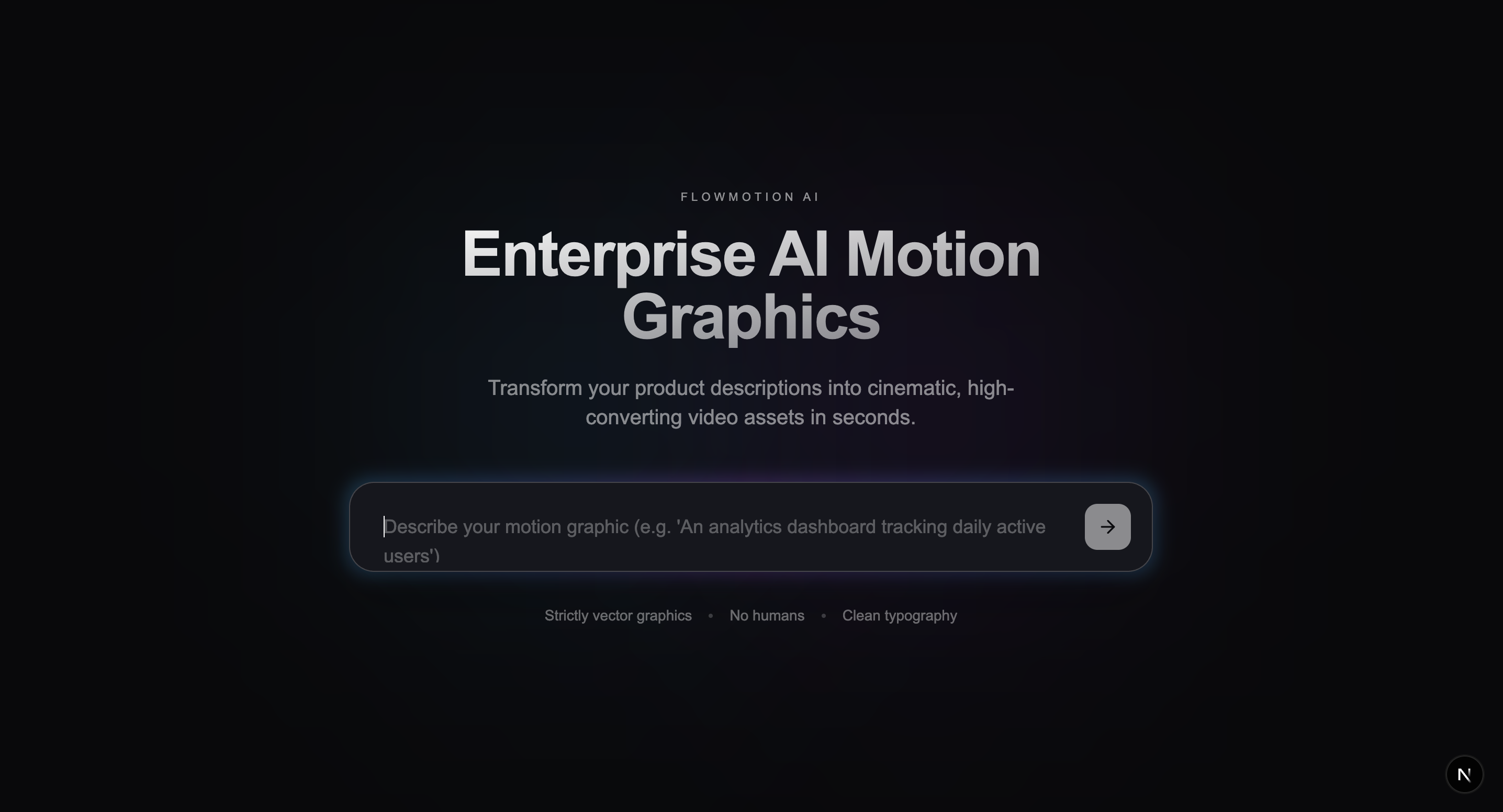
The project was inspired by the need to simplify complex motion design. Our goal was to create a tool where creators could "launch motion workflows" by connecting different AI capabilities—such as text processing and video generation—without needing deep expertise in traditional animation software.
What it does
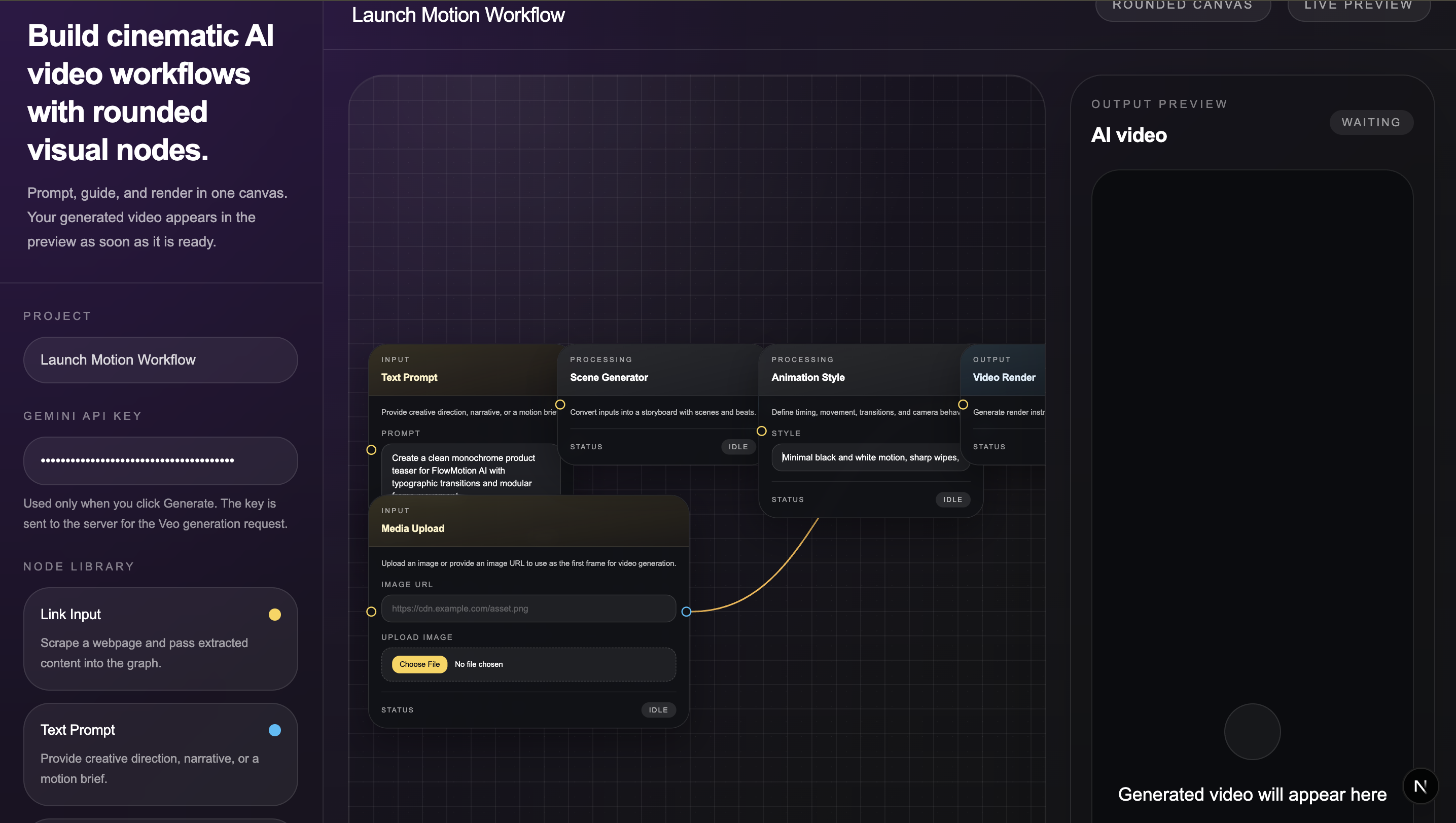
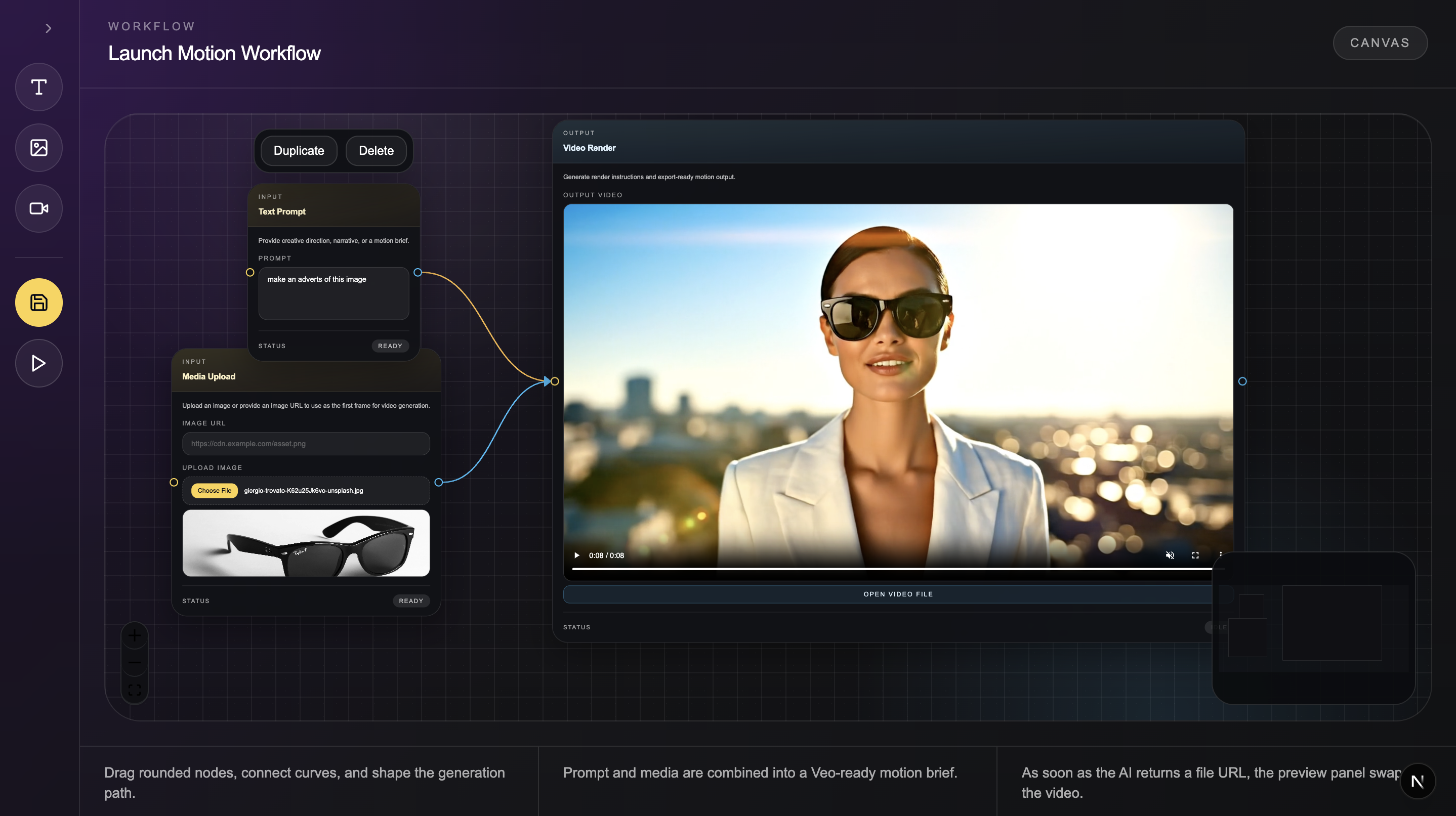
Launches Motion Workflows: The platform provides a digital canvas where users can design and launch custom motion sequences by connecting different functional nodes.
Visual Node Editing: It uses a "Node Library" (including Text Prompt and Media Upload nodes) that allows users to visually map out how their video assets should be generated.
AI-Driven Asset Generation: It leverages the Gemini API to process text instructions and generate the underlying assets for the motion graphics.
High-Fidelity Video Rendering: By integrating Google’s Veo model, the platform converts these prompts and assets into professional-grade, high-fidelity videos.
Real-Time Review: A dedicated View/Review node allows users to preview the generated motion content directly within the canvas before finalization.
Workflow Management: Users can save their specialized workflows, duplicate nodes, and generate videos repeatedly with different parameters.
How we built it
We built the platform using a modern technical stack centered on Next.js and TypeScript for a robust, type-safe development experience.
Core Logic: The "Launch Motion Workflow" engine uses a node-based library where users can link Text Prompts and Media Uploads to a View/Review node for generation.
AI Integration: We utilized the Gemini API for asset generation and Veo for rendering high-quality video content.
Styling: The interface was built with Tailwind CSS, featuring a "dark mode" aesthetic for a professional, focused workspace.
Challenges we ran into
One of the primary technical hurdles was architecting a node-based logic that ensured data flowed seamlessly between different AI models while maintaining a low-latency user experience. Integrating manual media uploads with dynamic AI prompts required extensive testing to keep the output consistent with the user's creative vision.
Beyond the architecture, a significant challenge was managing the limited time in video generation. Because high-fidelity AI video rendering via models like Veo is computationally intensive, we had to optimize our "Launch Motion Workflow" to ensure users weren't left waiting indefinitely for a preview. Balancing the desire for professional-grade, 30-second clips with the constraints of real-time processing required us to implement efficient state management and clever UI feedback within the canvas interface.
Accomplishments that we're proud of
We are proud of creating an intuitive, "dark mode" canvas UI that makes complex AI-driven motion workflows accessible and visually manageable.
We successfully solved the technical challenge of piping data between multiple AI models while maintaining a clean, responsive user experience.
We took a vision for automated motion graphics and turned it into a tangible tool capable of generating professional-grade video assets from simple user inputs.
Our work demonstrates the potential of multimodal AI to revolutionize how creators and SaaS developers approach video production.
What we learned
Throughout this journey, we deepened our understanding of multimodal AI workflows and the complexities of automated video rendering. We also learned the importance of intuitive UI design in making advanced technical tools—like generative AI—accessible to non-technical creators.
What's next for Flowmotion
Moving forward, we plan to expand the capabilities of FlowMotion AI by introducing more specialized nodes to the library, such as advanced audio-to-motion synchronization and real-time collaboration tools for project teams. We also intend to refine the integration with the Veo model to allow for longer video durations and more granular control over specific motion paths. Finally, our goal is to transition the platform into a full production-ready SaaS, providing seamless exports for professional video editing suites.


Log in or sign up for Devpost to join the conversation.