-
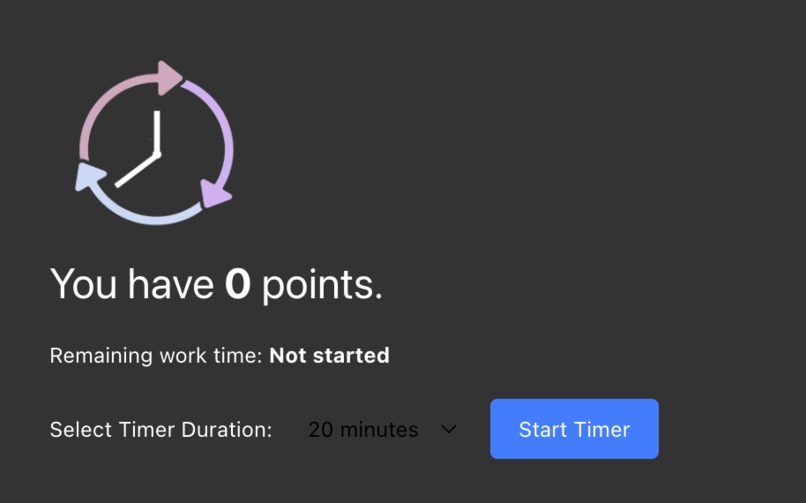
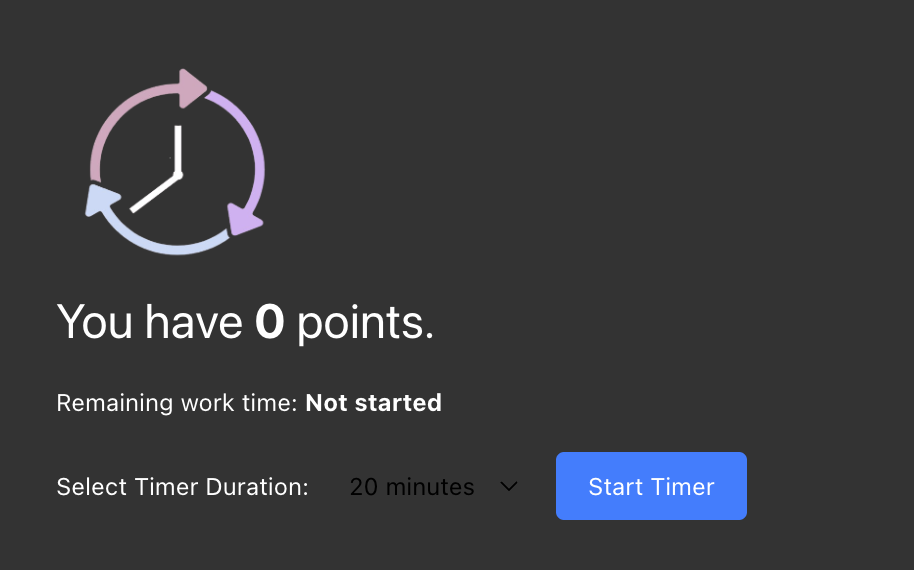
Productive mode, no timer set, new tab
-
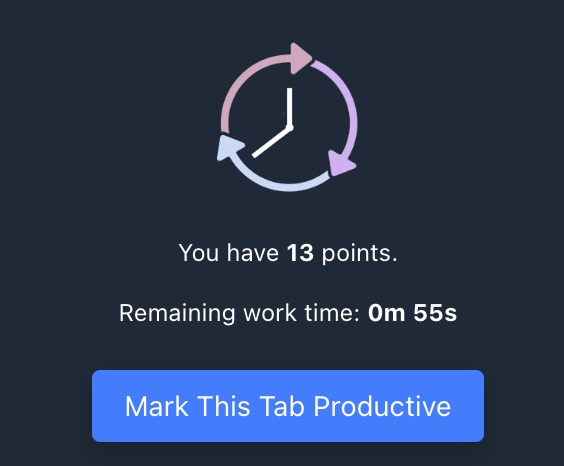
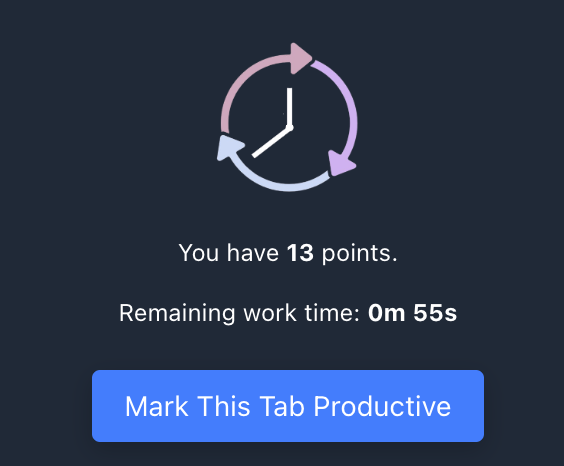
Productive mode, timer set, browser extension
-
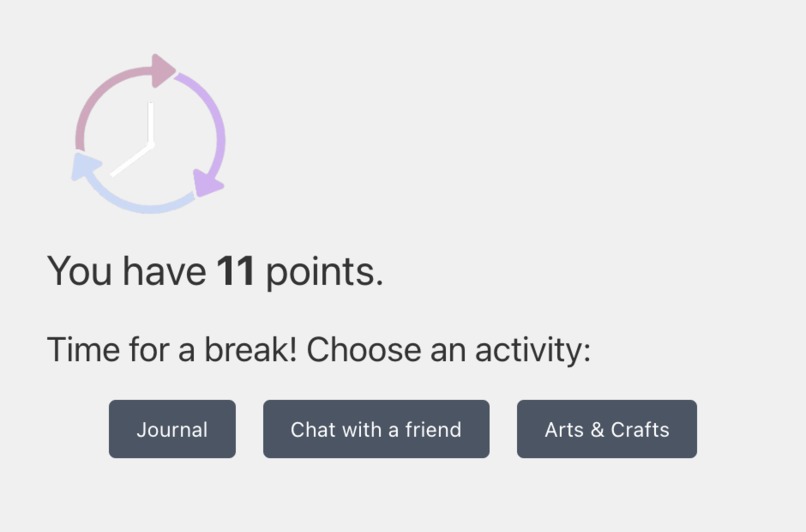
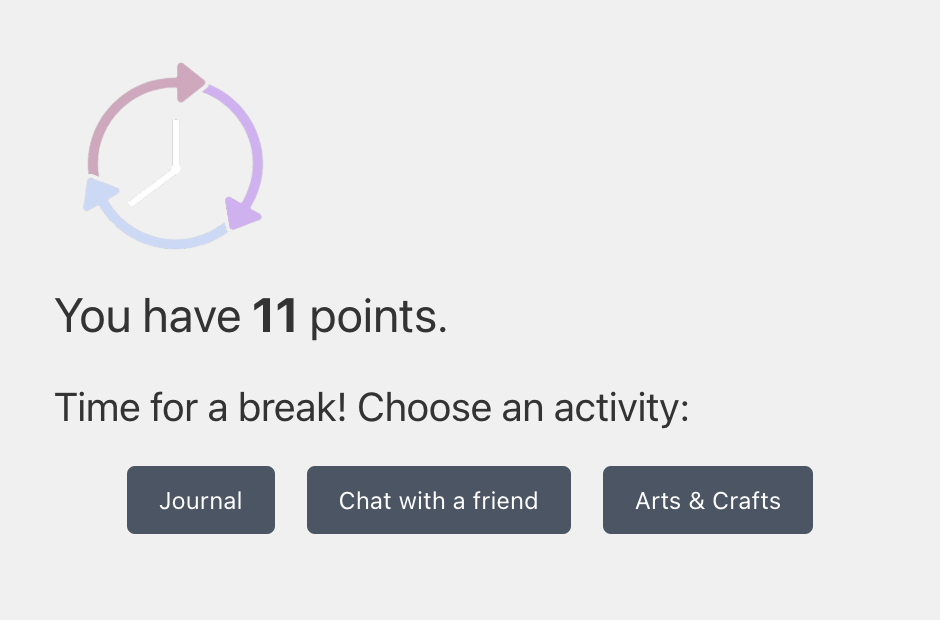
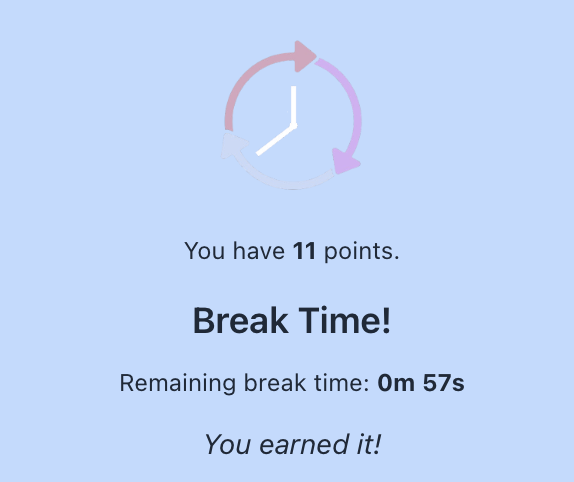
Break mode, no timer set, new tab
-
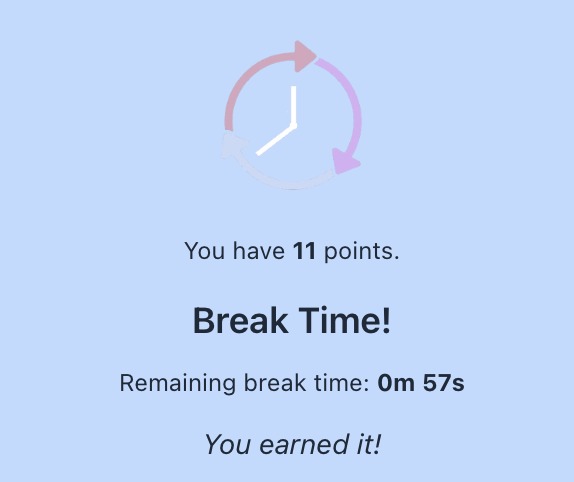
Break mode, timer set, browser extension
-
Inspiration
As students who have experienced burnout, stress, and anxiety related to coursework and deadlines, we wanted to design something that guided us through our work using positive reinforcement. Additionally, we wanted something that would motivate us to study by making it fun. We thought about video games and how they encourage players to keep playing through point and level systems. Inspired by this concept, we decided to “gameify” studying by awarding students points for staying focused on the task at hand. However, we also found some research that discussed how taking breaks can actually enhance performance. Thus, we decided to take this a step further and reward breaks as well. This way, the extension encourages students to rest as well as study.
What it does
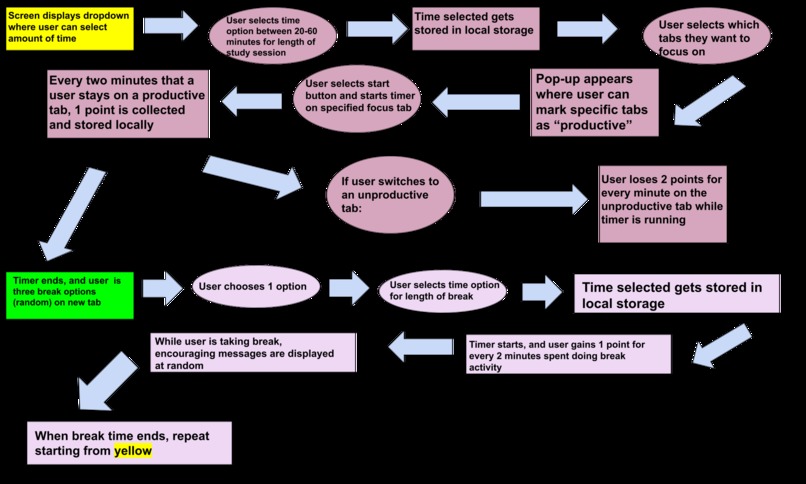
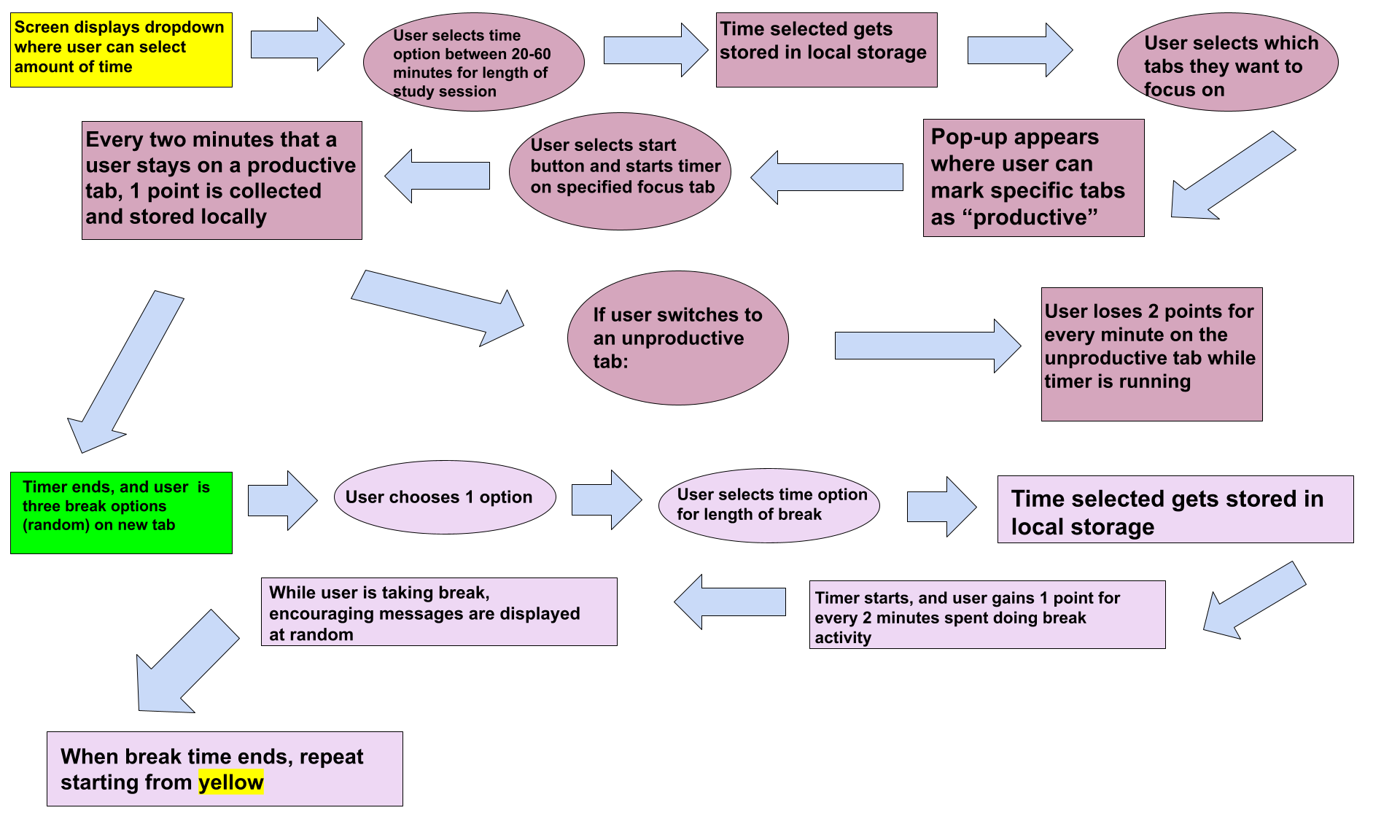
The extension begins by prompting the user to select a study session length, ranging from 20 to 60 minutes. The chosen time is stored locally, and users then select which open browser tabs count as “productive.” Once the timer starts, the user earns 1 point for every 2 minutes spent on a productive tab, but loses 2 points per minute if they switch to an unproductive one. After the study timer ends, a pop-up offers three randomly selected break options. The user picks one and sets a break duration between 10 and 30 minutes. During the break, they continue earning points every two minutes and receive encouraging messages. Once the break ends, the cycle restarts, promoting a balanced workflow of focus and rest.
How we built it
For our tech stack, we used a React Framework for making chrome and firefox extensions. This framework had built-in templates and routing mechanisms that, when the extension was enabled, would display pages when a new tab was opened, and a popup when the extension was selected from the extension button on a tab. After designing the implementation of the extension, we used the framework and its utilities, and we were able to create logic for what the extension did when these actions occurred. We had certain tasks, like the logic for detecting when a new tab was opened or the points system run in a background script. Additionally, we used local storage to store the user’s points, since this was a quick and easy way to access all of the data we needed for the extension. Additionally, this enabled us to extract and use this data anywhere.
Challenges we ran into
As a team, we initially had limited experience with both JavaScript and CSS, so one of our first major challenges was learning how to read, understand, and write code in these languages effectively. This involved not only understanding syntax and structure but also learning how to apply them in a real-world context. On top of that, we had to figure out how to develop and structure a browser extension from scratch, which was entirely new territory for us. To make things more difficult, we encountered a major setback when we almost lost all our project files due to issues with GitHub. This forced us to quickly learn how to properly navigate version control, manage repositories, and collaborate more reliably through GitHub’s tools and workflows. These challenges, while difficult, significantly improved our technical skills and our ability to work together under pressure.
Accomplishments that we're proud of
One of our biggest accomplishments was building a fully functional browser extension from scratch, despite having basically no prior experience with the core technologies involved. We’re proud that we created a product that not only works across tabs but also integrates timers, point systems, and behavioral tracking in a meaningful and motivational way. We also successfully implemented local storage to preserve user preferences and progress between sessions, giving the extension a more personalized and seamless user experience. Another major achievement was overcoming technical and organizational challenges—especially during moments when we thought we had lost our entire codebase.
What we learned
We learned a ton about JavaScript and CSS, particularly how to structure and style responsive, interactive front-end elements. We also gained a solid understanding of how browser extensions work, including how to use APIs for tab detection, timers, and local storage. Additionally, we developed essential skills in version control using Git and GitHub, learning how to manage branches, resolve merge conflicts, and protect against data loss.
What's next for Flowly
Next, we can hopefully expand integration to other browsers, like Firefox and Edge. Additionally, we can start supporting text edit services like Google Docs, where we can track words counted rather than minutes worked. Additionally, we would like to potentially develop a more robust user interface.
Built With
- browser-extension
- chrome
- css
- javascript
- visual-studio

Log in or sign up for Devpost to join the conversation.