-
-
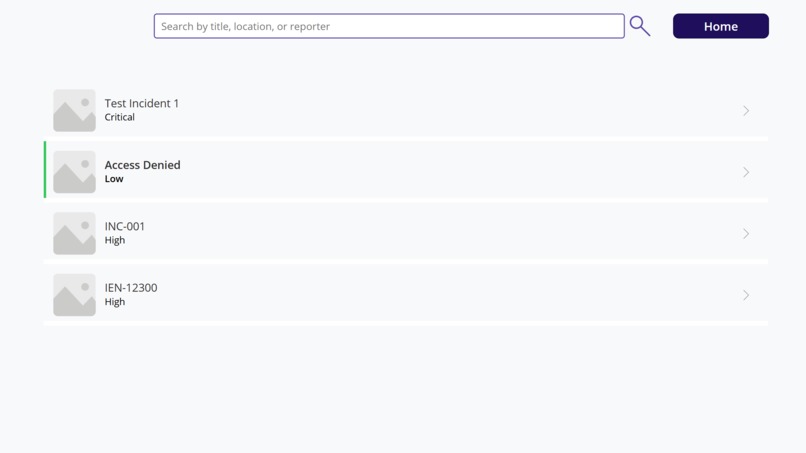
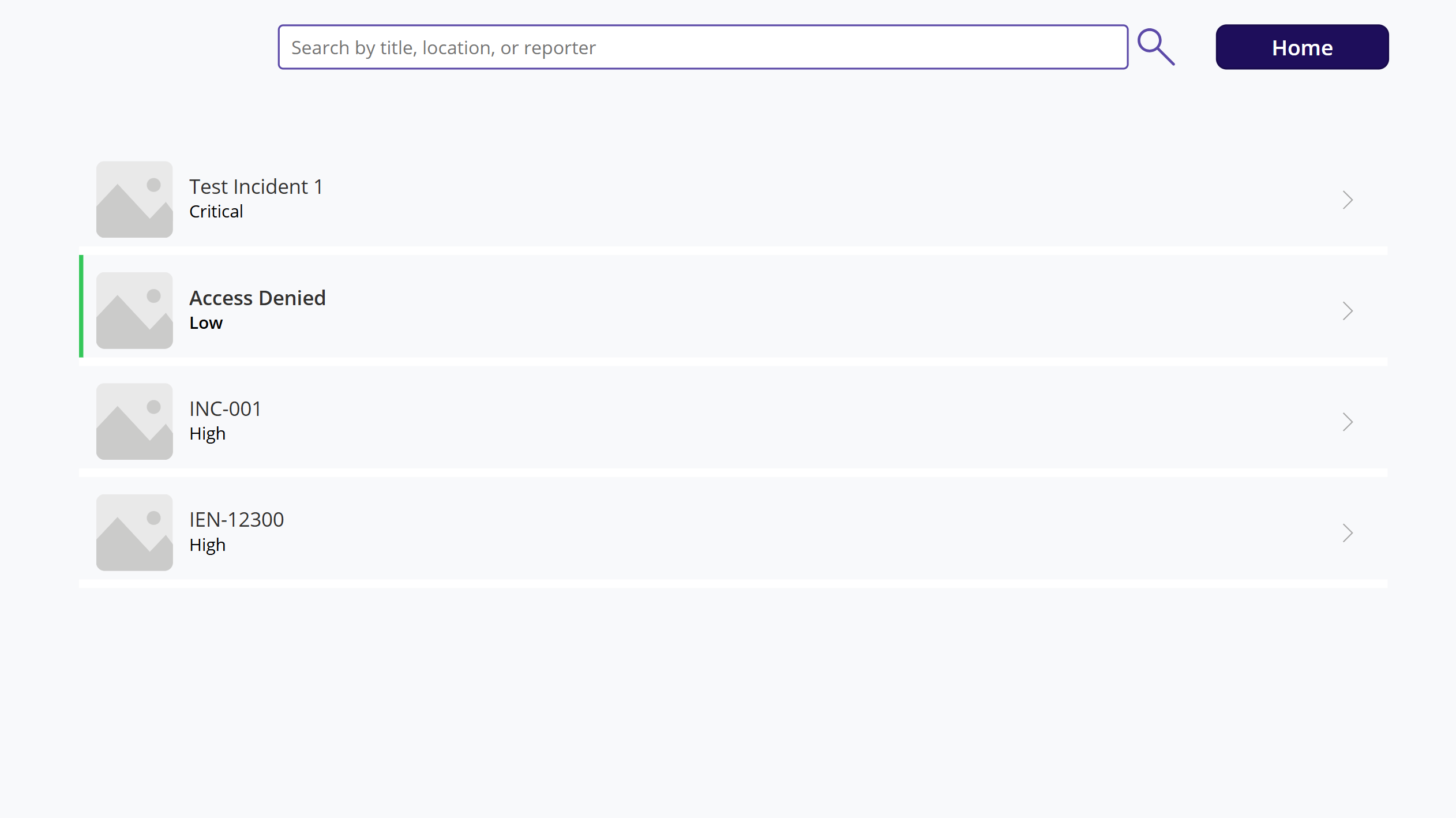
Tracking Incidents (Both Student and Staff, mainly Staff)
-
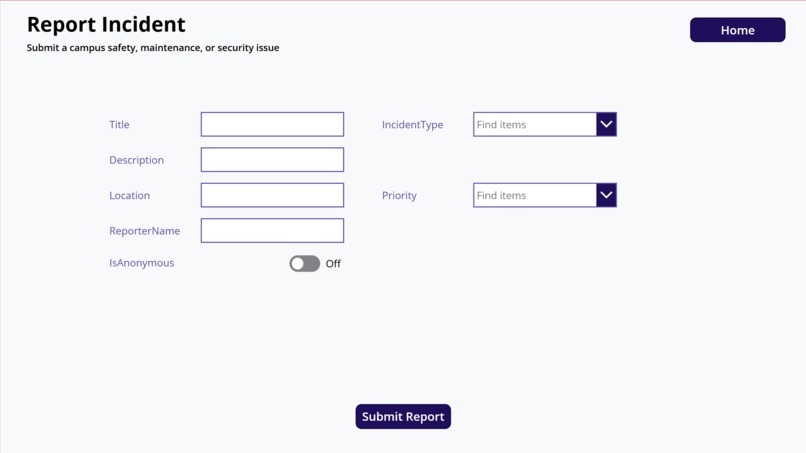
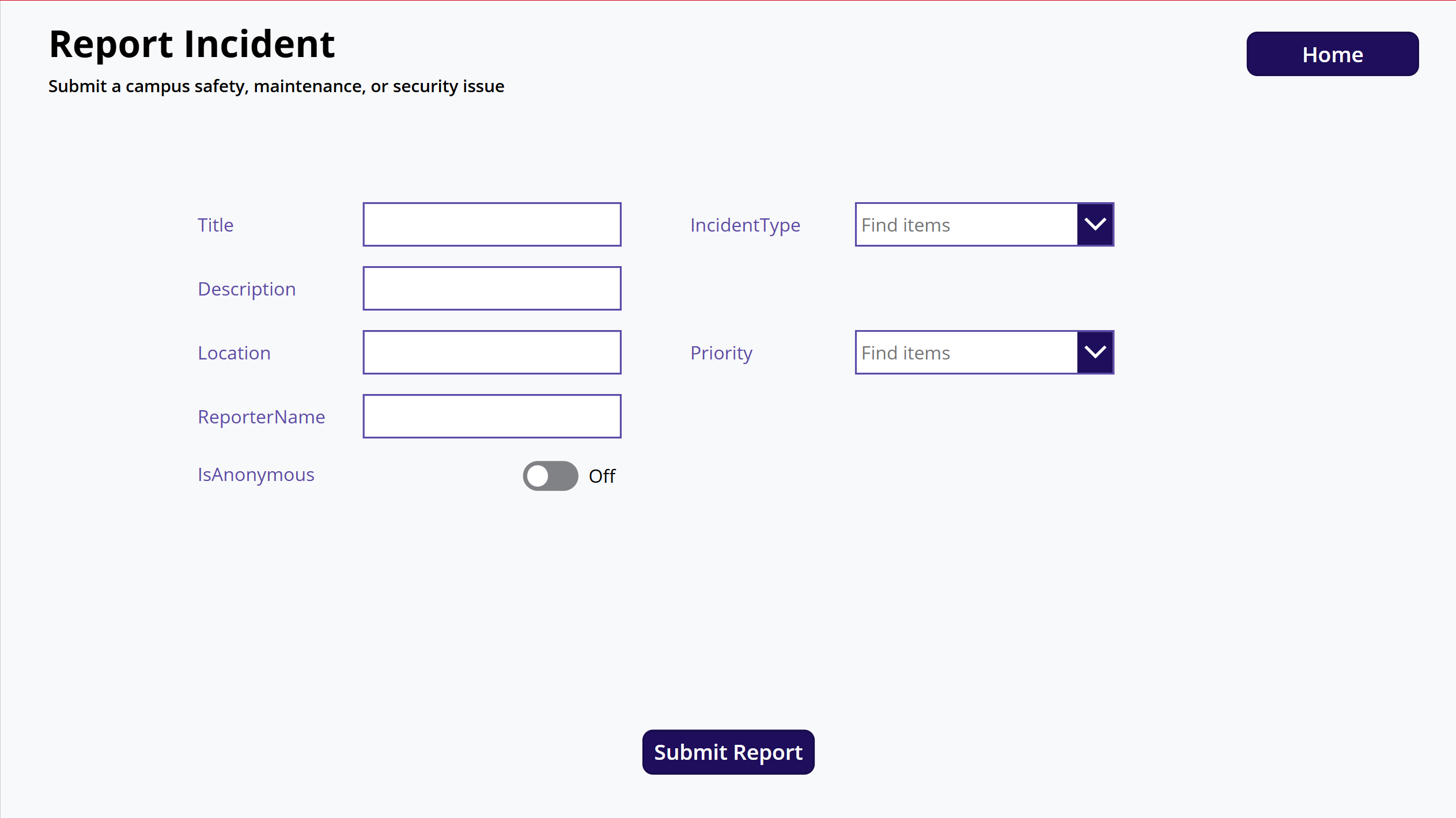
Report Incident
-
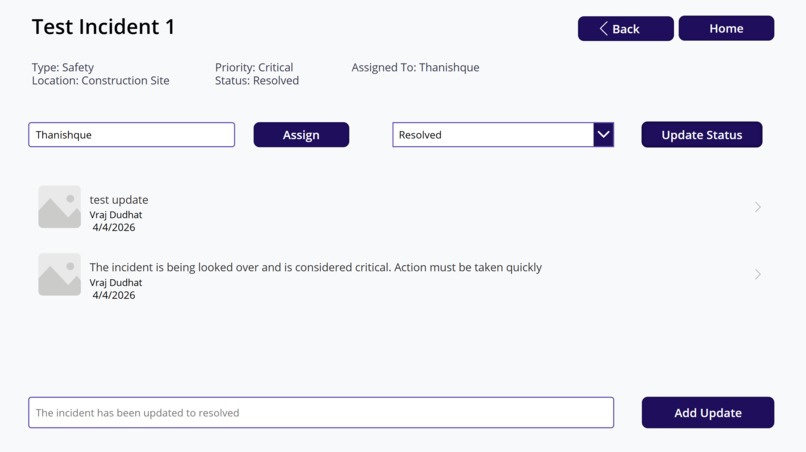
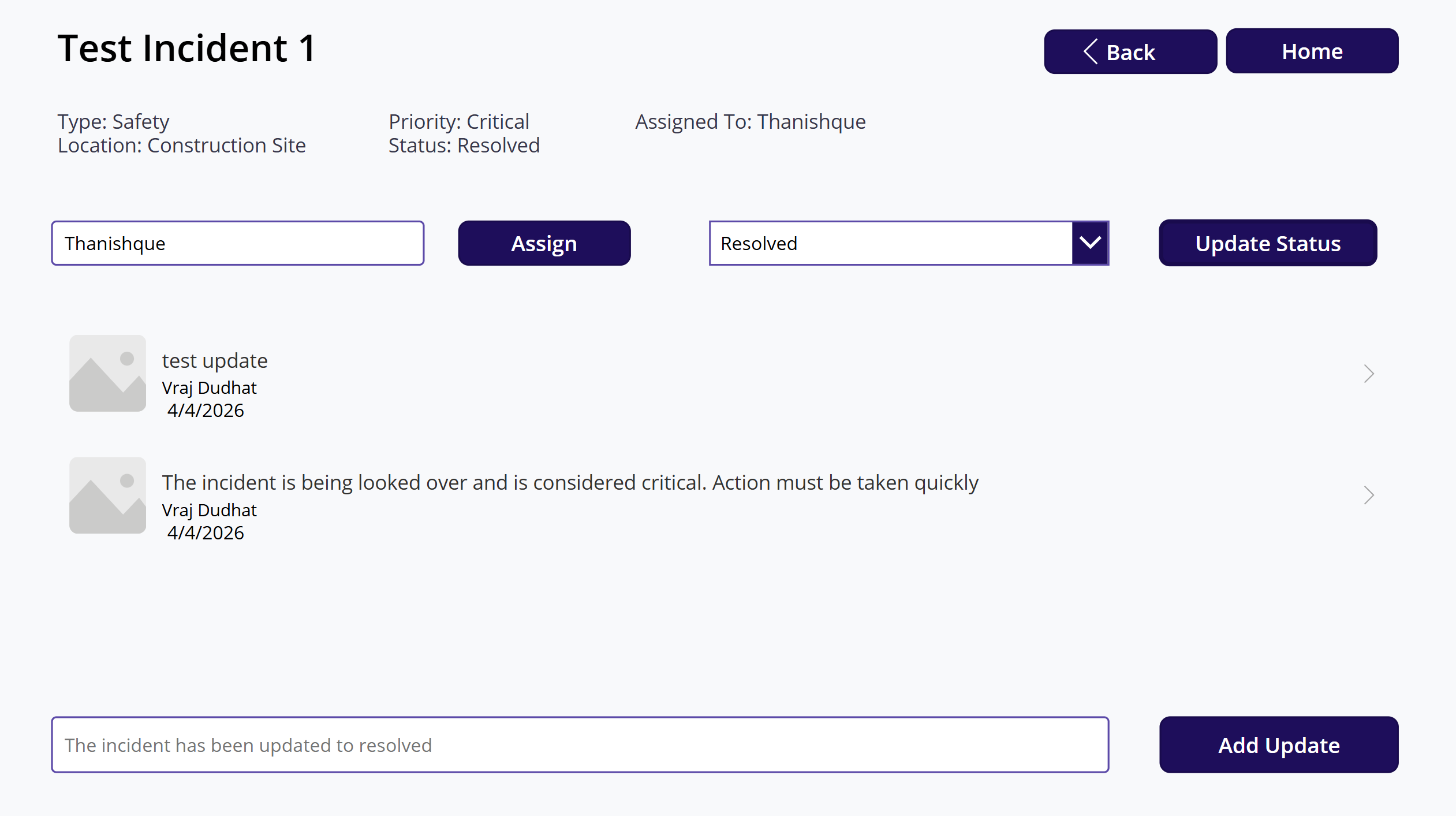
Updated information
-
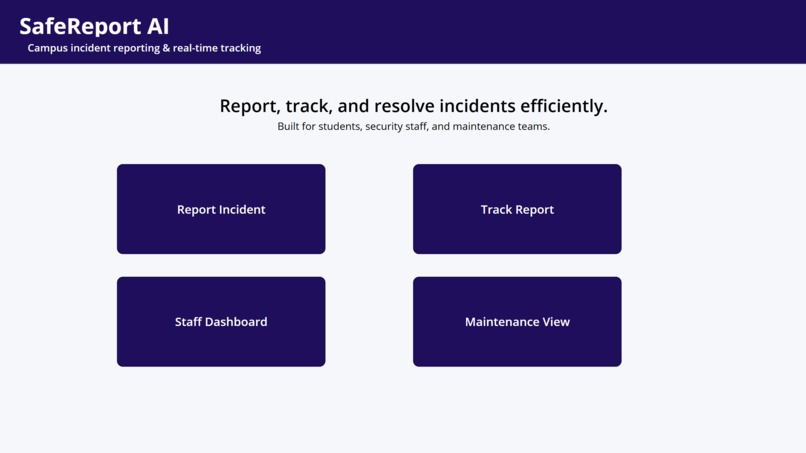
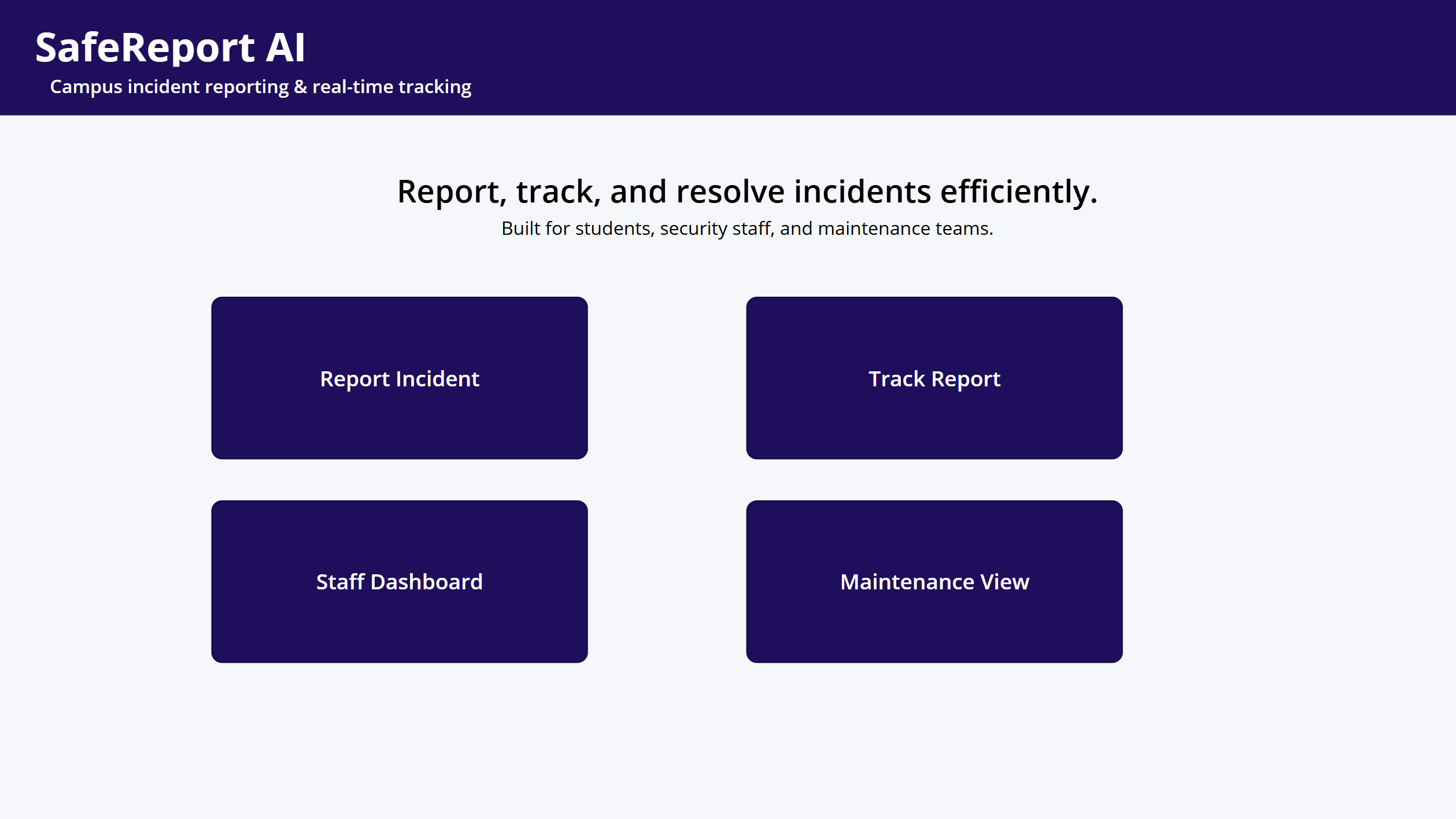
Homepage - Canvas
-
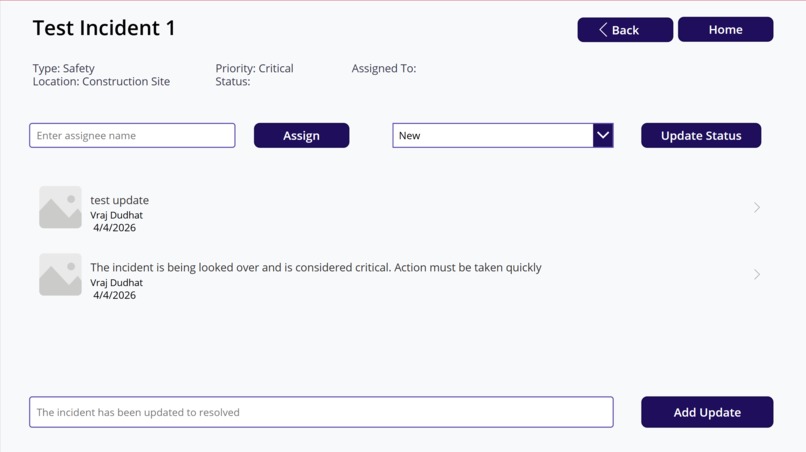
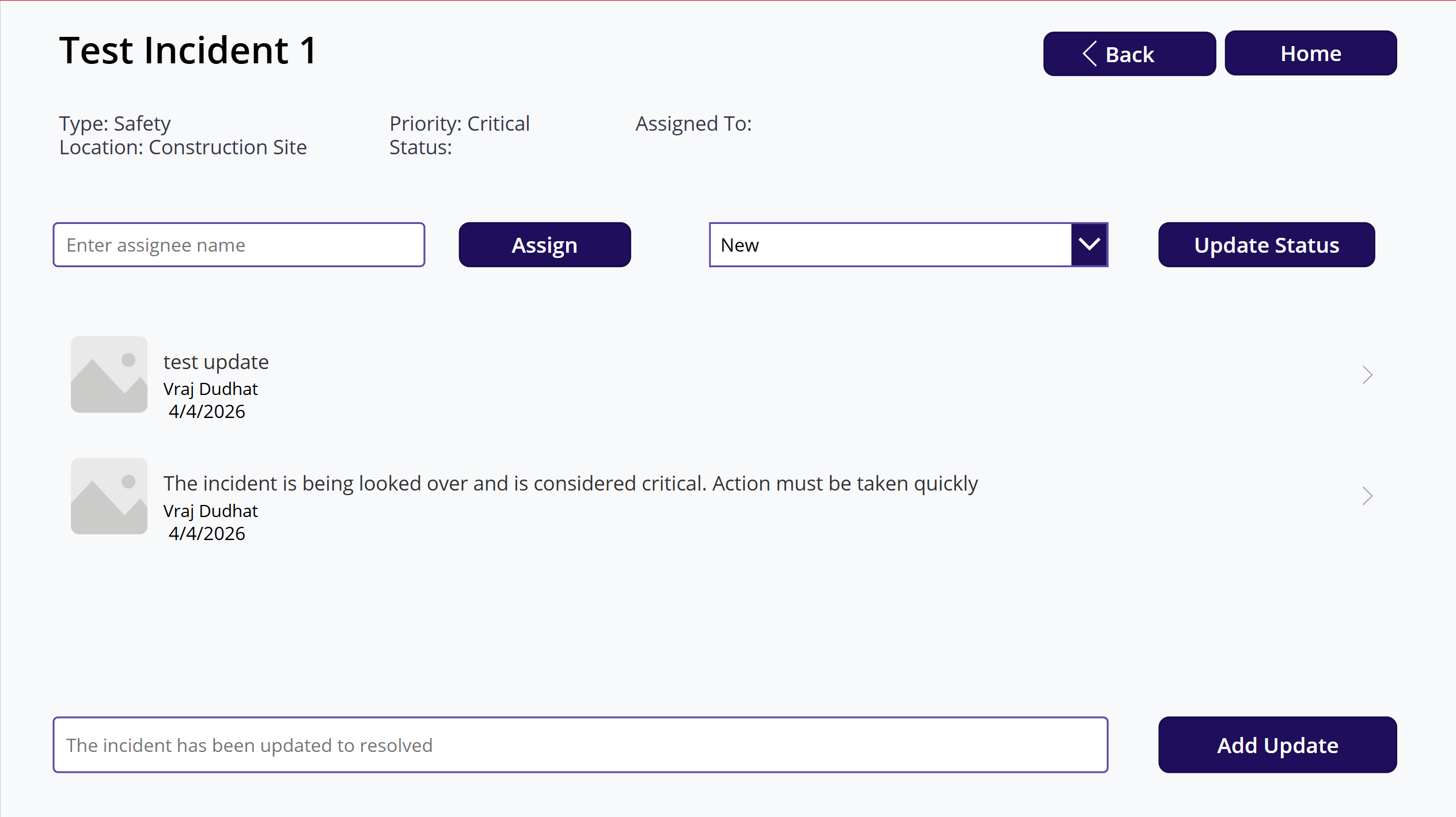
Details of the Incidents (Option to provide assignee and change status)
-
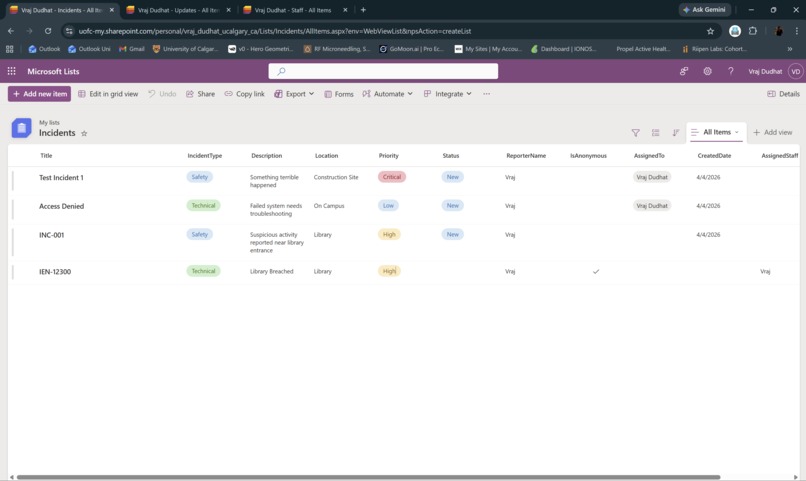
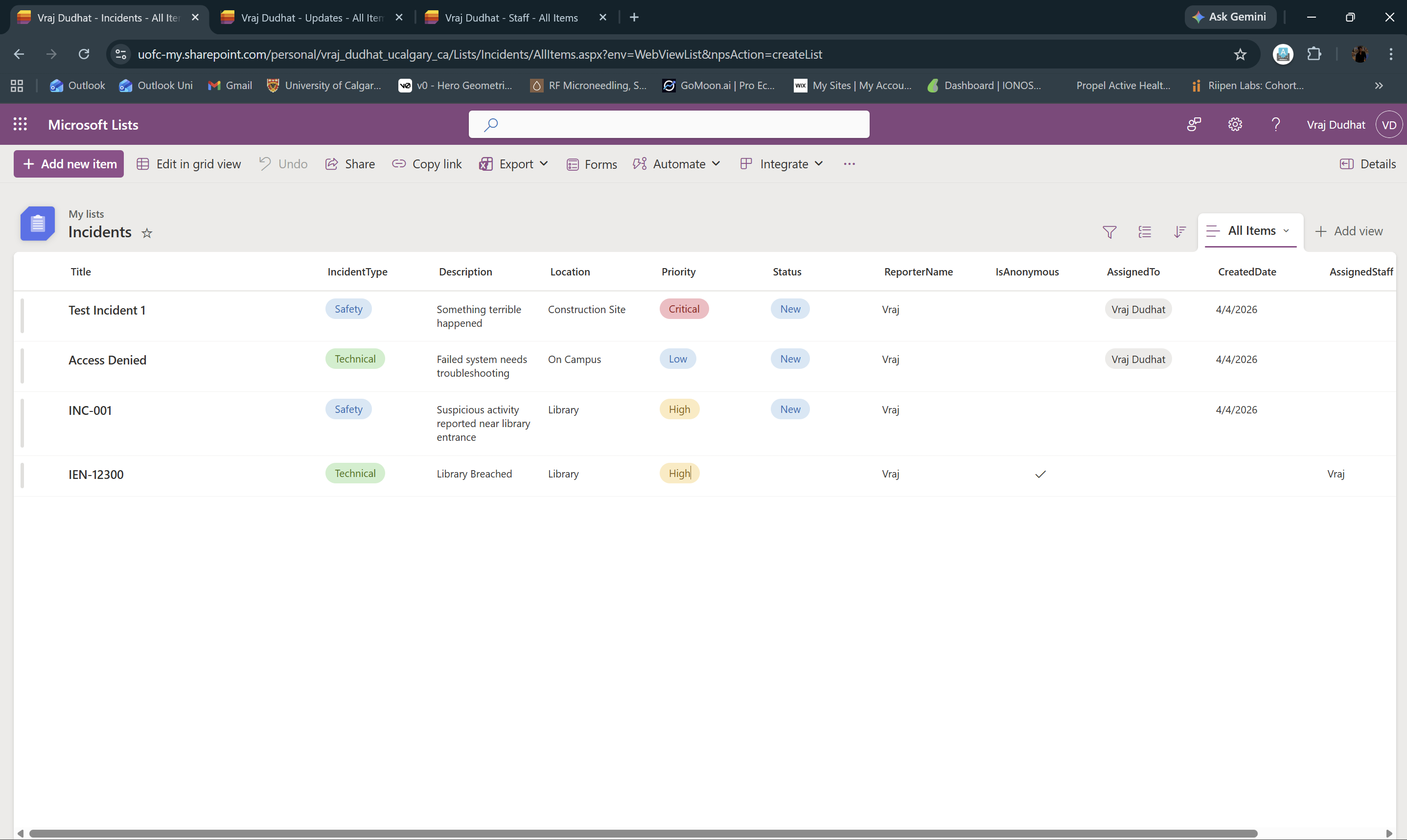
List 1 (Backend) - Sharepoint
-
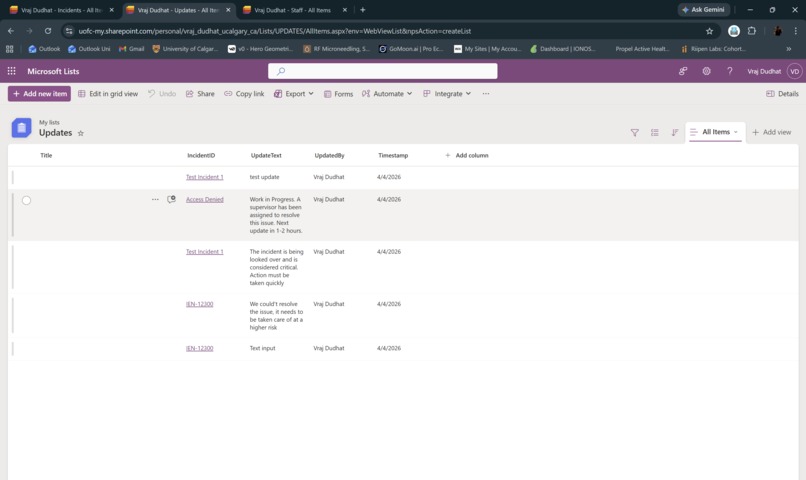
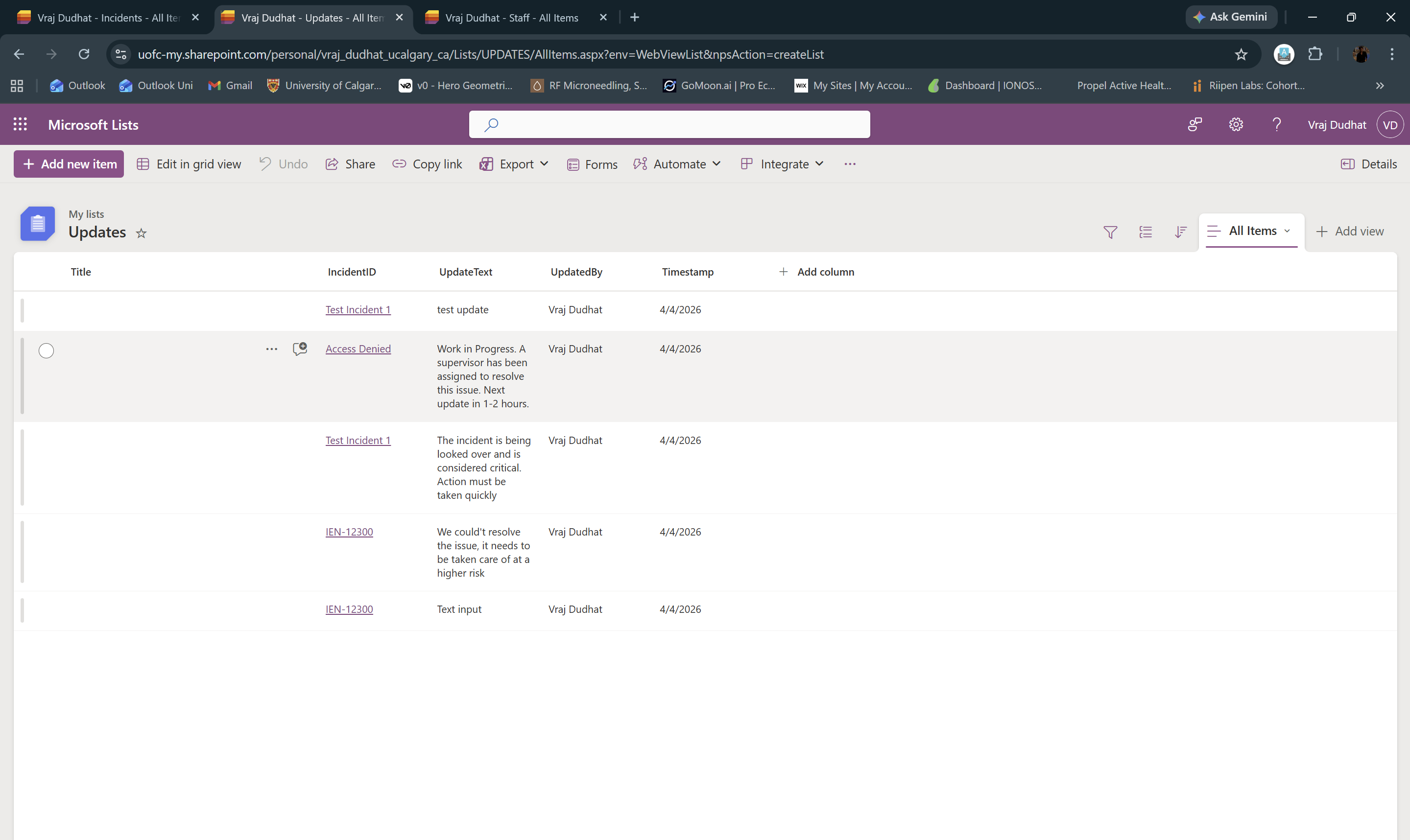
List 2 (Backend) - Sharepoint
Inspiration
Campus incident reporting is fragmented across emails, calls, and in-person reports, making it difficult to track issues, prioritize responses, and ensure accountability. I wanted to build a centralized system that brings everything into one place and enables real-time visibility into incidents.
What it does
This system allows students and staff to quickly report incidents, while enabling security teams to track, prioritize, assign, and resolve them efficiently. Each incident has a clear lifecycle, from submission to resolution, with real-time updates and status tracking.
How I built it
I built this using Microsoft Power Apps and SharePoint:
- Power Apps (Canvas App) for the user interface and interaction
- SharePoint Lists for storing incidents and updates
- Structured workflows to simulate assignment, status updates, and tracking
- A clean multi-screen experience including reporting, tracking, and detailed incident views
Challenges I ran into
This was my first time working with Power Apps, so understanding how data binding, patching, and state management worked took time. I focused on getting a complete end-to-end workflow functional under time constraints, even if some advanced integrations were simplified.
What’s next
With more time, I would extend this into a full production-ready system by adding:
- Role-based access for students, security staff, and maintenance teams
- Real-time notifications using Power Automate
- Advanced filtering and analytics dashboards to identify high-risk areas
- Integration with campus systems for automated escalation of critical incidents
The goal is to evolve this into a proactive incident intelligence system that improves response time, accountability, and campus safety overall.
Built With
- list
- microsoft-power-platform
- power-apps
- power-automate
- power-pages

Log in or sign up for Devpost to join the conversation.