-
-
-
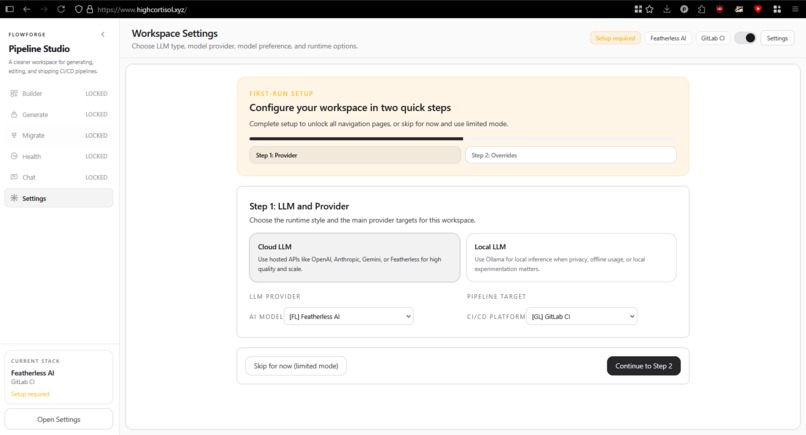
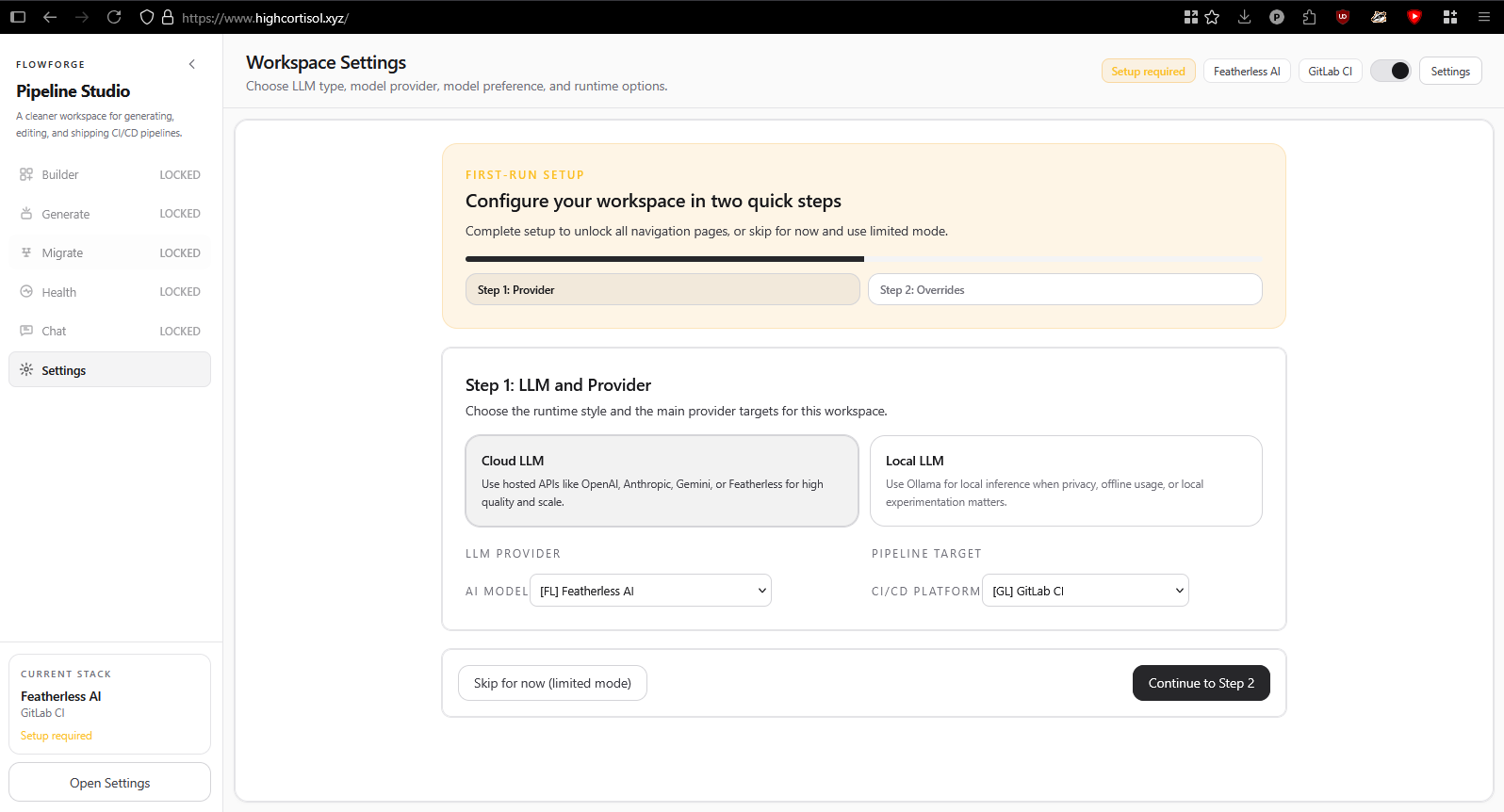
Setup Page during initial usage
-
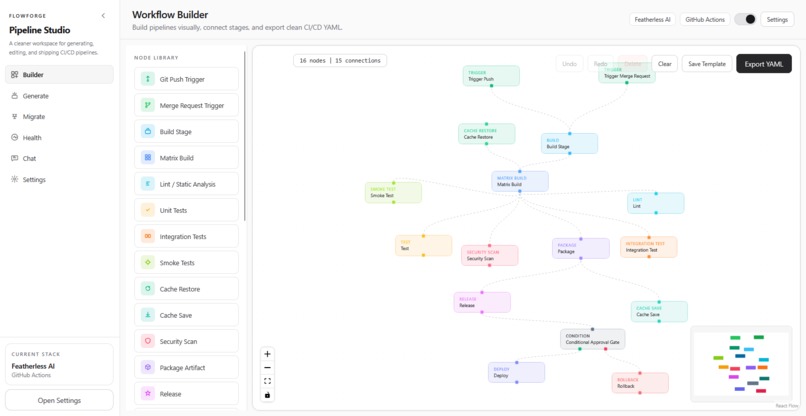
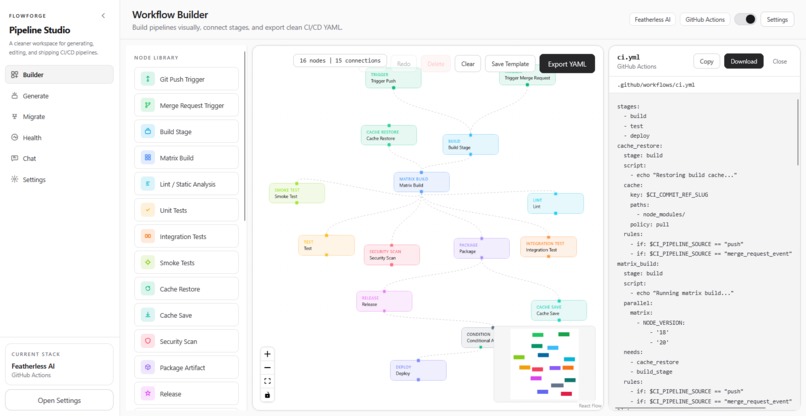
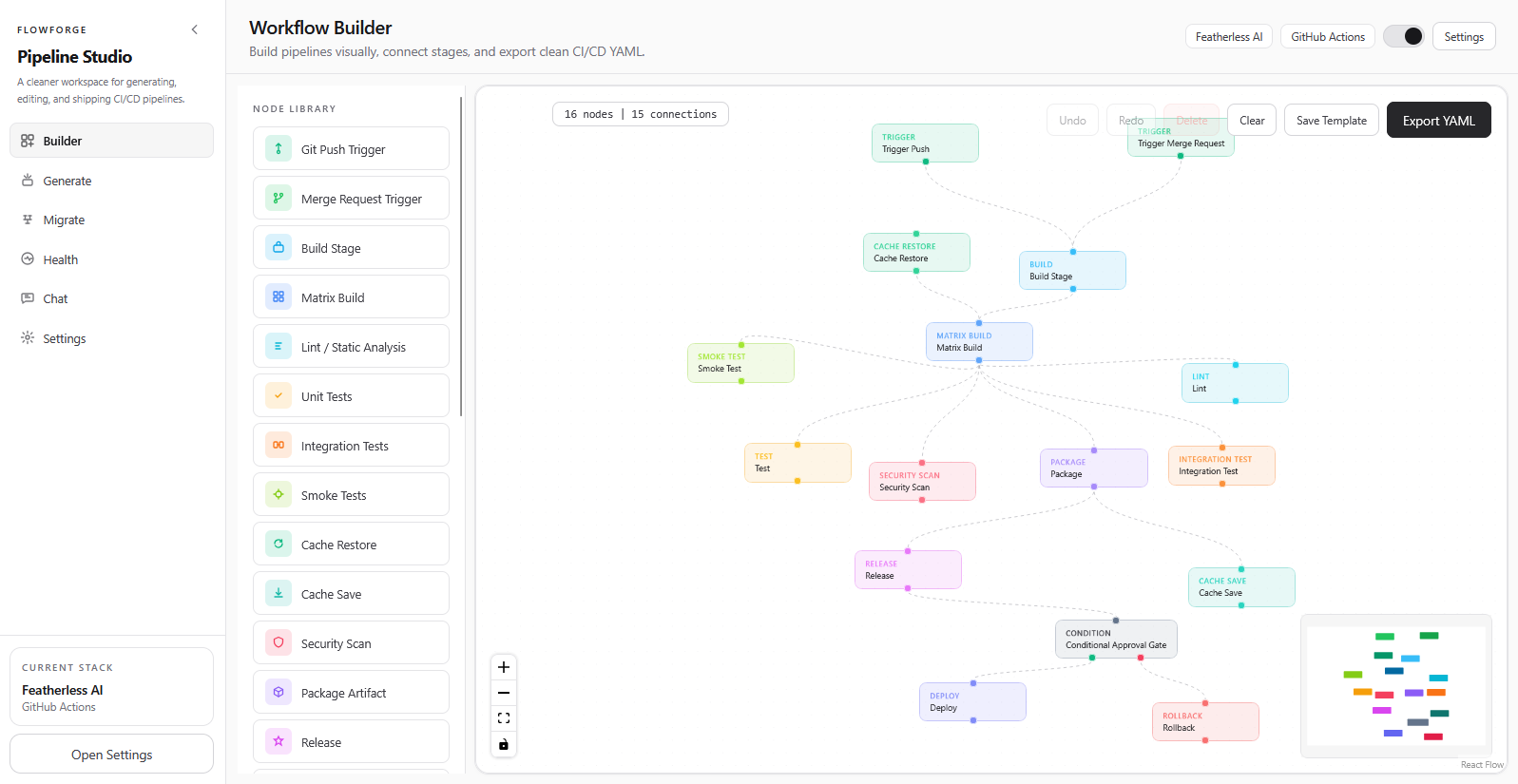
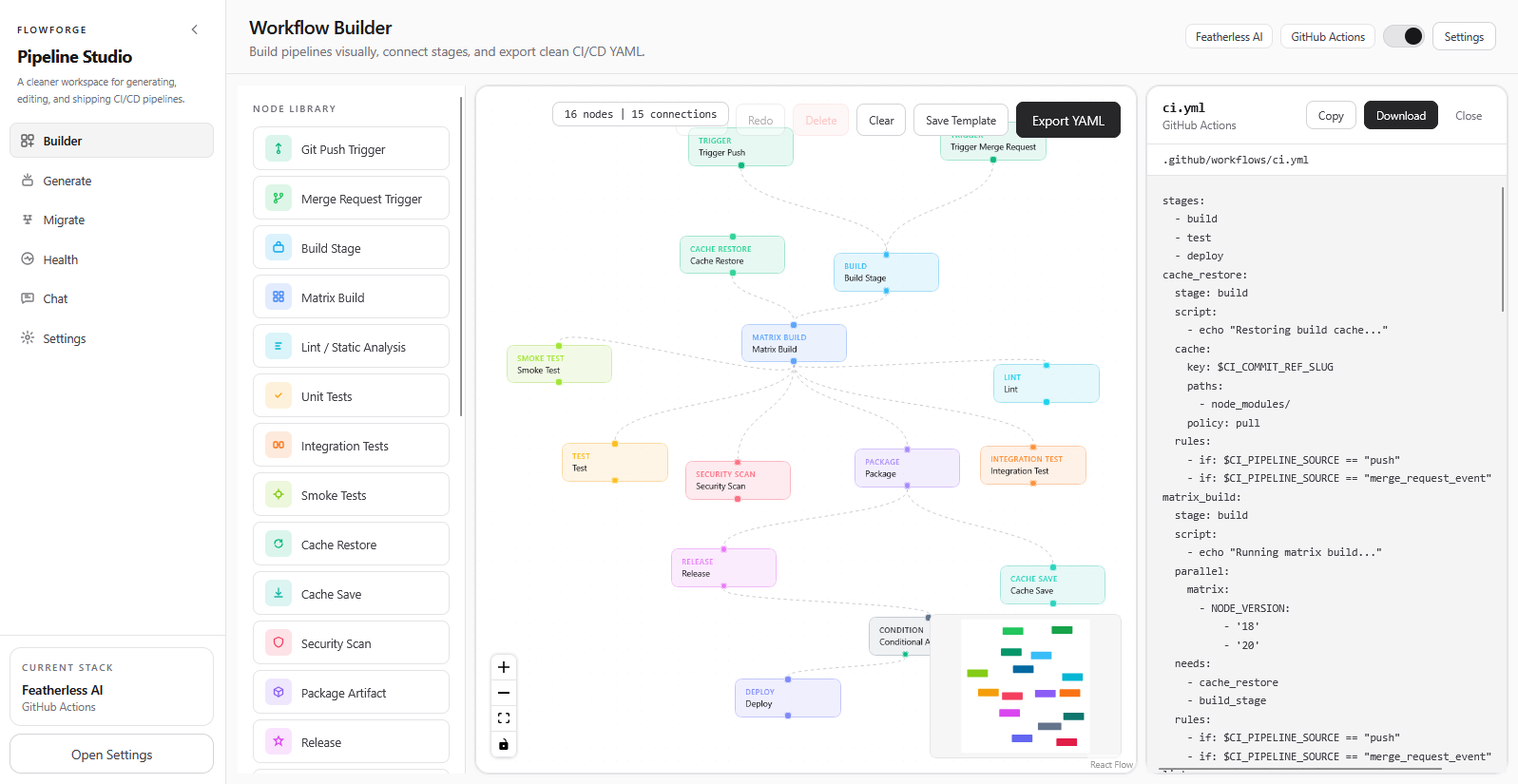
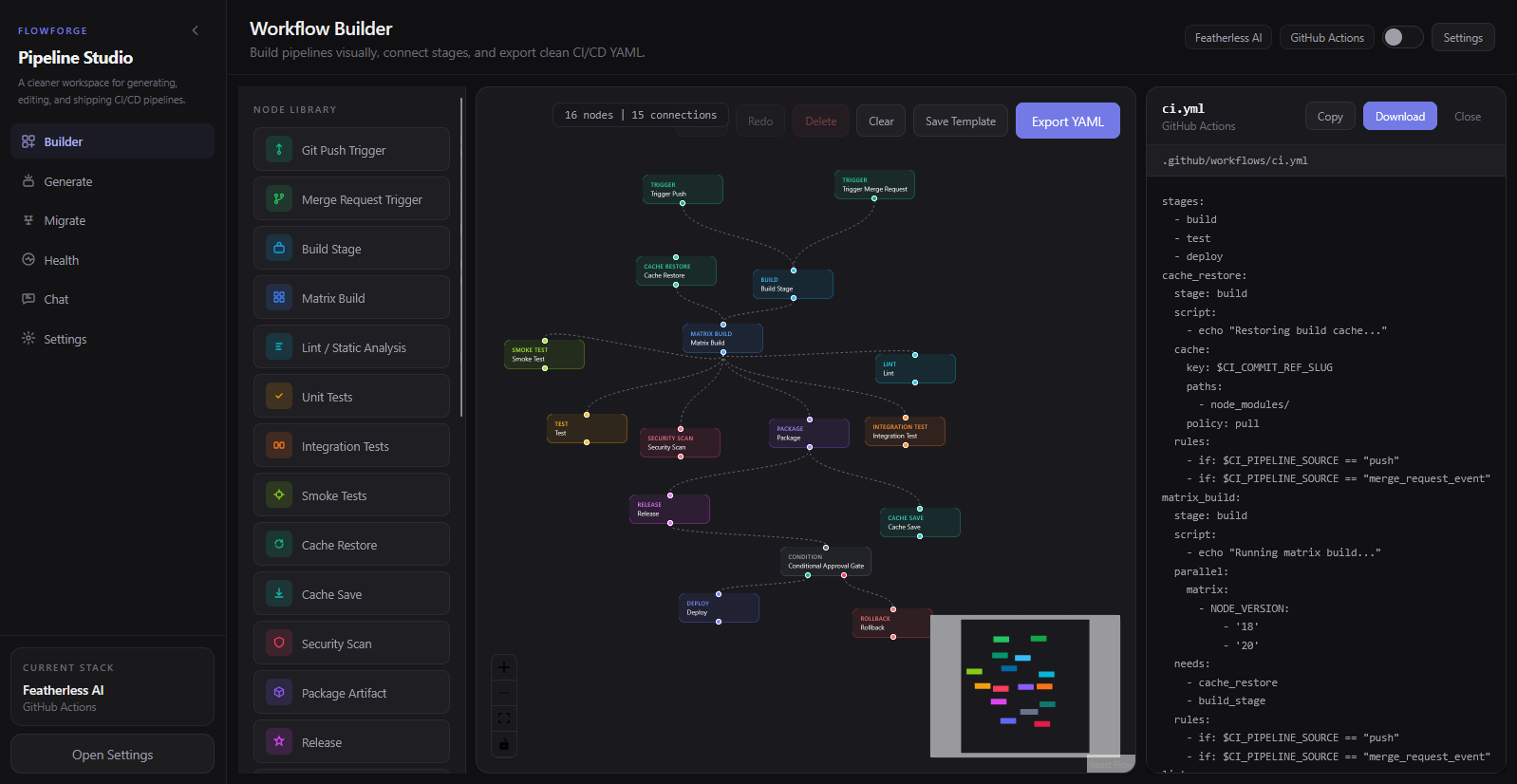
Front Builder Page
-
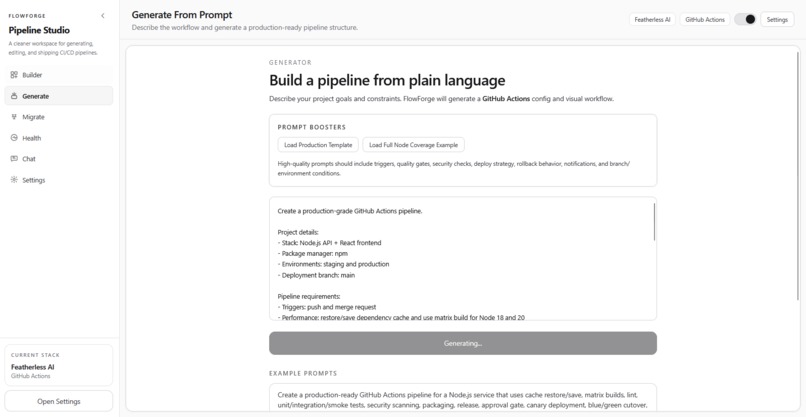
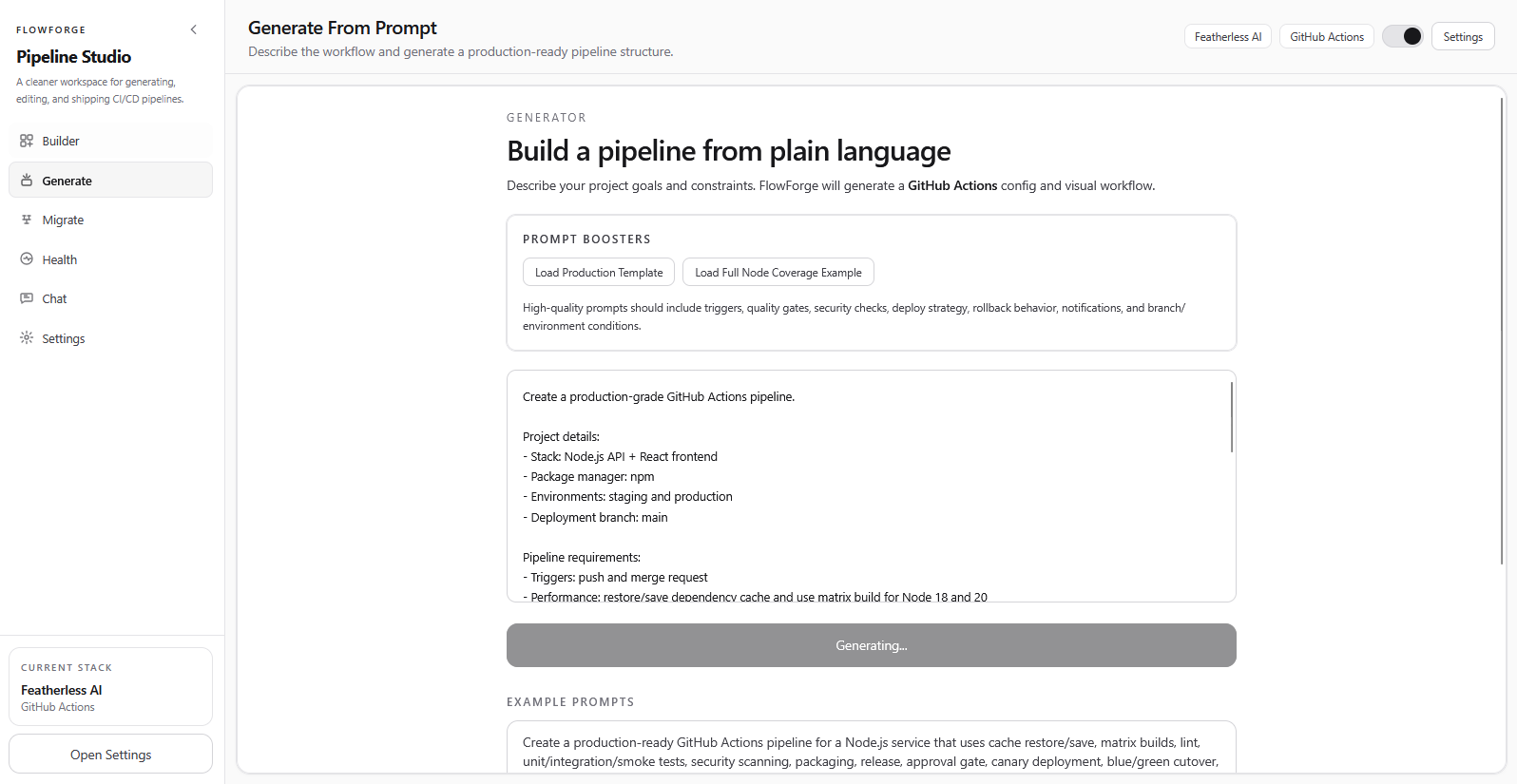
Pipeline Generator
-
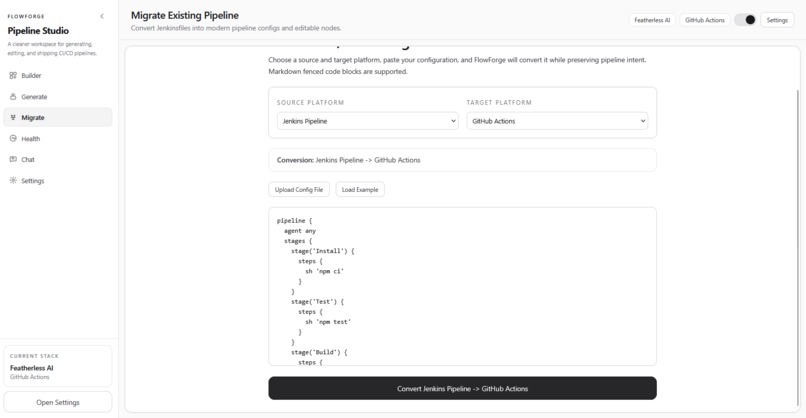
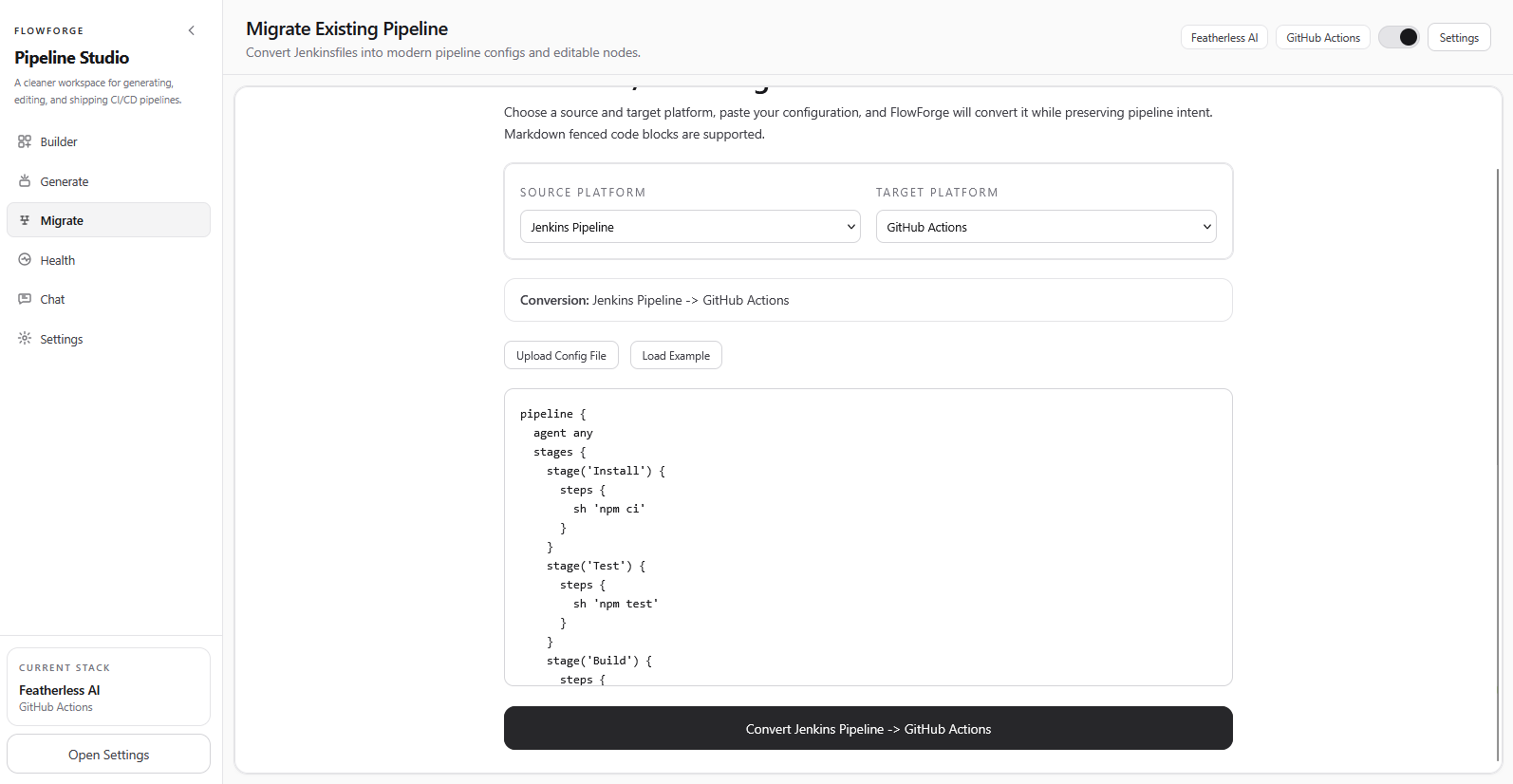
Pipeline Migrator
-
-
Chatbot with flowforgebot
-
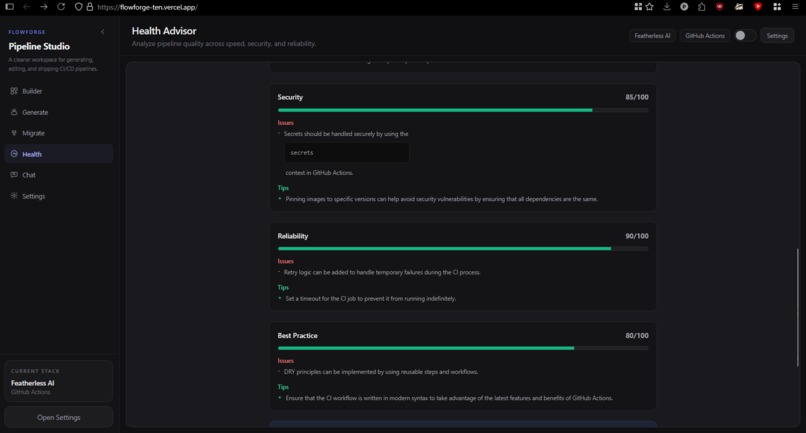
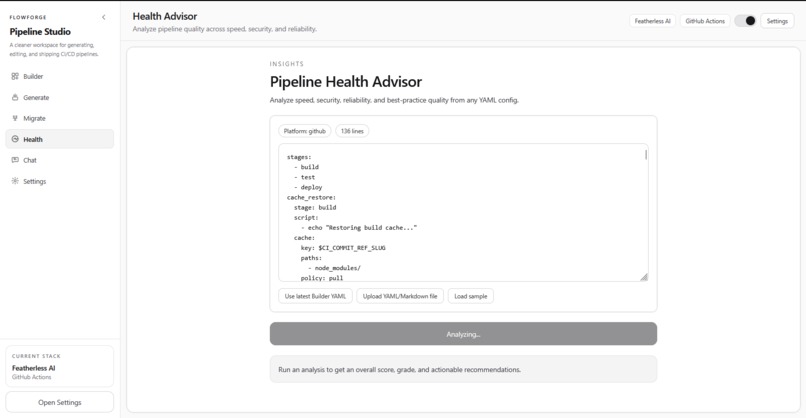
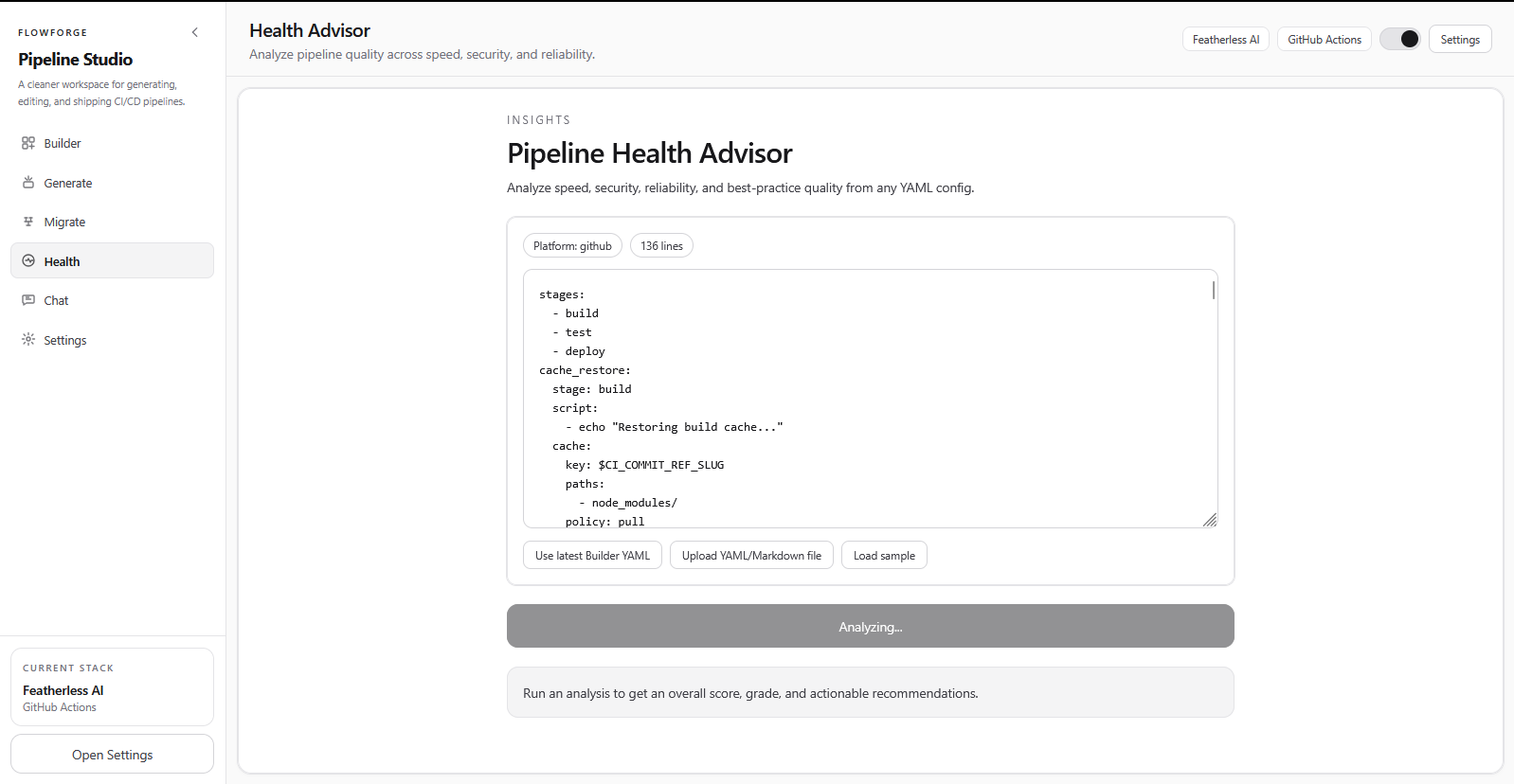
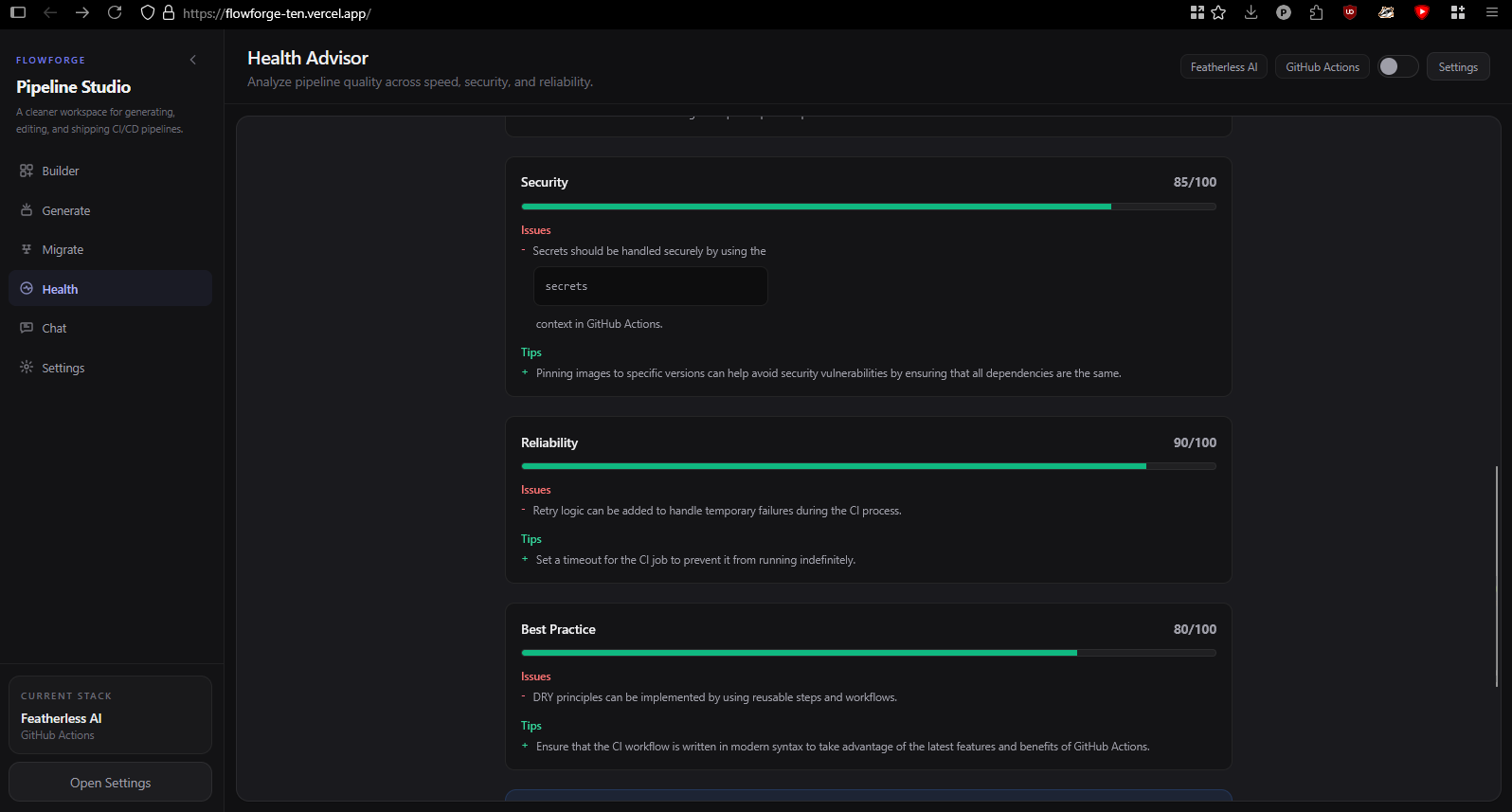
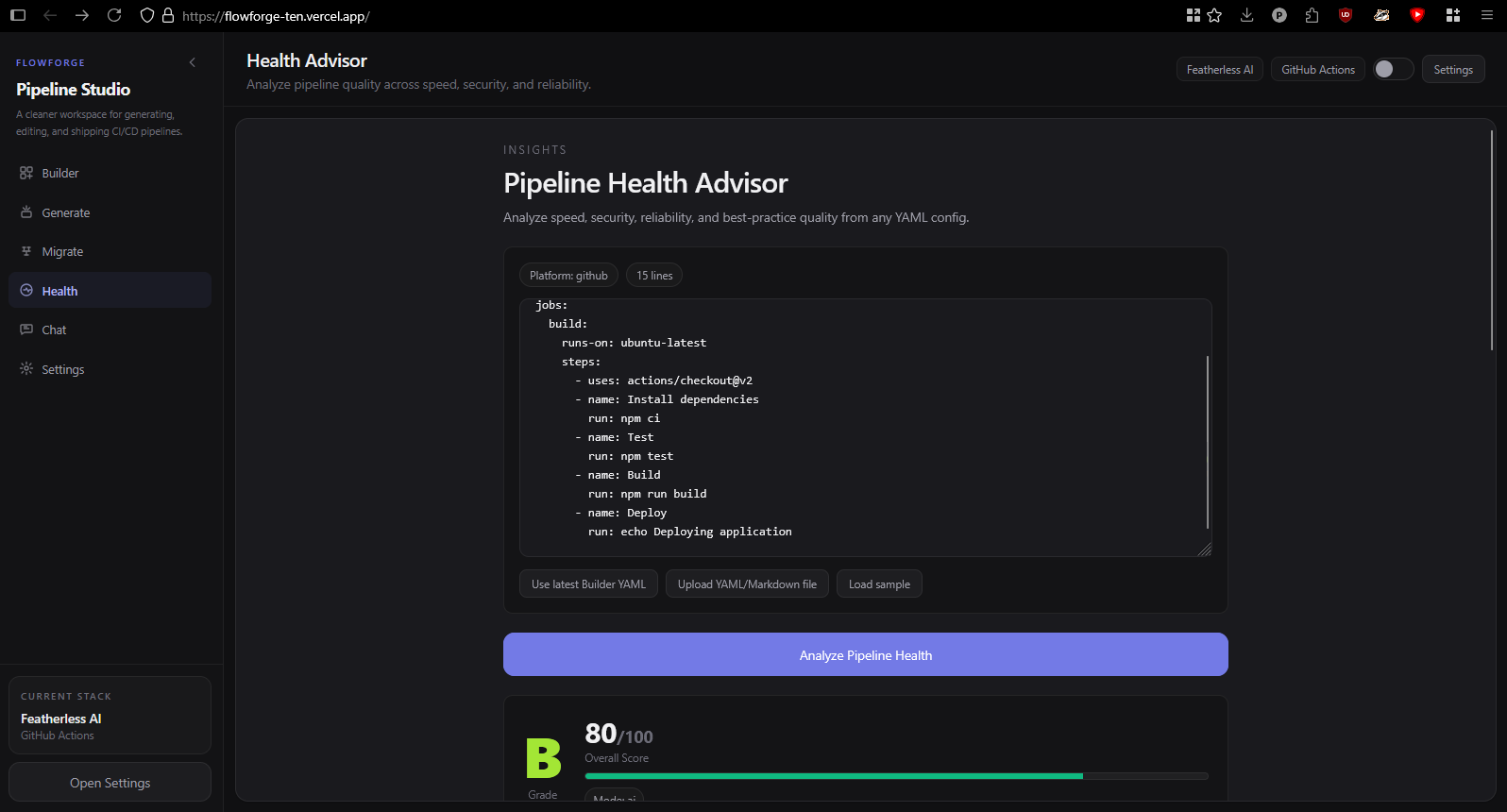
Darkmode, Pipeline Health
-
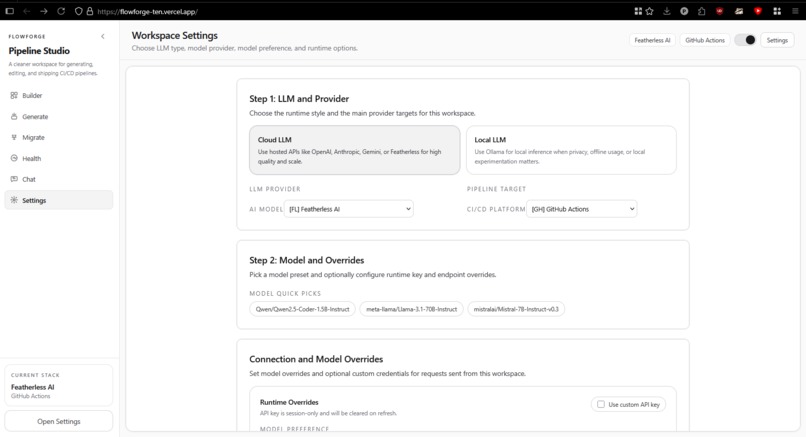
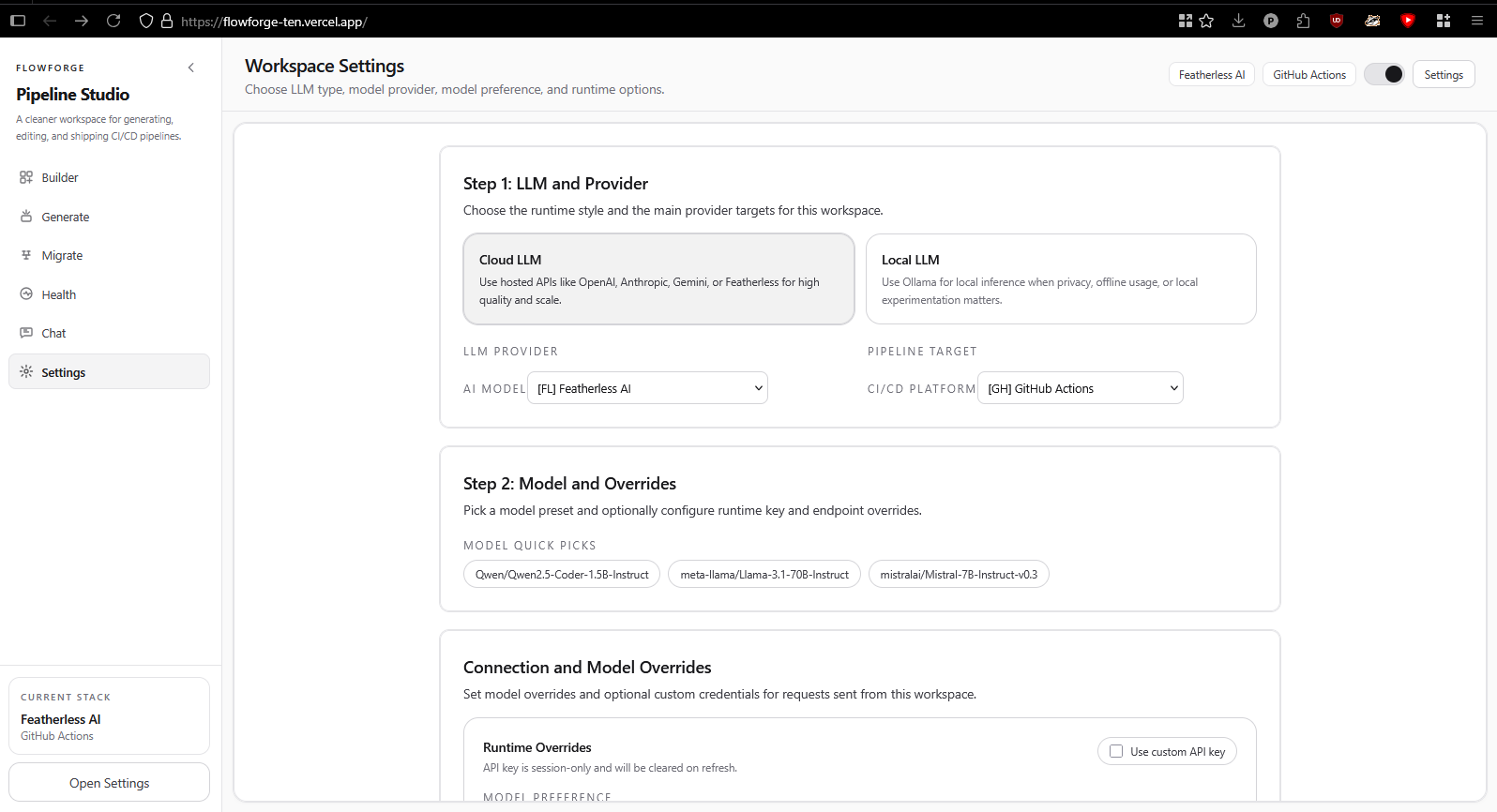
Setting Page
-
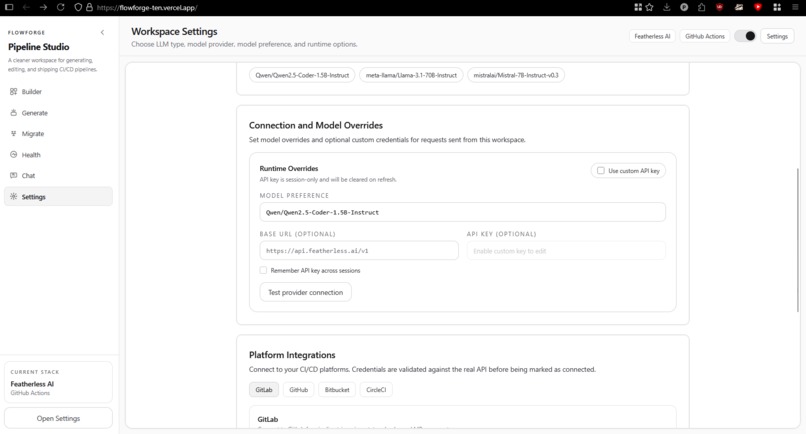
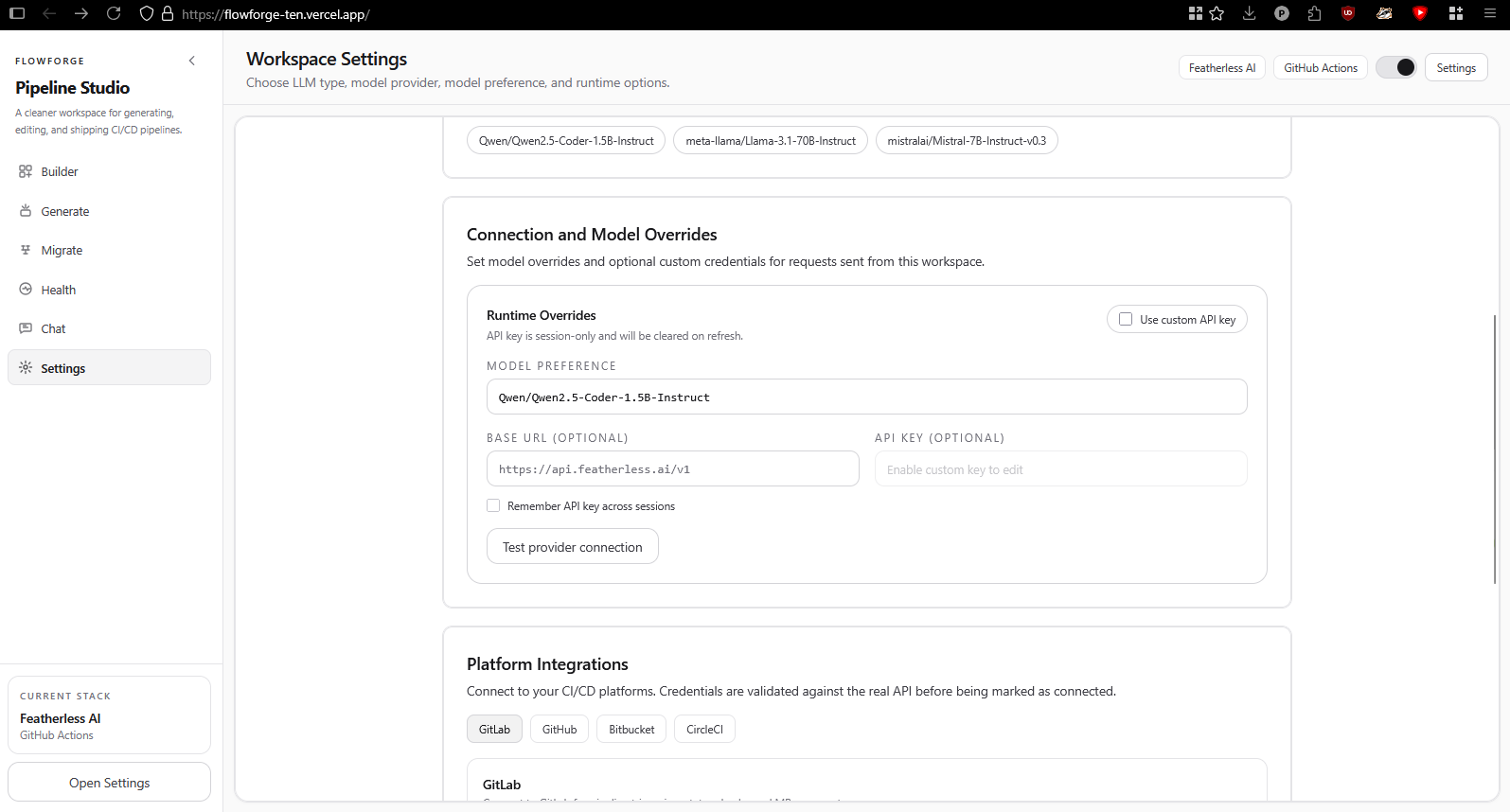
Settings Page Featherless Integration
-
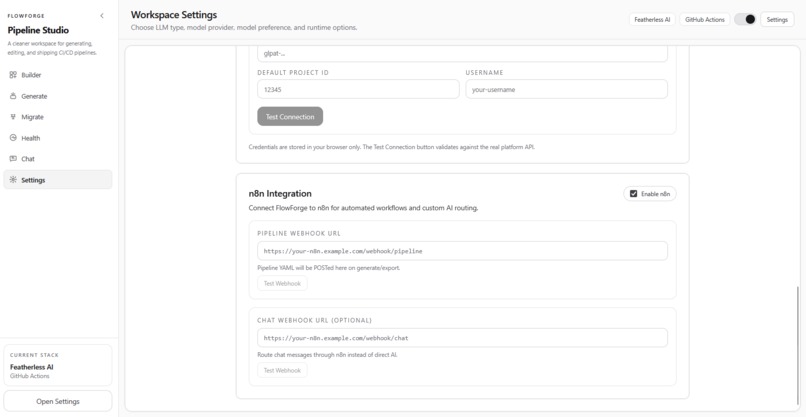
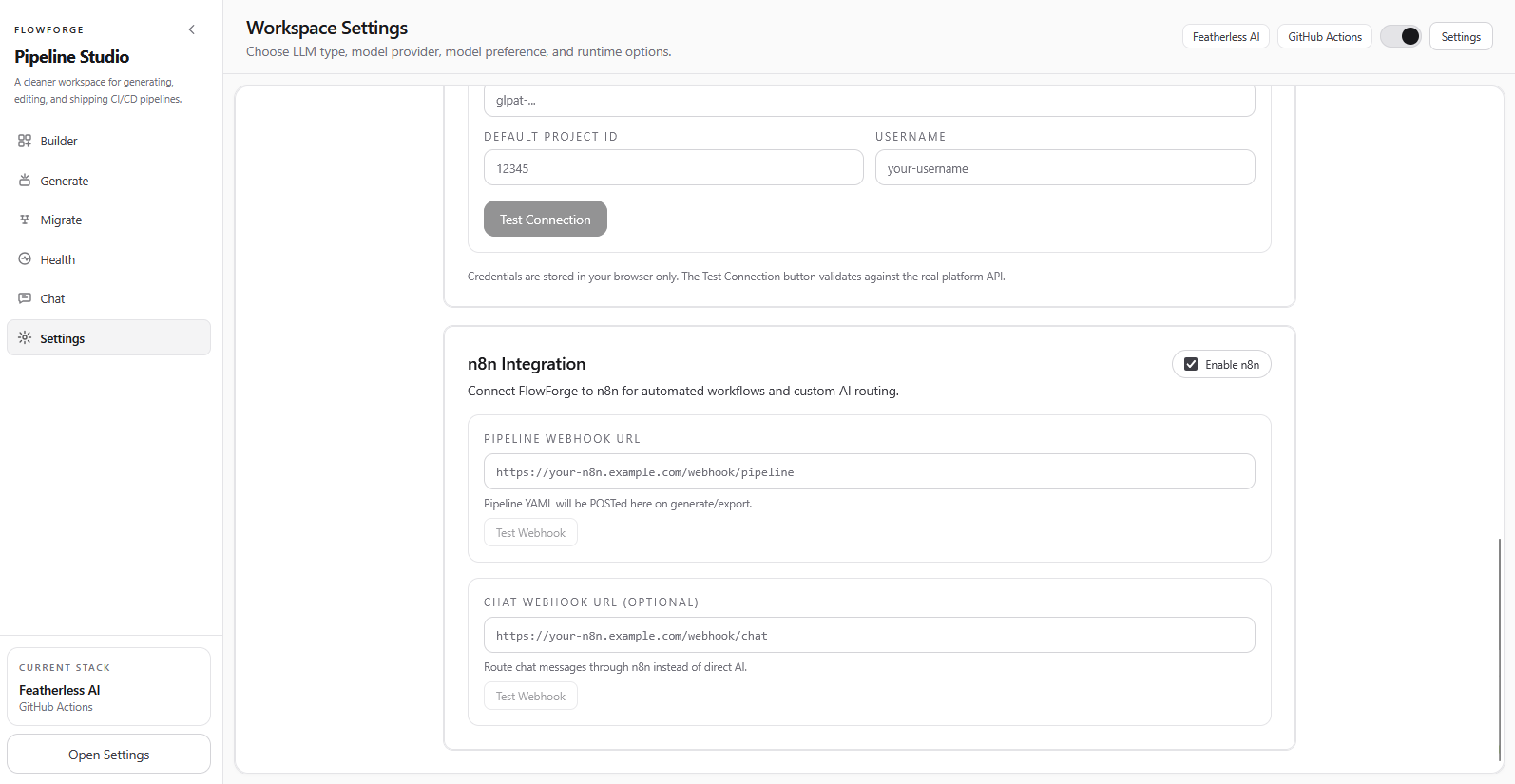
Settings Page n8n Integration
-
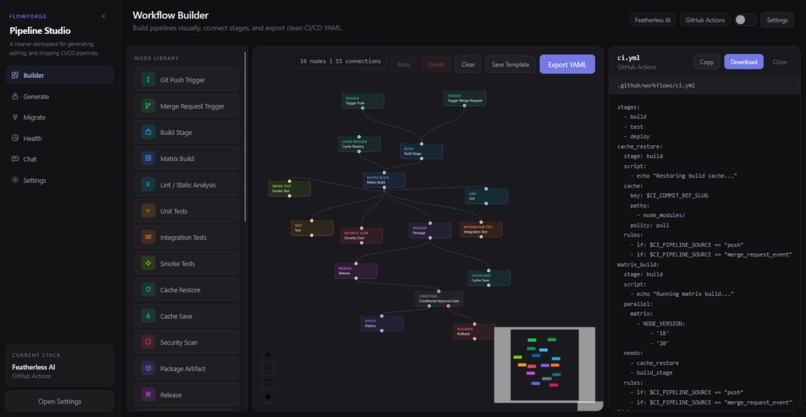
Pipeline Builder in Darkmode
-
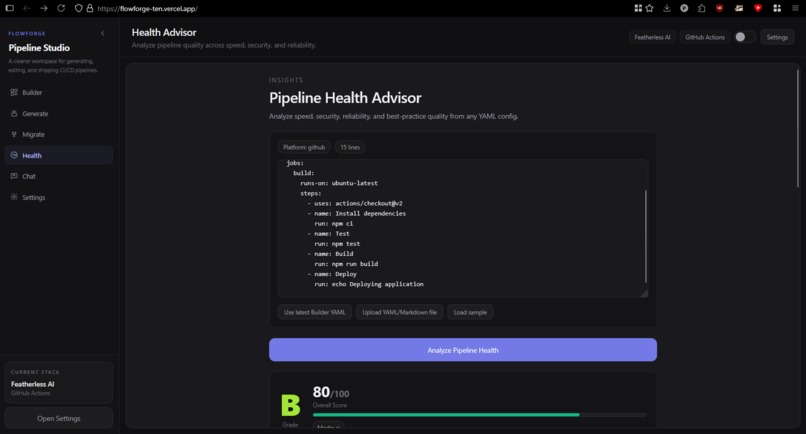
Pipeline Health in Darkmode, 80%
Inspiration
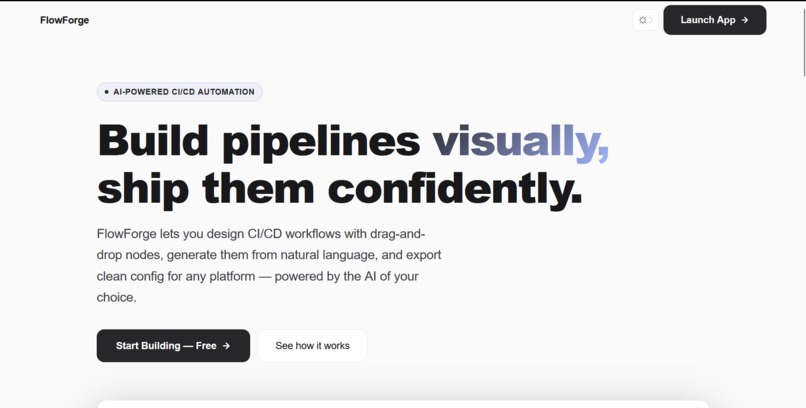
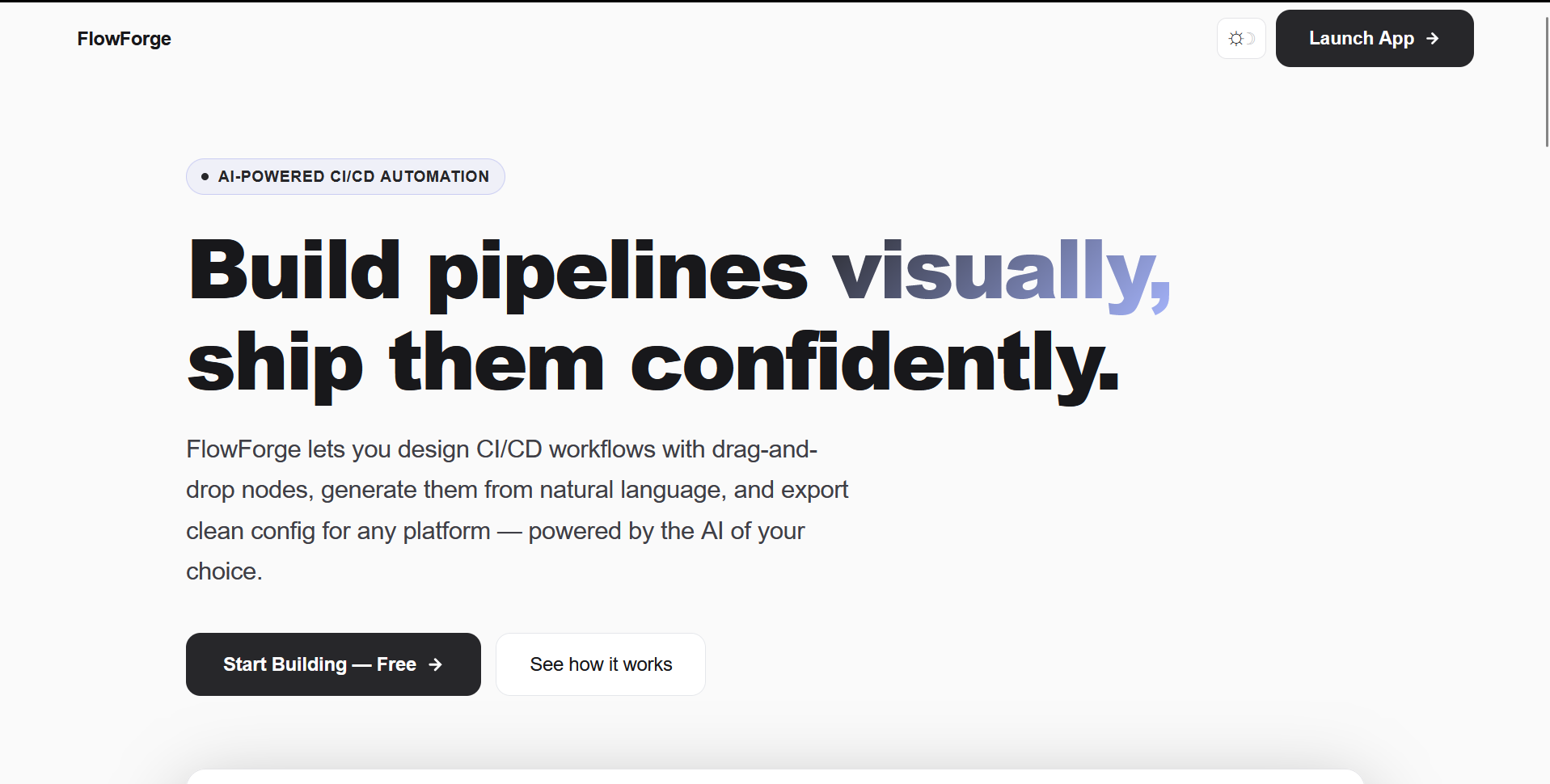
CI/CD setup is still too hard for too many teams. Writing and maintaining pipeline YAML across different platforms is repetitive, brittle, and intimidating, especially when teams are moving fast. A single misconfigured indent can break a production deploy. FlowForge was created to make pipeline creation feel like product design instead of config firefighting: visual, guided, and intelligent. We wanted to give developers a workspace where they could think in workflows, not in YAML syntax.
What it does
FlowForge lets teams design, generate, and optimize CI/CD pipelines in one workspace. Users can generate full pipelines from plain-language prompts, migrate legacy Jenkinsfiles to modern formats, and visually build workflows using drag-and-drop nodes like triggers, build stages, test suites, security scans, deployment strategies (canary, blue-green), approval gates, and conditional logic. The visual editor supports undo/redo, multi-select, edge deletion, and exports clean configs for GitHub Actions, GitLab CI, Jenkins, CircleCI, and Bitbucket Pipelines.
Beyond building, it includes AI-powered health scoring with A-F grading, pipeline failure remediation, a conversational assistant for troubleshooting, and reusable node templates so teams can save common patterns. Users can bring their own AI model and API key at runtime across five providers (Anthropic, OpenAI, Gemini, Featherless, Ollama), and the app automatically falls back to local Ollama when the backend is unreachable. We also integrated n8n webhooks so teams can extend their automation beyond just CI/CD.
How we built it
The frontend is React + Vite with React Flow powering the visual workflow editor, styled with Tailwind CSS and code-split with React.lazy for performance. Each panel (builder, generator, migrator, health advisor, chat, settings) is wrapped in its own error boundary so a failure in one area never crashes the rest of the app.
The backend is Node.js + Express with a factory-pattern provider architecture where both AI providers and CI/CD generators implement abstract base classes, making it straightforward to add new targets.
Security was a priority from the start: CORS is locked down to explicit origins, all webhook URLs are validated against SSRF by blocking private IPs, internal hostnames, and non-HTTP protocols, and API keys are passed per-request without server-side persistence.
The frontend is deployed on Vercel with API rewrites proxying to the backend on Render, with the custom domain managed through gen.xyz DNS.
Challenges we ran into
A major challenge was handling unreliable AI output. Responses come back as malformed JSON, escaped YAML, partial workflow graphs, or completely unexpected formats depending on the provider and model. We built multi-layer fallback parsing with regex extraction, bracket matching, and graceful degradation so generation failures never leave the user stuck.
Another challenge was mapping advanced pipeline concepts like matrix builds, conditional execution, approval gates, and caching strategies consistently across five CI/CD targets that each have fundamentally different syntax and semantics.
On the UX side, making the visual editor feel responsive while supporting 80 levels of undo/redo history, keyboard shortcuts, individual edge deletion, and localStorage persistence required careful state management that we had to iterate on several times.
Accomplishments that we're proud of
We turned a complex DevOps workflow into a clean, approachable experience. The visual builder supports over 17 node types with full drag-and-drop, connection management, and one-click YAML export. The provider abstraction lets users switch between five AI backends and five CI/CD targets at runtime, including bringing their own API keys and custom models without us ever storing credentials.
We built a professional dual-theme system with smooth transitions, a collapsible sidebar for maximum workspace, and platform integration validation that actually tests API credentials against real endpoints for GitLab, GitHub, Bitbucket, and CircleCI instead of just accepting any input. The node template system lets users save and reuse their favorite pipeline patterns instantly, and the whole thing feels fast because we lazy-load every panel and cancel duplicate requests automatically.
What we learned
We learned that AI-powered features require strong defensive engineering, not just prompt design. Parsing, validation, and fallback handling took more effort than the AI integration itself. We learned that UX details like onboarding flow, theme smoothness, keyboard shortcuts, and state persistence have an outsized impact on whether the tool feels professional or like a weekend prototype.
Working across five CI/CD platforms taught us that pipeline semantics are far less standardized than they appear, and every platform has edge cases that break clean abstractions. Most importantly, we learned that a clean separation between providers and generators accelerates both feature delivery and maintainability, and that investing in architecture early pays off when you need to add a new platform or provider in an afternoon.
What's next for FlowForge
Next, we plan to add bidirectional sync between the visual graph and raw YAML so users can edit either representation and see changes reflected in real time. We want to add pipeline linting and policy enforcement, things like requiring a security scan before deploy or blocking deploys without tests.
Collaboration features like shared workspaces and version history are on the roadmap, along with deeper deployment intelligence using environment-aware templates and rollback guidance. We also plan to extend the n8n integration into a full automation hub that can trigger Slack notifications, Jira ticket creation, and monitoring alerts from pipeline events.
The long-term goal is to evolve FlowForge from a smart pipeline builder into a complete CI/CD operating cockpit.


Log in or sign up for Devpost to join the conversation.