Inspiration
What it does
How we built it
Challenges we ran into
Accomplishments that we're proud of
What we learned
What's next for FlowForge
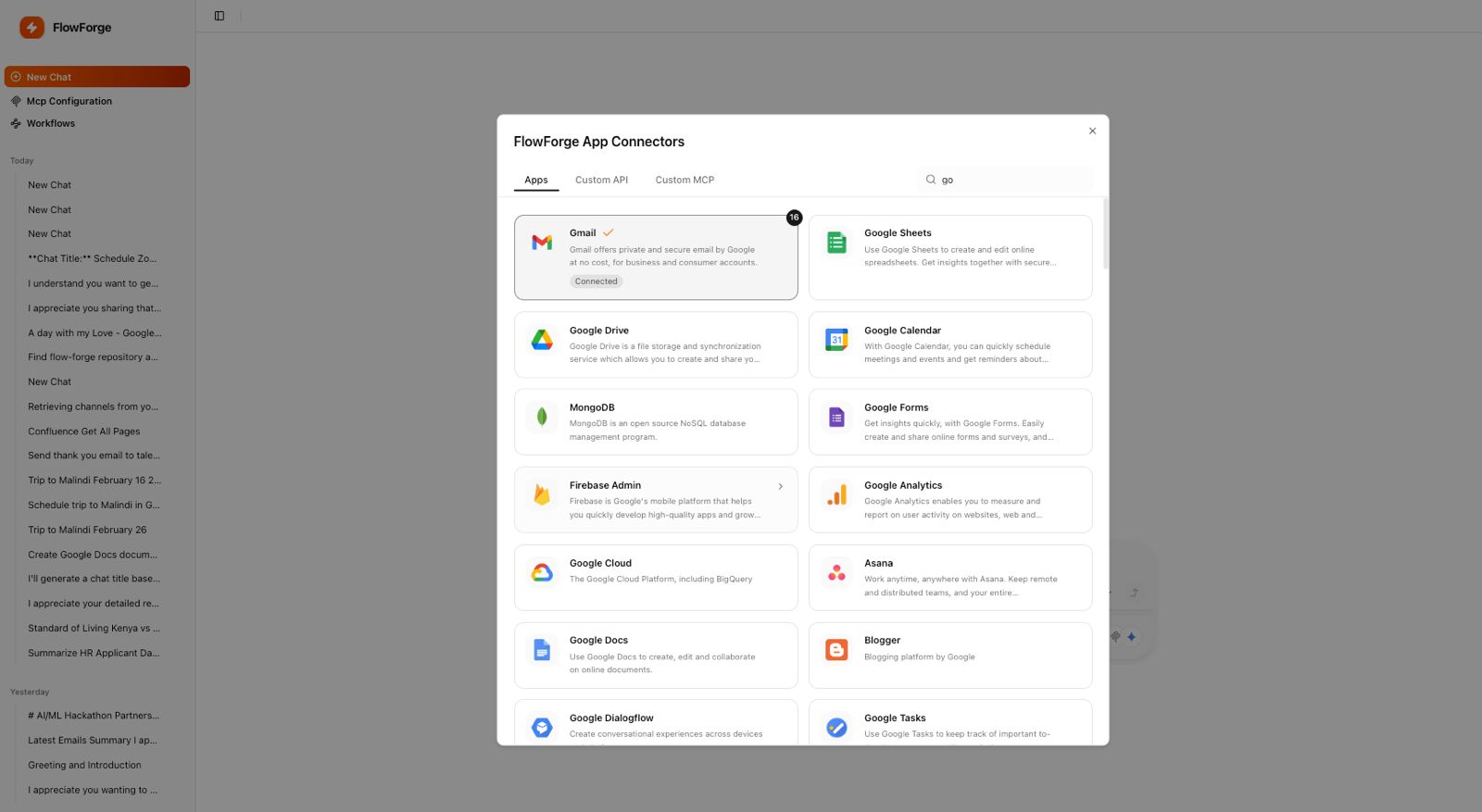
Inspiration Every day at our day jobs, we watched our Team —managers, coordinators, ops people—spend hours copy-pasting the same information between Gmail, Slack, Jira, and Google Sheets. A bug would appear on GitHub. Someone would manually create a Jira ticket. Then manually Slack the team. Then manually update the calendar. The same information, typed five times, into five different tools. We realized: if an AI can understand what someone is trying to accomplish, why can't it just do the orchestration automatically? What it does FlowForgeAI listens to what you want done—via voice in a Chrome extension or text in the app—and executes it across your entire tool ecosystem. You say "A GitHub bug came in, create a Jira ticket, set priority to high, assign to payments team, and notify them on Slack." It extracts the bug details, creates the ticket, sets the fields, and sends the notification. All in 8 seconds. No keyboard. No tab-switching. No copy-paste. How we built it We built an orchestration engine that sits between Gemini API and 1000+ app integrations using OAuth and REST APIs. The flow is: user speaks → Chrome extension captures audio → sends to our backend → Gemini understands intent and breaks it into steps → we execute against connected apps → confirmation returns to user. We tested it with the apps teams actually use: Gmail, Slack, Jira, Google Calendar, GitHub, Notion, Google Sheets, and more. Each app is a separate integration handler—when Gemini says "update Jira", the handler knows exactly how to call that API.
Built With
- gemini
- nextjs
- postgresql

Log in or sign up for Devpost to join the conversation.