-
-

Flowforge AI
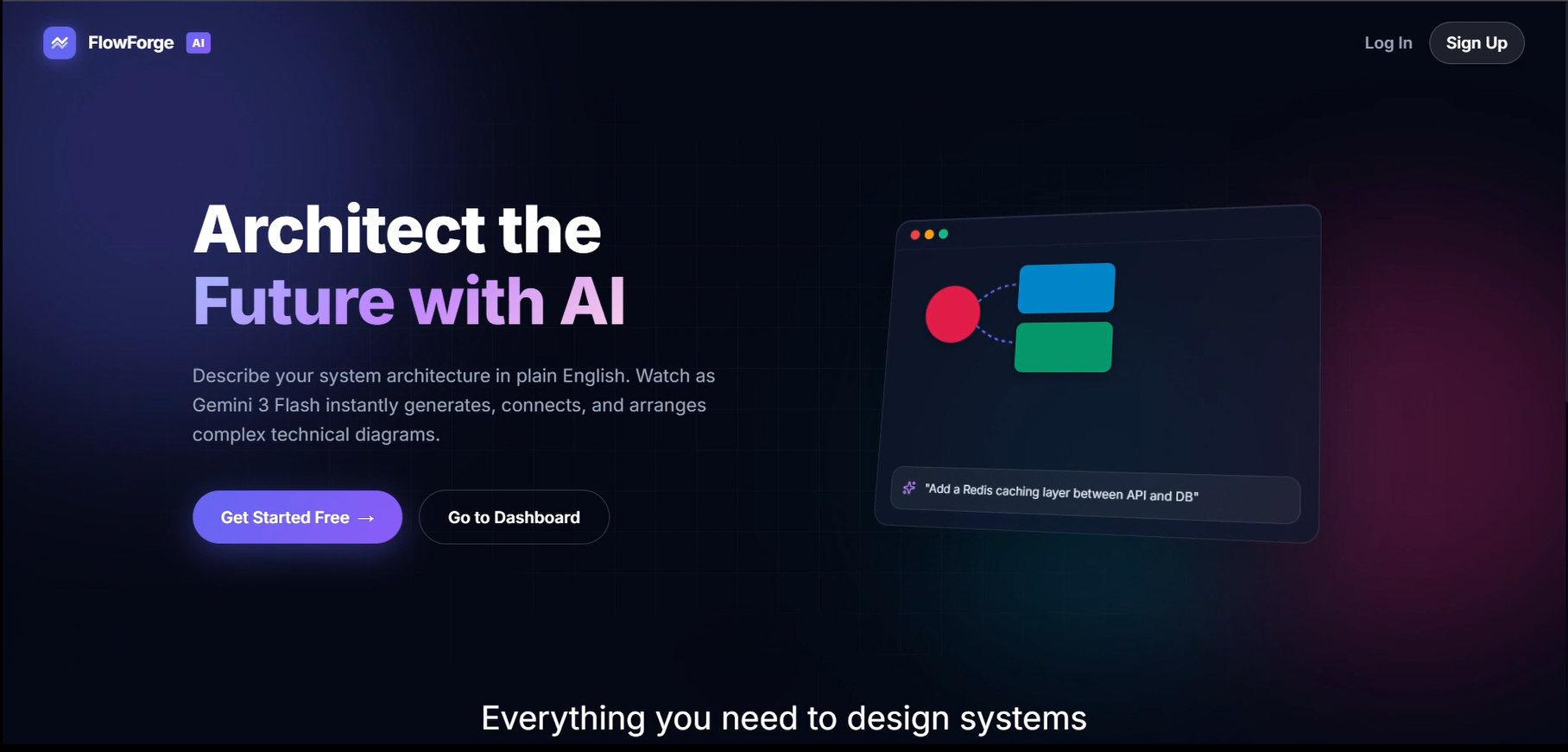
FlowForge AI
Inspiration
Many AI-powered diagram generation tools can quickly create architecture diagrams from natural language prompts. However, I observed a major limitation: when users manually customize a generated diagram and later ask the AI to make additional changes, the entire diagram is often regenerated. This results in lost layouts, overwritten edits, and significant frustration.
I wanted to build a system where AI acts as a collaborator rather than a replacement. Users should be able to generate diagrams, customize them freely, and continue evolving them with AI assistance without losing their work.
This idea led to FlowForge AI.
What it does
FlowForge AI is an AI-powered editable diagram platform that transforms natural language prompts into professional architecture diagrams.
Unlike traditional AI diagram generators, FlowForge AI allows users to:
- Generate architecture diagrams from prompts
- Edit diagrams manually using an interactive canvas
- Move nodes and modify relationships
- Save and manage diagram versions
- Request AI-powered modifications to existing diagrams
- Preserve manual edits while applying AI updates
The platform combines human creativity with AI assistance, creating a collaborative workflow for architecture design.
How I built it
Frontend
- React.js
- React Flow
- Tailwind CSS
- Zustand
The frontend provides an interactive diagram editor where users can create, edit, and manage diagrams visually.
Backend
- FastAPI
- Python
The backend handles diagram generation, modification requests, authentication, version management, and communication with AI services.
Database
- MongoDB Atlas
MongoDB stores:
- User accounts
- Diagram metadata
- Diagram versions
- Edit history
AI Layer
- Gemini API
Gemini is responsible for:
- Understanding user prompts
- Generating architecture structures
- Analyzing existing diagrams
- Applying intelligent incremental modifications
Challenges I ran into
Preserving User Edits
The biggest challenge was preventing AI from regenerating entire diagrams.
Most AI systems naturally attempt to recreate the whole output whenever a modification is requested. I had to design a workflow where the AI understands the current diagram state and modifies only the required sections.
Diagram Representation
Instead of generating static images, I needed diagrams to remain editable.
To achieve this, diagrams are represented internally as structured graph data containing nodes, edges, metadata, and version information.
Architecture Visualization
Another challenge was generating diagrams that resemble professional software architecture boards rather than traditional flowcharts. I refined node categorization, layouts, visual hierarchy, and icon systems to improve readability and presentation quality.
Persistence and Versioning
Ensuring that diagrams remain available after refreshes and enabling restoration of previous versions required careful database design and state management.
What I learned
During development I gained experience with:
- Building graph-based applications using React Flow
- Designing editable diagram systems
- Integrating large language models into real-world workflows
- Managing application state and version history
- Implementing authentication and user-specific data isolation
- Designing AI systems that collaborate with users rather than replacing them
I also learned that the real value of AI is not just generating content, but helping users iteratively improve and evolve their work.
Accomplishments that I'm proud of
- Building a fully editable AI-generated diagram platform
- Implementing intelligent diagram modification workflows
- Preserving manual user edits during AI updates
- Creating version history and restoration capabilities
- Delivering a complete end-to-end application with authentication, persistence, and AI integration
What's next for FlowForge AI
Future enhancements include:
- Real-time collaboration
- Team workspaces
- Advanced export formats
- UML and BPMN support
- Cloud architecture templates
- Diagram comparison and change tracking
- AI-powered architecture recommendations
- Integration with development and documentation tools
FlowForge AI represents a step toward more collaborative human-AI design workflows, where AI helps users evolve complex systems without taking away their control.


Log in or sign up for Devpost to join the conversation.