-
-
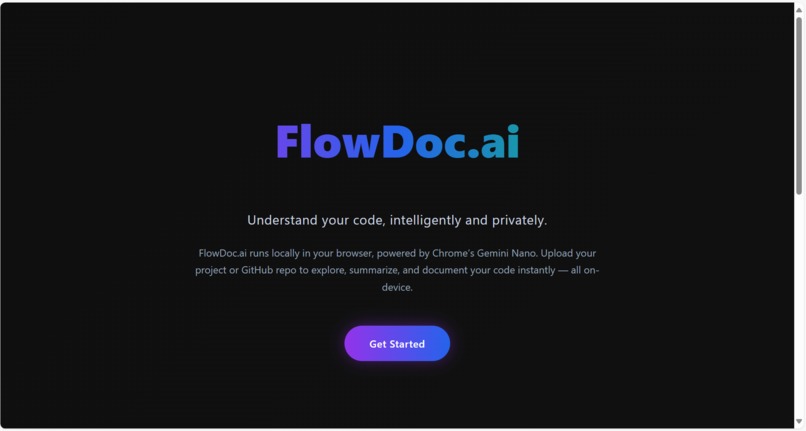
Main Screen
-
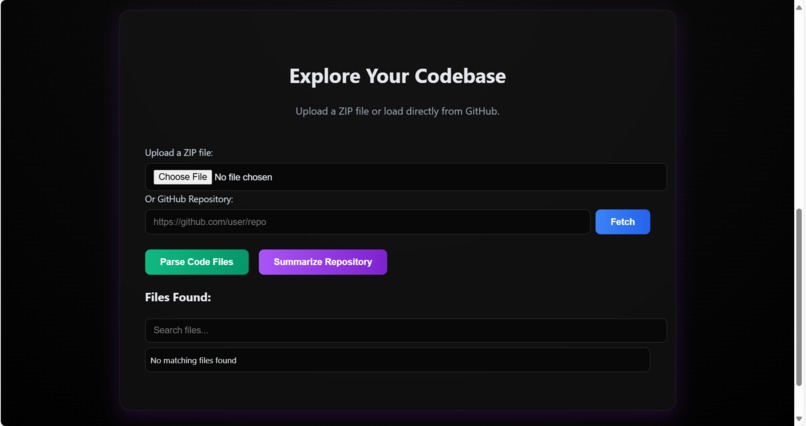
Upload file Container
-
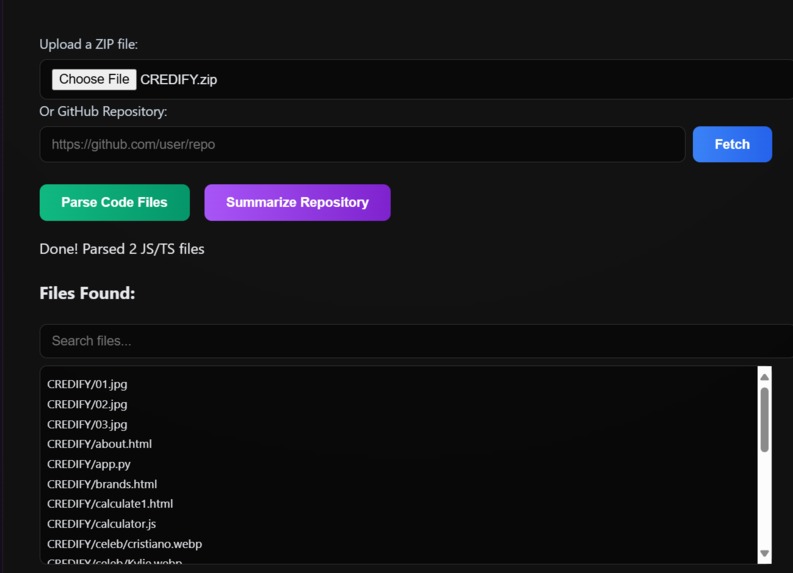
Contents of the file
-
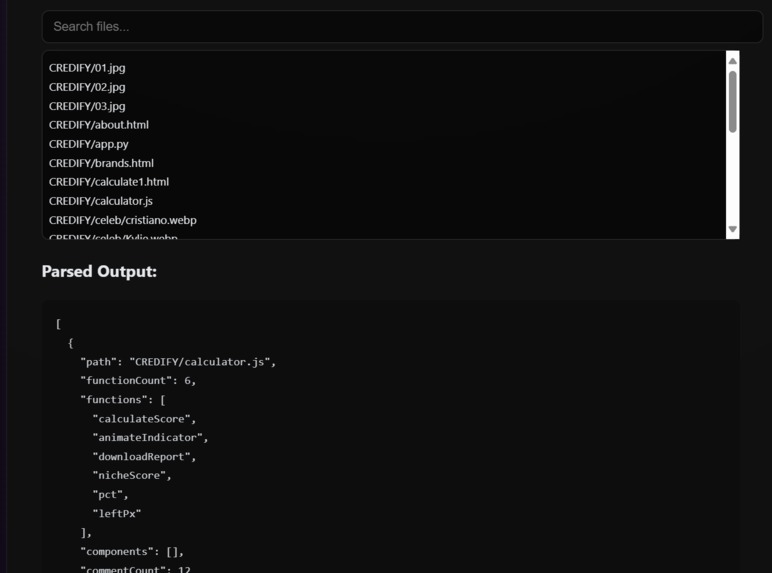
Parsed Output
-
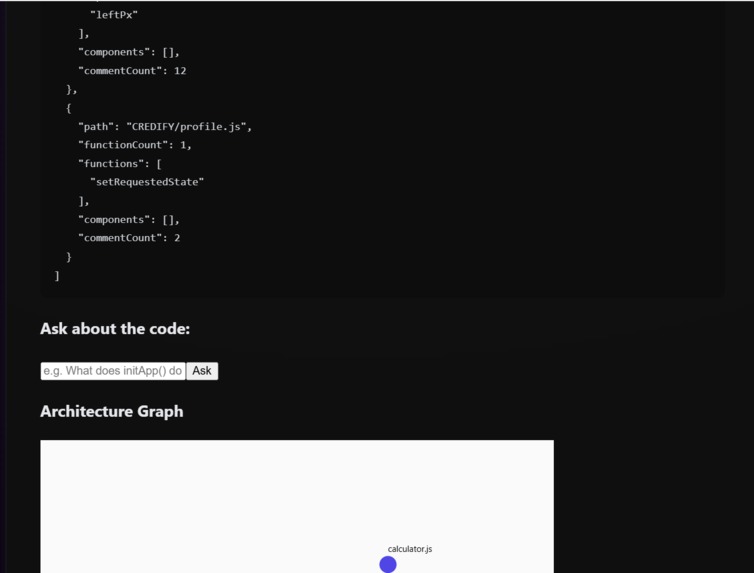
Ask about the code
-
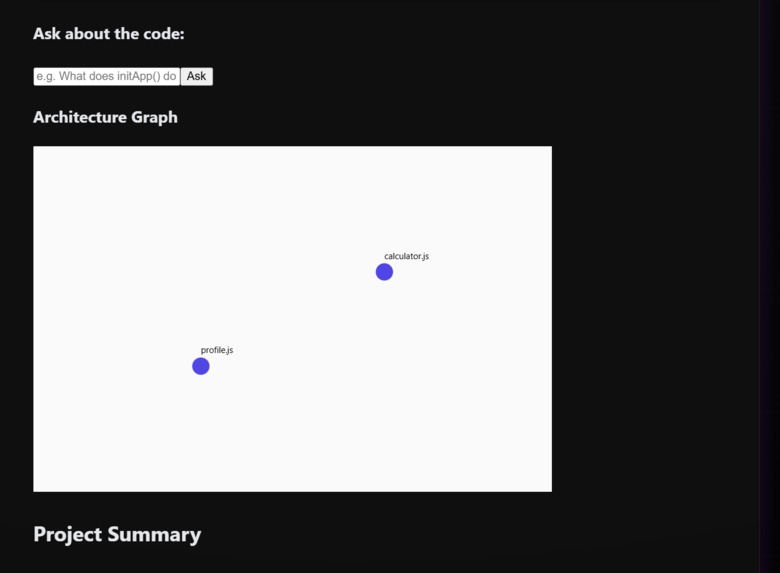
Architecture of the code
-
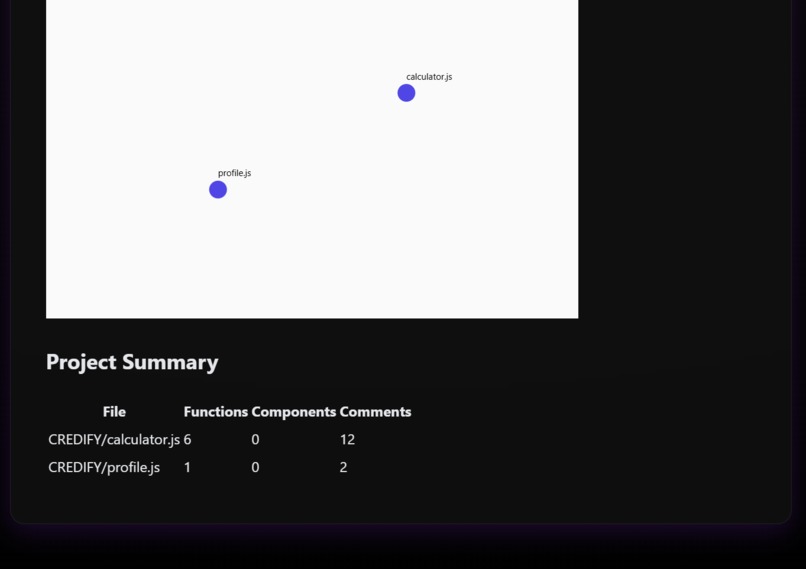
Project Summary
-
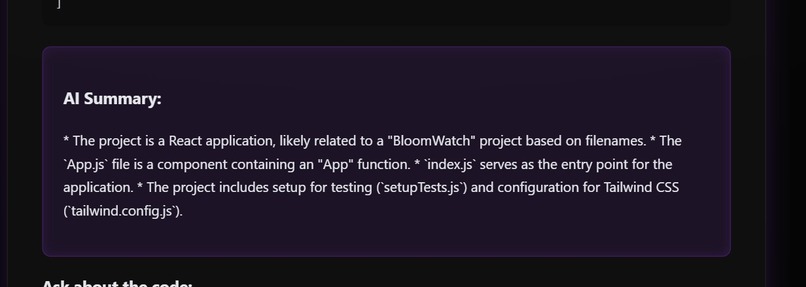
Ai generated Summary


FlowDoc.ai Inspiration
Reading and understanding large codebases is often tedious and time-consuming. Developers frequently jump between documentation, Stack Overflow, and AI tools just to interpret code logic. We wanted to bring that assistance directly into the browser, enabling an instant, private, and offline AI experience. With the arrival of Chrome’s on-device Gemini Nano APIs, we realized we could create a fast, local-first coding assistant — and that idea became FlowDoc.ai.
What It Does FlowDoc.ai lets you upload or fetch code repositories and immediately: Summarize JavaScript or TypeScript files into readable explanations. Parse and visualize repository structure and dependencies. Ask natural-language questions about functions or components. Generate concise documentation or TL;DR summaries. Run entirely on-device using Chrome’s built-in AI models (no cloud calls, no API keys). Essentially, FlowDoc.ai transforms your browser into an AI code reviewer that operates securely and privately.
How We Built It Frontend Framework: React + Vite for a fast, modular user interface. AI Integration: Chrome’s on-device AI APIs — self.ai.summarizer, self.ai.prompt, and self.ai.rewriter. Parsing Engine: Custom lightweight JavaScript parser that extracts functions, imports, and component structure. Visualization: D3.js-powered dependency graph for interactive architecture insights. Local-first Design: All processing (unzipping, parsing, summarization) runs inside the browser sandbox. Error Resilience: Automatic fallback handling when AI models are unavailable or ineligible.
Challenges We Faced Limited documentation for Chrome’s experimental AI APIs. Handling cases where summarization models were not ready or supported. Managing asynchronous summarization while keeping UI responsive Building a seamless fallback between multiple AI APIs (Summarizer → Prompt → Rewriter). Optimizing for performance and memory when parsing large ZIP repositories.
Accomplishments Built one of the first functional AI apps using Chrome’s on-device Gemini Nano APIs. Achieved 100% local inference — no external servers or cloud dependencies. Designed a smooth, interactive UI for developers to explore code intelligently. Implemented robust error-handling and model availability detection. Demonstrated that AI-powered code understanding can be both private and fast.
What We Learned How to effectively use Chrome’s early AI developer APIs. The importance of specifying model context, output type, and fallback paths. Techniques for incremental parsing and dynamic summarization. UI/UX patterns that make AI-assisted coding feel natural and developer-friendly. A deeper understanding of browser-level ML inference capabilities.
What’s Next for FlowDoc.ai Add multi-file reasoning to link functions and modules across files. Introduce automatic documentation and README generation. Integrate voice-based explanations for accessibility. Build a Chrome Extension version for instant code summaries on GitHub.
Expand support for upcoming Proofreader and Writing Assistance APIs.
Built With
- ast
- babel
- control-github
- cytoscape.js
- hosting
- javascript-(esnext)-styling-tailwindcss-+-custom-css-ai-apis-chrome-built-in-ai-(summarizer
- optional)-vercel
- parser
- parsing-acorn
- prompt
- rewriter)
- tech-stack-category-tools-&-frameworks-frontend-react
- version
- visualization-d3.js
- vite


Log in or sign up for Devpost to join the conversation.