-
-
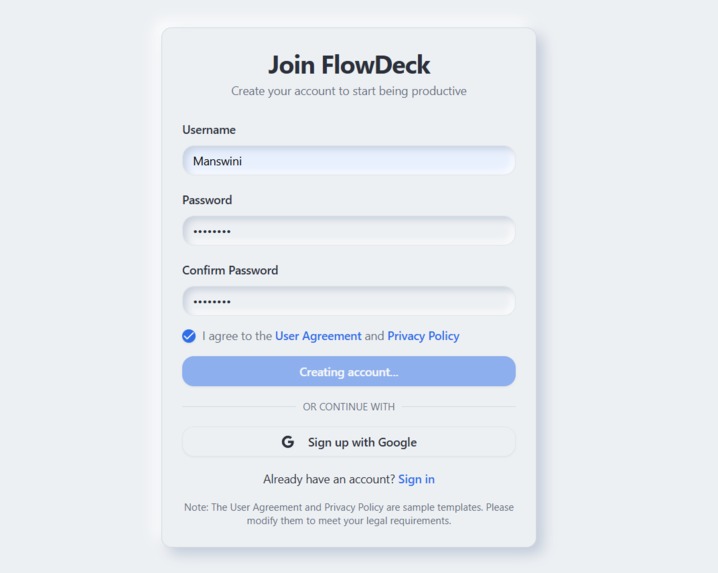
Sign Up
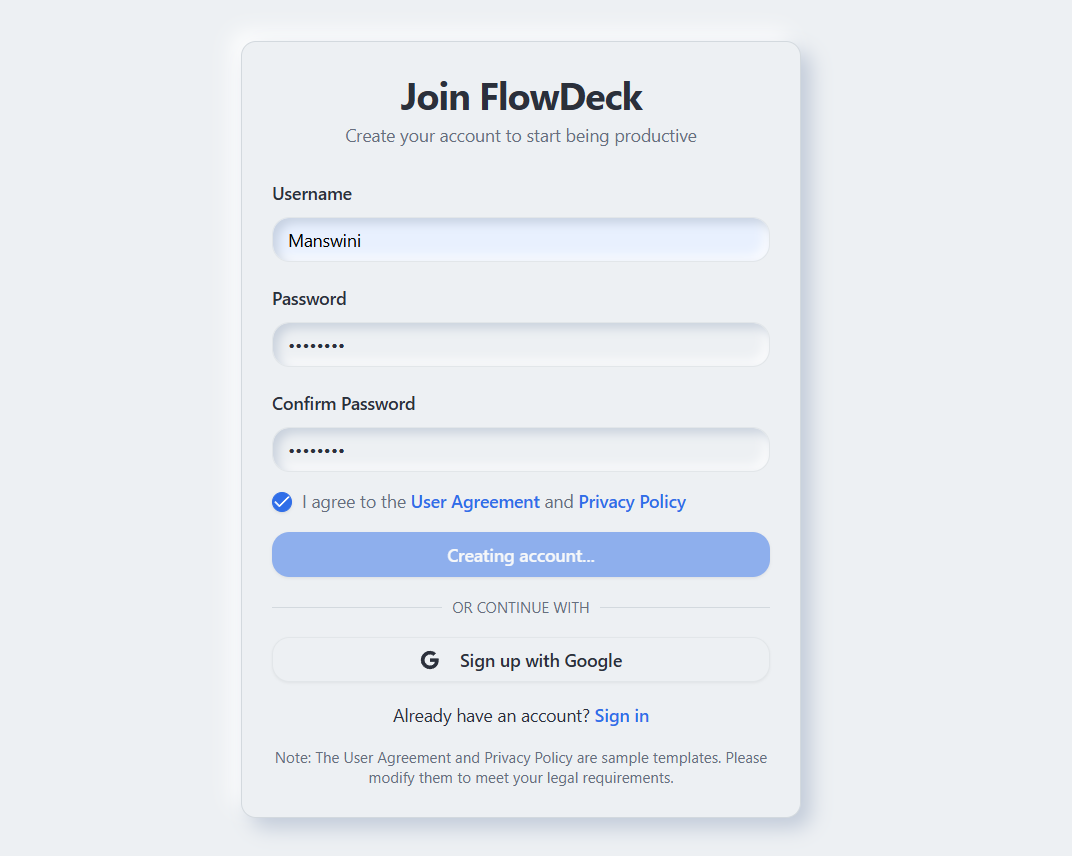
Inspiration
FlowDeck started as a simple question: "Can we get someone from logging in to deep work in under 60 seconds?" Tired of context-switching between Todoist, Google Calendar, Notion, and a Pomodoro app every single morning — losing the first 30 minutes of every workday just deciding what to do. The promise of AI productivity tools is everywhere, but most of them only solve one slice of the problem. I wanted to see what would happen if a single, calm dashboard could read your tasks, your calendar, your notes, and your energy patterns — and just tell you what to focus on.
What it does
Unified daily briefing — top 3 priorities, next meeting, focus streak, and an AI-generated "here's what to focus on today."
- Energy-aware scheduling — learns from your completed focus sessions and places P1 work in your peak hours.
- Natural-language quick-add — type "Submit project report Friday 5pm #work P1" and AI parses date, tag, and priority.
- Auto-Plan My Day — one click fills your calendar gaps with time-blocked tasks around your real meetings.
- AI assistant with citations — chat with your own data: "What's overdue?", "Reschedule Friday to Monday", "Summarize #project-x notes." Every answer cites its sources.
- Focus mode — Pomodoro timer for the particular task.
How we built it
Completely built using MeDo, Magics are just a prompt away!
Accomplishments that we're proud of
- A real sub-60-second path from login → AI briefing → first focused task.
- An energy curve that actually learns instead of being a static visual — and tells the user how confident it is.
- A calm, library-quiet UI that doesn't feel like another anxiety-inducing productivity tool.
What's next for FlowDeck
- Voice quick-add anywhere, just talk it out
- Team mode — shared focus blocks, "do not disturb" presence.
- Energy curve v2 — incorporate calendar density, sleep data (Apple Health / Google Fit), and self-reported mood.

Log in or sign up for Devpost to join the conversation.