Inspiration
The idea for FlowCanvas came from a frustration I’ve experienced many times. Creative work today feels fragmented. You sketch something quickly on paper, then open a design app to recreate it, then export it somewhere else, and finally try to present it in another environment. Each step interrupts the creative flow.
I kept thinking about one simple question: why does turning an idea into a digital result have to involve so many disconnected tools?
Logitech devices are already built to improve productivity, but I imagined using them in a smarter way. What if a simple action on a familiar device could connect sketches, desktop apps, and creative workflows together? That thought became the foundation of FlowCanvas.
What it does
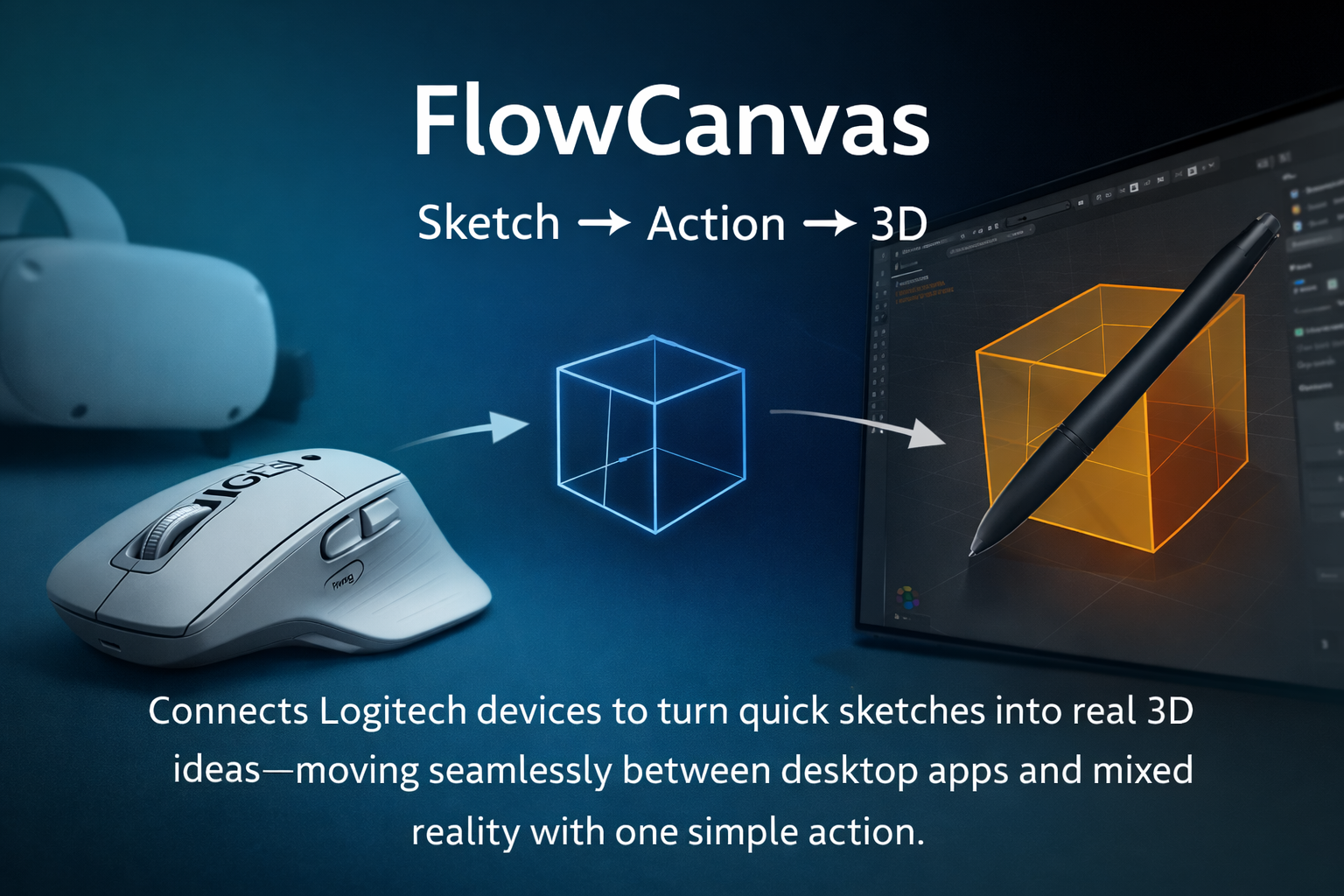
FlowCanvas is a workflow concept that uses Logitech devices to reduce friction between quick sketches and real digital work.
Instead of manually repeating the same steps across multiple programs, FlowCanvas allows users to:
- Capture a rough idea quickly
- Trigger predefined actions using the Logitech Actions Ring
- Convert simple sketches into structured digital formats
- Send the result directly into a desktop application
- Automate common repetitive tasks with one click
The main focus of FlowCanvas is one core experience:
turning a basic sketch into a usable digital asset with minimal effort and minimal time.
Rather than trying to replace professional tools, FlowCanvas acts as a smart bridge between them.
How we built it
FlowCanvas was designed as a realistic and practical concept built around existing Logitech capabilities.
The approach behind the project includes:
- Using the Logitech Actions SDK to create custom device-based workflows
- Designing a lightweight desktop interface that triggers predefined automation steps
- Simulating sketch processing through common techniques like edge detection and vector cleanup
- Creating prototype integrations with creative tools to demonstrate real-world use cases
- Building mock mixed-reality transitions to show how ideas could move across environments
Instead of claiming to solve complex 3D modeling instantly, the system focuses on automating the early steps of the creative process: organizing, converting, and transferring ideas more efficiently.
The goal was not to build a perfect technical engine, but to design a believable workflow that could realistically be implemented on top of Logitech hardware and software.
Challenges we ran into
The biggest challenge was keeping the idea ambitious without making unrealistic promises.
It was tempting to claim that FlowCanvas could magically create perfect 3D models from any drawing, but we quickly realized that would not be honest or practical. The real challenge became finding the balance between innovation and feasibility.
Another difficulty was narrowing the focus. At first, the idea tried to do too many things at once. We had to step back and concentrate on one clear value: using Logitech devices to automate and simplify the transition from sketch to digital workspace.
Accomplishments that we're proud of
We’re proud of shaping FlowCanvas into a concept that feels genuinely useful rather than just futuristic.
Instead of building a flashy idea, we created a workflow that addresses a real daily pain point for designers, students, and creators.
We also managed to align the concept closely with Logitech’s ecosystem, showing how existing devices can become even more powerful through smarter software interactions.
Most importantly, we built a vision that demonstrates how small actions on familiar hardware can remove hours of unnecessary work.
What we learned
This project taught us that meaningful innovation doesn’t always require new technology. Sometimes it comes from connecting current tools in smarter ways.
We learned how important workflow design is for creativity, and how much time people lose simply because their tools don’t communicate well with each other.
Above all, we learned that focusing on one clear problem leads to stronger and more convincing solutions.
What's next for FlowCanvas
The next step is to move FlowCanvas from a conceptual workflow into a functional prototype.
Future plans include:
- Developing real desktop plugins using the Logitech Actions SDK
- Building clearer integrations with specific creative applications
- Improving sketch-to-vector processing for practical daily use
- Expanding support for more Logitech devices and presets
- Preparing a version that could be published on the Logitech Marketplace
The long-term goal is simple:
to help creators spend less time fighting their tools and more time bringing ideas to life.
Built With
- desktopautomationworkflows
- logitechactionssdk
- metaxrprototyping
- sketchprocessingtechniques
- uiuxdesign
- unitymockups
- vectorcleanuptools
- workflowsimulation


Log in or sign up for Devpost to join the conversation.