Inspiration The inspiration for FlowBricks Insight stems from the real-world challenge of transforming raw data into actionable business intelligence. Many organizations struggle with manual, time-consuming, and error-prone ETL (Extract, Transform, Load) processes. This project was conceived to demonstrate a modern, automated, and efficient solution by integrating best-in-class cloud and business intelligence tools to create a seamless data journey.
What it does FlowBricks Insight is a fully automated data pipeline that operationalizes the flow of data from a source file to an interactive dashboard. It performs the following actions:
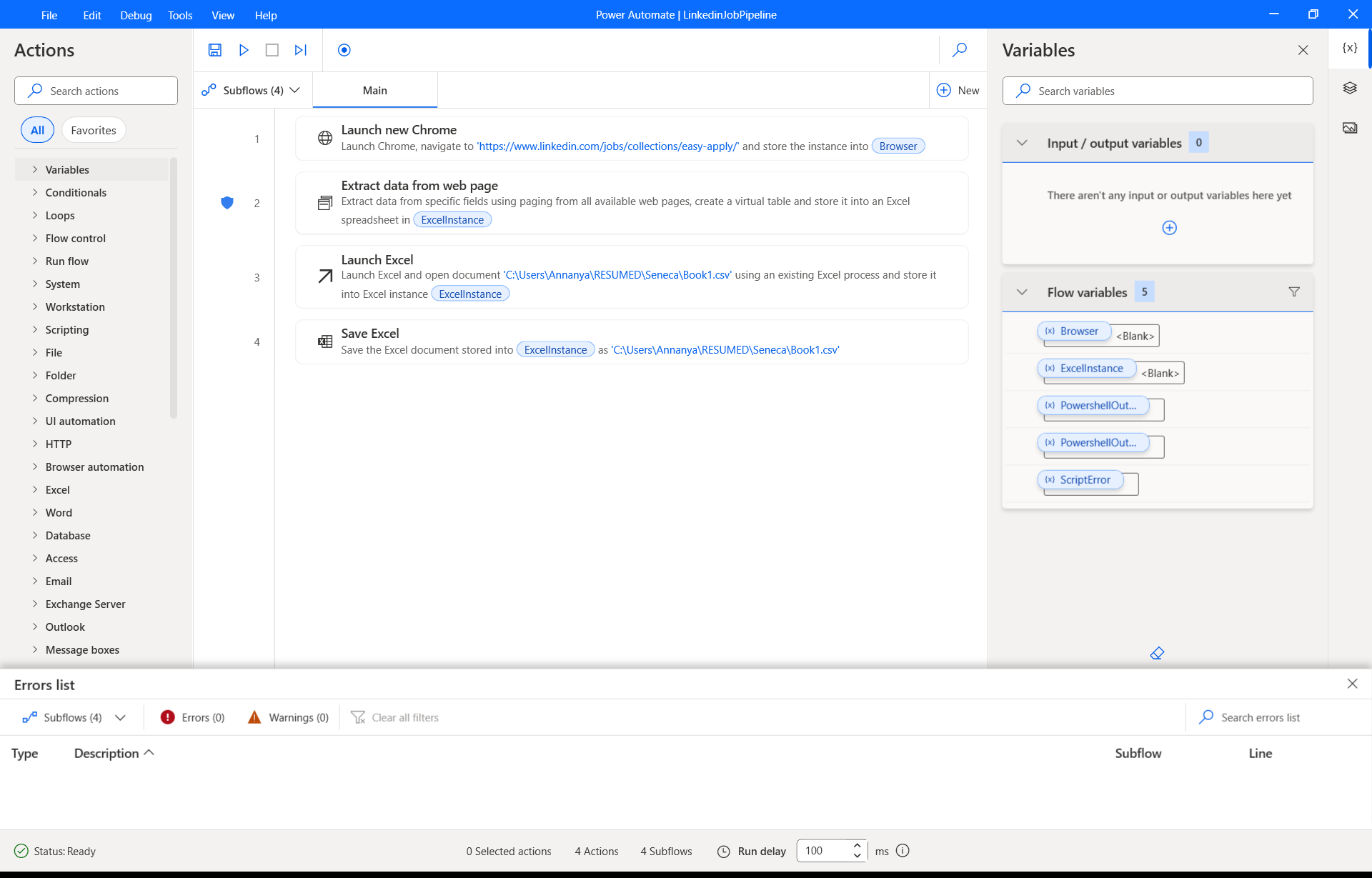
Extracts: It automatically retrieves a source CSV file (book1.csv) using a Microsoft Power Automate flow.
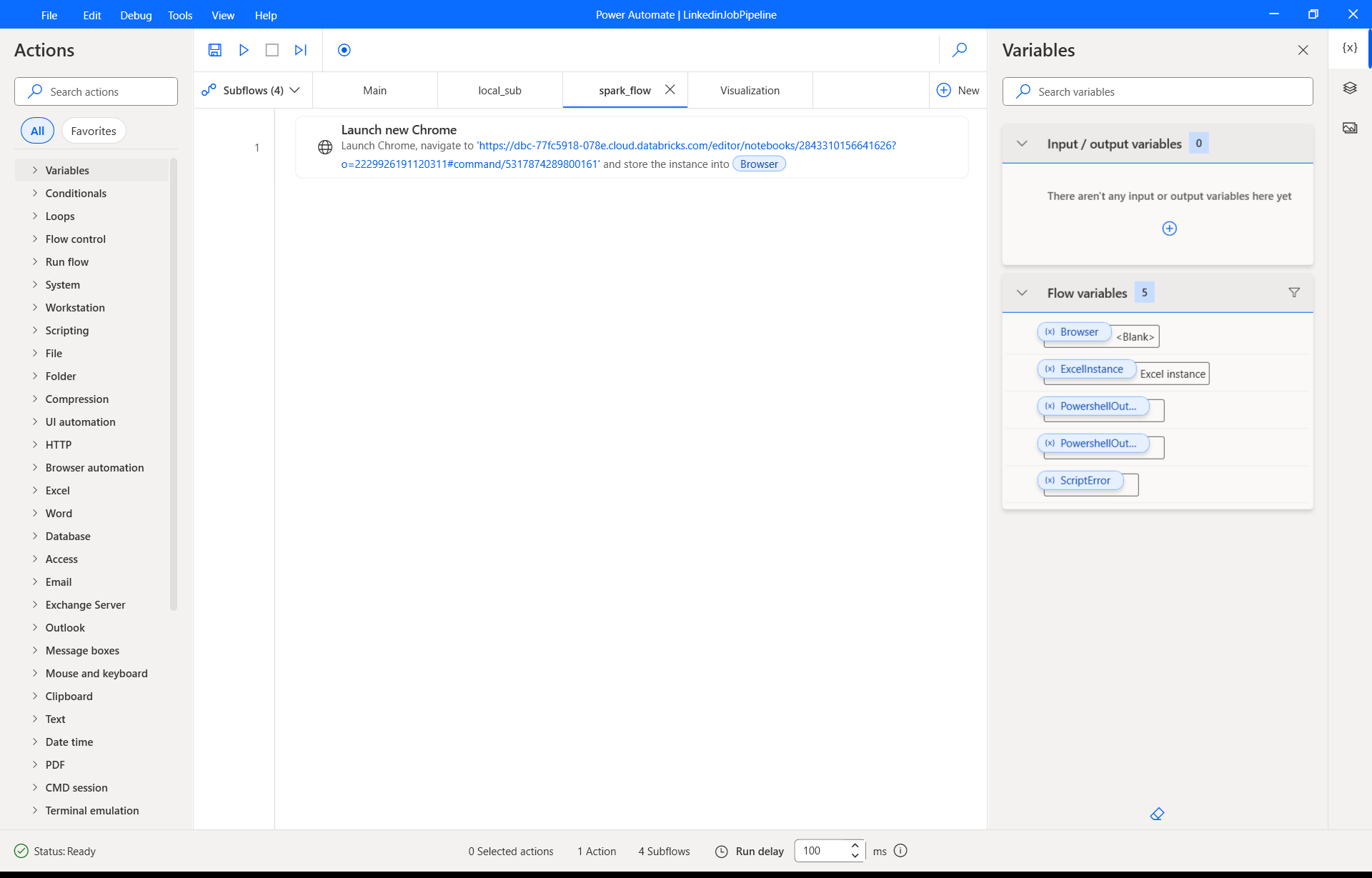
Transforms: It processes and cleans the raw data using a PySpark notebook within Azure Databricks, creating a structured, analysis-ready table.
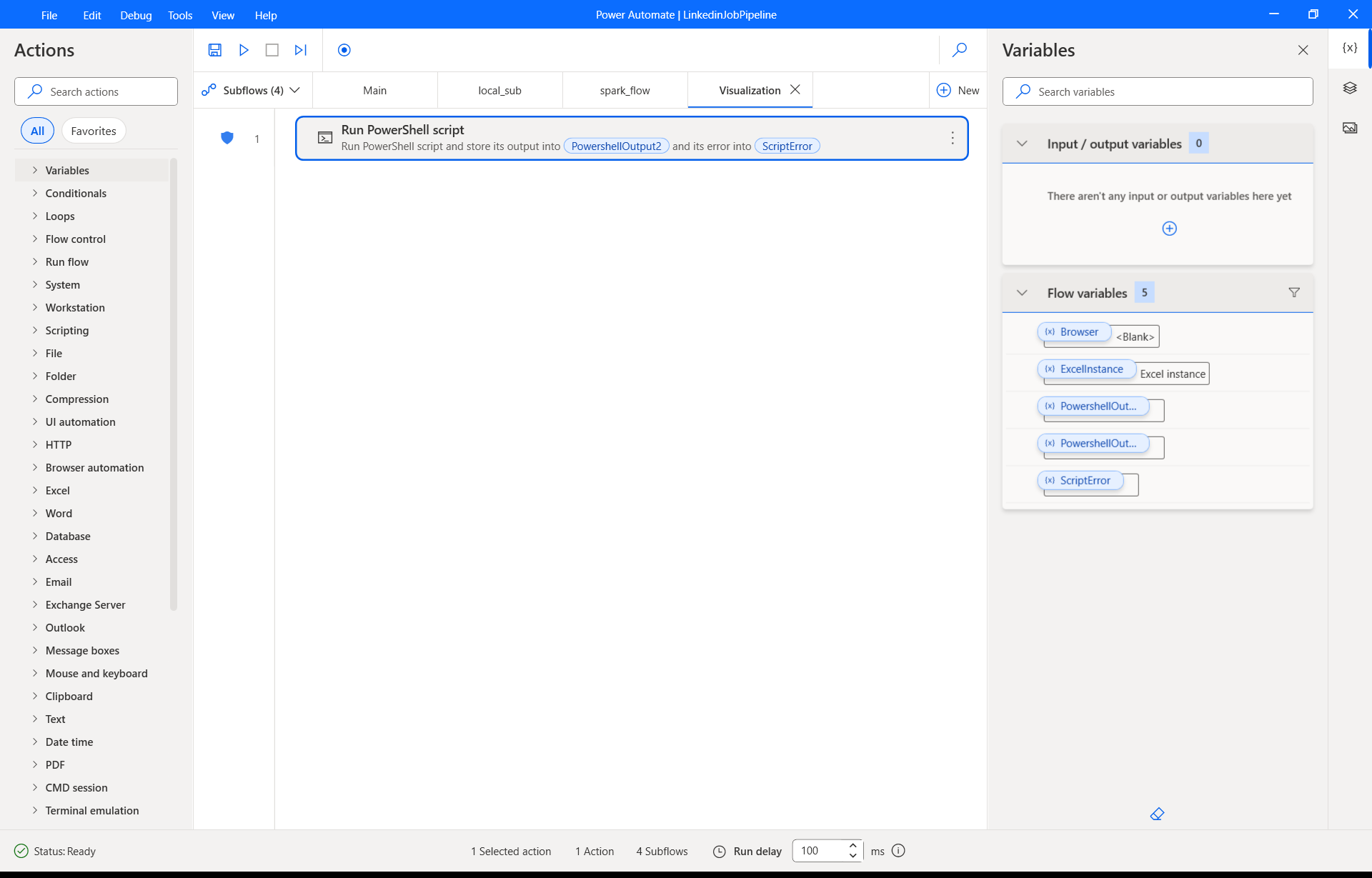
Visualizes: It connects the transformed data directly to Microsoft Power BI, enabling the creation of dynamic reports and dashboards for insightful data exploration.
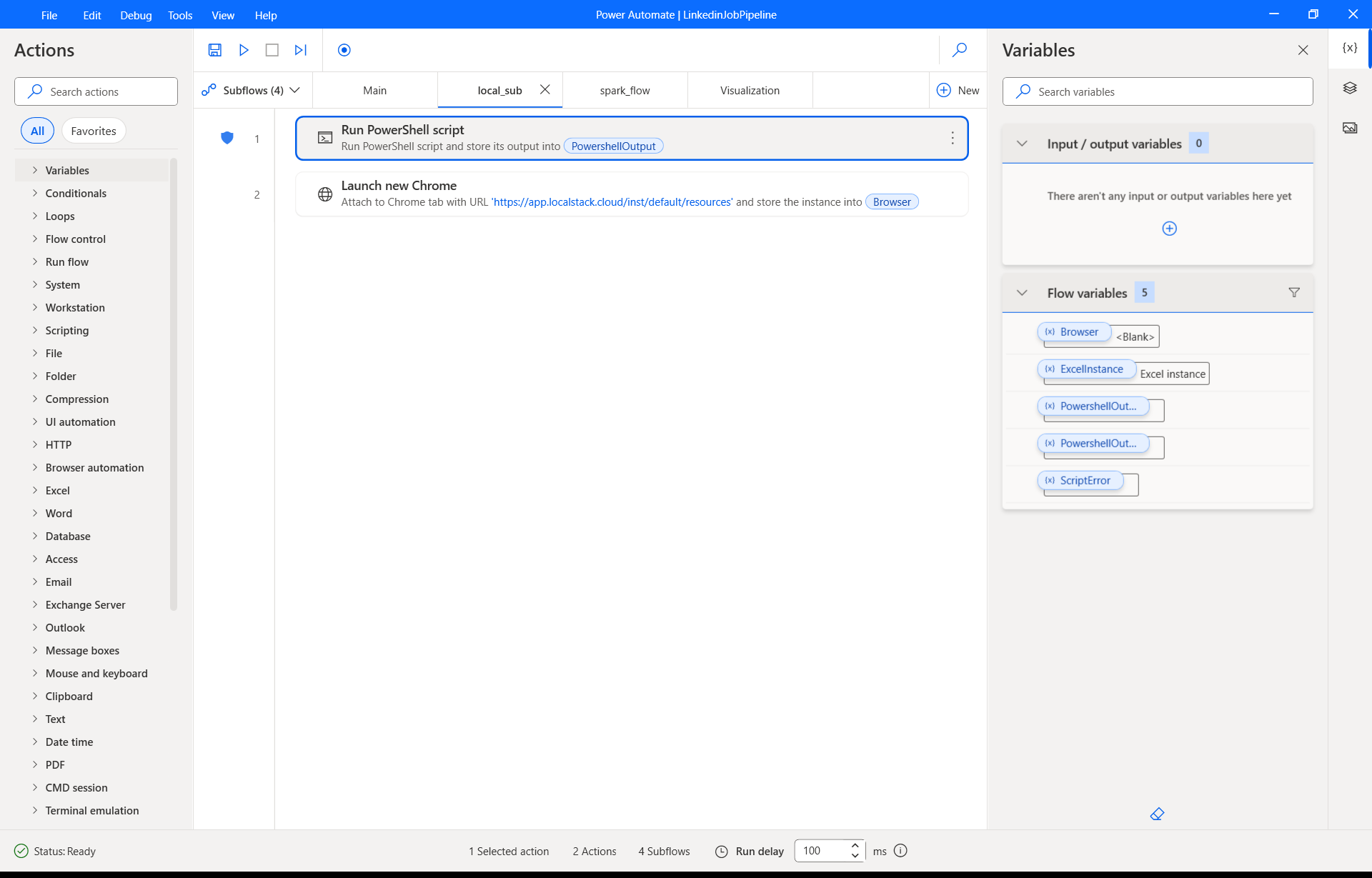
The project also includes an optional component to practice deploying the entire solution in a simulated AWS cloud environment using Docker and LocalStack.
How I built it The solution is built as a three-tier architecture:
Data Extraction (Power Automate): I created a cloud flow in Power Automate designed to watch for and retrieve the book1.csv file. This flow acts as the trigger for the entire pipeline, ensuring that the process always begins with the most current data.
Data Transformation (Azure Databricks): The CSV file is loaded into the Databricks environment. I developed the job_helper.ipynb notebook using PySpark to perform the necessary data wrangling tasks—such as cleaning missing values, standardizing formats, and creating new features. The output is a clean, structured table saved within the Databricks metastore.
Data Visualization (Power BI): Once the Databricks job is complete, I used the platform's native integration to generate a Power BI connection file (.pbids). Opening this file in Power BI Desktop establishes a direct, live connection to the transformed table in Databricks, eliminating the need for intermediate storage or manual data exports.
For the deployment practice module, I wrote a docker.sh script to containerize the application and run it against LocalStack, which mimics AWS services locally for development and testing.
Challenges I ran into The primary challenge was ensuring seamless and secure integration between the three distinct services. Configuring the authentication and permissions for Power Automate to access the data source, for Databricks to process it, and for Power BI to read from Databricks required careful management of credentials and network settings. Another hurdle was ensuring data schema consistency across the pipeline to prevent errors during the transformation or visualization stages.
Accomplishments that I'm proud of I am proud of successfully creating a fully automated, end-to-end data pipeline. Integrating Microsoft Power Automate, Azure Databricks, and Power BI into one cohesive workflow is a significant accomplishment. I am also proud of developing a reusable pattern that can be adapted for various data sources and business needs. Finally, including the optional Docker and LocalStack component provides a practical, hands-on introduction to DevOps practices for cloud deployment.
What I learned This project was a tremendous learning experience. I gained deep practical knowledge in:
Workflow Automation using Power Automate.
Big Data Transformation with PySpark on Azure Databricks.
Data Visualization and Connectivity using Power BI's DirectQuery for Databricks.
System Integration, understanding how to connect different cloud services securely and efficiently.
DevOps Fundamentals through containerization with Docker and local cloud simulation with LocalStack.
What's next for FlowBricks Insight The future for FlowBricks Insight is focused on enhancing its robustness and scalability. Potential next steps include:
End-to-End Triggering: Enhance the Power Automate flow to not only fetch the data but also programmatically trigger the Databricks job via its REST API.
Advanced Error Handling: Implement comprehensive logging and notification systems (e.g., sending an email via Power Automate on job failure or success).
Expanding Data Sources: Integrate more complex data sources, such as relational databases (e.g., Azure SQL) or streaming data from APIs.
Full Cloud Deployment: Move beyond the LocalStack simulation and deploy the entire pipeline on a live cloud platform like Azure or AWS.
CI/CD Implementation: Build a continuous integration/continuous deployment pipeline to automate testing and deployment of the Databricks notebook and other artifacts.
Built With
- amazon-web-services
- automate
- azure
- bi
- databricks
- docker
- for
- localstack
- microsoft
- power
- pyspark

Log in or sign up for Devpost to join the conversation.