
FlowBoard
- The AI native canvas that turns sketches into software and diagrams into knowledge.
Problem Statement
In the age of AI, our creative tools are still stuck in the past.
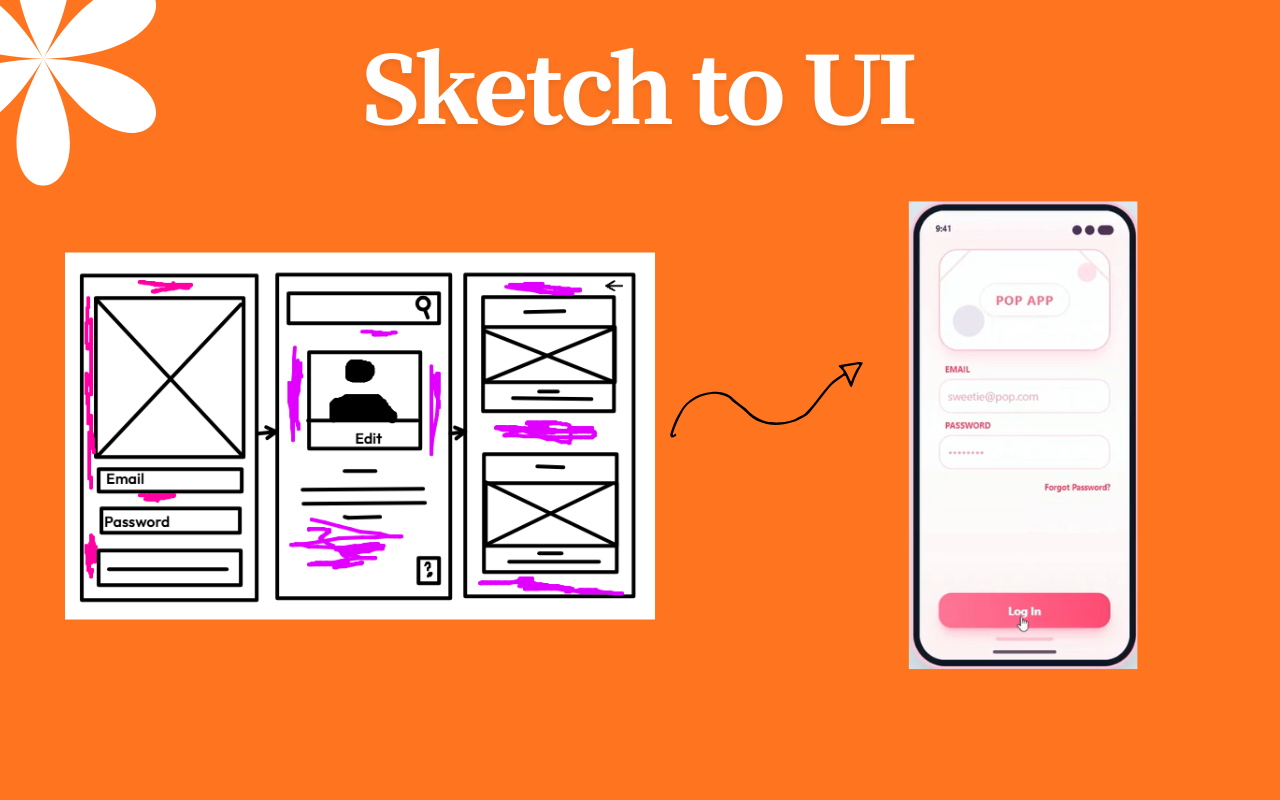
- The "Napkin" Gap: Engineers and Designers sketch wireframes on whiteboards or paper, but converting them to working code is a manual, tedious process (the "hand off" problem).
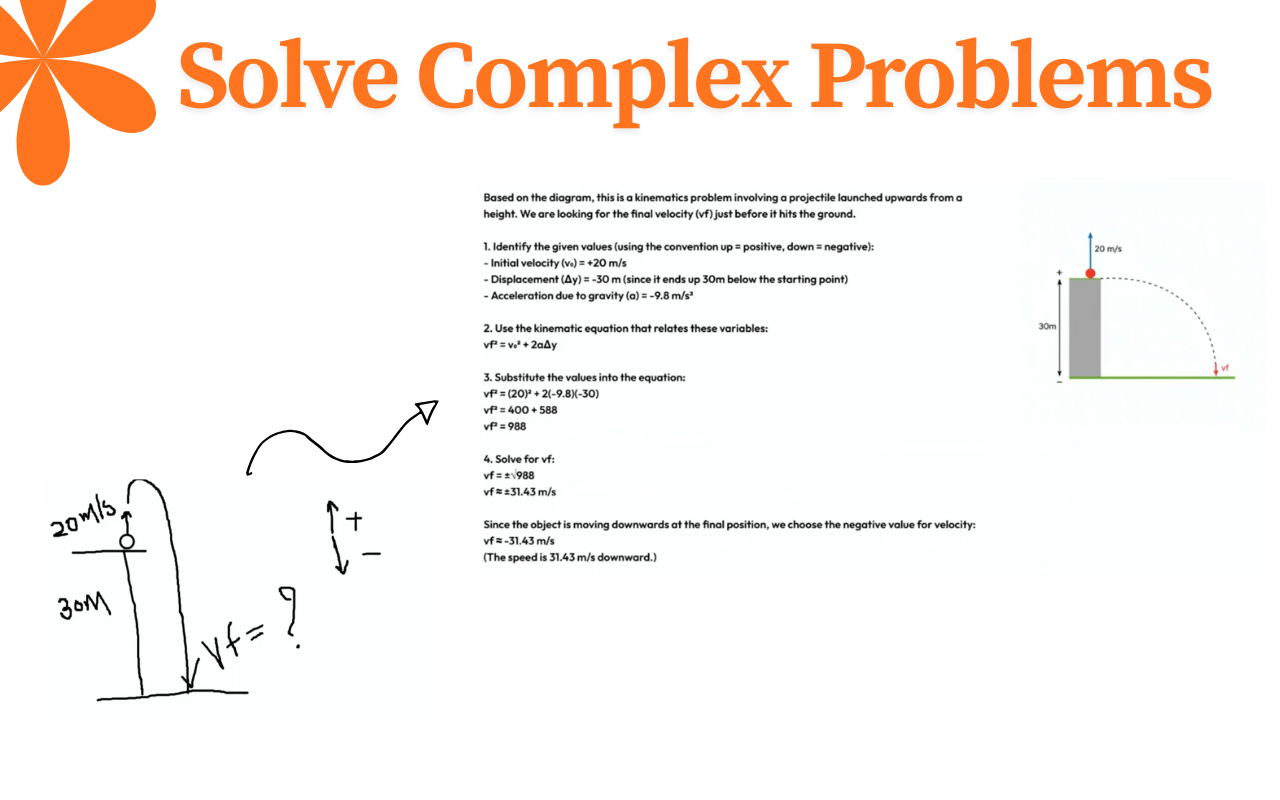
- Passive Learning: Students solve math or physics problems in notebooks without immediate feedback or visualization, making self-study difficult.
- Disconnected Workflows: We brainstorm visually but build linearly. There is no tool that seamlessly bridges the gap between thinking (spatial, chaotic) and building (structured, code-based).
We needed a tool that doesn't just record pixels, but understands the intent behind them.
The Solution
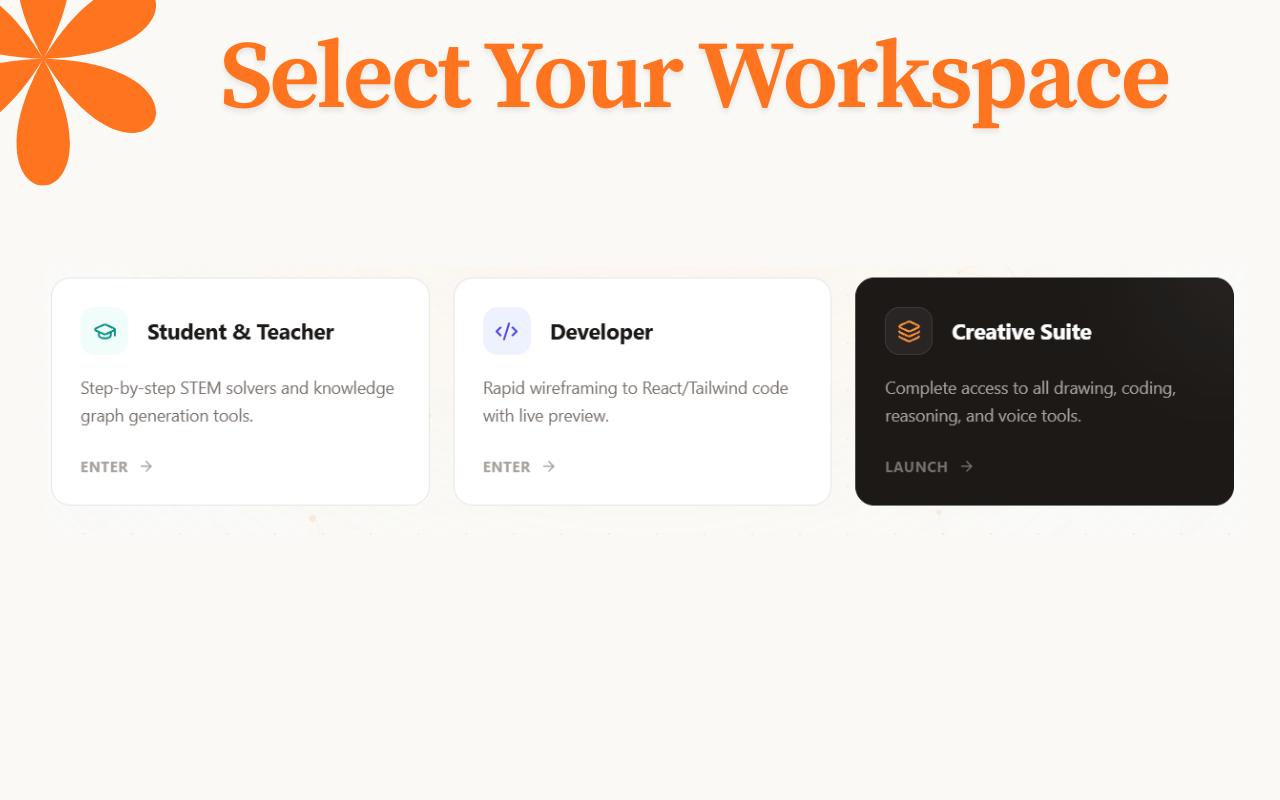
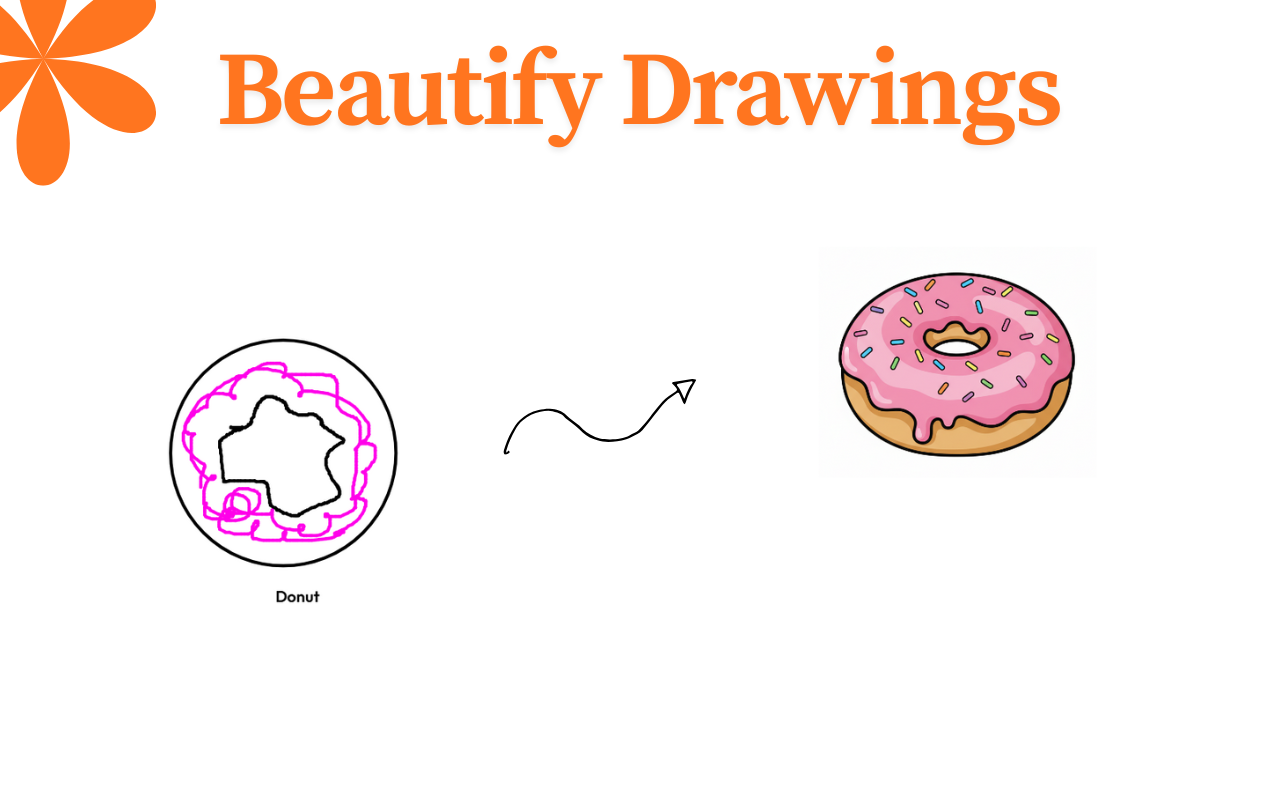
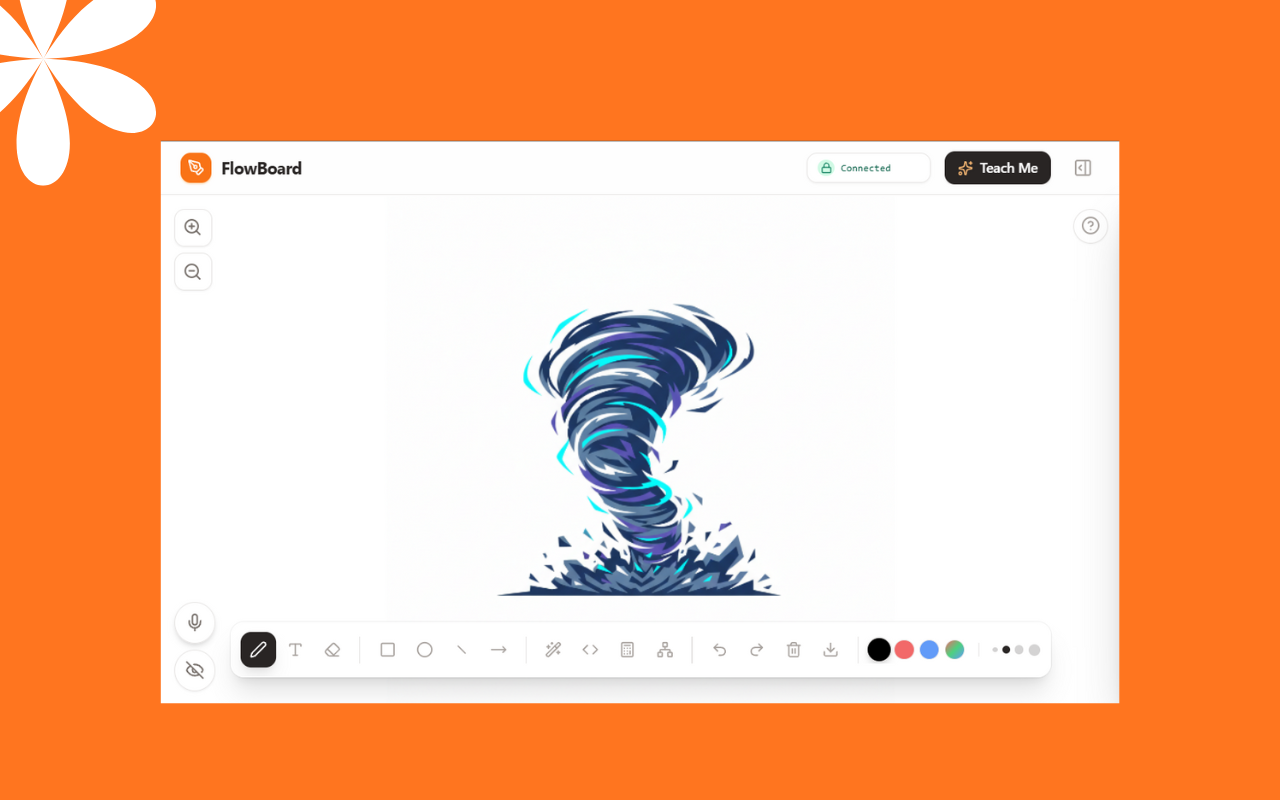
FlowBoard is an intelligent, multimodal whiteboard that allows you to code, learn, and design at the speed of thought. It isn't just a drawing tool; it's a pair-programmer and tutor that sees what you see and hears what you say.
Key Features
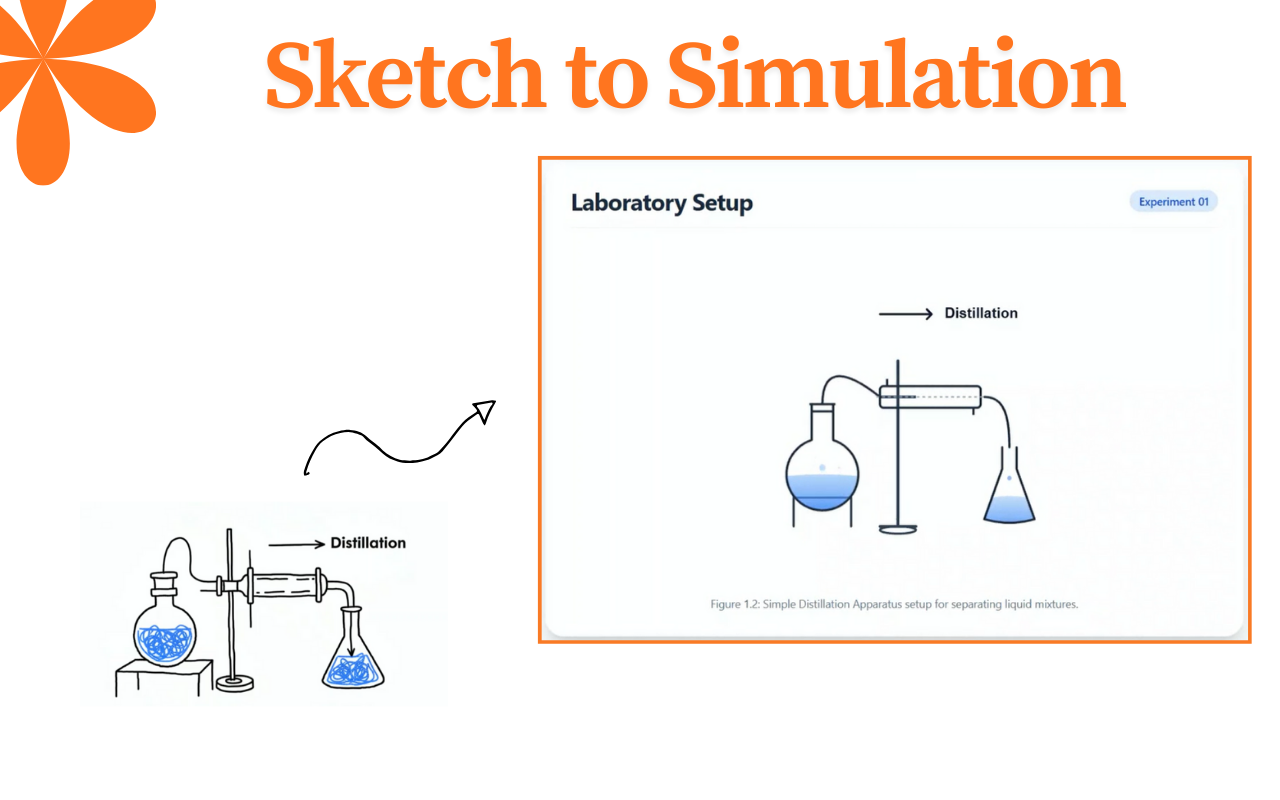
Sketch-to-Code: Draw a rough UI mock directly on the canvas—buttons, navbars, cards. FlowBoard instantly recognizes the intent and generates a production-ready, responsive React + Tailwind component. It even allows you to iteratively refine the code using natural language ("Make the button blue", "Add a shadow").
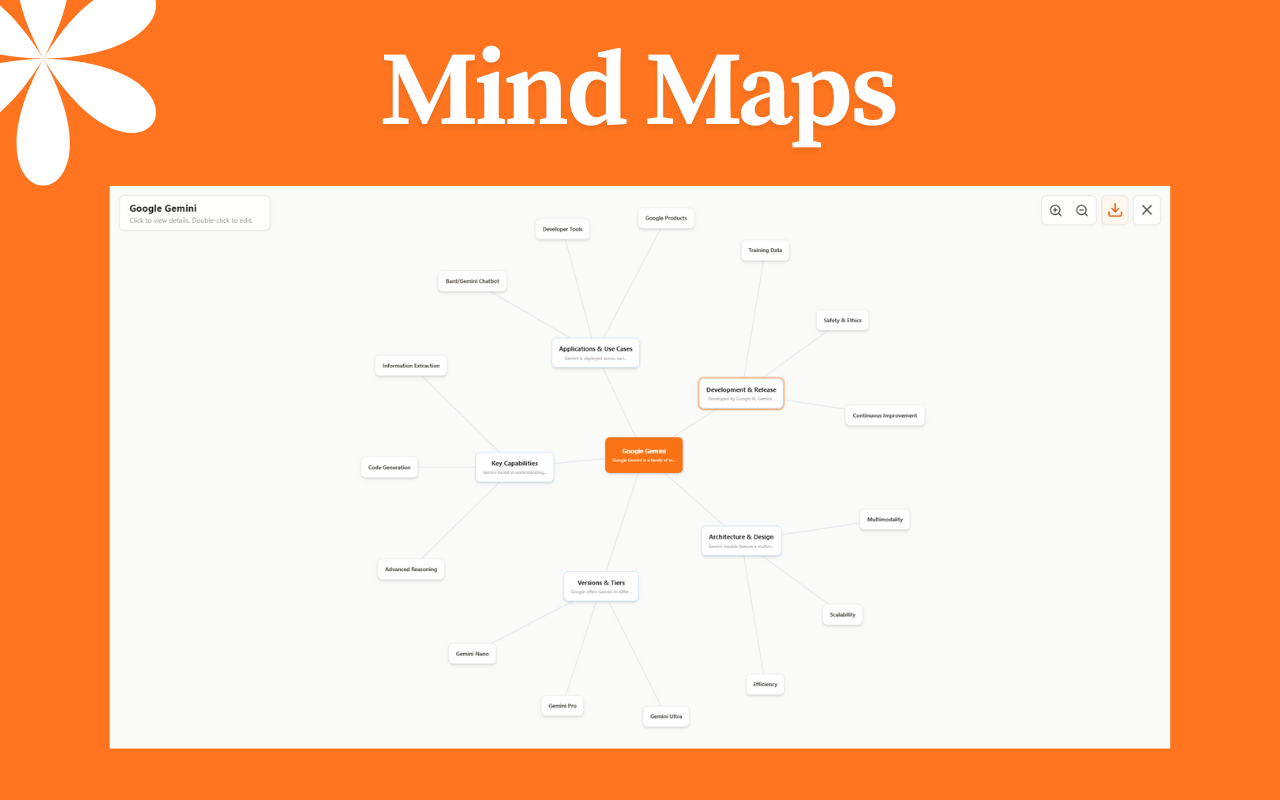
Deep Research Mind Maps: Need to brainstorm? Just ask. FlowBoard generates expansive, interactive mind maps on topics like "Quantum Computing" or "The Roman Empire," complete with definitions and external Wikipedia links, allowing for non-linear exploration.
Visual Solver: Stuck on a problem? Write down a math equation or draw a physics setup. The AI recognizes your handwriting, solves the problem step-by-step, and can even generate custom diagrams to explain the concept visually.
Multimodal Live Voice: Using the new Gemini Live API, you can talk to your board. "Hey, draw a system architecture for a chat app." The AI listens, understands the context of what's already on the board, and draws or edits content in real-time to match your voice commands.
How It Works

FlowBoard is a client-side powerhouse leveraging the latest in Generative AI.
The Canvas (The "Eye"): The core is an interactive whiteboard that captures user strokes. When you request AI assistance, the visible canvas is snapped and encoded as a high-fidelity image.
The Intelligence (Gemini Service Layer): We utilize a tiered AI architecture via the Google GenAI SDK:
- Gemini 3.0 Pro: Used for complex reasoning tasks like "Vibe Coding" and generating logic-heavy diagrams.
- Gemini 2.5 Flash: Used for rapid tasks like handwriting recognition and mind-map expansion.
- Gemini Live API (WebSockets): Enables the real-time voice channel. It streams audio to the model and receives "Tool Calls" (like
draw_shape,control_ui,zoom_in) to manipulate the React state directly.
The Feedback Loop: The application parses the AI's structured output (JSON or Code) and dynamically renders it:
- Code: Rendered in a sandboxed preview window.
- Diagrams: Rendered as SVG/Images on the canvas.
- Text: Rendered as markdown bubbles.
Tech Stack
- Frontend: React 19, Vite, TypeScript
- AI Foundation: Google Gemini 3.0 Pro, Gemini 2.5 Flash, Gemini Live API
- Styling: Tailwind CSS, Framer Motion (for smooth UI interactions)
- State Management: React Hooks + Local Storage (for persistence)
- Tools:
html-to-image(Canvas snapshots),react-markdown,lucide-react
Future Scope
- Interactive Physics Engine: We are finalizing integration with
matter.jsto allow users to draw static shapes and "run" them as a gravity-based physics simulation. - Real-time Collaboration: Adding multiplayer capabilities so teams can "Vibe Code" and brainstorm on the same board from different locations.
- IDE Integration: One-click export of generated code to GitHub Gists or CodeSandbox.
- Local RAG: Allowing the AI to "read" your local PDF documents helping you visualize connections between your own notes.
Built With
- css3
- gemini-live-api
- google-gemini-api
- html-to-image
- html5
- html5-canvas-api
- lucide-react
- motion
- react-19
- react-markdown
- rehype-katex
- remark-math
- typescript
- vite

Log in or sign up for Devpost to join the conversation.