-
-
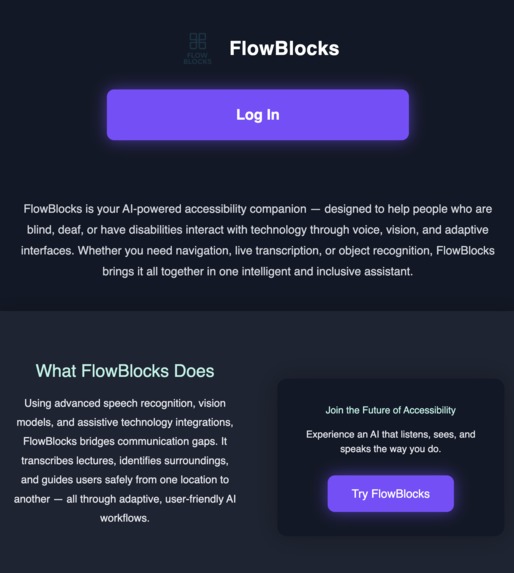
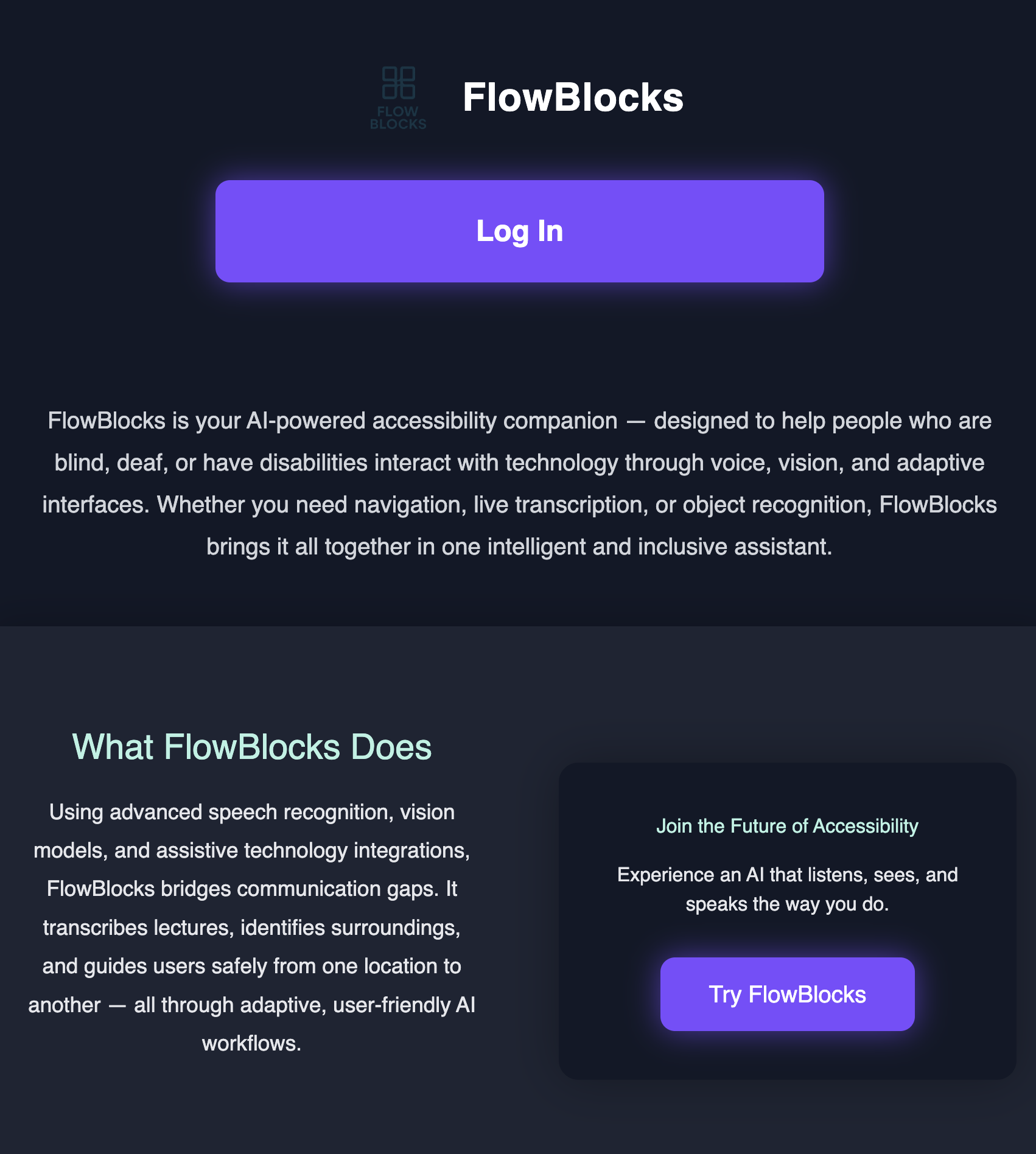
Landing page
-
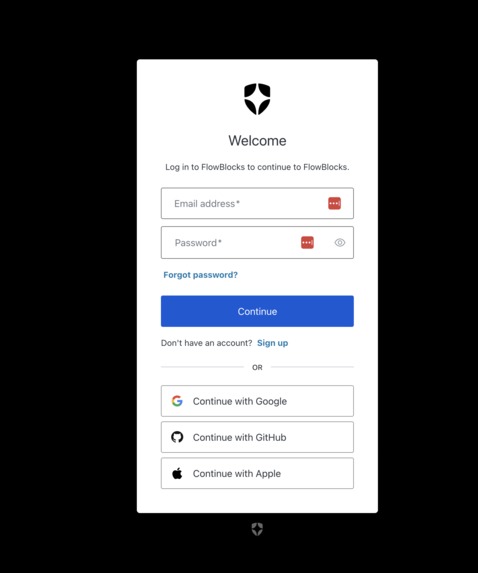
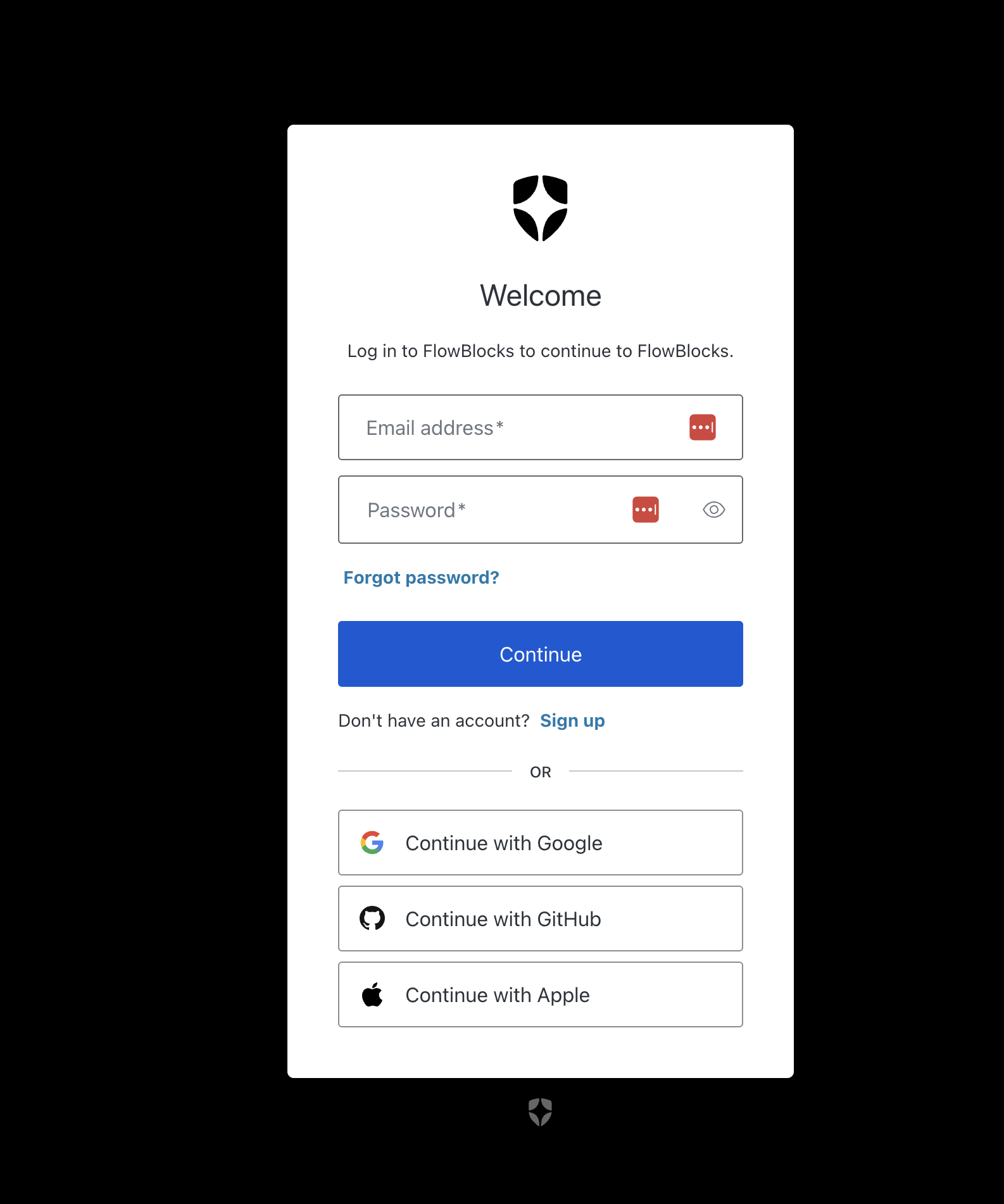
Login page
-
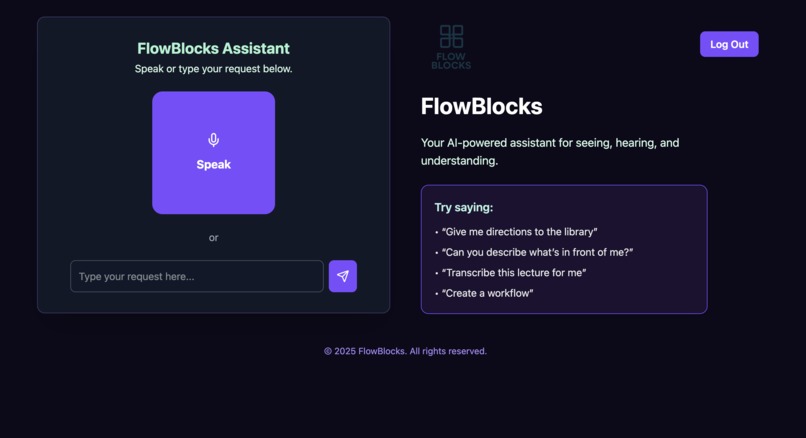
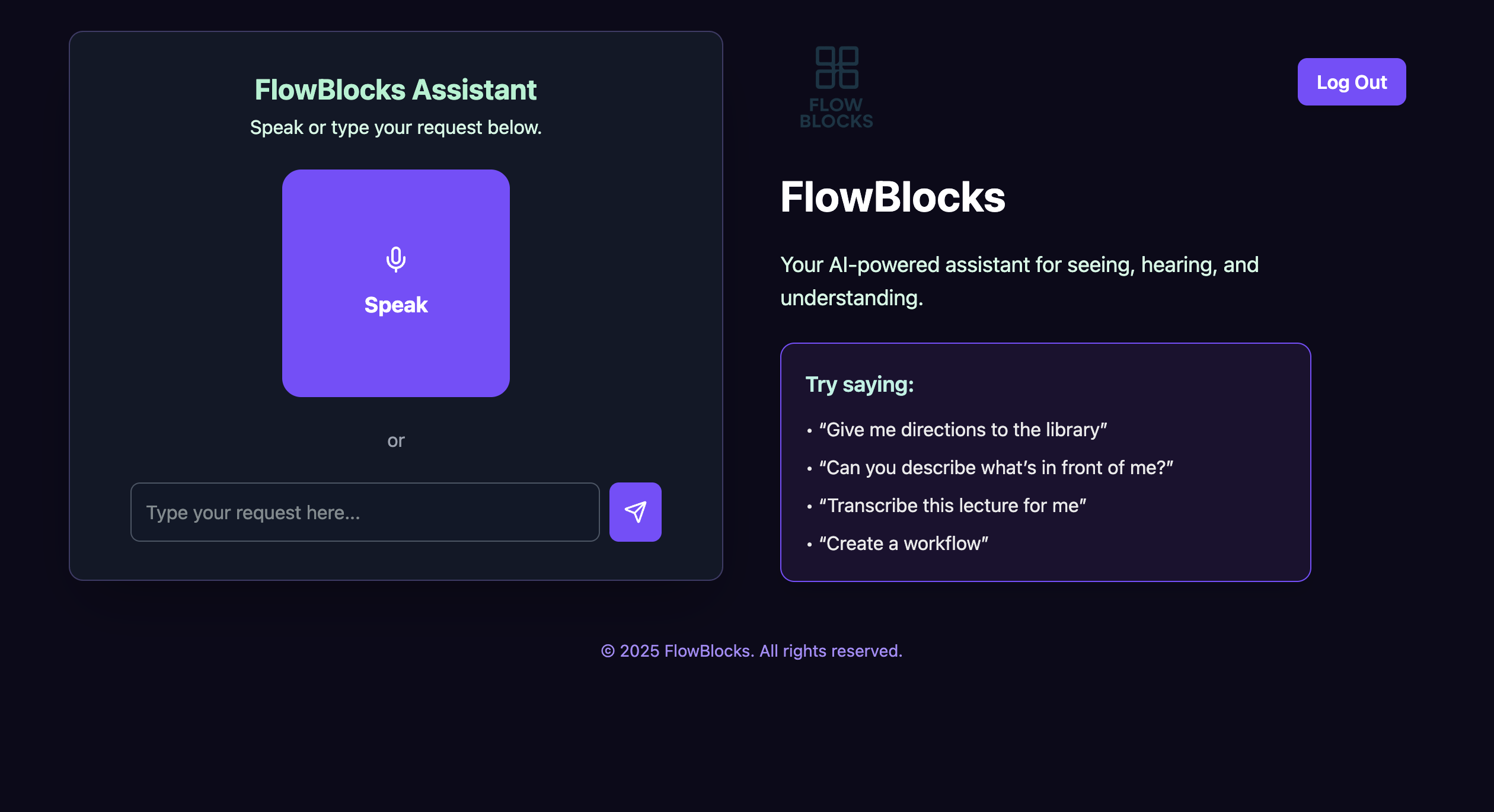
App on tablet
-
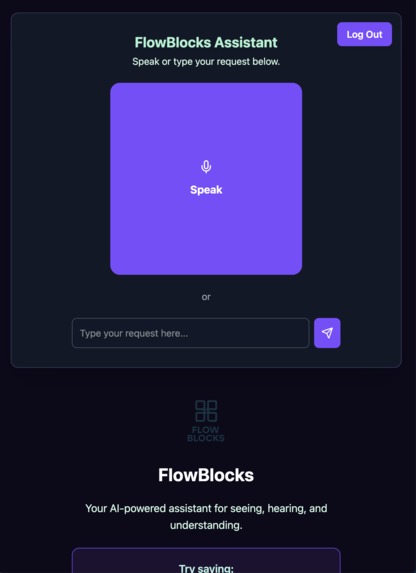
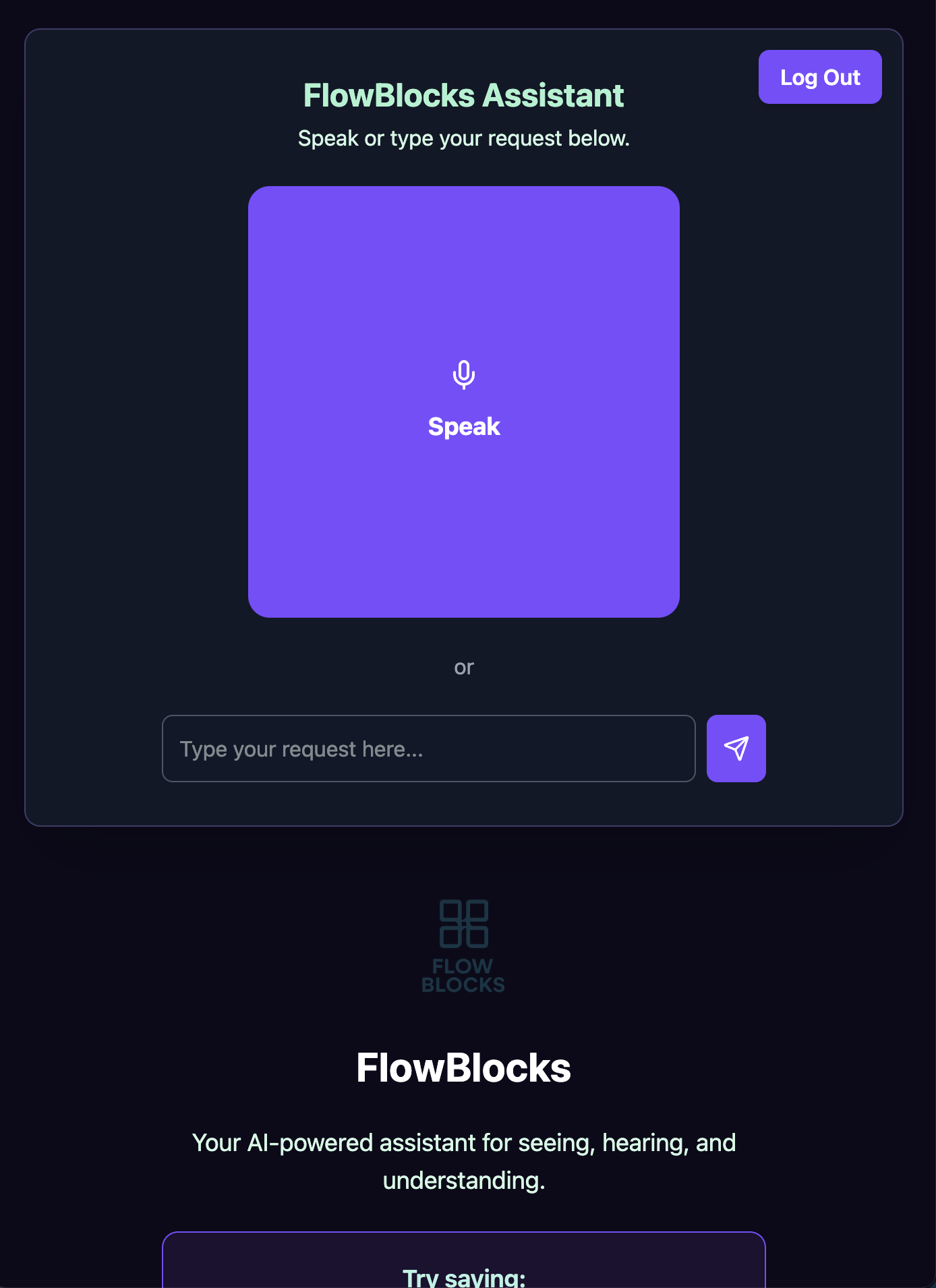
App on mobile
Inspiration
FlowBlocks started from a very simple yet powerful question: What if accessibility tools could think, listen, and adapt like a human helper?
The idea first started when Mariia took a Human-Computer Interaction course and first encountered real accessibility barriers that people with disabilities face every day. Later, during her research on gamified accessibility , she was able to put herself on their shoes through simulations of what it's like to have certain disabilities like dyslexia , blindness, and ADHD. A changing moment that changed her perspective and stance from passiveness to action.
While exploring tools, our team came across “ProgramAlly: Creating Custom Visual Access Programs via Multi-Modal End-User Programming” by Jaylin Herskovitz et al. This concept became the foundation of FlowBlocks.
At Stony Brook University, we have seen students struggle with accessibility: from getting lost between buildings to missing key parts of lectures. We wanted to build and all-in-one AI accesibility assistant for students who are blind, deaf, or have cognitive impariments.
What it does
FlowBlocks is an smart accessibility tool that supports voice, vision and logic. It is able to create personalized block workflows, transcribe live lectures, identify surroundings using the camera, save and retrieve appointments, and navigate campus.
How we built it
We used Gemini API for transcription, visual recognition, and request routing. We used React.js for the front end. Auth0 for secure authentication . ElevenLabs for lifelike text-to-speech. We use blockly by google for block workflow creation . For the backend we used firebase with firestore for storing the appointments .
Challenges we ran into
Our biggest challenge was managing text-to-speech. Whether it was gemini API TTS due to rate limits which didn't reset with a new API key or the Web Speech API not working well on mobile devices. So, we decided to use ElevenLabs for recorded voices that would be repeated but used web-speech API to not run into rate limits. However, Implementing web-speech api was also very tedious since for example on iphone, the privacy settings do not allow for the use of microphone or text to speech without a gesture from the user. Hence, we had to set a global set variable that control whether the user has produced any gesture (like touching the screen).
We also faced difficulties with routing requests to the correct API or webpage based on user input.
Another issue was with database retrieval since the parsing from the user input for accurate data extraction was complicated.
The login button dissapearing only on deployment. The issue was that Auth0 was logging whether user was logged in or logged out and if logged-in then it would remove the button.
Accomplishments that we're proud of
Most of all, we are proud of building a functional, responsive full-stack web app in a weekend that combines block-based workflow builder, vision, navigation, and speech.
It is also a universal tool and we are excited for its potential to help people with different impairments do everyday tasks more comfortably.
We are proud of implementing database storage and retrieval for appointment reminders.
Finally, both team members did not have much Hackathon experience, so we are proud of showing up and doing our best for this project.
What we learned
The core concept of this app is to empower users who navigate the world a little differently, to accomplish tasks on their own without anyone's help, as well as build their own worklows.
While building the app, we would often ask ourselves: how would a person with vision/hearing/motor impairment use this app? This Hackathon experience taught us to design applications with accessibility in mind.
Also, we gained experience in combining multi-modal AI systems into a cohesive, human-centered product.
What's next for FlowBlocks
We would like to continue with this project by developing the backend to store personalized routes, workflows, and overall preferences.
Also, we would like to improve the AI workflow builder to make it possible to build workflows with a voice prompt.
Additionally, we would like to implement indoor navigation using ORB-SLAM3 or similar, as well as reduce latency for prompts and vision.
As one of the end goals, we would love to try to integrate the app with a VR headset for easier navigation indoors and possibly outdoors.
Built With
- auth0
- blockly
- elevenlabs
- firebase
- gemini-api
- google-maps
- javascript
- react
- tailwind


Log in or sign up for Devpost to join the conversation.